
Key takeaways
- Most small businesses don't need a dedicated AI blog tool. A general assistant like ChatGPT plus a good editing workflow covers a lot, and it fits under $50 a month.
- Dedicated SEO writers (Rytr, Frase, Surfer, Scalenut and similar) earn their cost only if you publish at least a few posts a month and want keyword briefs built in.
- Writesonic and Jasper have moved upmarket. Writesonic's own pricing page now starts at $79 a month billed annually, so I'm treating both as out of range for this budget.
- AI search matters now. Promptwatch Data shows ChatGPT cites product pages, landing pages, and listicles most, so write for questions buyers ask, not just for keywords.
- Prices change fast. I couldn't verify every vendor's current price, so check each pricing page before you pay.
A quick note on pricing
I'll be upfront: AI tool pricing moves around constantly, and some vendors hide it behind trials. I haven't quoted exact dollar figures for tools where I couldn't confirm them. Where I give a rough tier (free, low, mid), treat it as a starting point and confirm on the vendor's site. The one price I did confirm is Writesonic's, and it's the reason that tool isn't on the shortlist.
What a $50 budget actually needs to do
A small business blog usually has one job: bring in people who are close to buying. That means a handful of good posts a month, not fifty mediocre ones. So the real question isn't "which tool writes the most words" but "which setup gets me a publishable, accurate, on-brand draft with the least cleanup."
Three things matter more than the model behind the tool:
- Brand voice. Can it learn how you write, or will every post sound like the same generic explainer?
- SEO support. Does it help you pick topics and check coverage, or do you have to do that elsewhere?
- Editing time. A cheap draft that takes two hours to fix isn't cheap.
I'd rank editing time first. A tool that saves you 20 minutes of typing but costs 40 minutes of fact-checking is a net loss.
Start with a general assistant
Honestly, for most owner-operators this is the best value. A general chatbot handles outlines, first drafts, rewrites, meta descriptions, and FAQ sections in one place.
ChatGPT is the obvious pick. Its paid tier has historically sat well under $50 a month for individuals, which leaves room in the budget for a second tool. The weakness is that it knows nothing about your business unless you tell it, so you'll need to paste in your services, pricing, tone notes, and a couple of past posts every time, or save them as standing instructions.
Perplexity isn't a writer, but it's useful for the research step: it gives sourced answers you can check before putting a claim into a post.
Perplexity
Notion AI makes sense if your content calendar, briefs, and drafts already live in Notion. It's less about writing quality and more about keeping the workflow in one place.
Dedicated AI writers that can fit the budget
These tools wrap a writing model in templates, SEO guidance, or automation. Check current pricing for each.
Rytr
Rytr has long been the budget option, built around short-form templates, tone settings, and a low entry price. It's good for blog intros, outlines, meta descriptions, and social snippets. It's weaker on long, research-heavy articles, so expect to do real editing on anything over 1,000 words.
Frase
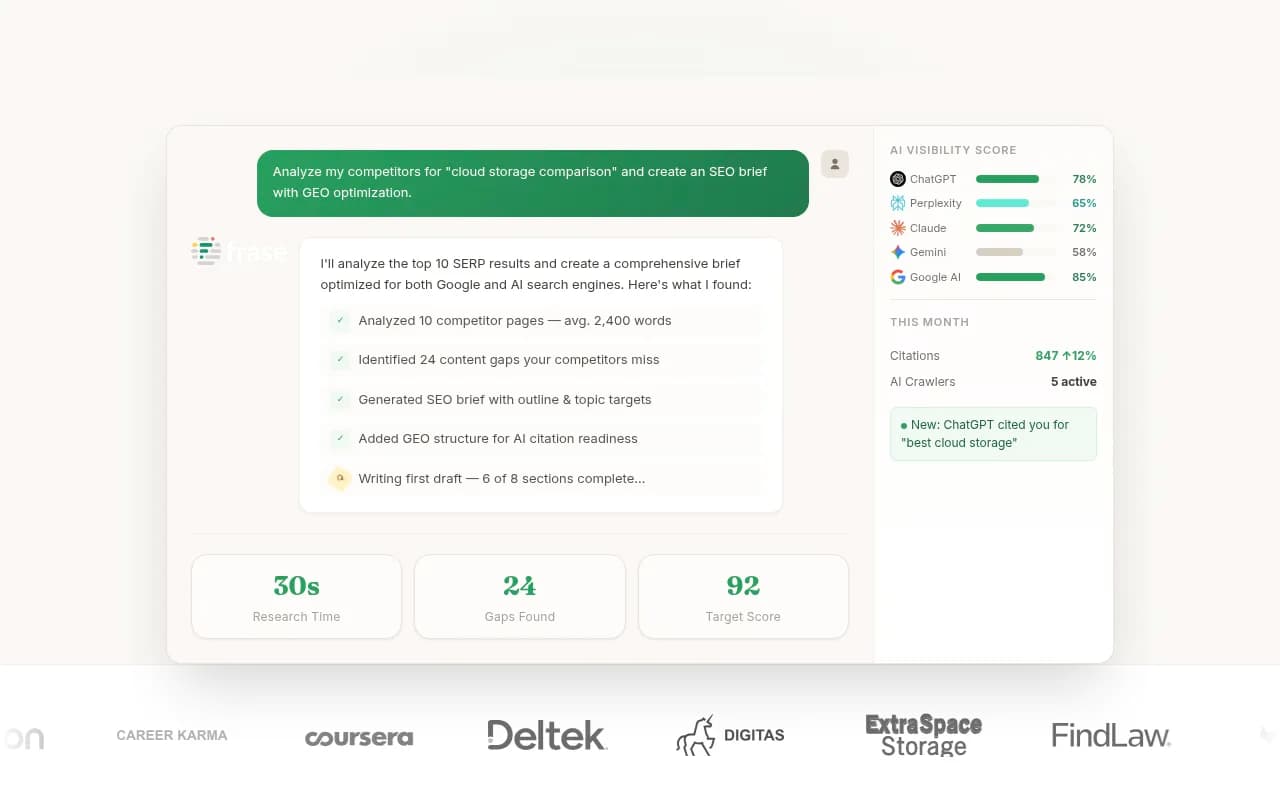
Frase combines research and writing: it pulls the top-ranking pages for a keyword, builds a brief, and helps you draft against it. If you struggle to decide what a post should cover, that brief is the real value. Its cheapest plan has been priced near the top of this budget, so confirm before committing.
Scalenut
Scalenut bundles keyword planning, briefs, and an AI writer with NLP-based scoring. It tries to cover the whole workflow, which is handy if you don't want to stitch tools together. The trade-off is a learning curve, and the entry plans can have tight article limits.

GrowthBar
GrowthBar is aimed at small teams and solo bloggers who want keyword data and an AI draft in a simple interface. It's less feature-heavy than Surfer, which for a small shop is often a plus.
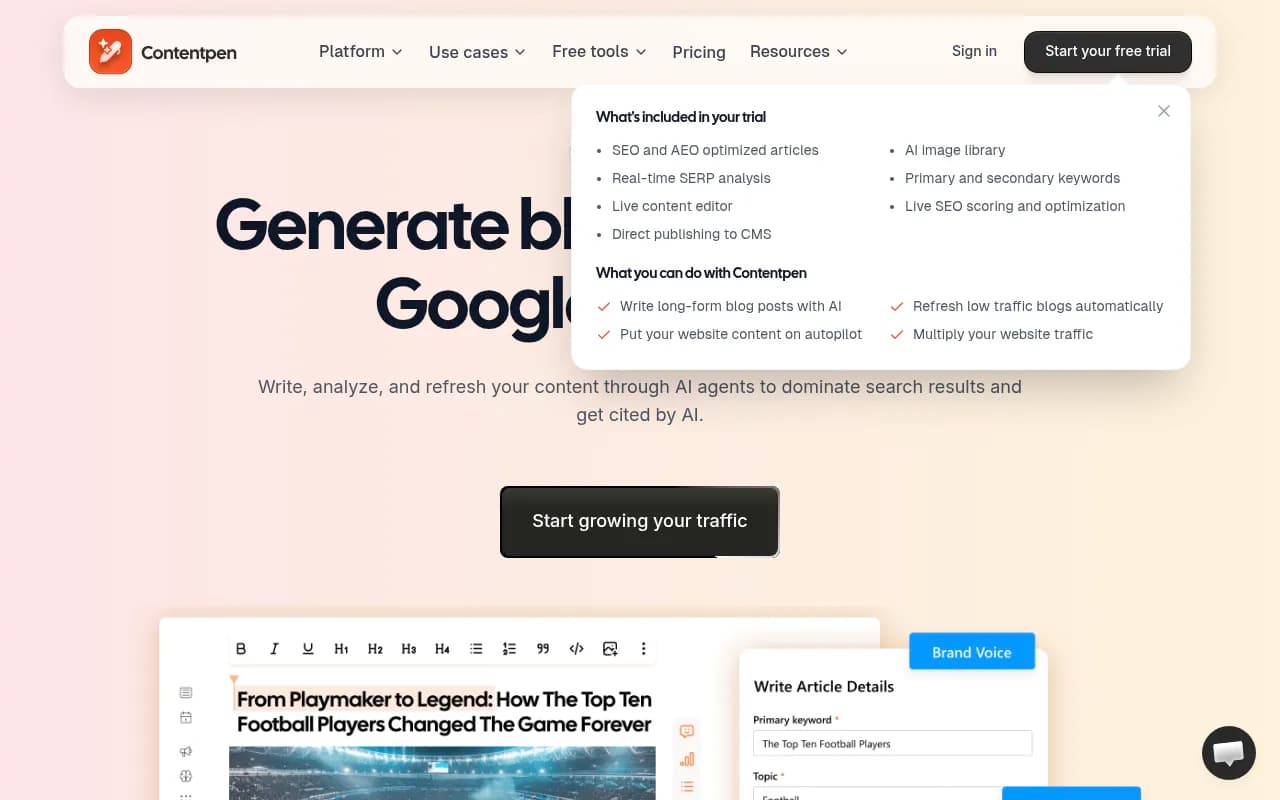
Contentpen.ai and Blogr.ai
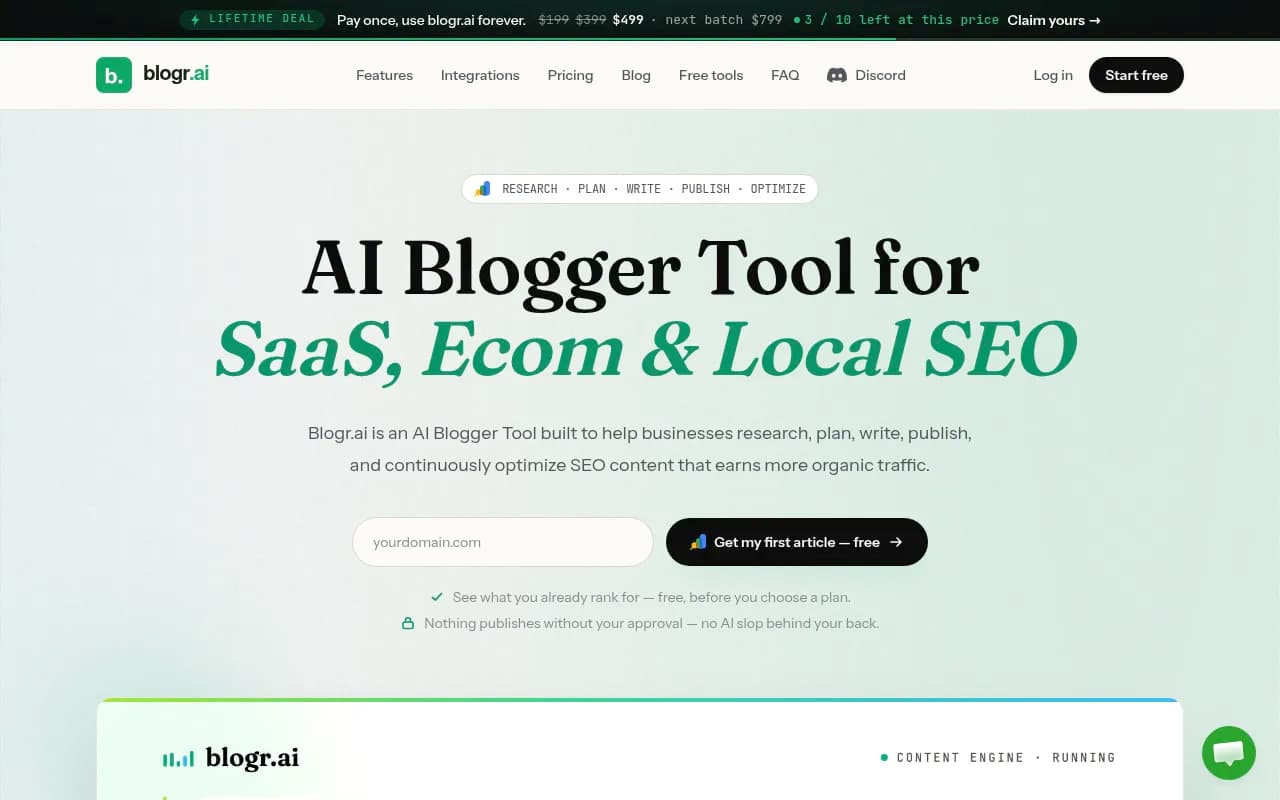
Contentpen.ai and Blogr.ai are newer SEO writing tools. Blogr.ai leans on live SERP analysis, which helps drafts reflect what's ranking now. I'd test both on a free trial with one real post before paying.
eesel AI
eesel AI writes blog posts trained on your existing content, which directly attacks the "sounds generic" problem. If you already have 20 or so decent posts, this approach is worth a look.
Tools that are probably over budget
Writesonic now sells itself as an AI search visibility platform. Its pricing page shows Starter at $79 a month billed annually (with 15 articles and 50 tracked prompts), and a headline of $99 on monthly billing. That's above $50 either way. The page's figures don't fully agree with each other, so re-check before you decide.

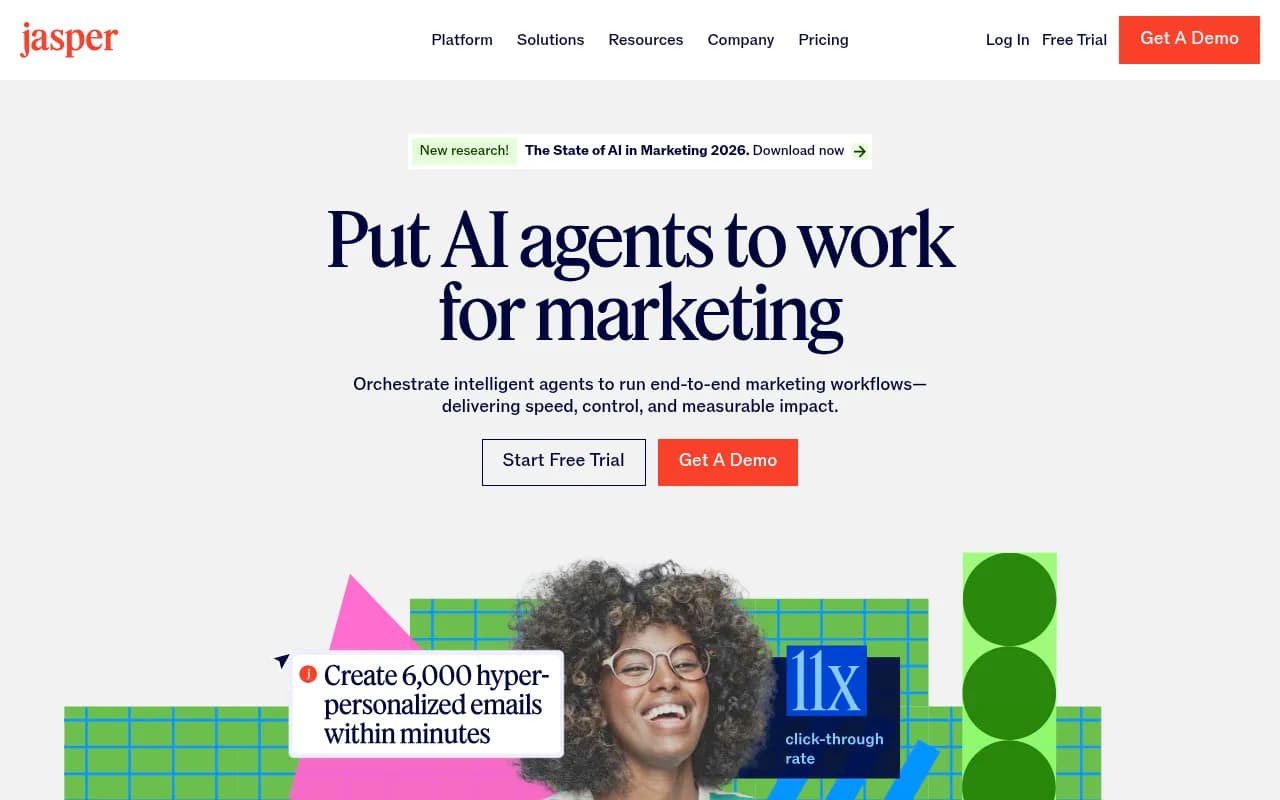
Jasper targets marketing teams with brand voice and governance features, and its pricing is hidden behind a trial. I'd assume it's above this budget unless its page proves otherwise.
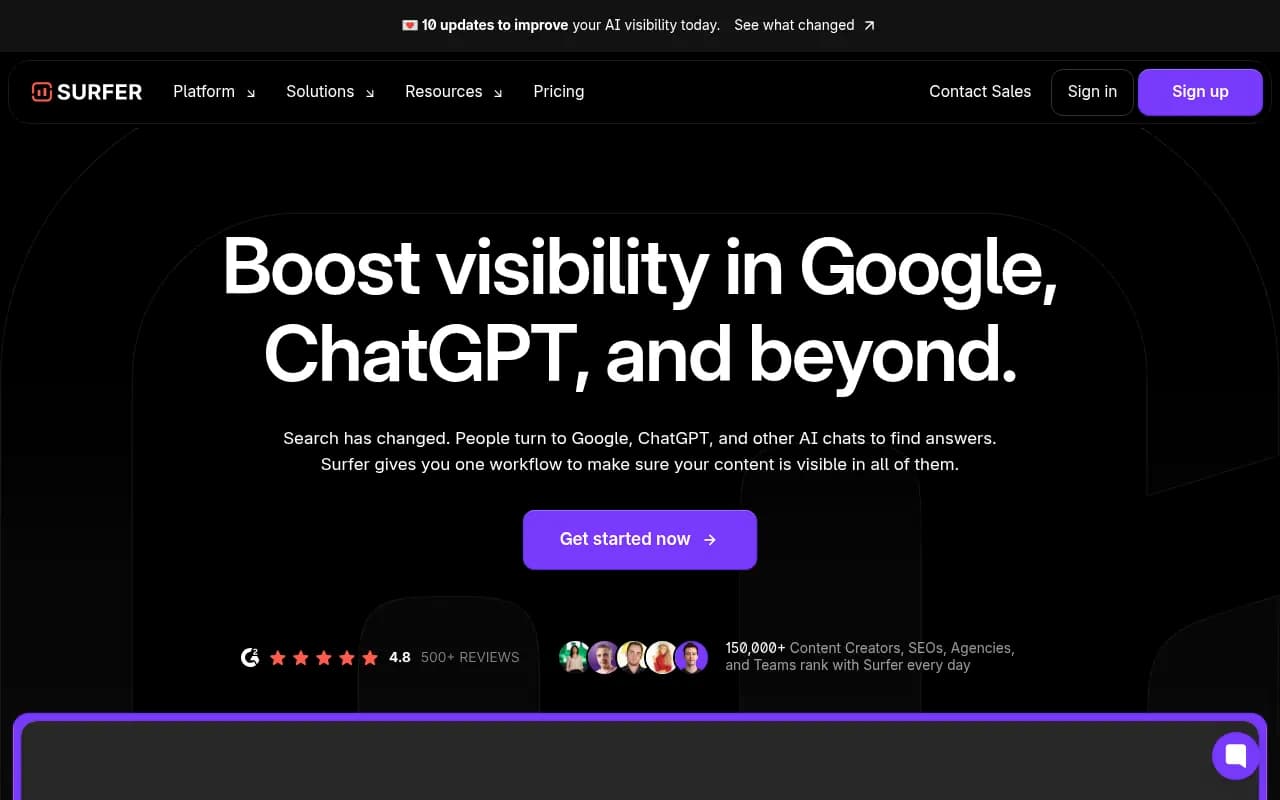
The same goes for Surfer SEO, Clearscope, and MarketMuse. They are excellent optimization tools, but their typical pricing is aimed at teams publishing at volume.
Autopilot blog tools: use with caution
A category has grown up around "set it and forget it" blogging: Outrank, Byword, SEObot, Skribra, and Arvow generate and sometimes publish articles automatically.
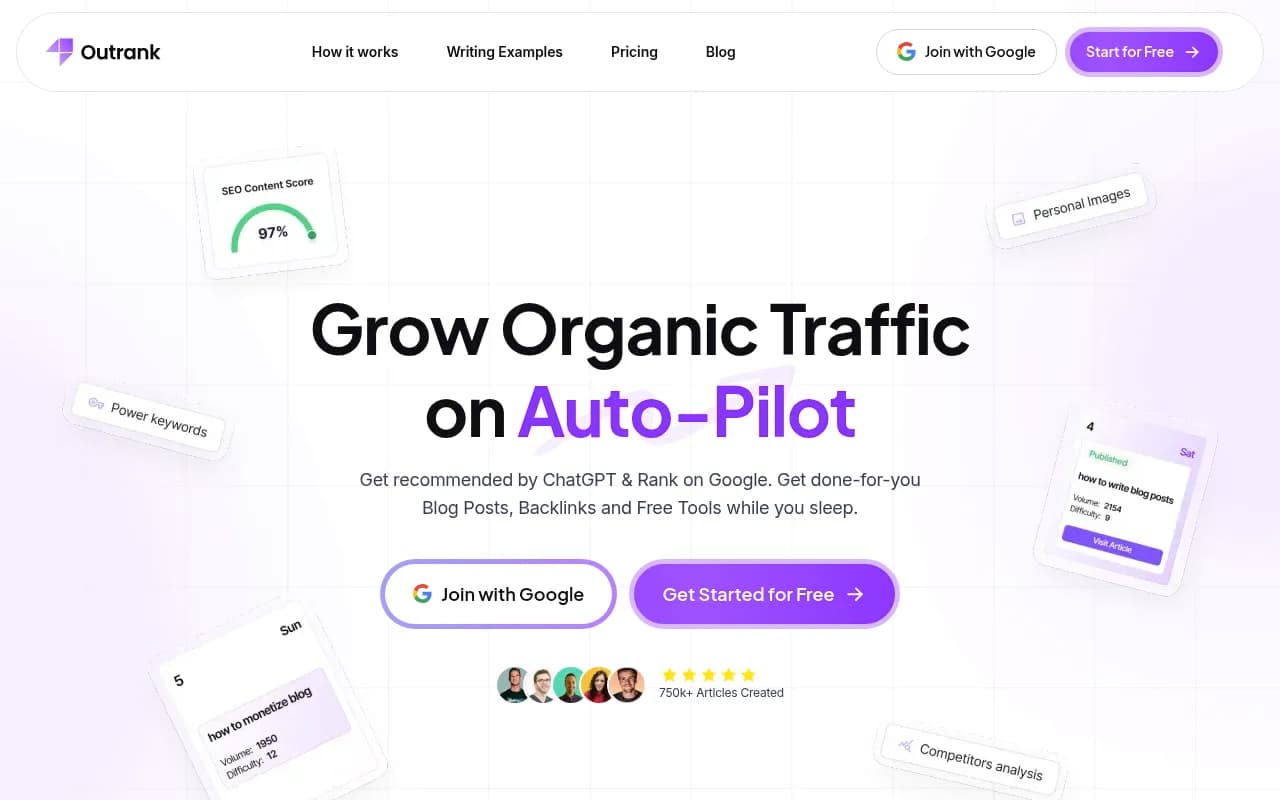
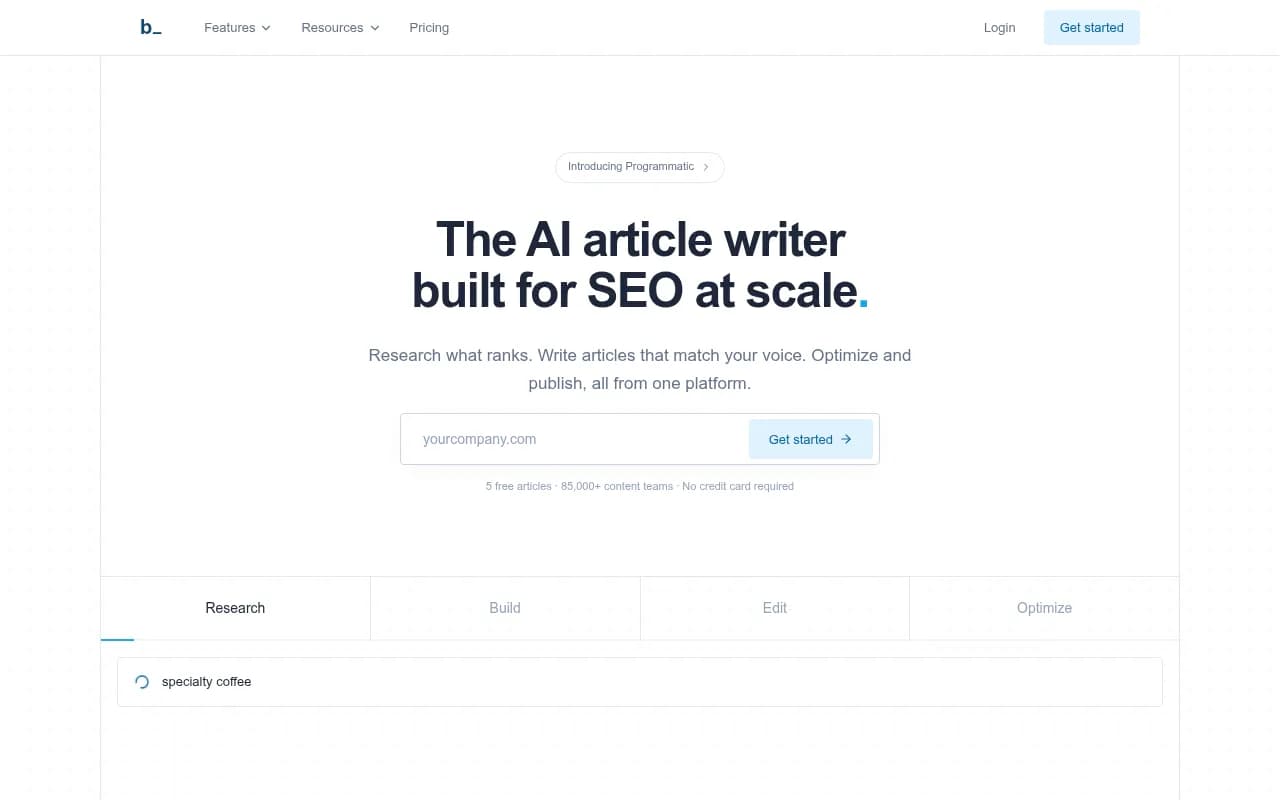
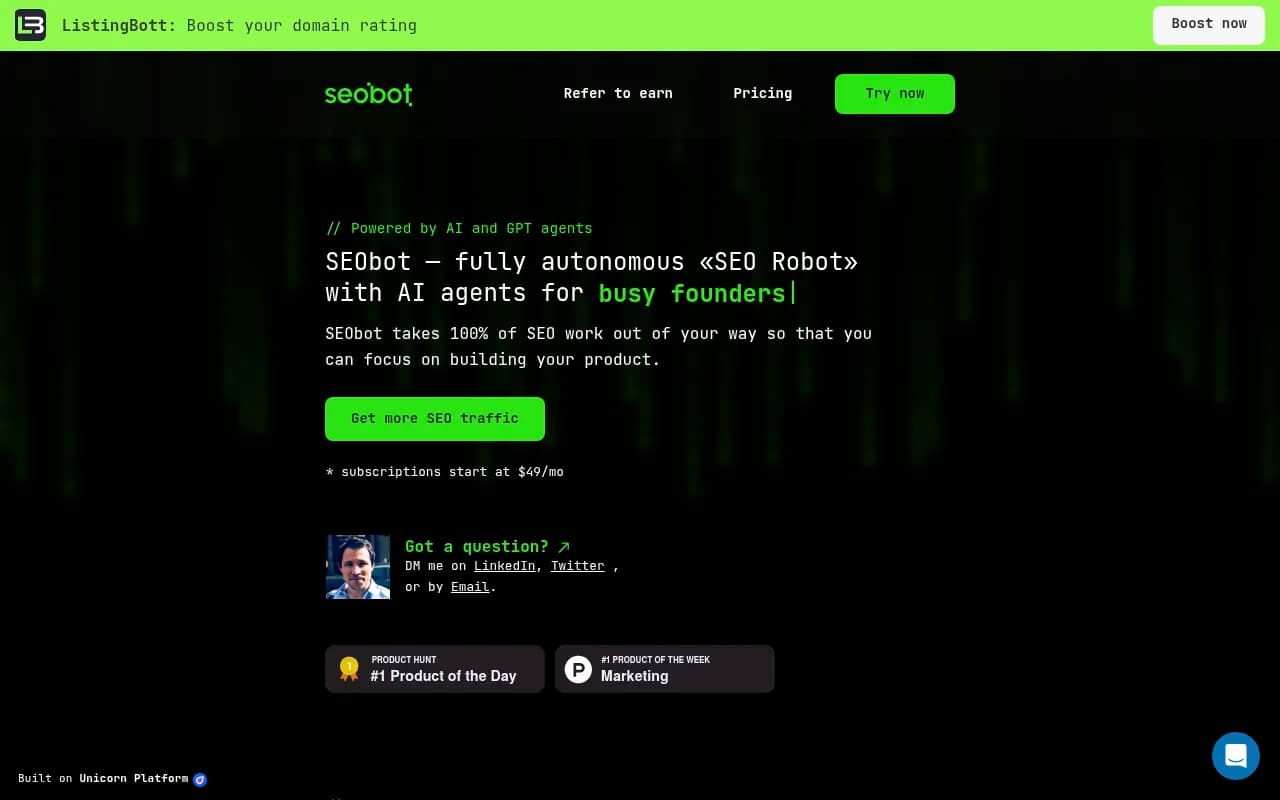

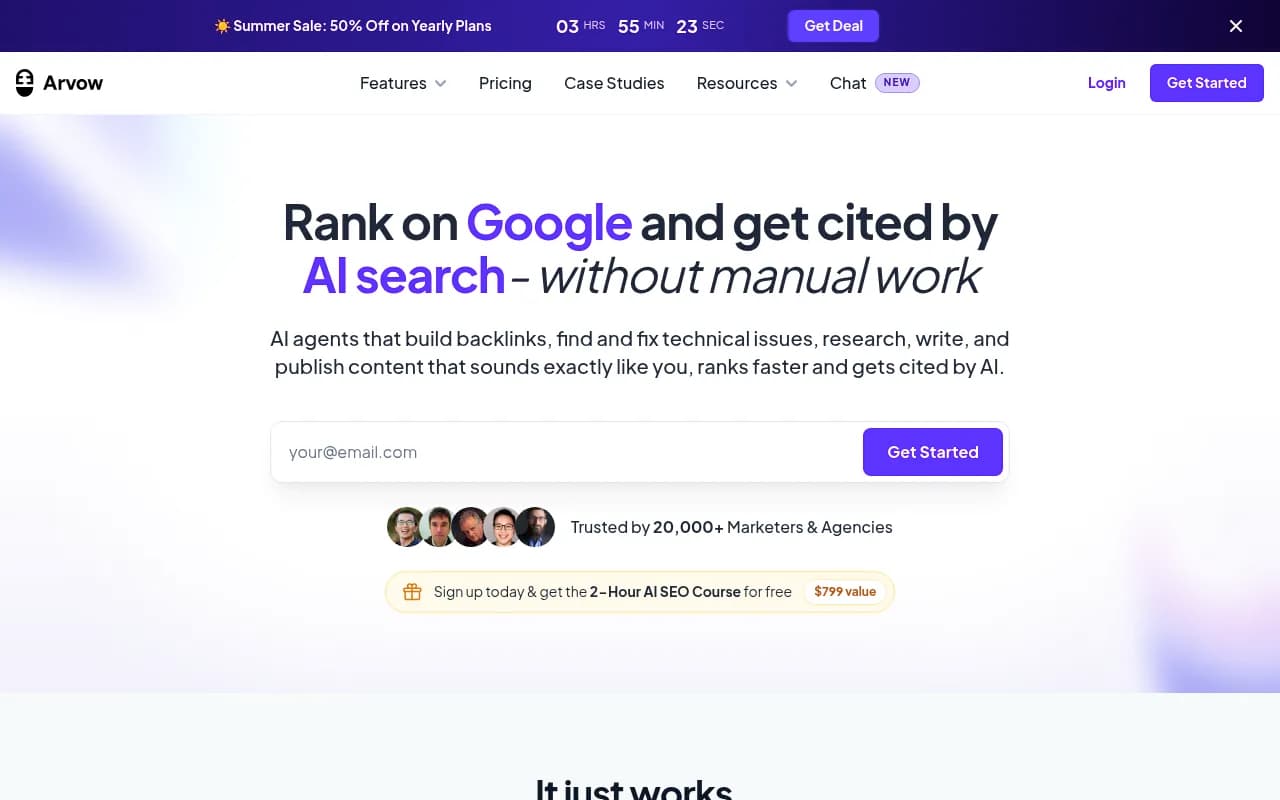
They're tempting when you have no time. My honest take: fully automated publishing is risky for a small business. A wrong claim about your pricing, service area, or credentials on your own blog costs you trust. If you use one, switch to a review-before-publish mode and read every post.
Comparison table
| Tool | Best for | Strength | Watch out for |
|---|---|---|---|
| ChatGPT | Flexible drafting | Does outlines, drafts, rewrites, FAQs | Needs your context each time |
| Rytr | Tight budgets | Cheap short-form templates | Weaker on long articles |
| Frase | Research-led posts | Briefs built from top results | Entry price near the cap |
| Scalenut | All-in-one SEO workflow | Keyword plan to draft | Learning curve, article limits |
| GrowthBar | Solo bloggers | Simple keyword plus draft | Fewer advanced features |
| eesel AI | Established blogs | Learns from your content | Needs a back catalog |
| Autopilot tools | Hands-off publishing | Speed | Accuracy and brand risk |
| Writesonic, Jasper | Larger teams | Visibility and governance features | Above $50 a month |
Prices are deliberately left out of the table. Confirm each on the vendor's site.
Add cheap editing tools
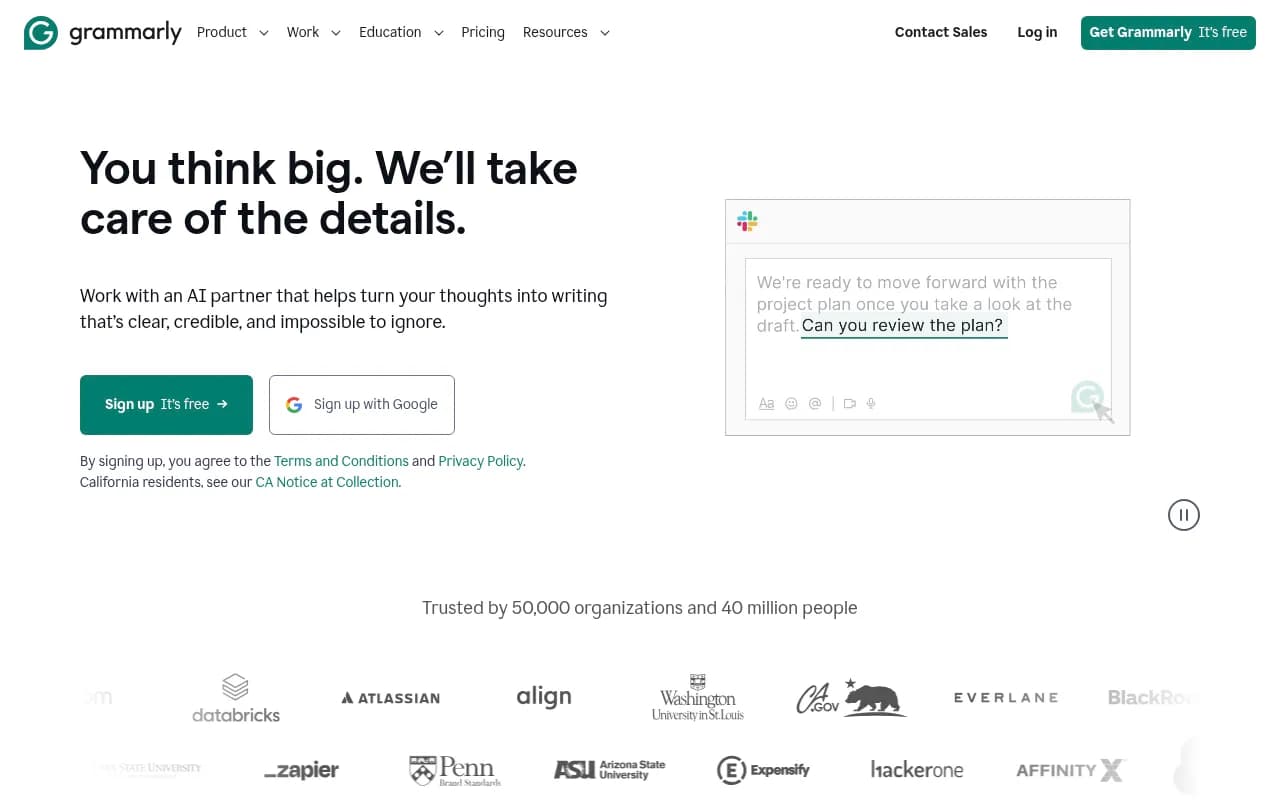
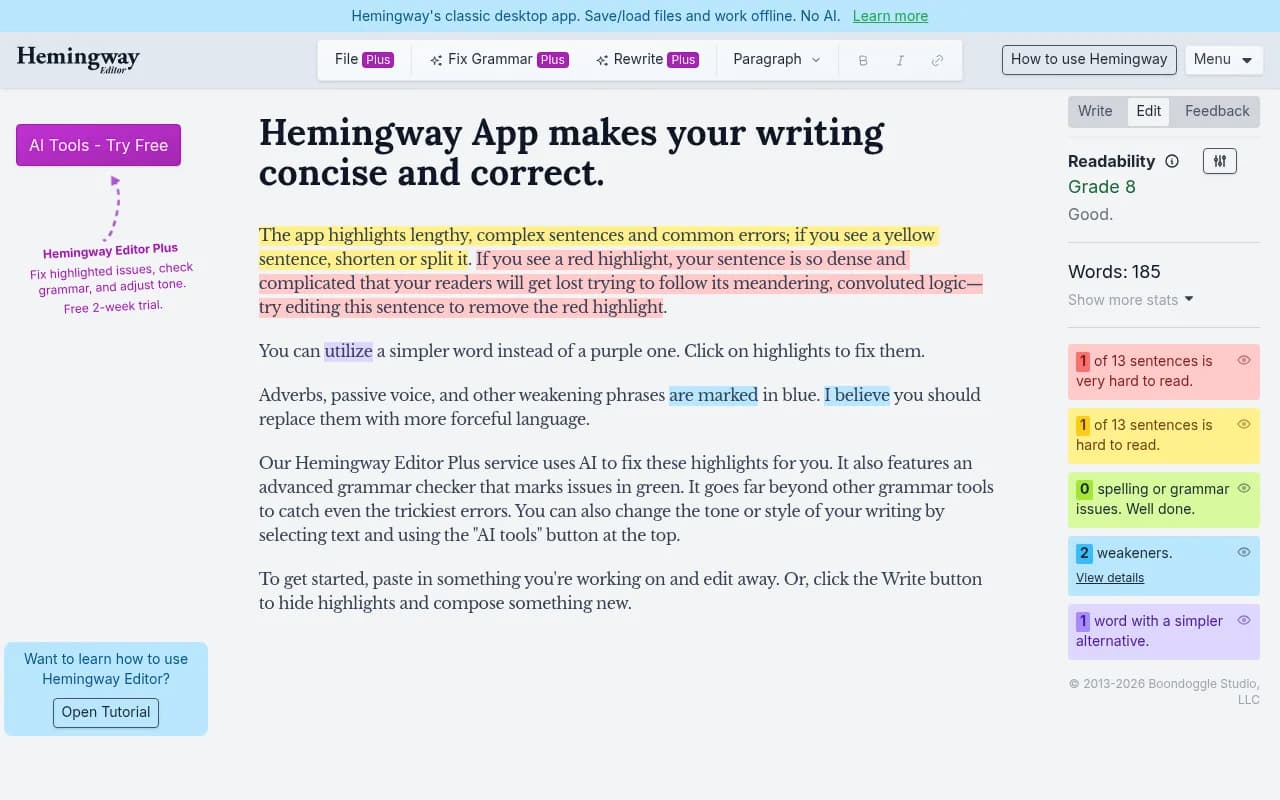
AI drafts need a pass for clarity, grammar, and tone. These are inexpensive or free and often worth more than a second AI writer.
- Grammarly catches errors and tone problems.
- Hemingway App flags long, tangled sentences.
- LanguageTool is a solid multilingual option if you write in more than English.
- Yoast SEO or AIOSEO handle on-page checks if you're on WordPress.
For topic research without paying for a big suite, AnswerThePublic, AlsoAsked, and Google Search Console (free) show you the real questions people ask.
Write for AI search, not only Google
More buyers now ask ChatGPT or Google's AI Overviews for recommendations before they ever visit a site. That changes what a useful blog post looks like.
Promptwatch Data analysed ChatGPT citations from Sep 28 to Oct 4, 2026. Product pages were the most cited content type at 22.4%, then landing pages at 16.8% and listicles at 13.6%. How-to guides got 8.7% and comparisons 5.9%. For commercial prompts like "best CRM for small businesses," listicles earned 15.0% and comparisons 7.9%. For informational prompts, how-to guides rose to 10.7%.
What that means for a small blog, practically:
- Write step-by-step guides for the questions customers ask before buying.
- Publish honest comparison posts and "best X for Y" lists in your niche.
- Keep pricing and service details complete and factual on your core pages. AI answers lean on them.
- End posts with a real FAQ section.
- Don't build your strategy on news-style posts. Promptwatch's content half-life report found news pages lose half their citations in about five weeks, while landing pages and docs stay cited for months.
If you want to see whether AI engines mention your business at all, tools like Promptwatch can track that across ChatGPT, Gemini, Perplexity, and Google AI Overviews, and its free AI visibility report gives a quick baseline. Pricing starts above this guide's budget, so for a $50 ceiling, start with the free report at promptwatch.com/ai-visibility-report.
If you want more options in this space, the GEO software directory lists tracking and optimization tools by category.
Three sample stacks under $50
These are starting points. Add up the current prices yourself.
The minimalist
A general assistant for drafting, Google Search Console and AnswerThePublic's free tier for topics, and Grammarly's free plan for cleanup. Best for owners writing two to four posts a month who don't mind a manual process.
The SEO-first stack
One dedicated SEO writer (Frase, Scalenut, or GrowthBar) plus free editing tools. You get briefs and scoring without paying for a separate drafting assistant. Best when ranking for specific keywords is the goal.
The voice-first stack
eesel AI or a well-instructed general assistant fed with your past posts, plus Hemingway and Grammarly. Best if your blog already has a distinct voice you don't want to lose.
A workflow that keeps quality up
- Pick the topic from a real customer question, not a keyword tool alone.
- Ask the AI for an outline and check it against what already ranks.
- Give it your facts: prices, service area, a real customer example. AI invents specifics when you don't.
- Draft in sections, not one giant prompt.
- Edit by hand for voice, then fact-check every number and claim.
- Add a FAQ, internal links, and a clear next step.
- Check performance in Search Console after a month and refresh what's slipping.
Step 3 is where most small business posts fail. A draft with your real details beats a polished generic one.
Mistakes to avoid
- Publishing raw output. Readers and search engines can both tell.
- Paying annually before you've tested. Most tools offer trials, so use them on one real post.
- Buying a suite you'll use 10% of. If you publish monthly, a $30 tool beats a $200 one.
- Ignoring accuracy. A wrong claim about your own business is worse than no post.
Which one should you pick?
If you publish fewer than four posts a month, start with ChatGPT plus free editing tools and spend the rest of your budget on an SEO brief tool only if you feel stuck on topics. If you publish weekly and rank-chasing is the goal, try Frase or Scalenut on a free trial. If you have a back catalog and a strong voice, test eesel AI. Skip the autopilot tools until you've reviewed a few of their drafts yourself.
Whoever you choose, run one real post through your top two options and compare how much editing each needs. That test costs nothing and will tell you more than any list, including this one.
FAQ
Is there a good free AI blog writer?
Free tiers of general assistants handle drafts well enough for occasional posts. Dedicated writers usually limit free plans to trials or a small word count.
Can AI-written blogs rank on Google?
Yes, if they're accurate, useful, and edited. Raw, generic output tends to underperform.
Should I use Writesonic or Jasper on this budget?
Probably not. Writesonic's lowest plan is $79 a month billed annually per its pricing page, and Jasper is built for marketing teams. Re-check both before deciding.
How many posts do I need per month?
Two to four strong posts beat twenty weak ones for most small businesses.