Yoast SEO Review 2026
Real-time content analysis and SEO feedback for WordPress sites. Checks readability, keyword usage, and technical SEO elements while you write.
Summary
- Best for: WordPress site owners, bloggers, WooCommerce stores, and content teams who want guided SEO optimization without needing deep technical expertise
- Standout strength: Real-time content analysis with actionable feedback as you write -- no other WordPress SEO plugin has this level of polish and usability
- Key limitation: Monitoring-only for AI search visibility -- lacks content gap analysis, AI crawler logs, and traffic attribution that Promptwatch offers for brands serious about ranking in ChatGPT, Perplexity, and other LLMs
- Pricing: Free core plugin, Premium from $118.80/year, WooCommerce bundle $178.80/year, AI+ package $358.80/year
- Bottom line: The gold standard for on-page WordPress SEO, but if you need to optimize for AI search engines (not just Google), you'll need a dedicated GEO platform alongside it

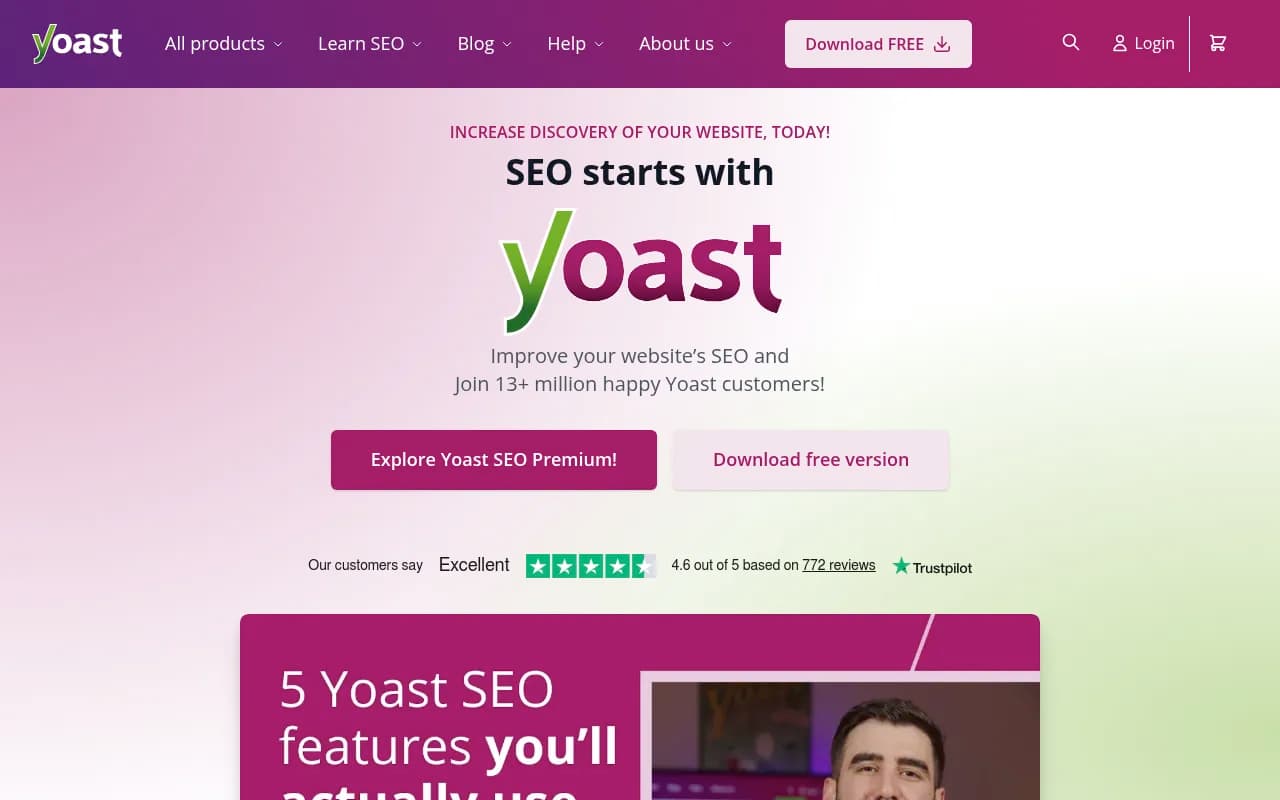
Yoast SEO is the WordPress plugin that made SEO accessible to non-experts. Launched in 2010 by Joost de Valk (the company is now led by CEO Thijs de Valk), it's installed on over 13 million WordPress sites and has become synonymous with WordPress SEO. The core insight that made Yoast successful: most people don't need an SEO consultant, they need real-time feedback while they're actually writing content. That's exactly what Yoast delivers.
The plugin sits inside your WordPress editor and analyzes your content as you type. You get a traffic light system (red/orange/green) for SEO and readability, plus specific suggestions like "add your focus keyword to the first paragraph" or "this sentence is hard to read, consider splitting it." It's prescriptive without being condescending -- you understand what's wrong and how to fix it.
Yoast has expanded beyond the original plugin. There's now a Shopify version, a Google Docs add-on, and a new AI Brand Insights feature (in beta) that monitors how your brand appears in AI platforms like ChatGPT and Perplexity. The company also runs the Yoast SEO Academy with courses on technical SEO, keyword research, and site structure.
Core Features (Free Version)
SEO Analysis: The heart of Yoast. You pick a focus keyword, and Yoast checks whether you've used it in your title, meta description, URL, headings, first paragraph, and throughout the content. It also checks keyword density (not too much, not too little), image alt text, and internal/external links. Each check gets a red, orange, or green bullet. You see exactly what's missing.
Readability Analysis: Separate from SEO, this checks sentence length, paragraph length, subheading distribution, passive voice usage, transition words, and Flesch Reading Ease score. The goal is content that's easy to scan and understand. This matters for SEO (Google rewards content that satisfies user intent) but it's also just good writing discipline.
Snippet Preview: Shows how your page will look in Google search results. You can edit the SEO title and meta description directly in the preview. Yoast also shows character counts so you don't get cut off. There are separate previews for mobile and desktop.
XML Sitemaps: Automatically generated and updated whenever you publish or update content. Yoast handles all the technical details (priority, change frequency, excluding pages you don't want indexed). You just submit the sitemap URL to Google Search Console once.
Breadcrumbs: Structured data markup for breadcrumb navigation. Helps Google understand your site structure and can show breadcrumbs in search results. You add a line of code to your theme and Yoast handles the rest.
Canonical URLs: Prevents duplicate content issues by telling Google which version of a page is the "real" one. Yoast sets this automatically based on WordPress permalinks, but you can override it if needed.
Social Media Previews: Control how your content looks when shared on Facebook, Twitter, and other platforms. Upload custom images, write custom titles and descriptions. The previews show exactly what users will see.
Premium Features ($118.80/year)
AI-Powered Optimization: Generate SEO titles and meta descriptions with AI. You provide the focus keyword and Yoast's AI (powered by OpenAI) suggests multiple options. It's not revolutionary -- you still need to review and edit -- but it saves time when you're stuck or optimizing dozens of pages. The AI is trained on Yoast's SEO best practices, so suggestions follow proper title length, keyword placement, and readability guidelines.
Internal Linking Suggestions: As you write, Yoast suggests relevant posts and pages from your site to link to. It analyzes your content and finds semantic matches. This is huge for site structure and crawlability -- internal links help Google discover and understand your content. The free version just reminds you to add internal links; Premium tells you which ones.
Redirect Manager: When you delete a page or change a URL, Yoast automatically creates a 301 redirect to prevent 404 errors. You can also create manual redirects in bulk. This is essential for site migrations, URL restructuring, or cleaning up old content. Without it, you lose link equity and frustrate users who land on dead pages.
Multiple Focus Keywords: The free version lets you optimize for one keyword per page. Premium lets you add up to five. Useful for pages that naturally target multiple related terms (e.g. "WordPress hosting" and "managed WordPress hosting").
Orphaned Content Detection: Identifies pages that have no internal links pointing to them. Orphaned content is invisible to Google's crawler and won't rank. Yoast flags these pages so you can link to them from relevant posts.
Content Insights: Shows the most frequently used words and phrases in your content. Helps you spot keyword stuffing or identify secondary keywords you're naturally covering.
24/7 Support: Email and live chat support with response times under 24 hours (usually much faster). The free version only has community forums.
Yoast SEO Academy Access: All Premium subscribers get free access to the Academy courses (normally $99-$299 each). Topics include keyword research, technical SEO, site structure, and local SEO.
WooCommerce SEO Bundle ($178.80/year)
Includes everything in Premium plus WooCommerce-specific features:
Product Schema Markup: Adds structured data for product name, price, availability, reviews, and ratings. This enables rich results in Google (star ratings, price, stock status). Essential for eCommerce visibility.
Product-Specific SEO Analysis: Tailored checks for product pages. Yoast looks for product images, clear pricing, product descriptions (not just generic content), and proper category structure.
AI Product Descriptions: Generate product titles and descriptions optimized for both SEO and conversions. The AI understands eCommerce context (features, benefits, calls to action).
Bulk Editing: Edit SEO titles and meta descriptions for multiple products at once. Huge time-saver for stores with hundreds or thousands of SKUs.
AI+ Package ($358.80/year)
Includes everything in WooCommerce SEO plus:
AI Brand Insights (Beta): Monitors how your brand appears in AI platforms like ChatGPT, Claude, Perplexity, and Google AI Overviews. You see which prompts mention your brand, what AI models say about you, and how often you're cited. This is Yoast's entry into the GEO (Generative Engine Optimization) space.
Here's the catch: AI Brand Insights is monitoring-only. You see where you're mentioned, but Yoast doesn't tell you what content you're missing or help you create content that AI models will cite. It's a dashboard, not an optimization platform. For comparison, Promptwatch offers Answer Gap Analysis (shows exactly which prompts competitors rank for but you don't), AI content generation grounded in 880M+ citations, AI crawler logs, traffic attribution, Reddit/YouTube tracking, and ChatGPT Shopping monitoring. If you're serious about AI search visibility, Promptwatch is the platform built for optimization, not just observation.
Yoast SEO for Shopify ($19/month)
A separate product for Shopify stores. Includes:
- Real-time SEO and readability analysis in the Shopify editor
- Snippet preview and social media previews
- Product schema markup for rich results
- Bulk editing for product SEO titles and descriptions
- 14-day free trial
The Shopify version is more limited than the WordPress plugin (no redirect manager, no internal linking suggestions, no AI features yet). It's best for Shopify stores that want guided SEO without switching platforms.
Add-Ons (Included in Premium and Higher)
Local SEO: Adds schema markup for local businesses (address, phone, opening hours, service area). Integrates with Google Maps. Creates location-specific pages if you have multiple locations. Essential for restaurants, retail stores, service businesses.
News SEO: Optimizes for Google News. Adds news-specific schema, creates a Google News sitemap, and provides guidance on news article structure. For publishers and news sites.
Video SEO: Adds video schema markup so Google can show video thumbnails in search results. Supports YouTube, Vimeo, and self-hosted videos. Increases click-through rates for video content.
Google Docs Add-On: Brings Yoast's SEO and readability analysis into Google Docs. You can optimize content before copying it into WordPress. Useful for teams that draft in Docs.
Who Is It For
Yoast SEO is for anyone running a WordPress site who wants better search visibility without hiring an SEO agency. Specific personas:
Bloggers and Content Creators: You publish regularly and want each post to have the best chance of ranking. Yoast's real-time feedback keeps you on track without slowing down your writing flow. The readability analysis makes your content more engaging.
Small Business Owners: You built your own WordPress site (or hired someone to build it) and handle content yourself. Yoast gives you a checklist so you're not guessing what Google wants. The Local SEO add-on is perfect for brick-and-mortar businesses.
WooCommerce Store Owners: You need product pages to rank and show up in Google Shopping. The WooCommerce bundle handles product schema, bulk editing, and eCommerce-specific SEO checks. Saves hours compared to optimizing each product manually.
Marketing Teams at SMBs: You have 2-5 people creating content (blog posts, landing pages, product pages). Yoast ensures everyone follows the same SEO standards without needing an SEO specialist on staff. The internal linking suggestions and redirect manager prevent common mistakes.
Freelancers and Agencies Managing Client Sites: You build and maintain WordPress sites for clients. Yoast Premium on all client sites means you can train clients to handle their own content optimization. The 24/7 support and Academy access add value to your service packages.
Who Should NOT Use Yoast:
- Enterprise sites with custom CMSs: Yoast is WordPress/Shopify only. If you're on a proprietary CMS, look at Screaming Frog, Botify, or Conductor.
- Sites that need advanced technical SEO auditing: Yoast handles on-page SEO and basic technical SEO (sitemaps, canonicals, schema). For deep technical audits (crawl budget, JavaScript rendering, Core Web Vitals), use Screaming Frog, Sitebulb, or Ahrefs Site Audit.
- Brands focused on AI search visibility: If your goal is ranking in ChatGPT, Perplexity, Claude, and other LLMs, Yoast's AI Brand Insights is too limited. Promptwatch offers the full optimization stack: content gap analysis, AI content generation, crawler logs, traffic attribution, and multi-model tracking.
Integrations & Ecosystem
Google Search Console: Yoast integrates directly with GSC to show search performance data (impressions, clicks, CTR) inside WordPress. You can see which pages are ranking and for which keywords without leaving your dashboard.
Semrush: Connect your Semrush account to get keyword data (search volume, difficulty, related keywords) inside Yoast. Helps you pick better focus keywords.
Zapier: Automate workflows like "when I publish a post, share it on social media" or "when a page gets a 404, notify me in Slack."
Elementor, Gutenberg, Classic Editor: Yoast works with all major WordPress page builders and editors. The SEO analysis appears in a sidebar or metabox regardless of which editor you use.
WooCommerce, Easy Digital Downloads: Full integration with eCommerce plugins. Product-specific schema, bulk editing, and SEO analysis for product pages.
Multilingual Plugins (WPML, Polylang): Yoast supports multilingual sites. You can optimize each language version separately.
REST API: Developers can access Yoast data (SEO titles, meta descriptions, schema markup) via the WordPress REST API. Useful for headless WordPress setups.
Pricing & Value
Free Version: $0. Includes SEO analysis, readability analysis, snippet preview, XML sitemaps, breadcrumbs, canonical URLs, social previews. This is enough for most bloggers and small sites.
Premium: $118.80/year (€118.80 or £118.80 depending on region, ex. VAT). Includes AI optimization, internal linking suggestions, redirect manager, multiple focus keywords, orphaned content detection, 24/7 support, Academy access. Worth it if you publish frequently or manage multiple sites.
WooCommerce SEO: $178.80/year. Includes everything in Premium plus product schema, WooCommerce-specific analysis, AI product descriptions, bulk editing. Essential for serious WooCommerce stores.
AI+: $358.80/year. Includes everything in WooCommerce SEO plus AI Brand Insights. Only worth it if you're actively monitoring AI search visibility -- but even then, Promptwatch offers far more optimization capabilities for a similar price point.
Shopify: $19/month ($228/year). 14-day free trial. More expensive than WordPress Premium but still reasonable for Shopify stores.
How Pricing Compares:
- Rank Math (WordPress): Free version is more feature-rich than Yoast Free. Pro version is $59/year (cheaper than Yoast Premium) but support and documentation are weaker.
- All in One SEO (WordPress): Similar pricing to Yoast ($99-$299/year). Feature parity but less polished UI.
- SEOPress (WordPress): $49/year (cheaper) but fewer features and smaller user base.
- Surfer SEO (content optimization): $89-$219/month. More advanced content analysis but doesn't handle technical SEO or WordPress integration.
Yoast is mid-priced for WordPress SEO plugins. You're paying for polish, support, and the Academy. If budget is tight, Rank Math is a solid free alternative. If you need advanced content optimization, add Surfer SEO or Clearscope on top of Yoast.
Strengths
Unmatched Usability: Yoast's traffic light system and plain-language feedback make SEO approachable for non-experts. You don't need to understand how search engines work -- you just follow the checklist.
Real-Time Feedback: The analysis updates as you type. You see problems immediately and can fix them before publishing. No other WordPress SEO plugin has this level of responsiveness.
Comprehensive Free Version: Most competitors lock essential features behind paywalls. Yoast Free includes everything you need for basic on-page SEO. The Premium upgrade is for power users, not a requirement.
Best-in-Class Documentation: The Yoast knowledge base has 500+ articles covering every feature and common SEO questions. The Academy courses are genuinely educational (not just product tutorials). Support response times are fast.
Active Development: Yoast releases updates every 2-3 weeks. They stay current with Google algorithm changes, WordPress updates, and new schema types. The plugin is stable and well-maintained.
Limitations
AI Brand Insights Is Monitoring-Only: The new AI visibility feature shows you where your brand is mentioned in ChatGPT, Perplexity, etc., but it doesn't help you optimize for those platforms. You see the data but you're on your own to fix gaps. Promptwatch offers Answer Gap Analysis (shows exactly which prompts you're missing), AI content generation grounded in 880M+ citations, AI crawler logs, traffic attribution, Reddit/YouTube tracking, and ChatGPT Shopping monitoring. If AI search visibility matters to your business, Promptwatch is the platform built for optimization, not just observation.
No Advanced Technical SEO Auditing: Yoast handles on-page SEO and basic technical SEO (sitemaps, canonicals, schema). It doesn't crawl your site to find broken links, orphaned pages, slow pages, or JavaScript rendering issues. For that, you need Screaming Frog, Sitebulb, or Ahrefs Site Audit.
Limited Competitor Analysis: Yoast tells you how to optimize your own content but doesn't show you what competitors are ranking for or how they're structured. For competitive research, add Ahrefs, Semrush, or Surfer SEO.
Keyword Research Is Basic: The Semrush integration helps, but Yoast doesn't have built-in keyword research. You need a separate tool (Ahrefs, Semrush, Ubersuggest) to find keywords worth targeting.
Bottom Line
Yoast SEO is the best WordPress SEO plugin for most users. It makes on-page optimization accessible, handles technical SEO automatically, and provides real-time feedback that actually improves your content. The free version is enough for bloggers and small sites. Premium is worth it if you publish frequently or manage client sites. The WooCommerce bundle is essential for serious online stores.
The new AI Brand Insights feature is a step toward GEO, but it's monitoring-only. If you want to actually optimize for AI search engines (not just track mentions), you need a dedicated platform like Promptwatch that offers content gap analysis, AI content generation, crawler logs, and traffic attribution.
Best use case in one sentence: WordPress site owners who want guided, real-time SEO optimization without needing an agency or deep technical expertise.
Similar and alternative tools to Yoast SEO