LanguageTool Review 2026
Check grammar, spelling, and style in 30+ languages. Open-source alternative to Grammarly with browser extensions and desktop apps.
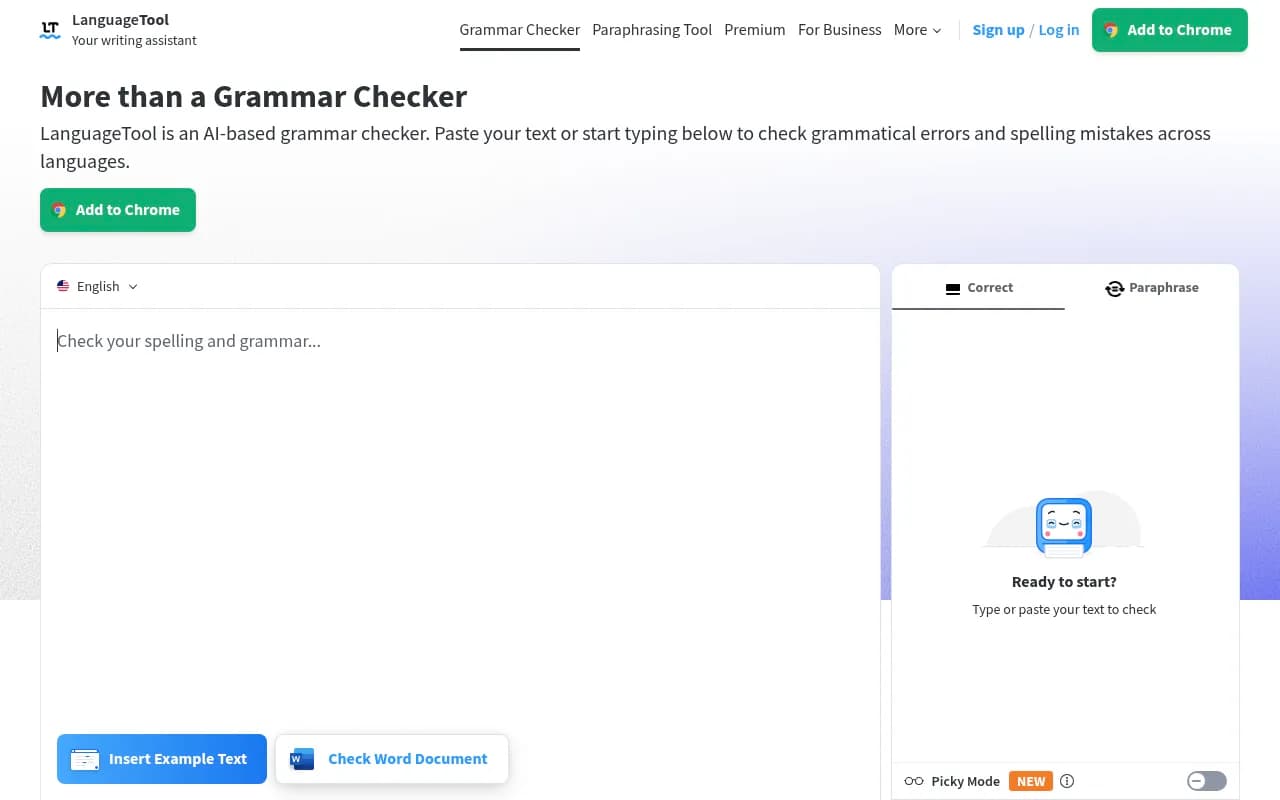
Summary
- Best for: Multilingual writers, students, and professionals who need grammar checking across multiple languages -- especially non-English languages where Grammarly falls short
- Standout strength: Open-source foundation with support for 30+ languages and dialects, including robust German, French, Spanish, Portuguese, and Dutch checking
- Key limitation: AI features and advanced style suggestions lag behind Grammarly's depth in English-language writing
- Pricing advantage: Significantly cheaper than Grammarly Premium at $69.90/year vs Grammarly's $144/year
- Missing vs competitors: No plagiarism detection, weaker tone adjustment features, and less sophisticated AI writing assistance compared to premium alternatives
LanguageTool is an open-source grammar and style checker that has quietly become the go-to writing assistant for multilingual users and anyone writing in languages beyond English. Founded in 2003 and maintained by a community of developers plus a commercial team at LanguageTool GmbH (based in Germany), it's used by over 4 million people and trusted by major organizations like BMW Group, the European Union, Spiegel Magazine, and JetBrains. The core differentiator: while Grammarly dominates English-language checking, LanguageTool actually works well in German, French, Spanish, Portuguese, Dutch, and 25+ other languages.
The platform offers both a free tier and a Premium subscription. The free version handles basic spelling, simple punctuation, and some style issues. Premium unlocks advanced grammar rules, style improvements, a paraphrasing tool, and higher character limits. It's available as browser extensions (Chrome, Firefox, Edge, Safari), desktop apps (Windows, macOS), mobile apps (iOS), and integrations with Google Docs, Microsoft Word, LibreOffice, and most web-based text editors.
Core Grammar and Spelling Engine LanguageTool uses a rule-based approach combined with machine learning models to detect errors. The rule-based system is particularly strong -- thousands of hand-crafted grammar rules per language, maintained by linguists and native speakers. This makes it more reliable than pure AI approaches for catching specific grammatical constructs, especially in languages with complex grammar like German or Polish. The spelling checker supports custom dictionaries and learns from your corrections. It catches typos, confused words (their/there/they're), incorrect verb conjugations, subject-verb agreement errors, and wrong plural forms. For English, it differentiates between US, UK, Canadian, Australian, New Zealand, and South African variants. For German, it handles Austria, Germany, and Switzerland variants. The error detection happens in real-time as you type, with red underlines for spelling and yellow/blue for grammar and style. Click an underline and you get a suggestion card with explanations and one-click fixes.
Punctuation and Capitalization Checking Punctuation rules are notoriously tricky across languages. LanguageTool handles commas, semicolons, dashes, hyphens, apostrophes, and quotation marks with language-specific rules. It knows when a comma is optional vs required, catches missing commas in compound sentences, and flags comma splices. The capitalization checker corrects proper nouns, months, nationalities, and sentence starts. It also catches all-caps or inconsistent casing. For German users, this is especially valuable -- German capitalization rules (all nouns capitalized) are complex and LanguageTool handles them well.
Style and Clarity Suggestions The style checker (blue underlines) flags overused phrases, redundant words, passive voice, wordy constructions, and foreign terms that might confuse readers. It suggests simpler alternatives and points out when you've used too many exclamation points or overly complex sentences. The "Picky Mode" (Premium only) adds even more advanced punctuation, style, and typography suggestions -- things like consistent use of dashes, proper spacing around punctuation, and typographic improvements. This mode is useful for professional writers and editors who want maximum polish. Style checking is stronger in English, German, French, and Spanish than in less common languages.
AI-Powered Paraphrasing Tool LanguageTool added an AI paraphraser in recent years. Highlight a sentence and choose from four modes: Formal (professional tone), Fluent (smoother flow), Simple (easier to read), or Concise (shorter). The AI rewrites the sentence while preserving meaning. This is useful for adjusting tone or simplifying complex sentences, but it's not as sophisticated as dedicated AI writing tools like Jasper or Copy.ai. The paraphraser works best in English and German, with limited support for other languages. It's a nice addition but not a reason to choose LanguageTool over competitors -- Grammarly's tone adjustment and rewriting features are more advanced.
Browser Extensions and Cross-Platform Support The browser extensions work everywhere you type online -- Gmail, Google Docs, Twitter, LinkedIn, Slack, WordPress, Medium, you name it. The Chrome extension has 3+ million users and a 4.5-star rating. The extensions are lightweight and don't slow down your browser. They respect privacy by processing text locally when possible and not storing your writing on servers (unless you use the cloud-based editor). The desktop apps for Windows and macOS integrate with native applications. On macOS, LanguageTool works in Pages, Mail, Slack, Word, Notes, Messages, and most Mac apps. On Windows, it supports Outlook, Wordpad, Notepad, and other apps. The Microsoft Word add-in works on Windows, Mac, and Word Online (Office 365). The Google Docs add-on is installed separately and provides in-document checking.
Web Editor and Personal Dictionary The web-based editor at languagetool.org/editor provides a distraction-free writing environment with dark mode, statistics tracking, and secure cloud storage for your texts. You can paste text, upload Word documents, or start typing from scratch. The editor shows real-time error counts, readability scores, and a sidebar with all detected issues. The Personal Dictionary lets you add custom words (brand names, technical terms, proper nouns) so they're not flagged as errors. The Statistics feature (Premium) tracks your productivity over time -- total words written, errors made, suggestions applied, and languages used. It's motivating to see your error rate drop as your writing improves.
Multilingual Capabilities This is where LanguageTool truly shines. It supports 30+ languages: English, German, Spanish, French, Portuguese, Dutch, Polish, Russian, Italian, Catalan, Ukrainian, Greek, Chinese, Japanese, Swedish, Danish, Norwegian, Romanian, Slovak, Slovenian, Arabic, Persian, Galician, Irish, Belarusian, Esperanto, Asturian, Breton, Khmer, Tamil, and Tagalog. The quality varies -- English, German, French, Spanish, Portuguese, and Dutch have the most comprehensive rule sets and active development. Less common languages have basic checking but fewer advanced rules. Auto-detection works well -- paste text in any supported language and LanguageTool identifies it and applies the right rules. For multilingual writers (translators, international teams, language learners), this is a killer feature. Grammarly only supports English. ProWritingAid supports English, Spanish, French, and German but with less depth than LanguageTool.
Integrations and API LanguageTool integrates with Google Docs (add-on), Microsoft Word (add-in), LibreOffice (extension), and most text editors via browser extensions. There's also a public API for developers who want to build LanguageTool into their own apps. The API is free for limited use and paid for higher volumes. This has led to third-party integrations in tools like Obsidian, Notion (via browser extension), and various writing apps. The open-source nature means developers can self-host LanguageTool on their own servers for complete data privacy.
Open-Source Foundation LanguageTool's core engine is open source (LGPL license) and available on GitHub at github.com/languagetool-org/languagetool. This means the grammar rules, detection algorithms, and language models are publicly auditable. The community contributes new rules, bug fixes, and language support. The commercial Premium features (paraphrasing, advanced style checks, higher limits) are proprietary, but the base functionality is free forever. For privacy-conscious users, this is a major advantage -- you can inspect the code, self-host it, or trust that thousands of eyes have reviewed it. Grammarly and ProWritingAid are closed-source black boxes.
Who Is It For LanguageTool is ideal for multilingual writers who need grammar checking in languages beyond English. Translators, international students, non-native English speakers, and anyone writing in German, French, Spanish, Portuguese, or Dutch will find it more useful than Grammarly. It's also great for privacy-focused users who want an open-source tool they can audit or self-host. Students and academics benefit from the affordable pricing and support for formal writing styles. Freelance writers and content creators who write in multiple languages save money by using one tool instead of separate checkers per language. Small teams and agencies appreciate the team accounts and consistent checking across languages. LanguageTool is less ideal for English-only writers who want cutting-edge AI features like tone adjustment, plagiarism detection, or advanced readability analysis. Grammarly and ProWritingAid offer more depth for English-language content. It's also not the best choice for creative writers who need genre-specific style guidance (fiction, poetry, screenwriting) -- those users should look at ProWritingAid or Atticus.
Integrations and Ecosystem Browser extensions for Chrome, Firefox, Edge, Safari, Opera, and Yandex. Desktop apps for macOS and Windows. Mobile app for iOS (no Android app yet, which is a notable gap). Google Docs add-on, Microsoft Word add-in (Windows, Mac, Office 365), LibreOffice extension. Public API for custom integrations. Works with Obsidian, Notion (via browser extension), WordPress, Medium, Gmail, Outlook, Slack, and most web-based text editors. No direct integrations with project management tools, CRMs, or social media scheduling platforms -- you rely on the browser extension for those.
Pricing and Value Free tier: Basic spelling, simple punctuation, some style checks. 10,000 characters per text field. Personal dictionary. Works across all platforms. Premium: $69.90/year (best value), $49.90/quarter, or $19.90/month. Also available as a 2-year plan for $119.80 ($4.99/month equivalent). Premium includes advanced grammar and style rules, paraphrasing tool, Picky Mode, unlimited characters per text field, and statistics tracking. Team accounts available for businesses (custom pricing). Student and nonprofit discounts available. Compared to competitors: Grammarly Premium is $144/year (more than double), ProWritingAid is $120/year (also more expensive). LanguageTool offers the best value for multilingual users. For English-only users, the value depends on whether you need the extra features Grammarly offers.
Strengths
- Multilingual support: 30+ languages with strong checking in German, French, Spanish, Portuguese, Dutch -- far beyond Grammarly's English-only focus
- Open-source foundation: Auditable code, community contributions, and the option to self-host for complete privacy
- Affordable pricing: $69.90/year is significantly cheaper than Grammarly Premium ($144/year) or ProWritingAid ($120/year)
- Cross-platform availability: Browser extensions, desktop apps, mobile app, and integrations with Google Docs, Word, LibreOffice
- Privacy-focused: Processes text locally when possible, doesn't store your writing on servers (unless you use the cloud editor), and the open-source code is auditable
Limitations
- Weaker AI features: Paraphrasing and tone adjustment lag behind Grammarly's AI-powered rewriting and tone detection
- No plagiarism detection: Grammarly and ProWritingAid include plagiarism checkers in their premium plans -- LanguageTool does not
- English-language depth: For English-only writers, Grammarly offers more sophisticated style suggestions, readability analysis, and genre-specific guidance
- No Android app: Mobile support is iOS-only, which excludes a large portion of mobile users
- Less common languages: While 30+ languages are supported, quality varies significantly -- English, German, French, Spanish, Portuguese, and Dutch are well-developed, but less common languages have basic checking only
Bottom Line LanguageTool is the best grammar checker for multilingual writers and anyone writing in languages beyond English. If you write in German, French, Spanish, Portuguese, Dutch, or multiple languages, it's a no-brainer -- better language support and half the price of Grammarly. The open-source foundation and privacy focus are major advantages for users who care about data security. For English-only writers, the decision is less clear. LanguageTool is a solid, affordable option, but Grammarly offers more advanced AI features, plagiarism detection, and deeper style analysis. If you're on a budget or value privacy and open source, LanguageTool is the better choice. If you want cutting-edge AI writing assistance and don't mind paying more, Grammarly edges ahead. Best use case in one sentence: Multilingual professionals, students, and writers who need reliable grammar checking across multiple languages at an affordable price.
Tags:
Similar and alternative tools to LanguageTool