Rytr Review 2026
Create blog posts, emails, and ad copy with AI assistance. Supports 30+ languages and offers tone customization for different content types.
Key Takeaways
• Best for short-form content: Rytr excels at emails, social media posts, ad copy, and product descriptions -- not long-form articles or SEO content • Generous free tier: 10,000 characters/month free makes it accessible for casual users and testing before committing • Affordable pricing: $9/month (100K chars) or $29/month (unlimited) undercuts most competitors like Jasper ($49+) and Copy.ai ($49+) • Limited long-form capabilities: No SEO optimization, keyword research, or content briefs -- competitors like Jasper and Surfer AI handle blog posts better • No advanced features: Lacks plagiarism checking, team collaboration, brand voice training, and content analytics that enterprise tools provide
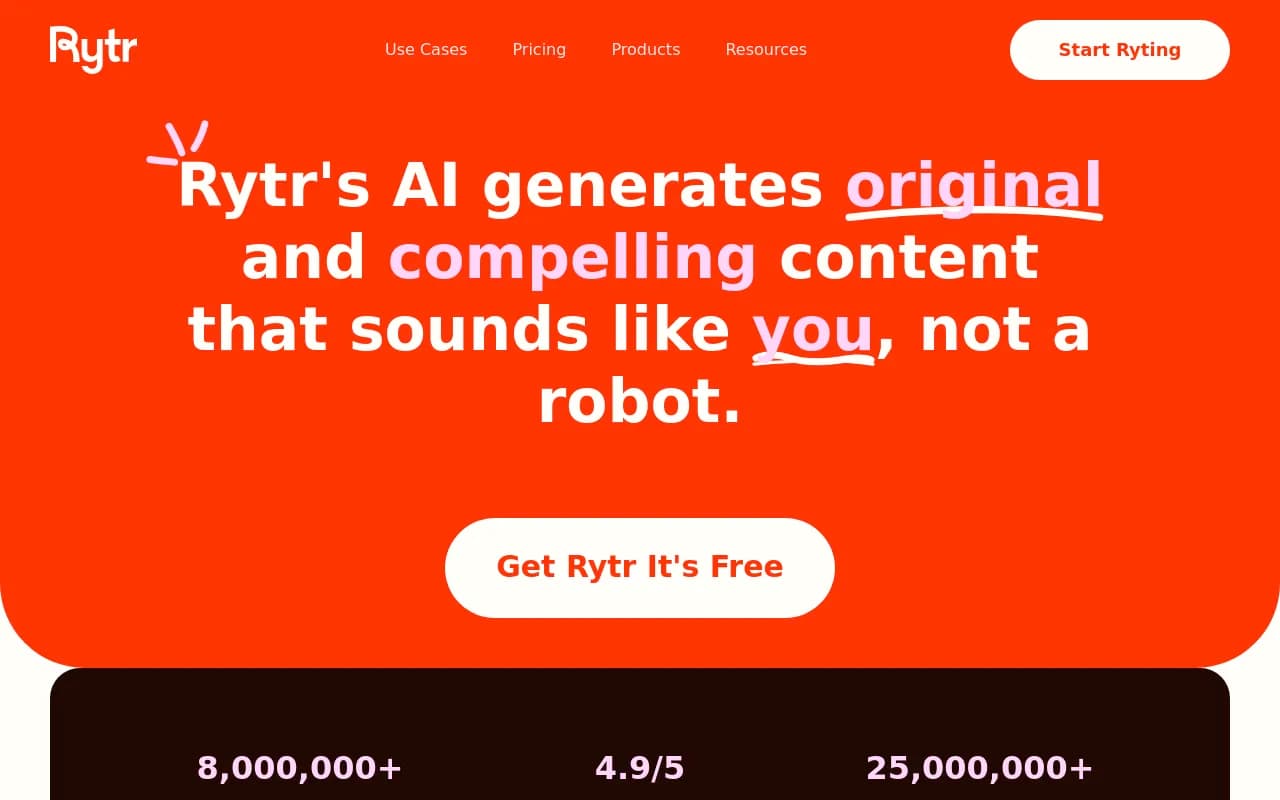
Rytr launched in 2021 as an affordable alternative to premium AI writing tools that were pricing out freelancers and small businesses. Built by Abhi Godara and his team, it quickly gained traction by focusing on accessibility -- a truly usable free tier and paid plans under $30/month when competitors were charging $50-100+. By 2026, Rytr has grown to 8 million users, primarily solo creators, small marketing teams, and agencies handling client social media.
The tool positions itself as a "writing assistant" rather than a full content platform, and that distinction matters. Rytr isn't trying to replace your content strategy or SEO workflow. It's designed to speed up the repetitive writing tasks that eat up hours every week -- responding to customer emails, drafting Facebook ads, writing product descriptions for an e-commerce catalog, or generating Instagram captions. If you need a blog post optimized for "best project management software 2026" with proper heading structure and internal linking suggestions, look elsewhere. If you need 20 variations of an email subject line in 30 seconds, Rytr delivers.
Use Case Library (40+ Templates)
Rytr organizes its capabilities around specific content types rather than making you prompt from scratch. You select a use case from the sidebar -- Blog Idea & Outline, Email, Facebook Ad, Product Description, LinkedIn Post, Job Description, Interview Questions, etc. -- then fill in a few fields (topic, keywords, tone) and generate. The templates provide guardrails that help non-writers produce usable first drafts without needing to understand prompt engineering.
The Email template is particularly strong. You specify the context (customer complaint, sales follow-up, cold outreach), add key points, choose a tone (friendly, formal, urgent), and Rytr generates a complete email. It handles the greeting, body structure, and sign-off naturally. For customer support teams answering repetitive questions, this saves 5-10 minutes per response. The Social Media Post templates (Facebook, Instagram, LinkedIn, Twitter) generate platform-appropriate copy with hashtag suggestions and emoji placement. The Product Description template pulls in features you list and turns them into benefit-driven copy suitable for Shopify or Amazon listings.
What's missing: Rytr doesn't generate long-form content well. The Blog Section Writing template maxes out around 300-400 words per generation, and you can't feed it a content brief or target keywords the way Jasper, Surfer AI, or Frase let you. There's no SEO scoring, no competitor analysis, no outline builder that suggests H2s and H3s based on SERP research. If your job is publishing 2,000-word blog posts weekly, Rytr will frustrate you. If your job is writing 50 product descriptions or 10 ad variations, it's perfect.
Tone and Language Flexibility
Rytr supports 30+ languages (Spanish, French, German, Portuguese, Italian, Dutch, Polish, Russian, Japanese, Chinese, and more) and 20+ tones (casual, formal, convincing, urgent, passionate, witty, etc.). The tone selector actually works -- "convincing" produces benefit-heavy copy with social proof language, "witty" adds humor and wordplay, "urgent" uses time-sensitive phrasing. Most AI writing tools claim tone control but deliver generic outputs. Rytr's tone engine is trained well enough that the differences are noticeable.
The multi-language support is functional but not native-level. If you're a Spanish-speaking marketer writing for a Latin American audience, Rytr will produce grammatically correct copy that reads slightly stiff -- usable with light editing, but not as natural as a native writer. For translation workflows or international e-commerce brands that need product descriptions in 10 languages, it's a time-saver. For high-stakes marketing campaigns in non-English markets, hire a native copywriter.
Built-in Editing and Formatting Tools
Rytr includes a basic text editor with formatting options (bold, italic, lists, headings), a Rephrase tool that rewrites selected text in a different style, an Expand tool that adds more detail to a sentence, and a Shorten tool that condenses wordy copy. These are genuinely useful for iterating on drafts without leaving the app. The Plagiarism Checker is available on paid plans and scans your text against online sources -- helpful for agencies worried about duplicate content, though it's not as comprehensive as Copyscape or Grammarly's plagiarism detection.
The editor also has a Tone Checker that analyzes your text and suggests adjustments if the tone doesn't match your intent. If you wrote a customer apology email but it reads as defensive, the tone checker flags it. This is a small feature that makes a real difference for non-writers who struggle with voice consistency.
What's missing: No collaboration features. You can't invite team members, leave comments, or track revisions. No version history. No content calendar or workflow management. If you're a solo freelancer, this doesn't matter. If you're a 5-person marketing team, you'll need to copy-paste into Google Docs or Notion for collaboration.
Rytr Chat (AI Chatbot)
In 2024, Rytr added a ChatGPT-style conversational interface called Rytr Chat. You can ask it questions, request content, or iterate on drafts through back-and-forth dialogue. It's powered by GPT-4 (on paid plans) or GPT-3.5 (on free plan). This is useful for exploratory work -- brainstorming blog topics, outlining a campaign, or asking for feedback on a draft. The chat interface is cleaner than ChatGPT's and stays focused on writing tasks rather than general Q&A.
However, Rytr Chat doesn't integrate with the template library. You can't start a conversation in chat, then export the output directly into the Email template for formatting. You have to copy-paste. This feels like two separate tools bolted together rather than a unified experience. Competitors like Jasper and Copy.ai have tighter integration between their chat and template workflows.
Chrome Extension and Mobile Access
Rytr offers a Chrome extension that lets you generate content inside Gmail, LinkedIn, Twitter, Facebook, and other web apps. You highlight a text field, click the Rytr icon, select a template, and insert the generated copy. This is genuinely convenient for social media managers who live in browser tabs. The extension works smoothly and doesn't slow down page loads.
There's no dedicated mobile app, but the web app is mobile-responsive. You can write on your phone, though the experience is cramped. For quick edits or generating a social post on the go, it's usable. For serious writing sessions, you'll want a laptop.
Integrations and API
Rytr integrates with WordPress (publish directly to your site), Zapier (connect to 5,000+ apps), and has a REST API for custom integrations. The API is documented on GitHub (rytr-me/documentation) and lets developers build Rytr into their own apps or workflows. For agencies building white-label tools or SaaS companies adding AI writing to their product, the API is a solid option. However, the API is only available on the Unlimited plan ($29/month), so hobbyists and small projects are priced out.
No integrations with Google Docs, Notion, or Slack. No Grammarly integration. No SEO tools like Surfer, Clearscope, or Ahrefs. Rytr is a standalone tool that expects you to copy-paste into your existing workflow.
Who Is Rytr For
Rytr is built for three main personas:
Freelance copywriters and content creators who need to produce high volumes of short-form content quickly. If you're writing 50 product descriptions for a client's Shopify store or drafting 20 Facebook ad variations for A/B testing, Rytr cuts your time in half. The $9/month Saver plan (100K characters) is enough for most freelancers handling 2-3 clients. The free tier (10K characters/month) is genuinely usable for side projects or testing the tool before committing.
Small business owners and solopreneurs who wear multiple hats and don't have time to write marketing copy from scratch. If you're running a local service business and need to write weekly social posts, email newsletters, and Google Ads, Rytr handles the first draft so you can focus on editing and strategy. The tone customization helps non-writers sound professional without hiring a copywriter.
Social media managers and digital marketers at small agencies or in-house teams who need to produce content across multiple platforms daily. Rytr's platform-specific templates (Instagram caption, LinkedIn post, Twitter thread) and tone options make it easy to adapt messaging for different audiences. The Chrome extension is a time-saver for managers who live in social media dashboards.
Who should NOT use Rytr: SEO content teams publishing long-form blog posts. Rytr has no keyword research, no content briefs, no SERP analysis, no heading suggestions. If your KPI is organic traffic growth, use Surfer AI, Frase, or Jasper. Enterprise marketing teams that need brand voice consistency, collaboration features, and content governance. Rytr has no team workspaces, no approval workflows, no brand guidelines enforcement. Use Jasper, Copy.ai, or Writer.com. Writers who need plagiarism checking and fact-checking. Rytr's plagiarism checker is basic and only available on paid plans. It doesn't verify factual claims or cite sources. Use Grammarly, Copyscape, or hire a human editor.
Pricing and Value
Rytr has three pricing tiers:
Free Plan: 10,000 characters per month, access to 40+ use cases, 30+ languages, 20+ tones, basic editor. No plagiarism checker, no priority support, no API access. This is enough to write 5-10 emails or social posts per month. Genuinely usable for casual users or testing the tool.
Saver Plan ($9/month or $90/year): 100,000 characters per month, plagiarism checker (100 requests/month), priority email support, all use cases and languages. This is enough for freelancers writing 40-50 short pieces per month. At $9/month, it's cheaper than a single hour of freelance copywriting.
Unlimited Plan ($29/month or $290/year): Unlimited characters, unlimited plagiarism checks, priority support, API access, custom use cases. For agencies, e-commerce brands, or heavy users who generate hundreds of pieces per month. At $29/month, it's still cheaper than Jasper ($49/month), Copy.ai ($49/month), or Writesonic ($19/month for limited, $79/month for unlimited).
The value proposition is clear: Rytr is the budget option that doesn't feel cheap. The free tier is generous enough to be useful, and the paid plans are priced for freelancers and small businesses rather than enterprise budgets. If you're comparing Rytr to Jasper or Copy.ai, you're paying 40-60% less for 80% of the functionality. The missing 20% (SEO tools, collaboration, advanced integrations) only matters if you're a content team or agency.
Strengths
• Affordable pricing: $9/month for 100K characters is the best value in AI writing tools. Free tier is actually usable. • Short-form content quality: Emails, social posts, ad copy, and product descriptions are consistently good with minimal editing needed. • Tone control: The tone selector produces noticeably different outputs. "Convincing" vs "casual" vs "witty" actually sound different. • Chrome extension: Generate content inside Gmail, LinkedIn, Twitter, and Facebook without switching tabs. • Multi-language support: 30+ languages with decent (not perfect) quality. Useful for international e-commerce and translation workflows.
Limitations
• No long-form content capabilities: Rytr maxes out at 300-400 words per generation. No SEO optimization, no content briefs, no keyword targeting. If you're writing blog posts, use Jasper, Surfer AI, or Frase instead. • No collaboration features: No team workspaces, no comments, no version history, no approval workflows. Solo freelancers are fine; teams will need to copy-paste into Google Docs. • Limited integrations: No Google Docs, Notion, Slack, Grammarly, or SEO tools. The WordPress and Zapier integrations are basic. • Plagiarism checker is basic: Only available on paid plans, limited to 100 checks/month on Saver plan. Doesn't verify facts or cite sources. Use Grammarly or Copyscape for serious plagiarism detection. • No brand voice training: You can't upload brand guidelines or train Rytr on your company's tone. Every output starts from scratch. Competitors like Jasper and Writer.com let you define brand voice and apply it consistently.
Bottom Line
Rytr is the best AI writing tool for freelancers, small businesses, and marketers who need short-form content fast and can't justify $50-100/month for premium tools. If your workflow is emails, social posts, ad copy, and product descriptions, Rytr delivers quality outputs at a price that makes sense. The free tier is generous enough to test thoroughly, and the $9/month Saver plan is cheaper than hiring a copywriter for a single project. The Chrome extension and tone customization are genuinely useful features that save time daily.
Don't buy Rytr if you're publishing long-form SEO content, managing a content team, or need advanced features like plagiarism detection, collaboration, or brand voice consistency. For those use cases, Jasper, Surfer AI, or Copy.ai are better investments despite the higher price. But if you're a solo creator or small team focused on short-form content, Rytr is the smartest budget pick in 2026.
Tags:
Similar and alternative tools to Rytr