Key takeaways
- The pricing unit decides your margin. Per-seat pricing suits an in-house team and works against an agency, while pooled prompts or credits with unlimited seats fit multi-client work better.
- True white-label reporting is rare. Many tools offer client logins, shareable dashboards or a Looker Studio connector instead, so check exactly what the client sees.
- Compare the bill at 10 or 25 clients, not the entry plan. Per-brand charges, workspace caps and engine add-ons compound quickly.
- Tracking is the cheap part now. Agencies that can turn gaps into published content and measured results have something to bill for.
- Verify every price on the vendor's own page before you sign. Plans change monthly, and the figures below come from vendor sites and comparison posts.
Your clients have started asking whether ChatGPT recommends them. Answering once is easy. Answering every month, for twenty brands, with separate prompt sets, competitors, countries and reports, is where agencies get stuck. And the tool you chose for your own brand usually breaks first.
This guide covers what actually matters when you pick a prompt tracker for agency work: how clients are modeled, how seats are counted, what you can hand a client as a report, and what it costs per client.
What agencies need that brand tools don't
A brand buys one workspace for one company. An agency buys a delivery model. Six things separate the two, and most comparison tables skip half of them.
- Client model. Some tools charge per brand or domain. Some charge per project. Some give you a shared pool of prompts across unlimited brands.
- Data isolation. Client A's competitor set must never appear in client B's dashboard. Clients you invite should see their own workspace and nothing else, not organization settings or billing.
- Seat limits. If every analyst, strategist and account manager needs a login, per-seat pricing gets expensive fast.
- Reporting. Branded PDFs, client logins, scheduled delivery, or a data connector you can build reports on.
- Cost at scale. Price the tool at 10 clients with 25 prompts each, then at 25 clients.
- Actionability. URL-level citations and suggested next steps turn a monthly report into billable work.
There is a seventh, which is pitch support. Free audits or pitch workspaces let you show a prospect their visibility gap before they sign. It is the cheapest sales asset in this category.
Why the metered unit matters more than the headline price
Look at what a tool actually counts. Ahrefs Brand Radar meters one check per prompt, per engine, per location. Profound and Scrunch price on seats plus a prompt bundle. LLMrefs is flat at $79/month with unlimited seats and projects and 500 prompts. Nightwatch tiers by keywords and prompts with unlimited seats. These look similar on a pricing page and behave very differently at 20 clients.
Prompt-level results are also noisy. In Promptwatch Data's query fanout report, a single ChatGPT prompt triggered anywhere from 3 to 8+ separate searches, and average fanouts per response moved from 2.15 in early December to about 1.84 by early March, then to 1.0 per response in April. Query length fell from roughly 117 characters to about 53 over the same stretch. Model behavior shifts in steps, so your prompt sets need periodic re-audits, and trend lines need enough history before they go in front of a client.
Engine behavior differs too. Promptwatch's average sources per response data shows ChatGPT citing about 5 sources per web-search answer, while Google AI Overviews and Perplexity sit near 10. Copilot swung from under 2 to almost 17 within a few weeks before settling. Practical consequence: a ChatGPT citation slot is more contested, Perplexity is a stable bench for measuring your own changes, and Copilot movement should be reported cautiously, on monthly trends.
Comparison table: agency pricing and structure
Prices below come from vendor pages and the comparison posts linked in the sources. Treat them as a starting point and confirm on each pricing page. Blank or "not listed" means I could not verify it, not that the feature is missing.
| Tool | Entry price | How it is metered | Seats | Client reporting |
|---|---|---|---|---|
| Promptwatch | Agency Kick-off $199/mo, Growth $399/mo, Scale $799/mo | Responses per month, unlimited projects | Unlimited | PDF reports, scheduled PDFs, Looker Studio, API and MCP |
| ZeroRank AI | Agency $499/mo (plans from $89/mo) | 31,500 answer runs, unlimited workspaces | Unlimited | White-label reports in 12 languages, client access per workspace |
| Nightwatch | Starter €79, Professional €159, Agency €399/mo | Keyword and prompt tiers | Unlimited | White-label from Professional |
| LLMrefs | $79/mo, one plan | 500 prompts, flat | Unlimited seats and projects | Weekly automatic reports, CSV export |
| Profound | Starter $99, Growth $399, Enterprise custom | Seats plus prompt bundle | Per seat | Not listed |
| Scrunch AI | Starter $250, Growth $417, Enterprise custom | Seats plus prompt volume | Per seat | Dashboard on all plans |
| Ahrefs Brand Radar | From $129/mo in core plans, $199 standalone | One check per prompt, engine and location | Plan-based | Not listed |
| OpenLens | Free, $39.99, $299.99/mo | Seats and project credits | Free client logins | Branded export, 3 engines free, 7 on agency tier |
| Peec AI | About $205/mo per Brandlight's review | Prompts, unlimited seats | Unlimited | Dashboards, Looker Studio connector |
The tools worth shortlisting
Promptwatch
Promptwatch is the one I would put first if your agency sells results rather than screenshots. Agency plans start at $199/month (Kick-off), with Growth at $399 and Scale at $799, and every agency tier includes unlimited projects, prompts and team seats, all AI models, Agent Chat, country, state and city tracking, crawler logs, visitor analytics and site audits. The pricing units are responses and Agent Credits, not seats or brands, which is the structure that protects margin as your client list grows.

Three things matter for agency work. First, pitch projects, which you can create from the dashboard, the API or MCP, so a prospect gets a visibility read before the first call. Second, reporting: PDF reports of any dashboard, scheduled PDFs to any inbox, a Looker Studio connector from Professional, and Excel or CSV exports. Third, the loop after the report. Promptwatch tracks prompts from the real interfaces of ChatGPT, AI Overviews, AI Mode, Gemini, Perplexity and Copilot, then shows where AI gets its answers, and the Action Board and Agent Chat help your team decide what to do. Monks uses the Answer Gap Report and Visibility Score to build enterprise content roadmaps, which is the kind of workflow you want to be able to copy.
The caveat: agency plans do not include the Content Agent, Knowledge Base, AEO articles, white-label dashboard or client portal, or SSO. Agencies that need generated content or a branded client portal go to Enterprise, and white-label PDF exports apply to white-label organizations. Read the agencies page and the Academy guide to GEO for agencies, then confirm limits on the pricing page. There is a 7-day free trial on the Kick-off, Growth and Scale plans, and a Promptwatch vs Profound page if that is your other shortlisted option.
ZeroRank AI

ZeroRank positions itself around the whole client lifecycle: pitch workspaces, per-client workspaces with their own prompts, competitors and markets, and client invites that expose nothing else. Its Agency plan is $499/month with unlimited workspaces, 31,500 answer runs, 17 platforms, unlimited seats and countries, and an MCP and REST API. Reports come in 12 languages. One honest note: most of that detail comes from ZeroRank's own listicle, where it ranks itself first, so test the workspace isolation yourself during a trial.
Nightwatch
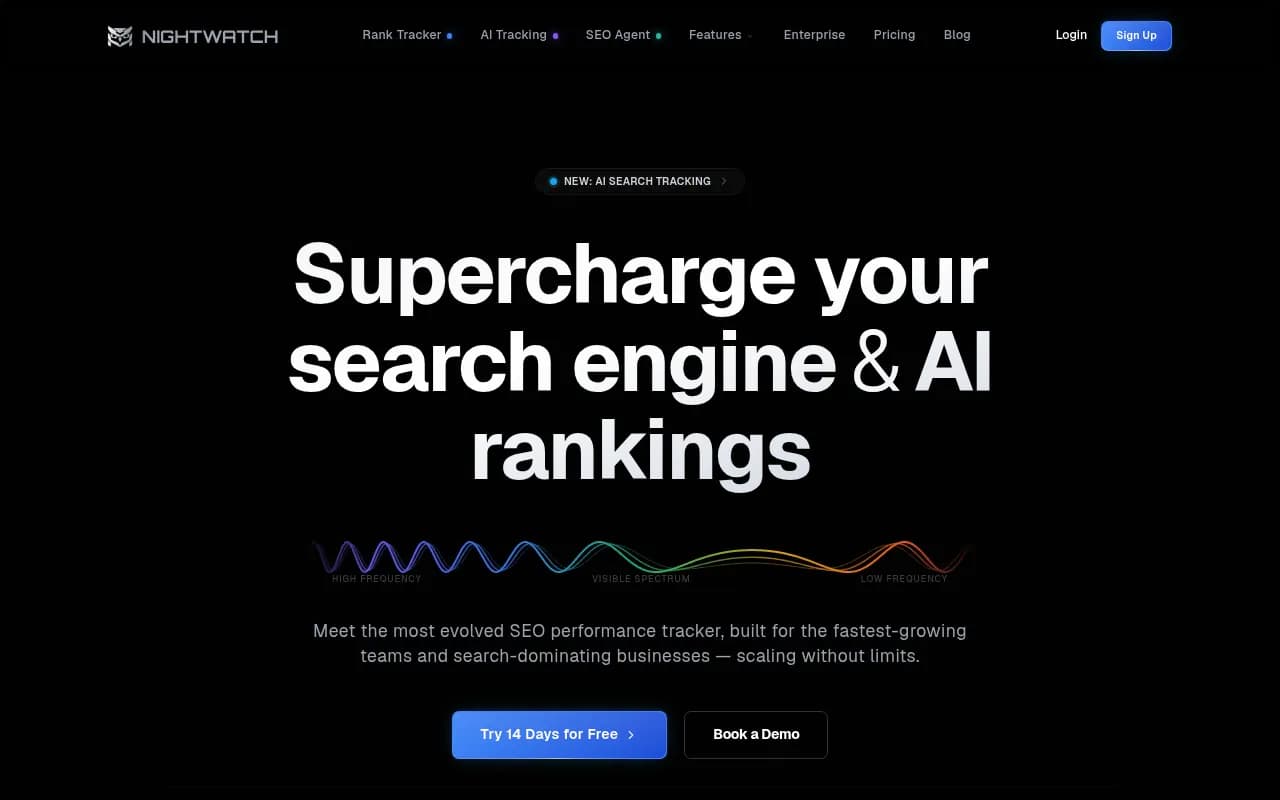
Nightwatch is the pragmatic pick if your agency already sells traditional rank tracking. Starter is €79, Professional €159 and Agency €399 per month, seats are unlimited, and white-label reporting starts at Professional. Its pricing page does not spell out scheduled report delivery, so ask before you promise clients a monthly email.
LLMrefs
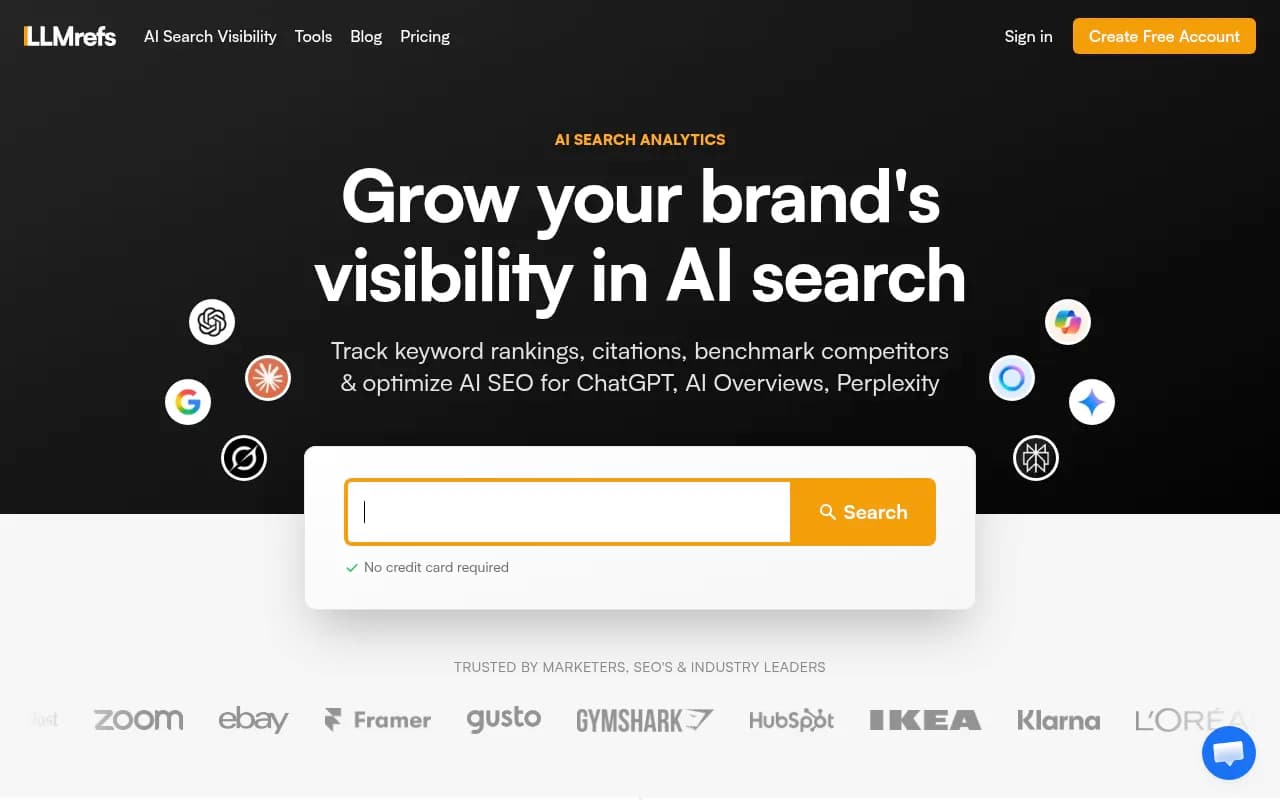
A flat $79/month with unlimited seats and projects and 500 prompts is the cheapest sane way to cover several small clients. Weekly automatic reports and CSV export are included. The limit is the prompt ceiling: 500 prompts split across 20 clients is 25 each, which is workable but leaves no room for large accounts.
Peec AI
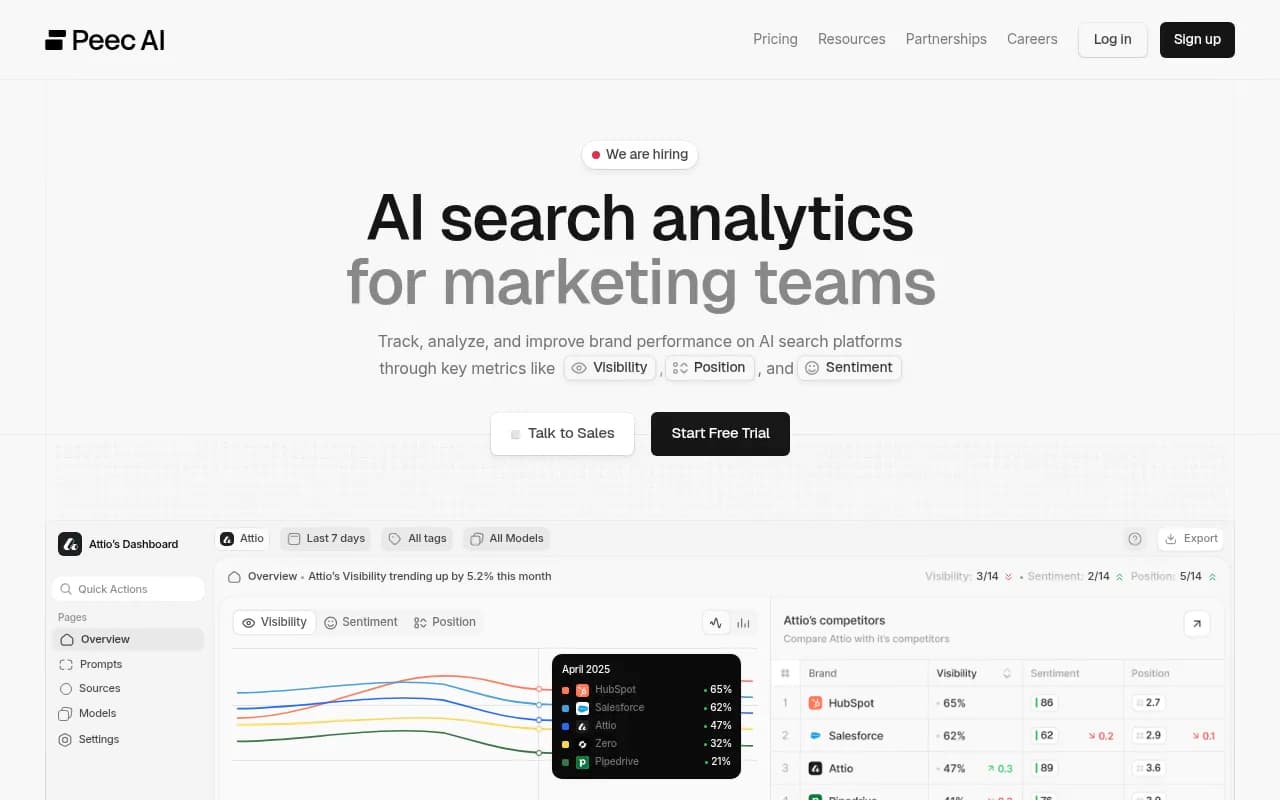
Peec comes up repeatedly as the mid-market value pick, with unlimited seats at roughly $205 per Brandlight's comparison. It is a monitoring tool. If your retainer includes writing and publishing content, you will pair it with something else.
Profound and Scrunch
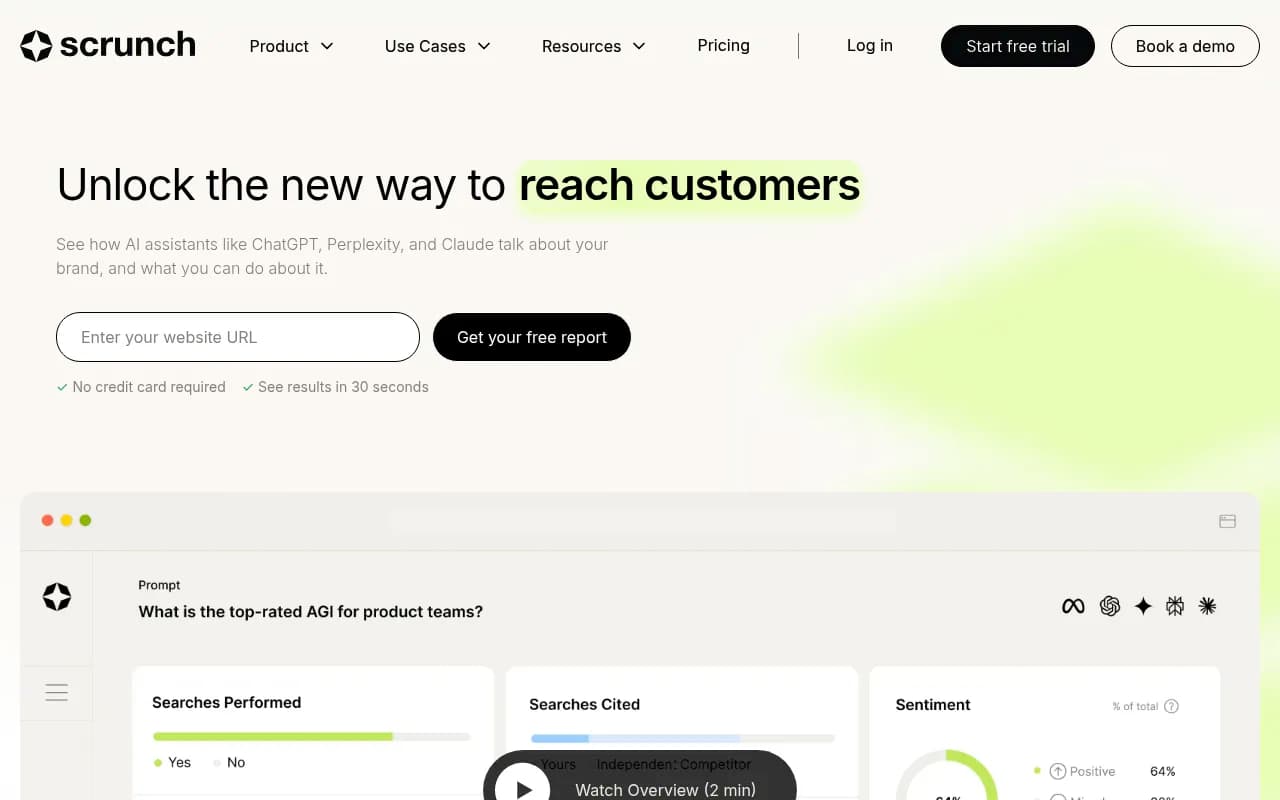
Both are strong monitoring products aimed at larger or more technical teams. Profound lists Starter at $99, Growth at $399 and Enterprise custom, priced on seats plus a prompt bundle. Scrunch lists Starter at $250 and Growth at $417, also seats plus prompt volume. For an agency with many analysts, seat-based pricing is where these get expensive. They suit a small number of high-value enterprise clients better than a long tail of SMBs.
OpenLens
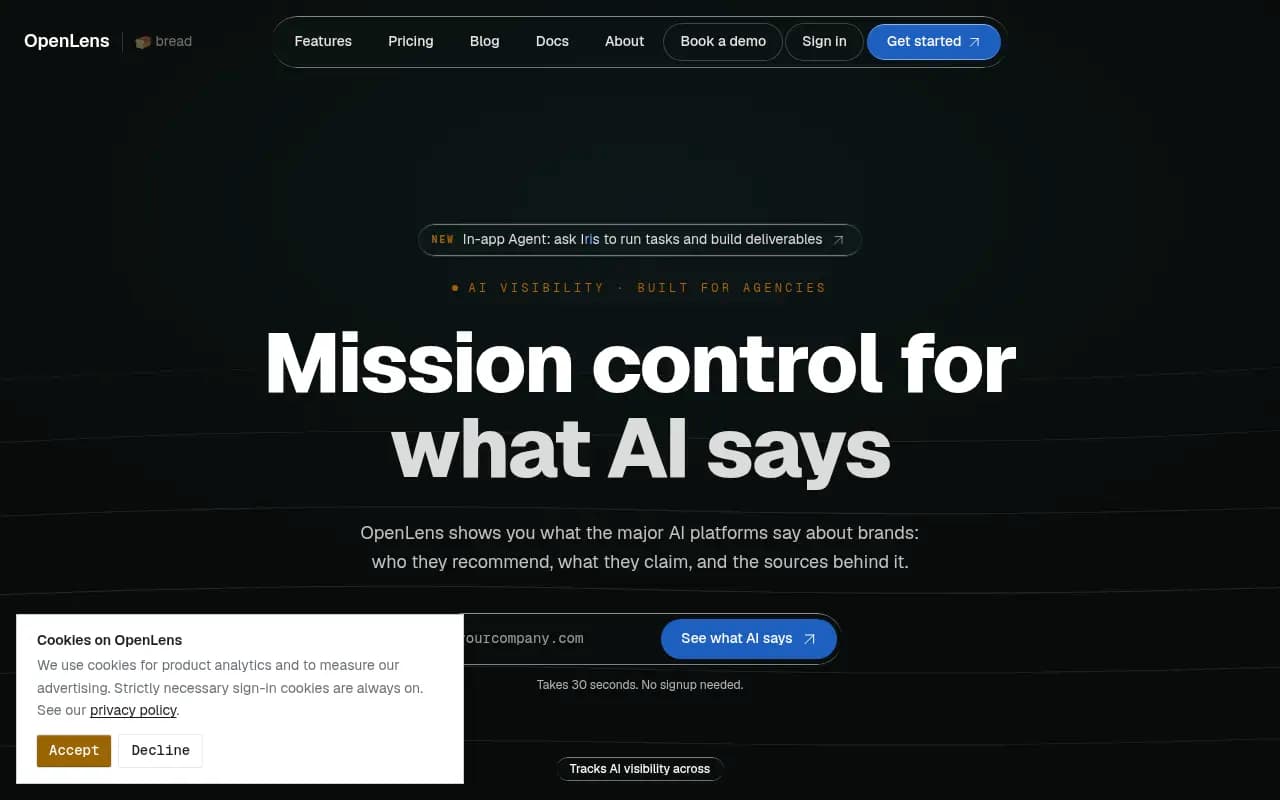
OpenLens has an isolated workspace per client, free client logins (rare at any price) and branded export, with a free tier covering three engines. Brandlight's review notes the limit plainly: no support commitment and no roadmap you can build a retainer around. Use it where reporting is a courtesy, and pay for the higher tier when it goes on an invoice.
Ahrefs Brand Radar and Semrush
If you already pay for these, the add-on cost is low and the data lives next to your SEO reporting. The tradeoffs are fixed prompt sets and shallower AI-specific data. Semrush is also the only tool in Omnia's nine-tool comparison to list a white-label add-on (the Pro Report, $20 a month).
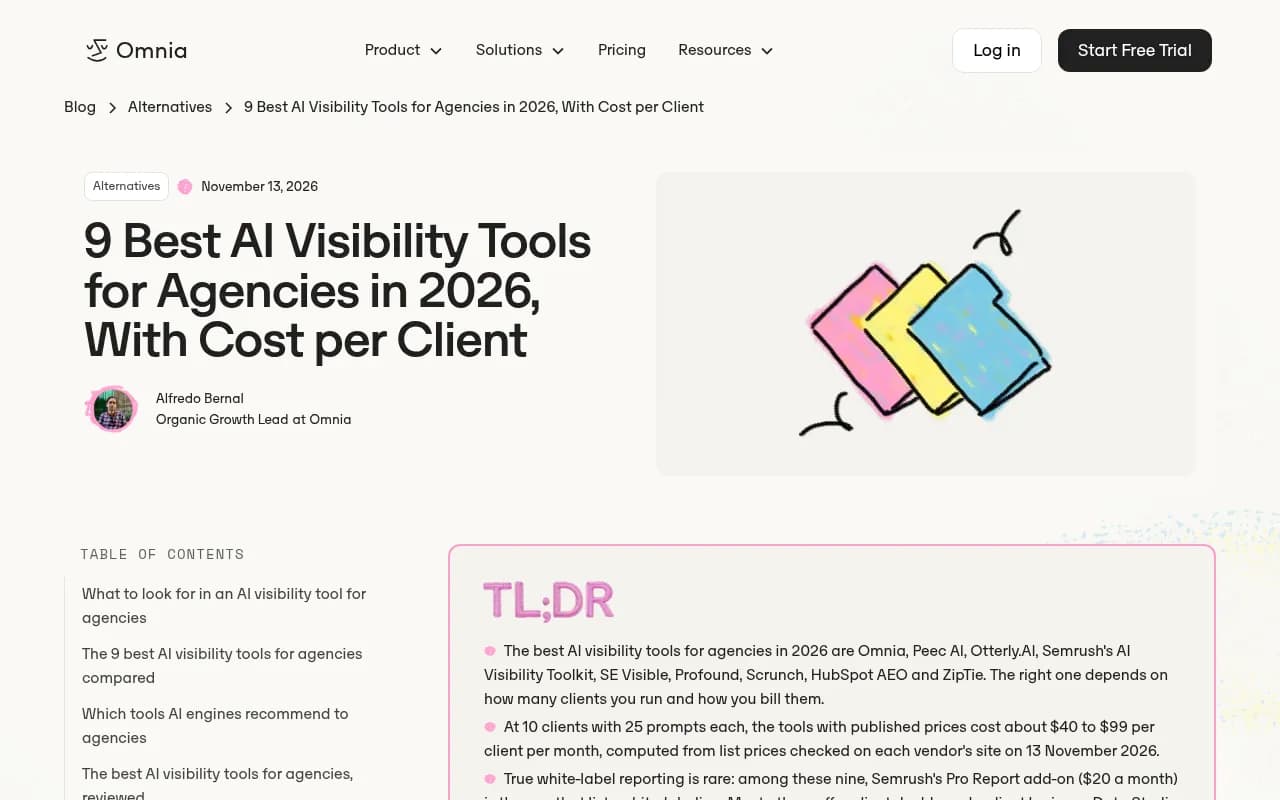
Omnia's piece is worth reading for its cost model: at 10 clients with 25 prompts each, tools with published prices land around $40 to $99 per client per month. Their prices were checked on 13 November 2026, which makes it a useful sanity check against any quote you get.
Seat limits: what to ask before you buy
Seat limits are less visible than prompt limits and just as painful. Ask these questions on the sales call or check the docs.
- Do client logins count as paid seats? OpenLens makes them free. Others bill them like staff.
- Are viewer roles cheaper than editor roles, and is there a read-only role at all?
- Can a client see only their own workspace, with no access to organization settings or billing?
- Are API keys scoped per project, or does one key expose every client?
- Is there an audit log showing who changed what, and whether it came from the dashboard or an API client?
On that last point, Promptwatch's audit log is on Business, Agency Scale and Enterprise, and its scoped project, organization and read-only API keys are useful when interns and automation touch client data.
Reporting: what clients actually need
Reporting deserves more weight than engine count. Lighthouse Local puts it bluntly: demand is up, and reporting is how you hold onto it. A few practical rules.
- Decide on white-label versus branded. Many tools give you client dashboards or a Looker Studio connector, not true white-label. If the client must see only your logo, verify it in a demo, not a feature list.
- Use a connector for the dashboard and write the commentary yourself. A free Looker Studio dashboard plus a short written analysis beats a 40-page auto-export nobody reads.
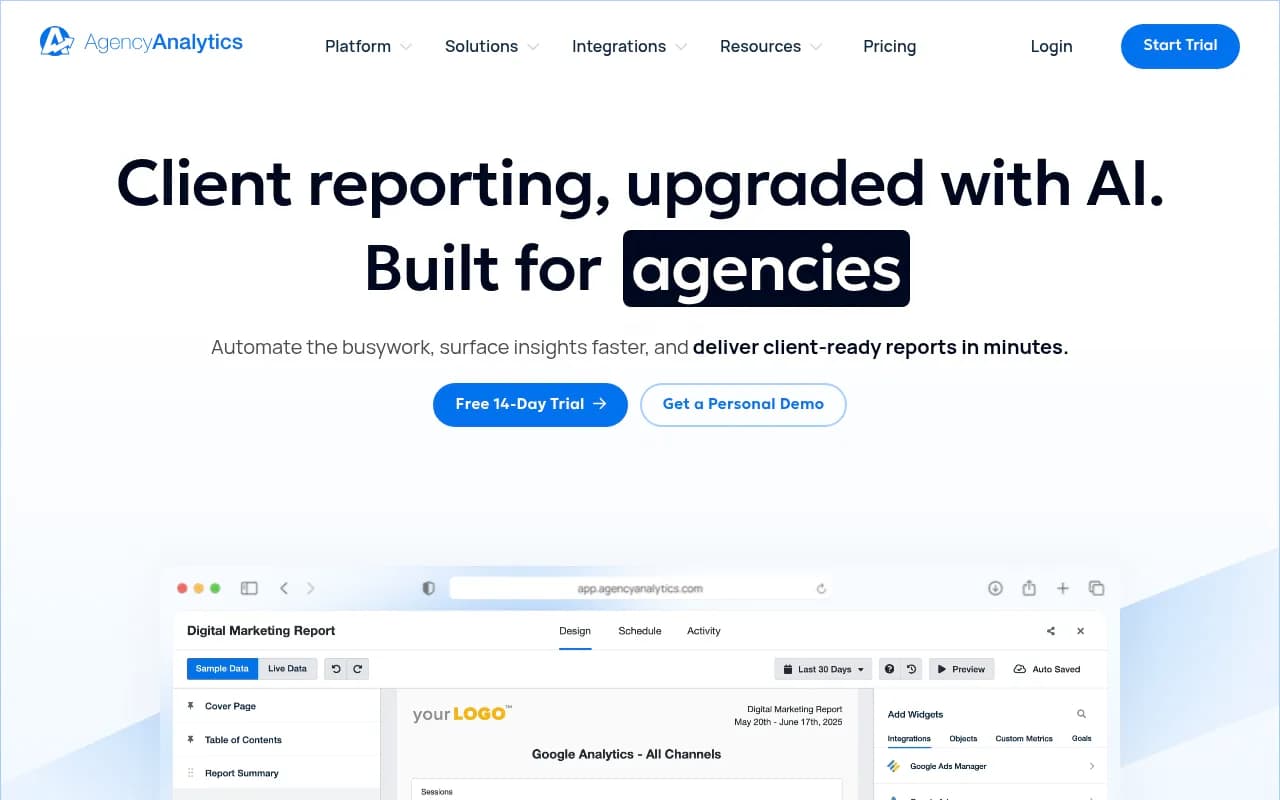
- Watch reporting tool limits. DashThis, for example, has report-count limits that bite as you grow, and AgencyAnalytics is built for automated client reporting if you need a general layer above several data sources.
- Keep every client's prompt set in the same shape. It takes longer up front and makes monthly reporting a routine job.
A simple multi-client setup that holds up
- Create one project or workspace per client, with that client's country and language fixed at the start.
- Build a standard prompt template: category queries, comparison queries, and brand queries. Add 5 to 10 client-specific prompts.
- Add the real competitors, not the ones the client wishes they had.
- Set a baseline in week one and do not show trend charts until you have at least a month of history.
- Report on a small set of metrics: visibility, share of voice, position, citations to the client's own domain, and sentiment.
- Re-audit prompts after major model updates, since fanout behavior changes in steps.
- Turn every report into three actions with an owner and a due date.
The free AI visibility report works as a no-login pitch asset for step zero.
Picking by agency type
| Agency profile | Likely fit | Why |
|---|---|---|
| Solo or 3 to 5 clients, tight budget | LLMrefs or OpenLens | Flat pricing or free tier, low commitment |
| SEO agency with traditional rank tracking | Nightwatch, or Semrush/Ahrefs add-on | Keeps AI data next to existing reporting |
| 10 to 30 clients, wants to sell fixes | Promptwatch agency plans | Unlimited projects and seats, crawler logs, traffic attribution |
| Few enterprise clients, technical team | Profound or Scrunch | Deep monitoring, seat cost matters less |
| Wants pitch-to-report in one tool | ZeroRank or Promptwatch | Pitch workspaces and client access |
For more options by category, the GEO software directory at bestgeosoftware.com and the rank tracker list at ai-rank-tools.com cover far more tools than fit here.
Hiring an agency instead of building the capability
Some teams would rather buy the outcome than run the tooling. If you are on the client side of this equation, an agency like 1001 SEO Media handles GEO and AI search work end to end, and it uses Promptwatch as its AI visibility platform. For agencies reading this, the point stands: the tool is the cheap part, and the retainer is the work.
What I would do
If I were setting up a ten-client roster this quarter, I would shortlist two tools, run the same three clients through both for two weeks, and compare three things: how long setup takes, whether the client-facing report needs manual cleanup, and what the bill looks like at 25 clients. Then I would check seat and client-login rules in writing. The winner is rarely the one with the most engines. It is the one whose pricing unit does not punish you for growing."}