GrowthBar Review 2026
Write SEO-optimized blog posts with AI assistance, keyword research, and competitor analysis. Helps content writers create search-friendly articles faster.
Summary
- Best for: Content teams, agencies, and bloggers who need to produce SEO-optimized articles quickly without sacrificing quality
- Standout feature: 2-minute blog builder that goes from outline to 1,500-word draft with AI-generated content and built-in SEO recommendations
- Limitation: Focused on traditional Google SEO -- lacks AI search visibility tracking for ChatGPT, Perplexity, Claude, and other LLMs that Promptwatch specializes in
- Pricing: From $36/month (Standard) to $149.25/month (Agency) with 7-day free trial
- Who should skip it: Teams that need to monitor and optimize for AI search engines like ChatGPT, Perplexity, or Google AI Overviews

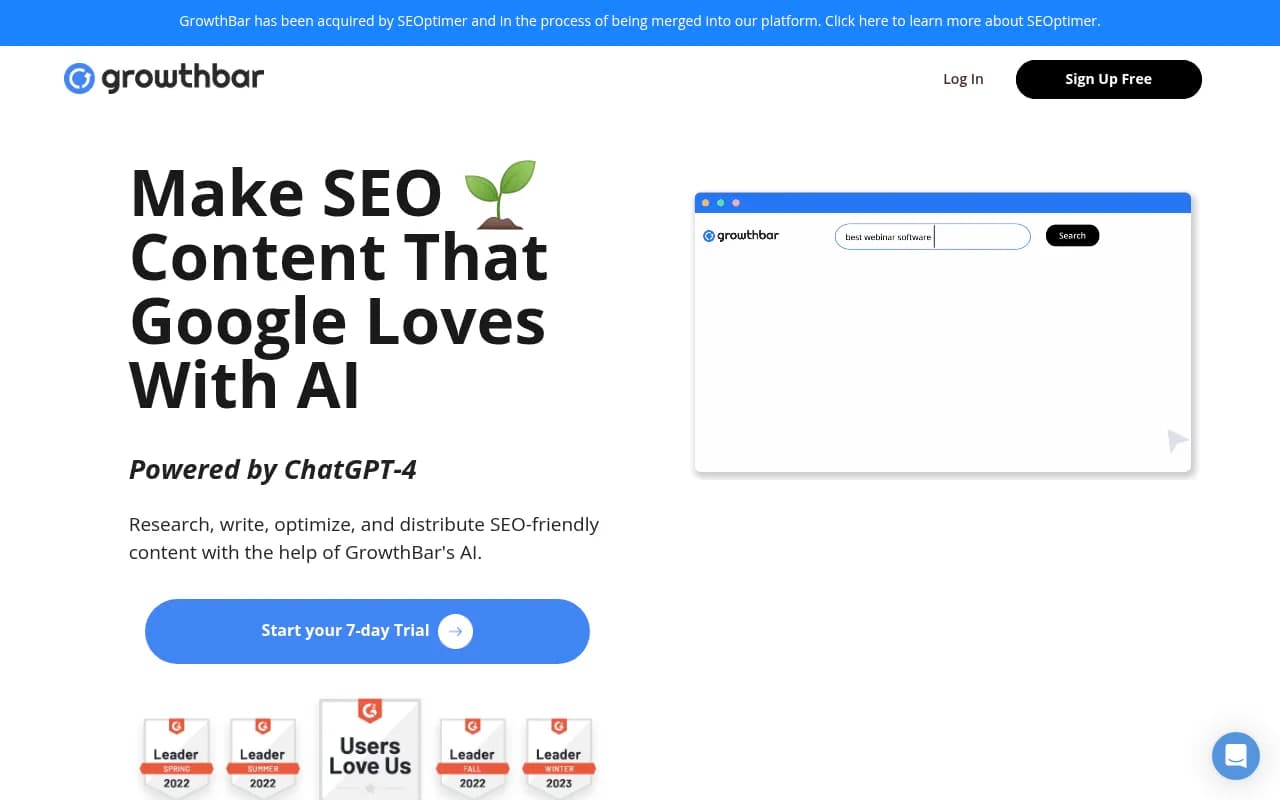
GrowthBar is an AI-powered SEO content platform built for one job: helping you write blog posts that rank on Google, fast. Created by the founders of Growth Marketing Pro, it's evolved from a Chrome extension into a full content production suite used by over 6,000 marketers, agencies, and content teams. Companies like Bill.com, Dell, Product Hunt, and AllTrails use it to research keywords, generate outlines, write drafts, and optimize content -- all in a single workflow.
The pitch is simple. Most content teams spend hours researching keywords, analyzing competitors, outlining articles, writing drafts, and optimizing for SEO. GrowthBar compresses that timeline by automating the research and writing steps with GPT-4-powered AI, then layering in SEO recommendations as you go. The result: you can go from keyword idea to publishable 1,500-word article in about 2 minutes (according to GrowthBar's own marketing). In practice, you'll still need to edit and fact-check, but the time savings are real.
AI Content Generation (The Core Feature)
GrowthBar's content generator is the centerpiece. You enter a keyword or topic, and the tool scans hundreds of top-ranking Google results to build an SEO-optimized outline. This outline includes recommended headings (H2s, H3s), target word count, internal linking suggestions, and a list of keywords to include. You can drag and drop headings to reorder them, add or remove sections, and customize the structure before generating the full article.
Once you're happy with the outline, click a button and GrowthBar's AI writes the entire blog post. The output is a complete draft with intro, body sections, and conclusion -- not just bullet points or fragments. The AI pulls from GPT-4 (specifically mentioned on their site) and is trained on 175 billion parameters, so the writing quality is generally coherent and on-topic. You'll still need to edit for tone, accuracy, and brand voice, but it's a solid starting point.
The tool also includes an article import feature for auditing existing content. Paste in a URL and GrowthBar pulls the text, then shows you SEO gaps -- missing keywords, thin sections, opportunities to add more depth. You can use the AI to expand sections or rewrite paragraphs directly in the editor.
Custom AI Models (Brand Voice Training)
A newer feature lets you upload your best-performing content to train a custom AI model. GrowthBar analyzes your writing style, tone, and structure, then uses that model to generate new articles that sound like you. This is useful for agencies managing multiple clients or brands that want consistency across a large content library. You're not stuck with generic AI voice -- the output adapts to your examples.
Keyword Research & Competitor Analysis
GrowthBar includes a full keyword research tool with access to 7 billion keyword suggestions. For each keyword, you get search volume, difficulty score, estimated CPC (cost per click for Google Ads), and related keywords. The difficulty score helps you prioritize low-competition, high-volume opportunities -- the classic SEO sweet spot.
The competitor analysis feature shows you what's working for other sites in your niche. Enter a competitor's domain and GrowthBar surfaces their top-ranking keywords, backlinks, and Google Ads. You can see up to 2,000 competitor keywords per query on the Agency plan (300 on Standard, 1,000 on Pro). This is useful for content gap analysis -- finding topics your competitors rank for but you don't.
Backlink data is also available (up to 1,500 backlinks per query on Agency), though it's not as deep as dedicated backlink tools like Ahrefs or Majestic. Same with Google Ads data -- you get a snapshot of what competitors are bidding on, but it's not a full PPC research suite.
Rank Tracking & Google Search Console Integration
GrowthBar tracks keyword rankings over time. You can monitor up to 5,000 keywords across 25 sites on the Agency plan (25 keywords on Standard, 1,000 on Pro). The rank tracker updates regularly and shows position changes, search volume, and difficulty for each keyword. It's basic but functional -- no advanced features like SERP feature tracking or local rank tracking.
The tool integrates with Google Search Console to pull real performance data -- impressions, clicks, CTR, and average position for your actual pages. This is helpful for validating GrowthBar's keyword recommendations against real traffic data. The integration is limited to 1 site on Standard, 3 on Pro, and 25 on Agency.
Chrome Extension & WordPress Integration
GrowthBar's Chrome extension (5 stars in the Chrome Web Store) adds keyword and competitor data directly to your Google search results. When you search for a keyword, the extension shows search volume, difficulty, related keywords, and top-ranking pages in a sidebar. You can also use the AI writing assistant inside WordPress -- highlight text and generate rewrites, expansions, or new paragraphs without leaving your CMS.
The extension is free with every subscription and works across all plans. It's a nice quality-of-life feature for content teams that live in Google and WordPress.
Other AI Writing Tools
Beyond blog posts, GrowthBar includes AI generators for:
- Meta descriptions (unlimited on all plans)
- Blog post ideas (unlimited)
- Product descriptions
- Press releases
- Social media captions
- Email copy
- General AI chat (like ChatGPT, but integrated with your content workflow)
These are useful for rounding out a content marketing toolkit, but they're not as polished as the blog post generator. The outputs are shorter and more generic -- fine for quick drafts, but you'll need to edit heavily.
Blog to Audio/Video Conversion
A recent addition: GrowthBar can convert blog posts into audio or video files. You get 2 conversions per month on Standard, 10 on Pro, and 25 on Agency. This is aimed at repurposing written content for YouTube, podcasts, or social media. The feature is basic -- text-to-speech with minimal customization -- but it saves time if you're already producing a lot of written content and want to expand into other formats.
Keyword Roadmaps
GrowthBar generates "keyword roadmaps" -- essentially content calendars based on keyword clusters. You enter a seed keyword and the tool suggests a list of related topics to cover, organized by difficulty and search volume. You can export this as a CSV or use it to plan your editorial calendar. You get 2 roadmaps per month on Standard, 5 on Pro, and 25 on Agency.
Team Collaboration
The platform supports multiple user accounts (2 on Standard, 5 on Pro, 10 on Agency) and includes draft sharing for writers and editors. You can assign articles to team members, leave comments, and track progress. It's not as robust as dedicated project management tools like Asana or Notion, but it's enough for small content teams to coordinate without switching platforms.
Who Is GrowthBar For?
GrowthBar is built for content teams that prioritize speed and volume. If you're a blogger publishing 10-20 articles per month, a marketing agency managing multiple client blogs, or an in-house team trying to scale content production without hiring more writers, this tool will save you time. It's especially useful for:
- SEO agencies managing 5-25 client sites (Agency plan) who need to produce keyword-optimized content at scale
- Solo bloggers and affiliate marketers who want to compete with larger sites by publishing more frequently (Standard or Pro plan)
- SaaS marketing teams building out content hubs and resource libraries to drive organic traffic
- E-commerce brands creating product guides, comparison posts, and category pages
The tool assumes you have basic SEO knowledge -- it won't teach you how to do keyword research or why backlinks matter. It's a productivity multiplier, not a training platform.
Who Should NOT Use GrowthBar
GrowthBar is laser-focused on traditional Google SEO. If your content strategy involves AI search engines like ChatGPT, Perplexity, Claude, Gemini, or Google AI Overviews, GrowthBar won't help you. It doesn't track how your brand appears in AI-generated answers, doesn't analyze AI citations, and doesn't optimize content for AI search visibility. For that, you need a platform like Promptwatch, which monitors 10+ AI models, tracks citations, and helps you optimize content specifically for AI search engines.
GrowthBar is also not ideal for:
- Enterprise teams that need advanced workflow automation, custom integrations, or white-label reporting (the platform is fairly basic)
- Technical SEO specialists who need deep site audits, crawl analysis, or schema markup tools (GrowthBar is content-focused, not technical)
- Teams that prioritize original research and thought leadership over volume (the AI-generated content is solid but not groundbreaking)
Integrations & Ecosystem
GrowthBar integrates with:
- Google Search Console (pull real traffic data for your keywords)
- WordPress (write and edit directly in your CMS via the Chrome extension)
- Chrome (keyword and competitor data in your search results)
That's it. No Zapier, no API, no Slack notifications, no CRM integrations. The platform is self-contained, which keeps it simple but limits flexibility for teams with complex workflows.
Pricing & Value
GrowthBar offers three plans with a 7-day free trial:
Standard ($36/month or $20.30/month annual):
- 25 AI blog articles or audits per month
- 500 AI paragraph generations per month
- 2 blog-to-audio/video conversions per month
- Track 25 keywords across 1 site
- 300 competitor keywords, backlinks, and Google Ads per query
- 2 user accounts
- 2 keyword roadmaps per month
Pro ($74.25/month or $55.30/month annual):
- 100 AI blog articles or audits per month
- 2,000 AI paragraph generations per month
- 10 blog-to-audio/video conversions per month
- Track 1,000 keywords across 3 sites
- 1,000 competitor keywords, backlinks, and Google Ads per query
- 5 user accounts
- 5 keyword roadmaps per month
- Draft sharing for teams
Agency ($149.25/month or $90.30/month annual):
- 300 AI blog articles or audits per month
- 5,000 AI paragraph generations per month
- 25 blog-to-audio/video conversions per month
- Track 5,000 keywords across 25 sites
- 2,000 competitor keywords, 1,500 backlinks, 2,000 Google Ads per query
- 10 user accounts
- 25 keyword roadmaps per month
- Draft sharing for teams
Annual billing saves about 40-45% compared to monthly. The pricing is competitive with other AI writing tools like Jasper ($49-$125/month), Copy.ai ($49-$249/month), and Frase ($15-$115/month). GrowthBar sits in the middle -- more expensive than Frase, cheaper than Jasper, with better SEO research tools than most AI writing platforms.
The value proposition depends on how much content you produce. If you're publishing 10+ articles per month, the time savings alone justify the cost. If you're only writing 1-2 posts per month, you're probably better off with a cheaper tool or just using ChatGPT directly.
Strengths
- Speed: The 2-minute blog builder actually works. You can go from keyword to draft faster than any other tool I've tested.
- SEO integration: Unlike pure AI writing tools, GrowthBar bakes in keyword research, competitor analysis, and optimization recommendations. You're not just generating content -- you're generating content that's designed to rank.
- Custom AI models: Training the AI on your brand voice is a killer feature for agencies and multi-brand teams.
- Chrome extension: Having keyword data and AI writing tools directly in Google and WordPress is a huge workflow improvement.
- Rank tracking and GSC integration: Most AI writing tools don't track rankings or pull real traffic data. GrowthBar does both.
Limitations
- No AI search visibility: GrowthBar is built for Google SEO only. It doesn't track or optimize for ChatGPT, Perplexity, Claude, Gemini, or other AI search engines. If you want to monitor how your brand appears in AI-generated answers, you need Promptwatch.
- Limited integrations: No API, no Zapier, no Slack. The platform is self-contained, which is fine for small teams but limiting for larger organizations.
- Basic rank tracking: The rank tracker works but lacks advanced features like SERP feature tracking, local rankings, or mobile vs. desktop breakdowns.
- AI content still needs editing: The generated articles are solid first drafts, but they're not publish-ready. You'll need to fact-check, add examples, and adjust tone. This is true of all AI writing tools, but worth noting.
Bottom Line
GrowthBar is a strong choice for content teams that need to produce SEO-optimized blog posts quickly and at scale. The combination of keyword research, competitor analysis, AI writing, and rank tracking in one platform is rare -- most tools specialize in one or two of those areas. If your goal is to rank on Google and you're willing to edit AI-generated drafts, GrowthBar will save you hours per article.
However, if your content strategy includes AI search engines like ChatGPT, Perplexity, or Google AI Overviews, GrowthBar won't help you. It's built for traditional SEO, not AI search visibility. For that, you need a platform like Promptwatch, which tracks how your brand appears in AI-generated answers, analyzes citations, and helps you optimize content for AI search engines.
Best use case in one sentence: Content teams and agencies that need to produce 10+ SEO-optimized blog posts per month and want to compress research, writing, and optimization into a single workflow.
Similar and alternative tools to GrowthBar