Key takeaways
- Technical SEO in 2026 has two audiences: Googlebot and AI crawlers. Your audit stack needs to cover both, because a page blocked or unreadable for GPTBot or ClaudeBot loses citations even if it ranks fine in Google.
- A desktop crawler (Screaming Frog), an all-in-one audit platform (Semrush, Ahrefs, SE Ranking), and Google Search Console cover most sites. Enterprise sites add Lumar, Botify, or Oncrawl.
- AI is most useful in technical SEO for prioritizing issues, classifying pages at scale, and generating schema. It is not good at deciding which fixes are safe to ship unattended.
- Fix JavaScript rendering before anything exotic. Markdown mirrors and similar tricks barely register in AI citations.
- Re-crawl after every fix. Fixes that create new problems elsewhere are the most common way technical SEO goes wrong.
What "AI" actually means in a technical SEO tool
Every vendor now puts "AI-powered" on the box, so it is worth being precise. In technical SEO, AI shows up in four real ways:
- Prioritization. The tool correlates a finding (slow LCP, a canonical conflict) with traffic and assigns an impact score, instead of just sorting by error severity.
- Bulk analysis. You send crawled page data to an LLM to classify pages by intent, flag thin content, write alt text, or spot semantically similar pages across thousands of URLs.
- Generation. Schema markup, meta descriptions, and redirect maps drafted for you to review.
- AI search health checks. Audits that tell you whether AI crawlers can reach and read your pages.
The fourth one is new, and it is the reason this guide looks different from a 2023 roundup. A third-party roundup from Sintra claims AI tools handle roughly 44% of SEO tasks. That number traces back to a secondary source I could not verify, so I would not repeat it in a deck. The practical point stands without it: the repetitive collection work is automated, and the judgment calls are still yours.
The tools at a glance
| Tool | Type | Best for | AI angle |
|---|---|---|---|
| Screaming Frog SEO Spider | Desktop crawler | Deep, flexible crawls | Connect OpenAI, Gemini, Anthropic or Ollama; crawl as an AI bot; embeddings-based similarity |
| Semrush Site Audit | Cloud audit suite | Technical plus AI search health in one place | Dedicated AI Search checks, AI-ready mode, MCP server |
| Ahrefs Site Audit | Cloud audit suite | Backlink-informed audits | Reported 170+ technical and on-page checks |
| SE Ranking | Cloud audit suite | Mid-size teams, JS-heavy sites | 130+ parameters, JS rendering, health score |
| Google Search Console | Free first-party data | Indexing and canonical truth | None, but it is the ground truth |
| Lumar | Enterprise crawler | Large sites, ongoing monitoring | Prioritization by business impact |
| Botify | Enterprise platform | Crawl budget, log analysis at scale | Enterprise SEO plus AI search visibility |
| Indexly | AI-crawler-focused audits | Crawlability and indexability for AI and search engines | Scheduled crawls, automated reports |
| Schema App | Structured data platform | Schema at scale | Built around entity-based markup |
| Promptwatch | AI crawler analytics | Seeing what AI bots actually do on your site | IP-verified crawler logs |
Feature counts above come from the vendors' own materials and third-party reviews. Check current limits and pricing on each official page before you buy, since I have not verified them.
Crawlers: the foundation of the stack
Screaming Frog SEO Spider

If I could keep only one tool, it would be this one. Screaming Frog runs locally, so it is fast for one-off crawls of a new client site with no cloud queue. The free version crawls 500 URLs, which is enough to learn the tool and audit a small site. It surfaces the standard problems: missing canonicals, duplicate H1s, redirect chains, 4xx and 5xx responses, and placeholder text left on live pages.
The AI features are what changed. Under Config > API Access > AI you can connect OpenAI, Gemini, Anthropic, or a local model through Ollama, then run custom prompts against every crawled URL. Practical uses: classify a few thousand pages by intent, write missing alt text, summarize content, or flag thin pages. There is also an embeddings-based check that surfaces semantically similar pages and content that drifts from the rest of the site, plus the option to crawl as an AI bot instead of Googlebot. That last one is useful for the rendering problem I will get to below.
The compare mode, which diffs two crawls, is the most underrated feature. Use it before and after every release or migration.
Sitebulb and desktop alternatives
Sitebulb is the friendlier option, with interactive crawl maps that show how pages connect and where dead ends and weak internal linking sit. It also lets you build targeted audits (just performance, just internal links) rather than running everything. If you hand reports to non-SEOs, Sitebulb's explanations save you meetings. SEO PowerSuite is another desktop route if you want unlimited data without credits.
Cloud audit platforms
Semrush Site Audit
Semrush's Site Audit crawls, prioritizes, and suggests fixes, and its useful differentiator is built-in AI Search checks. You can filter the issues list to "AI Search" and see things like blocked AI crawlers or pages that need content optimization. There is also an AI-ready mode that checks whether your pages are legible to AI crawlers in the first place, and an MCP server so you can query audit data from an AI assistant. Integrations can fire a Slack message when a crawl finishes or open a Jira or Asana ticket per new audit task, which is how audits turn into shipped work instead of PDFs.
Semrush also sells a separate Log File Analyzer that tracks both Googlebot and AI crawlers, which matters if your audit centers on bot behavior.
Ahrefs and SE Ranking
Ahrefs scans a reported 170+ technical and on-page issues, including broken links, duplicate content, Core Web Vitals, and structured data errors. It is the natural pick if backlinks are already central to your workflow.
SE Ranking scans 130+ technical parameters, supports JavaScript rendering so you can see how bots handle dynamic content, and gives a health score with a prioritized issue list. It tends to be the budget-conscious choice for agencies.
Lightweight and AI-first auditors
A newer group of tools leans harder on automation:
- Indexly focuses on crawlability and indexability for both search engines and AI, covering broken links, duplicate content, sitemap errors, and robots.txt issues with scheduled crawls.
- ClickRank AI pitches one-click automation of SEO tasks. Its own guide to technical audit tools is dated July 2026 but still has headings referencing 2025, so treat parts of it as stale.
- OTTO SEO and Alli AI deploy fixes directly to the site, which is powerful and a little scary. More on that below.
Enterprise crawlers and log analysis
Once a site passes a few hundred thousand URLs, desktop crawls get painful and crawl budget becomes a real concern. Big sites waste budget on parameter URLs and redirect loops instead of fresh content. Three platforms are worth a look:
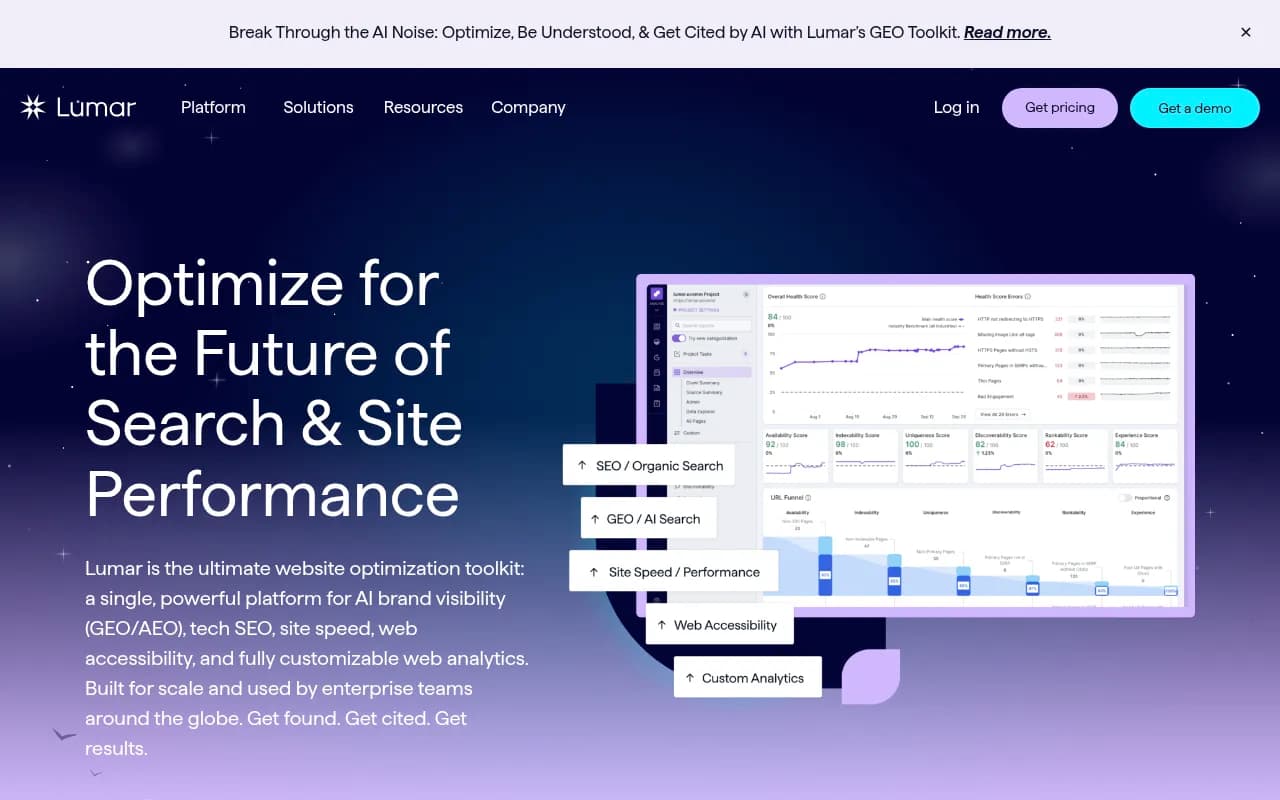
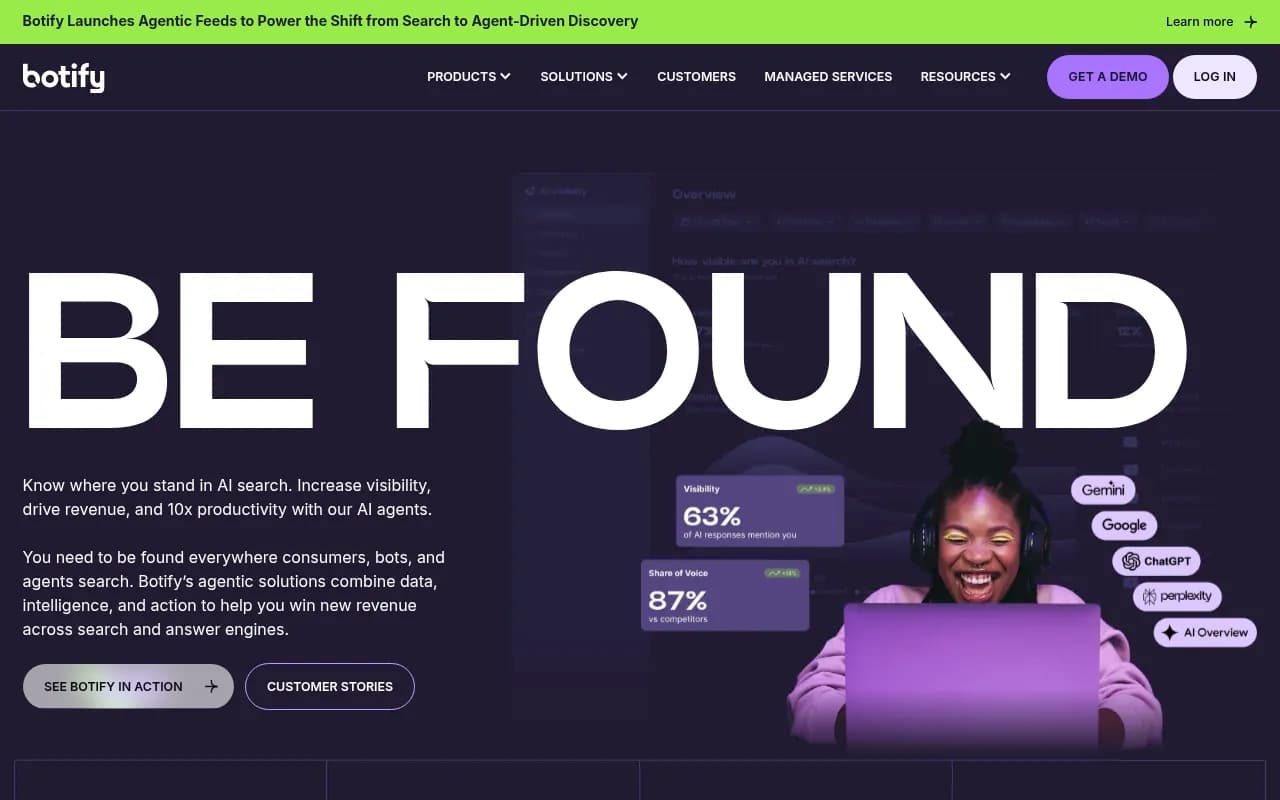
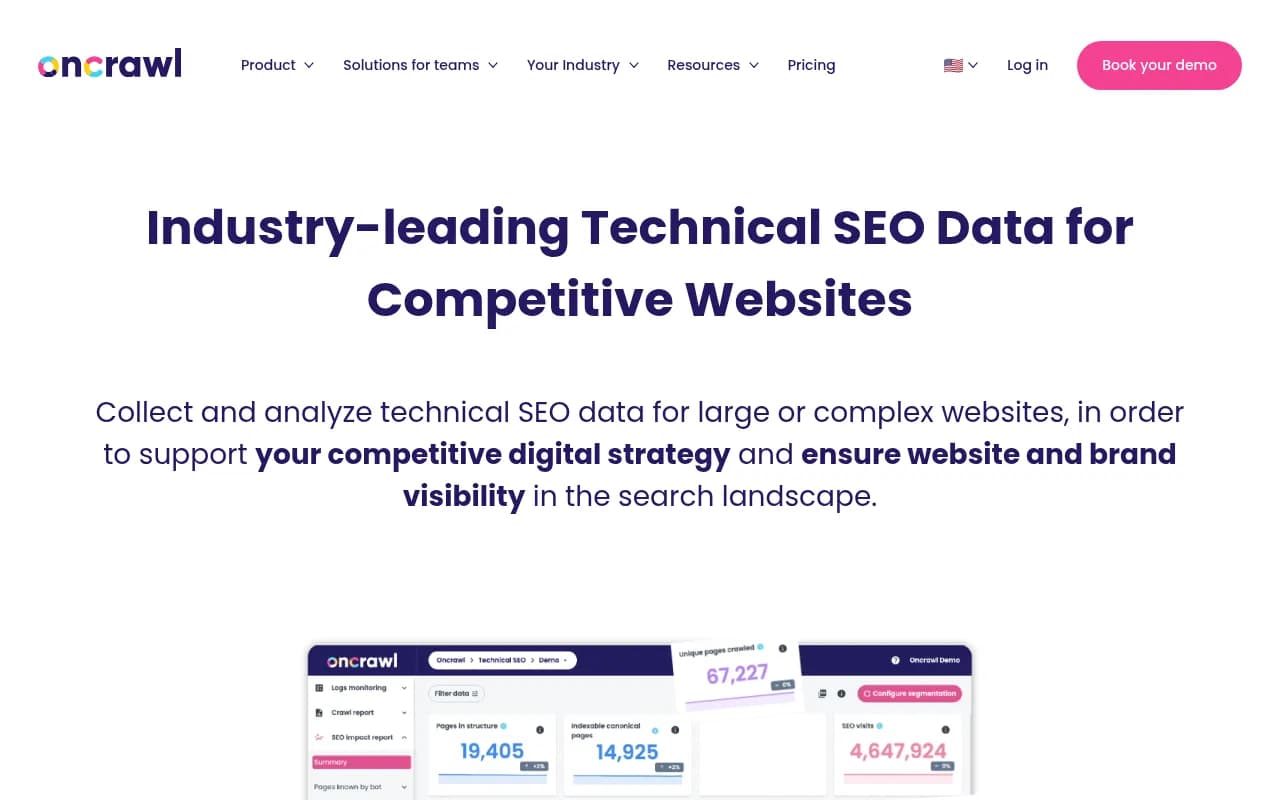
Lumar and Botify both cross-reference crawl data with Search Console and log files, and both now fold in AI search visibility. Oncrawl is strong on log analysis at scale. FandangoSEO is a lighter crawler and log analyzer if the enterprise price tags are out of range.

Google Search Console is still the referee
Every third-party crawler is simulating Google. Search Console reports what Google actually did. Use the Indexing and Pages reports to find crawl anomalies, soft 404s, and canonicalization conflicts, then validate fixes directly. When a crawler says a page is indexable and GSC says "Crawled, currently not indexed," trust GSC and investigate why.
Schema: generate it with AI, validate it by hand
Schema is where AI helps most and misleads most. An LLM will happily produce valid-looking JSON-LD for properties your page does not support, which is how sites end up with conflicting or redundant structured data. Agencies doing schema audits describe the job as removing redundant, outdated, missing, and conflicting markup, then building entity relationships (Organization, FAQ, Breadcrumb, Software) that give search systems and LLMs clearer context.
Tools to consider:
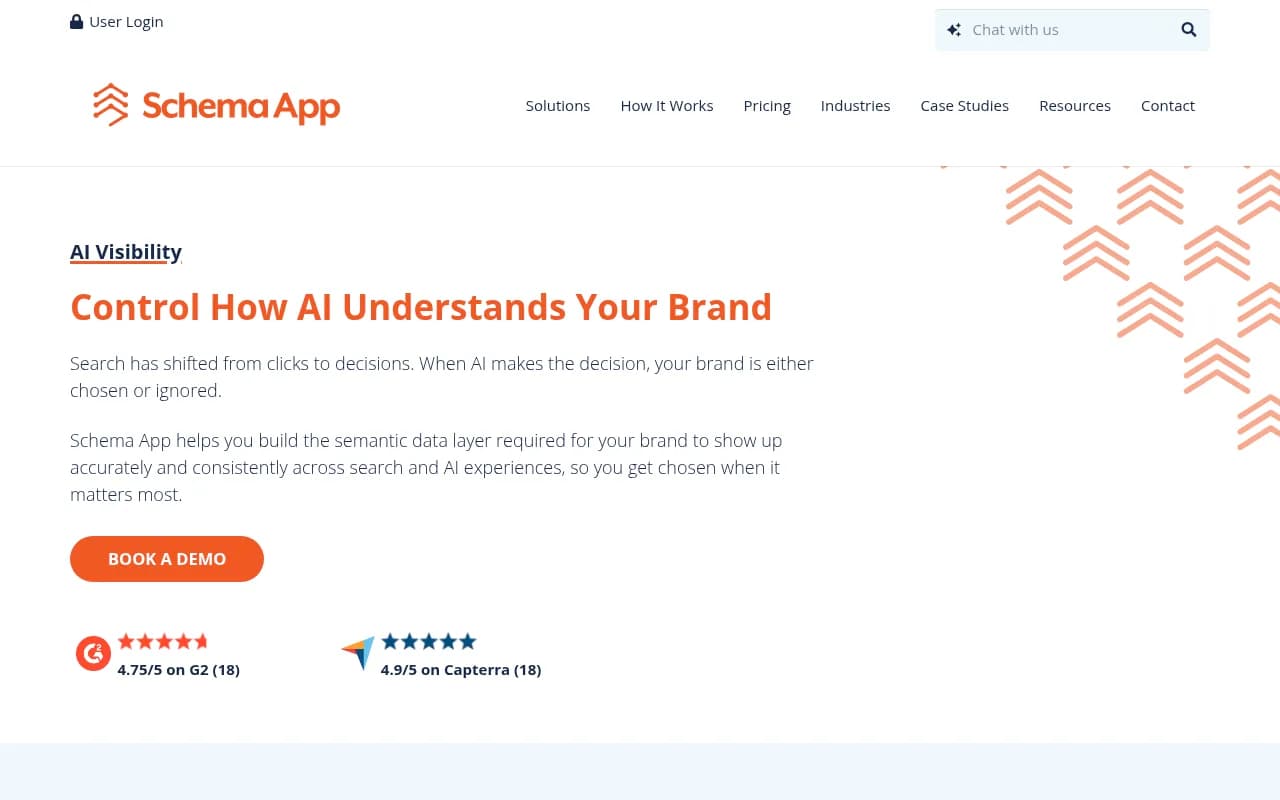
- Schema App for managing structured data at scale, built around entity-based markup.
- AIOSEO and Yoast SEO for WordPress sites, where schema generation sits next to an on-page audit checklist.
- Semrush and Ahrefs site audits to catch structured data errors after the fact.
My rule: let AI draft, then run every template through a validator and spot-check live pages. Schema bugs are template bugs, so one fix usually covers thousands of URLs.
The AI crawler problem most audits miss
Here is where 2026 technical SEO genuinely differs. Traditional audits tell you whether Googlebot can crawl you. They rarely tell you whether GPTBot, ClaudeBot, or PerplexityBot can, or what those bots do once they arrive.
Promptwatch Data tracked IP-verified AI crawler requests from June 8 to September 6, 2026. OpenAI made up 79.8% of verified requests in the week of Aug 31 to Sep 6, down from 94.8% in the week of Jun 8, as Anthropic, Google, Perplexity, and Mistral grew their share. The full breakdown is in Promptwatch's AI crawler traffic report. Their advice is blunt and correct: check robots.txt, CDN, and WAF rules for every AI provider, because a block that looked harmless a year ago can now cut you off from the providers that dominate the mix. And if a provider is large in the report but near zero in your logs, you are probably blocked or unreachable.
This is the job of crawler log analysis, and Promptwatch does it with IP-verified logs that filter out spoofed user agents, working with Cloudflare, Vercel, Fastly, and raw server logs. It also layers weekly site audits and per-page citation data on top, so you can see which crawled pages actually get cited.

If you want to compare options, the GEO software directory at bestgeosoftware.com lists others in the category. For a technical-only fix, Prerender.io targets rendering for bots.
Fix rendering before anything exotic
AI crawlers tend to read raw HTML and skip whatever your JavaScript framework renders later. Several audit tools now measure how much of your content only appears after JavaScript runs. That check is worth more than most of the rest of an AI-readiness audit.
Project-level proof that exotic tactics are not the answer: in Promptwatch's markdown report (7-day window, February 2026, across ChatGPT, Claude, Perplexity and AI Overviews), HTML pages took 99.94% of citations and markdown files just 0.05%, roughly 2,000 to 1. The advice from that report: skip .md mirrors of marketing and blog pages, fix client-side rendering first, use clear heading hierarchy and semantic markup, and keep .md endpoints for developer documentation that coding agents fetch directly.
Also review llms.txt and robots.txt rules deliberately rather than copying a template. Blocking the wrong bot is one line and can cost you months.
Building a stack that works together
The tools overlap less than they seem to. A sensible sequence:
- Run a focused crawl with Screaming Frog or Sitebulb on priority templates (high-revenue categories, top landing pages). Export 4xx errors, redirect chains, and missing canonicals.
- Cross-check in Search Console to see what Google actually indexed and which pages it chose to ignore.
- Run a cloud audit (Semrush, Ahrefs, SE Ranking) on a weekly schedule for monitoring and ticket creation.
- Check AI crawler access through log analysis and AI search checks. Confirm each major AI bot can reach your key pages and see the content in raw HTML.
- Validate schema on templates and fix at the template level.
- Report with Looker Studio or AgencyAnalytics so engineers and stakeholders see progress.
For sizing your budget, the free layer (Search Console, PageSpeed Insights, Lighthouse, Screaming Frog's free version) covers small sites well. Pay when you need larger crawl limits, scheduled audits, progress tracking, or alerts when new issues appear.
Common mistakes with technical SEO tools
Treating severity as impact
A crawler flags 8,000 missing alt attributes as a warning and one noindex tag on your pricing page as a notice. Severity labels are generic. Sort by what touches revenue pages first.
Letting autonomous fixers ship unreviewed
Tools that deploy fixes in real time are tempting for agencies with 100 sites. They are also how a bad canonical rule reaches every page overnight. If you use them, keep an approval step and a rollback path.
Skipping the verification loop
The checks that prevent self-inflicted damage:
- Run a small targeted re-crawl on only the fixed URLs to confirm the error is gone.
- After deployment, run a full crawl to catch side effects elsewhere, such as a server-side change that spikes time to first byte sitewide.
- Compare crawls before and after, not just the latest one.
Trusting one tool
Tools disagree. Resolve the disagreement against Search Console and server logs, not by picking the tool you like better.
Which tool for which situation
| Situation | Start with |
|---|---|
| Solo consultant, small sites | Screaming Frog free plus Search Console |
| Agency with recurring audits | Semrush or SE Ranking, plus Screaming Frog |
| JavaScript-heavy site | Screaming Frog (JS rendering), SE Ranking, Lumar |
| 500K+ URLs, crawl budget concerns | Lumar, Botify, or Oncrawl with log files |
| WordPress site wanting schema and basics | AIOSEO or Yoast SEO |
| Need to know what AI bots do on your site | Crawler log analytics such as Promptwatch |
For a wider look at AI-assisted SEO software, the agentic SEO tools directory is a useful pointer.
Where to start this week
Crawl your ten most valuable templates, compare against Search Console, and then check your robots.txt and CDN rules against every AI crawler you care about. That order takes an afternoon and finds the problems worth fixing first. If you would rather hand the work to people, 1001 SEO Media runs technical audits and AI search work for agencies and brands, but the stack above is enough to get most of the way yourself.