Key takeaways
- Elmo is the most mature open-source AI visibility tracker right now. It is MIT-licensed, runs on Docker Compose and keeps every raw answer in your own PostgreSQL database.
- "Free" is not free. You still pay for model API keys, a mention-judging key and, if you want what real users see in ChatGPT and AI Mode, a scraping provider.
- Self-hosted trackers measure prompt answers only. They do not tell you whether AI crawlers can read your site, so you need CDN or server logs on top.
- Self-hosting makes sense for teams with developers, many prompts or strict data rules. For a solo marketer, a hosted tool is usually cheaper once you count your time.
What an open-source AI SEO stack actually is
I want to be upfront about something. "Open-source AI SEO" is a narrow category. Plenty of self-hosted software exists, but very little of it is built for answering the question marketers now ask: how do ChatGPT, Gemini, Perplexity and Google AI Overviews talk about my brand?
So the stack has layers, and each one has a different open-source story:
- Visibility tracking: what AI engines say about you and which sources they cite.
- Crawl and technical checks: can machines read your site?
- Automation: moving data between tools and triggering reports.
- Analytics: knowing what traffic you actually got.
- Optional local AI: running your own models for drafting or classification.
The first layer is where the interesting new projects are. The rest is mostly mature software you may already run.
Layer one: open-source AI visibility trackers
Elmo
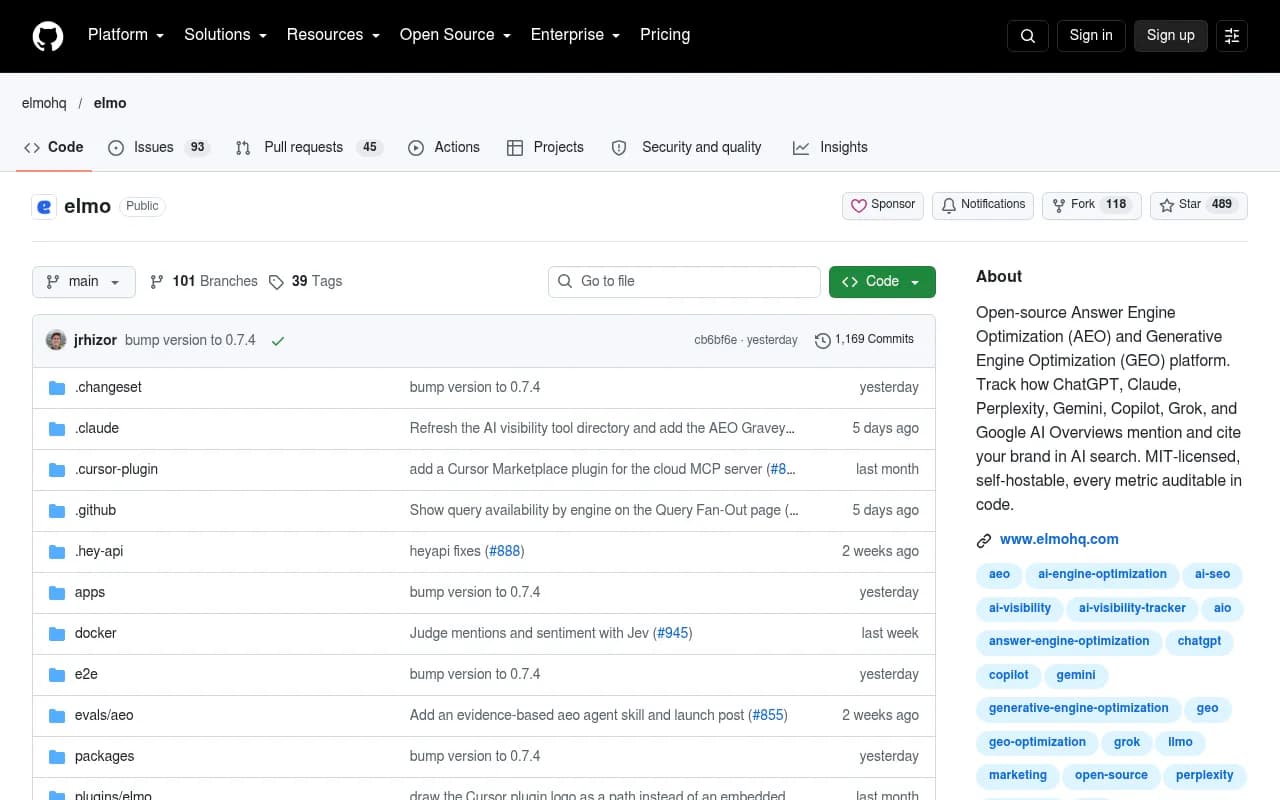
Elmo is an MIT-licensed AEO and GEO platform. It tracks how ChatGPT, Claude, Perplexity, Gemini, Copilot, Grok, Google AI Overviews and AI Mode mention, cite and describe your brand. Its marketing site claims 200+ brands use it, which is a vendor claim, so treat it as such. The GitHub repo is active: the latest release I saw was v0.7.4, bumped on October 23, 2026, with 1,169 commits and 39 tags.
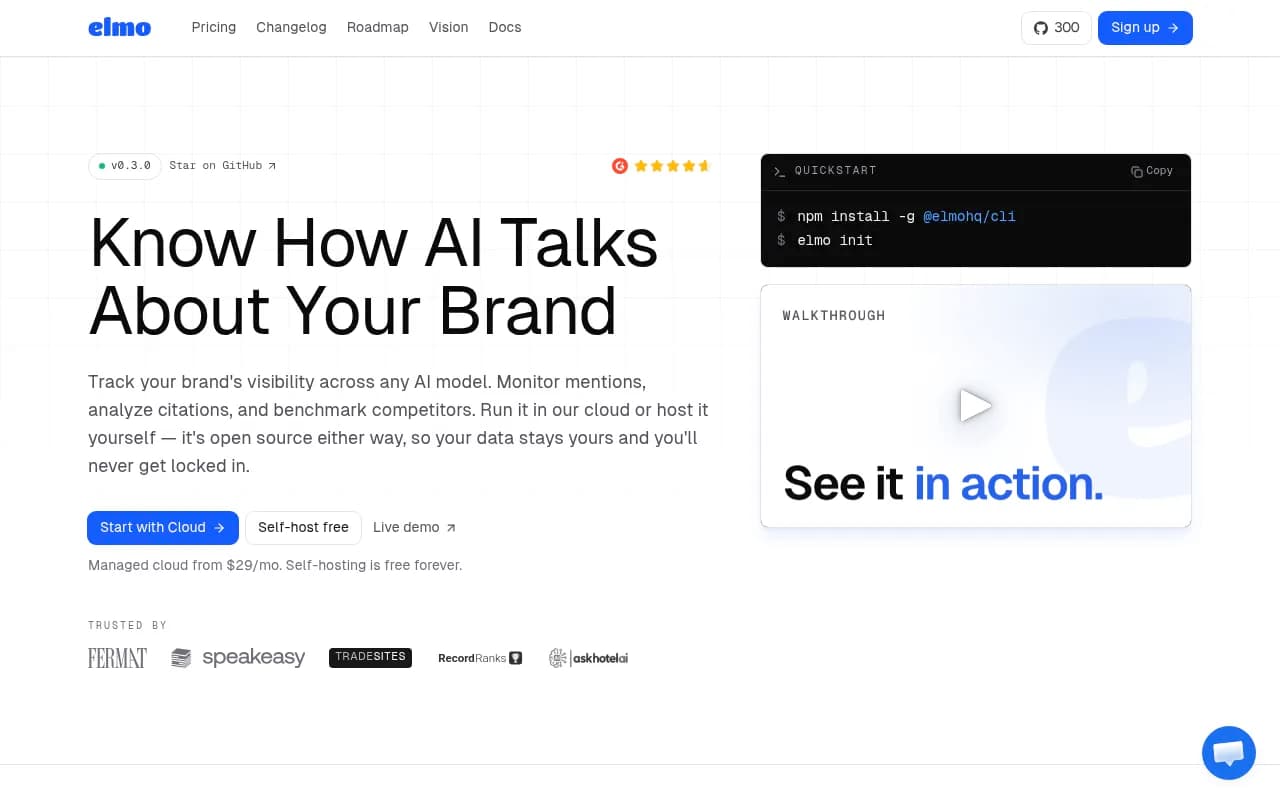

What I like is that the dashboard covers the metrics you would expect from a paid product: visibility, share of voice, sentiment, position, a responses view with every raw answer, query fan-outs, citations and a ranked opportunities list. The scoring code is public, so when a number looks odd you can read how it was calculated. That is rare in this market.
Elmo gets its data two ways. It scrapes what real users see in popular AI search tools, and it hits other models through direct API calls and OpenRouter. That distinction matters. User-facing answers and citations can differ from API output, so an API-only setup can flatter or punish you without you realizing it.
Setting up Elmo
The official getting-started docs say setup takes under five minutes through the CLI. You need:
- Docker Engine 24+ with Docker Compose v2
- Node.js 18+ for the CLI
- At least one AI provider key (OpenAI, Anthropic or OpenRouter)
- A key for the judging service that decides whether an answer mentions your brand and how it feels about it
- Ideally a scraping provider, to capture the real ChatGPT and AI Mode experiences
Then it is three commands:
npm install -g @elmohq/cli
elmo init
elmo compose up -d
The wizard asks about your config directory, whether to run PostgreSQL in Docker or point at an existing DATABASE_URL, which providers to use, and whether to expose it on localhost or a domain behind a reverse proxy. It writes an elmo.yaml and a .env, and the dashboard comes up at http://localhost:1515. Day-to-day, elmo compose logs -f, elmo compose ps and elmo compose down cover most of what you need.
The architecture is simple: a web service for the dashboard and REST API, a worker that schedules and runs prompts, and Postgres as both database and job queue. Simple is good. Fewer moving parts means fewer 2 a.m. surprises.
What it really costs
This is where the "self-host for free" line needs a footnote. The docs put mention judging at roughly $0.15 to $0.35 per 1,000 answers, which works out to about $2 to $4 a month for 25 daily prompts across 3 platforms. That is cheap. Scraper fees are the bigger variable, and the supported scrapers (Cloro, BrightData, Oxylabs, SearchApi, Olostep, DataForSEO) all charge. Some of the links in the docs are affiliate links, worth knowing when you pick one.
If you would rather not run it yourself, there is a hosted cloud version, which the README lists from $29 a month. I did not verify that on the pricing page, so check before budgeting.
Ansvisor
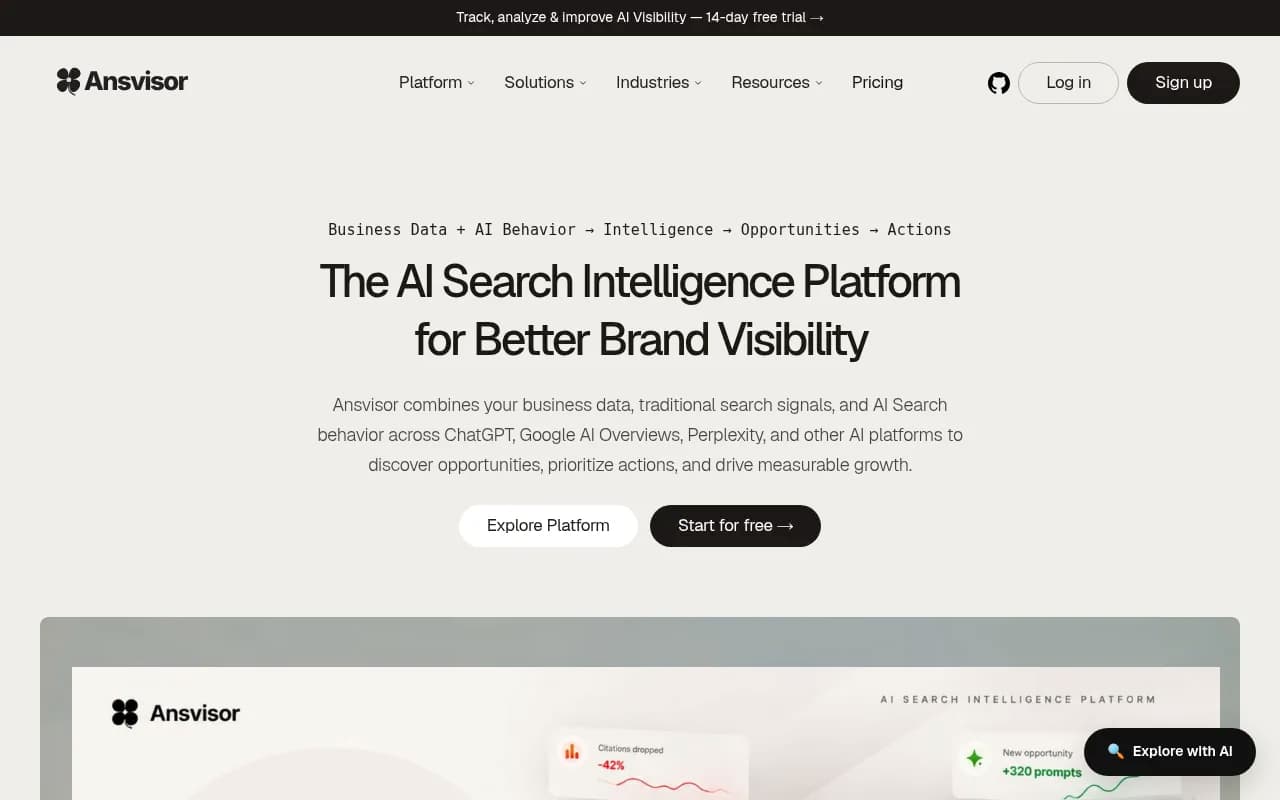
Ansvisor is the other open-source name that keeps coming up. A comparison on its own blog groups it with Elmo as an MIT-licensed option, and lists six engines including Copilot, with Claude on Enterprise plans. That comparison is published by Ansvisor itself, so read it as a vendor view. I did not verify its release cadence or adoption, so I would trial it side by side with Elmo before committing.
How they compare to hosted trackers
| Tool | Open source | Self-hostable | Data ownership | Typical cost model |
|---|---|---|---|---|
| Elmo | Yes (MIT) | Yes, Docker Compose | Your own PostgreSQL | Free self-hosted plus API and scraper costs; cloud from $29/mo |
| Ansvisor | Yes (MIT) | Yes, also cloud | Depends on deployment | Cloud plans; verify current pricing |
| Otterly.AI | No | No | Vendor-hosted | Subscription |
| Peec AI | No | No | Vendor-hosted | Subscription |
| Profound | No | No | Vendor-hosted | Enterprise pricing |



A note on "AI Monitor" and similar names
I went looking for a notable open-source project called "AI Monitor" and found nothing solid I could verify. Plenty of tools use similar naming, and several smaller trackers in the directory have free or bring-your-own-key plans, such as Llumo, but free and bring-your-own-key does not mean open source. If you see a tool described as open source, check for a public repository and a license file before building a workflow around it.

Layer two: the gap self-hosted trackers do not cover
Here is the limitation people miss. Elmo and its peers record prompt answers. They do not record who visits your site. Whether GPTBot, ClaudeBot or PerplexityBot can actually reach your pages is a separate question, answered by server or CDN logs.
That gap matters more than it looks. According to Promptwatch's AI crawler traffic data for June 8 to September 6, 2026, OpenAI accounted for 79.8% of IP-verified AI crawler requests in the week of August 31 to September 6, down from 94.8% in the week of June 8. The mix is shifting. The same report suggests comparing your own logs with that split: a provider that is large in the chart but near zero in your logs points to a robots.txt, CDN or WAF block.
For a DIY version, you have two options:
- Pull raw logs from your CDN (Cloudflare Logpush, CloudFront, Fastly) and filter by user agent, then verify IP ranges against each operator's published lists so spoofed bots do not pollute the numbers.
- Use a platform that does the verification for you. A tool like Promptwatch ships IP-verified crawler logs, plus visitor analytics that tie AI traffic to conversions, which a pure tracker cannot do.

I would not try to build the IP verification yourself unless you enjoy maintaining lists of ranges that change without notice.
Layer three: the self-hosted plumbing worth running
The tracker is the headline, but the stack lives or dies on the boring parts.
n8n for automation
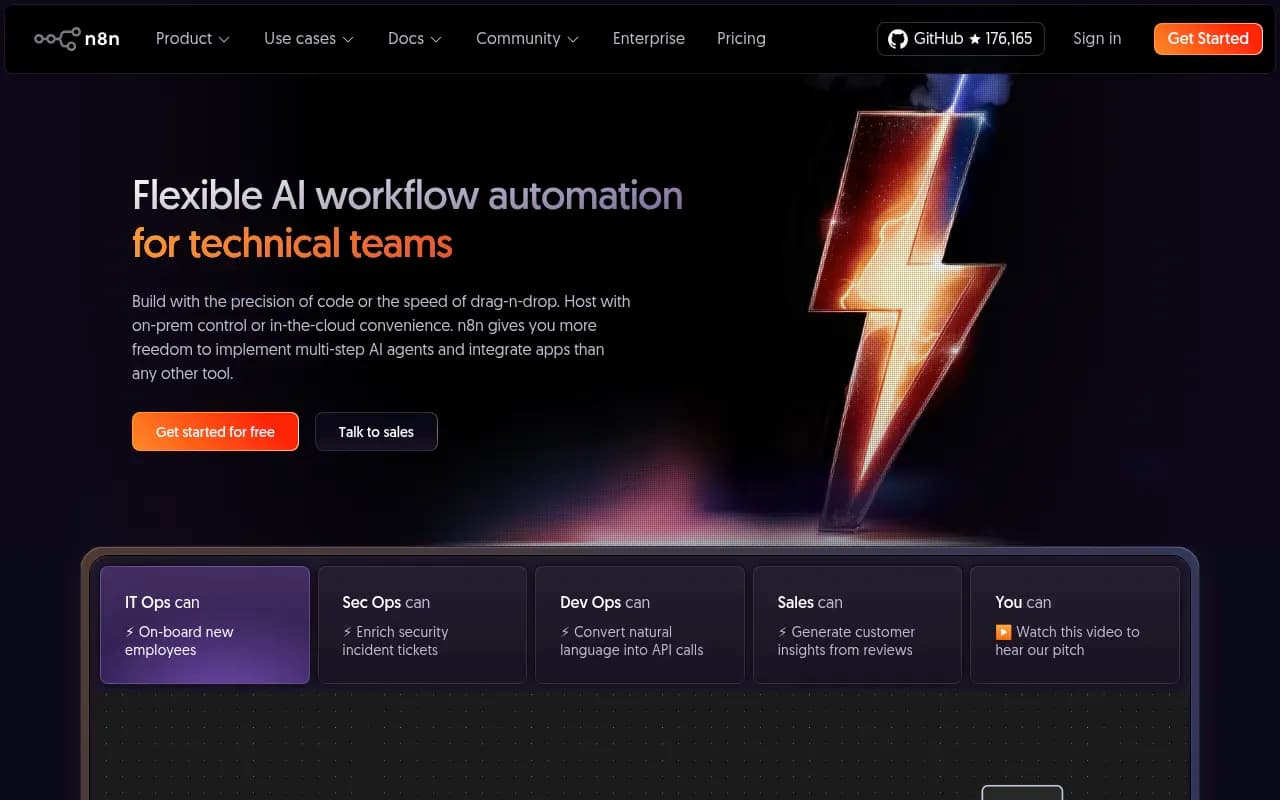
n8n is open-source workflow automation with code flexibility. It is a natural way to pipe Elmo's REST API into Slack alerts, a weekly Google Sheets report or a ticket whenever your share of voice drops. Elmo also exposes an MCP server and TypeScript and Python SDKs, so you have options beyond n8n if your team prefers writing code.
Screaming Frog and Google Search Console
Screaming Frog is not open source, but it runs on your own machine and remains the standard for technical crawl checks. Pair it with Google Search Console, which is free, to find pages that rank in Google but never get cited by AI. That comparison is where most real content decisions come from.

Plausible CE for analytics
One self-hosting roundup from Kunal Ganglani puts Plausible Community Edition at about 20 minutes of setup and calls it the strongest self-hosted analytics alternative. It is a sensible way to measure referral traffic from AI platforms without handing data to another vendor. Its AI referral coverage depends on referrer headers, which are inconsistent, so do not expect perfect attribution.
Local models with Ollama
Ollama is the easy way to run local models for drafting, tagging and classification. Be careful here. Using a local model to write content is cheap. Using it to judge brand mentions in tracker output is a different matter, because quality varies by model and you want consistent scoring. Elmo's default approach of a dedicated judging service exists for a reason.
What self-hosting really costs in time
The same Ganglani piece estimates that self-hosting adds 2 to 4 hours a month of updates, backups and debugging. I think that is honest, and it is the number most people skip. If a team of five would otherwise pay per seat for a tracker, self-hosting wins. If you are one marketer with 20 prompts, the hosted option almost certainly costs less once you count your hours.
| Situation | Self-host | Use hosted |
|---|---|---|
| Developer on the team, 100+ prompts | Good fit | Possible |
| Strict data residency rules | Good fit | Often blocked |
| Solo marketer, under 50 prompts | Rarely worth it | Better fit |
| Agency needing client reports | Possible with extra work | Usually easier |
| Need crawler logs and AI traffic attribution | Needs extra tooling | Better fit |
Where the open-source stack falls short
Be realistic about what you give up.
- Action, not just monitoring. Elmo does show ranked opportunities, but it does not write and publish content for you or check whether a published page got crawled and cited. Platforms like Promptwatch close that loop with a content agent, an action board and page-level tracking.
- Crawler visibility. As covered above, you need a second data source.
- Scale of prompt data. Hosted platforms with large datasets can supply prompt volumes and difficulty scores. A self-hosted tracker only knows the prompts you give it.
- Support. You have a Discord community and GitHub issues, not an account manager.
If you want to browse more options before deciding, the GEO software directory at bestgeosoftware.com lists both open-source and commercial trackers.
A starter stack I would actually run
For a developer-led team that wants control without a sprawling setup:
- Elmo on a small VPS with Postgres, tracking 25 to 50 prompts across ChatGPT, Gemini, Perplexity and AI Overviews, with one scraper for the real UIs.
- n8n pulling weekly visibility and citation summaries into Slack.
- CDN logs filtered for AI user agents, checked against published IP ranges.
- Google Search Console plus a weekly Screaming Frog crawl for technical health.
- Plausible CE for traffic, accepting its attribution limits.
Start small. Run Elmo for a month, see which prompts reveal anything useful, then decide whether the missing pieces justify paying for a platform. If you want help turning the data into a strategy rather than another dashboard, an agency like 1001 SEO Media does that work for brands trying to get cited in AI search.
Final thoughts
Elmo earns its reputation for being the open-source pick, and the transparency of its scoring is a real advantage. But the honest summary is that open source gets you monitoring and ownership of your data. It does not get you crawler diagnostics, traffic attribution or automated content fixes without extra work. Decide what you need from each layer, price your own time, and mix open-source and hosted tools accordingly.