Key takeaways
- A query fan-out is the set of hidden web searches ChatGPT runs behind a single prompt. They show you the sub-questions your content has to answer to get cited.
- Fan-out depth moves around. Promptwatch Data shows roughly 1.0 per response in April 2026 and about 1.83 after August 8, 2026, so treat any single average as a snapshot.
- Don't build a page per fan-out query. Cluster them into themes and plan one article per theme.
- Match each article to a format ChatGPT actually cites: product pages, landing pages, listicles, how-tos and docs lead.
- Re-run the analysis after big ChatGPT changes. Fan-out maps built before August 8, 2026 are stale.
What a query fan-out is, and why it should drive your editorial calendar
When someone asks ChatGPT "what are the best project management tools for remote teams?", it doesn't search that sentence once. It runs several shorter searches, things like a comparison, a pricing query, a year-stamped query, a review query, and merges the results into one answer.
Those hidden searches are fan-outs. They matter for planning because they are the closest thing you get to a list of what the model wants from a page. Peec AI's analysis of 5 million fan-outs (April 1 to 21, 2026) found ChatGPT keeps injecting words like "best" and "reviews" and adding the current year. Researcher Metehan Yesilyurt also reported that ChatGPT appears to combine results using Reciprocal Rank Fusion, which in plain terms means a page that surfaces for several sub-queries beats a page that surfaces for one.
That's the whole logic of this guide. Collect the sub-queries, find the themes, and plan ten articles that each cover a theme properly.
How deep are fan-outs right now?
Vendors love to say a prompt triggers 8 to 15 searches. The measured numbers are lower and they wobble. Promptwatch Data on ChatGPT query fanouts says a single prompt can trigger 3 to 8+ searches, but the average was 2.15 per response in early December 2025, about 1.84 by early March 2026, and exactly 1.0 when fan-outs returned in April. Average query length also fell from about 117 characters to roughly 53, which is six to eight words.
Then on August 8, 2026, things shifted again. ChatGPT started using the site: operator at scale: site: queries went from 0.37% to 16.8% of fan-out queries in a day, and average fan-outs per response rose from about 1.08 to about 1.83. Those site: searches are added on top of the generic ones, not instead of them.
Two consequences. Short, plain queries are what you're optimizing for, not long conversational ones. And any fan-out spreadsheet you built before August 8 needs redoing.
Step 1: Pick 10 seed topics you can actually win
Start with where you already have some footing. Google Search Console is the obvious place: pull queries where you rank on page one or two but don't dominate. Pages that already rank give you a better shot at appearing across multiple fan-out searches, since ChatGPT's retrieval leans on a search index.
Aim for 10 seeds, each one a broad prompt a real buyer would type. Mix three kinds:
- Commercial prompts ("best CRM for small agencies")
- Informational prompts ("how to set up lead scoring")
- Branded or comparison prompts ("Brand X vs Brand Y")
If you want a quick source of real-world phrasing, AnswerThePublic and AlsoAsked are both good for seeing the questions people attach to a topic.
Step 2: Collect the fan-outs
There are three ways to do this, from free and slow to paid and fast.
The manual way: DevTools
Open ChatGPT, trigger a search-enabled answer, then open Chrome DevTools and go to the Network tab. Per Goodie's walkthrough, you filter by your conversation ID, open the fetch/XHR responses and search for search_model_queries. You'll see the queries ChatGPT sent out.
This works, but the caveats are real. It only fires when ChatGPT actually searches. Not every model exposes the data. And the queries are probabilistic, so the same prompt gives different variants on a second run. It's fine for sanity-checking two or three prompts. It's miserable for ten.
Free extractors and generators
Goodie's guide mentions LLMrefs as having a free ChatGPT search query extractor, and the fan-out framework from Cyrus Shepard recommends QueryFan and Qforia, which generate simulated fan-outs from a Gemini or OpenAI API key. Generated fan-outs are a model's guess, not ChatGPT's real behavior. Useful for brainstorming, weaker as evidence.

Promptwatch also offers a free ChatGPT Query Fan-Out Generator and a GEO Inspector Chrome extension that shows fan-outs and fetched versus cited sources as you use ChatGPT.
Tracking tools that log real fan-outs
If you're doing this every month, use a tracker that records the actual fan-outs per prompt. Peec AI shows the latest fan-out queries for any tracked prompt, and Promptwatch adds monthly prompt volumes, difficulty scores and the exact web searches AI runs per response, recorded from the real ChatGPT interface rather than the API.


Whichever route you take, the sampling rules from Goodie are worth borrowing: collect 20 to 30 related prompts per category and run each at least 3 times, because single runs are noisy.
Step 3: Cluster the fan-outs into themes
Dump everything into a spreadsheet: seed prompt, fan-out query, run number. Then tag each fan-out with a theme. You'll see the same patterns repeat:
- Comparison ("X vs Y", "alternatives to X")
- Pricing and cost ("free", "pricing", "cost")
- Reviews and risk ("reviews", "complaints", "pros and cons")
- Freshness (the current year, "latest")
- Use case or audience ("for small agencies", "for remote teams")
- How-to ("how to set up")
85SIXTY's analysis found that 95% of fan-out phrases show zero monthly search volume in keyword tools, which is why you can't rely on a normal keyword export to find them. It also found a year stamp like "2024 2025" in about 6% of fan-outs. Don't prune a query because the volume is zero. Prune it because it doesn't belong to a theme that shows up across several prompts.
The rule that keeps you out of trouble is the one Goodie hammers on: fan-out queries aren't keywords to build one page each. They shift on every run. A theme that appears in 12 of 30 runs is a signal. A single odd query is noise.
Step 4: Turn themes into 10 articles
Now count. You should end up with somewhere between 8 and 15 recurring themes. Rank them by two things: how often they appeared across prompts, and how weak your current coverage is. The top 10 become your articles.
A quick scoring grid helps:
| Theme | Appears in (of 30 runs) | Do you cover it? | Action | Priority |
|---|---|---|---|---|
| Pricing comparison | 14 | No page | New article | High |
| Alternatives to X | 11 | Thin section | New article | High |
| Reviews and complaints | 9 | Partial | Refresh existing page | Medium |
| Use case: agencies | 8 | No page | New article | High |
| How-to setup | 6 | Covered | Leave alone | Low |
These numbers are illustrative, but the structure is real. Notice that some rows say "refresh" or "leave alone." Not all ten items need to be new pages. If a theme is partly covered on a page that already ranks, updating that page is often smarter than splitting off a new one. Zyppy's gap-analysis approach makes the same call: decide per theme whether it belongs on the same page or becomes separate content.
Build a cluster, not a mega-page
Promptwatch's fan-out data recommends a cluster of focused pages over one giant page, and Similarweb and Conductor say the same thing about pillar pages: one pillar covering the broad question, linked to subpages for the specific sub-intents like comparisons, pricing and objections. Put your broadest seed on the pillar, and let the other articles each take one theme.
Step 5: Match each article to a format ChatGPT actually cites
The topic is half the job. The format matters too. Promptwatch's ChatGPT citation share by content type (September 28 to October 4, 2026) shows what gets cited:
| Content type | Share of ChatGPT citations |
|---|---|
| Product pages | 22.4% |
| Landing pages | 16.8% |
| Listicles | 13.6% |
| How-tos | 8.7% |
| Documentation | 7.5% |
| General articles | 6.1% |
| Comparisons | 5.9% |
| News | 5.7% |
| FAQ | 3.3% |
| Reviews | 1.7% |
Split by prompt type, commercial prompts lean even harder on product pages (26.0%), landing pages (20.6%) and listicles (15.0%), with comparisons at 7.9%. Informational prompts shift toward how-tos (10.7%) and documentation (8.5%).
So a practical mapping for your ten:
- "Best X for Y" themes become listicles, with review snippets and ratings woven in, since reviews are a heavily injected term in fan-outs
- Pricing and feature themes become product or landing pages
- "How to" themes become step-by-step guides or documentation
- "X vs Y" themes become comparison pages with a table
One thing to keep in mind on shelf life. Promptwatch's content half-life report found landing pages and docs stay cited longest, while news lost half its pages within 36 days. If a planned article is news-flavored, schedule a refresh. If it's evergreen, it'll hold up longer.
Step 6: Write each article so it answers the fan-outs
Once an article has its theme list, write against it.
- Use headings that read like the search queries. Promptwatch recommends something like "Best CRM for small agencies 2026" with the entity and category up front in titles and H2s.
- Lead with a direct answer. Conductor's advice is blunt: the longer a bot takes to find the answer, the likelier it grabs another source.
- Keep paragraphs short, add a comparison table, and add an FAQ block for the hidden sub-queries.
- If it's a "best tools" piece, include what users say, link credible review sources and show ratings. Peec's data suggests ChatGPT goes looking for reviews even when nobody asked.
- Put the current year where it's true and useful. A year stamp shows up in a noticeable slice of fan-outs.
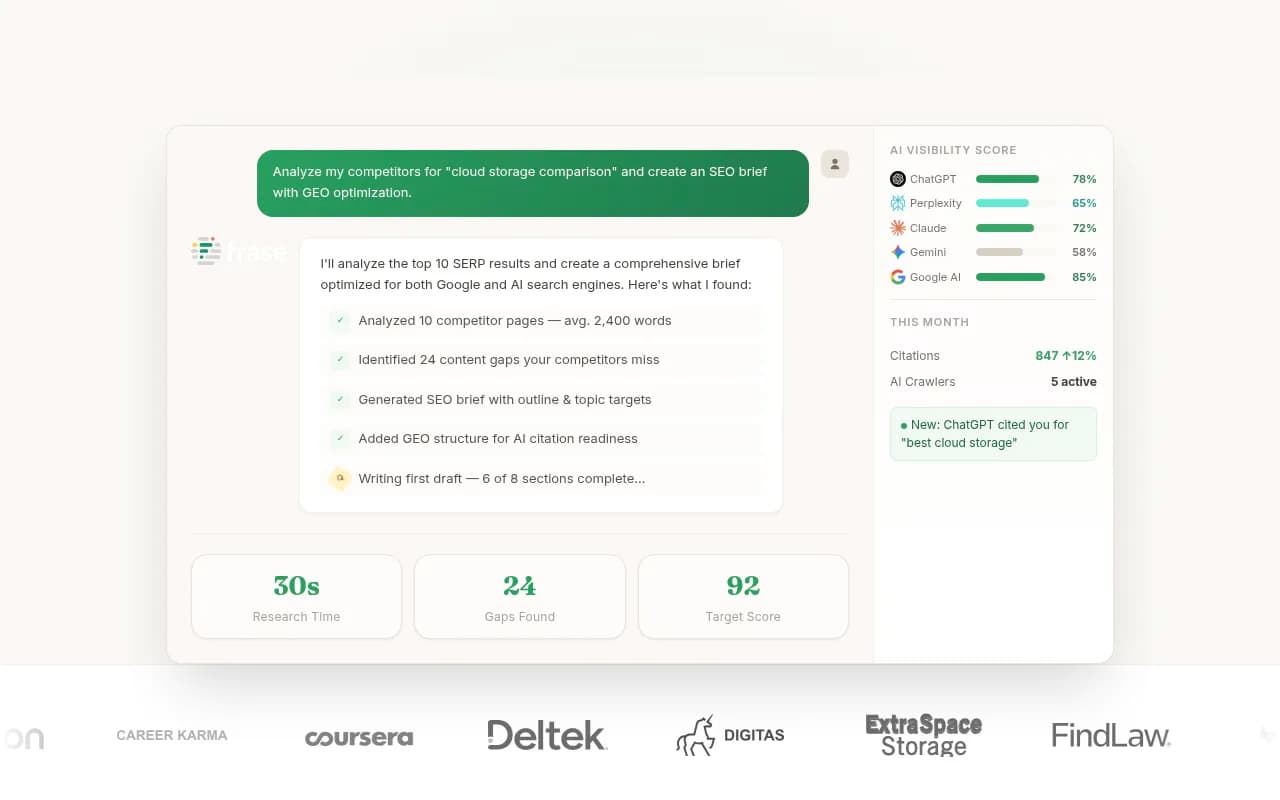
For drafting and optimization help, tools like Clearscope, Surfer SEO and Frase can check topic coverage against what you've collected, though none of them see ChatGPT's actual fan-outs. Treat them as a second opinion on structure, not a replacement for Step 2.

Make your own site a retrieval surface
Since the August 8 site: shift, ChatGPT searches individual domains more often. Promptwatch's advice is to treat your domain as something that gets searched directly: thin category pages, broken internal search and unindexed content now cost you answers. Before publishing ten new articles, confirm the existing ones are crawlable and indexed. A crawler like Screaming Frog will catch the obvious problems.

Step 7: Sequence the ten and ship in waves
Don't publish all ten at once and hope. A profound-community thread on fan-outs suggested a quick-wins approach: optimize the first five, then expand to the next five if you don't see a clear lift. That's sensible, and it also gives you a read on whether your theme selection was right.
A simple order:
- The pillar page for your highest-priority seed
- The two or three comparison or pricing pieces (highest fan-out frequency)
- The use-case pages
- The how-tos and FAQ-style content
- Refreshes of existing pages with partial coverage
Link every supporting article to the pillar and back. That internal structure is how you signal you cover the main question and the follow-ups.
Step 8: Measure, then re-run
Publishing is not the finish line. For each article, check whether ChatGPT is citing it, for which prompts, and whether any traffic comes through. You can do this by hand by re-running your 20 to 30 prompts monthly, or with a visibility tool. Options in the market include Peec AI, Profound, Otterly.AI and Promptwatch. Many of them stop at telling you whether you were mentioned; Promptwatch also logs AI crawler visits and AI-referred traffic, which tells you whether a new page was actually read and what it led to. For more options, the GEO software directory at bestgeosoftware.com lists a wider set.


Set a re-run trigger, not just a calendar. Re-collect fan-outs any time ChatGPT changes behavior. The March 2026 GPT-5.3 rollout cut average citations per response, and the August 8 site: shift changed the query mix overnight. Either one makes an older map unreliable.
Tool comparison for the fan-out workflow
| Task | Free or manual option | Tool option |
|---|---|---|
| Capture real ChatGPT fan-outs | DevTools Network tab | Promptwatch, Peec AI |
| Generate simulated fan-outs | QueryFan, Qforia | Promptwatch's free Fan-Out Generator |
| Find seed topics | Google Search Console | AnswerThePublic, AlsoAsked |
| Check coverage while writing | Manual review | Clearscope, Surfer SEO, Frase |
| Track citations over time | Manual re-runs | Promptwatch, Profound, Otterly.AI |
Common mistakes
- Treating every fan-out as a keyword. They change per run, so cluster into themes first.
- Relying on one sample. Run each prompt at least three times.
- Quoting old averages. The 2.1 fan-outs per prompt figure from earlier this year is out of date; depth has ranged from about 1.0 to about 1.83 since.
- Ignoring format. A great answer buried in a news-style post decays fast.
- Skipping crawlability. If ChatGPT can't fetch it, the best structure in the world won't matter.
A realistic first week
Day one, pull ten seeds from Search Console. Day two, collect fan-outs for 20 to 30 prompts, three runs each. Day three, cluster and score. Day four, assign formats and write briefs. After that, you're writing. It's more spreadsheet work than most content planning, but you end up with ten articles that each have a reason to exist, and a clear way to tell which ones worked.
For more on how AI engines pick sources, Promptwatch Data has the underlying research.