Oncrawl Review 2026
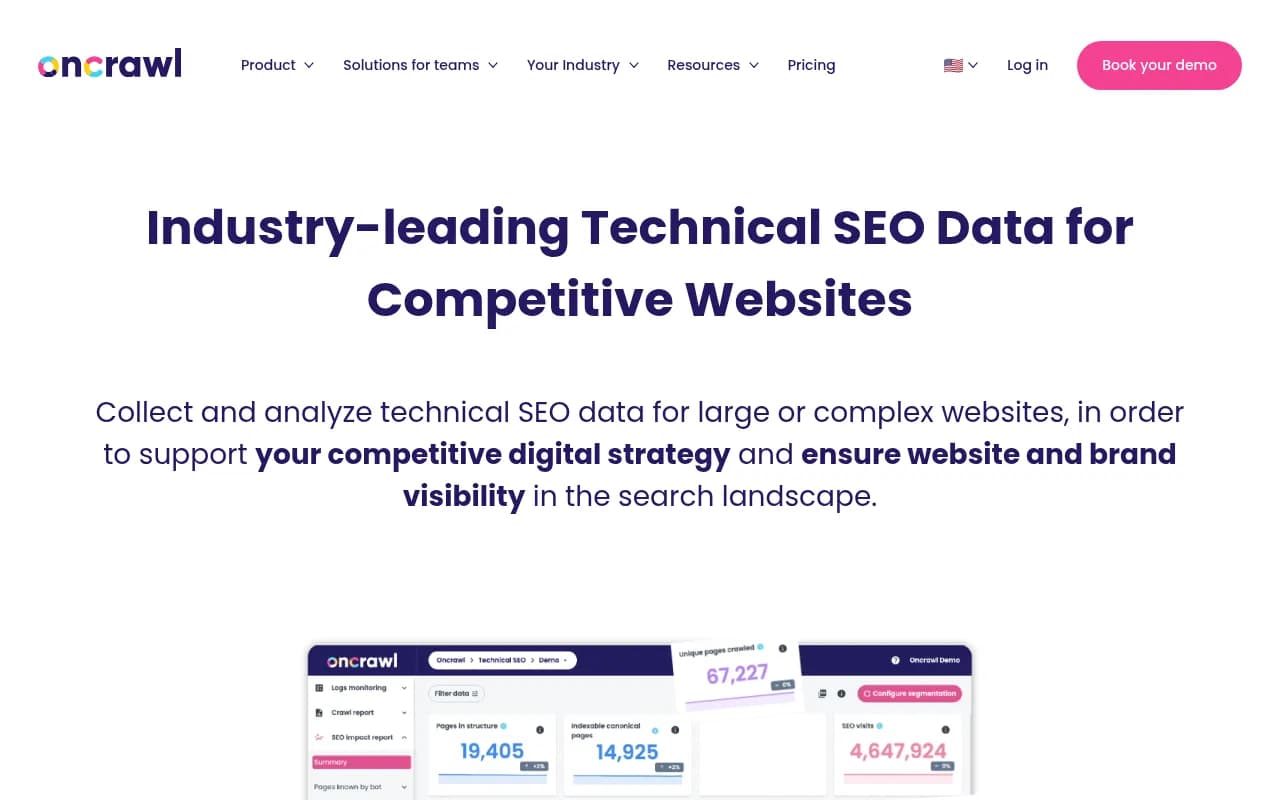
Oncrawl is an enterprise technical SEO platform combining cloud-scale site crawling, log file analysis, and AI-powered content evaluation. Built for large, complex websites like e-commerce and media sites with millions of pages.
Key takeaways
- Oncrawl is built for large, technically complex websites -- e-commerce, media, job boards -- where scale and data depth matter more than simplicity
- Pricing starts around $4,500/year with no monthly billing option, making it a significant commitment for smaller teams
- Strong on crawl data, log file analysis, and cross-data blending; weaker on AI search visibility compared to dedicated GEO platforms
- The new AI bot monitoring feature tracks LLM crawlers (OpenAI, Claude, Perplexity, Mistral) hitting your site, but this is crawler behavior data only -- not brand visibility or citation tracking in AI answers
- For teams that need to understand how AI models cite their content (not just crawl it), a dedicated platform like Promptwatch covers that gap with answer monitoring, content gap analysis, and AI traffic attribution
Oncrawl is a technical SEO platform built for websites where scale is the problem. Not "we have 500 pages" scale -- we're talking hundreds of thousands to millions of URLs, complex JavaScript rendering, faceted navigation, and the kind of crawl budget headaches that keep enterprise SEO teams up at night. The company is based in France and has been operating since around 2013, carving out a reputation in the enterprise and agency space as a serious data tool rather than a beginner-friendly dashboard.
The platform's core pitch is data depth. Where tools like Screaming Frog are desktop crawlers you run manually, Oncrawl runs in the cloud, handles massive sites without choking, and -- critically -- lets you blend crawl data with log file data and third-party sources like Google Search Console. That cross-analysis capability is where Oncrawl earns its price tag. You can see not just what's broken on your site, but which broken things are actually affecting crawl budget, indexation, and rankings.
The target audience is enterprise SEO teams, large digital agencies, and in-house SEO leads at companies with genuinely complex websites. Clients listed on the site include L'Oreal and similarly large brands. This is not a tool for a freelancer managing a handful of small business sites.
Key features
Site crawler with cloud-scale capacity
Oncrawl's crawler runs in the cloud, which means it isn't limited by your laptop's RAM or processing power. It handles JavaScript rendering, handles pagination and faceted navigation, and can crawl millions of pages without timing out. You can configure crawl speed, set custom user agents, exclude URL patterns, and schedule recurring crawls. The crawler collects the standard technical SEO data points -- status codes, redirect chains, canonical tags, hreflang, meta robots, page depth, internal linking -- but at a depth and volume that desktop tools struggle to match.
Log file analyzer
This is arguably Oncrawl's most differentiated feature. Log file analysis shows you what Googlebot (and other crawlers) actually did on your site, as opposed to what you think they did. You upload server logs and Oncrawl parses them to show crawl frequency by page, crawl budget distribution, pages that get crawled but never indexed, and pages that rank but rarely get crawled. Blending this with crawl data gives you a genuinely powerful view of crawl efficiency. Most SEO tools don't do this at all, or do it poorly.
AI bot monitoring
Oncrawl recently added detection of AI crawler traffic in log files. It identifies hits from bots associated with OpenAI (GPTBot), Anthropic (ClaudeBot), Perplexity, Mistral, and others. You can see which pages these bots are visiting, how frequently, and how their behavior compares to Googlebot. This is useful for understanding which parts of your site AI systems are reading during training or retrieval. Worth noting: this tells you about crawl behavior, not about whether your brand actually appears in AI-generated answers. Those are different problems.
Oncrawl Lenses
Lenses are pre-built analytical views that frame your data around specific SEO challenges rather than raw metrics. Instead of staring at a table of 40 columns and figuring out what matters, a Lens surfaces the data relevant to a specific question -- like "which pages are wasting crawl budget?" or "where is thin content hurting indexation?" It's a UX improvement that makes the platform more accessible without dumbing down the underlying data.
Content Lens (AI-powered)
Content Lens uses AI to evaluate content quality at scale and generate specific improvement suggestions. It goes beyond word count and keyword density to assess whether a page's content is actually useful and well-structured. For large sites where manual content auditing is impractical, this kind of automated quality scoring helps prioritize which pages to improve first. The suggestions are meant to be actionable rather than generic.
Data blending and cross-analysis
One of Oncrawl's genuine strengths is the ability to combine data from multiple sources in a single analysis. You can blend crawl data with log file data, Google Search Console data, and custom data imports. This lets you answer questions like "which pages have thin content AND low crawl frequency AND declining impressions?" -- the kind of multi-variable analysis that requires either a data warehouse or a tool built specifically for it. Oncrawl is built specifically for it.
Segmentation system
Oncrawl's segmentation lets you group pages by template type, URL pattern, content category, or custom rules. This is essential for large sites where you need to analyze behavior by section rather than page-by-page. You can compare crawl depth, indexation rates, and performance metrics across segments to spot patterns that wouldn't be visible in aggregate data.
Permanent data history
Oncrawl retains historical crawl and log data, which lets you run before/after analyses after site migrations, redesigns, or algorithm updates. You can track how technical metrics change over time and correlate those changes with ranking or traffic shifts. The data is also accessible via API for teams that want to pull it into custom dashboards or BI tools.
API access
Oncrawl has a REST API that lets developers extract crawl data, log analysis results, and reports programmatically. This is important for enterprise teams that want to integrate SEO data into their own reporting infrastructure rather than living inside the Oncrawl UI.
Who is it for
Oncrawl fits best with enterprise SEO teams managing large, technically complex websites -- think e-commerce sites with 500,000+ product pages, news publishers with millions of articles, or job boards with dynamic URL structures. The log file analysis alone is worth the price for teams that have been flying blind on crawl budget. If you're regularly dealing with indexation problems, crawl waste, or site migrations at scale, Oncrawl gives you the data to diagnose and fix those problems with precision.
Large digital agencies with enterprise clients are another natural fit. The platform supports multiple projects, has client-facing reporting capabilities, and handles the kind of data volumes that smaller tools choke on. An agency running technical audits for a retailer with a million-page catalog needs something that can actually process that data -- Oncrawl can.
Who should probably look elsewhere: freelancers and small agencies managing sites under 50,000 pages will find the price hard to justify and the feature depth more than they need. Tools like Screaming Frog (for crawling) or Sitebulb (for auditing) are more cost-effective at that scale. Similarly, if your primary concern is AI search visibility -- tracking whether your brand appears in ChatGPT or Perplexity answers, identifying content gaps for AI citation, or optimizing for generative search -- Oncrawl's AI bot monitoring only covers the crawl side of that equation, not the answer side.
Integrations and ecosystem
Oncrawl integrates with Google Search Console, which is the most important third-party data source for most SEO workflows. The GSC integration pulls impression, click, and ranking data that can be blended with crawl and log data for cross-analysis.
The platform has a REST API for custom data extraction and integration with BI tools like Looker, Tableau, or custom dashboards. This is well-suited to enterprise teams that already have data infrastructure and want Oncrawl as one data source among many.
There's no native Slack integration or project management tool connection mentioned prominently, which is typical for a data-heavy platform -- the assumption is that users are analysts who work with the data directly rather than needing workflow automation.
Oncrawl also supports data export in standard formats for use in custom analyses. The permanent data retention means you can pull historical data at any point rather than being limited to a rolling window.
Pricing and value
Oncrawl's pricing is enterprise-oriented and not publicly listed in detail on the website. Based on available information, plans start at approximately $4,500 per year, and the company does not offer monthly billing. This is a meaningful commitment -- you're signing an annual contract before you've had a chance to fully evaluate the tool in your specific environment.
There appear to be tiered plans based on crawl volume and features (Basic, and higher tiers for larger sites and more advanced capabilities), but exact tier pricing requires contacting sales. This is standard for enterprise SEO tools but frustrating for teams trying to do a quick budget evaluation.
Compared to alternatives: Screaming Frog costs £259/year for a single desktop license, which is obviously not a fair comparison for large sites. ContentKing (now part of Conductor) offers monthly billing and is often cited as an alternative for teams that want flexibility. Botify is the most direct enterprise competitor and operates at a similar price point. For teams that need log file analysis specifically, Oncrawl and Botify are the two serious options -- most other tools don't do it well.
The value proposition is real for the right customer. If you're an enterprise SEO team spending significant time on crawl budget problems, indexation issues, or site migrations, the data Oncrawl provides can justify the cost quickly. If you're not dealing with those problems at scale, it's hard to justify.
Strengths and limitations
Oncrawl does a few things genuinely well:
- Log file analysis at scale is the clearest differentiator. Very few tools do this well, and Oncrawl has been doing it longer than most.
- Data blending -- combining crawl, log, and GSC data in a single analysis -- is powerful and not something you can replicate easily with separate tools.
- Scalability is real. The cloud-based crawler handles sites that would crash a desktop tool.
- Segmentation is flexible and well-implemented, which matters enormously for large sites where aggregate metrics are meaningless.
Honest limitations:
- No monthly billing is a genuine barrier. Requiring an annual commitment before a team has validated the tool in their environment is a friction point that competitors like ContentKing have addressed.
- AI search visibility is not covered. The AI bot monitoring feature tracks which LLM crawlers visit your site -- useful, but it tells you nothing about whether your brand or content appears in AI-generated answers. For that, you need a dedicated platform. Promptwatch, for example, monitors brand visibility across 10+ AI models including ChatGPT, Perplexity, Claude, and Gemini, tracks which pages get cited, and includes content gap analysis to help you appear in more AI answers -- capabilities that are entirely outside Oncrawl's scope.
- UI complexity can be steep. The platform is data-rich, which means there's a learning curve. Teams without dedicated technical SEO analysts may struggle to extract value quickly.
- Pricing transparency is lacking. Having to contact sales for basic pricing information adds friction for teams doing initial evaluations.
Bottom line
Oncrawl is a serious tool for serious technical SEO problems. If you're managing a large, complex website and you need deep crawl data, log file analysis, and the ability to blend multiple data sources into a coherent picture, it's one of the best options available. The annual-only pricing and enterprise positioning mean it's not for everyone -- but for the teams it's built for, it delivers real analytical depth.
Best use case in one sentence: enterprise SEO teams at e-commerce, media, or classified ad sites that need cloud-scale crawling and log file analysis to diagnose and fix crawl budget and indexation problems.
Frequently asked questions
What is Oncrawl?
Who is Oncrawl best suited for?
How much does Oncrawl cost?
Does Oncrawl track AI search visibility?
What makes Oncrawl different from tools like Screaming Frog or Sitebulb?
Is there a free trial for Oncrawl?
Similar and alternative tools to Oncrawl