Key takeaways
- Most SEO stacks accumulate overlap. Content scorers, suites, and AI visibility trackers often do the same job twice, and renewal dates are where you catch it.
- Judge each tool by usage and by the outcome it changes, not by the length of its feature list.
- AI search tools need a different test than classic SEO tools: do they use real-interface data, verified crawler data, and formats AI actually cites?
- One vendor-blog checklist claims agencies recover 25-40% of AI tool spend through consolidation. That figure is unverified, so treat it as a rough target, not a promise.
- Run the audit 30 days before each renewal, not on the day the charge hits.
Why audit now
SEO subscriptions are easy to forget. You sign up for a content scorer for one big project, add an AI visibility tracker because everyone is talking about ChatGPT, keep the suite you've had for years, and suddenly you have five logins and three overlapping dashboards.
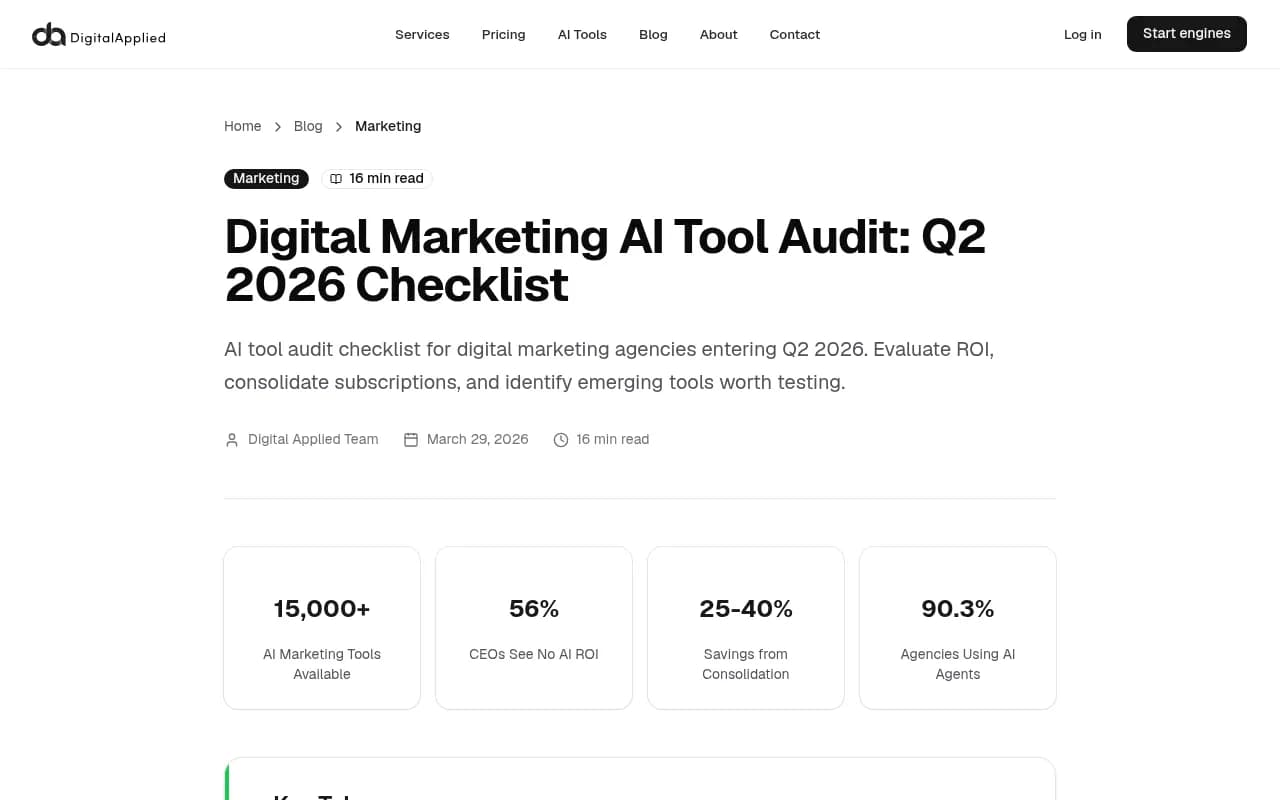
The math adds up quickly. One checklist from digitalapplied.com estimates a mid-sized agency running 12-15 AI tools at about $200/month each spends $28,800 to $36,000 a year. The same source claims 56% of CEOs see no measurable ROI from AI spend and that quarterly auditors report 20% higher ROI. I can't verify those numbers against a primary source, and they come from a vendor blog, so read them as directional. The underlying point is sound though: nobody gets value from a subscription they never review.
There's a second reason specific to 2026. AI search behavior changes fast, and tools built on last quarter's assumptions go stale. Promptwatch Data shows ChatGPT began using the site: operator at scale on August 8, 2026, jumping from about 0.4% to about 17% of fanout queries overnight. Its Reddit citation data shows reddit.com's share of ChatGPT citations fell from roughly 4% to 0.5% on August 14. A tool whose advice didn't move after changes like those is giving you old advice.
Step 1: Build the inventory
Before you evaluate anything, find everything. The SubBuddy audit suggests starting with card and PayPal history, and I agree. Search for tool names, but also for the vendor names behind them (Google, OpenAI, Anthropic, Semrush, Ahrefs, Surfer) because charges rarely say what they're for.
For each charge, write down:
- Tool name and plan tier
- Monthly or annual cost, and the renewal date
- Who uses it, and who owns the login
- The one job it is supposed to do
- Last time anyone opened it
Include the small stuff. Three $20 subscriptions is $60 a month, $720 a year. Also check for add-ons: several suites sell AI visibility modules separately from the core plan, so the sticker price on the pricing page isn't what hits your card.
Step 2: Classify by actual usage
Mark every tool as daily, weekly, project-only, or unused. Be honest. "We might need it" is unused.
A useful rule: if a tool is project-only, it should be on a monthly plan you cancel between projects, not an annual plan you pay for twelve months. Annual billing saves money only if you'd have kept the tool anyway.
Step 3: Map every tool to a job
SEO tools fall into a handful of jobs. When two tools claim the same job, one of them is probably redundant.
| Job | Typical tools | Overlap risk |
|---|---|---|
| Keyword and competitor research | Semrush, Ahrefs, Moz, Mangools | High with each other |
| Content scoring and briefs | Surfer SEO, Clearscope, Rankability, Frase, NeuronWriter | High inside the group, medium with suites |
| Technical crawling | Screaming Frog, Lumar, Oncrawl, site audit modules in suites | High with suite audits |
| Rank tracking | AccuRanker, Wincher, suite trackers | High with suites |
| AI visibility tracking | Promptwatch, Otterly.AI, Peec AI, Profound, suite add-ons | Medium to high |
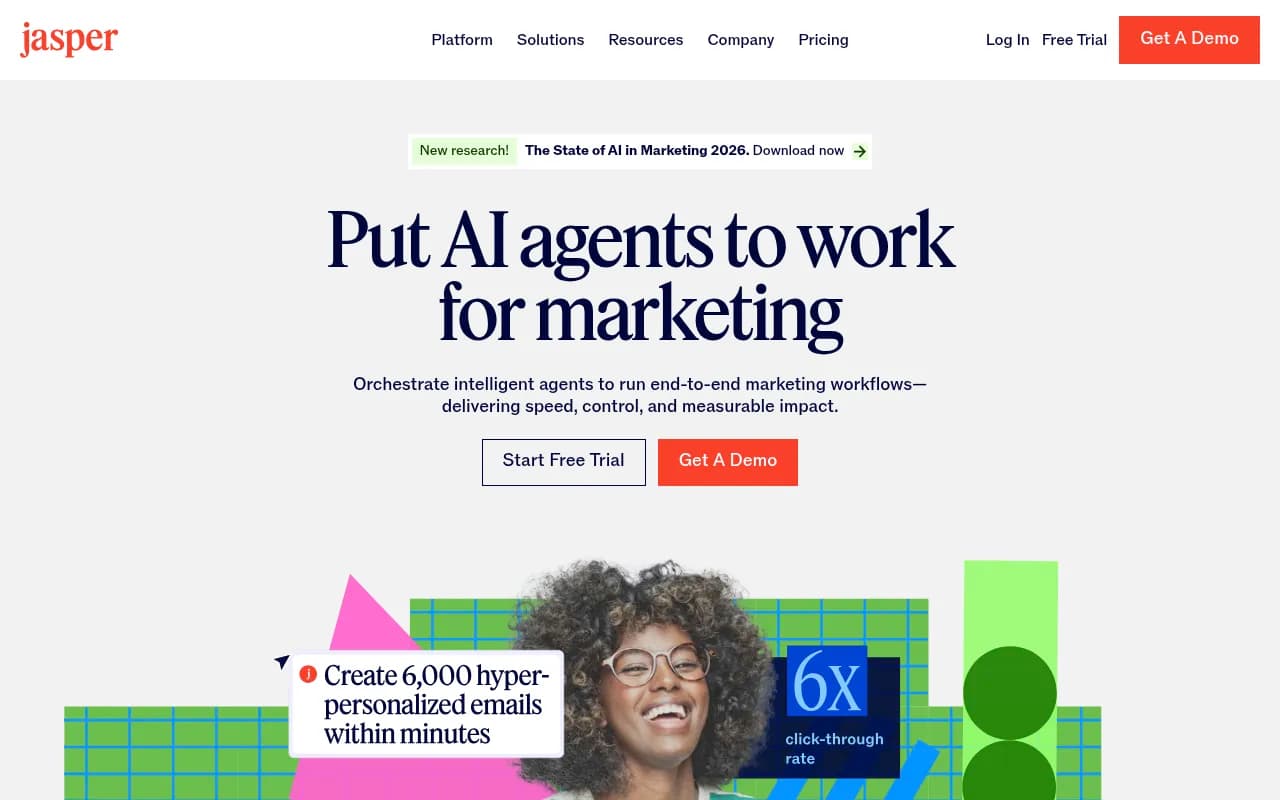
| Drafting | ChatGPT, Jasper, Copy.ai | High across all of them |
If you pay for a suite and also a standalone rank tracker, ask what the standalone one does that the suite doesn't. Often the answer is update frequency or location granularity, which is a fair reason. Sometimes the answer is "nothing, we forgot."
The general-assistant trap
The SubBuddy audit makes a point I find convincing: paying for ChatGPT, Claude, and Gemini at once usually means you use one daily and the others occasionally. Keep one primary assistant and rotate in the others only when a project needs them. ChatGPT and similar assistants also overlap with the drafting features inside Jasper or Notion AI.
Step 4: Score each tool on outcome, not activity
Logins are not value. Ask what changed because of the tool in the last 90 days. A simple 1-5 score on four questions works:
- Did it change a decision or a page?
- Could a cheaper or free tool have done the same?
- Is the data trustworthy and fresh?
- Would the team complain if it disappeared?
A tool scoring under 10 out of 20 goes on the cancel list unless someone can defend it in one sentence. Free tools deserve a seat in this comparison. Google Search Console covers a lot of what paid dashboards repackage, and Screaming Frog handles crawling for a modest annual fee.

Step 5: Audit your content tools against what AI cites
Content optimizers were built around classic SERPs. Check whether yours helps with the formats AI engines actually cite. Promptwatch's ChatGPT citation data by content type (Sep 28 to Oct 4, 2026) found product pages are the most cited type at 22.4%, landing pages 16.8%, listicles 13.6%, how-to guides 8.7%, comparisons 5.9%, and documentation 7.5%.
So if your content tool only scores blog posts, it misses roughly the biggest slice of citations. Ask whether it can score product pages, comparison pages, and docs. For commercial prompts like "best CRM for small businesses," that same report shows product pages, landing pages, listicles, and comparisons make up almost 70% of citations.
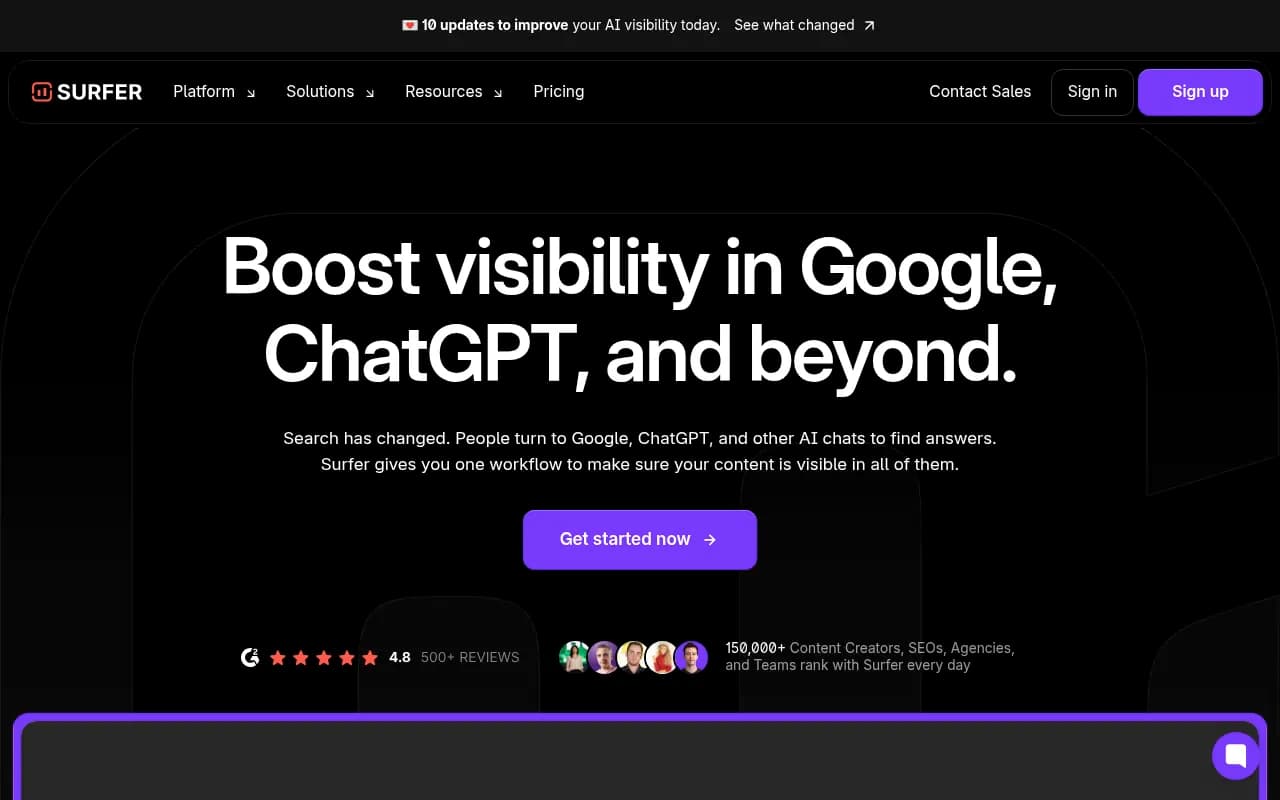
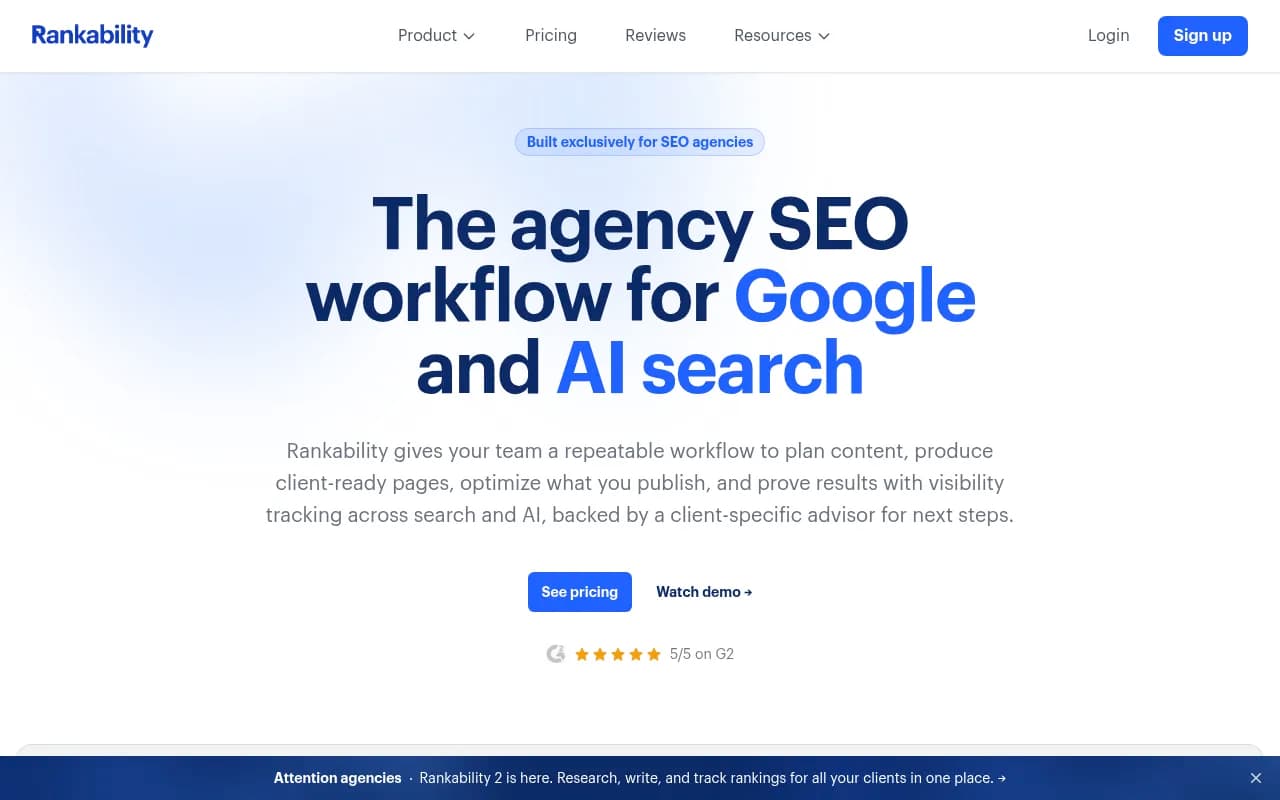
On the tools side, the usual shortlist is Surfer SEO, Clearscope, Rankability, and NeuronWriter. The aitools.sh roundup argues that a $99 content editor can beat a $500 suite on price-to-value, and that Rankability, Surfer, and Clearscope led on that ratio in early 2026. I'd treat that as a starting hypothesis and test it on your own pages, since its pricing wasn't checked against live vendor pages here.


Check the keyword assumptions too
Promptwatch's query fanout report shows average searches per ChatGPT response fell from 2.15 in early December to about 1.84 by early March, and average query length dropped from about 117 characters to about 53 from April. If your keyword tool still pushes long conversational questions as headings, re-test. Short, search-like headings may match better. Re-audit your keyword-to-heading mapping after major model updates.
Step 6: Audit AI visibility tools with harder questions
This is the category with the most churn and the most marketing noise. Dozens of trackers exist, and most answer one question: was my brand mentioned? That's useful for a baseline and not much else.
When it's renewal time, ask these:
- Does it query the real user interface of ChatGPT, AI Overviews, and others, or only APIs? Answers and citations can differ between the two.
- Does it show crawler activity? Promptwatch's AI crawler traffic report (June 8 to Sept 6, 2026) counted only IP-verified requests and found OpenAI made up 79.8% of verified AI crawler requests in the last week, down from 94.8% in June. If a tool's "AI readiness" feature relies on user-agent strings alone, spoofed bots can skew it.
- Does it connect visibility to traffic and conversions?
- Does it tell you what to do, or only what happened?
- How many prompts and responses do you get per dollar?
This is where I'd be most ruthless. A tracker that produces a weekly chart nobody acts on is the classic forgotten subscription.
Promptwatch is one option that goes past monitoring, with crawler logs, a content agent, and an action list, so it's worth comparing against a pure tracker if you're deciding whether to consolidate. Its Essential plan starts at $95/month; confirm current pricing at promptwatch.com/pricing.

For lighter needs, simpler trackers like Otterly.AI or Peec AI cost less and do monitoring only. That's a fair trade if monitoring is all you use. The directories at ai-rank-tools.com and bestgeosoftware.com list many more to compare against.


Step 7: Check what your suite already includes
Suites keep adding AI features. Before renewing a standalone tool, check whether your existing suite now covers the job. Semrush and Ahrefs both sell AI visibility tracking, and Semrush has content writing tools bundled in some plans. The catch: add-ons are often priced separately, and the depth can be shallower than a dedicated tool.
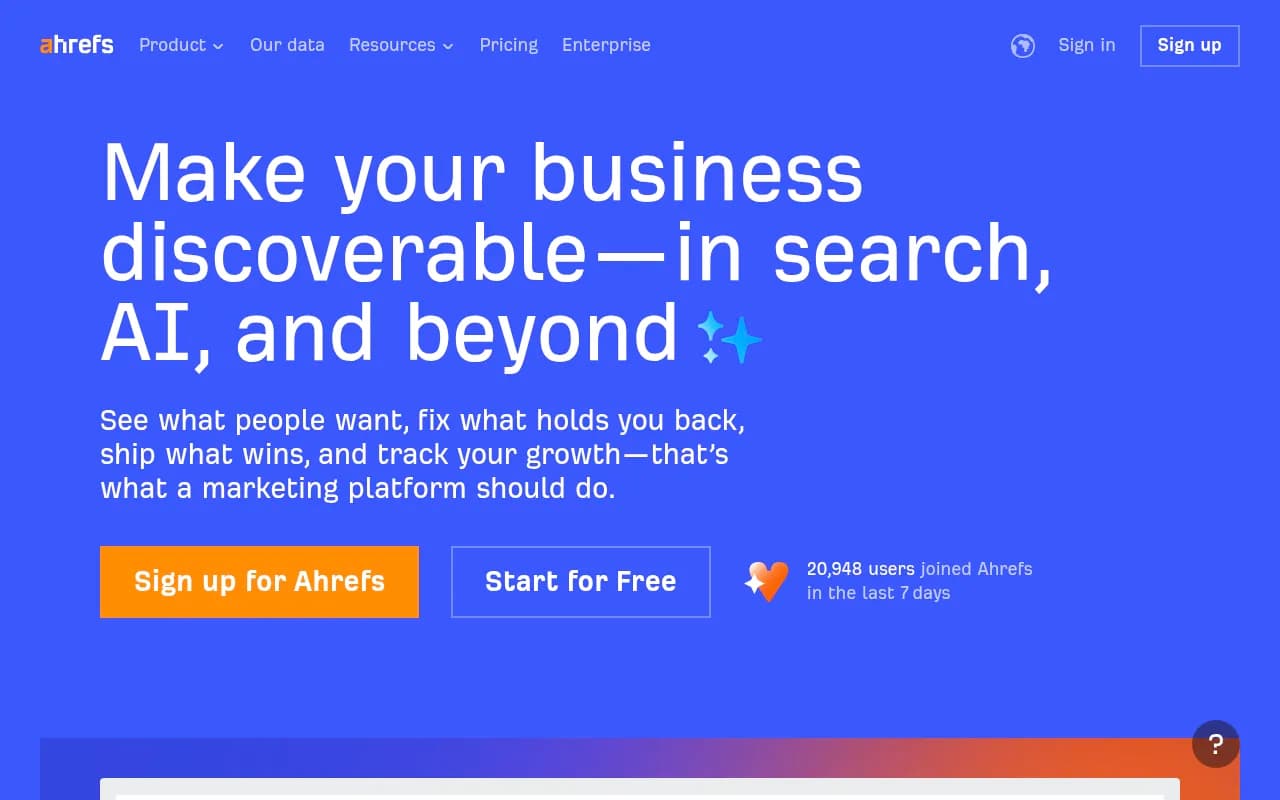
The aitools.sh roundup cites Semrush One around $199/month and Ahrefs Lite at $129 and Standard at $249. I haven't confirmed those against vendor pages, so check the live pricing, including what the renewal rate will be. Renewal rates sometimes differ from intro rates.
Step 8: Run the decision table
For every tool, land on one of four verdicts.
| Verdict | When to use it | Action |
|---|---|---|
| Keep | Daily or weekly use, clear outcome, no cheaper equivalent | Renew, consider annual billing |
| Downgrade | Used, but you're on a tier with features you never touch | Drop a plan tier before renewal |
| Consolidate | Another tool you pay for already does the job | Cancel one, migrate data first |
| Cancel | Unused or project-only | Cancel, export data, calendar a re-check |
Before cancelling, export what you'll want later: historical rankings, keyword lists, reports. Some tools lock you out of old data the moment the plan ends.
Step 9: Test replacements without opening new subscriptions
If you're replacing something, run a short side-by-side. Use free trials, run both tools on the same 10 pages or 25 prompts, and compare outputs. Promptwatch offers a 7-day free trial on monthly paid plans, and many trackers have free tiers or free one-off checks. Put the trial end date in your calendar the day you start, because forgotten trials are exactly how subscriptions pile up.
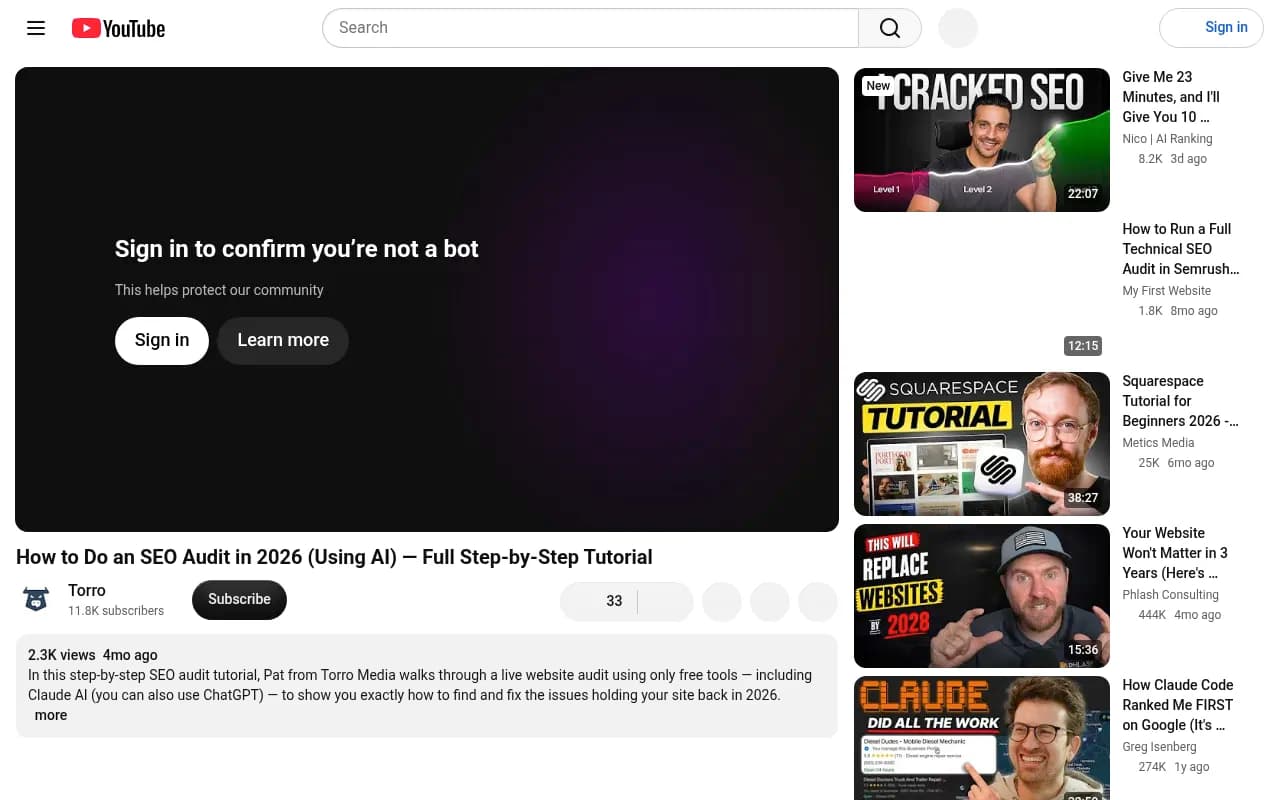
A quick free sanity check on your site's basics is also useful. The Torro walkthrough on YouTube shows an SEO audit using free tools plus a general AI assistant, a reminder that fixing foundations (page speed, duplicate content, header structure) comes before any tool upgrade.
Step 10: Set a rhythm
One audit won't hold. Pricing and features keep moving, and the SubBuddy author recommends repeating the review monthly for a few months because last quarter's good deal becomes this quarter's forgotten charge.
A workable cadence:
- Keep a single sheet with every tool, cost, renewal date, and verdict.
- Review it 30 days before each annual renewal and quarterly for the whole stack.
- Re-test AI visibility and content tools after major model updates, since citation behavior shifts. Promptwatch's citation drop report documents average citations per response falling across GPT-5.3, GPT-5.4, and GPT-5-Mini around March 4, 2026.
- Give each tool an owner who defends the renewal.
If you'd rather have an outside team run this kind of review, agencies like 1001 SEO Media do SEO audits and consulting that include tooling recommendations. But the spreadsheet above gets you most of the way on your own.
A quick red-flag checklist
- You can't name the last decision the tool influenced.
- Two tools produce nearly identical reports.
- The tool optimizes only blog posts.
- AI crawler or visibility data has no stated verification method.
- You pay annually for something you used in one project.
- The renewal price is higher than what you were quoted and nobody checked.
If three or more apply, cancel or downgrade first and argue about it later. You can always resubscribe. For a broader directory of options when you do need a replacement, surferstack.com has reviews and alternatives across SEO software.
The bottom line
A good audit takes an afternoon and ends with a shorter list. Keep the tools that change what you publish or fix, cancel the dashboards you open twice a quarter, and test anything new against a defined job before paying for it. The 25-40% savings claim is unproven, but even trimming one redundant tool and one oversized plan will pay for the time you spent.