Key takeaways
- Most "publish to CMS" buttons in AI writers save a draft. Check whether auto-publish exists and whether it is opt-in before you trust a tool with a live site.
- WordPress has the widest support. Webflow is well covered by the SEO-focused writers. Framer is the weak spot, and native Framer publishing is rare.
- Koala, Frase, Outrank and Writesonic cover the main WordPress and Webflow use cases at different price points. Surfer and Jasper lean on plugins or Zapier.
- For Framer, plan on CMS import, an automation tool like Zapier or Make, or Framer's MCP connection rather than a one-click integration.
- Pricing and plan limits differ between sources. Confirm every number on the vendor's pricing page before you buy.
Why CMS publishing matters more than the writing
I have watched teams spend a week choosing an AI writer, then lose an hour per article copying text into a CMS, fixing headings, re-uploading images and setting slugs. The writing was never the bottleneck. The handoff was.
Built-in publishing removes that handoff. But the phrase hides a lot of variation. In practice, "integration" can mean any of these:
- A one-way export that creates a draft in your CMS
- A plugin inside WordPress that pulls articles in
- A webhook you wire up yourself through Zapier or Make
- True scheduled auto-publishing with no human in the loop
Those are very different products. A draft in your CMS saves you copy-paste. Auto-publish changes how you work, and it also changes your risk, because unreviewed AI text goes live on your domain.
One caveat on the research behind this guide. Much of the per-tool pricing and integration detail comes from a comparison published by Okara, which sells a competing product. I treat it as a useful starting point, not gospel. Where sources disagree, I say so.
The three CMS targets and what they need
WordPress
WordPress is the easy case. It has an open API, a huge plugin ecosystem, and nearly every AI writer supports it. It is also the best choice if you need complex editorial workflows, custom post types and full data ownership. The Flowout comparison of Webflow alternatives calls it the strongest option when content scale, plugin flexibility or ownership are non-negotiable, and I agree.
The catch is quality of the push. Some tools send clean HTML with headings, images and metadata. Others dump a block of text. Test with one article before you commit to a plan.
Webflow
Webflow has a real CMS API, so the better SEO writers support it directly. Plan limits matter here. According to Framer's own comparison page and Zapier, Webflow's Basic plan at $15/mo (annual) has no CMS, and the Premium plan at $25/mo includes 40 collections and 20,000 items. Flowout lists entry pricing at $18/mo, so check Webflow's pricing page. Extra seats are pricey: $39/mo for a full editor or $15/mo for a content editor, per Zapier.
Framer
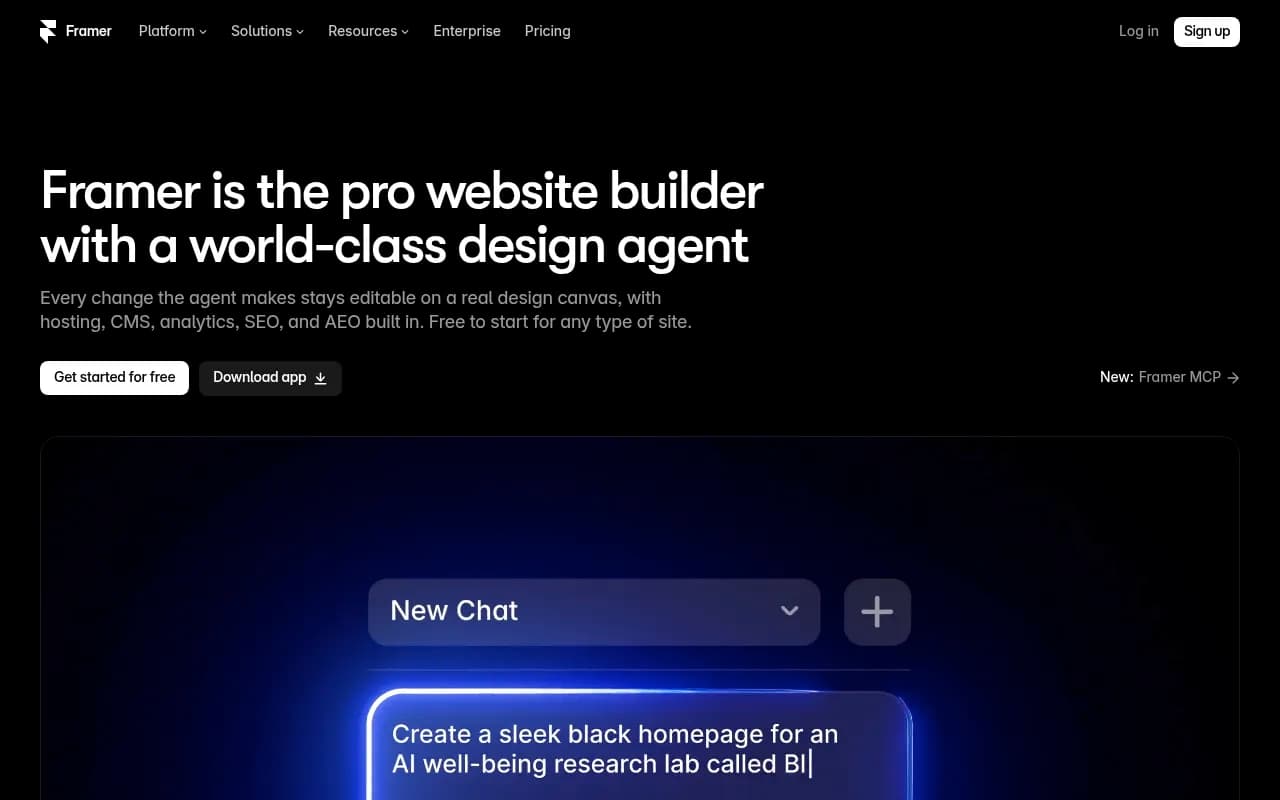
Framer is where things get awkward. Its CMS is good for marketing sites and blogs, and its newer agent features include a CMS agent plus an MCP connection so AI agents can work with your CMS. But among the mainstream AI writers, I could only find native Framer publishing listed for Okara's Writer Agent, and that claim comes from a vendor-run comparison. I did not confirm it independently.
Framer's plan limits also shape what you can do:
| Framer plan (annual) | Price | Pages | CMS collections | CMS items |
|---|---|---|---|---|
| Free | $0 | Limited | Check pricing page | Check pricing page |
| Basic | $10/mo | 30 | 1 (Framer's own page says 2) | 1,000 |
| Pro | $30/mo | 150 | 10 | 2,500 |
| Scale | $100/mo | Higher limits | Higher limits | Higher limits |
Sources disagree on the Basic collection count, and the Free tier's bandwidth limit has been reported inconsistently since the October 2025 restructuring. One collection is a dead end for most real projects, so Pro is the realistic minimum for a blog plus authors plus categories. Extra editor seats cost $20/mo, or $10/mo for a content editor, according to Zapier. One source says $40 on Pro, so verify.
Comparison: AI writers and where they publish
Prices below are as listed by Okara around October 2026. Treat them as approximate.
| Tool | WordPress | Webflow | Framer | Publishing behavior | Starting price |
|---|---|---|---|---|---|
| Koala | Yes | Yes | Not listed | Every paid plan publishes; Zapier and Make webhooks | $25/mo (45k words) |
| Frase | Yes | Yes | Not listed | Auto-publish is opt-in; own hosted FraseCMS | $49/mo ($39 annual) |
| Outrank | Yes | Yes | Not listed | Saves drafts in your CMS; 7 CMSs plus webhook | $99/mo (30 articles) |
| Writesonic | Plugin | Not confirmed | Not listed | Plugin pushes finished articles in | $99/mo ($79 annual) |
| Surfer | Plugin | Not listed | Not listed | Manual publishing; plugin mainly brings the score into the editor | $59/mo ($49 annual) |
| Jasper | Via Zapier or Make (per SmartWP) | Listed by Okara | Not listed | Sources conflict | $59/seat/mo annual |
| SEOwriting.ai | Yes | Not listed | Not listed | Also Shopify | Up to 50 articles for $19 |
| Okara Writer Agent | Yes | Yes | Listed | Review or auto-publish | About $8.30 per article |
The tools, one at a time
Frase
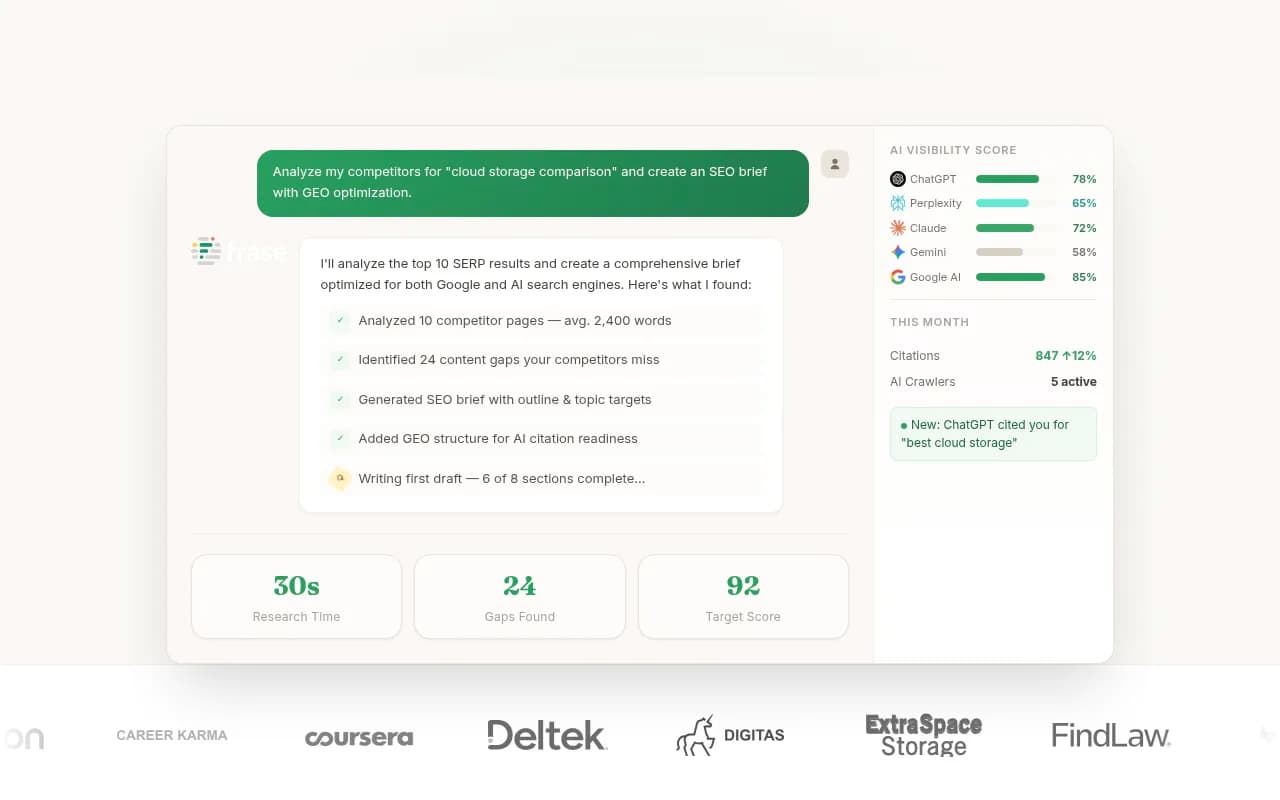
Frase is one of the more flexible options. It publishes to WordPress, Webflow, Sanity and Wix, and it also has its own hosted FraseCMS, which is free up to 100k page views a month. Auto-publish is opt-in, which I like. The default is that you review things first. Starter runs $49/mo ($39 billed annually), working out to roughly $4.90 per article.
Koala
Koala is the value pick on paper. Every paid plan publishes to WordPress, Shopify, Webflow and Ghost, and it supports Zapier and Make webhooks. Starter is $25 for 45k words, Professional is $49 for 100k words with Deep Research and citations, and Boost is $99 for 250k words with a content calendar autopilot. Koala is not in our catalog, so check its site directly for current details.
Outrank
Outrank is built around autopilot SEO content. It is $99/mo for 30 articles, publishes to seven CMSs plus a webhook, and saves drafts in your CMS rather than going live. Human fact-checking is a paid add-on. That detail is worth taking seriously. Fully automated content with no fact-check is how brands end up publishing confident nonsense.

Writesonic
Writesonic has a WordPress plugin that pushes finished articles in. The plugin has only about 1,000 installs, so it is not battle-tested. Okara lists Starter at $99/mo ($79 annual), Basic at $249 with 25 articles, and Growth at $499 with 50 articles. Zapier's review lists older tiers, so pricing here is especially unreliable. Verify first.

Surfer
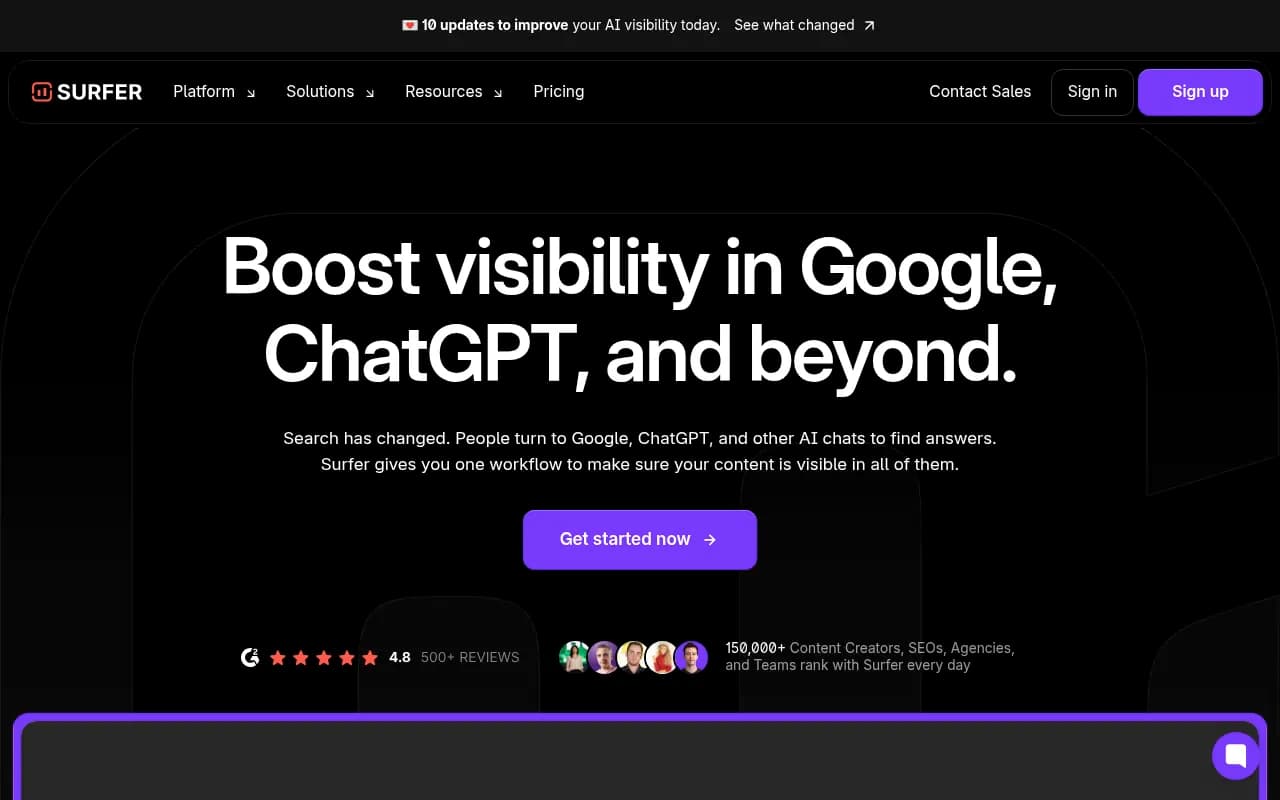
Surfer SEO is an optimization tool first. Discovery is $59/mo ($49 annual, 120 documents), Standard is $119, and Pro is $219. Integrations cover WordPress, Google Docs, Contentful and Zapier, but you publish manually. The WordPress plugin, with about 6,000 installs, mostly brings the optimization score into the editor. Good for scoring drafts. Not an autopublisher.
Jasper
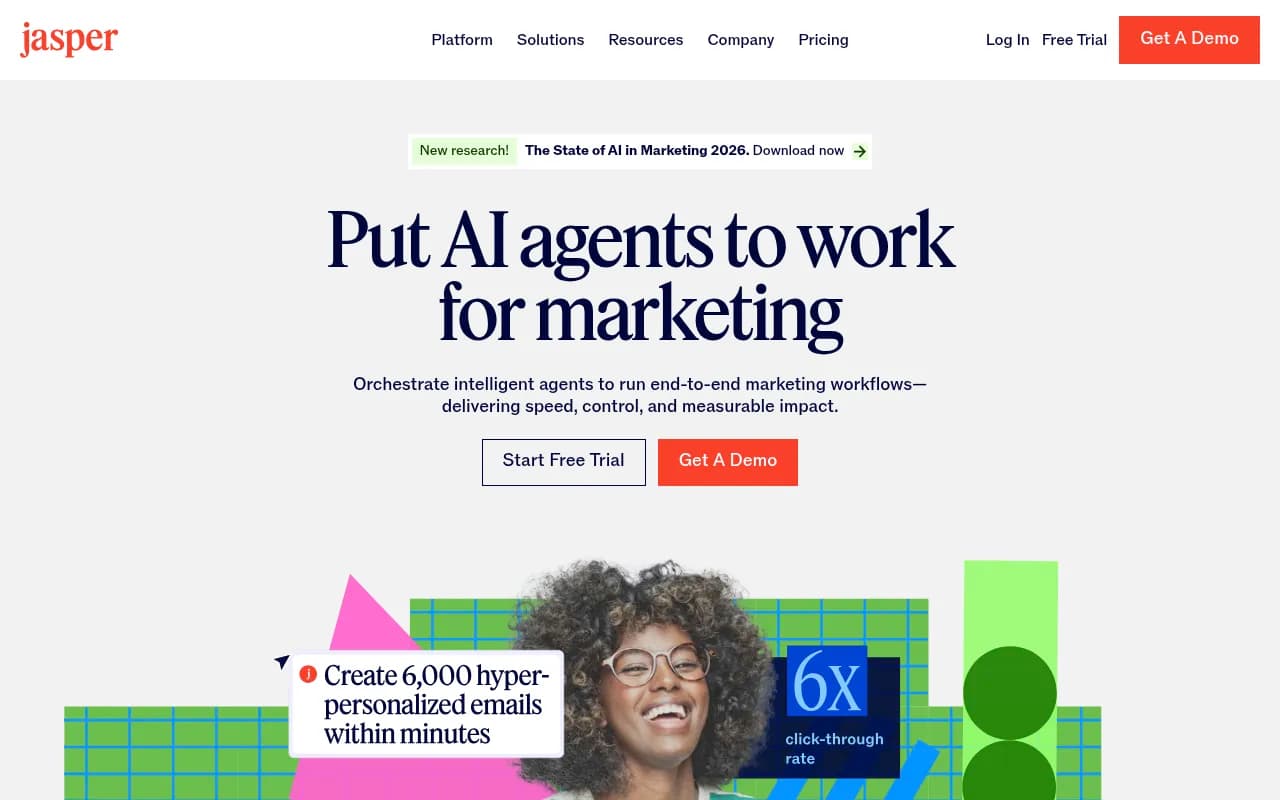
Jasper costs $59 per seat per month annually or $69 monthly, with no free plan and only a 7-day trial. The integration picture is messy. Okara lists Webflow and Google Docs, while SmartWP says there is no WordPress integration and you need Zapier or Make. If CMS publishing is your main criterion, Jasper is not the obvious first choice.
Other catalog options worth a look
A handful of tools in our catalog position themselves around publishing straight to a CMS. I have not verified their Framer support, so ask each vendor directly.
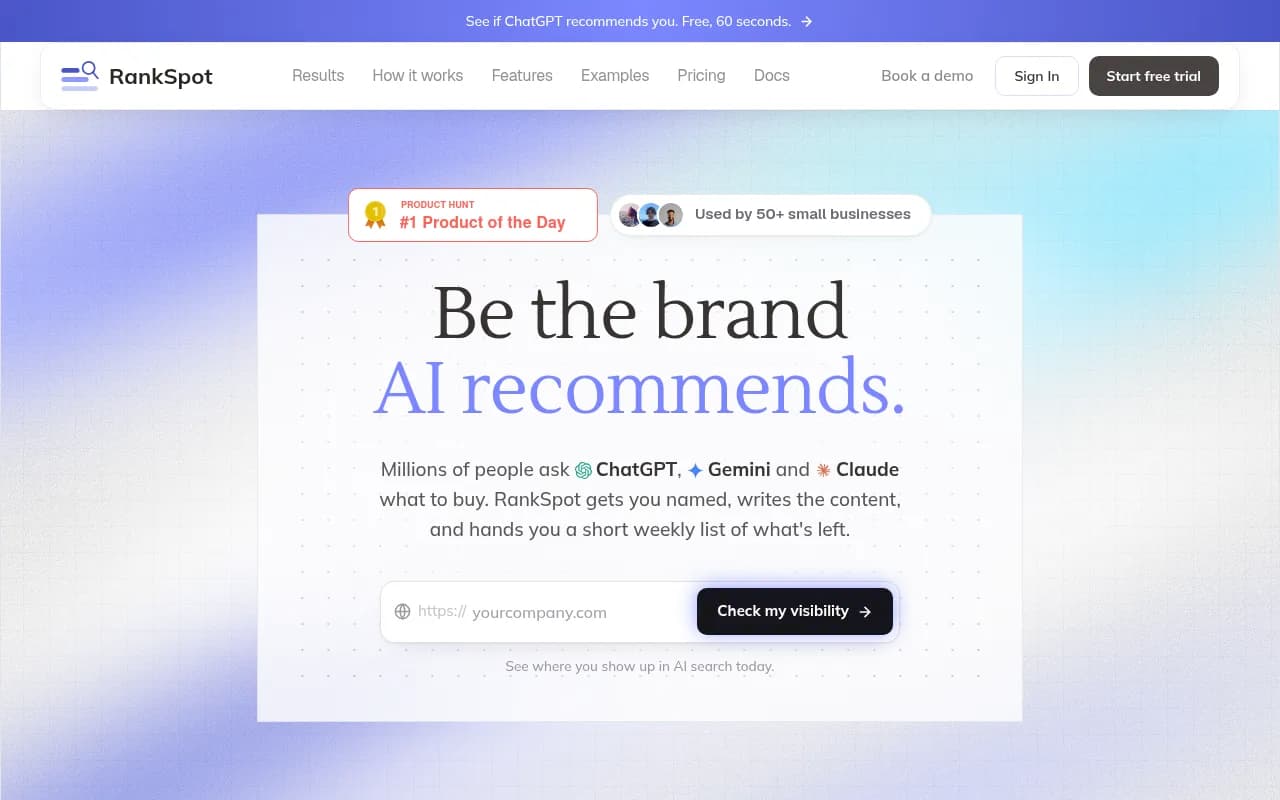
- RankSpot finds SEO opportunities and publishes to your CMS.
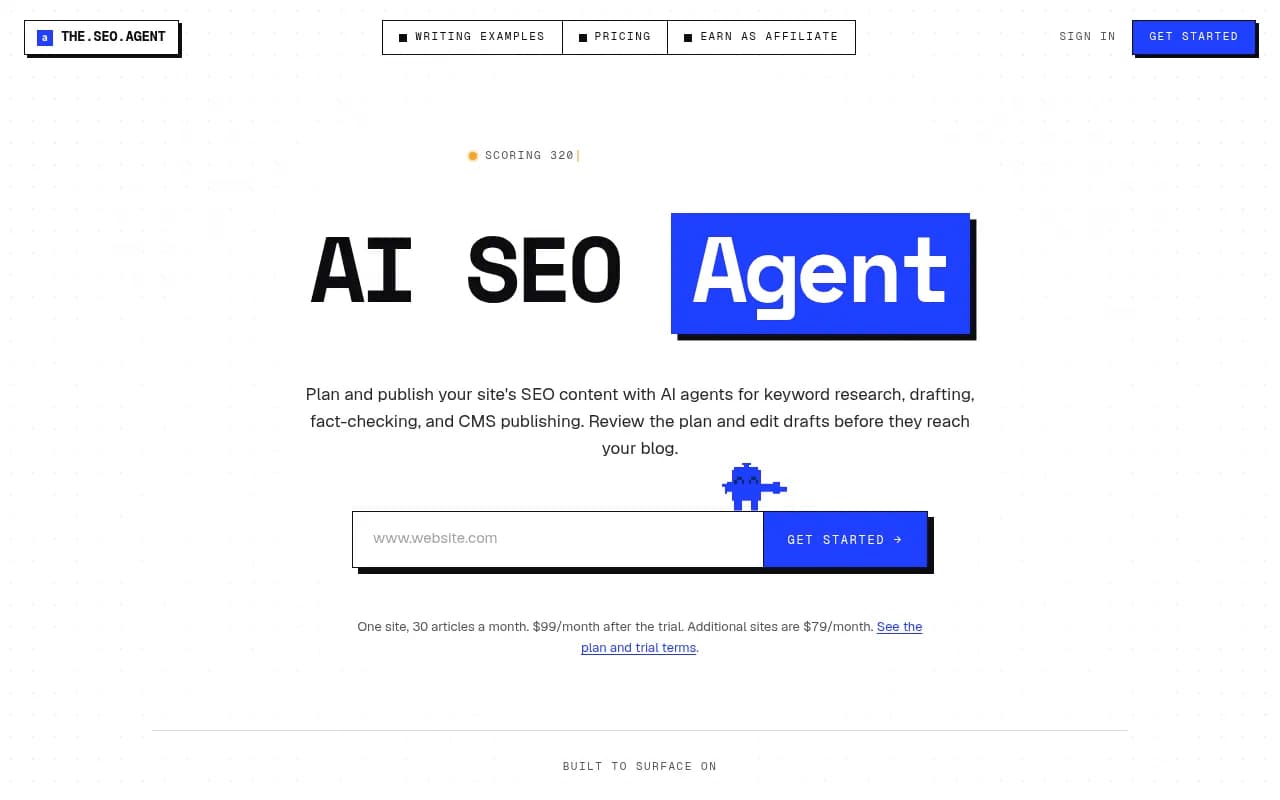
- TheSEOAgent picks keywords, writes and publishes.
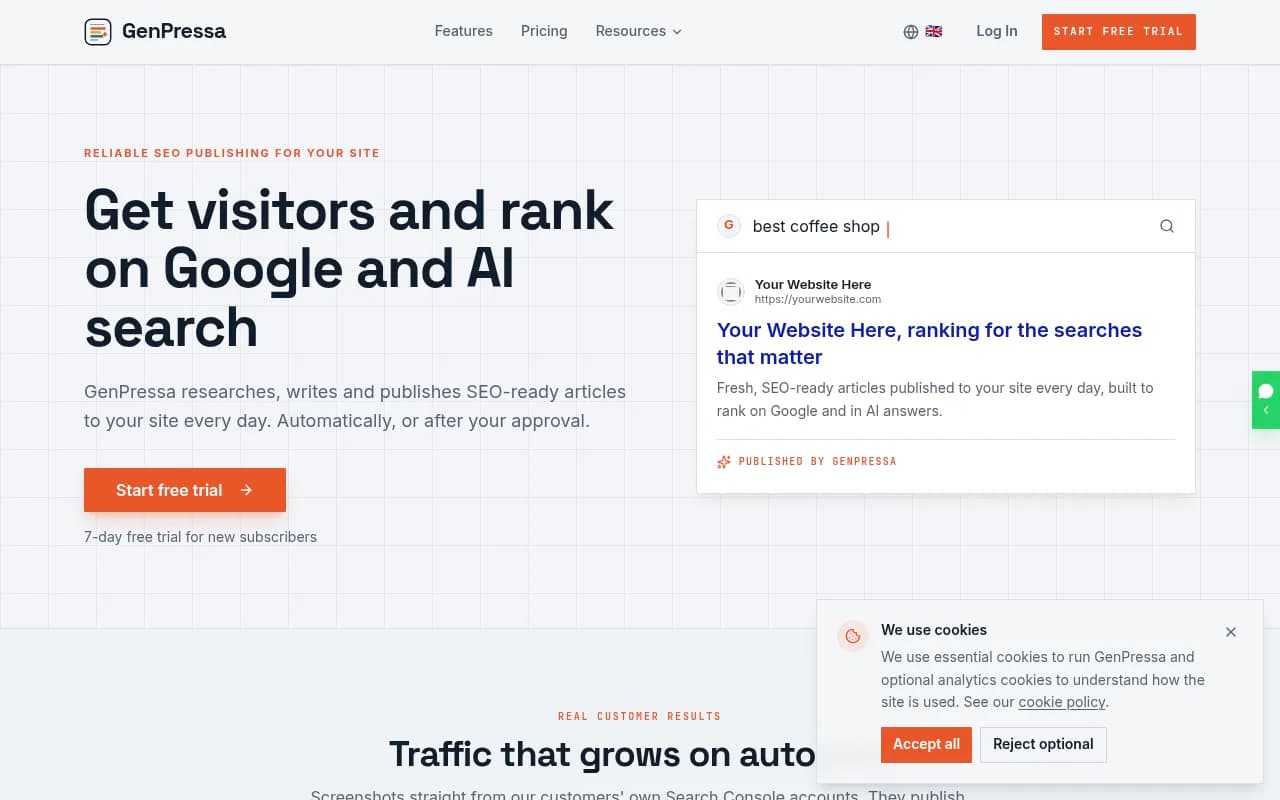
- GenPressa does AI SEO content with auto-publishing.
- Gradial GEO detects visibility gaps and publishes fixes.

The broader directory at surferstack.com lists many more AI writers if none of these fit.
Publishing to Framer in practice
Here is the honest answer. Framer publishing from an AI writer is mostly a workaround today. You have three realistic routes.
- CMS import. Framer's CMS lets you import collections, typically from CSV. Many AI writers export clean content you can reshape into a collection. This is manual but dependable.
- Automation. Use Zapier or Make to move articles from your writer's webhook into a Framer-friendly format. Support depends on available triggers and actions, so test before building a whole pipeline.
- MCP and agents. Framer offers an MCP connection for AI agents to work with its CMS. If your writer is an agent, you can ask it to push content this way. It is the most promising route and the least standardized.
The Okara Writer Agent lists native Framer publishing along with GitHub, Sanity, WordPress, Webflow, Wix and HubSpot, with review or auto-publish modes at about $8.30 per article. It is the only tool I found with that claim, and it comes from the vendor's own comparison, so run a test article before moving a client site to it.
If you are choosing a platform partly because of your content workflow, WordPress is simply the safer pick for high-volume publishing. Framer shines for design-led marketing sites with a modest blog.
How to choose
| If you need... | Look at | Why |
|---|---|---|
| Cheapest WordPress and Webflow publishing | Koala | Publishing on every paid plan |
| Review-first workflow with a hosted option | Frase | Opt-in auto-publish, FraseCMS |
| Hands-off volume with a draft safety net | Outrank | Drafts saved in your CMS |
| Scoring and optimization over publishing | Surfer | Strong editor, manual publish |
| Framer without much glue code | Okara Writer Agent, or import and MCP routes | Only listed native option, unverified |
A safe rollout process
- Publish one test article as a draft in a staging or hidden collection. Check headings, images, alt text, slug, meta title, and internal links.
- Confirm what the integration actually does: draft, scheduled, or live.
- Keep a human review step for at least the first month. Switch to auto-publish only on topics where factual errors are cheap.
- Check collection and item limits on your CMS plan before you generate 100 articles. Hitting Framer Basic's collection cap mid-project is annoying.
- Track what happens after publishing. Look at indexing in Google Search Console, and if AI search matters to you, tools like Promptwatch can show whether the pages get crawled and cited by ChatGPT and other assistants.

Final take
If you run WordPress, you have plenty of good options and can choose on price and workflow. Webflow users should look at Koala, Frase and Outrank. Framer users should budget for glue, because native publishing is the exception, not the rule. In every case, treat "publish" as a claim to test, not a feature to trust.
The pricing and limits above come from secondary sources that sometimes conflict. Open each vendor's pricing page before you commit.