Key takeaways
- Treat every piece of automated output as a draft. Pages, meta changes, schema, and redirects all need a human checkpoint before or shortly after they go live.
- Google's scaled content abuse policy applies "whether automation, humans or a combination are involved." The risk is volume without value, not the tool itself.
- Stage changes in batches, record a baseline in Search Console, and compare URL folders before and after to see what the automation actually did.
- Facts on product and landing pages matter more than most teams think, because ChatGPT quotes them directly.
- Over-automating the audit itself is a failure mode too. Use tools to find problems and people to judge them.
Why automated output needs its own audit
Most teams audit their website. Fewer audit the software that edits their website. That gap is where the damage happens.
An automated SEO platform might rewrite 4,000 title tags overnight, publish 30 articles a week, inject schema across a template, or add redirects from a rules engine. Each action is cheap. Each one can also be wrong at scale. A bad template does not produce one bad page, it produces a thousand identical ones.
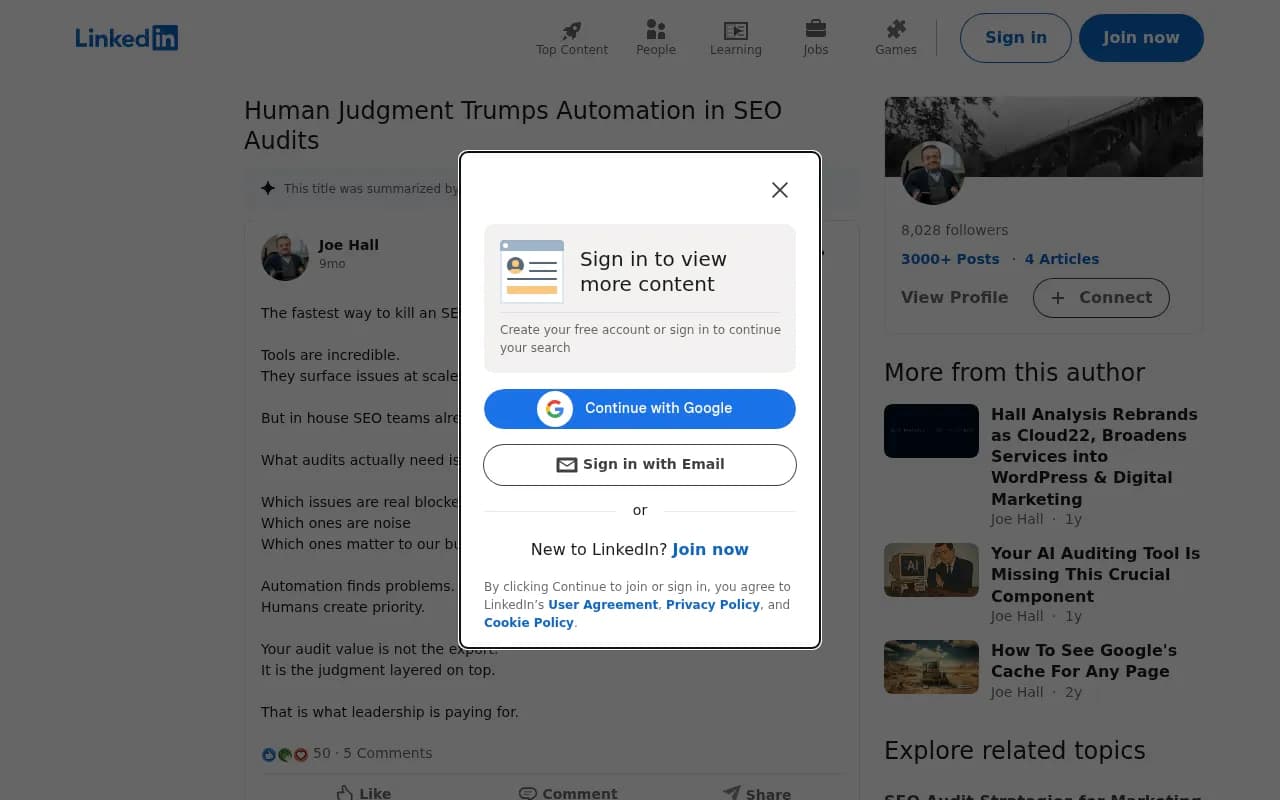
Joe Hall, who runs SEO audits for a living, put it bluntly on LinkedIn: "The fastest way to kill an SEO audit is to over automate it." I think that applies in both directions. Automating the audit removes judgment, and automating the fixes removes the last chance to catch a mistake.
This guide walks through a review process you can run regardless of which tools you use. It covers what to check, when to check it, and how to tell if something already went wrong.
Know what Google actually penalizes
Before building a checklist, get the policy straight. Google's spam policies define scaled content abuse as "many pages generated for the primary purpose of manipulating search rankings and not helping users." The listed examples include:
- using generative AI tools to generate many pages without adding value for users
- creating multiple sites to hide the scaled nature of the content
- pages that make little sense to a reader but contain search keywords
The March 2024 update, effective March 5, 2024, replaced the older "spammy auto-generated content" wording. The new rule is about purpose and value, and it covers automation, humans, or a mix of both. So "a human edited it" is not a defense if the page exists only to catch queries.
Enforcement is algorithmic and manual. Manual actions show up in Search Console under Security & Manual Actions, and recovery means cleaning up and filing a reconsideration request. One public example from April 2025: a new domain got a manual action covering scaled content abuse and cloaking, and a forum responder pointed to a "Resources" section full of templated, near-identical AI articles.
The practical read: your audit is not asking "was this written by AI?" It is asking "would a reader miss this page if it vanished?"
Step 1: Set a baseline before automation touches anything
You cannot audit change without a before picture. Do this first, even if the tool is already running.
- Export 90 days of Search Console performance data by page and by query.
- Group URLs by folder or template (blog, product, category, resources).
- Crawl the site and save the export: titles, meta descriptions, canonicals, status codes, word counts, schema types.
- Note the date automation was switched on, and every date its settings changed.
Google Search Console is free and is the source of truth for clicks and impressions. Pair it with a crawler for the on-page snapshot.
Screaming Frog SEO Spider is the usual choice for the crawl snapshot. The free version caps at 500 URLs, and the paid license has been listed at around £199 per year (confirm on their site). Because it is a desktop tool, large sites are limited by your RAM.

With this baseline, a later diff tells you exactly which fields the automation changed and whether performance moved with them.
Step 2: Review a sample before bulk publishing
Never let a new automation run unsupervised across the whole site on day one. Start with a pilot batch of 10 to 20 pages and read every one.
When reviewing generated content, ask these questions:
- Does the page answer a question a real person has, or does it restate the keyword in different words?
- Is it distinguishable from the other pages the tool produced? Open three side by side. If you can swap the headings and nothing breaks, that is template content.
- Are the facts true? Check names, prices, specs, dates, and any statistic against a source.
- Does it say something your existing pages do not? Overlap creates cannibalization.
- Would you put your name on it?
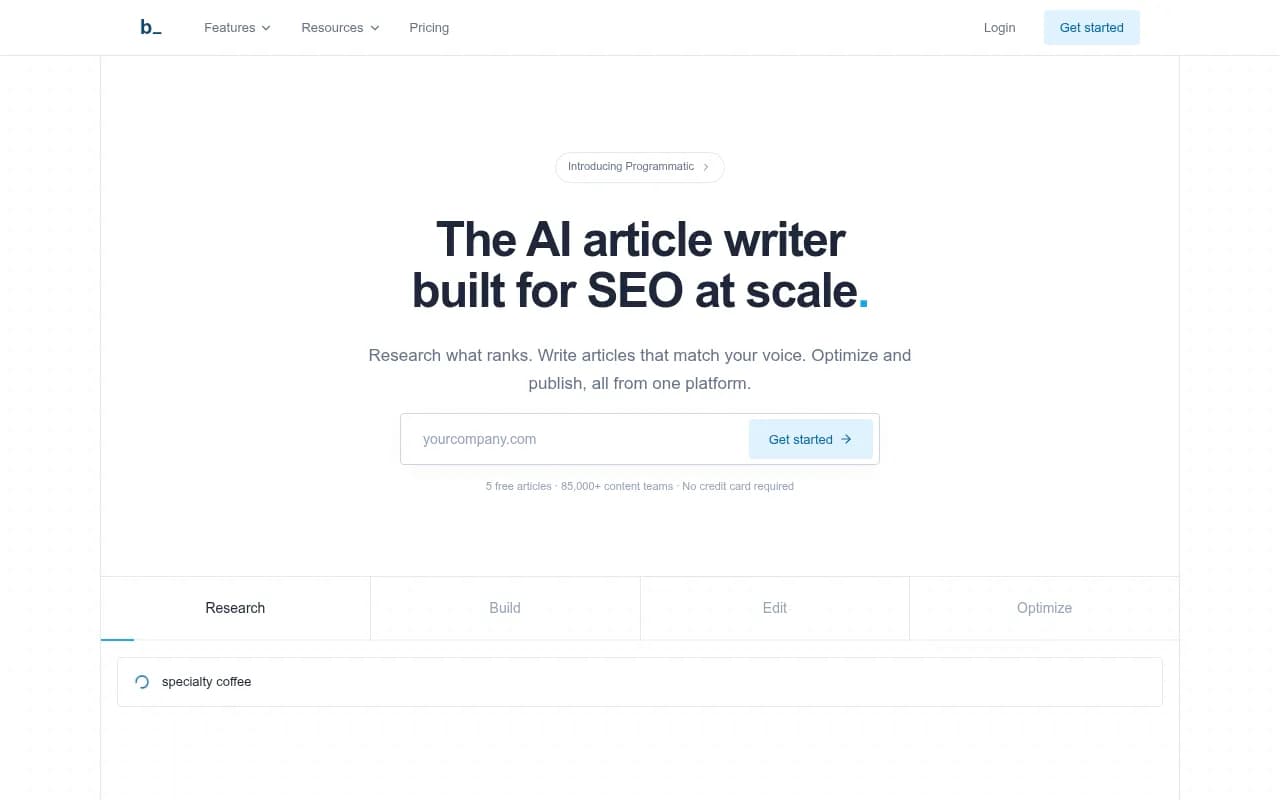
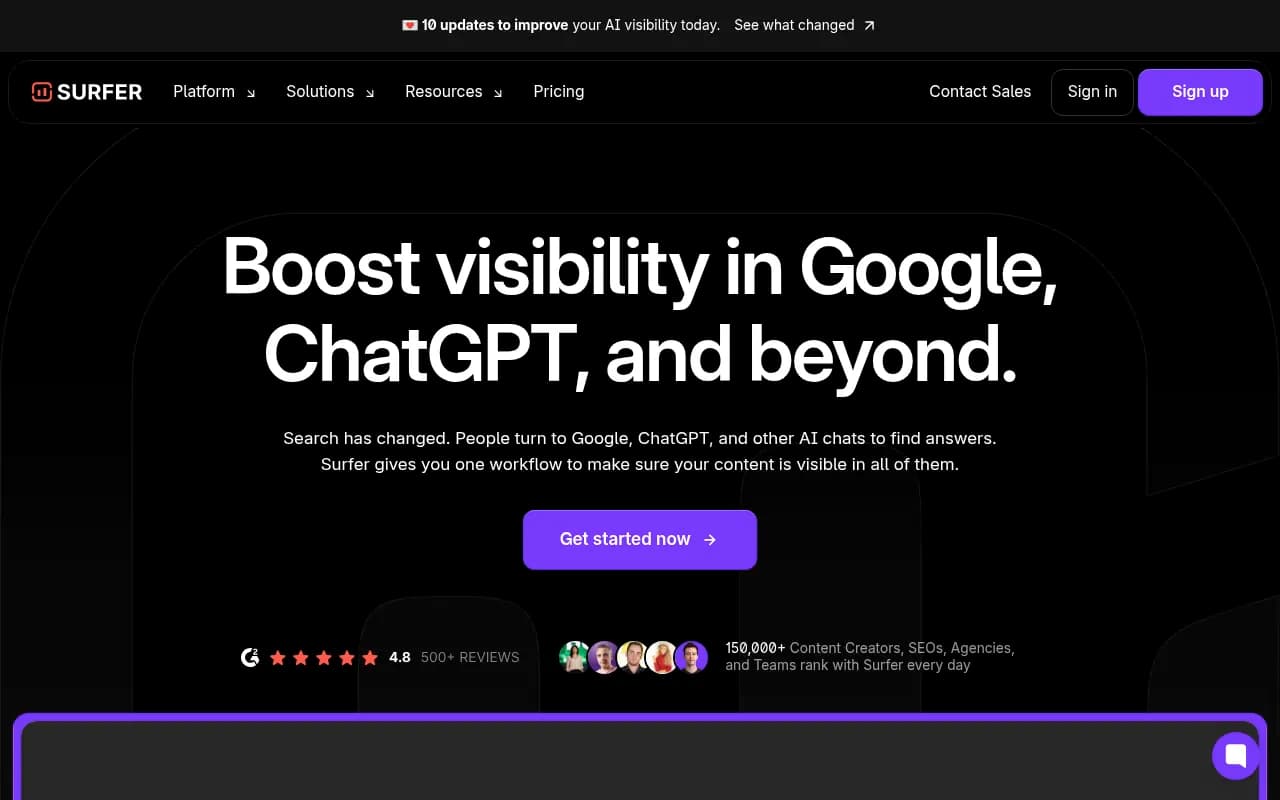
Content tools differ a lot in how much control they give you. Tools like Byword, which advertises articles at scale in under two minutes, and Outrank, which publishes on autopilot, are built for volume. That is exactly why a pilot batch matters. Tools positioned around editing and optimization, such as Surfer SEO or Clearscope, keep a human closer to the draft.


If a tool offers a review inbox or approval queue before publishing, turn it on. If it only offers auto-publish, treat that as a risk factor when choosing it.
Quick quality checks for text
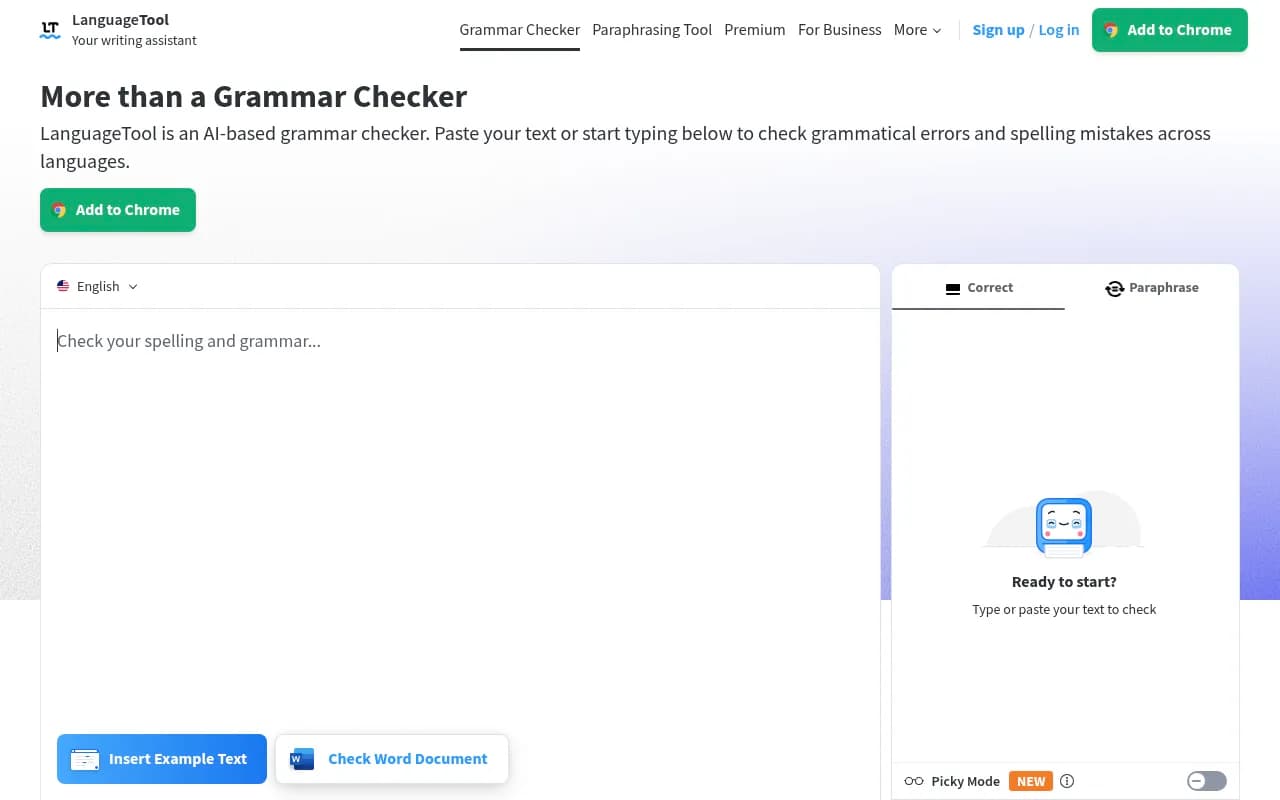
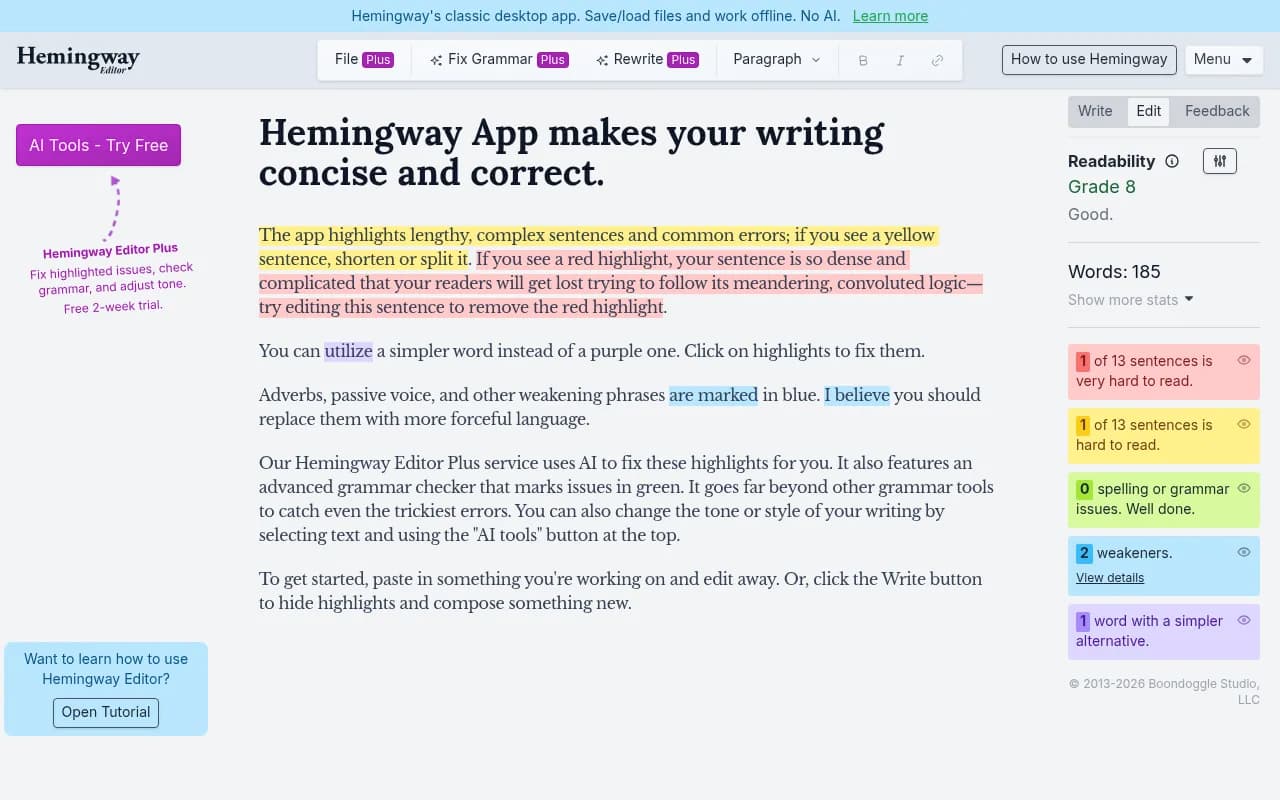
Grammar and readability tools catch the surface problems cheaply. Grammarly, LanguageTool, and Hemingway App will flag broken sentences and padding. They will not tell you if a claim is false, so they supplement fact-checking rather than replace it.

Step 3: Audit automated technical changes
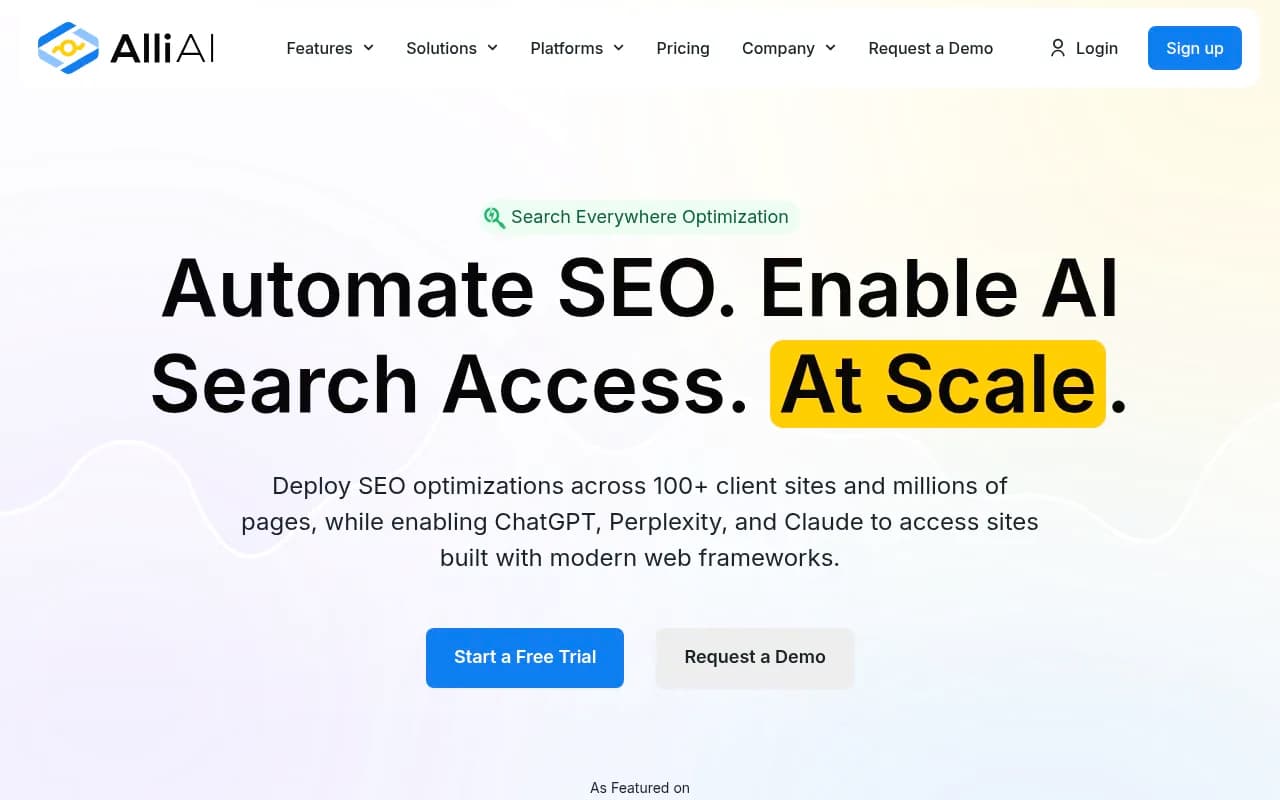
Some platforms go beyond content and push technical edits directly: titles, meta descriptions, schema, internal links, redirects. OTTO SEO deploys fixes in real time, and Alli AI automates SEO deployment across 100+ sites. These can be real time savers. They are also the category where I found the least independent documentation about failure rates, so verify rather than assume.

Check these after any automated technical change:
| Change type | What can go wrong | How to verify |
|---|---|---|
| Bulk title and meta rewrites | Duplicates, truncation, keyword stuffing, mismatch with page content | Re-crawl, sort by duplicate titles, spot-check 25 pages |
| Schema injection | Markup that contradicts visible content, wrong types, invalid fields | Rich results test on each template, compare to on-page facts |
| Redirects | Chains, loops, redirecting to irrelevant pages | Crawl in list mode, check status codes and final destinations |
| Canonical changes | Pages canonicalized to the wrong URL and dropped from the index | Compare canonicals to the baseline crawl |
| Internal link insertion | Irrelevant anchors, links on every page, links to noindexed URLs | Review anchor text, filter by target status |
| Robots and noindex edits | Accidentally blocking sections | Diff robots.txt and meta robots against baseline |
Keep a rollback plan. If the tool writes changes through a layer injected at the edge or via script, know how to disable that layer in one step.
Step 4: Use scheduled audits as a safety net
A recurring crawl is your tripwire. Weekly or monthly scheduled crawls with email alerts when new critical issues appear are available in several suites. Moz Pro offers this, as do Semrush and Ahrefs Site Audit.

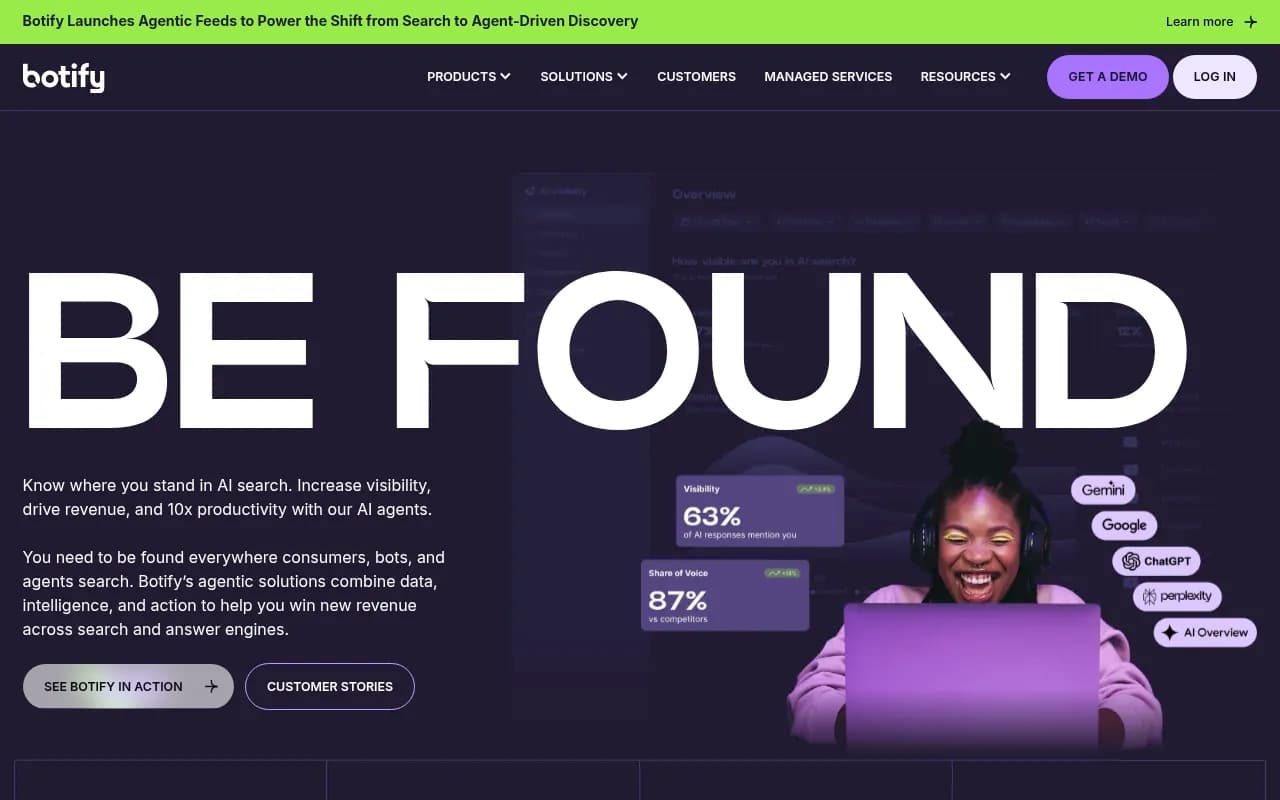
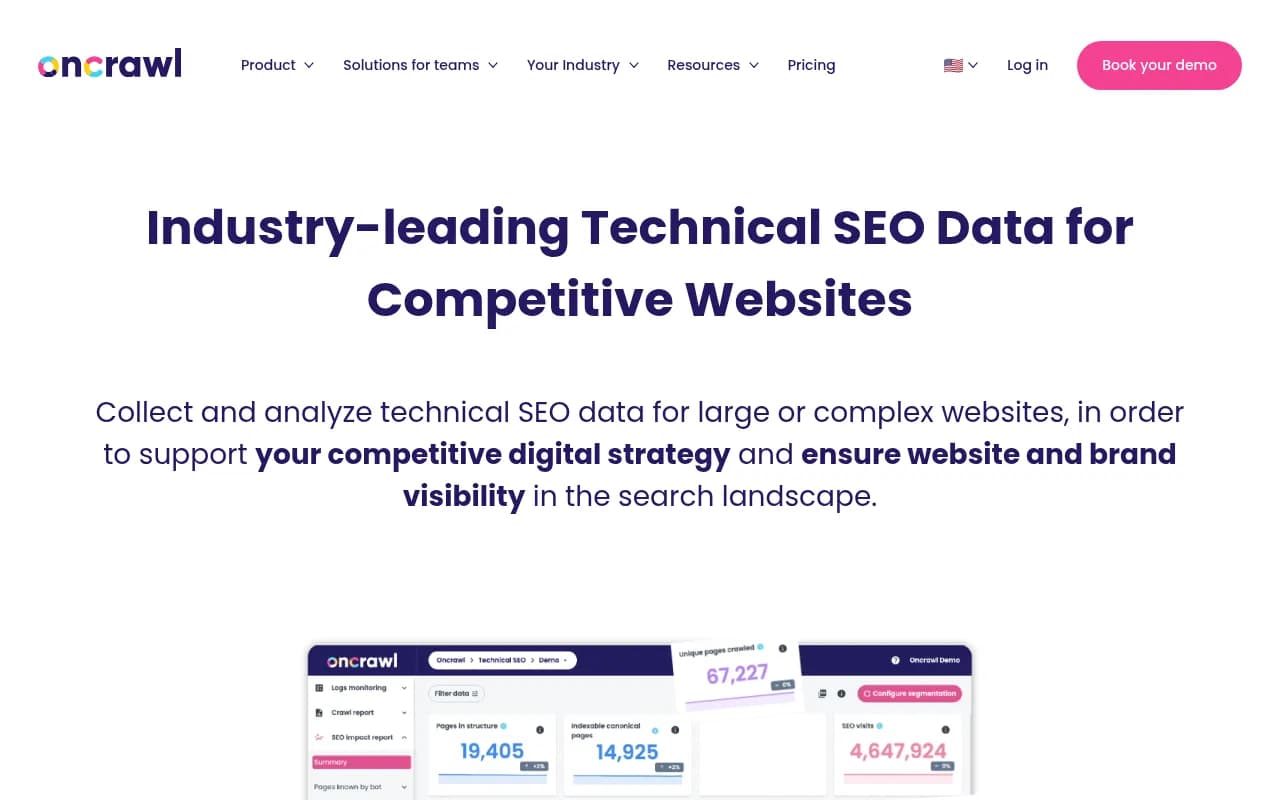
For larger sites, cloud crawlers like Lumar, Botify, and Oncrawl handle scale that desktop tools cannot. One third-party comparison put Lumar and JetOctopus at roughly $6,000 or more per year, so they only make sense when site size justifies it.

| Tool | Type | Rough cost (verify) | Good for |
|---|---|---|---|
| Screaming Frog SEO Spider | Desktop | £199/year, free up to 500 URLs | Baseline snapshots and diffs |
| Moz Pro | Cloud suite | See Moz pricing | Small agency scheduled audits |
| Semrush | Cloud suite | Pro about $117/month billed annually | Alerts plus broader SEO data |
| Ahrefs Site Audit | Cloud suite | Plans from around $990/year | Site audit alongside backlink data |
| Lumar, Botify, Oncrawl | Enterprise cloud | Often $6,000+ per year | Very large sites |
Prices come from third-party comparisons and change often, so check each vendor before budgeting.
Here is the part people skip: alerts only help if someone reads them. Assign an owner. An unread weekly email is not a control.
Step 5: Watch Search Console for damage signals
Crawlers show you what changed. Search Console shows you what it cost.
After any large automated release or after a known spam update:
- Check for a manual action first, under Security & Manual Actions.
- In the Performance report, filter by URL folder and compare the four weeks before and after the change date.
- Look at indexing: a rise in "Crawled, currently not indexed" or "Discovered, currently not indexed" often means Google is declining thin pages.
- Check which pages still earned clicks before deciding anything.
If you find a problem, resist the panic delete. Advice from SEOmatic's write-up on scaled content abuse is sensible: keep pages that earned clicks, and clean up or consolidate the rest. Mass-removing everything throws away pages that were working.
For quick-and-dirty index checks, tools like Diib offer automated SEO monitoring, though I would still trust the Search Console numbers over any third-party summary.

Step 6: Fact-check the pages AI actually quotes
If you care about visibility in AI answers, the audit has an extra dimension. Promptwatch Data's ChatGPT citation share by content type report (Sep 28 to Oct 4, 2026) found product pages were 22.4% of classified ChatGPT citations and landing pages 16.8%. Together that is about 39%. Editorial formats combined were about 43%. For commercial prompts, product pages rose to 26.0% and landing pages to 20.6%.
The takeaway for an automation audit: the pages most likely to be cited are the same ones that automated tools love to edit in bulk. Promptwatch's advice is to keep specs, prices, and positioning on product pages complete and factual, because ChatGPT quotes them directly. If a tool rewrites your product copy and invents a feature or drops a price, that wrong claim can travel into answers.
Freshness matters too. Per the same report's summary of Promptwatch's content half-life data, news pages lose half their citations in about five weeks, while landing pages and docs keep most of theirs for months. So an automated edit to a landing page has a long shelf life, for better or worse.
To see whether AI engines are citing and reading the pages your automation touches, platforms such as Promptwatch can track citations and AI crawler visits per page, so you can tie a content change to what happened afterward.

For a wider view of options, the GEO software directory at bestgeosoftware.com lists alternatives by category.
Step 7: Build a repeatable review checklist
Once you have run a few cycles, turn the above into a standing process. A version I would actually use:
Before release
- Pilot batch of 10 to 20 items reviewed by a human
- Facts verified against a source of record
- Duplicate and near-duplicate check across the batch
- Titles, canonicals, robots, and schema inspected on one example of each template
- Rollback method documented
One week after release
- Re-crawl and diff against the baseline
- Check indexing status of new URLs in Search Console
- Read a random sample of 5 live pages as a user would
- Scan for broken links, redirect chains, and new 4xx or 5xx errors
Monthly
- Compare URL-folder performance in Search Console, four weeks versus prior four weeks
- Review manual actions and security issues
- Prune or merge pages that earn nothing and duplicate others
- Decide whether the automation's settings still make sense
Red flags that mean pause the tool
Switch automation off, or at least reduce its throttle, when you see any of these:
- Many pages with nearly identical structure and only the keyword swapped
- Impressions up and clicks flat across a new folder, suggesting Google is showing pages that nobody wants
- A sudden jump in not-indexed URLs
- Factual errors found in more than one spot-check
- A manual action notice
- Multiple sites or subdomains created to spread the same output
None of these automatically mean the tool is bad. They mean the settings, inputs, or oversight need work.
Choosing tools that are easier to audit
When picking automated SEO software, I would weigh auditability as heavily as output quality. Ask vendors:
- Is there a change log showing exactly what was edited and when?
- Can I approve edits before they go live?
- Can I roll back a batch in one action?
- Can I cap daily volume?
- Does it let me inject my own facts and brand rules?
If the answer to most of these is no, you are accepting risk you cannot measure. More tools that claim to automate end to end are listed in the agentic SEO directory at agenticseotools.com.
Final thoughts
Automation is not the problem. Unreviewed automation is. Set a baseline, pilot every new workflow, diff after each release, and keep a person responsible for reading the alerts. The cost is a few hours a month. The alternative is finding out about a bad batch when the traffic chart already shows it.