Key takeaways
- "Automated SEO" means three different things on WordPress: plugins that handle on-page basics, agents that write and publish content, and platforms that tell you whether AI search engines cite you.
- Rank Math, Yoast SEO, and AIOSEO still cover the on-page layer. Pick one, not two.
- Auto-publishing tools save hours, but scaled low-quality output is a real risk under Google's spam policies. Keep a review step.
- Auto-published news-style posts decay fastest in ChatGPT citations, so automate evergreen pages and refreshes first.
- Pricing changes often and varies by tier. Confirm on vendor pages before buying.
What "automated SEO" actually means on WordPress
WordPress powers about 43% of all websites (W3Techs, June 2026, as cited by Technova Partners). That is a lot of sites fighting for the same queries, and a lot of vendors selling the promise of hands-off SEO.
Most of that promise falls into three buckets.
- On-page plugins. They generate sitemaps, schema, meta tags, redirects, and 404 monitoring, and some now include AI writing helpers.
- Content and deployment agents. These research keywords, write articles, and publish them to WordPress on a schedule.
- Visibility and measurement platforms. They track rankings and, increasingly, whether ChatGPT, Perplexity, and Google AI Overviews cite your pages.
You usually want one tool from the first bucket, and then a deliberate choice about the other two. Buying three overlapping plugins is the most common mistake I see.
The on-page layer: WordPress SEO plugins
The plugin is the foundation. It automates the boring technical stuff so you do not touch XML sitemaps or canonical tags by hand.
Here is how the main options compare, based on Technova Partners' 2026 roundup and the Zapier and WP SEO AI reviews. Treat the scores as one reviewer's weighting, and note that AIOSEO and Rank Math publish their own comparisons that naturally favor themselves.
| Plugin | Active installs | Free tier | Premium from | Notes |
|---|---|---|---|---|
| Yoast SEO | 13M+ | 1 focus keyword | ~$118.80/yr, 1 site | Longest track record, traffic-light readability guidance |
| Rank Math | 4M+ | 5 focus keywords, redirects, 404 monitor, GA4, 18 schema types | From $59/yr | Lighter code footprint, AI traffic tracker |
| AIOSEO | 3M+ | 1 focus keyword | $99/yr (Zapier); Elite $299.50/yr for 100 sites (Technova) | Strong on WooCommerce, AI content tools |
| SEOPress | 300k+ | Yes | From $49/yr, unlimited sites | GDPR-conscious, beta AI tools |
| The SEO Framework | ~1M | Unlimited, no ads | Free core | Fast, minimal config |
| SmartCrawl | n/a | Yes | From $60/yr | Prompts Google to re-crawl automatically |
The AIOSEO price discrepancy is real. Zapier quotes $99/year with a first-year discount, while Technova lists the Elite tier at $299.50/year for 100 sites. They are different tiers. Check the pricing page before you commit.
Yoast SEO
Yoast is the safe choice. Its readability checks and traffic-light scoring suit authors who do not know SEO, and it has been around longest. The free version limits you to one focus keyword, which gets annoying fast.
AIOSEO
AIOSEO leans into automation and on-page guidance, with a WooCommerce focus and AI content tools bolted in. The free version also allows only one focus keyword per page, so budget for premium if you care about that.
Rank Math
Rank Math gives the most for free: five focus keywords, a redirect manager, 404 monitoring, GA4, and Search Console data inside your dashboard. Odd Jar's test put it at about 61,100 lines of code and 11.8 MB, against roughly 97,100 lines and 32.4 MB for Yoast. If you want rank tracking and reporting inside WordPress, it is hard to beat on value.
The SEO Framework and others
The SEO Framework is free with no ads or tracking. Its vendor benchmarks claim it is about 5.6x faster than Yoast, but that is a vendor claim, so take it lightly. It suits people who want minimal config and no upsells.
The content layer: AI writers and auto-publishers
This is where "automated" gets literal. These tools pick topics, write drafts, and push posts to WordPress without you opening the editor.
The options in our catalog vary in how much control you keep.
| Tool | What it automates | Best for |
|---|---|---|
| Outrank | Daily articles and backlinks on autopilot | Small sites wanting volume |
| GenPressa | AI SEO content with auto-publishing | Hands-off blogging |
| TheSEOAgent | Keyword picking, writing, publishing | Solo founders |
| RankSpot | Finds opportunities, publishes to your CMS | Teams that want a review step |
| Skribra | Researches, writes, and keeps articles ranking | Ongoing refreshes |
| Byword | Bulk articles in minutes | Programmatic content |
| Surfer SEO | Content optimization with AI writing | Optimizing existing posts |
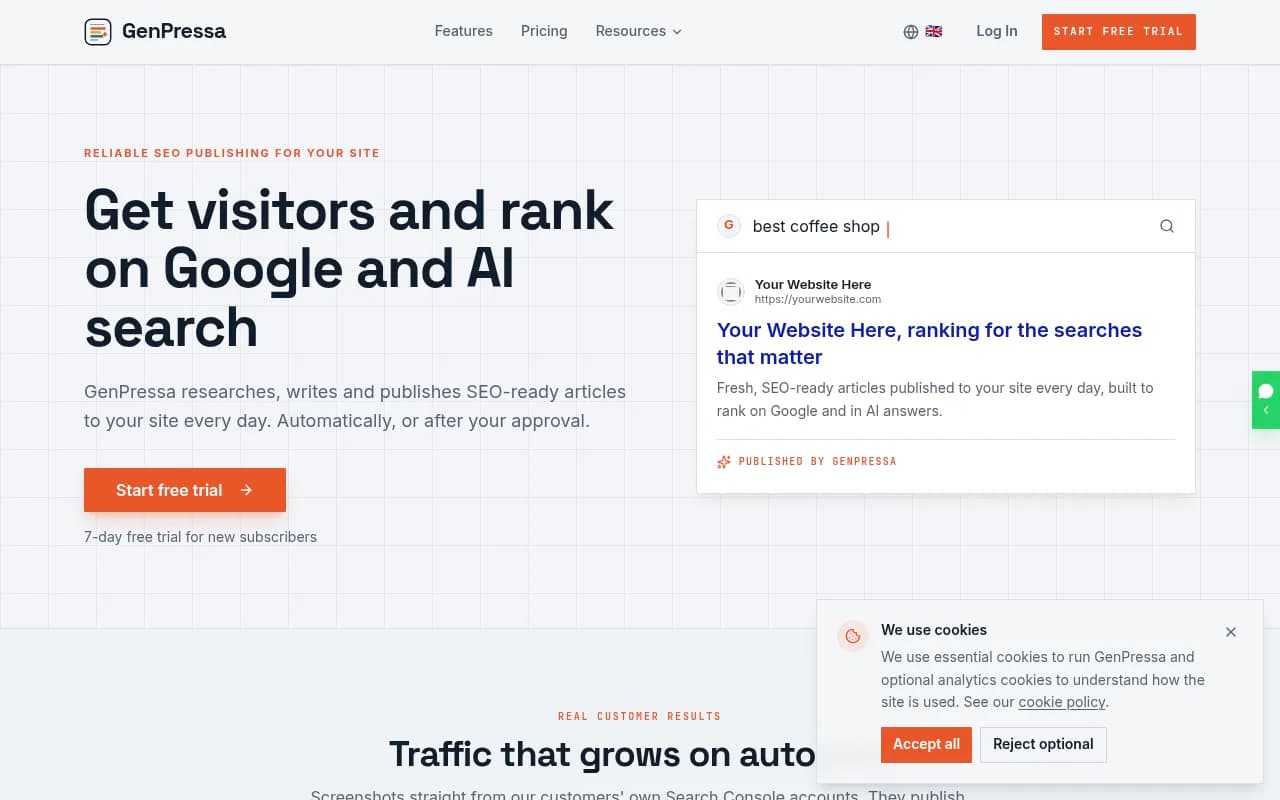
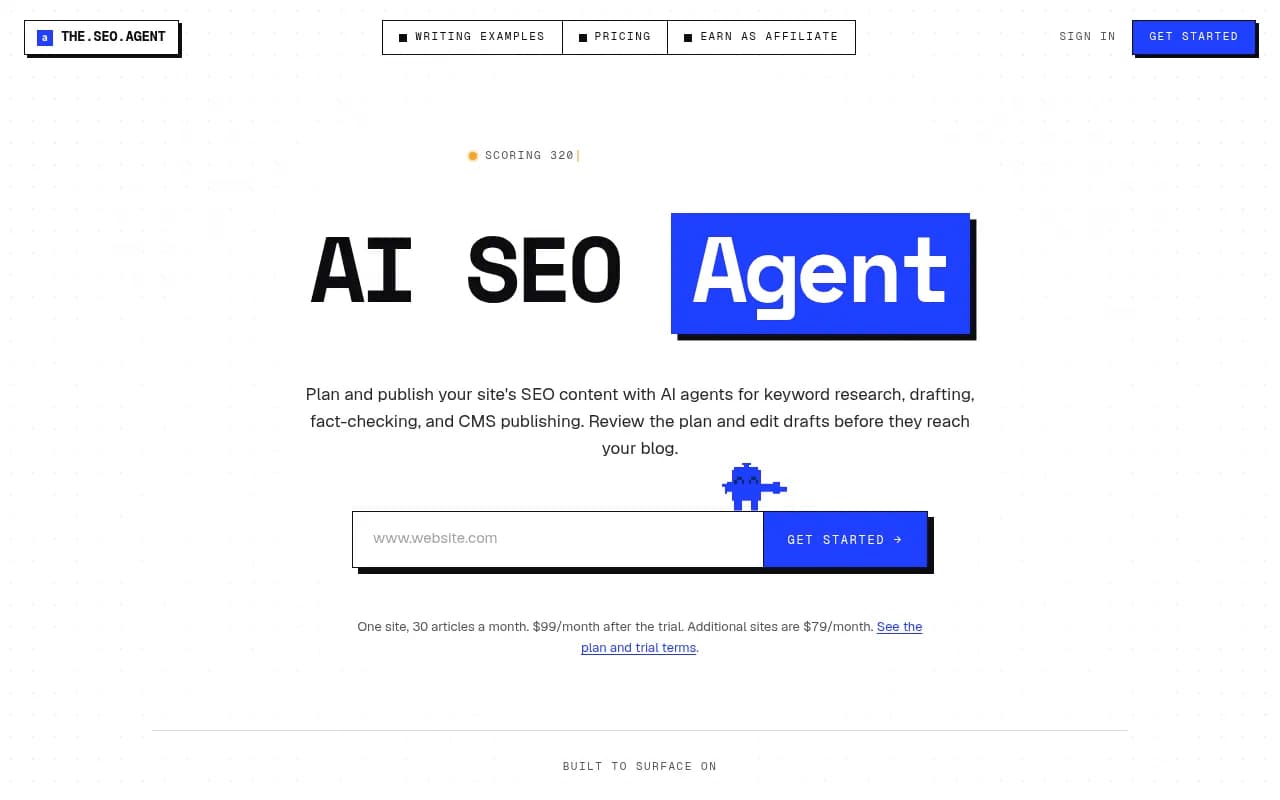
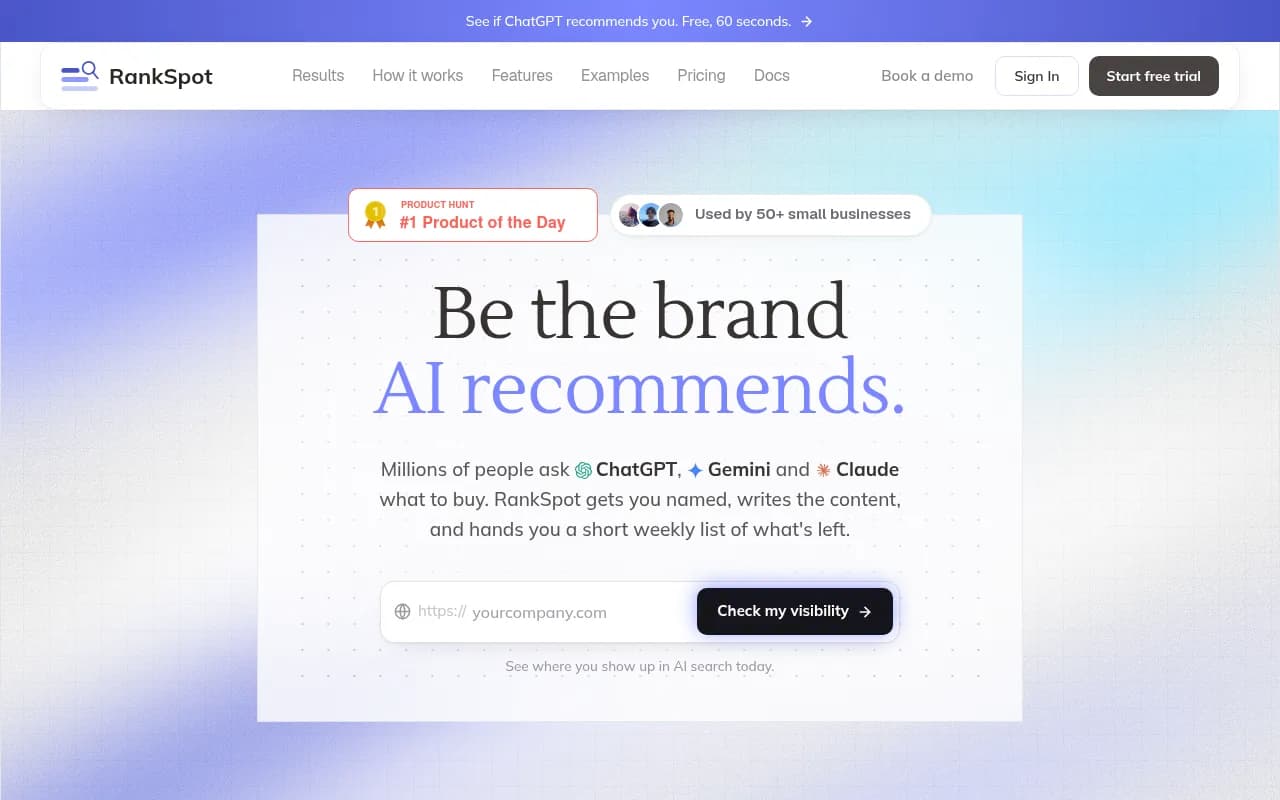

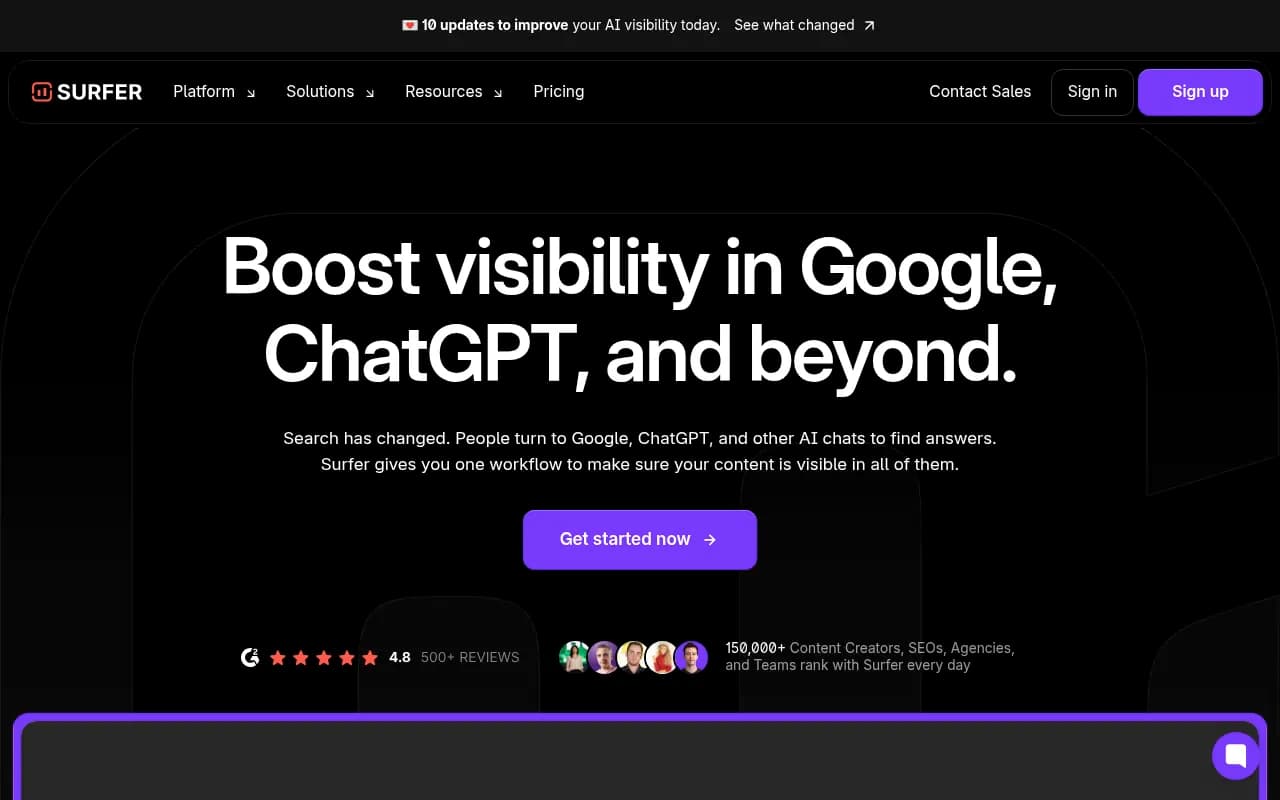
A few honest opinions. Fully hands-off publishing sounds great until you read what comes out. Google's spam policies target scaled content abuse, meaning large volumes of pages made mainly to rank. A tool that publishes ten generic articles a day can hurt a small site rather than help it. Whichever one you choose, route drafts to a review queue, add real examples and first-hand detail, and cap the volume.
Also check what the tool does on the WordPress side. Look for native publishing through the WordPress REST API, category and author mapping, featured image handling, and internal linking. Tools that only give you copy-paste markdown are not automation.
Technical deployment tools
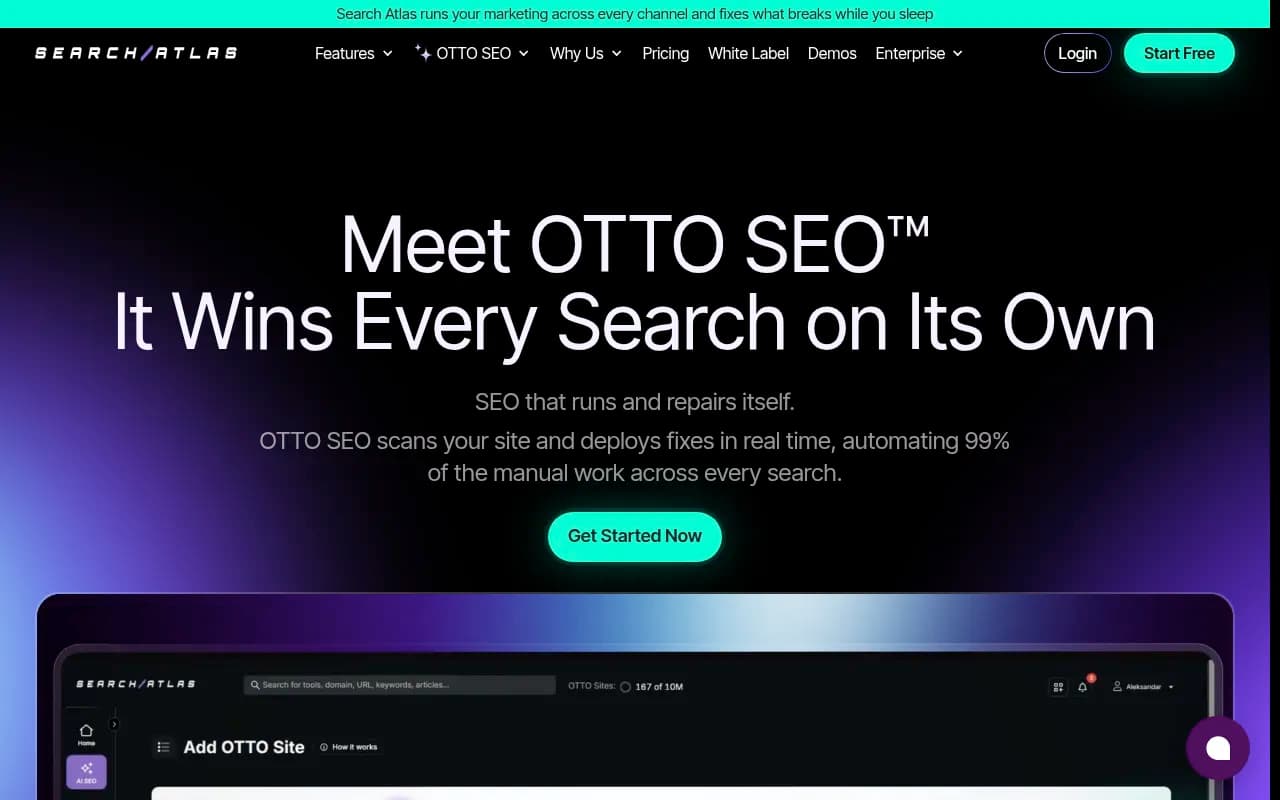
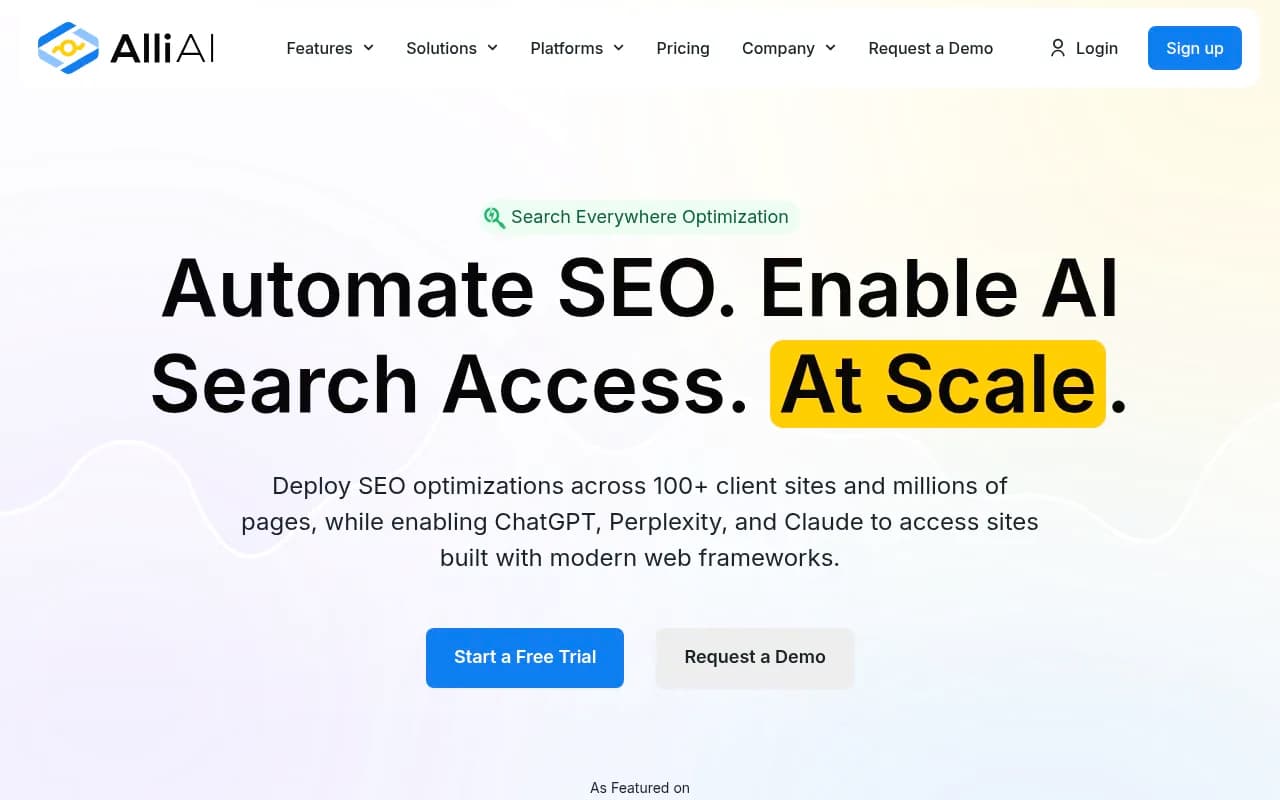
A different flavor of automation fixes the site rather than writing for it. OTTO SEO and Alli AI deploy on-page changes across pages without manual edits, which helps when you manage dozens of sites. Screaming Frog and Google Search Console remain the free-or-cheap ways to verify the changes actually landed.
The measurement layer: AI visibility
Here is the gap most WordPress SEO plugins leave open. They optimize for Google's blue links, while a growing share of discovery happens in ChatGPT, Perplexity, and Google AI Overviews. WP SEO AI's testing notes that AI Overviews, per BrightEdge, now appear in over 48% of Google searches. That figure comes from a vendor blog quoting a third party, so treat it as directional.
Tools like Promptwatch track whether those engines mention and cite your brand, show which of your pages get cited, and log which AI crawlers visit your site. Its Content Agent can also publish to WordPress, and the WordPress publishing integration is available to every organization. That makes it useful as the feedback loop for whatever you automate elsewhere.

If you want to compare alternatives, the GEO software directory at bestgeosoftware.com lists dozens of options, and agenticseotools.com covers the agentic tools that act on the findings.
What AI engines actually cite
This matters for deciding what to automate. According to Promptwatch's ChatGPT content type data (Sep 28 to Oct 4, 2026), product pages are the most cited type at 22.4% of classified citations, with landing pages at 16.8%. Listicles are 13.6%, how-tos 8.7%, comparisons 5.9%, and news 5.7%. For commercial prompts, product pages climb to 26.0%.
So a blog-only automation strategy misses the point. Your product, pricing, and landing pages carry the most weight, and a plugin that only polishes blog posts will not move them.
Freshness matters too. In Promptwatch's content half-life study, which tracked pages ChatGPT cited on July 6, 2026 for 90 days, 78% of landing pages and 76% of docs were still cited after 30 days. Half of news pages were gone after 36 days. Product pages, reviews, and how-tos had half-lives of 74 to 77 days.
The implication for automation is simple. Auto-published news-style posts decay fastest. Point your automation at evergreen pages, comparisons, docs, and scheduled refreshes instead.
How to choose: a practical stack
Here is how I would set this up for three common situations.
A small business or local site
Install Rank Math or Yoast (one, not both). Connect Google Search Console. Write a handful of strong service and location pages by hand, then use a content agent only for supporting articles, with a review step. Skip enterprise tools.
A content-heavy blog or affiliate site
Use Rank Math or AIOSEO for the on-page layer, add Surfer SEO or a similar optimizer for existing posts, and run an auto-publisher with a manual approval queue. Schedule refreshes every few months. Add an AI visibility tracker once you have steady traffic.
An agency managing many WordPress sites
Look for white-label reporting and multi-site deployment. Alli AI or OTTO SEO help with rolling out technical fixes. Pair them with AgencyAnalytics for reporting and an AI visibility platform with agency plans. If you would rather hand the strategy off, a full-service shop such as 1001 SEO Media covers technical SEO, content, and AI search work without long-term contracts.
Pitfalls to avoid
- Stacking SEO plugins. Two plugins writing meta tags and schema produce duplicate or conflicting output. Pick one.
- Trusting vendor benchmarks. Speed and ranking claims come from the people selling the tool.
- Publishing without review. Unedited AI output reads generic, and generic pages rarely earn citations.
- Ignoring crawlability. If AI crawlers cannot read your pages, no amount of writing helps. Check robots.txt and your CDN rules.
- Judging by plugin scores. Technova's weighted scoring is useful, but your needs, not a score, decide the fit.
Quick recommendations
| If you need | Start with |
|---|---|
| Best free on-page features | Rank Math |
| Easiest for non-technical writers | Yoast SEO |
| WooCommerce and all-round automation | AIOSEO |
| Lightest and ad-free | The SEO Framework |
| Auto-published articles | Outrank, TheSEOAgent, or RankSpot (with review) |
| Technical fixes at scale | OTTO SEO or Alli AI |
| AI search visibility and publishing | Promptwatch |
For broader software research, the directory at surferstack.com has reviews and comparisons across the category.
Bottom line
Pick one on-page plugin, decide how much writing you are willing to hand to an agent, and measure what AI engines do with the result. Automation without a review step and a measurement loop is just faster publishing. Start with one plugin, confirm current pricing on the vendor page, and add tools only when a specific gap shows up.