Key takeaways
- Ecommerce SEO automation works best at the template level: fix one product or collection template and thousands of URLs improve at once.
- No single tool covers everything. Plan for four layers: storefront, research, crawling and indexation, and on-page deployment.
- Product feeds, Product schema and accurate availability now matter for AI answers as well as Google Shopping.
- Treat vendor-written "best tool" rankings with suspicion. Several 2026 roundups rank the publisher's own product first.
- Automate the boring checks, keep humans on merchandising copy, collection strategy and faceted URL rules.
What "automated SEO" means for a store
Blog SEO and store SEO are different jobs. A content site has a few hundred pages and a keyword per page. A store has thousands of templated product and collection pages, variant URLs, filter combinations, out-of-stock products and a feed that has to match what is on the page. Digital Applied's 150-item ecommerce checklist puts it well: you are optimizing a catalog, a feed and a faceted navigation system, and the last one can multiply your reach or bury you in duplicate URLs.
That is why "automated" means something specific here. Useful automation falls into five buckets:
- Generating and updating titles, meta descriptions and alt text from catalog data
- Producing structured data (Product, Offer, Review, breadcrumbs) from the same data
- Keeping the product feed clean and in sync with the site
- Crawling and monitoring for broken, duplicate, orphaned or noindexed pages
- Deploying fixes without a developer ticket for each one
Anything that claims to "do your SEO" beyond that deserves a hard look.
The four layers of an ecommerce SEO stack
One point from the US Tech Automations breakdown is worth repeating: split the stack. Your storefront, your research tool, your crawler and your on-site search are four different decisions, and no vendor does all four well. Semrush and Ahrefs will not render your collection templates. Shopify will not tell you how Googlebot is spending its crawl budget.
| Layer | Job | Example tools |
|---|---|---|
| Storefront | Templates, URL structure, native SEO fields | Shopify, BigCommerce, WooCommerce |
| Research | Keywords, competitors, backlinks, rank tracking | Semrush, Ahrefs, SE Ranking |
| Crawl and indexation | Faceted URLs, crawl budget, duplicates, logs | Botify, Lumar, Screaming Frog, Oncrawl |
| On-page deployment | Pushing title, schema and content fixes live | Search Atlas OTTO, Alli AI, ClickRank AI |
A fifth, newer layer is AI visibility: seeing whether ChatGPT, Gemini or Perplexity recommend your products. More on that below.
Product pages: where automation pays off fastest
Product detail pages convert, and the template affects every SKU. Digital Applied's checklist is a good baseline for what a PDP template should guarantee:
- A unique title tag under about 60 characters and a unique meta description under about 155
- One H1 containing the product name
- Descriptive image filenames and alt text with brand, model and color
- Price, currency and availability rendered server-side, not lazy-loaded through JavaScript
- A defined primary image for Product schema and OpenGraph
- Breadcrumbs and complete Product schema
Most of this can be generated from catalog fields, which is exactly why template-level automation works. The trap is thin or duplicated copy. Manufacturer descriptions pasted across 5,000 SKUs is a duplicate content problem regardless of how tidy your schema is.
Tools that help with PDP content and fixes
Search Atlas deploys on-page changes through a pixel, which is useful if you cannot edit theme code quickly. Its OTTO agent is the part that applies fixes.
Alli AI takes a similar approach, pushing SEO changes across many sites or templates at once.
ClickRank AI sells one-click automation for titles, descriptions and similar elements.
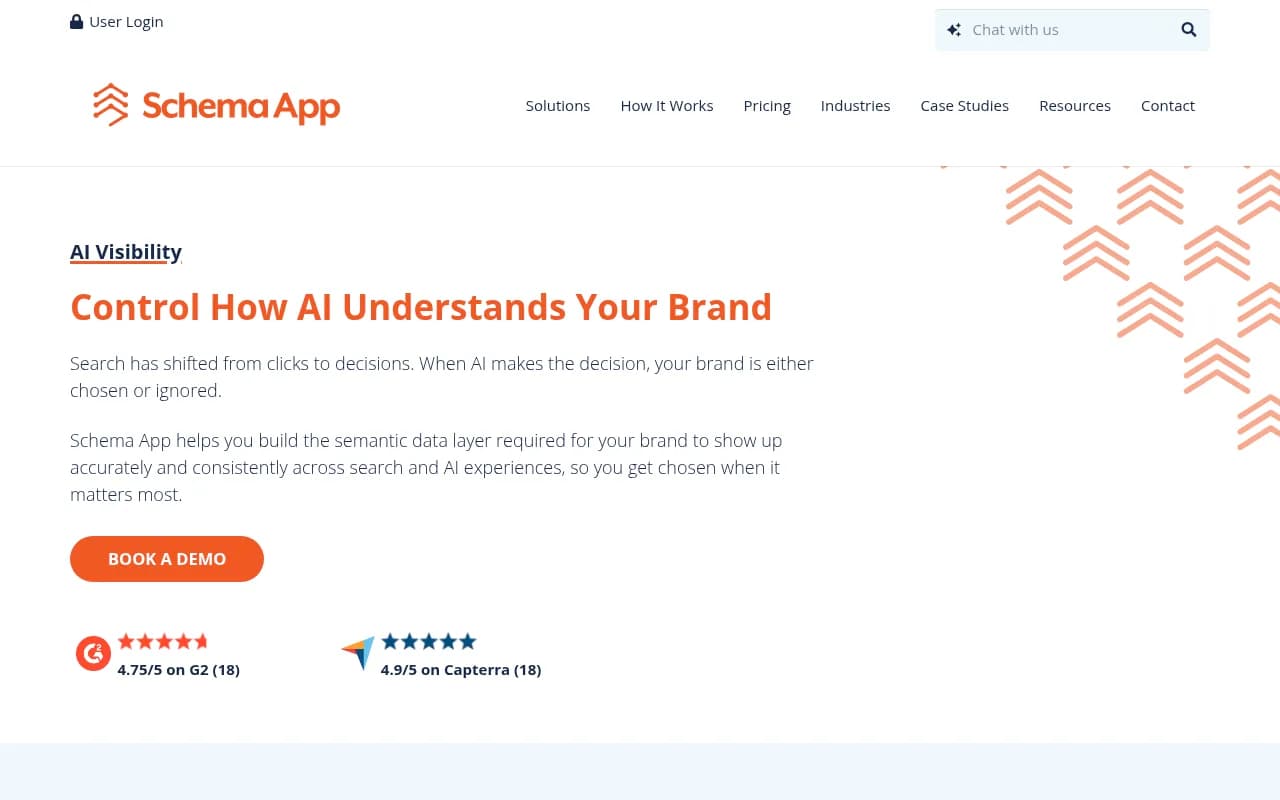
For structured data specifically, Schema App is a dedicated platform rather than an app that bolts on a few fields.
A word of caution on pixel or script-based deployment: if the change only exists after JavaScript runs, check what Google and AI crawlers actually see. Many AI crawlers do not render JavaScript. Verify with a crawl, not with the vendor's dashboard.
Collection and category pages
Digital Applied's checklist makes a point that most stores underweight: head and mid-tail category pages outrank PDPs for most non-branded queries. Collections are your priority landing pages, and they are also where Shopify stores most often ship thin content. The US Tech Automations piece says it bluntly: if the SEO team does not own the templates, you will ship thin collection pages regardless of the platform logo.
What to automate:
- Collection descriptions drafted from attributes, then edited by a person
- Internal links between related collections and top products
- Automatic population when inventory changes, so pages do not go empty
- Breadcrumb and CollectionPage/ItemList markup
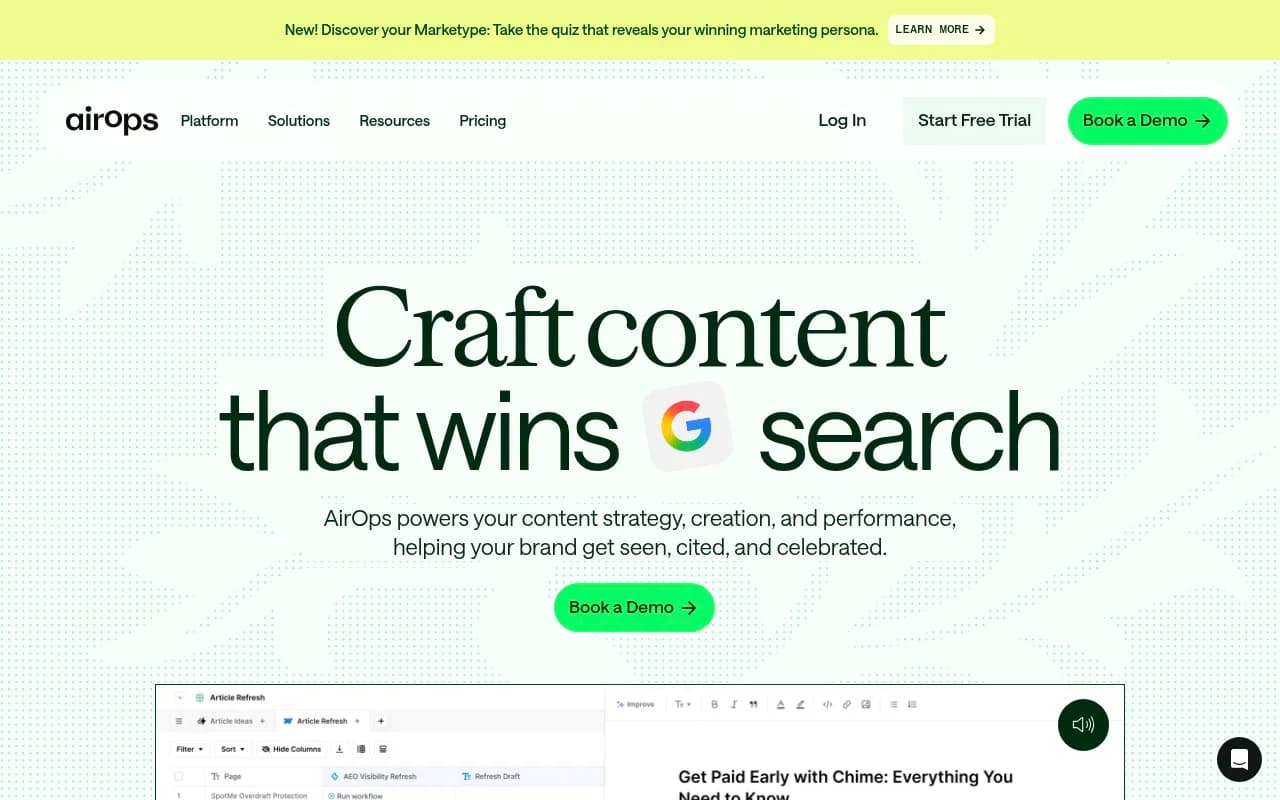
What not to automate blindly: the decision of which collections deserve to exist. Programmatic SEO guides (AirOps has a useful one) suggest generating pages by shared attributes, such as "wireless noise-canceling headphones". That works when each page has real inventory and a distinct intent. It becomes index bloat when it generates "red waterproof running shoes size 11" for every combination with two products behind it.
AirOps is the workflow tool that comes up for this kind of catalog-driven page generation and internal linking.
Faceted navigation and crawl control
Filters are the biggest technical risk in a store. Unmanaged filter URLs create duplicate content, wasted crawl budget and index bloat. Canonical, noindex and robots rules need to be deliberate, per facet. Some filter combinations (brand plus category) deserve indexable pages. Most (price sort plus color plus size) do not.
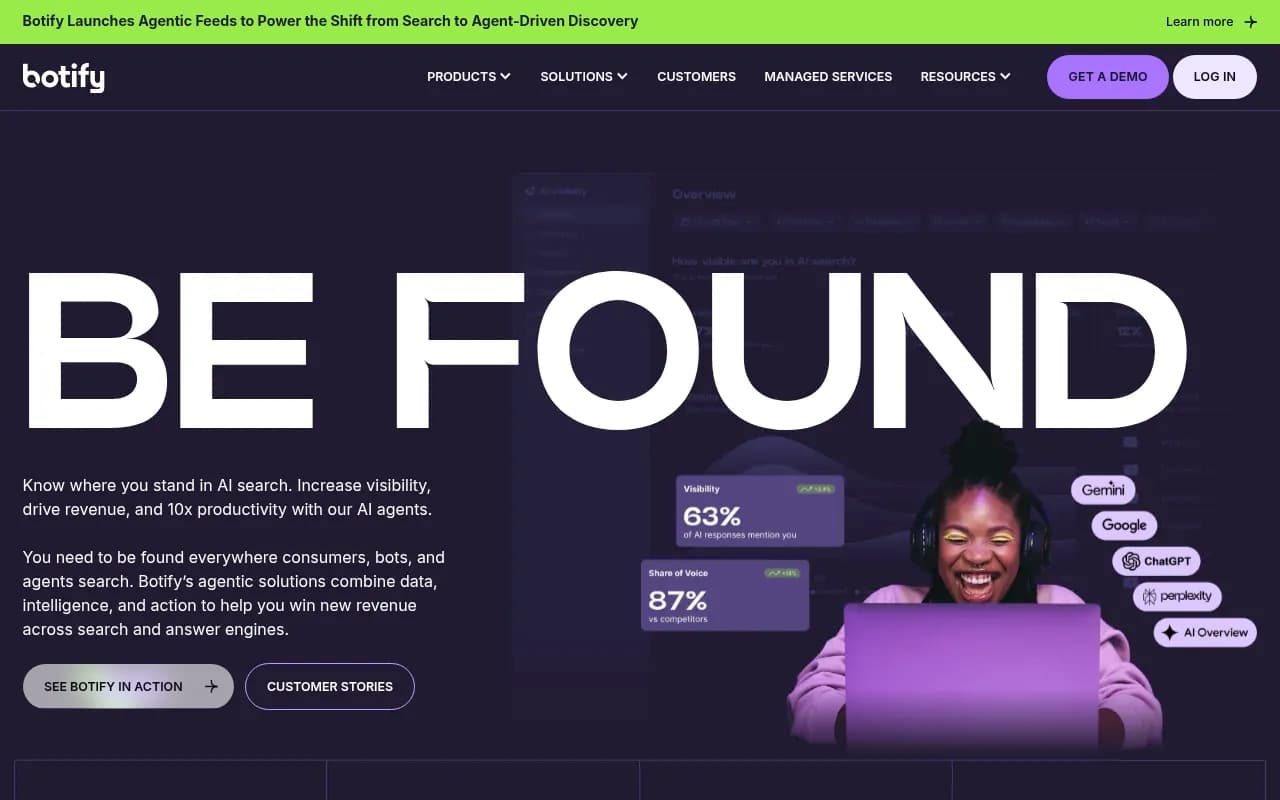
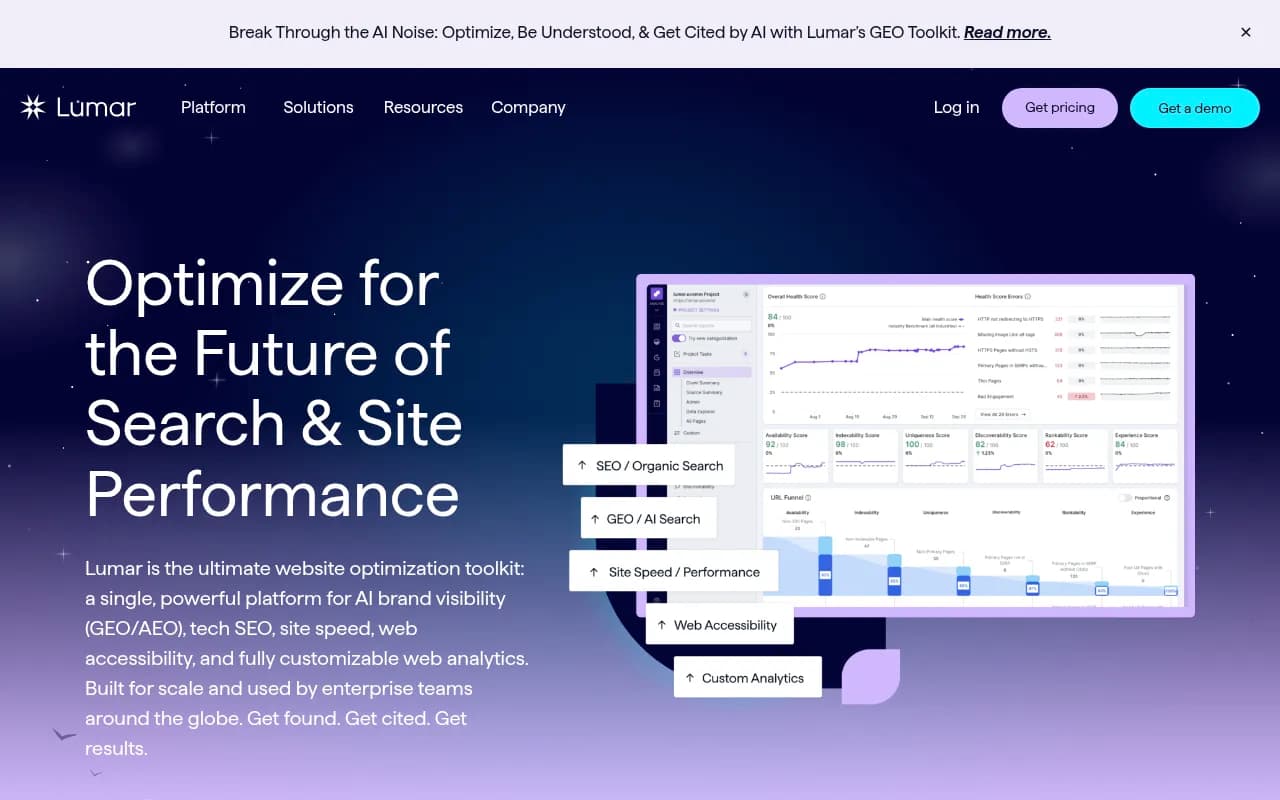
This is where desktop crawlers stop being enough. Botify and Lumar handle crawl and indexability at catalog scale, and log-aware tools show what bots actually request.
For smaller catalogs, Screaming Frog does the job and costs far less.

Oncrawl sits between the two for teams who want log analysis without an enterprise contract.
And Google Search Console remains the free source of truth for what is indexed and what is excluded.
I would run a crawl and a Search Console export before buying anything. Digital Applied recommends the same three exports (URL inventory, live crawl, 90 days of Performance data), and it is sound advice. Half the time the expensive problem is a handful of facet rules.
Product feeds and Merchant Center
A clean feed unlocks Shopping, free listings and richer result surfaces that keyword SEO cannot reach. The failure mode is mismatch: the feed says in stock and $49, the page says sold out and $54. Google can disapprove products for that, and AI shopping features lean on the same signals.
Checks worth automating on a schedule:
- Price and availability on the page match the feed
- GTINs, brand and condition are present and valid
- Images meet size requirements and are not placeholders
- Product titles in the feed follow a consistent pattern (brand, type, key attribute)
- Disapproved items are flagged to a person, not left in a dashboard
Automation platforms such as Zapier, Make or n8n can turn those checks into tickets or Slack alerts when an inventory change breaks a rule. That is the same idea US Tech Automations raises: orchestration only matters once inventory and indexation events need to become tasks.
I could not verify current Merchant Center specifications for this guide, so check Google's own feed documentation before changing attributes. Requirements shift.
Speed and Core Web Vitals
Digital Applied cites the usual thresholds: LCP under 2.5 seconds, INP under 200 ms, CLS under 0.1. Store themes with heavy apps are usually the cause of misses, not the product pages themselves. Automation here is monitoring: run a weekly check on a sample of PDPs and collection pages, and alert when a new app pushes a metric over the line.
The suites: which general SEO tool fits a store?
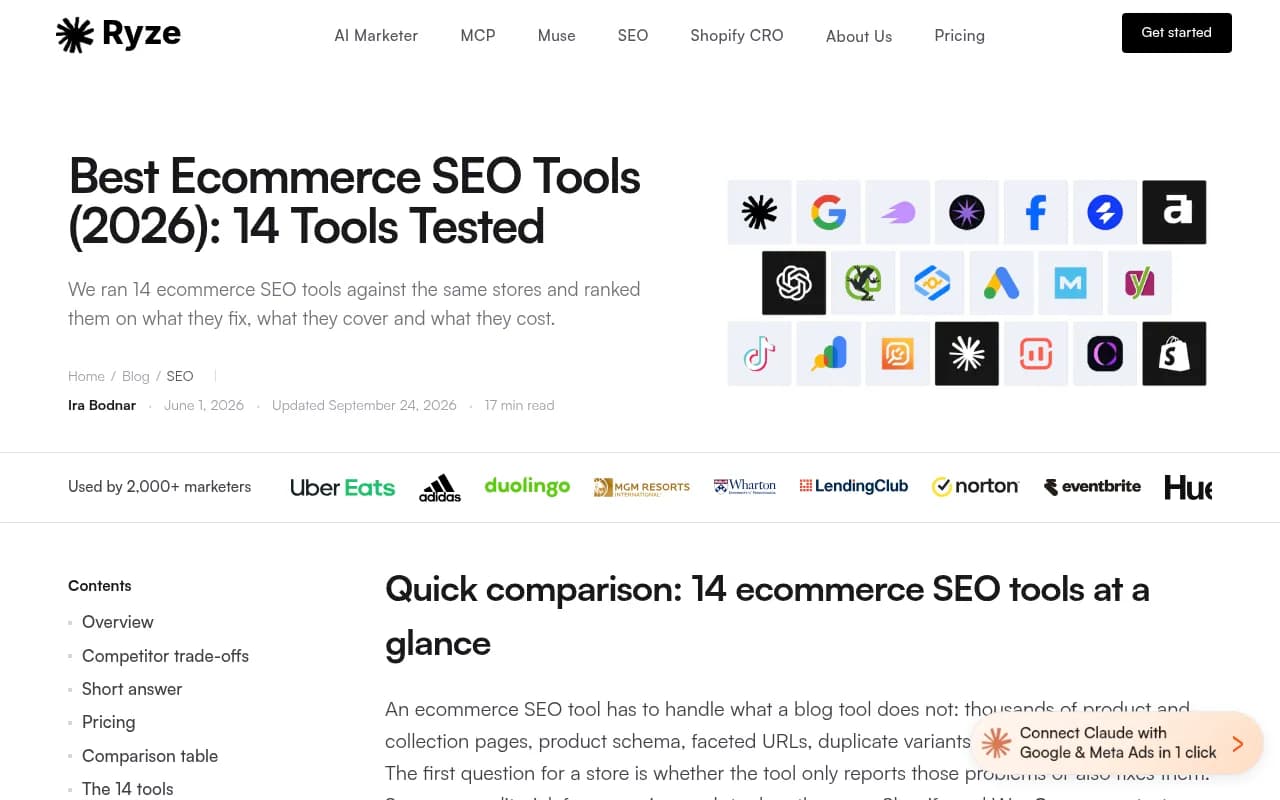
The research suites are still the backbone for keyword and competitor work. A Ryze AI roundup scored 14 tools on test Shopify and WooCommerce stores, but that publisher ranked its own product first (9.2/10 at $129 a month), so read the scores as marketing. The tool list itself is still handy.
| Tool | Best for | Ecommerce caveat |
|---|---|---|
| Semrush | Research across SEO, content and ads | Does not fix your templates |
| Ahrefs | Backlinks and competitor research | Same |
| SE Ranking | All-in-one on a tighter budget | Less depth at enterprise scale |
| Search Atlas | Pixel-deployed on-page fixes | Check rendered HTML |
| Screaming Frog | Crawling and audits | Desktop limits on huge catalogs |
| Botify / Lumar | Faceted URLs and crawl budget at scale | Overkill for small stores |
Prices in those roundups were captured in September 2026, so confirm on vendor pricing pages before budgeting.
AI search: the layer most store stacks miss
Shoppers now ask ChatGPT and Gemini "best running shoes for flat feet" and get a short list with links. Whether your products are on it is a separate question from whether you rank on Google.
Promptwatch's data on ChatGPT citations (Sep 28 to Oct 4, 2026) is encouraging for stores. Product pages are the most cited content type at 22.4% of citations, and landing pages add another 16.8%, so roughly 39% of citations go to pages describing what a company sells. For commercial prompts like "best X for Y", product pages reach 26.0%, landing pages 20.6% and listicles 15.0%. The practical reading: your PDP template is a citation asset, and it needs clear pricing, specs and a stated target buyer so it is easy to compare.
The same data set suggests getting listed in the roundups ChatGPT cites for your category and collecting reviews on trusted third-party sites. Pages also age differently. Promptwatch's content half-life report found news pages losing half their citations in about five weeks, while landing pages and docs held on for months. Evergreen product and collection pages are the better bet.
Shopping cards are a smaller story. Promptwatch's ChatGPT shopping data shows product cards and price comparisons attached to only a low single-digit share of web-search responses, and the rate moves in steps rather than smoothly. They show up mostly on commercial and transactional prompts. The advice is unglamorous: complete Product schema, accurate prices and availability, and a clean merchant feed.
Tracking it
To see which of your buyers' prompts mention your brand, which competitors fill shopping cards, and whether AI crawlers are even reaching your product pages, you need an AI visibility platform. Promptwatch covers prompt tracking, AI crawler logs and AI shopping visibility, and its content tools can draft pages against gaps it finds.

If you want to compare options, the GEO software directory at bestgeosoftware.com lists many of them, and Otterly.AI and Peec AI are cheaper monitoring-only picks.

A sensible automation plan
Start small and sequence it.
- Export your URL inventory, run a full crawl and pull 90 days of Search Console data.
- Fix template-level issues first: titles, H1, server-side price and availability, Product schema.
- Write explicit rules for every facet: indexable, canonical or blocked.
- Automate feed checks and alerts for price or stock mismatches.
- Add an on-page deployment tool only if developer turnaround is the real bottleneck.
- Rewrite your top 20 collection pages by hand, then use automation for the long tail.
- Monitor AI visibility monthly and feed gaps back into product page copy.
What I would not automate
Brand voice on hero collections. The decision to launch or kill a faceted landing page. Review collection. Anything that changes prices or availability text without a human sign-off. Tools are good at consistency and bad at judgment, and store SEO needs both.
If you are choosing between all-in-one automation promises, ask each vendor three questions: what changes do you ship to my store, how do I roll them back, and what will a crawler see without JavaScript? The answers sort the serious tools from the dashboards quickly.
For more options by category, the broader software directory at surferstack.com is a good place to compare.