Key takeaways
- WordLift and Schema App are knowledge-graph tools for large sites and publishers. Expect quote-based or high monthly pricing.
- InLinks suits teams that want entities, internal links and JSON-LD handled in one workflow, at a much lower entry price.
- Yoast SEO, AIOSEO, Rank Math and SEOPress cover core schema inside WordPress and are enough for most small and mid-size sites.
- Google says there is no special schema you need for AI Overviews or AI Mode. Use schema for rich results and entity clarity, not as an AI visibility switch.
- Whatever you pick, schema should mirror visible page content, and you should validate it on a schedule.
What automated schema markup actually means
A schema tool writes JSON-LD that describes a page: its type, its properties, and how it relates to other things. "Automated" is where vendors start to differ, and the differences matter more than feature checklists.
A basic plugin fills a template from fields you already have: title, author, date, price. A deeper tool extracts entities from your text, reconciles them against Wikidata or a private knowledge graph, and rewrites markup when the underlying content changes. Which one you need depends on how many URLs you run and who maintains them.
Three questions sort most buying decisions:
- How much of the markup is generated from rules or models, versus filled in by hand?
- What happens when a template changes? Does the update propagate across thousands of pages?
- How do you validate output at scale, and how is it deployed (server-side JSON-LD, plugin, or JavaScript injection)?
JavaScript injection deserves a caution. If JSON-LD loads late or collides with markup already on the page, crawlers can miss or discount it. Inject early, avoid duplicates, and test with Google's Rich Results Test and the Schema Markup Validator.
Does schema help with AI citations?
Be skeptical of anyone selling "AI Overview schema." Google's own documentation says no special structured data is required to appear in AI Overviews or AI Mode. The same Search best practices apply.
I also couldn't find Promptwatch data showing that schema increases AI citations, so I won't claim it. What the data does say is useful context. In Promptwatch's data on ChatGPT citations by content type (Sep 28 to Oct 4, 2026), product pages were the most cited type at 22.4% of classified citations, landing pages were 16.8%, and FAQ pages were 3.3%. For branded prompts, product pages hit 23.3% and landing pages 22.8%.
The practical read: the pages AI most often cites are the ones that describe what you sell. If you add Product, Offer and FAQ markup, make sure it matches complete, factual on-page content: specs, prices, positioning. Schema that says one thing while the page says another helps nobody.
If you want to see whether your structured data work correlates with citations over time, an AI visibility platform like Promptwatch can track which of your pages get cited and which AI crawlers are reading them.

The tools compared
| Tool | Type | Best for | Automation depth | Pricing posture |
|---|---|---|---|---|
| Schema App | Enterprise platform | Large sites, many templates | Model and template driven, content knowledge graph | Quote-based |
| WordLift | Knowledge graph plus plugin | Publishers, content-heavy sites | Entity extraction, queryable graph, edge injection | High, varies by edition |
| InLinks | Entity SEO platform | Teams combining linking and schema | Entity-driven JSON-LD plus internal links | Free tier, paid from about $49/month |
| Yoast SEO | WordPress plugin | Editors already in Yoast | Core schema graph, automatic | Free and premium |
| AIOSEO | WordPress plugin | Small business, WooCommerce | 19+ schema types | Free and premium |
| Rank Math | WordPress plugin | WordPress users wanting breadth | 20+ schema types | Free and premium |
| SEOPress | WordPress plugin | Visual builder and global rules | Automatic rules, manual builder, JSON-LD | Free and premium |
I haven't verified current pricing for Schema App, Yoast, AIOSEO, Rank Math or SEOPress, so check each vendor's live page before budgeting.

WordLift: best for publishers and content-heavy sites
WordLift turns your content into a private knowledge graph, reconciled against Wikidata, DBpedia and Google's Knowledge Graph. It plugs into WordPress and headless CMSs, extracts entities from each article, lets editors curate them, and publishes structured data plus a graph endpoint that machines can query.
It automates JSON-LD for Article, NewsArticle, Recipe, Product, Person and Organization, and offers a Cloudflare Worker for edge-injected structured data. If you run a news site or a magazine that publishes daily, that edge option is genuinely handy because it avoids touching templates.
What I like: it is one of the few tools that publishes a real, queryable knowledge graph, and its WordPress integration is mature, with editor-friendly entity curation. What gives me pause: editors who have never thought in entities face a learning curve, and headless or custom stacks need more configuration.
WordLift pricing: verify before you buy
Sources conflict here, so treat any number as provisional.
- WordLift's own pricing page shows $879 per month against a struck-through $1,100 for a monthly plan. I couldn't see the tier names.
- G2 lists three editions: Agent at 160 EUR per month, Business+ at 799 EUR per month, and Enterprise.
- Capterra and Software Advice list a starting price of 999 EUR per feature per month (Business+ Ecommerce), with a free trial.
- One comparison site claims "from $59 per month." That one carries its own caveat and I wouldn't trust it.
The safe summary: WordLift is a premium product, pricing varies by edition, and you should confirm on wordlift.io/pricing.
InLinks: best for entity-led teams on a smaller budget
InLinks maps your content to a knowledge graph, then automates internal linking, schema and topic coverage from that graph. Where most SEO tools think in keywords, it thinks in entities. It generates JSON-LD (Article, Product, Organization, Person, FAQ), deploys via WordPress, Shopify or a JavaScript injector, supports multiple languages, and includes content briefs listing required entities and questions.
The combination is the appeal. Internal links and schema come from the same entity map, so you maintain one system instead of two. InLinks also has a guide on local-business schema, including a markup block for each branch and practitioner entities, which is useful for multi-location setups.
Pricing, per InLinks' homepage: a free plan and a paid plan from US$49 per month. A third-party review (with an affiliate link, so read it cautiously) breaks it down as:
- Free: 2 content runs per month and internal linking across 25 pages
- Freelancer: from $49 per month, about 100 pages
- Agency: from $196 per month, about 430 pages, with API access
- Enterprise: around $2,000 per month, aimed at 100,000+ URLs
The main catch is scope. It doesn't replace a backlink, rank-tracking and competitor-research suite. Also note that inlinks.com/pricing returned a 404 when I checked, so use the homepage or the help page on how pricing works.
Schema App: the enterprise option
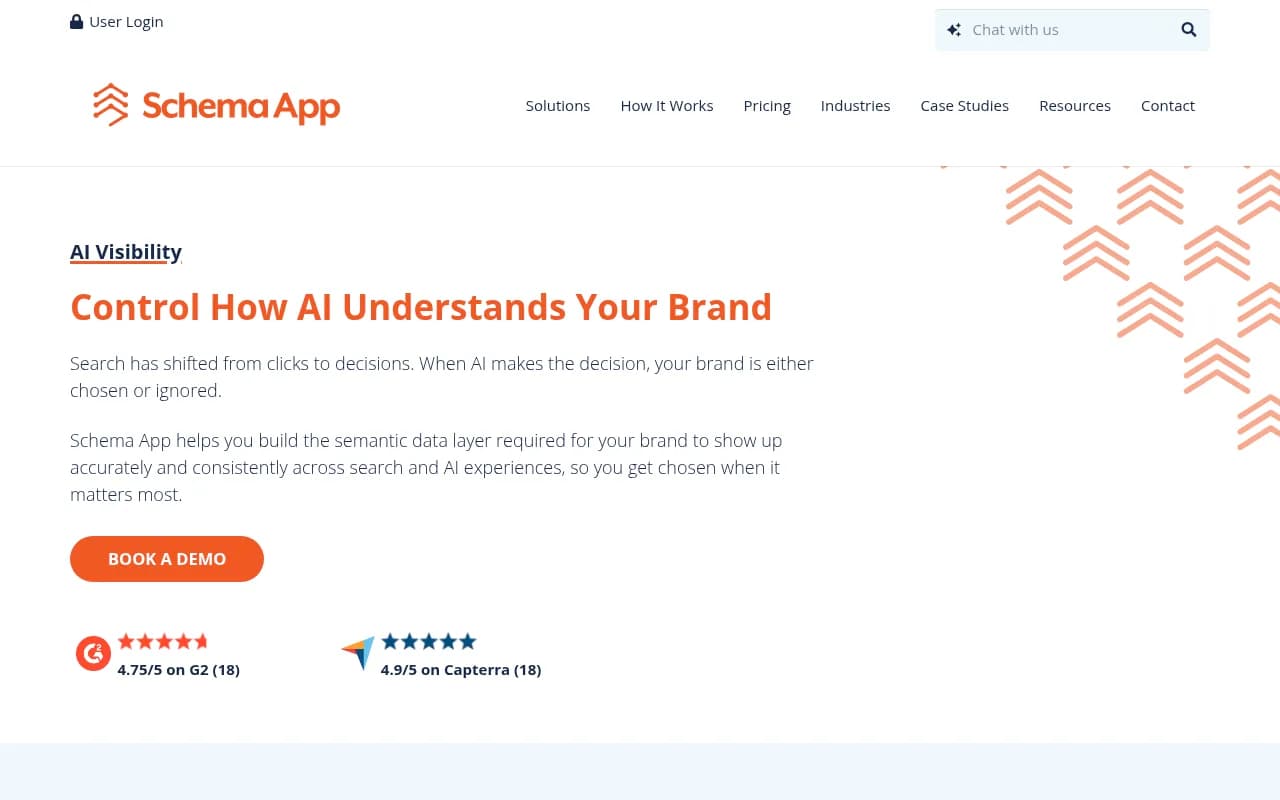
Schema App is built for organizations with many templates and a governance problem. It generates markup from models and templates, offers an Editor and Highlighter for manual work, reuses markup across sites, and builds a content knowledge graph. Pricing is quote-based, which is typical for this tier.
If you manage tens of thousands of URLs, the question stops being "which plugin adds schema?" and becomes how deeply automation reaches: generation, updates, propagation, validation and CI/CD. That is the territory where Schema App and WordLift compete. If you're a ten-page brochure site, this is overkill.
WordPress plugins: Yoast, AIOSEO, Rank Math, SEOPress
Full-suite SEO plugins add core schema automatically. WordLift and InLinks go deeper, but for many sites the plugin you already run is enough.
Yoast SEO
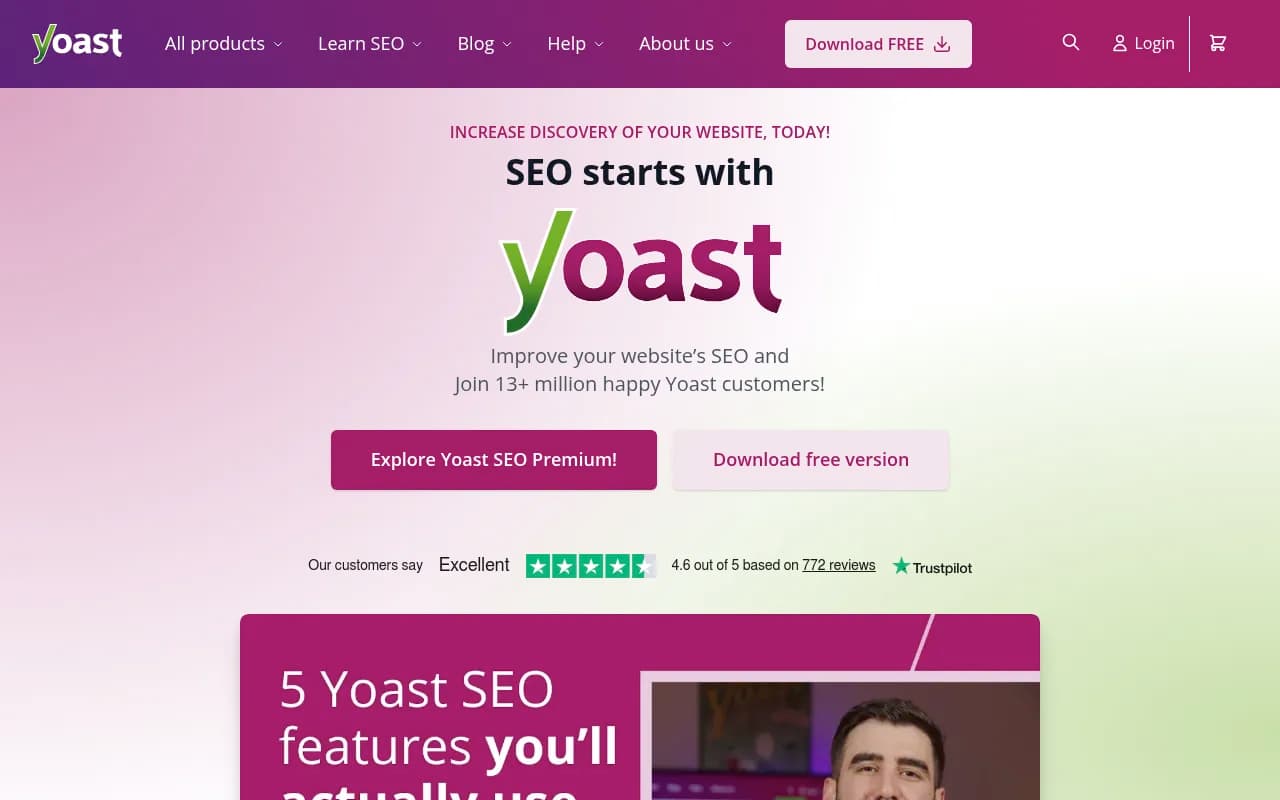
Yoast outputs a connected schema graph for pages, articles, authors and the organization without configuration. It is the low-effort choice if your editors already live in it. Customizing beyond the defaults takes more work.
AIOSEO
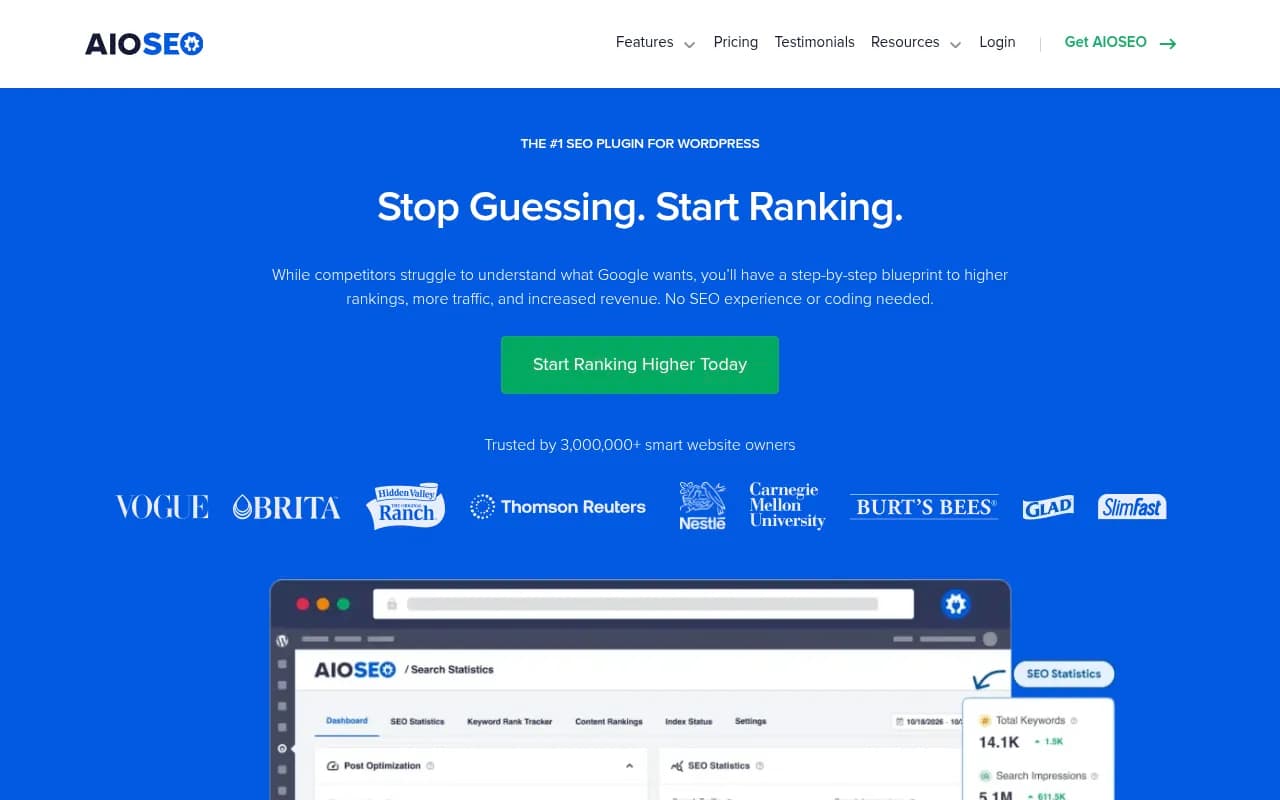
All in One SEO supports 19+ schema types and has a free version. Rank Math's roundup positions it for small businesses and WooCommerce sites. It doesn't use schema templates.
Rank Math
Rank Math supports 20+ schema types including FAQ and How-to, and is the plugin many WordPress teams already have in the sidebar. The breadth is a plugin surface, not the whole schema.org vocabulary, which runs to hundreds of types. A citable entity still needs real values: a Product with a true sku, an Article with a genuine author and datePublished, a local business with an address string matching its listings.
SEOPress
SEOPress combines a visual builder with global rules, so you can set automatic schema by post type and still hand-build exceptions. Output is JSON-LD.
Free and adjacent tools worth knowing
Generators such as the TechnicalSEO.com schema generator are fine for one-off pages. For crawling your site to find missing or broken markup, a crawler like Screaming Frog works well.

And Google Search Console reports which rich result types Google detected and any errors it found.
How to choose
- Small WordPress site: use your existing plugin (Yoast, AIOSEO, Rank Math or SEOPress). Fill in author, organization and product fields properly and stop there.
- Publisher or content-heavy brand: WordLift, if the budget fits and your team will curate entities.
- Entity and internal-linking focus on a tighter budget: InLinks.
- Thousands of templated URLs and governance needs: Schema App or WordLift Enterprise, with a quote.
- Local multi-location: InLinks' branch-level approach or a plugin with strong LocalBusiness support, plus consistent listings.
Browse more options in the software directory at surferstack.com if none of these fit your stack.
Setting up validation that sticks
Automation without validation just produces errors faster. A simple routine:
- Test a sample of each template in Google's Rich Results Test and the Schema Markup Validator after any change.
- Check that schema values match visible content: price, availability, author, dates.
- Watch the enhancement reports in Search Console weekly.
- Crawl the site monthly to catch pages with duplicate or missing JSON-LD.
- Avoid stacking tools. A plugin and an injector both outputting Article markup is a common source of conflicts.
One gap in what I've checked: I haven't verified whether Google has retired or restricted additional rich-result types such as FAQ and HowTo, so confirm current eligibility in Google's documentation before building a plan around them. Valid markup also doesn't guarantee a rich result; the validator confirms syntax, and Google decides eligibility.
The bottom line
Schema is hygiene, not a growth hack. Pick the cheapest tool that covers your page types accurately, keep the markup truthful, and validate it regularly. Reach for WordLift or Schema App when scale or entity complexity justifies the cost, InLinks when you want entities and linking together, and a WordPress plugin for everything else.