Key takeaways
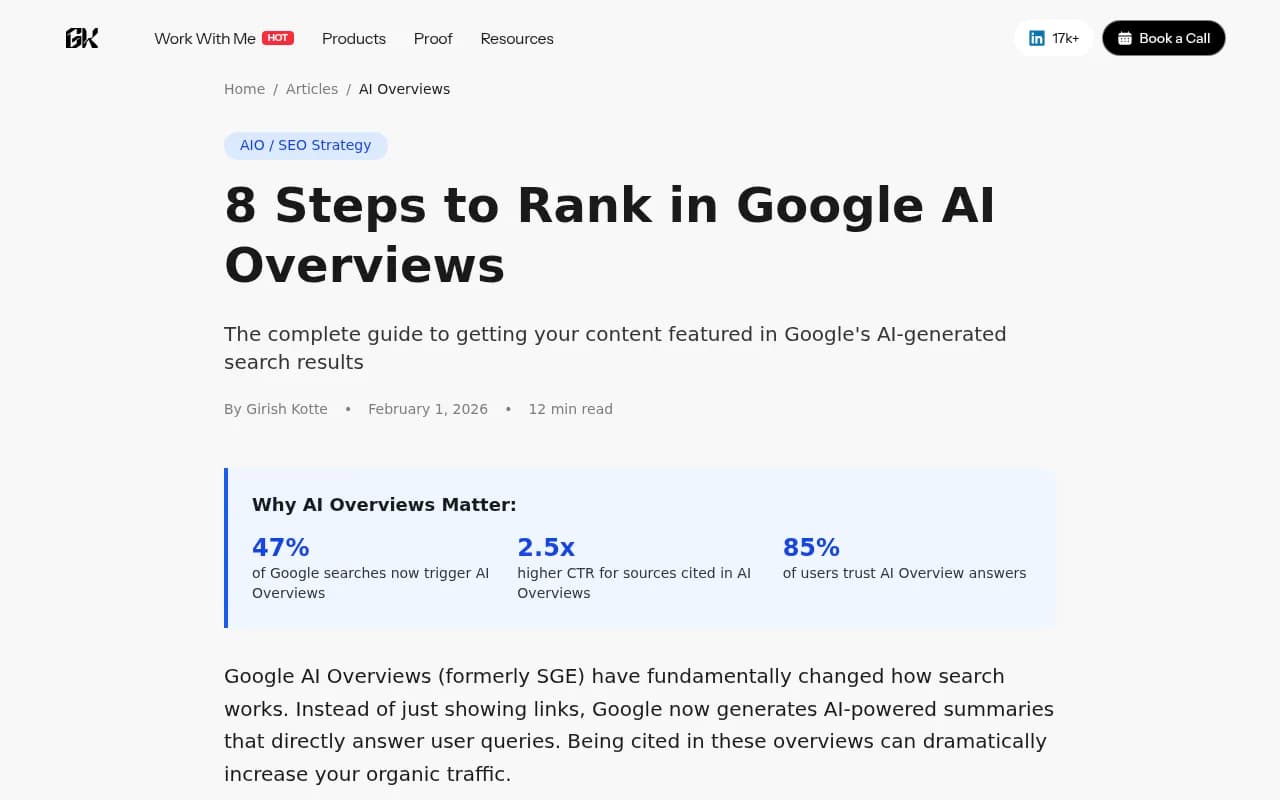
- Google AI Overviews now trigger on roughly 47% of searches, and sources cited in them see up to 2.5x higher click-through rates than standard organic results.
- AI Overviews pull from pages that answer questions directly, use clear structure, and demonstrate genuine expertise -- not just pages that rank #1.
- The eight methods below are ordered by impact: start with content structure and intent matching, then layer in schema, E-E-A-T, and technical fixes.
- Tracking your AI Overview visibility requires different tools than traditional rank tracking -- more on that at the end.
- Freshness matters more than most people realize. Stale content gets replaced fast.
Google AI Overviews have been around long enough now that we can stop speculating and start looking at what actually works. Nearly half of all Google searches trigger one. The sources that get cited see dramatically higher click-through rates. And yet most SEO advice still treats AI Overviews as a side note rather than the main event.
This guide covers eight concrete methods, based on patterns from thousands of AI Overview results, that consistently get content cited. No vague "create quality content" advice. Just what's working.
1. Target long-tail informational queries
AI Overviews are almost exclusively triggered by informational queries -- questions that need explanation, not just a quick fact. Short-tail keywords like "CRM software" rarely produce an AI Overview. "What's the difference between CRM and marketing automation for a small team?" almost always does.
The pattern to look for:
- "How to" questions with multiple steps or conditions
- Comparison queries ("X vs Y for [specific use case]")
- "What is" definitions that require context
- Best practices questions ("How should I structure...")
The practical implication: if you're targeting a topic, go deeper into the specific question rather than the broad category. A page titled "How to implement SSO in a React application" has a much better shot at an AI Overview than one titled "Single sign-on guide."
Use Google Search Console to find queries where you already appear but aren't cited in the Overview. Those are your fastest wins -- you're already in the index, you just need to restructure the content.
For more systematic prompt research, tools like Promptwatch show you which prompts trigger AI Overviews in your category, how often those prompts are searched, and which competitors are already being cited for them.

2. Structure content for extraction, not just reading
This is probably the single biggest lever most sites aren't pulling. Google's AI doesn't read your page the way a human does -- it extracts specific passages to build its summary. If your content isn't structured for extraction, it won't get cited, even if it's genuinely good.
What extraction-friendly structure looks like:
- Lead with the answer. Every section should open with the key point, then elaborate. Don't bury the answer in paragraph three.
- Keep paragraphs short. Two to three sentences. Long paragraphs get skipped.
- Use headings that match search queries directly. "What is API rate limiting?" as an H2 is more extractable than "Understanding rate limiting concepts."
- Use bullet lists for anything that can be listed. AI Overviews pull lists constantly.
- Write definitions that can stand alone. A one-sentence definition of a term, followed by a brief explanation, is exactly what AI models want to quote.
A useful template: "[Term] is [one-sentence definition]. It works by [brief explanation]. Key considerations include: [bullet list]."
This isn't dumbing down your content. It's making it legible to both humans and AI extraction systems at the same time.
3. Add schema markup (especially FAQPage)
Schema markup is one of the clearest signals you can send to Google about what your content contains and how it's structured. For AI Overviews specifically, FAQPage schema is the highest priority.
Here's a minimal FAQPage implementation:
{
  "@context": "https://schema.org",
  "@type": "FAQPage",
  "mainEntity": [
    {
      "@type": "Question",
      "name": "What is API rate limiting?",
      "acceptedAnswer": {
        "@type": "Answer",
        "text": "API rate limiting is a technique that controls how many requests a client can make to an API within a given time window. It prevents abuse and ensures fair resource distribution."
      }
    }
  ]
}
Other schema types worth implementing:
- Article / BlogPosting: Establishes authorship, publish date, and content type. Google uses this to assess freshness and authority.
- HowTo: Step-by-step instructions with clearly defined stages. AI Overviews love pulling numbered steps.
- Product + Review: Essential if you're in e-commerce or comparison content.
- Organization: Helps establish brand authority and trustworthiness at the domain level.
If you're on WordPress, plugins like Yoast SEO and AIOSEO handle most of this without touching code.
4. Build genuine E-E-A-T signals
E-E-A-T (Experience, Expertise, Authoritativeness, Trustworthiness) isn't new, but it matters more for AI Overviews than it ever did for traditional rankings. Google's AI is specifically trained to prefer sources that demonstrate real expertise and lived experience -- not just pages that cover a topic thoroughly.
What this means in practice:
- Author bios should include specific credentials, not generic "content team" attributions. If your author has 10 years of experience in the field, say so explicitly.
- First-person experience signals matter. Phrases like "in our testing," "when we implemented this," or "based on our analysis of X clients" tell the AI this content comes from someone who's actually done the thing.
- Cite specific data. "47% of Google searches now trigger AI Overviews" is more credible than "many searches trigger AI Overviews." Named sources beat vague attributions every time.
- External links to authoritative sources help. Linking out to Google's own documentation, peer-reviewed research, or well-known industry reports signals that you're engaging with the broader knowledge ecosystem rather than just asserting things.
- Reviews and mentions from third-party sites build domain-level trust. If other credible sites reference your content, Google's AI takes that as a trust signal.
This is an area where shortcuts don't work. Generic AI-generated content with no author attribution and no specific data is exactly what AI Overviews are designed to filter out.
5. Build topical authority with content clusters
A single well-optimized page can get cited in an AI Overview. But a site with deep topical coverage -- multiple pages covering a subject from different angles -- gets cited far more consistently.
The logic: Google's AI is trying to find the most authoritative source on a topic. A site with one article about "email marketing" looks thin compared to one with articles on email deliverability, subject line optimization, list segmentation, A/B testing, automation workflows, and compliance. The second site signals genuine expertise in the domain.
Practical steps:
- Pick a core topic where you want AI Overview visibility.
- Map out all the sub-questions someone might ask about that topic.
- Create dedicated pages for each sub-question, not just sections within one long article.
- Link between them with descriptive anchor text.
Tools like Topical Map AI can help you identify the full scope of a topic cluster before you start writing.
6. Keep content fresh and updated
AI Overviews heavily favor recent content. This isn't just about publish dates -- Google's AI can tell the difference between a page that was published in 2022 and never touched again versus one that's been actively maintained.
What "fresh" actually means:
- Update statistics when new data becomes available. A stat from 2022 is a red flag.
- Add new subtopics as the field evolves. If something changed in your industry, your article should reflect it.
- Revise sections that are no longer accurate. Outdated advice is worse than no advice.
- Show the update date prominently. Use Article schema to mark the
dateModifiedfield, and display the "last updated" date visibly on the page.
A practical audit cadence: review your most important pages every six months. For fast-moving topics (AI, crypto, regulatory compliance), quarterly is more appropriate.
This is one of the easiest wins available. Many sites have good content that's just stale. A focused update pass can recover AI Overview citations that were lost to newer competitors.
7. Fix technical issues that block AI crawlers
You can have perfect content and still not appear in AI Overviews if Google's crawlers can't properly access and index your pages. This is more common than people realize, especially on JavaScript-heavy sites.
Key technical checks:
- Crawlability: Make sure your important pages aren't blocked by robots.txt or noindex tags. It sounds obvious, but it's a surprisingly common issue.
- Page speed: Slow pages get crawled less frequently and less deeply. Core Web Vitals still matter.
- JavaScript rendering: If your content is rendered client-side, Google may not be indexing it properly. Test with Google's URL Inspection tool in Search Console.
- Internal linking: Orphaned pages (no internal links pointing to them) get crawled infrequently. Make sure your key content is linked from your site's main navigation or from high-traffic pages.
- Structured data errors: Broken schema markup is worse than no schema. Validate with Google's Rich Results Test.
For enterprise sites or anything with complex JavaScript, Screaming Frog is the standard tool for auditing crawlability at scale.
One underused capability: AI crawler logs. Some platforms now track specifically when AI crawlers (Googlebot, GPTBot, ClaudeBot, etc.) visit your pages, which pages they're reading, and what errors they encounter. This is different from standard server logs and gives you a much clearer picture of how AI systems are discovering your content.
8. Track your AI Overview visibility and iterate
Most SEO teams are still measuring AI Overview performance with traditional rank tracking tools, which weren't built for this. Standard rank trackers show you whether you appear in position 1-10. They don't tell you whether you're being cited in the AI Overview, which prompts trigger citations, or how your visibility compares to competitors.
What you actually need to track:
- Which queries trigger AI Overviews in your category
- Whether your domain is cited in those overviews
- Which specific pages are being cited
- How your citation rate compares to competitors
- Whether your visibility is improving after content updates
Google Search Console now shows some AI Overview data, but it's limited. For anything beyond basic monitoring, you need a dedicated tool.
The tracking piece matters because AI Overview visibility can change quickly. A competitor publishes a better-structured page, and your citation disappears. A content update you made last month starts getting picked up. Without visibility into these changes, you're optimizing blind.
Putting it together: a practical priority order
If you're starting from scratch, here's how to sequence these:
| Priority | Method | Time to impact |
|---|---|---|
| 1 | Target long-tail informational queries | Immediate (content planning) |
| 2 | Structure content for extraction | 2-4 weeks (after publishing) |
| 3 | Add FAQPage and Article schema | 1-2 weeks |
| 4 | Fix technical crawl issues | 1-3 weeks |
| 5 | Build E-E-A-T signals | 1-3 months |
| 6 | Refresh stale content | 2-6 weeks per page |
| 7 | Build topical authority clusters | 3-6 months |
| 8 | Set up visibility tracking | Ongoing |
The first four are quick wins that can move the needle within weeks. The last four are compounding investments that pay off over months.
One honest note: there's no guaranteed formula. Google's AI Overview selection is probabilistic, not deterministic. A page that does everything right still might not get cited for a particular query. What these methods do is dramatically improve your odds -- and give you the data to understand why you're winning or losing citations so you can keep improving.
Tools worth knowing
Beyond the tools mentioned above, a few others are worth having in your stack depending on your situation:
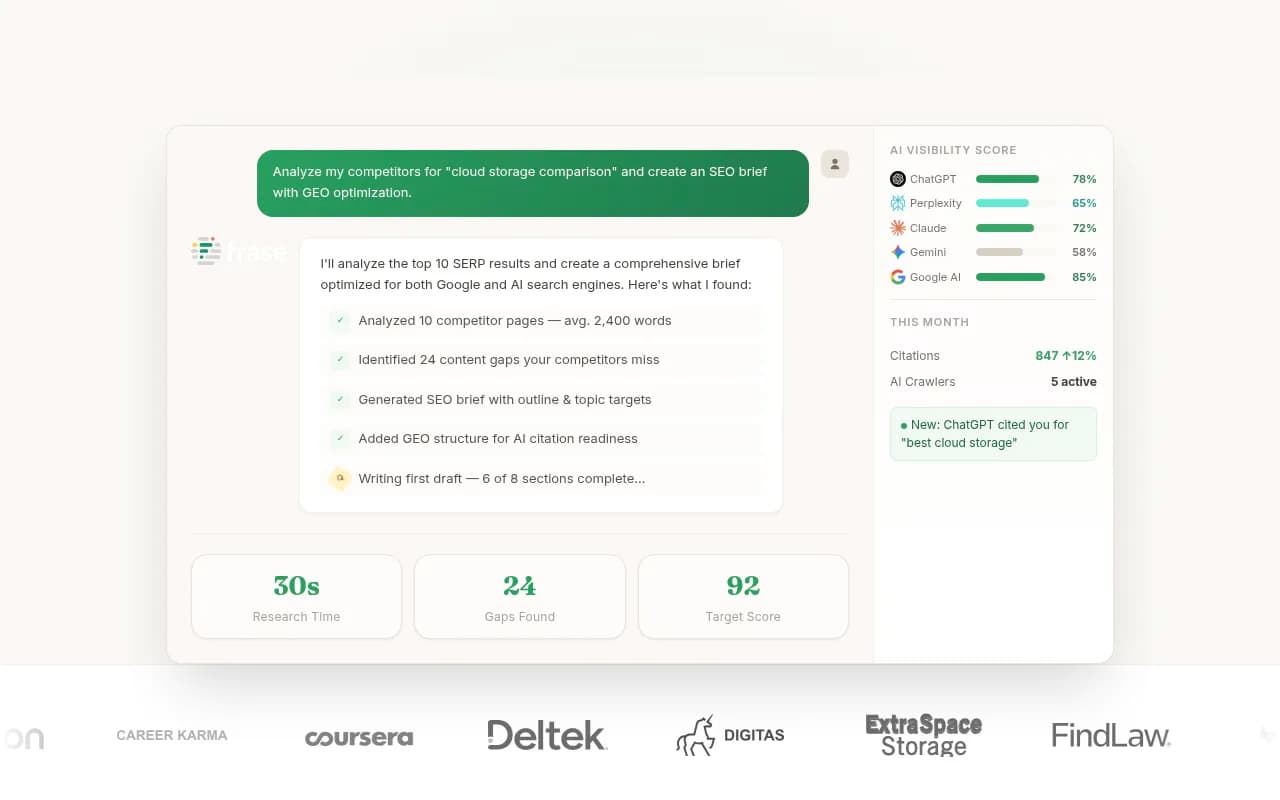
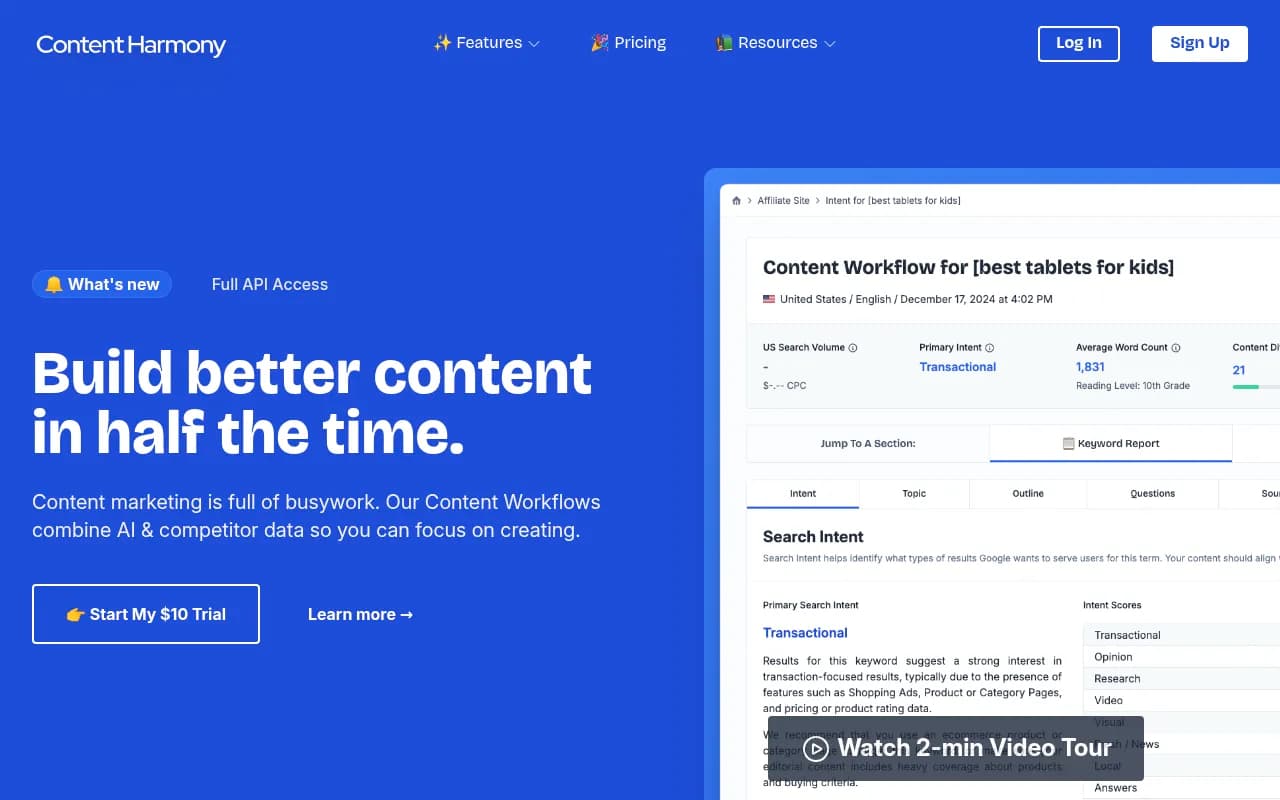
For content optimization and brief creation:
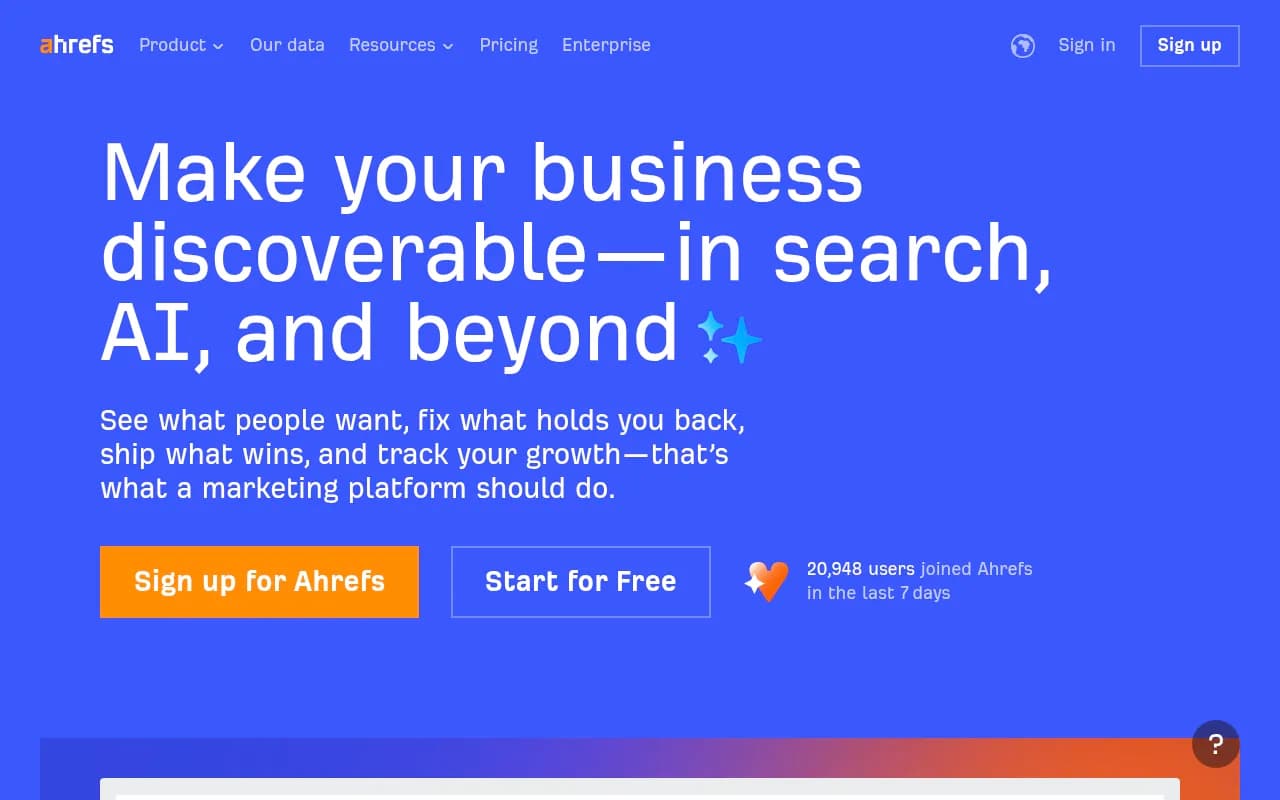
For keyword and query research:
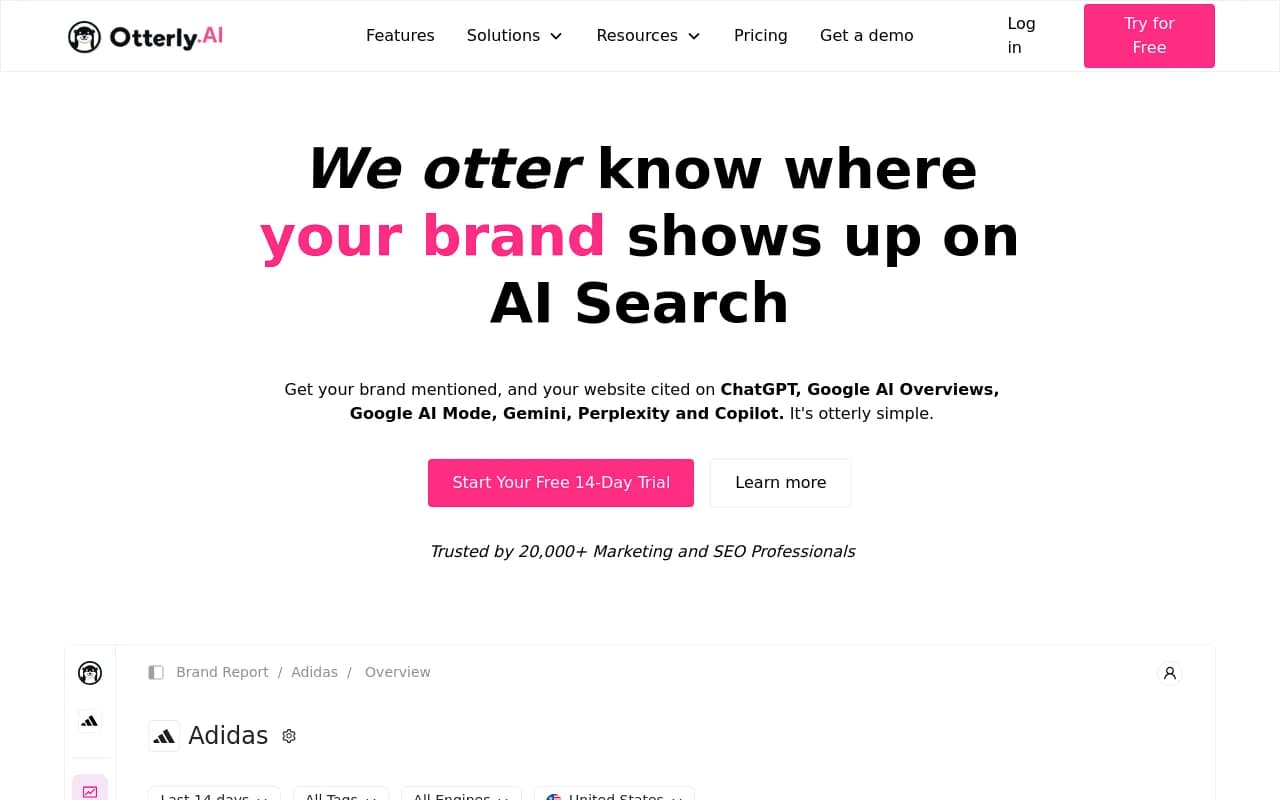
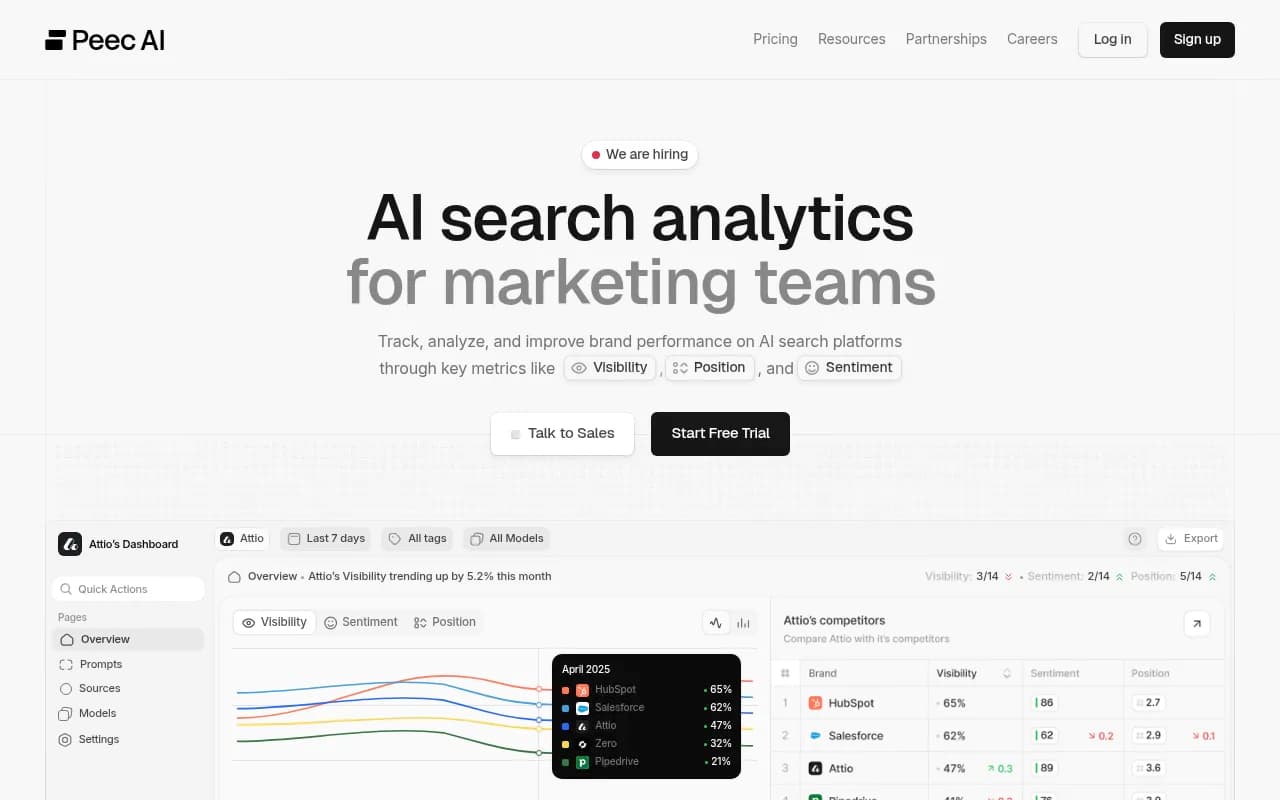
For AI visibility tracking specifically:
The field is moving fast. What worked for traditional SEO -- keyword density, exact-match anchor text, thin content at scale -- actively hurts you in AI Overviews. The sites winning citations in 2026 are the ones that write for humans first, structure for extraction second, and track their results closely enough to iterate quickly.