Key takeaways
- Google AI Overviews now trigger on roughly 48% of all queries, up from 31% in early 2025 — and when they appear, organic CTR drops by up to 61% for sites that aren't cited.
- Traditional rank tracking tools don't capture AIO data. You need a combination of Google Search Console filters, dedicated AI visibility tools, and manual spot-checks.
- There are three things worth tracking: whether a query triggers an AI Overview, whether your site is cited in it, and how that citation translates into traffic.
- Free methods (GSC, manual checks) give you directional signal. Paid tools give you scale, history, and competitor context.
- The most useful tools go beyond monitoring — they help you identify content gaps and create content that actually earns citations.
Why tracking AI Overviews is different from regular rank tracking
Here's the uncomfortable truth: your rankings dashboard is probably lying to you right now.
You might be sitting at position one for a keyword that drives half the traffic it did 18 months ago. Not because your ranking dropped, but because an AI Overview appeared above your result and absorbed the click. Seer Interactive's study of 25.1 million impressions found that organic CTR collapses from 1.76% to 0.61% when an AI Overview is present — a 61% decline. Ahrefs confirmed a similar pattern in late 2025, finding that position-one content loses around 58% of its expected CTR when an AIO triggers.
Your standard rank tracker sees none of this. It reports your position, not whether an AI Overview is eating your traffic.
The flip side is real too. Google's AI Overviews cite between 3 and 8 sources per response. Brands that earn those citation slots see 35% more organic clicks than brands that don't appear at all. So there's a genuine opportunity here — but only if you know which queries are triggering AIOs, whether you're being cited, and where the gaps are.
That's what this guide covers.
What you actually need to track
Before touching any tool, get clear on the three dimensions of AIO monitoring:
AIO trigger rate — Which of your target keywords trigger an AI Overview at all? Not every query does. Informational and research-oriented queries are far more likely to trigger AIOs than transactional ones. Knowing which of your keywords are "AIO queries" tells you where the CTR risk is concentrated.
Citation rate — When an AI Overview appears for a keyword you care about, is your site being cited as a source? This is the core metric. Being cited means you're capturing visibility even when users don't click through to organic results.
Traffic attribution — Are your AIO citations actually driving visits? This is harder to measure but critical for connecting visibility to revenue. You need to know whether a spike in impressions in GSC correlates with actual sessions.
Most tools handle the first two reasonably well. The third is where most fall short.
Step 1: Set up Google Search Console as your baseline
Google Search Console is free and should be your starting point, even though it has real limitations for AIO tracking.
Connect your property
If you haven't already, verify your site in GSC at search.google.com/search-console. Use the HTML tag or DNS verification method — both work fine.
Filter for AIO-adjacent queries
GSC doesn't have a dedicated "AI Overview" filter yet, but you can approximate AIO-heavy traffic by filtering for:
- Queries with declining CTR despite stable or improving position
- Informational queries (how, what, why, best, guide) where CTR is unusually low
- Queries where impressions are high but clicks are disproportionately low
Go to Performance > Search Results, then add a filter for "Query contains" and test terms like "how to", "what is", "best", "guide". Sort by impressions descending. Any query where your CTR is below 0.5% and you rank in positions 1-5 is a strong candidate for AIO suppression.
Watch for the "AI Overviews and web" search type
Google has been gradually rolling out a separate search type filter in GSC for AI Overviews. Check your Search Type dropdown — if you see "AI Overviews and web" as an option, use it. This gives you a cleaner read on which queries are generating AIO impressions.
What GSC can't tell you
GSC won't tell you whether your site is being cited inside an AI Overview. It won't show you competitor citation data. And it doesn't separate AIO impressions from standard organic impressions in most views. For that, you need dedicated tools.
Step 2: Manual spot-checking (the underrated method)
Before investing in paid tools, spend 30 minutes doing manual checks. Open an incognito browser, search for your 20 most important keywords, and note:
- Does an AI Overview appear?
- Is your site cited as a source?
- Which competitors are cited?
- What does the AIO say about your topic?
This takes time but gives you ground truth. Automated tools sample and estimate — your own eyes see exactly what Google is showing. Do this monthly at minimum, and always after a major content update.
The limitation is obvious: you can't manually check hundreds of keywords at scale, and AI Overviews are dynamic (they change based on user location, device, and query phrasing). That's where tools come in.
Step 3: Choose the right tracking tool for your situation
The tool landscape has exploded in 2026. Here's a practical breakdown of what's available and who each option suits.
For small teams and solo operators
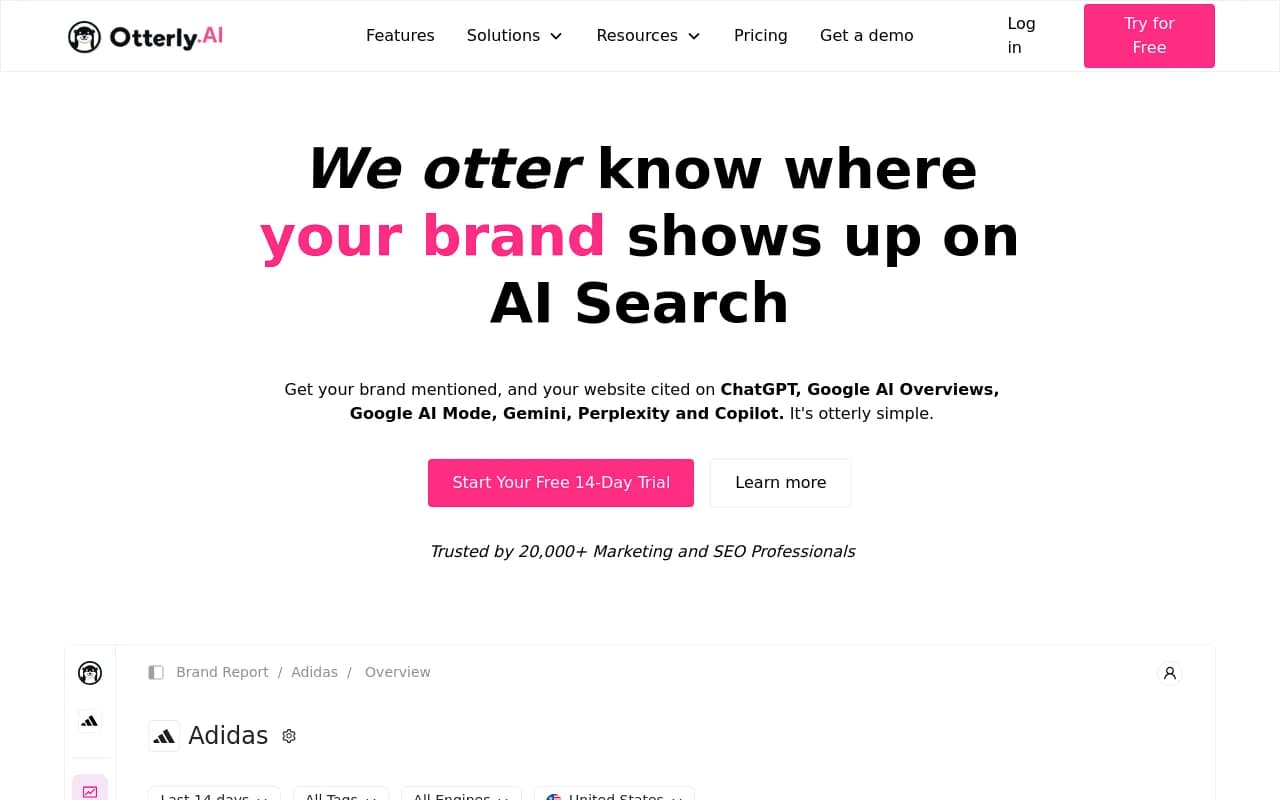
Otterly.AI is one of the fastest self-serve options for AIO monitoring. It tracks whether your keywords trigger AI Overviews, whether you're cited, and shows you historical changes. The pricing is accessible and setup is genuinely quick — you can be tracking within an hour.
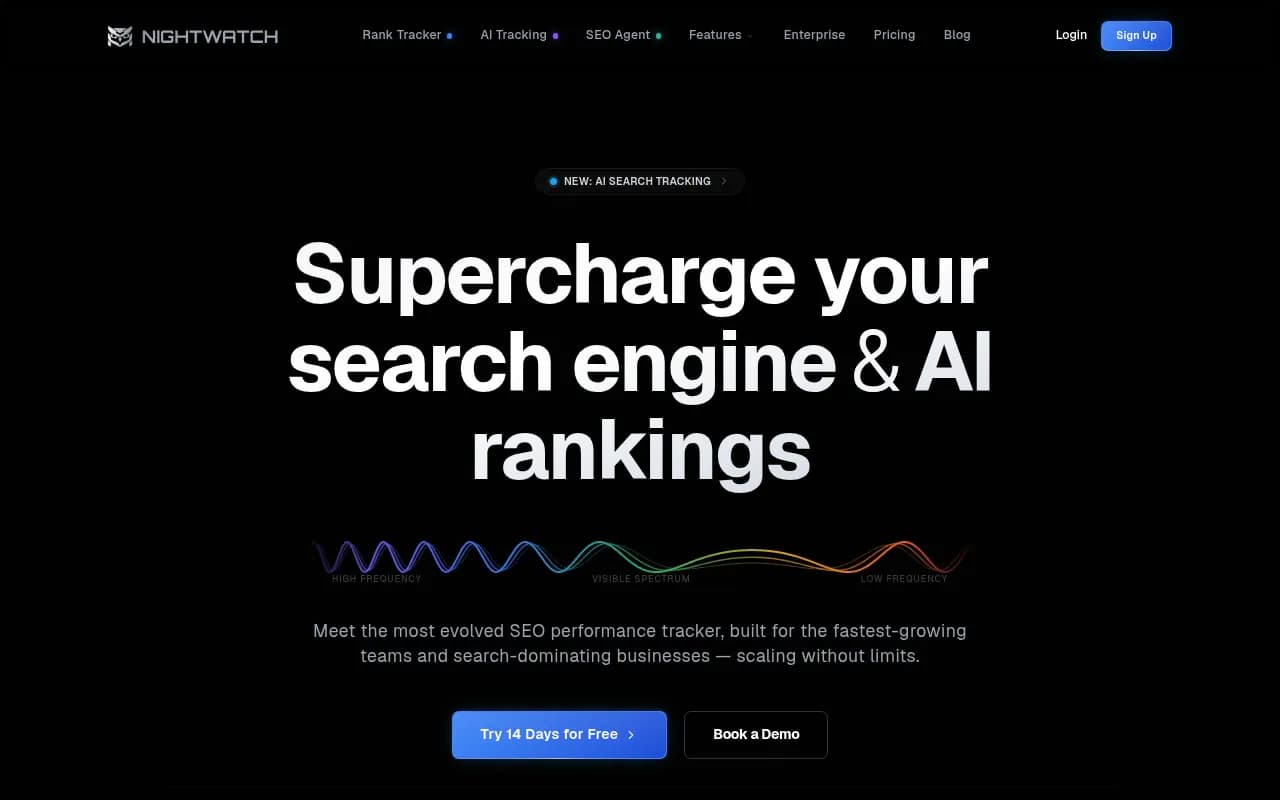
Nightwatch has added solid AI search monitoring to its rank tracking core. If you're already using it for traditional SEO, the AIO layer is a natural extension.
Airefs is worth a look if budget is tight. It covers AI search monitoring at a lower price point than most dedicated platforms.
For mid-market teams
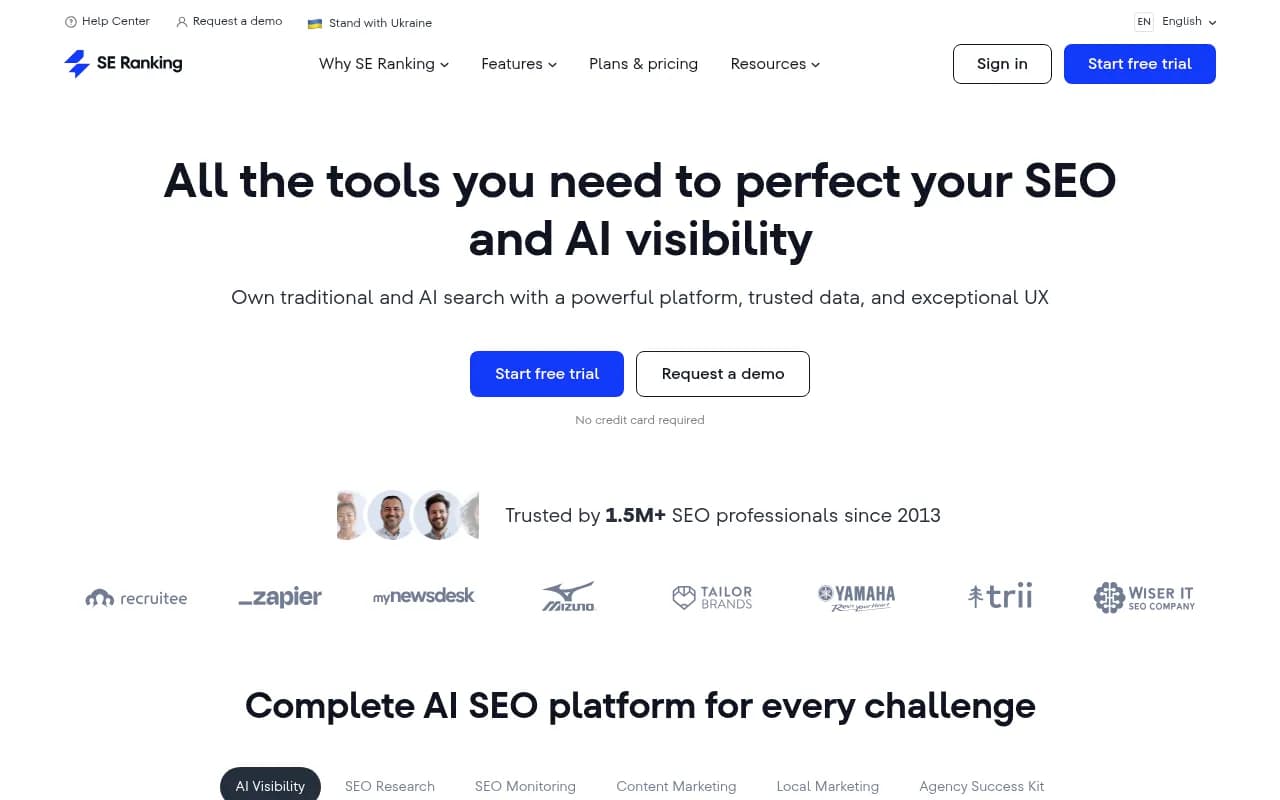
SE Ranking has built out AI visibility features that sit alongside its traditional rank tracking. The combination means you can compare your standard organic performance with your AIO citation rate in one place.
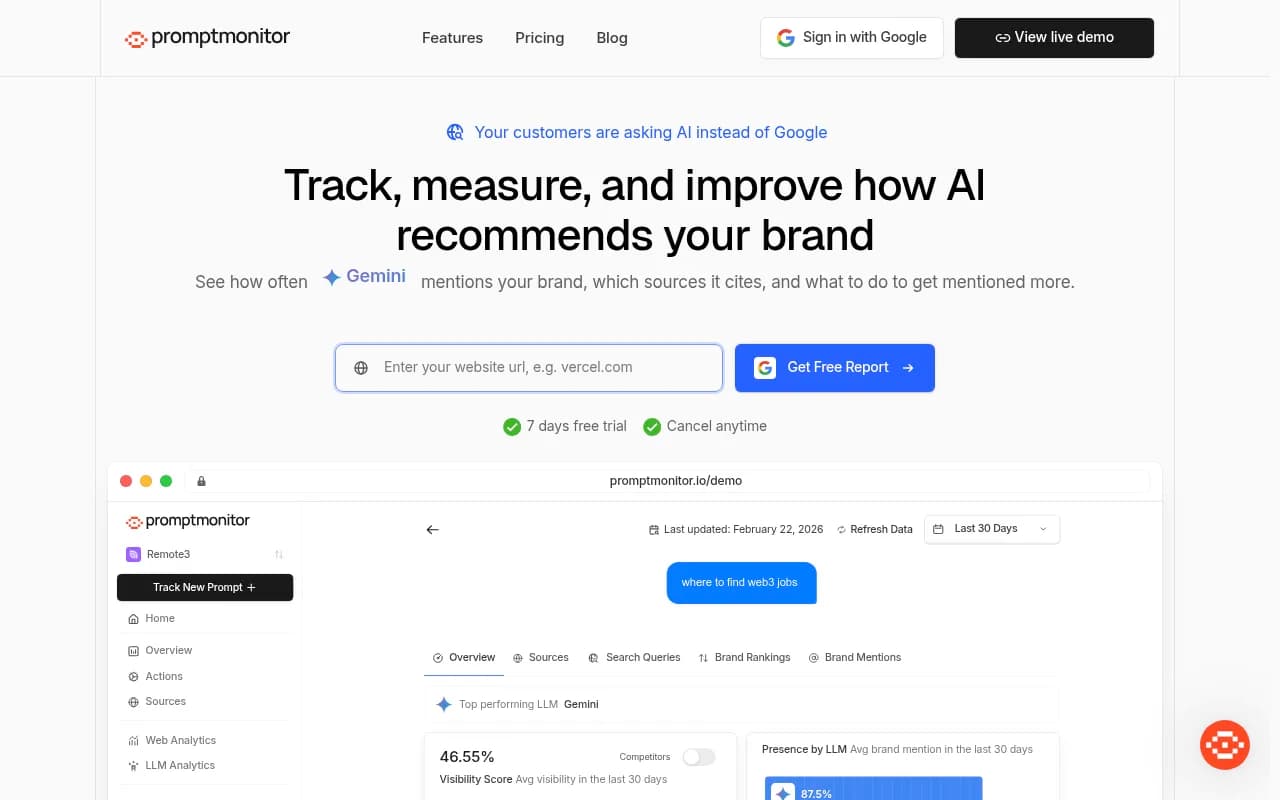
Promptmonitor covers a broad range of AI models with structured prompt workflows, which is useful if you're tracking across ChatGPT and Perplexity in addition to Google AI Overviews.
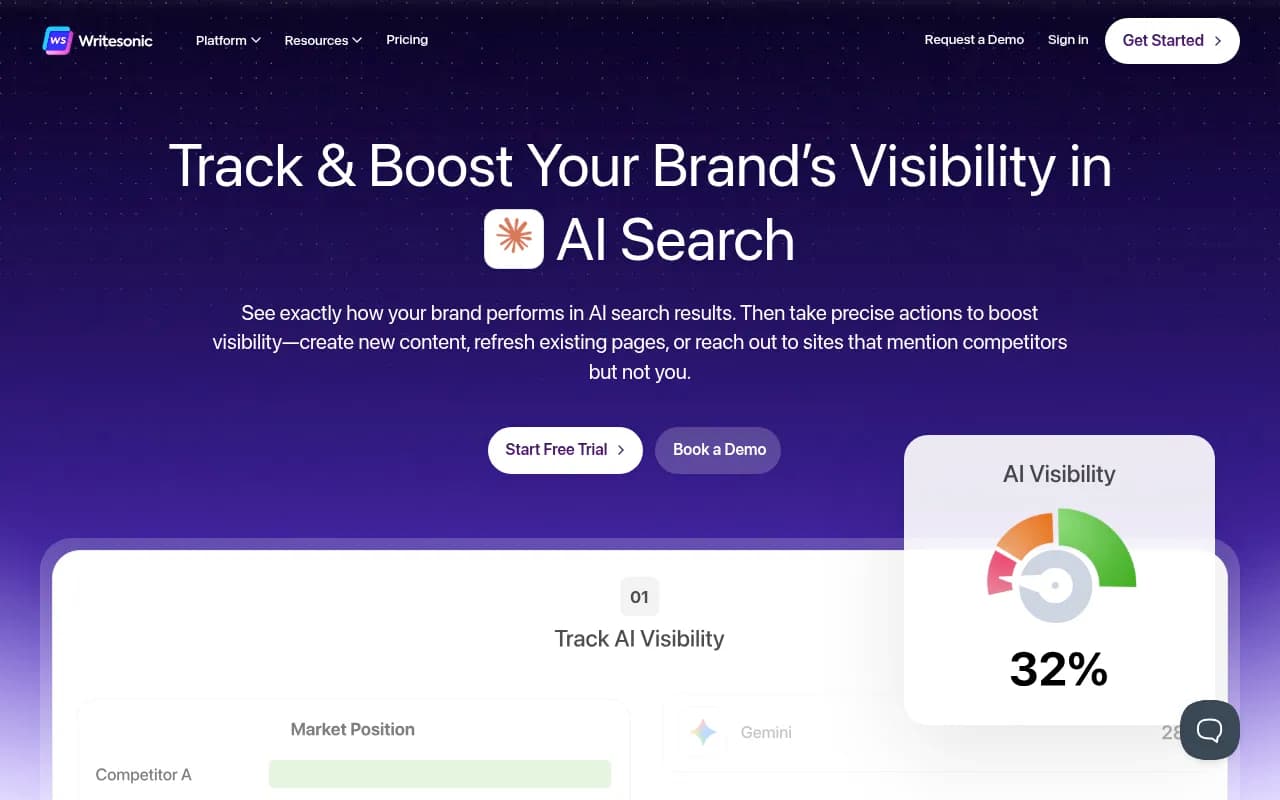
Writesonic has repositioned itself as an AI search visibility platform that tracks and optimizes — useful if you want content creation and monitoring in the same workflow.
For teams that want to act on the data, not just watch it
Monitoring is only half the job. Knowing you're not being cited in AI Overviews is useful. Knowing exactly what content to create to fix that is more useful.
Promptwatch sits in a different category here. Beyond tracking which queries trigger AIOs and whether you're cited, it runs Answer Gap Analysis to show you the specific prompts where competitors are visible but you're not. Then its built-in AI writing agent generates content grounded in real citation data — articles and comparisons engineered to earn citations, not just rank. If you're serious about improving your AIO presence rather than just measuring it, that loop (find gaps, create content, track results) is hard to replicate with monitoring-only tools.

For enterprise teams
Profound is one of the stronger enterprise options, with deep AIO analysis and governance features. It's priced accordingly.
BrightEdge and Conductor both offer AIO tracking as part of broader enterprise SEO suites. If your organization is already using one of these platforms, check whether AIO monitoring is included in your tier before buying a separate tool.
seoClarity is another enterprise option with AI search visibility tracking built into its platform.
Comparison: key AIO tracking tools at a glance
| Tool | AIO trigger tracking | Citation tracking | Competitor data | Content gap analysis | Content generation | Best for |
|---|---|---|---|---|---|---|
| Google Search Console | Partial | No | No | No | No | Free baseline |
| Otterly.AI | Yes | Yes | Limited | No | No | Small teams |
| Nightwatch | Yes | Yes | Limited | No | No | Rank tracker users |
| SE Ranking | Yes | Yes | Yes | No | No | Mid-market |
| Promptwatch | Yes | Yes | Yes | Yes | Yes | Teams wanting to optimize |
| Profound | Yes | Yes | Yes | Limited | No | Enterprise |
| BrightEdge | Yes | Yes | Yes | Limited | No | Enterprise |
Step 4: Configure your prompt/keyword list
Every AIO tracking tool asks you to input the queries you want to monitor. How you build this list matters a lot.
Start with your existing keyword universe
Pull your top 50-100 keywords by impressions from GSC. These are the queries where you already have some visibility — and where AIO suppression is most likely to hurt you.
Add informational head terms
AI Overviews appear most often for informational queries. Think "how to [do your thing]", "what is [your category]", "best [your product type]", "[your topic] guide". These are the queries where your content is most likely to be cited if it's genuinely useful and authoritative.
Include competitor brand + category queries
Search for "[competitor name] vs [your brand]", "[competitor name] alternatives", and "[your category] best tools". These are high-intent queries where AI Overviews frequently appear and where citation matters commercially.
Organize by priority
Most tools let you tag or group prompts. Use priority tiers: high (core product/service queries), medium (informational content queries), low (long-tail and experimental). This helps you focus analysis time on what matters.
Step 5: Set up change alerts
AIO citations are not static. Google updates them constantly, and a citation you earned last month might be gone today. You need alerts for:
- New AIO triggers for your tracked keywords
- Loss of citation (you were cited, now you're not)
- Competitor gaining citation on a query you care about
- Content changes within an AIO (the summary text changed, which may indicate Google found better sources)
Most dedicated tools (Otterly.AI, Promptwatch, SE Ranking) support email or Slack alerts for these events. Set them up on day one — otherwise you're checking dashboards manually and missing changes between visits.
Step 6: Track traffic attribution
Citation tracking tells you whether you're appearing in AI Overviews. Traffic attribution tells you whether it matters commercially.
GSC correlation method
In GSC, filter for queries where you know you're being cited (from your AIO tracking tool). Compare clicks and CTR for those queries over time. If your citation rate improves and clicks follow, you have evidence the citations are driving traffic.
UTM parameters for AIO traffic
Some tools support tracking AIO referral traffic directly. Check whether your AIO monitoring tool offers a JavaScript snippet or server log integration — this gives you a cleaner read on sessions originating from AI Overview citations versus standard organic clicks.
Server log analysis
If you have access to server logs, look for crawl activity from AI crawlers (GPTBot, ClaudeBot, PerplexityBot, Googlebot-Extended). Pages that are frequently crawled by AI engines are more likely to be cited. This is a leading indicator of citation potential, not a direct traffic measure.
Step 7: Build a reporting cadence
Raw data without a review process is just noise. Set up a simple monthly review:
- Weekly: Check alerts for citation gains/losses on priority keywords. No deep analysis needed — just triage.
- Monthly: Review your AIO trigger rate, citation rate, and CTR trends in GSC. Note any significant changes.
- Quarterly: Compare your citation rate against competitors. Identify the content gaps driving the biggest citation deficits. Prioritize new content based on that analysis.
If you're reporting to stakeholders, the metrics that resonate most are: citation rate (% of tracked AIO queries where you're cited), estimated AIO impressions, and traffic attributed to AIO citations. These translate the technical monitoring into business impact.
Common mistakes to avoid
Tracking too many keywords at once. Most tools charge by prompt volume. Start with 50-100 carefully chosen queries rather than dumping your entire keyword list in. You'll get cleaner signal and stay within budget.
Ignoring citation context. Being cited doesn't mean being cited positively. Read the actual AIO text for your brand mentions. If Google is citing you in a context that misrepresents your product, that's worth knowing.
Treating AIO rankings like traditional rankings. Position one in the ten blue links is stable and predictable. AIO citations are dynamic, personalized, and change frequently. Don't optimize for a single snapshot — track trends over time.
Skipping competitor analysis. The most actionable insight from AIO tracking isn't "am I cited?" — it's "who is cited instead of me, and why?" That gap analysis is where content strategy decisions come from.
Putting it together: a practical setup checklist
- Verify your site in Google Search Console and set up performance filters for AIO-adjacent queries
- Do a manual spot-check of your top 20 keywords in incognito mode
- Choose a dedicated AIO tracking tool based on your team size and budget (see comparison table above)
- Build a keyword/prompt list: top GSC keywords + informational head terms + competitor queries
- Configure change alerts for citation gains, losses, and competitor movements
- Set up traffic attribution via GSC correlation or your tool's snippet/log integration
- Schedule a monthly review cadence with defined metrics for stakeholder reporting
The brands winning in AI Overviews right now aren't necessarily the ones with the best traditional SEO. They're the ones who noticed the shift early, built a tracking system, and used the data to create content that AI models actually want to cite. The setup isn't complicated — it just requires treating AIO visibility as its own discipline rather than an afterthought in your existing rank tracking workflow.