Key takeaways
- AI search visibility tracking is fundamentally different from traditional SEO -- there are no rank positions to check, and clicks are often zero even when your brand is cited.
- You need a structured prompt set, a defined list of AI platforms to monitor, and a baseline before you can measure progress.
- The most important metrics are visibility percentage, citation position, brand sentiment, and (eventually) revenue attribution from LLM-referred traffic.
- Most monitoring tools stop at showing you data. The ones worth using help you act on it -- closing content gaps, fixing crawl issues, and generating content that AI models actually cite.
- Start simple: even a spreadsheet-based manual audit beats having no baseline at all.
If your website launched recently, congratulations -- you've picked a genuinely interesting time to be building an online presence. AI search engines are no longer a niche curiosity. ChatGPT, Perplexity, Google AI Overviews, Gemini, and a growing list of others are now where a meaningful share of your potential customers first encounter brands like yours. And they work nothing like Google's blue links.
This guide walks through exactly how to set up AI search visibility tracking for a new website, from defining your first prompt set to choosing tools and interpreting what you find.
Why AI visibility tracking is different from traditional SEO
Traditional SEO gives you a clean feedback loop: you publish content, Google crawls it, you check your rankings, you see traffic in Google Analytics. The signal is imperfect but legible.
AI search breaks that loop in a few ways.
First, there's often no click. When ChatGPT answers a question by citing your brand, the user may never visit your site. That means your Google Analytics traffic numbers will undercount your actual AI-driven exposure -- sometimes dramatically.
Second, there's no "position 1" in the traditional sense. AI models generate prose. Your brand might be the first recommendation in a list, buried in paragraph three, or mentioned as a cautionary example. Position matters, but it's qualitative as much as quantitative.
Third, the answers aren't deterministic. Ask the same question twice and you may get different citations. This makes point-in-time snapshots unreliable -- you need repeated measurements over time to see real patterns.
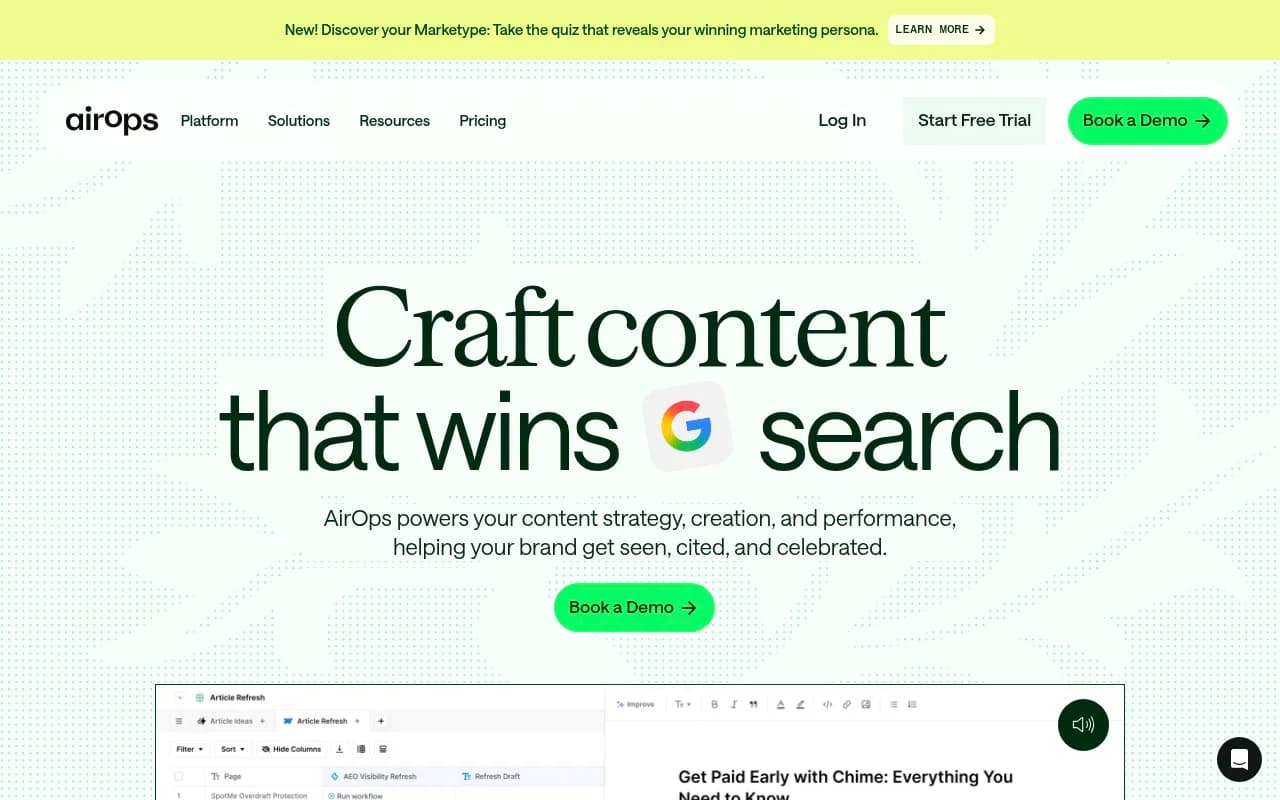
Research from AirOps found that brands earning both a mention and a citation in AI-generated answers are up to 40% more likely to maintain ongoing visibility. That's a meaningful signal: it's not just about being named, it's about being sourced.
Step 1: Define your prompt set
Before you install any tool or run any report, you need a list of prompts -- the actual questions your target customers are asking AI engines.
This is the most important step, and it's the one most people skip or do badly. A vague prompt set produces vague data.
How to build a good prompt set
Think about your customers' journey. What questions do they ask at each stage?
- Awareness stage: "What's the best way to [solve problem X]?" or "What tools exist for [category]?"
- Consideration stage: "What are the best [your category] tools in 2026?" or "Compare [you] vs [competitor]"
- Decision stage: "Is [your brand] worth it?" or "Does [your brand] integrate with [tool]?"
- Support/retention stage: "How do I [specific use case] with [your brand]?"
Aim for 20-50 prompts to start. Segment them by funnel stage and topic cluster. Don't just track your brand name -- track the category-level prompts where you want to appear, because that's where new customers discover you.
A few practical tips:
- Write prompts the way a real person would type them, not the way a keyword researcher would phrase them
- Include competitor names in some prompts ("What's better, [you] or [competitor]?")
- Include job-role framing where relevant ("As a marketing manager, what tools should I use for...")
- Avoid prompts so specific that only your brand could ever answer them -- those won't tell you much about competitive positioning
Step 2: Choose which AI platforms to monitor
Not all AI platforms are equally relevant for every business. Here's a rough guide:
| Platform | Best for | Notes |
|---|---|---|
| ChatGPT (OpenAI) | B2B, SaaS, tech, consumer | Largest user base; Shopping recommendations matter for e-commerce |
| Google AI Overviews | Any business with Google SEO presence | Shown to ~60%+ of searches; high commercial intent |
| Google AI Mode | Emerging; research-heavy queries | Newer format, growing fast |
| Perplexity | Research-oriented audiences, B2B | Heavy citation model; great for tracking source attribution |
| Gemini | Google ecosystem users | Integrated into Google Workspace |
| Claude | Professional/enterprise users | Growing fast in B2B contexts |
| Grok | Twitter/X-heavy audiences | Niche but relevant for media/news brands |
| Copilot | Microsoft 365 users | Enterprise and productivity contexts |
For a new website, I'd suggest starting with ChatGPT, Google AI Overviews, and Perplexity. Those three cover the broadest audience and give you the most actionable data early on.
Step 3: Set up a baseline measurement
You can't track progress without a starting point. Before you do anything else, run your prompt set across your chosen platforms and record what you find.
At minimum, capture:
- Whether your brand is mentioned (yes/no)
- Where in the response it appears (first mention, middle, last)
- Whether your website is cited as a source
- How your brand is described (positive, neutral, negative)
- Which competitors are mentioned alongside you
If you're doing this manually, a simple spreadsheet works fine for 20-30 prompts. It's tedious but it gives you a real baseline.
If you're using a tool, most will generate this baseline automatically once you configure your prompt set and brand name.
Step 4: Pick your tracking tools
This is where things get interesting, because the market for AI visibility tools has exploded. There are now dozens of options, ranging from basic brand mention trackers to full optimization platforms.
Here's how to think about the categories:
Monitoring-only tools
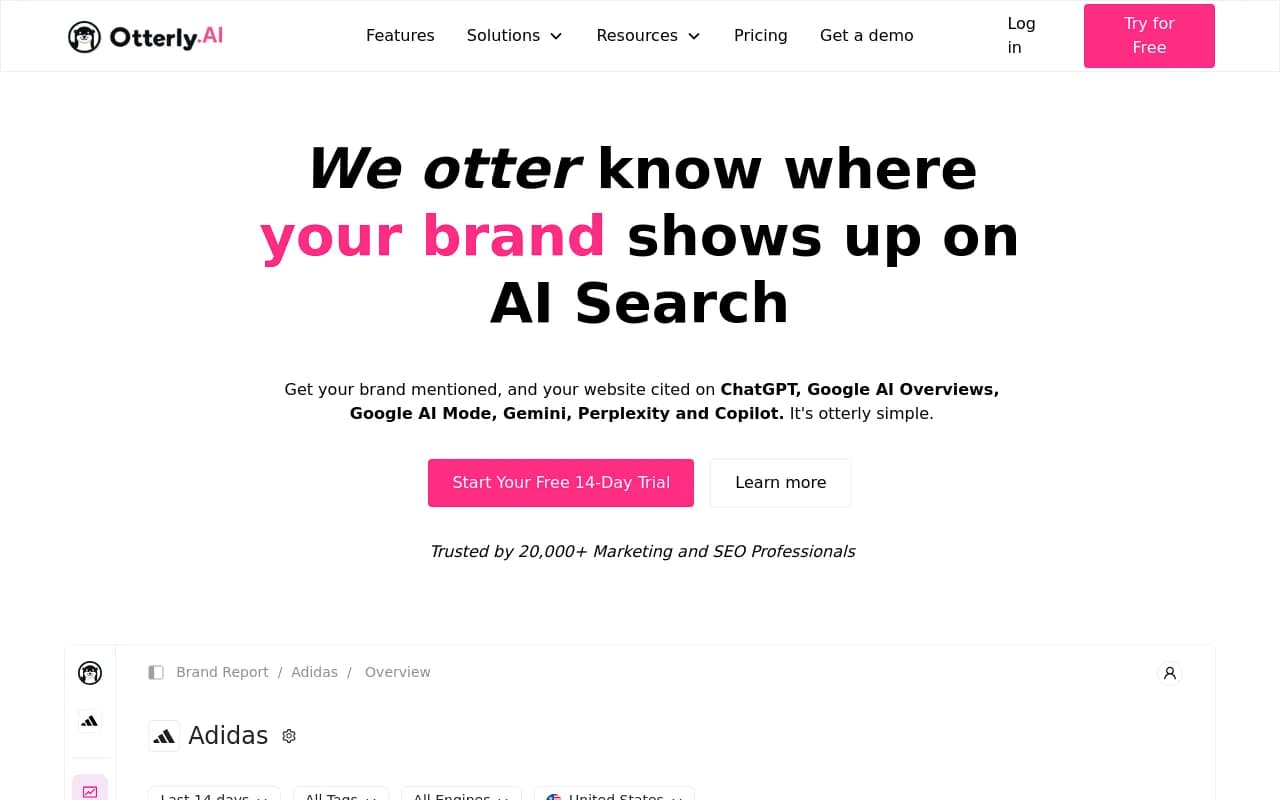
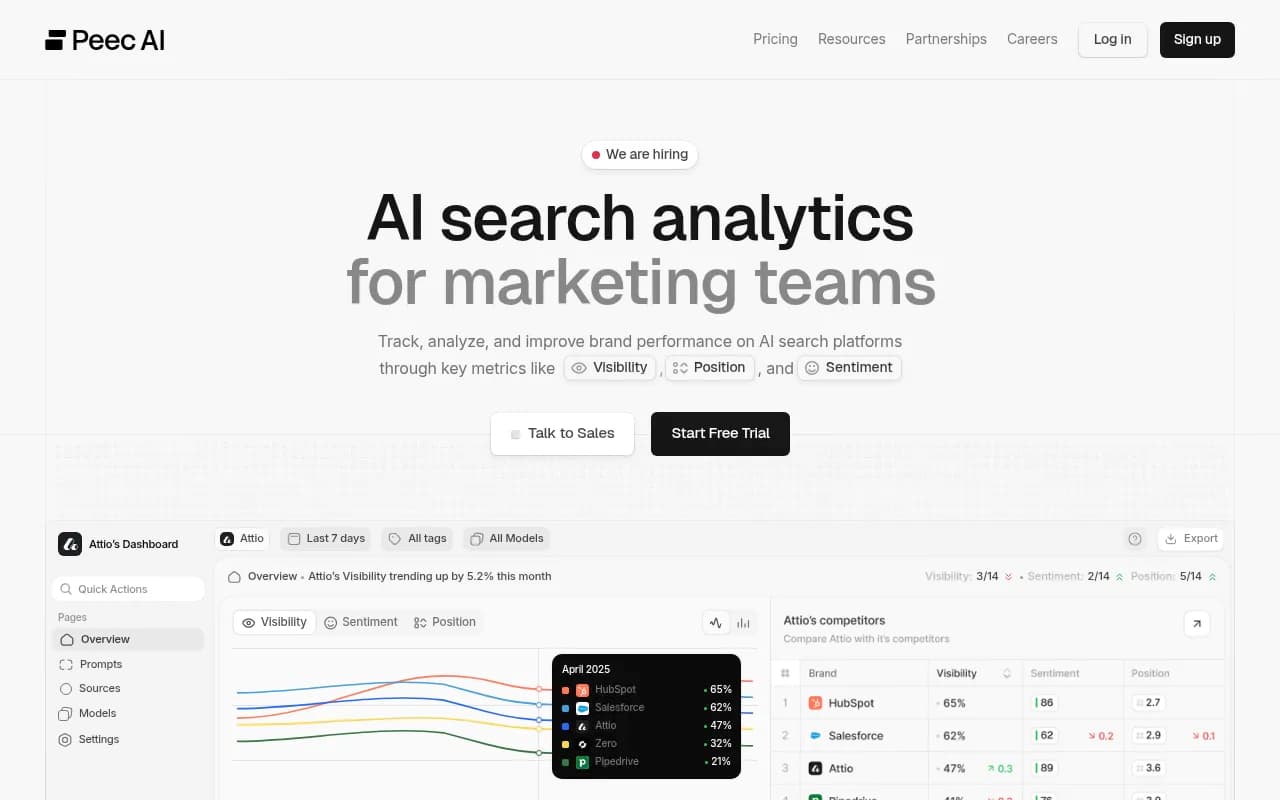
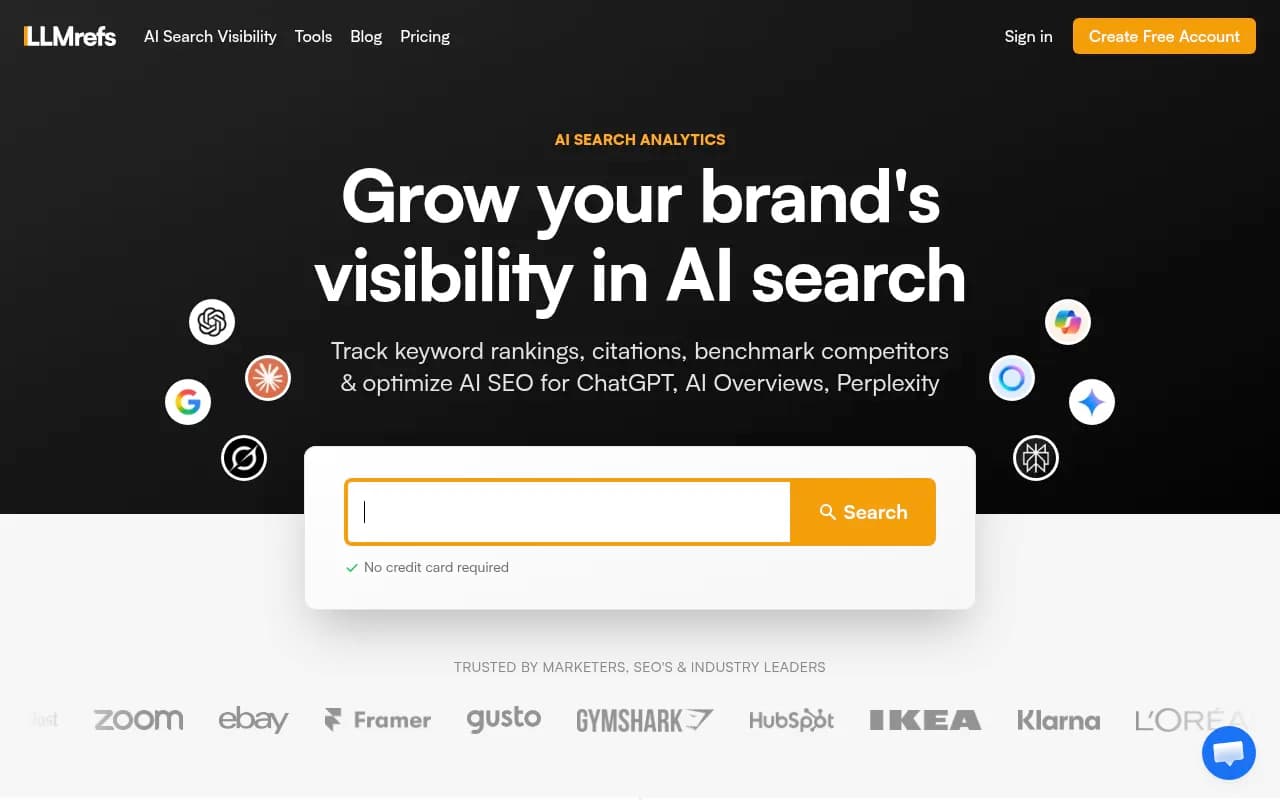
These tools run your prompts, show you where you appear, and give you dashboards. They're useful for awareness but don't help you act on what you find.
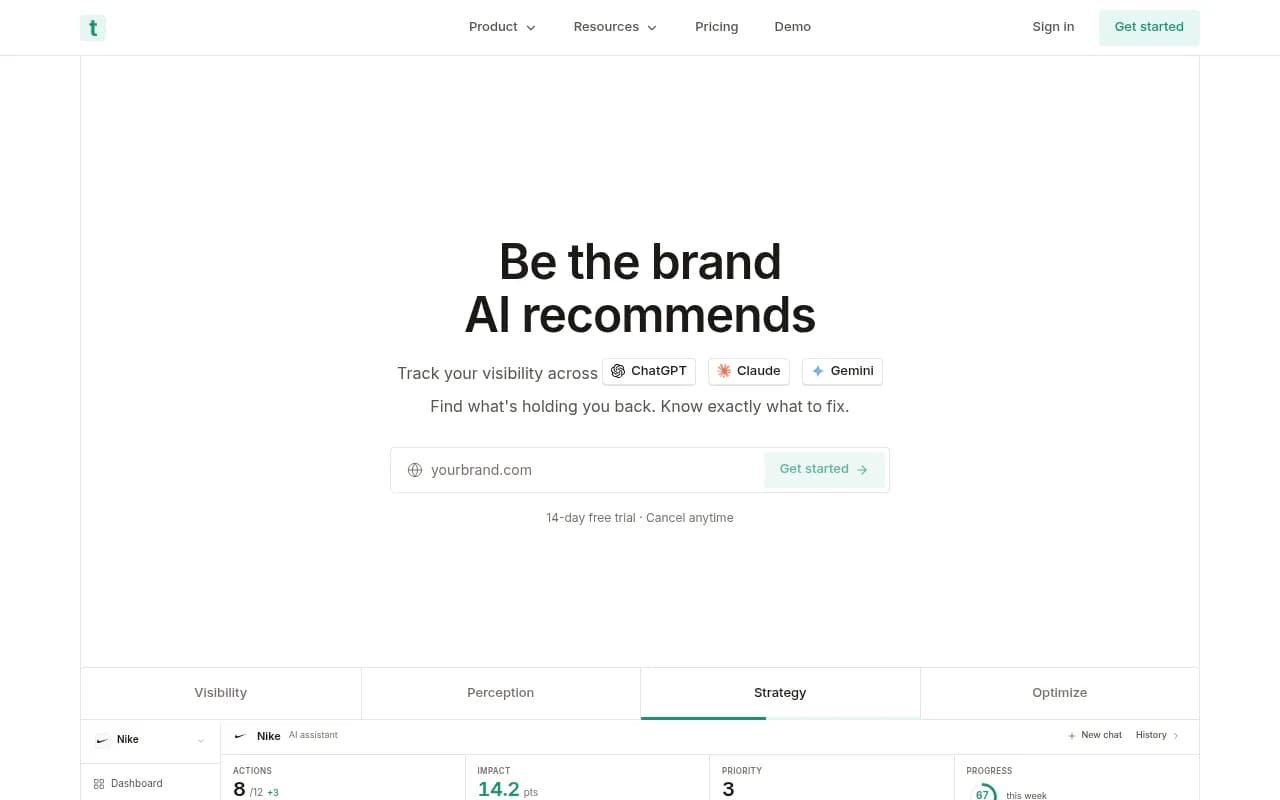
Monitoring + optimization platforms
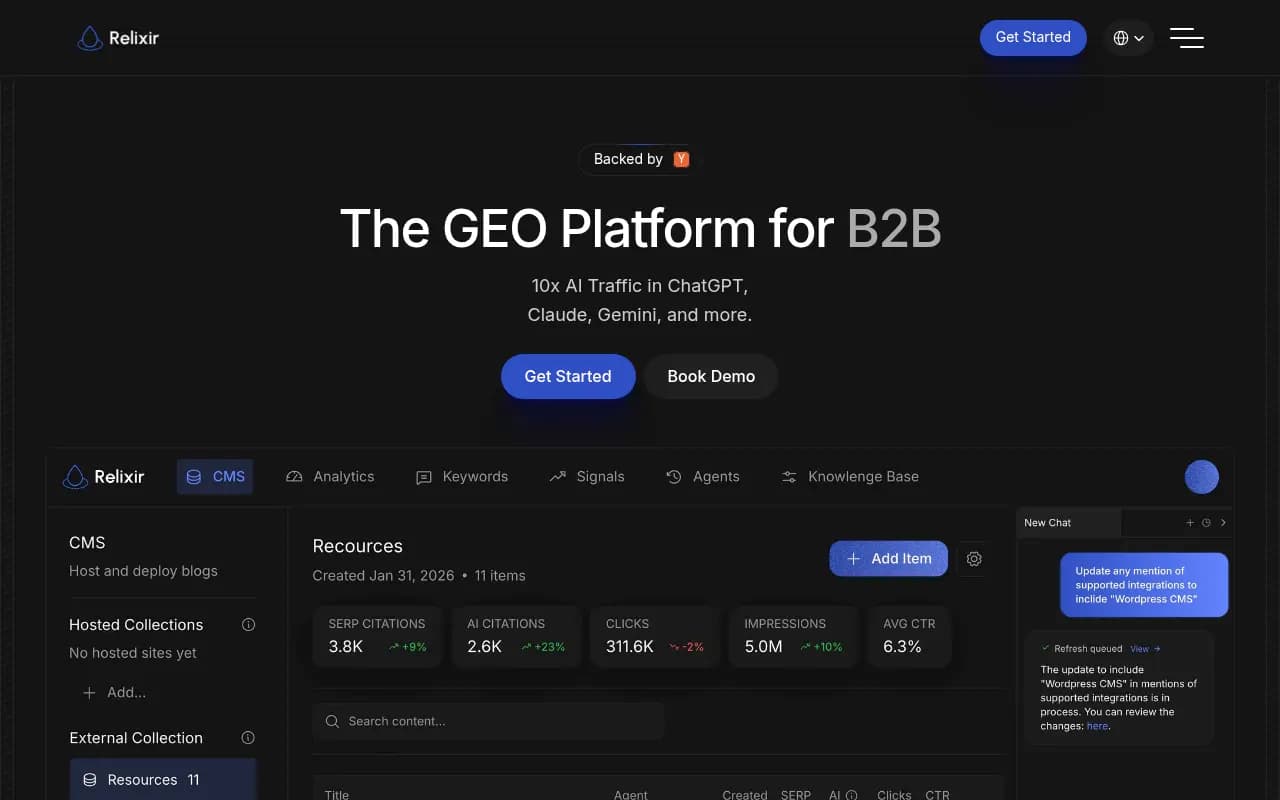
These go further -- they show you gaps, help you understand why competitors are outranking you, and (in some cases) help you create content to close those gaps.
Promptwatch sits firmly in this category. It tracks visibility across 10 AI models, shows you which prompts competitors appear for that you don't, and has content generation tools built around that gap data. For a new website especially, the gap analysis is valuable -- you're not trying to defend existing visibility, you're trying to build it from scratch.

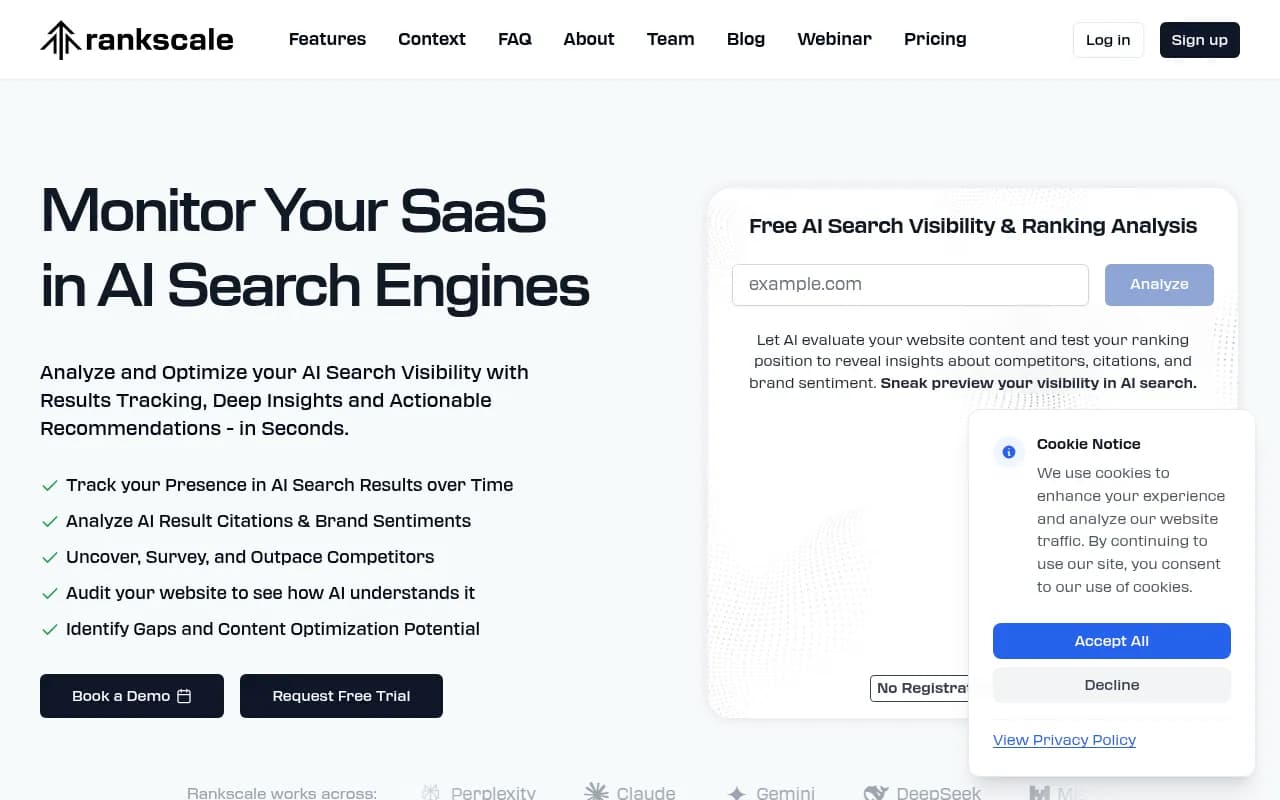
Enterprise platforms
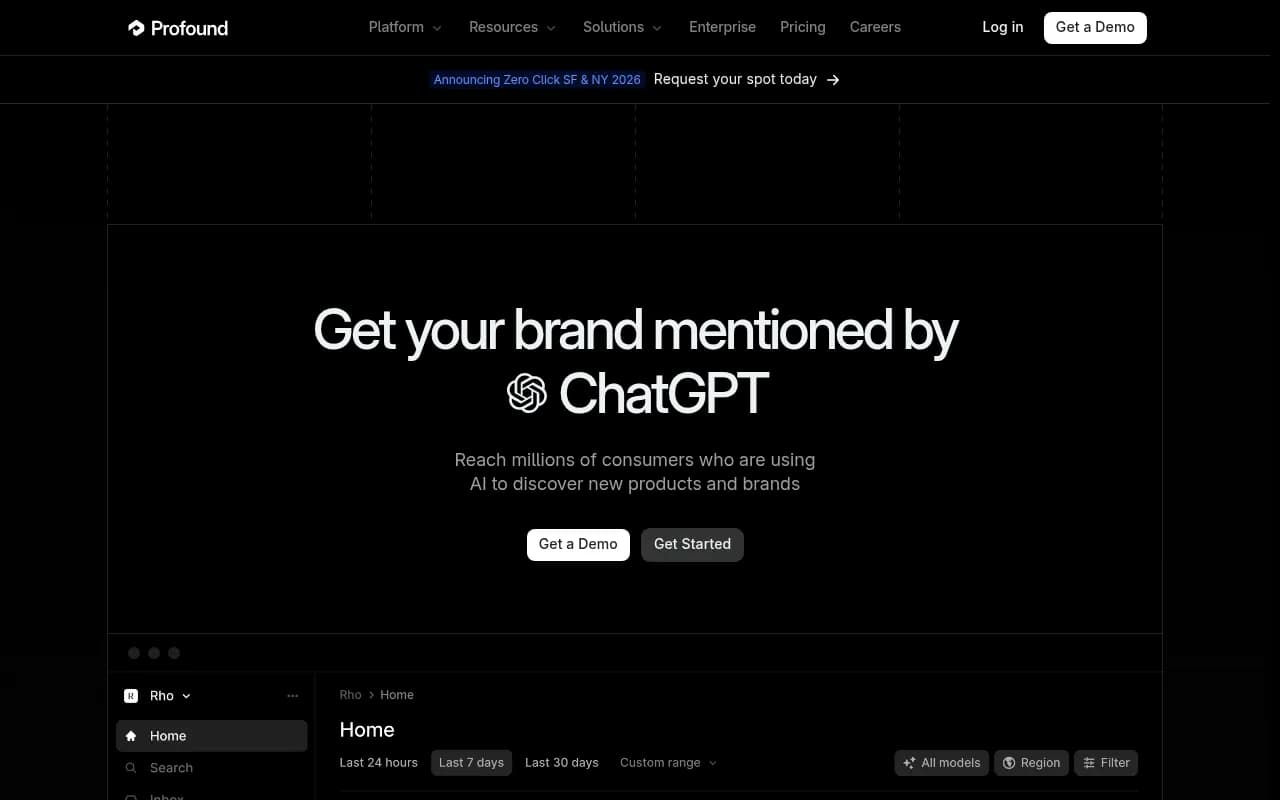
If you're at a larger organization or agency, there are more robust (and more expensive) options:
Comparison: key features across popular tools
| Tool | Monitors AI models | Content gap analysis | Content generation | Crawler logs | Pricing starts at |
|---|---|---|---|---|---|
| Promptwatch | 10 | Yes | Yes (Content Agents) | Yes | $99/mo |
| Otterly.AI | 5 | No | No | No | ~$49/mo |
| Peec AI | 4 | No | No | No | ~$49/mo |
| Profound AI | 6 | Partial | No | No | ~$500/mo |
| Relixir | 5 | Yes | Yes | No | ~$299/mo |
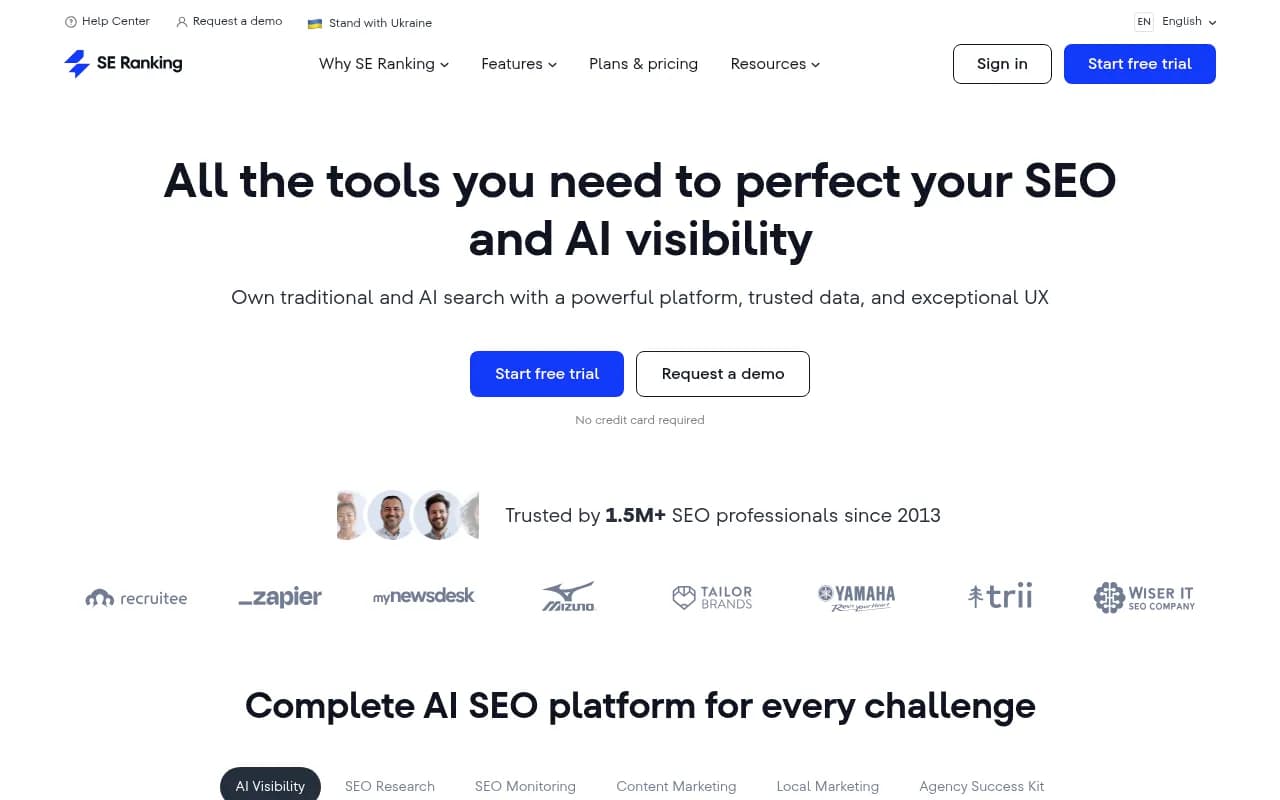
| SE Ranking | 5 | No | No | No | ~$65/mo |
The core question when choosing: do you just want to see the data, or do you want help acting on it? For a new website with limited visibility to start, the "act on it" part matters more.
Step 5: Configure GA4 to capture AI-referred traffic
AI-driven traffic does show up in your analytics -- it's just often miscategorized. Most AI platforms send referral traffic that lands in the "direct" or "referral" bucket in GA4 by default.
To capture it properly:
- In GA4, go to Admin > Data Streams > your stream > Configure tag settings
- Under "List unwanted referrals," make sure you're not accidentally filtering out AI referrers
- Create a custom channel group that includes known AI referrer domains:
chat.openai.com,perplexity.ai,gemini.google.com,claude.ai,copilot.microsoft.com - Build a custom segment or exploration report filtered to those referrers
- Set up a conversion event for any meaningful action (signup, demo request, purchase) so you can tie AI-referred sessions to revenue
This won't capture zero-click impressions -- nothing in GA4 can. But it will show you the traffic that does come through, which is useful for attribution.
Some platforms like Promptwatch go further with direct website integrations (via Cloudflare, Vercel, server logs, or a tracking snippet) that connect AI crawler activity to actual page visits and conversions. That's more powerful than GA4 alone, but GA4 is a good starting point.
Step 6: Set up AI crawler monitoring
This is a step most new website owners skip entirely, and it's a mistake.
AI search engines like ChatGPT and Perplexity send their own crawlers to index web content. These crawlers behave differently from Googlebot -- they may hit your pages more or less frequently, encounter different errors, and prioritize different content types.
Knowing when and how AI crawlers are visiting your site tells you:
- Whether your content is being discovered at all
- Which pages are getting crawled vs. ignored
- Whether there are technical errors blocking AI indexing
- How long it takes from publish to crawl to citation
You can get basic crawler data from your server logs (look for user agents like GPTBot, ClaudeBot, PerplexityBot, anthropic-ai). Tools like Promptwatch automate this with real-time crawler logs that show exactly which AI agents are hitting which pages and when.
For a new website, getting crawled quickly matters. A few things that help:
- Submit your sitemap to Google Search Console (AI crawlers often follow Google's index)
- Make sure your
robots.txtisn't accidentally blocking AI crawlers - Publish content that directly answers questions -- AI crawlers prioritize pages that look like authoritative answers
- Get your brand mentioned on sites AI models already trust (industry publications, Reddit, YouTube)
Step 7: Track the metrics that actually matter
Once your tools are running and you have a baseline, here's what to watch:
Visibility percentage
The share of relevant prompts where your brand appears. Segment this by funnel stage -- you might have strong awareness-stage visibility but weak decision-stage presence, which is a very different problem to solve than the reverse.
Citation position
Where in the AI response your brand appears. First or second mentions get disproportionately more attention. Track weekly averages, not individual data points, because day-to-day variation is high.
Brand sentiment
How AI models describe your brand when they mention it. This is often shaped by the sources AI pulls from -- review sites, Reddit threads, industry articles. If sentiment is off, you can usually trace it to specific sources and address them.
Source attribution
Which pages on your site (and which external sources) are being cited. This tells you what's working and what content gaps exist.
LLM-referred traffic and conversions
The downstream business impact. Even if this starts small, tracking it from day one means you'll have a clean data series as AI traffic grows.
Step 8: Close the gaps
Tracking is only useful if it leads to action. Once you have data, the next question is: what do you do with it?
The most common gaps for new websites:
- You're not appearing for category-level prompts because AI models don't have enough information about you yet
- Competitors are cited for specific use cases you cover but haven't written about clearly
- Your brand is mentioned but not cited as a source, meaning AI models know you exist but don't trust your content enough to link to it
- Sentiment is neutral or negative because of a few bad reviews or forum posts that AI models are over-indexing on
Each of these has a different fix. Missing from category prompts usually means you need more content that directly addresses those questions. Not being cited as a source often means your existing content isn't structured clearly enough for AI models to extract answers from. Sentiment issues require addressing the underlying sources.
Tools like Promptwatch have answer gap analysis that shows you specifically which prompts competitors appear for that you don't -- and content generation tools that help you create the pages to close those gaps. For a new website, this kind of systematic approach beats guessing at what to write.
A realistic timeline for a new website
Don't expect results overnight. Here's a rough sense of what to expect:
- Week 1-2: Set up prompt set, baseline measurement, GA4 configuration, crawler monitoring
- Month 1: First data on where you appear (probably not much for a brand-new site)
- Month 2-3: Content published based on gap analysis starts getting crawled
- Month 3-6: Crawled pages begin appearing in AI citations
- Month 6+: Visibility percentage starts moving meaningfully; traffic attribution becomes legible
The timeline varies a lot based on how much content you publish, how authoritative your domain is, and whether you're getting external mentions. But the pattern -- crawl, then cite, then traffic -- is consistent across most sites.
Tools worth bookmarking
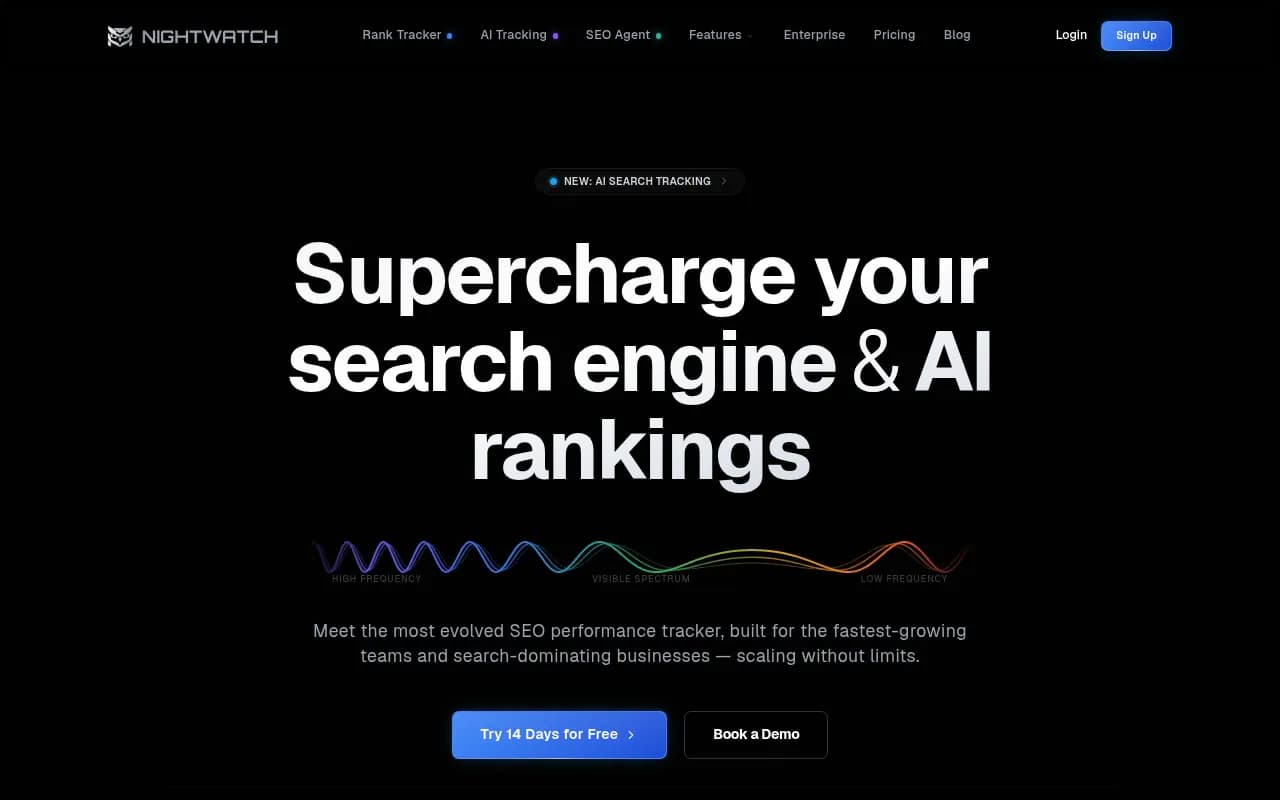
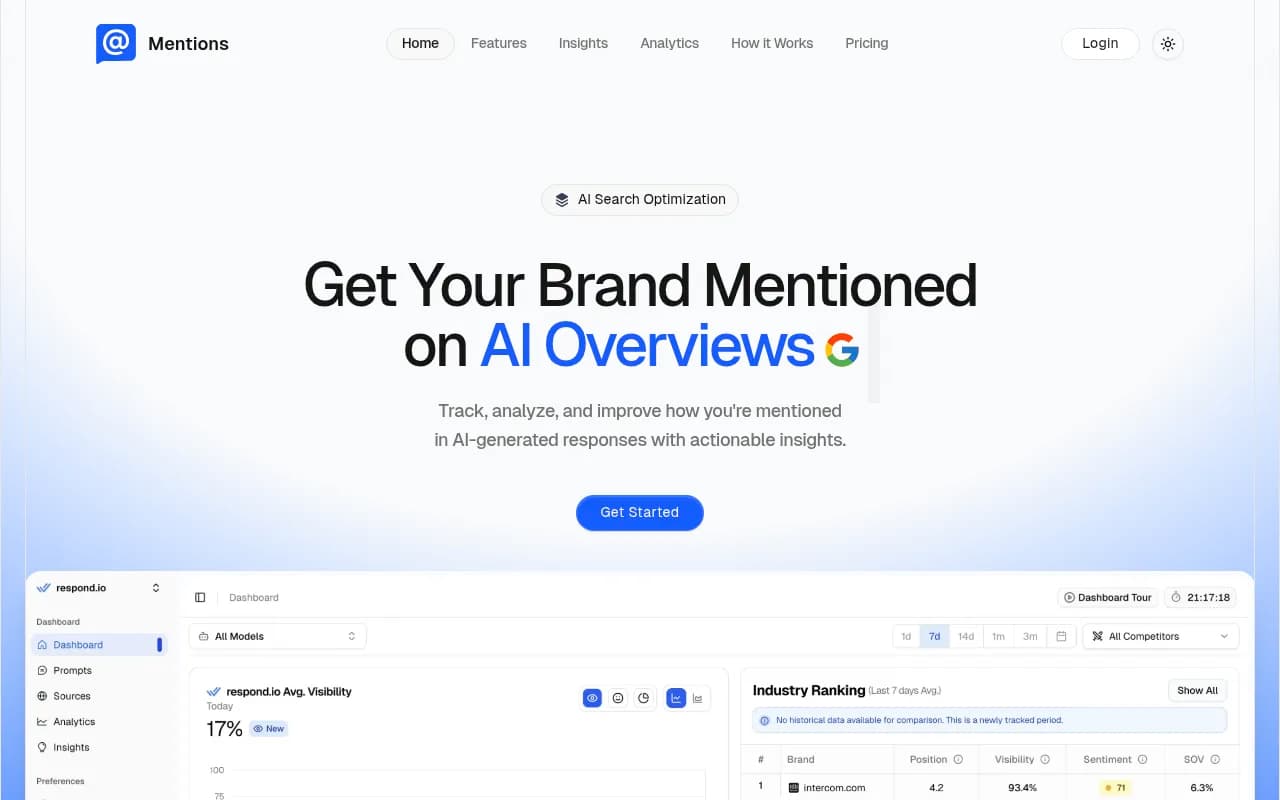
A few more tools that are useful at different stages of this process:
The short version
Setting up AI search visibility tracking for a new website comes down to four things: know what prompts matter to your business, measure where you appear (and where you don't), fix the technical issues that prevent AI crawlers from indexing your content, and create content that directly answers the questions AI models are already being asked.
The tools have gotten good enough that you don't need to do this manually at scale. But the strategic thinking -- which prompts matter, which gaps to close first, how to interpret sentiment -- still requires a human with context about your business and your customers.
Start with a small, well-chosen prompt set. Get a baseline. Then iterate.