Key takeaways
- Treat Claude and ChatGPT as an analysis and transformation layer over data you already own (Search Console exports, crawl reports, competitor pages), not as a blank-page content generator.
- A good workflow has six stages: collect, analyze, brief, draft, review, measure. Automate the boring middle and keep a human at the start and end.
- Set up persistent context first (business profile, brand voice, entity facts). It saves more time than any single prompt.
- Your workflow now has to target two outcomes: Google rankings and citations inside AI answers. They need different checks.
- Start with one workflow, one data source, and one weekly cadence. Expand only after it produces something you actually shipped.
Why most AI SEO workflows fail
Most teams open a chat window, type "write me a blog post about X," and get something that reads like every other post on the topic. Then they conclude AI content doesn't work.
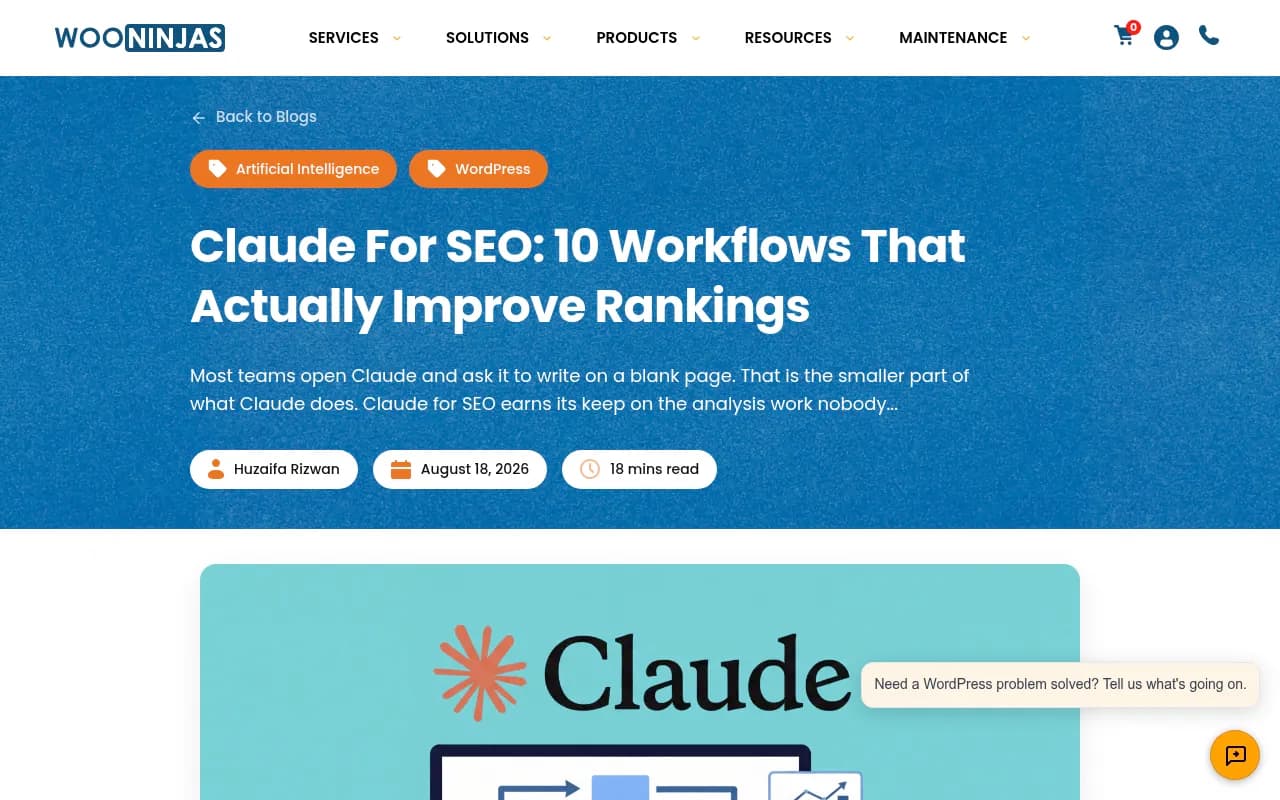
The failure isn't the model. It's the job you gave it. One of the better write-ups I found on this, Wooninjas' Claude for SEO guide, puts it bluntly: Claude works best as an analysis and transformation layer over data you already have, not as a content generator. You feed it Search Console exports, crawl reports, competitor pages, or CMS exports, and it hands back prioritized fixes.
That matches my experience. The wins come from work that is repetitive, rule-based, and tedious: grouping 4,000 queries by intent, finding pages that cannibalize each other, writing 300 meta descriptions, mapping redirects after a migration. Nobody enjoys that work. Models don't mind it.
The shape of a workflow that holds up
Before picking tools, decide on stages. Here is the skeleton I'd use.
| Stage | What happens | Who does it |
|---|---|---|
| 1. Collect | Pull Search Console, crawl, rank, and AI visibility data | Your SEO tools |
| 2. Analyze | Cluster queries, spot gaps, find decaying pages | Claude or ChatGPT |
| 3. Brief | Turn each opportunity into a brief with intent, entities, headings | LLM plus your judgment |
| 4. Draft | Produce a first draft or an update to an existing page | LLM, grounded in your facts |
| 5. Review | Fact-check, add original data, fix voice | A human |
| 6. Measure | Track rankings, clicks, AI citations, and AI traffic | SEO and AI visibility tools |
Notice the human sits at stage 5 and also influences stage 3. If nobody owns those two, you get volume without quality.
Step 1: Set up persistent context
Every workflow needs the model to know your business without being told again each time. In Claude, that means a Project. In ChatGPT, a Project or custom GPT does a similar job. Load these files once:
- A business profile: what you sell, who buys it, which markets you serve.
- A brand voice file with two or three real examples of your published writing.
- An entity record: official company name, founders, locations, social profiles, product names spelled exactly as you want them.
- Your most recent Search Console export, labeled by date range.
- A list of live URLs from your XML sitemap.
The entity record matters more than people think. AI search systems build their picture of your brand from the facts they find about it. If your own drafts say three different things about your pricing or founding year, you're feeding inconsistency back into the web.
I'd also keep a short "do not say" list: claims you can't substantiate, competitor names you avoid, phrases that make your brand sound like everyone else's.
Step 2: Choose which model does what
There is no clean winner, and anyone who tells you otherwise is selling a course. Practitioners tend to split roughly like this: ChatGPT for ideation, outlines, FAQ generation, and quick intent analysis; Claude for long-form editing, structure, readability, and anything involving code or files. One person in a Quora thread summed up their split as ChatGPT for speed and Claude for depth. That's anecdotal, but it matches what I see in teams.
My rule of thumb:
- Use whichever model you can give the most context to cheaply. Context beats model choice.
- Run the same hard prompt in both once. Pick the output you'd rather edit.
- Don't switch models mid-workflow without a reason. Consistency makes outputs easier to review.
For research with live citations, an answer engine like Perplexity is useful as a quick sanity check on what the web says about a topic.
Perplexity
Step 3: Feed the models your real data
The quality of the output is capped by the quality of the input. Here is where your existing SEO tools earn their keep.
Search Console
Export queries and pages for the last 3 to 6 months. This is the single most valuable file you can give an LLM, because it is your own demand data, not a modeled estimate.
Useful prompts to run over that export:
Here is a Search Console export (query, page, clicks, impressions, CTR, position).
1. Group queries by search intent: informational, commercial, navigational, transactional.
2. List pages that rank on positions 8-20 for at least 5 queries each. These are refresh candidates.
3. Flag queries where two or more of my pages appear. These are cannibalization risks.
Return three tables. Do not invent data that is not in the file.
That last sentence is not decoration. Tell the model not to fabricate, and spot-check its numbers against the raw export. LLMs are good at grouping and bad at arithmetic on big tables, so for anything involving sums or averages, have it write a script or spreadsheet formula instead of doing the math itself.
Crawl data
A crawl export gives the model titles, headings, status codes, canonicals, and internal links. Screaming Frog is the classic way to get it.

Feed it the crawl and ask for specific, bounded outputs: duplicate title clusters, orphan pages, redirect chains, thin pages with matching Search Console impressions. Bounded questions get usable answers.
Keyword and competitor data
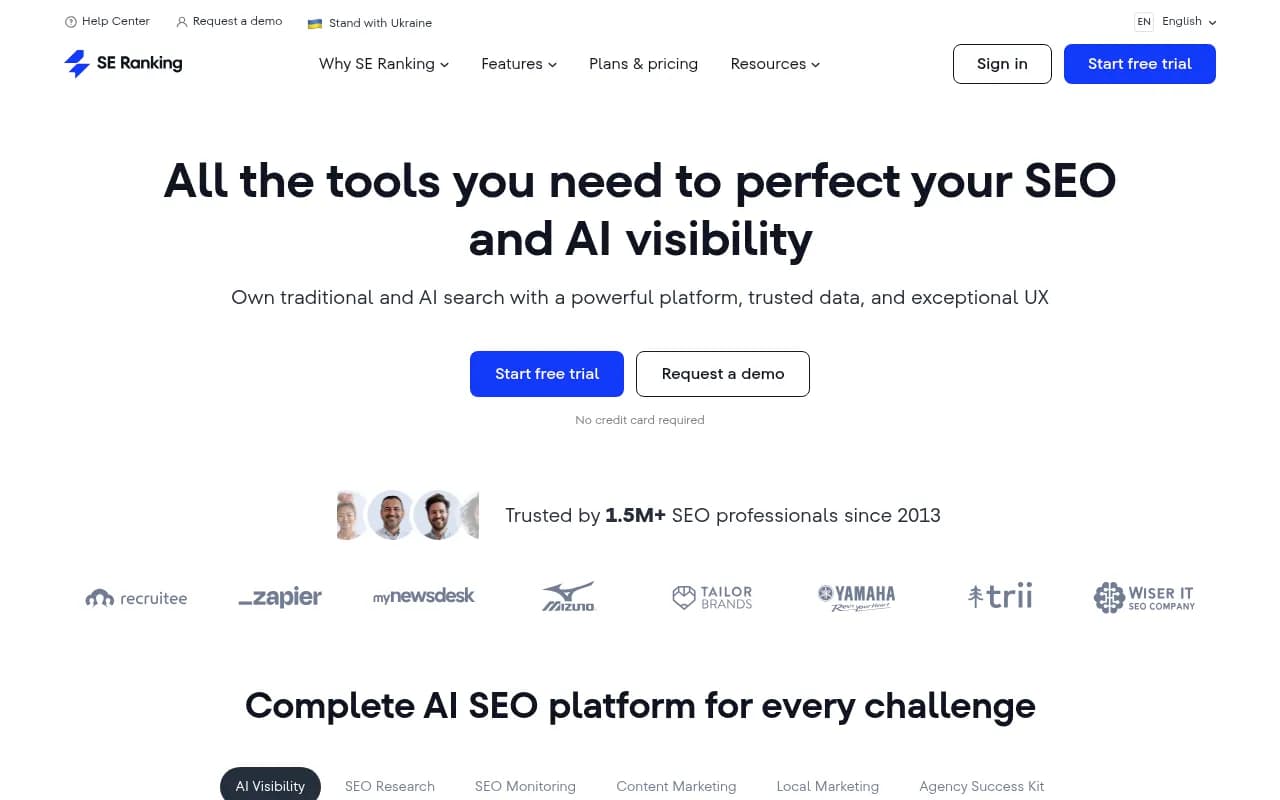
Pull keyword sets and competitor gaps from whichever suite you already pay for. Semrush and Moz are common starting points, and SE Ranking has added AI visibility features alongside classic tracking.
I haven't verified current connector or MCP support for each of these suites, so check the vendor's docs before building around a native integration. Plain CSV exports work everywhere and are the safest bridge.
Step 4: Turn analysis into briefs
Analysis is worthless until it becomes a task someone can do. Convert each opportunity into a one-page brief with:
- Target query and the intent behind it.
- The page to create or update.
- Headings written the way people (and AI systems) phrase the question.
- Entities, facts, and original data to include.
- Internal links to add, in both directions.
- What would make this page better than the top three results.
Dedicated brief tools can speed this up if you produce a lot of content.
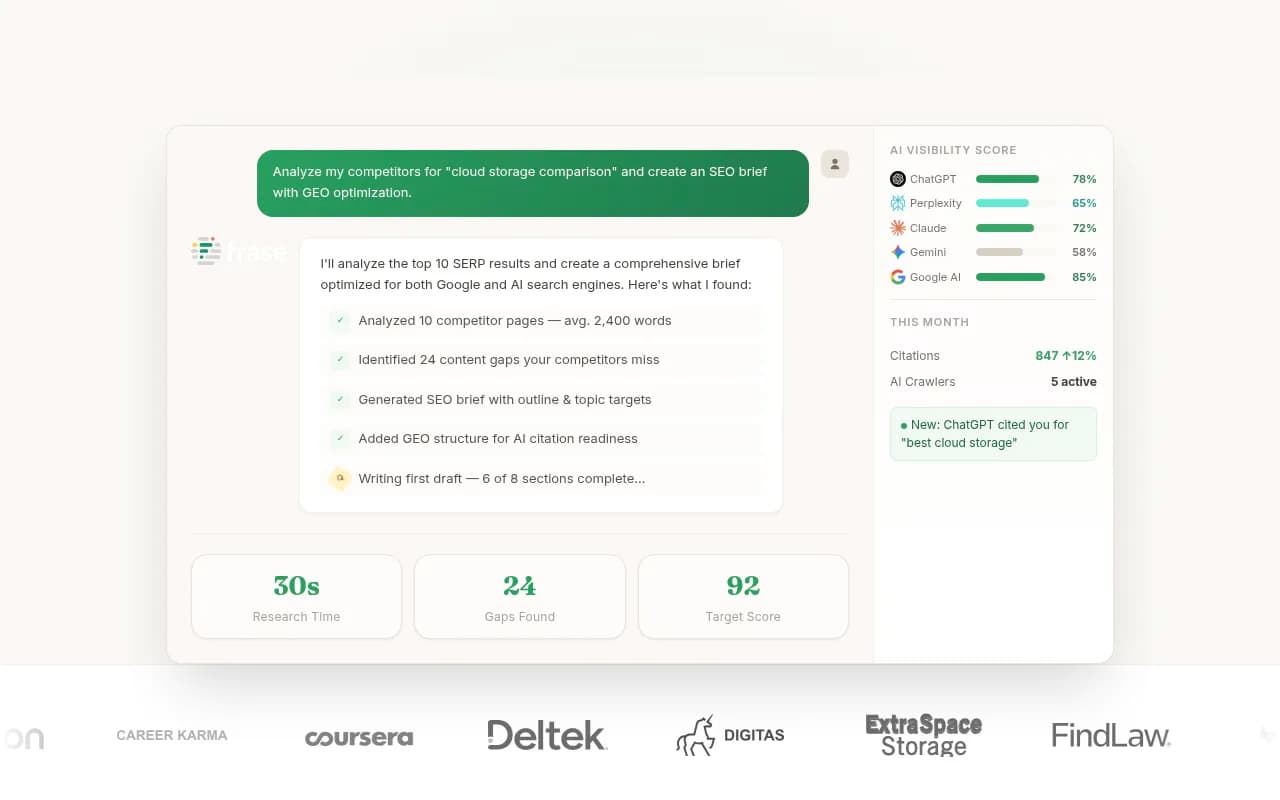

You can also do it in the LLM directly. Give it the target query, the top-ranking pages' headings, and your brand file, and ask for a brief rather than an article. Briefs are cheap to review. Drafts are expensive to review. Catch bad direction early.
Step 5: Draft and update with guardrails
Here is where I'd be most cautious. Fully automated publishing is tempting and I understand why, but the pages that survive are the ones with something only you have: your data, your screenshots, your customers' words, your pricing.
A safer pattern:
- Have the model write a first draft strictly from the brief and the facts in your project files.
- Ask it to mark every claim that needs a source with a bracketed flag.
- A human fills those in with real sources or deletes the claims.
- A human adds one thing the model couldn't: an example, a number, a quote.
- Run an editing pass for voice using your brand file.
Refreshing existing pages is often a better first use than writing new ones. Ask the model to compare your page against the current top results and return a diff-style list of changes: sections to add, outdated facts, weak headings. Updating a page that already has impressions is faster than starting from zero.
Metadata, schema, and repetitive markup
This is the easiest win in the whole workflow. Give the model a CSV of URLs, titles, and page summaries and have it produce meta descriptions within your length limits. Same for JSON-LD drafts:
Generate Organization and Product JSON-LD for the page below.
Use only facts from the page text. Output valid JSON-LD only.
Then validate everything in a schema testing tool before deploying. Models produce plausible but occasionally invalid markup. If you manage structured data at scale, a dedicated platform may be worth it.
On WordPress, plugins like Yoast or AIOSEO give you a place to paste the reviewed output.

Step 6: Build for AI search, not only Google
A 2026 workflow can't stop at rankings. People get answers from ChatGPT, Claude, Perplexity, and Google's AI features, and those systems decide which pages to cite using different signals than a classic SERP.
Promptwatch Data gives some useful grounding for what to write. In its analysis of ChatGPT citations from Sep 28 to Oct 4, 2026, product pages earned 22.4% of classified citations and landing pages 16.8%, so roughly 39% of citations went to pages describing what a company sells. Listicles took 13.6%, how-to guides 8.7%, and documentation 7.5%. The report's advice is to map content type to prompt intent, keep product pages complete and factual on specs, pricing, and positioning, keep docs public and crawlable, and add FAQs.
Two practical consequences for your workflow:
- Your brief template should include the content type, not just the keyword. A commercial prompt wants a product page, comparison, or listicle. An informational one leans more on how-tos and docs.
- Freshness decays differently by type. In Promptwatch's half-life analysis of pages ChatGPT cited on July 6, 2026, landing pages and docs stayed cited longest, while news lost half its pages within 36 days. So schedule refreshes for news-style content far more often than for evergreen product pages.
Query phrasing matters too. Promptwatch's ChatGPT query fanout data found average query length falling from about 117 characters in December 2025 to roughly 53 in April 2026, and recommends writing headings that read like keyword queries, such as "Best CRM for small agencies 2026," with the entity and category first. Also worth knowing: on August 8, 2026, ChatGPT began using the site: operator at scale, jumping from about 0.4% to about 17% of fanout queries. These behaviors shift, so re-audit your heading-to-query mapping after major model updates.
One more calibration point. If you're tempted to publish markdown versions of everything for AI, markdown files make up just 0.05% of AI search citations. Markdown serves AI agents, not AI search. Spend that time on crawlable, well-structured HTML pages instead.
Measuring AI visibility
This is the stage where many workflows go blind, because rank trackers don't show it. You need something that tracks which prompts mention you, which pages get cited, and whether AI crawlers can even reach your content. Tools like Promptwatch cover this end to end, including crawler logs and AI traffic attribution, and its Action Board turns gaps into a to-do list you can feed straight back into stage 3 of your workflow.

There are many alternatives and the category moves fast. A few monitoring-oriented options from the catalog:
| Tool | Strength | Limit to know |
|---|---|---|
| Promptwatch | Tracking plus content gap analysis, content generation, crawler logs, and AI traffic attribution | Broader than a solo freelancer may need |
| Otterly.AI | Affordable prompt monitoring | Monitoring focus, no content workflow |
| Peec AI | Clean monitoring across models | No optimization layer |
| SE Visible | Brand presence in AI search from the SE Ranking team | Works best if you already use SE Ranking |
| Profound | Enterprise-grade monitoring | Higher price point |


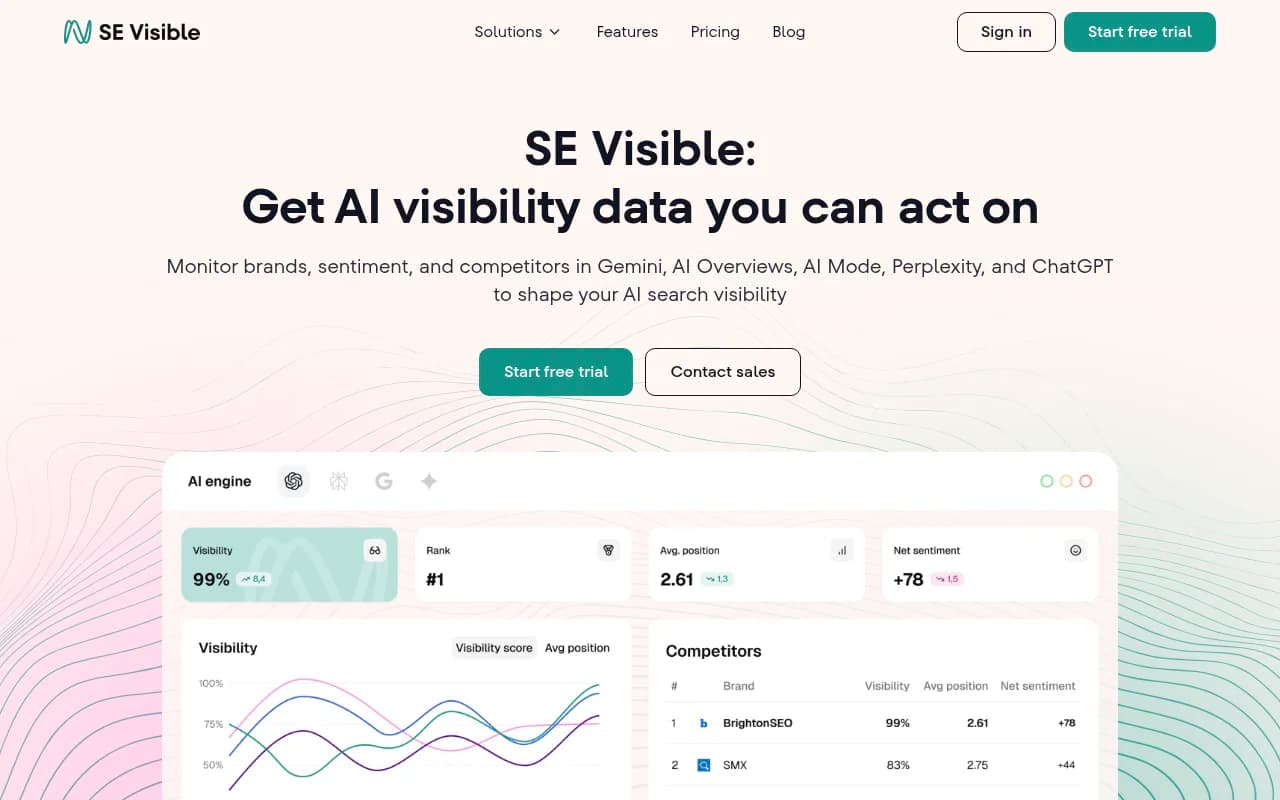

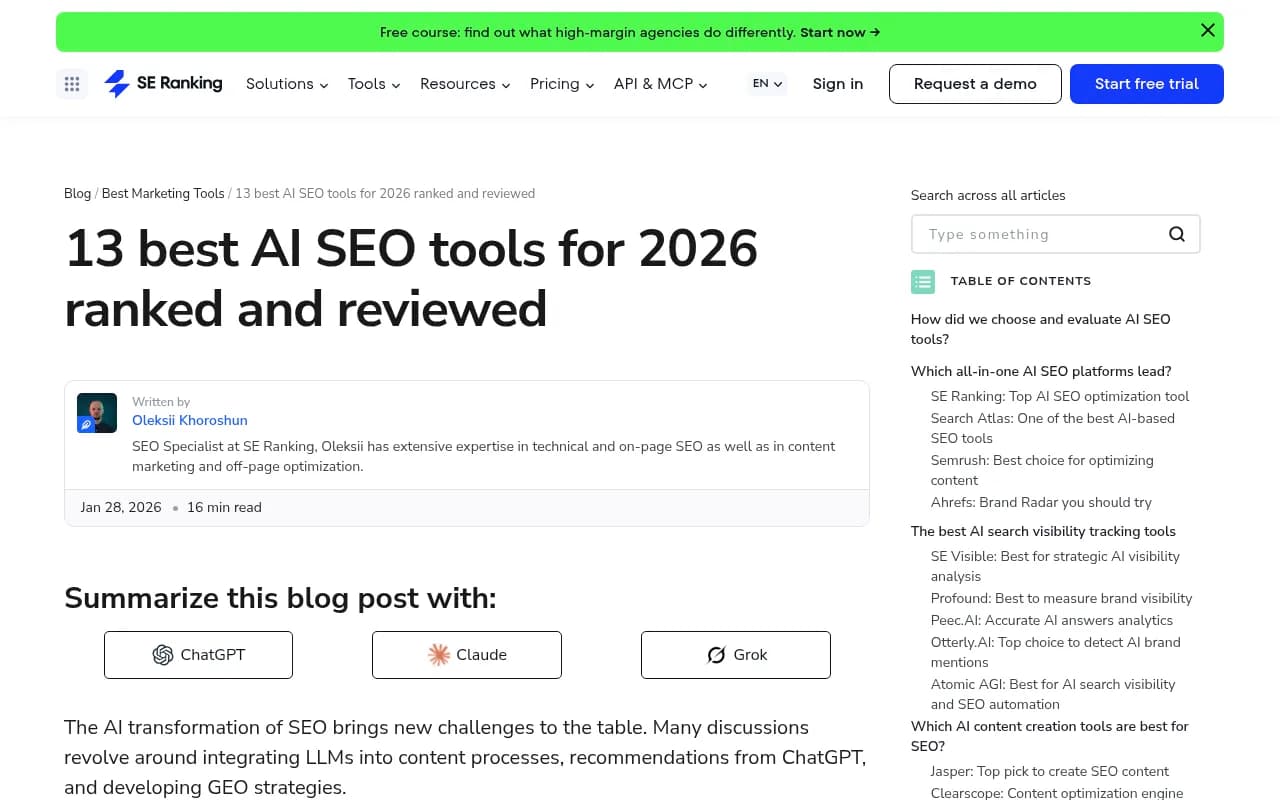
For a wider survey, the GEO software directory at bestgeosoftware.com lists far more options, and SE Ranking's roundup of AI SEO tools is a decent outside reference for how they evaluate coverage across LLMs.
Step 7: Automate the glue
Once the manual version works, connect the pieces. You don't need to automate everything, only the hand-offs that you do every week.
| Tool | Good for | Watch out for |
|---|---|---|
| Zapier | Quick triggers: new Search Console export to a Slack summary | Costs climb with task volume |
| Make | Visual multi-step scenarios with branching | Learning curve on complex flows |
| n8n | Self-hosted, code-friendly, AI nodes | You maintain it |
Good candidates for automation:
- A weekly job that pulls Search Console data and asks the model for the top five refresh candidates.
- A new-page trigger that drafts a meta description and schema for review.
- A Monday digest that merges ranking changes with AI visibility changes.
Bad candidates: anything that publishes without a human looking at it. Some teams run Claude Code against a content repository to optimize dozens of posts a month, and one write-up claims keyword research or meta generation takes minutes instead of hours. The speed is real. The risk is also real: at that volume, one bad assumption in a prompt gets copied across fifty pages. Sample outputs before you scale.
A weekly cadence that works
Here is a realistic rhythm for a small team.
- Monday: export fresh Search Console and AI visibility data. Run the analysis prompts. Pick three actions.
- Tuesday: write briefs for those three actions.
- Wednesday and Thursday: draft, review, and add original material.
- Friday: publish, request indexing where it makes sense, and log what changed.
- Following weeks: check whether the changed pages gained impressions, rankings, citations, or AI-referred visits.
Keep a change log. Without one you can't tell whether a lift came from the update or from a model change somewhere upstream.
Common mistakes
- Prompting without data. "Give me keyword ideas" produces generic lists. "Here are my 5,000 queries" produces something you can act on.
- Trusting numbers the model computed. Verify totals, or have it write code.
- Skipping the brand file, then wondering why everything sounds off.
- Publishing at volume before reviewing a sample. Quality problems compound.
- Measuring only Google. If AI answers drive part of your discovery, you need to see them.
- Forgetting the technical layer. If AI crawlers get blocked or hit errors on your pages, no amount of good content helps.
What to do first
Pick one workflow. I'd start with the Search Console refresh loop: export, cluster, find positions 8 to 20, brief, update, measure. It uses data you already own, the output is easy to verify, and you'll see results within a few weeks.
If you'd rather hand parts of this off, an agency can build and run the system with you. 1001 SEO Media combines technical SEO, content production, and generative engine optimization, and it uses Promptwatch for AI visibility work. For most teams, though, the highest-value step is simpler: set up your project context tonight, run one analysis prompt tomorrow, and ship one improved page by Friday.