n8n Review 2026
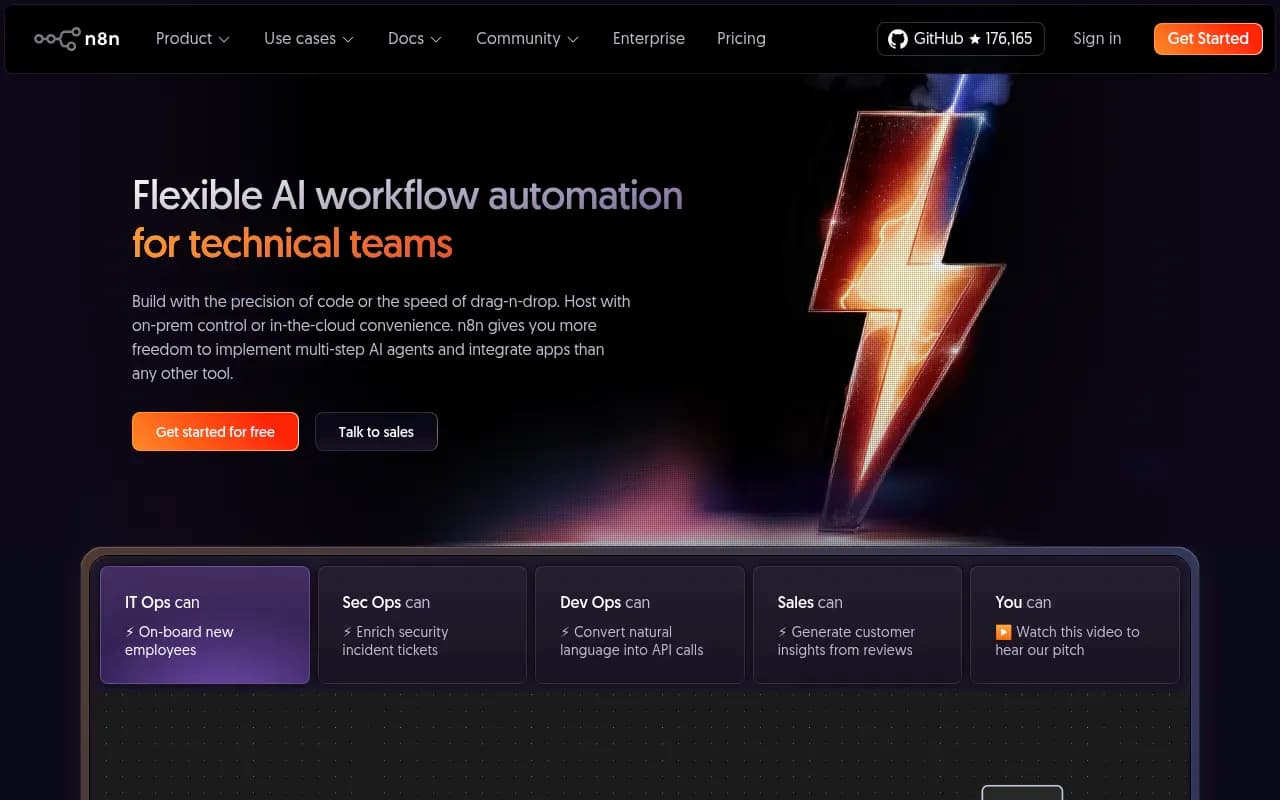
n8n is a powerful workflow automation platform that combines visual drag-and-drop building with full code access (JavaScript/Python). Built for technical teams, it offers 500+ integrations, AI agent capabilities, self-hosting options, and the flexibility to switch between UI and code whenever needed
Key Takeaways:
- Code + no-code flexibility: Switch between visual canvas and JavaScript/Python code in the same workflow -- no other automation tool gives you this level of control
- Self-hosting champion: Fully open source (176k+ GitHub stars) with complete Docker deployment and source code access -- you own your data and infrastructure
- AI-native automation: Build multi-step AI agents with custom tools, local AI models, and vector store integrations (Pinecone, Qdrant, etc.)
- Technical team focus: Built for DevOps, IT Ops, and developers who need more power than Zapier but faster iteration than pure code
- Pricing starts at €20/mo for cloud hosting (2,500 executions) or free forever if self-hosted
n8n is a workflow automation platform that refuses to make you choose between visual building and code. Founded as an open-source project, it's grown into one of the most popular automation tools on GitHub (176.2k stars, top 50 projects) while maintaining its technical roots. The platform is used by Delivery Hero, Wayfair, Vodafone, Microsoft, Meta, and 200,000+ community members who need automation that doesn't hit a ceiling when requirements get complex.
The core pitch: other tools force you into either a visual builder (Zapier, Make) or pure code (custom scripts). n8n gives you a visual canvas where you can drop in pre-built nodes for 500+ integrations, then write JavaScript or Python whenever you need custom logic. You're not locked into one paradigm. This matters when you're building real production workflows that need to handle edge cases, transform data in specific ways, or integrate with internal APIs that don't have pre-built connectors.
Visual Canvas with Code Escape Hatches
The workflow editor is a node-based canvas where you drag in triggers (webhooks, schedules, app events), actions (API calls, database queries, transformations), and logic nodes (if/else, loops, switches). Each node has a UI for common settings, but you can always click into a code editor to write custom JavaScript or Python. You're not fighting the tool when you need to do something specific -- you just write it.
Key capabilities within the editor:
- Inline code nodes: Write JavaScript or Python directly in the workflow. Import npm packages or Python libraries for additional functionality.
- Expression editor: Use JavaScript expressions in any field to reference data from previous steps, transform values, or apply logic.
- cURL import: Paste a cURL command and n8n converts it into a workflow node with all parameters pre-filled.
- Branch merging: Most visual tools only let you split workflow paths (if/else). n8n lets you merge branches back together, which is critical for complex logic.
- Step-by-step execution: Run individual nodes without re-running the entire workflow. Mock data or replay previous executions to debug faster.
- Inline logs and debugging: See exactly what data passed through each step, with error messages and stack traces right in the UI.
The editor feels like a hybrid between Zapier's simplicity and a proper IDE. You get autocomplete, syntax highlighting, and inline documentation. When a node fails, you see the error immediately and can re-run just that step after fixing it. This tight feedback loop is what makes n8n faster than writing scripts from scratch, but more powerful than pure no-code tools.
AI Agents and LLM Integrations
n8n has gone all-in on AI automation. The platform includes native nodes for OpenAI, Anthropic Claude, Google Gemini, AWS Bedrock, Mistral, Cohere, and local models via Ollama or LM Studio. You can build multi-step AI agents that call custom tools, query vector databases, and make decisions based on LLM outputs.
Specific AI capabilities:
- AI Agent node: Configure an LLM with a system prompt, then give it access to tools (API calls, database queries, web searches). The agent decides which tools to use based on the user's input.
- Vector store integrations: Connect to Pinecone, Qdrant, Supabase, or Chroma to build RAG (Retrieval Augmented Generation) workflows. Embed documents, search for relevant context, and pass it to the LLM.
- AI Transform node: Apply LLM-based transformations to data (summarization, classification, extraction) without writing code.
- Local AI support: Run models locally via Ollama or LM Studio for privacy-sensitive use cases. No data leaves your infrastructure.
- Prompt chaining: Chain multiple LLM calls together, using the output of one as input to the next. Build complex reasoning workflows.
The AI features are production-ready, not experimental. Companies are using n8n to build customer support bots that query internal knowledge bases, data enrichment pipelines that classify and tag incoming records, and security workflows that analyze incident tickets with AI before routing them to the right team.
Self-Hosting and Open Source
n8n is fully open source (Apache 2.0 license with a fair-code model for enterprise features). The entire codebase is on GitHub, and you can deploy it anywhere: Docker, Kubernetes, AWS, GCP, Azure, or a VPS. This is a major differentiator vs competitors like Zapier, Make, or Workato, which are cloud-only SaaS products.
Self-hosting benefits:
- Data sovereignty: All workflow data, credentials, and execution logs stay on your infrastructure. Critical for regulated industries (healthcare, finance) or companies with strict data policies.
- No execution limits: The self-hosted version has no artificial caps on workflow runs, active workflows, or users. You're only limited by your server resources.
- Custom integrations: Fork the repo and build your own nodes for internal tools. Contribute them back to the community or keep them private.
- Air-gapped deployments: Run n8n in environments with no internet access. All dependencies are bundled.
Deployment is straightforward: docker run -it --rm --name n8n -p 5678:5678 -v ~/.n8n:/home/node/.n8n n8nio/n8n gets you a running instance. For production, n8n provides Kubernetes Helm charts, Docker Compose files, and deployment guides for all major cloud providers. The community has also built Terraform modules and Ansible playbooks.
If you don't want to manage infrastructure, n8n offers a hosted cloud version (n8n Cloud) with the same features. You get automatic updates, managed scaling, and built-in monitoring. The cloud version is SOC 2 Type II certified and GDPR compliant.
500+ Integrations and Extensibility
n8n ships with 500+ pre-built integrations covering the usual suspects: Slack, Google Sheets, Airtable, Salesforce, HubSpot, Stripe, Shopify, GitHub, Jira, Notion, Trello, Asana, Monday.com, ClickUp, Mailchimp, SendGrid, Twilio, AWS (S3, Lambda, DynamoDB, SQS), Azure, GCP, MySQL, PostgreSQL, MongoDB, Redis, Elasticsearch, and on.
Each integration is a "node" with pre-configured actions and triggers. For example, the Slack node has actions like "Send Message", "Update Message", "Add Reaction", "Get User Info", and triggers like "New Message Posted", "New Reaction Added". You don't write API calls manually unless you want to.
When a pre-built node doesn't exist or doesn't cover your use case, you have options:
- HTTP Request node: Make API calls to any service. Supports authentication (OAuth2, API keys, basic auth), custom headers, query parameters, and request bodies. This is how you integrate with internal APIs or niche SaaS tools.
- Custom nodes: Write your own nodes in TypeScript and publish them to npm. The n8n community has built hundreds of custom nodes for tools like Notion, Linear, Retool, and more.
- Webhooks: Trigger workflows via HTTP requests. Other services can push data into n8n instead of n8n polling them.
The HTTP Request node is particularly powerful. You can paste a cURL command, and n8n auto-fills all the fields. You can also use expressions to dynamically set headers, URLs, or body content based on data from previous steps. This makes n8n a strong choice for API-heavy workflows where you're stitching together multiple services that don't have native integrations.
Who Is n8n For?
n8n is built for technical teams, not business users. The target personas are:
DevOps and IT Ops teams managing infrastructure automation, CI/CD pipelines, incident response, and user provisioning. Example: Delivery Hero uses n8n to automate employee onboarding across 15+ tools (Slack, Google Workspace, Jira, Okta, etc.), saving 200 hours per month. The workflow checks for new hires in their HRIS, creates accounts in each system, assigns permissions based on role, and sends welcome messages. When an employee leaves, it reverses the process.
Developers and data engineers who need to move data between systems, transform it, and trigger actions based on events. Example: StepStone (a job board) uses n8n to pull data from 50+ job marketplaces via APIs, normalize the data, and load it into their data warehouse. What used to take 2 weeks of custom coding now takes 2 hours in n8n.
Security and compliance teams automating threat detection, incident enrichment, and response workflows. Example: A security team uses n8n to monitor AWS CloudTrail logs, detect suspicious activity with custom rules, enrich alerts with data from VirusTotal and AbuseIPDB, and create tickets in Jira with all context pre-filled.
Product and growth teams at tech companies who need to prototype automation quickly but want the option to customize with code. Example: A SaaS company uses n8n to sync trial signups from their app to HubSpot, send personalized onboarding emails based on user behavior, and trigger Slack notifications when high-value accounts convert.
n8n is NOT for:
- Non-technical business users who want a pure no-code experience. If you're not comfortable with JSON, APIs, or basic scripting, tools like Zapier or Make are easier.
- Teams that need pre-built templates for every use case. n8n has 1,700+ templates, but they're more like starting points than plug-and-play solutions. You'll need to customize.
- Companies that require enterprise support SLAs without self-hosting. n8n's cloud plans don't include dedicated support unless you're on an enterprise contract.
Integrations and Ecosystem
n8n integrates with everything via its 500+ nodes, HTTP Request node, and webhook triggers. Specific highlights:
- Developer tools: GitHub, GitLab, Bitbucket, Jenkins, CircleCI, Docker, Kubernetes, Terraform, Ansible
- Databases: MySQL, PostgreSQL, MongoDB, Redis, Elasticsearch, Supabase, Firebase, Airtable
- Cloud providers: AWS (S3, Lambda, DynamoDB, SQS, SNS, EC2), Azure, GCP
- CRMs and sales: Salesforce, HubSpot, Pipedrive, Zoho, Copper, Close
- Communication: Slack, Microsoft Teams, Discord, Telegram, WhatsApp, Twilio, SendGrid, Mailchimp
- Project management: Jira, Asana, Monday.com, ClickUp, Trello, Notion, Linear
- AI and ML: OpenAI, Anthropic, Google AI, AWS Bedrock, Hugging Face, Pinecone, Qdrant
- Analytics: Google Analytics, Mixpanel, Segment, Amplitude, PostHog
The platform also has a REST API for programmatic workflow management (create, update, execute workflows via API calls). This is useful for embedding n8n into other tools or building custom UIs on top of it. There's also a Looker Studio connector for custom reporting.
For self-hosted deployments, n8n supports external secret stores (AWS Secrets Manager, Azure Key Vault, HashiCorp Vault) and can stream logs to third-party services (Datadog, Splunk, Elasticsearch).
Pricing and Value
n8n offers three deployment options:
Self-hosted (free forever): Download the open-source version and run it on your infrastructure. No limits on workflows, executions, or users. You pay for server costs only. This is the best value if you have the technical capacity to manage it.
n8n Cloud:
- Starter: €20/month (2,500 workflow executions, 5 concurrent executions, 320MB RAM, 10 millicore CPU, 20 AI Workflow Builder credits). Unlimited workflows and users.
- Pro: €50/month (10,000 executions, 10 concurrent, 640MB RAM, 20 millicore CPU, 50 AI credits).
- Power: €100/month (25,000 executions, 20 concurrent, 1.28GB RAM, 40 millicore CPU, 100 AI credits).
- Enterprise: Custom pricing (unlimited executions, dedicated resources, SSO, SAML, LDAP, audit logs, SLA, priority support).
All cloud plans include unlimited workflows, unlimited users, version control, and access to all 500+ integrations. The main differences are execution limits and compute resources. If you exceed your execution limit, workflows queue until the next billing cycle (no overage charges).
How n8n compares to competitors:
- vs Zapier: Zapier starts at $20/month for 750 tasks (executions). n8n gives you 2,500 executions at the same price, plus unlimited users and the ability to write code. Zapier is easier for non-technical users but hits a ceiling fast.
- vs Make (formerly Integromat): Make starts at $9/month for 10,000 operations. n8n is more expensive per execution but offers self-hosting, code flexibility, and AI agent capabilities that Make lacks.
- vs Workato: Workato is enterprise-focused with pricing starting at $10k+/year. n8n delivers similar power at a fraction of the cost, especially if self-hosted.
- vs custom scripts: Writing automation scripts from scratch is free but slow. n8n gives you 80% of the speed of no-code tools with 100% of the flexibility of code.
The value proposition is strongest for teams that need to build complex workflows (multi-step logic, data transformations, API integrations) and want the option to self-host. If you're running 50+ workflows and have a developer on the team, n8n is likely cheaper and more powerful than Zapier or Make.
Strengths
- Code flexibility: The ability to drop into JavaScript or Python whenever you need it is unmatched. No other visual automation tool gives you this level of control.
- Self-hosting: Full source code access, Docker deployment, and no vendor lock-in. You own your data and can run n8n anywhere.
- AI-native: Built-in support for LLMs, vector stores, and AI agents. Most competitors are bolting AI onto existing platforms; n8n designed for it.
- Active community: 200k+ members, 1,700+ templates, and hundreds of custom nodes built by users. The forum and Discord are responsive.
- Transparent pricing: No hidden fees, no per-user charges, no surprise overage bills. You know exactly what you're paying for.
Limitations
- Steeper learning curve: If you're not comfortable with JSON, APIs, or basic scripting, n8n will feel harder than Zapier. The UI assumes technical knowledge.
- Fewer pre-built templates: Zapier has 10,000+ templates. n8n has 1,700+. You'll spend more time building from scratch.
- Cloud execution limits: The Starter plan's 2,500 executions can disappear quickly if you're running high-frequency workflows (every 5 minutes = 8,640 executions/month). Self-hosting removes this limit.
- Enterprise features behind paywall: SSO, SAML, LDAP, audit logs, and advanced RBAC are only available on the Enterprise plan. Open-source version has basic auth only.
Bottom Line
If you're a developer, DevOps engineer, or technical team lead who needs workflow automation that doesn't limit you, n8n is the best option in 2026. It gives you the speed of visual building with the power of code, the flexibility of self-hosting with the convenience of cloud, and AI capabilities that most competitors are still figuring out. Best use case: automating complex, multi-step workflows that involve APIs, data transformations, and conditional logic -- especially when you need to own your infrastructure or integrate with internal tools.
Similar and alternative tools to n8n