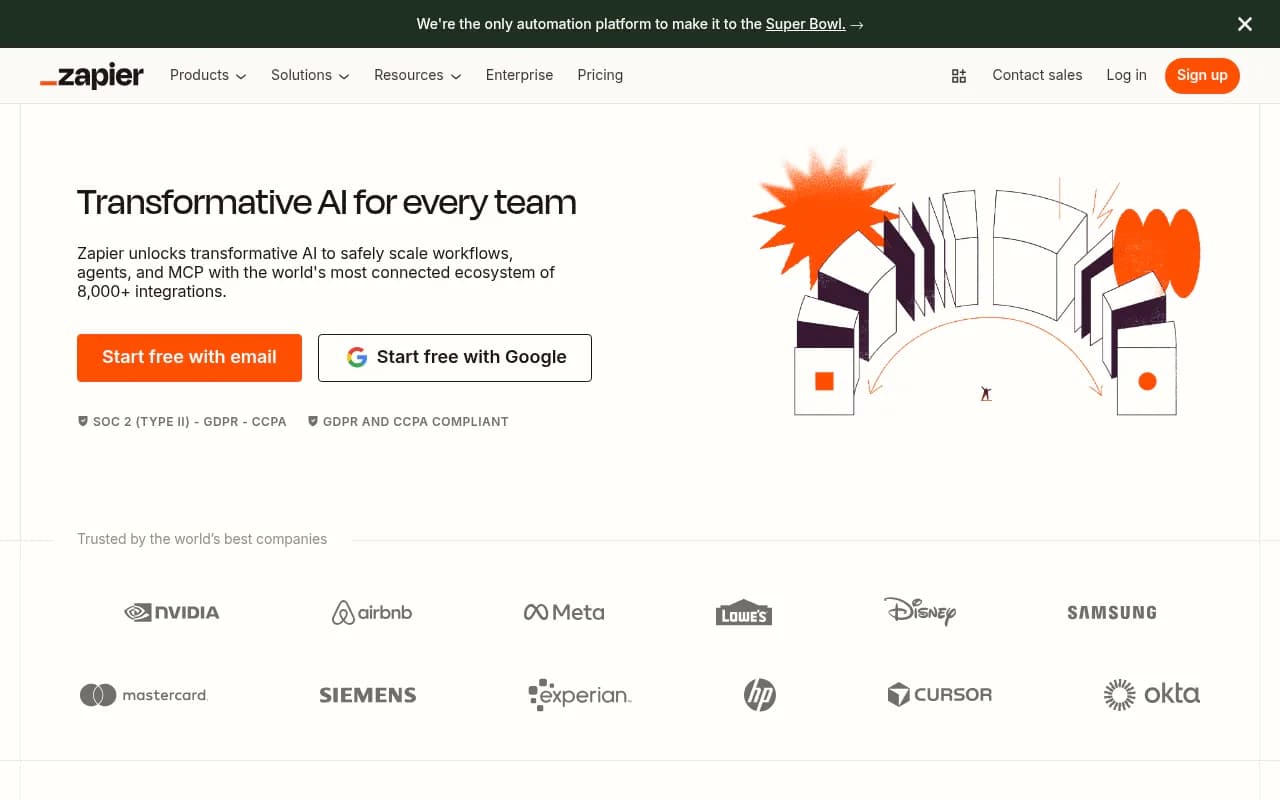
Make (formerly Integromat) Review 2026
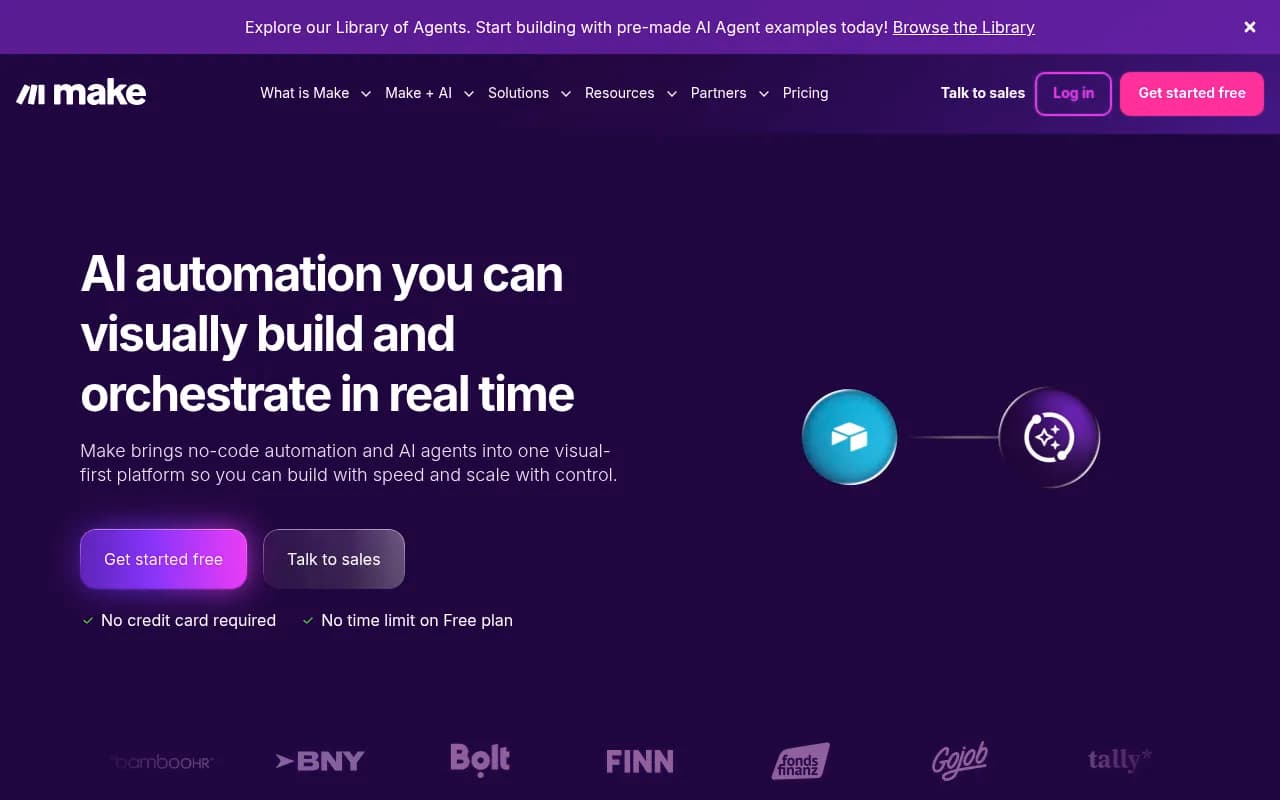
Make (formerly Integromat) is a visual no-code automation platform that connects 3,000+ apps and AI tools to build workflows, AI agents, and complex integrations. Used by enterprises like BNY Mellon and Bolt, it offers real-time orchestration, agentic automation, and advanced customization for teams
Summary
Strengths: Visual workflow builder makes complex automations accessible, 3,000+ pre-built app integrations including OpenAI and Perplexity, robust enterprise features with SOC 2 compliance, flexible credit-based pricing starting at $9/month, AI agent capabilities for autonomous workflows
Limitations: Credit system can be confusing for new users, steeper learning curve than simpler tools like Zapier for basic automations, pricing can escalate quickly with high-volume workflows
Best for: Mid-size to enterprise teams building complex multi-step workflows, operations teams orchestrating AI and automation at scale, IT departments needing custom integrations with visual control
Make (formerly Integromat until its 2021 rebrand) is a visual workflow automation platform that sits at the intersection of no-code integration and AI orchestration. Built by a Czech company and now serving customers like BNY Mellon, Bolt, and GoJob, it's positioned as the power user's automation tool -- more flexible than Zapier, more visual than custom code, and increasingly focused on AI agent workflows.
The platform's core value is its visual-first approach to building automations. Instead of linear trigger-action chains, Make uses a flowchart-style canvas where you can see every step, branch, and decision point in your workflow. This matters when you're building something complex -- like an AI content pipeline that routes through OpenAI for generation, Perplexity for fact-checking, then splits based on quality scores before publishing. You can literally see the logic.
Core automation capabilities
Make's scenario builder is where the work happens. You drag modules onto a canvas, connect them with lines, and configure each step. The visual map updates in real time as data flows through, showing you exactly where things succeed or fail. This is different from most automation tools that hide execution details behind logs.
The platform handles complex logic natively. You can add routers to split workflows into parallel paths, iterators to process arrays item-by-item, aggregators to combine data from multiple sources, and error handlers to catch failures without breaking the entire scenario. Most competitors require workarounds or custom code for this level of control.
Data mapping is granular. When connecting apps, you see the exact JSON structure of responses and can transform data inline using Make's formula language. It's more technical than Zapier's simplified field matching but gives you precision -- useful when APIs return nested objects or you need to reshape data before passing it along.
The 3,000+ app ecosystem
Make's integration library covers the expected SaaS tools (Salesforce, HubSpot, Slack, Google Workspace) plus a deep bench of specialized apps. The AI category alone includes OpenAI, Claude (via Anthropic), Perplexity, DeepSeek, Gemini, and dozens of niche models. You can chain multiple AI tools in one workflow -- use ChatGPT to draft content, Perplexity to verify facts, DALL-E to generate images, all without leaving Make.
Each app integration exposes granular actions. The HubSpot module, for example, doesn't just "create contact" -- it lets you update custom properties, manage lists, trigger workflows, search by complex filters, and handle associations between objects. This depth matters for enterprise use cases where you need precise control over CRM data.
For apps without pre-built modules, Make offers HTTP modules to call any REST API, webhooks to receive data from external systems, and custom app builder tools for creating reusable integrations. The platform also supports SOAP, FTP, SFTP, and database connections -- legacy protocols that modern automation tools often ignore.
AI agents and agentic automation
Make's recent push into AI agents is its differentiator in 2026. The platform now supports building autonomous agents that can make decisions, loop through tasks, and adapt based on outcomes. An agent might monitor a Slack channel, analyze sentiment with AI, decide whether to escalate to a human or auto-respond, then learn from feedback to improve future responses.
The AI Agents Library provides pre-built templates for common patterns: customer support triage, lead qualification, content moderation, data enrichment. These aren't just static workflows -- they include decision trees, feedback loops, and memory so agents improve over time. You can fork a template, customize the logic, and deploy in minutes.
What makes this work is Make's visual orchestration. You can see the agent's decision points, watch it execute in real time, and adjust logic without rewriting code. Most AI agent platforms are black boxes. Make shows you the machinery.
Enterprise features and scale
Make's enterprise tier adds the controls large organizations need. Teams get centralized billing, role-based access control, audit logs, and SSO via SAML. The platform is SOC 2 Type II and SOC 3 certified, GDPR compliant, and encrypts data in transit and at rest. For regulated industries, this baseline security is table stakes.
The platform handles scale through its operations-based pricing model. Instead of charging per task (like Zapier), Make uses "operations" -- each action in a workflow consumes one operation. A scenario that triggers once but performs 10 actions costs 10 operations. This pricing structure rewards efficiency and makes high-volume workflows more predictable.
Make also offers dedicated instances for enterprises that need isolated infrastructure, custom SLAs, and priority support. The standard support is email-based with 24-hour response times, but enterprise customers get Slack channels and dedicated success managers.
Real-time monitoring and debugging
Every scenario execution is logged with full detail. You can see the exact data that flowed through each module, how long each step took, and where errors occurred. The execution history is searchable and filterable, making it easy to debug failures or audit what happened.
The platform also supports scenario scheduling (run every hour, daily at 3am, etc.), webhooks for instant triggers, and polling for apps that don't support real-time events. You can set up incomplete execution storage to retry failed runs, and configure error handling to send alerts via email or Slack when things break.
Who this is built for
Make's ideal users are operations teams, IT departments, and agencies building complex automations for clients. If you're connecting 5+ apps in a workflow, need conditional logic, or want to orchestrate AI tools, Make's visual approach and flexibility justify the learning curve.
It's particularly strong for:
- SaaS companies automating customer onboarding, support triage, and data syncing between tools
- Marketing agencies building client reporting dashboards, social media pipelines, and lead routing systems
- E-commerce operations syncing inventory across platforms, processing orders, and managing customer data
- IT teams monitoring systems, automating incident response, and integrating internal tools
- AI/ML teams building data pipelines, orchestrating model inference, and managing training workflows
Make is less ideal for non-technical users who just want to connect two apps with a simple trigger-action. Zapier or IFTTT are faster for that. Make's power comes from handling complexity, which means there's more to learn upfront.
Integrations and ecosystem
Beyond the 3,000+ app modules, Make integrates with:
- Developer tools: GitHub, GitLab, Jira, Linear for engineering workflows
- Databases: MySQL, PostgreSQL, MongoDB, Airtable for data operations
- Cloud storage: Google Drive, Dropbox, OneDrive, AWS S3 for file management
- Communication: Slack, Microsoft Teams, Discord, Telegram for notifications
- AI platforms: OpenAI, Anthropic, Google AI, Perplexity, DeepSeek, Hugging Face
- Analytics: Google Analytics, Mixpanel, Amplitude for tracking
- Payment processors: Stripe, PayPal, Square for transaction handling
The platform also offers a REST API for programmatic scenario management, webhook endpoints for custom triggers, and Zapier-style public app directory for discovering integrations.
Pricing breakdown
Make uses a credit-based system where 1 credit = 1 operation. Plans include:
- Free: 1,000 operations/month, 2 active scenarios, 15-minute minimum interval. Good for testing but too limited for production use.
- Core: $9/month for 10,000 operations, unlimited active scenarios, 1-minute intervals. Suitable for small teams with light automation needs.
- Pro: $16/month for 10,000 operations with overage flexibility (pay for extra operations as needed), priority support, advanced features like custom variables and execution history retention.
- Teams: $29/month for 10,000 operations, team collaboration features, role-based access, and higher execution priority.
- Enterprise: Custom pricing with dedicated infrastructure, SSO, audit logs, SLAs, and volume discounts.
The credit system can be confusing. A scenario that runs 100 times per day with 5 operations each consumes 15,000 operations/month (100 runs × 5 operations × 30 days). High-volume workflows can burn through credits quickly, making the Pro or Teams plan necessary.
Annual billing offers discounts and credits that roll over for 12 months instead of expiring monthly. For predictable workloads, annual plans provide better value.
Strengths
Visual workflow builder: The flowchart interface makes complex automations understandable. You can see branching logic, parallel processing, and error handling at a glance -- something linear automation tools can't match.
Deep app integrations: Make exposes more actions and triggers per app than most competitors. The HubSpot, Salesforce, and NetSuite modules are particularly comprehensive, giving you fine-grained control over CRM and ERP data.
AI orchestration: With 400+ AI app integrations and native support for building agents, Make is ahead of traditional automation platforms in the AI space. You can chain models, add decision logic, and create autonomous workflows that adapt.
Flexible data transformation: The built-in formula language and data mapping tools let you reshape data inline without external scripts. This is critical when connecting apps with incompatible data structures.
Enterprise-grade security: SOC 2 Type II compliance, GDPR readiness, and encryption make Make viable for regulated industries. The audit logs and role-based access controls support governance requirements.
Limitations
Steeper learning curve: Make's flexibility comes with complexity. New users face a learning curve understanding routers, iterators, aggregators, and the formula language. Zapier is faster to learn for simple automations.
Credit-based pricing complexity: The operations model requires math to estimate costs. A scenario with 10 steps running 1,000 times costs 10,000 operations, but this isn't obvious upfront. Overage charges can surprise users who underestimate usage.
Execution speed: While Make offers 1-minute intervals on paid plans, some competitors (like Zapier) support instant triggers for more apps. Polling-based scenarios can feel slower than webhook-driven alternatives.
Mobile experience: Make's visual builder is desktop-first. The mobile web interface is functional but cramped. You can monitor scenarios on mobile but building complex workflows requires a laptop.
Documentation gaps: While Make's help center covers basics, advanced features like custom app building and complex data transformations lack detailed guides. Community forums fill some gaps but official docs could be deeper.
Bottom line
Make is the automation platform for teams that need power and visibility. If you're building workflows that connect 5+ apps, require conditional logic, or orchestrate AI tools, Make's visual approach and flexibility deliver value that simpler tools can't match. The learning curve is real, but the payoff is automations you can actually understand and maintain.
Best for: Operations teams at mid-size to enterprise companies building complex, multi-step workflows that integrate AI and need visual control over execution logic.
Skip if: You just want to connect two apps with a simple trigger-action and don't need branching, loops, or data transformation. Zapier or IFTTT will get you there faster.
Tags:
Similar and alternative tools to Make (formerly Integromat)