Key takeaways
- Before you cancel or downgrade, turn off or trim tracked prompts and set usage limits. AirOps docs say monitoring burns tasks even if you run no workflows.
- Downgrading to Free silently deactivates scheduled workflows, CMS publishing and integration syncs. The configuration stays, but nothing runs.
- I could not find an official export guide for Workflows, Grids, Knowledge Bases or Brand Kits, so plan to export manually and ask support in writing about retention.
- Your published content lives in your CMS, so the real migration job is rebuilding the logic (brand rules, prompts, refresh triggers) somewhere you control.
- Split the replacement in two: a content production stack, and a separate tool for AI visibility tracking.
Why people leave AirOps
AirOps is an AI workflow platform that covers content production and, more recently, tracking of how your brand shows up in answer engines. Plenty of teams are happy with it. Others leave, and the reasons tend to be boring: billing surprises, quality problems at scale, or a stack that has outgrown a single platform.
One account worth reading is Victoria Olsina's review, published July 2026 and updated in October. It is a single-user, anecdotal story, so treat it that way. She signed up in December 2025 on a roughly $200/month plan and cancelled after about two months.
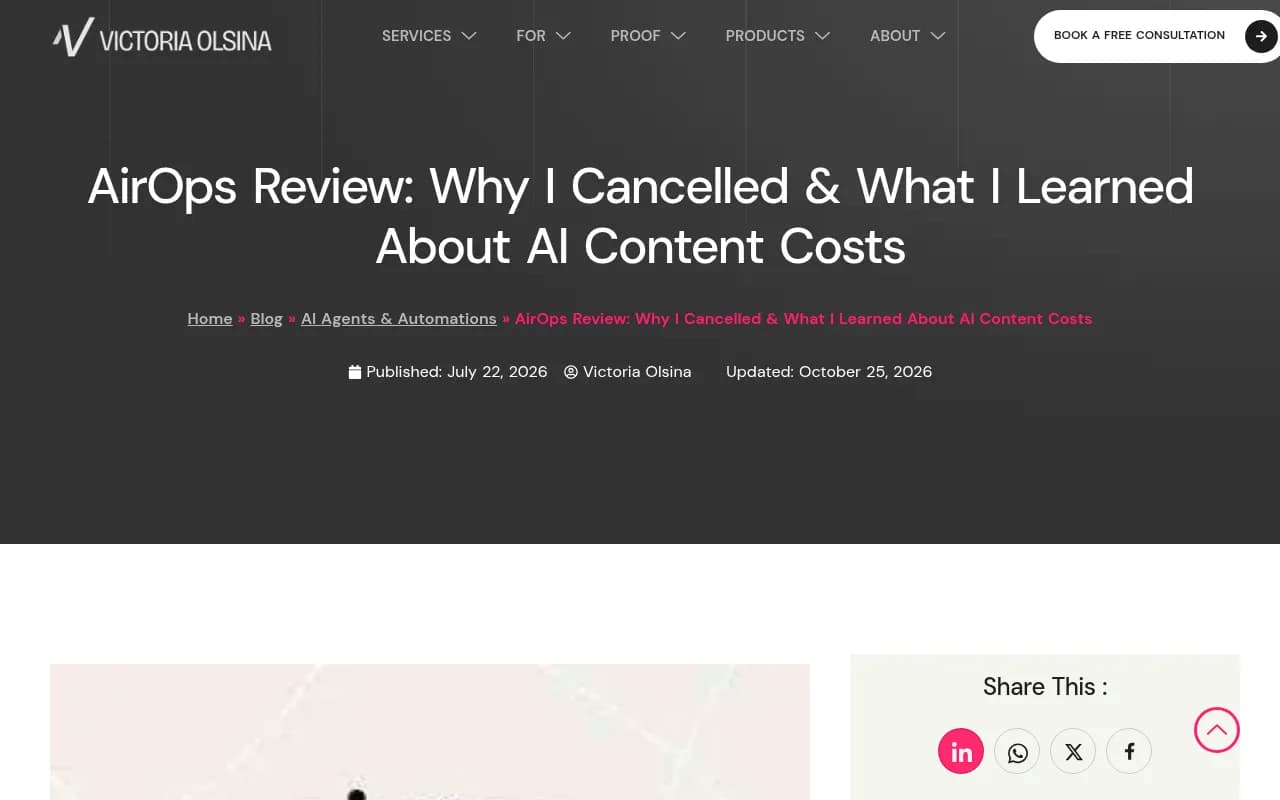
Her complaints, in short:
- Published WordPress posts had words mangled, such as "for" turning into "four" and "competitor" into "competitour". Fixing it took about 2.5 hours of database regex work.
- URLs were wrapped in
"and broke as relative links, which took over an hour and was not fully resolved. - In January she ran only two or three workflows and was charged for 5,147 tasks, $128.68 in overage, for about two articles.
The billing part matches what the official docs describe: soft and hard limits exist, but they are opt-in settings. If you take one thing from this guide, it is to go look at your Usage limits today, whether you cancel or not.
My take: none of this means AirOps is bad. It means usage-based task billing punishes you when you do not know what a workflow costs per run. If that sounds like your situation, leaving may be right. If your issue is something else, say a missing feature, the checklist below still applies.
Before you cancel: the pre-flight checklist
Do these in order. Cancelling first and thinking later is how automated exports die quietly.
1. Stop the meter
According to the AirOps billing docs, tracked prompts re-run daily, and each run produces an Answer that consumes billing units. The formula is platforms x regions x (1 + named personas) x 30 days. Their own example: 3 platforms, 2 regions and 3 personas works out to 540 Answers a month for a single prompt. Claude and Muse Spark Answers cost 4x the units of other platforms.
So before you do anything else:
- Open Usage, then Limits, and set a hard limit so workflow and playbook runs stop at a threshold.
- Trim or switch off tracked prompts you no longer need.
- Check whether your workspace is on combined task billing or the legacy Answer Credits model. A workspace stays on its model until the plan transitions, usually at renewal.
- If you are on a Pro trial, a reminder email goes out 7 UTC days before it converts to paid. Put the date in your calendar anyway.
2. Inventory what you actually have
Make a plain spreadsheet with one row per asset. Columns: name, type, what it does, who uses it, where its output goes, and its replacement. Types to look for:
- Workflows and Playbooks (including scheduled ones)
- Grids and Grid actions
- Brand Kits and Knowledge Bases
- Integration syncs (Webflow, WordPress, Google Docs, Airtable, Asana, DataForSEO, Moz and so on)
- Tracked prompts and the answer data they collected
- Anything calling the AirOps MCP or API
The pricing page lists an "AirOps MCP + API" row. I did not verify what it can export, so test it early. If it can pull your Grid data or workflow definitions, that is your cleanest route out.
3. Export everything you can, manually if needed
I did not find an official guide to exporting Workflows, Grids, Knowledge Bases or Brand Kits. Assume nothing is automatic.
- Grids: export to CSV or push to Google Sheets or Airtable before the downgrade, because integration syncs and exports are deactivated on Free.
- Knowledge Bases: save the source documents themselves. You presumably uploaded them, so keep originals in your own storage.
- Brand Kits: copy the text into a document. Voice rules, banned phrases, formatting preferences, product naming.
- Workflows: screenshot each step and copy every prompt verbatim into a doc. Note the model, temperature, inputs and outputs of each step.
- Tracked prompt history: export whatever reports you have if you want a baseline for your next tracker.
The terms say data entered during a Free Trial may be permanently lost at the end of the trial unless you buy a plan or export it first. The snippet I saw did not cover retention for paid accounts. Email support and get a retention window in writing instead of guessing. The terms also include an arbitration clause, so a written answer matters more than usual.
4. Know what happens on downgrade
Per the docs, downgrading to Free does this:
- Scheduled Workflows, Playbooks, Grid actions and integration syncs or exports are deactivated.
- Queued jobs from those schedules are cancelled. Running jobs can finish.
- The schedule configuration is kept, but you must reactivate schedules manually if you upgrade later.
- New free-tier workspaces get only 1 included task.
The dangerous part is silence. If an AirOps workflow was publishing refreshed articles to your CMS every week, it will just stop. Nobody gets an error. Add a calendar check two weeks after cancellation to confirm everything that mattered has a new home.
What to do with the content you already published
Good news: the articles themselves live in WordPress, Webflow or wherever you published them. Cancelling does not delete them. Your job is to make sure they are healthy and that you know which ones matter.
Audit for damage first
If you saw anything like the corrupted text in Olsina's account, run a check before you move on. Search your site for common mangled patterns, broken relative links and stray " entities. When fixing WordPress data, be careful: serialized PHP data in page-builder metadata breaks if you do a blind find and replace. Use targeted fixes or a tool that handles serialized values. Screaming Frog SEO Spider will surface broken links and odd URLs quickly.

Protect the pages AI actually cites
Not every article is worth equal attention. Promptwatch's data for Sep 28 to Oct 4, 2026 (which content types ChatGPT cites most) found product pages are 22.4% of classified ChatGPT citations, landing pages 16.8%, listicles 13.6%, how-tos 8.7% and documentation 7.5%. For commercial prompts, product pages hit 26.0% and landing pages 20.6%.
So when you triage, protect product pages, landing pages, docs and comparison content first. Generic blog filler comes last. Promptwatch's content half-life report also shows news loses half its cited pages within 36 days while landing pages and docs hold on far longer, which tells you which pages need refreshing often and which can sit.
Use Search Console to find your winners
Pull per-page clicks and impressions for the last 90 days and mark the top performers. Those are the pages you do not let any new workflow overwrite.
Rebuilding your workflows
The workflow logic is the part you cannot simply download, so reconstruct it. Olsina's migration method is a sensible template:
- Document how the platform extracts brand identity (for example from your sitemap).
- Recreate the brand style guide as a system prompt or knowledge base.
- Package the workflow as an automation in n8n, Make or a custom Claude skill.
- Deploy it on infrastructure you control.
She says her replacement costs under $1 per article in one place and $15 to 20 per article including tools in another. Those are her numbers, not a benchmark, and they depend on human editing time. Still, owning the pipeline makes per-article cost visible, which was the whole problem.
Automation layer options
| Tool | Best for | Trade-off |
|---|---|---|
| n8n | Teams who want code flexibility and self-hosting | You maintain it |
| Make | Visual builders connecting many apps | Scenario operations add up at volume |
| Zapier | Simple trigger-action chains | Gets clumsy for multi-step content logic |
| Claude or ChatGPT with saved prompts | Solo operators and small teams | Manual triggering unless wrapped in automation |
Content production and optimization options
If you want a platform instead of DIY, these are the usual candidates. I did not research their pricing for this guide, so confirm on each vendor's site.
| Tool | What it covers |
|---|---|
| Surfer SEO | On-page optimization and AI writing |
| Frase | Research, briefs and optimization |
| Clearscope | Content grading against top results |
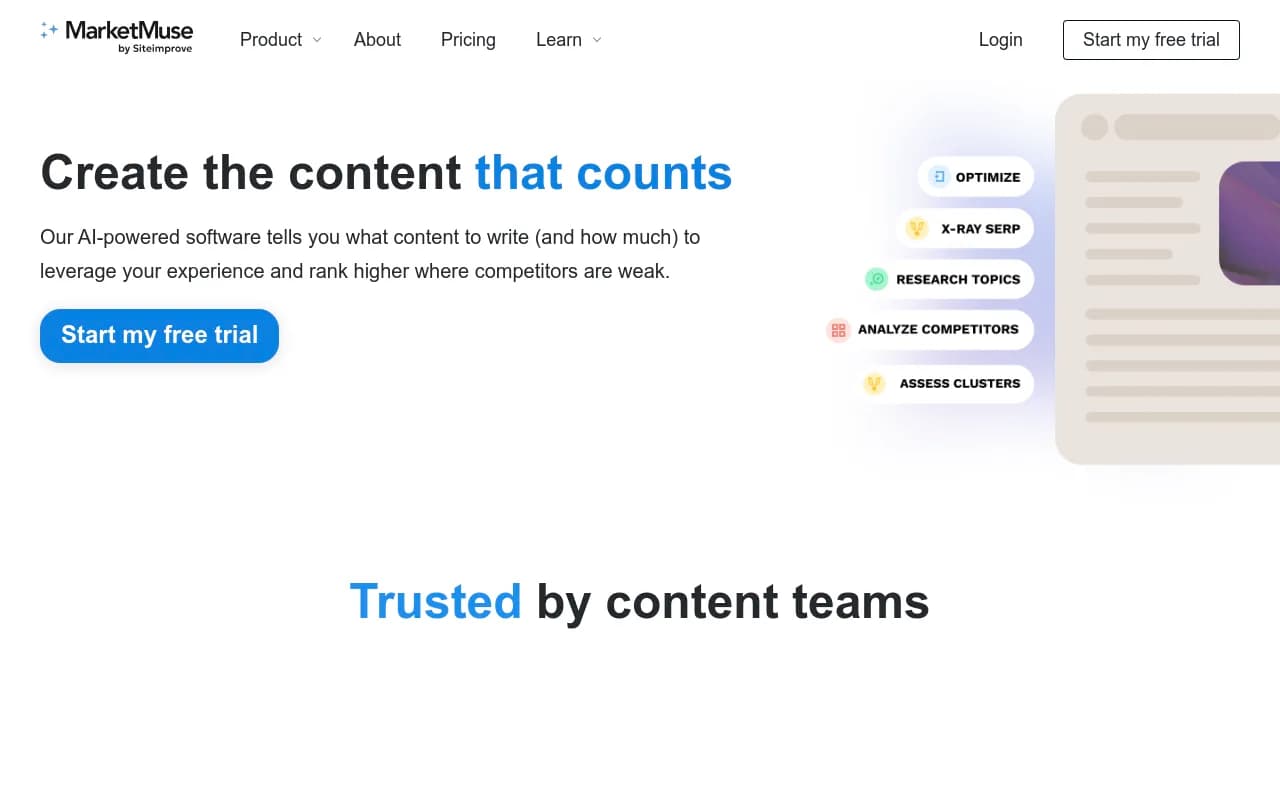
| MarketMuse | Content strategy and gap planning |
| Jasper | Marketing-focused content generation |
| Semrush | Keyword data plus writing assistance |
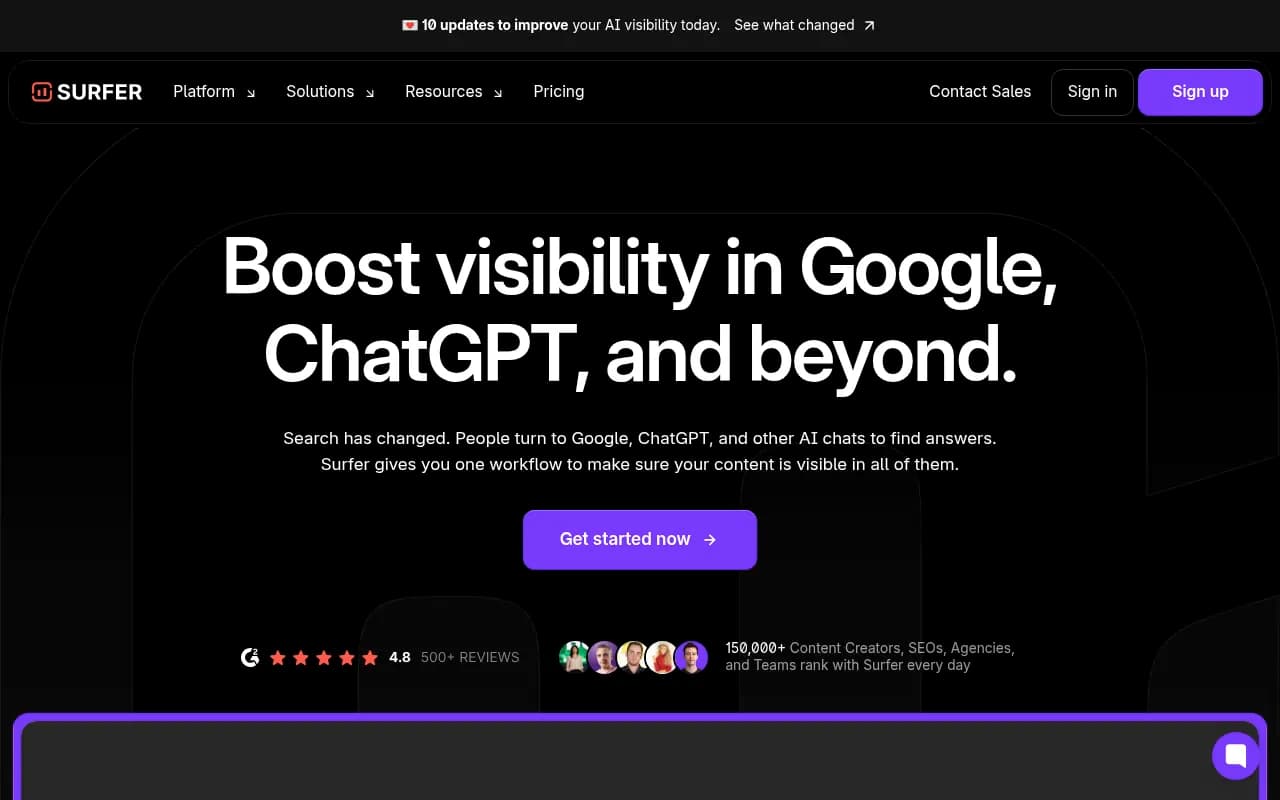
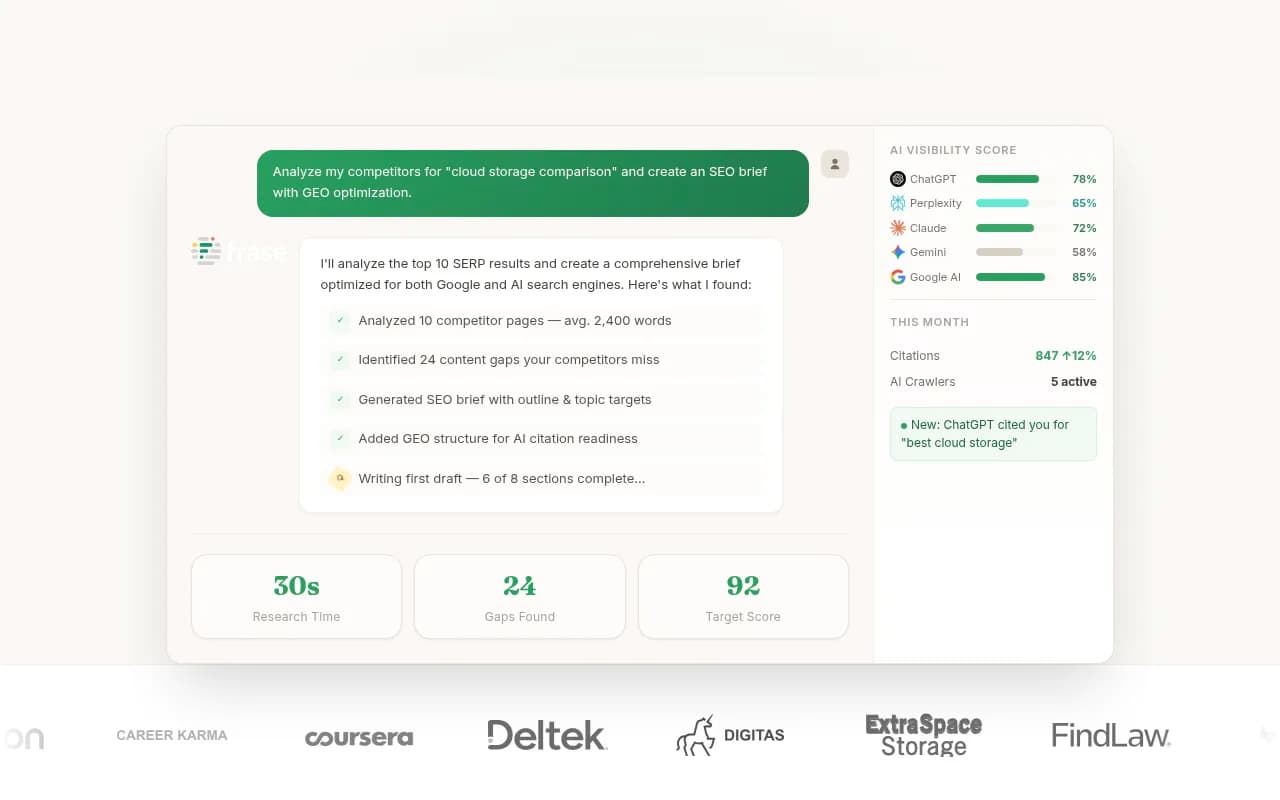

Olsina's review raises the question of whether AirOps can replace both Surfer and Frase, since it tries to cover keyword research, generation, optimization and publishing. If you are leaving because one tool did too much badly, splitting it into focused pieces is a legitimate answer. If you are leaving because of cost, remember that three subscriptions can cost more than one platform.
Refresh workflows deserve special care
AirOps publishes material on automating content monitoring and refresh: detecting performance decline, prioritizing pages, drafting updates and routing through human review. That logic is worth keeping even if the platform goes.
A portable version looks like this:
- Trigger: a page's clicks drop past a threshold in Search Console, or it has not been touched in a set number of months.
- Draft: an LLM proposes updates against a saved brief and brand prompt.
- Review: a human approves. Do not skip this.
- Publish: push via your CMS, then check results in 30 days.
Replacing the AI visibility tracking
If you used AirOps Insights to watch how ChatGPT and other engines mention you, that data stops being collected when you cancel. You will want a dedicated tracker, ideally one that also tells you what to do next.
Promptwatch is the one I would look at first for this job. Beyond tracking prompts across ChatGPT, Google AI Overviews, Perplexity and others, it shows crawler logs, which pages get cited and what to fix, and its Content Agent can plan and publish content to Webflow, Framer or WordPress. That covers the tracking and the production loop in one place, which matters if you are trying to reduce the number of tools you pay for.

Cheaper or simpler monitor-only options exist too. For a wider list, the GEO software directory is a good starting point.
| Tool | Type | Notes |
|---|---|---|
| Promptwatch | Tracking plus optimization and content publishing | Crawler logs, citation data, Content Agent |
| Otterly.AI | Monitoring | Affordable, lighter on action |
| Peec AI | Monitoring | Tracking without optimization |
| Profound | Enterprise monitoring | Higher price tier |
| AthenaHQ | Monitoring | Focused on visibility tracking |



One practical tip. Before you cancel, export your tracked prompt list. A good prompt set takes weeks to build, and you can paste it straight into the next tool.
A sensible timeline
| When | Action |
|---|---|
| 2 to 3 weeks before renewal | Set hard limits, trim tracked prompts, inventory assets |
| 2 weeks before | Export Grids, copy prompts and Brand Kit text, test the MCP and API |
| 1 week before | Stand up replacement automations and run them in parallel |
| Cancel or downgrade day | Confirm retention in writing, note which schedules deactivate |
| 2 weeks after | Verify CMS publishing and syncs still work from the new setup |
| 30 days after | Compare traffic, citations and cost per article against the old setup |
What I could not verify
A few honest gaps, so you can plan around them:
- The pricing page I saw showed no dollar amounts. Solo and Pro were labelled "Start for free" and Enterprise "Work with us". Confirm current prices at airops.com/pricing.
- I found no official cancellation steps or retention window for paid accounts. The docs index at docs.airops.com/llms.txt is the place to look, and support is the place to ask.
- I did not find an official export guide for Workflows, Grids, Knowledge Bases or Brand Kits.
If you are also reconsidering your wider SEO and AI search setup, an agency such as 1001 SEO Media can audit what you have and help decide what to keep. For everything else, the checklist above should get you out cleanly: limits first, exports second, replacements running in parallel, cancellation last.