Key takeaways
- Refreshing beats publishing a near-duplicate post. Two articles chasing one query usually means neither wins.
- Prioritize by content type. Promptwatch Data shows news and how-tos decay in ChatGPT citations far faster than landing pages and docs.
- A good refresh covers search intent, facts, structure, internal links, schema and FAQs, then ends with a reindex request and a measurement window.
- Record a baseline in Search Console before you touch anything, or you will never know if the refresh worked.
- AI visibility needs its own tracking: citations, crawler visits and AI referrals, not just rankings.
Why refreshing matters more for AI search
Most blogs have the same problem. A post written in 2022 still gets some traffic, but the stats are stale, the screenshots show an old interface, and a newer competitor page answers the question better. The usual reaction is to put a new post on the calendar. Six months later, two articles fight over the same query and neither lands in the top three.
Refreshing the original is almost always the better move. And AI search adds a second reason: assistants cite pages, and citations decay.
Promptwatch Data tracked every page ChatGPT cited on July 6, 2026 through October 4, 2026 (90 days). The results differ a lot by content type:
| Content type | Still cited after 30 days | Still cited after 60 days | Notes |
|---|---|---|---|
| Landing pages | 78% | 69% | Half-life likely beyond 90 days |
| Docs | 76% | 67% | 93% were cited again after day 0 |
| Comparisons | 72% | 63% | Holds up well |
| Listicles | n/a | 60% | Crosses 50% only in the final week |
| Product pages, reviews, how-tos | n/a | about 55% | Half-life of 74 to 77 days |
| News | n/a | 41% | Half gone after 36 days |
The takeaway for your workflow: do not refresh everything on the same schedule. News and how-tos need attention soonest. Evergreen landing pages and docs can wait, as long as prices, features and positioning stay accurate. And don't assume product pages stay cited on their own. They decay about as fast as how-tos.
Step 1: Decide which posts deserve a refresh
Start with a list of candidates. Pull every blog URL, then filter by three signals:
- Traffic or impressions that are slipping over the last 90 days
- Facts, stats or screenshots that are clearly out of date
- Content types that decay fast (news, how-tos, product-led posts)
The Enfra walkthrough uses a simple gate that I like: if two or more of these apply, refresh. The questions are whether the post is still ranking but slipping, whether its stats or examples are outdated, whether the query's results have changed, and whether you have new information the post lacks.
If you have thousands of URLs, a crawler helps with the inventory. Screaming Frog SEO Spider is the standard option.

For performance data, Google Search Console is free and already has what you need.
Update or rewrite?
Onely frames this as a decision. Update when the angle is still right and the post just aged. Rewrite when the search intent has changed so much that the structure itself no longer fits. If the topic is dead, merge or redirect instead of polishing.
Step 2: Record a baseline
Before editing, save the numbers. For each URL, export from Search Console over the last 90 days:
- Clicks, impressions, average position
- Top 10 queries
- Date of last meaningful update
Put it in a spreadsheet next to the date of the refresh. Enfra's workflow and Blogr.ai's both start here for the same reason: without a baseline you can only guess.
Also note the AI side. Run your main prompts in ChatGPT, Perplexity and Google AI Overviews and write down whether your page is cited and who is. A tracker automates this later, but a manual snapshot is better than nothing.
Step 3: Audit the post as it stands
Read the post like a stranger would. Check:
- Title and meta description: do they match what searchers want today?
- Headings: can someone skim them and get the answer?
- Facts: anything older than a year or two, any dead links, any retired products
- Screenshots and alt text
- Internal links, both outgoing and incoming
- Schema markup, if any
Josiah Roche's 10-step process on 1,000+ posts follows this order: metadata, internal links, external links, search intent, schema, FAQs and missing keyword coverage. It works because it changes things in layers instead of rewriting the post from scratch.
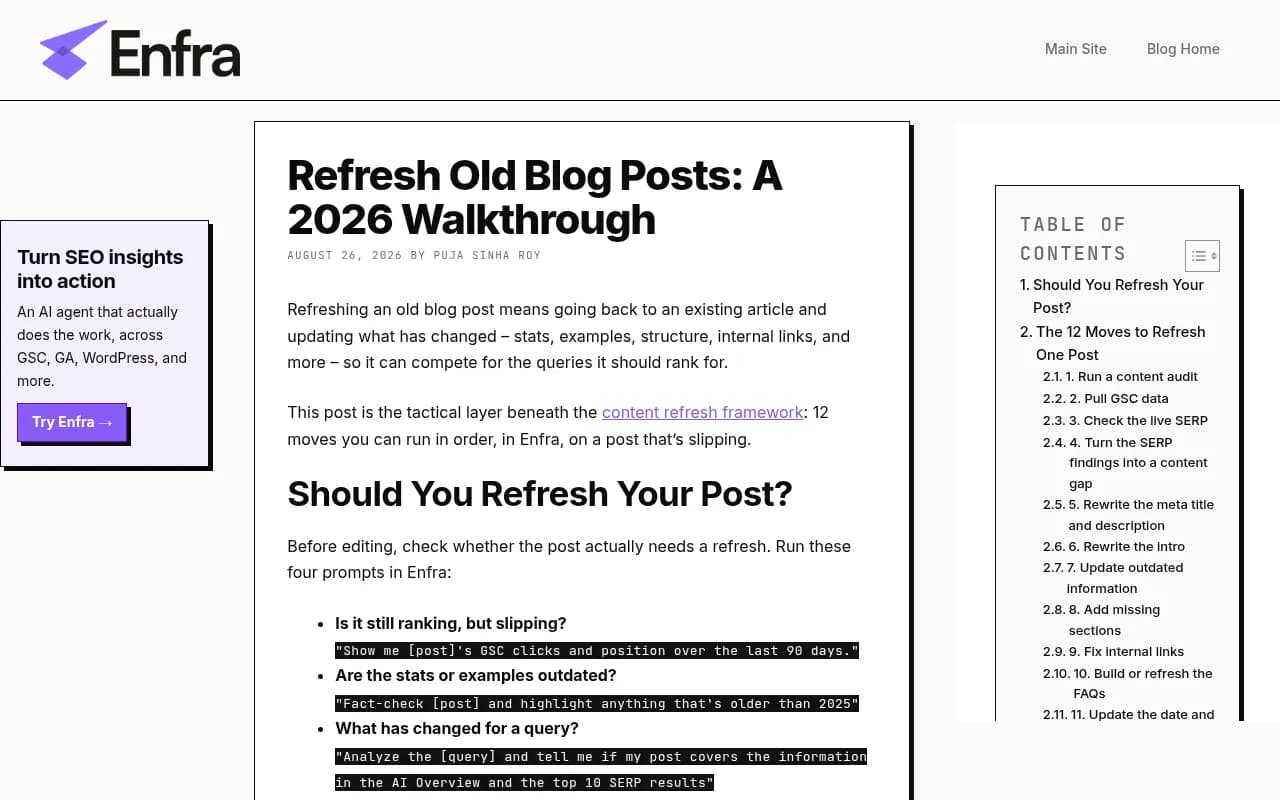
A broader crawl-level view is useful here too. Sitebulb's guide calls out that even your best content has an expiry date, and recommends gathering all content first, then auditing it before picking what to refresh.
Step 4: Re-check search intent against the live SERP
This is the step people skip, and it matters most. Search the post's top query and look at what ranks now:
- What format wins: listicle, how-to, comparison, tool page?
- What sections and FAQs do the top results include?
- What does the AI Overview say, and does your post cover the same ground?
Write down the gaps: subtopics, entities and questions the leaders cover that you don't. This is your brief for the refresh.
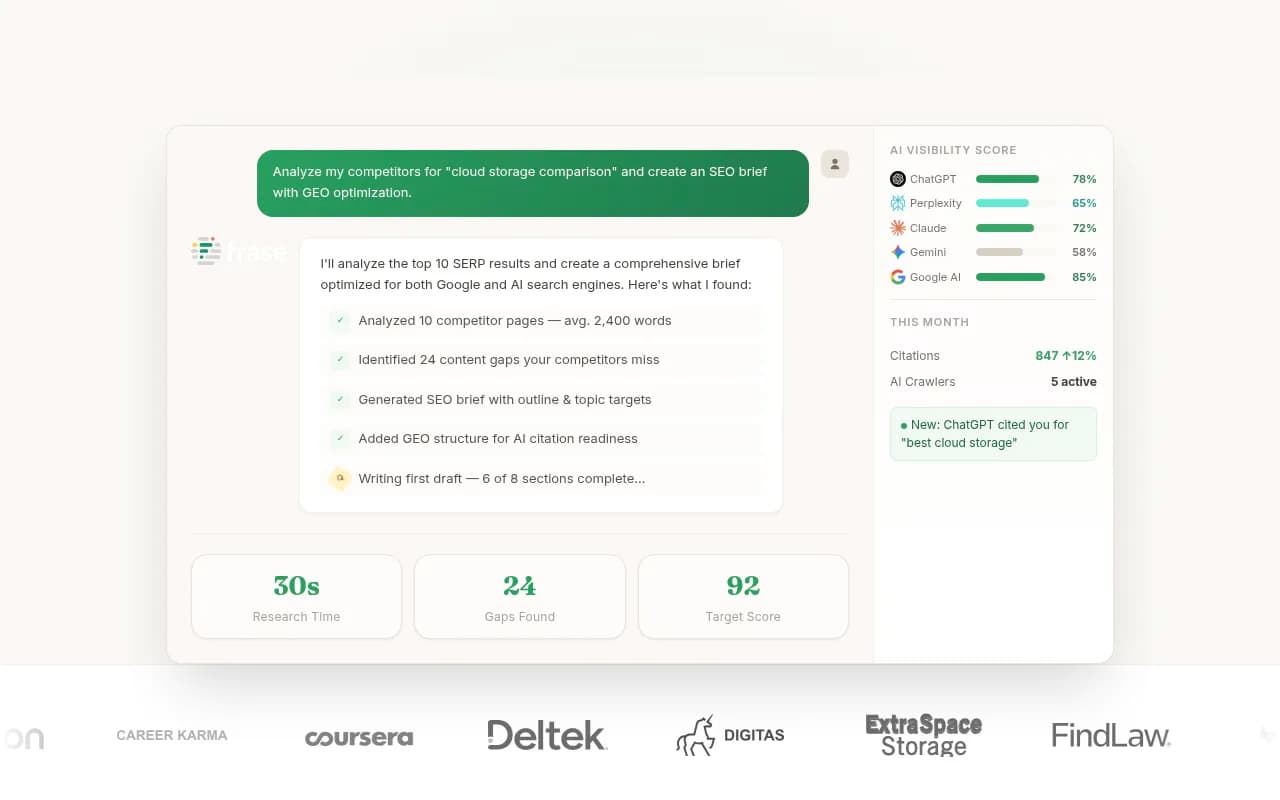
Content brief tools speed this up. Frase, Clearscope and Surfer SEO all pull SERP data into a list of missing topics.

To find the questions people ask around a topic, AlsoAsked and AnswerThePublic are cheap ways to extend a brief.
Map the post to an intent
Promptwatch Data on ChatGPT citations by content type (Sep 28 to Oct 4, 2026) shows that the type of page matters for what gets cited:
| Content type | Share of ChatGPT citations |
|---|---|
| Product pages | 22.4% |
| Landing pages | 16.8% |
| Listicles | 13.6% |
| How-to guides | 8.7% |
| Documentation | 7.5% |
| General articles | 6.1% |
| Comparisons | 5.9% |
| News | 5.7% |
| FAQ pages | 3.3% |
| Reviews | 1.7% |
For commercial prompts, product pages, landing pages, listicles and comparisons make up almost 70% of citations. For informational prompts, how-tos, docs and articles earn more than they do overall. So decide what job the post has. A bloated how-to trying to be a buying guide usually does both badly.
Step 5: Update the content itself
Now the actual editing. Work in this order:
- Replace outdated stats, examples and screenshots. Cite sources by name and year.
- Put the direct answer near the top. AI systems pull short, self-contained passages, so lead each section with the answer and explain after.
- Fill the gaps from your SERP notes. Add sections, not filler.
- Add an FAQ block for real questions you found, answered in two or three sentences.
- Make comparisons and specs easy to read. Tables work well for pricing, features and trade-offs.
- Fix the headings so each one describes what follows.
- Remove what no longer helps. A refresh that only adds words bloats the post.
The Sitebulb guide cites an example where one refreshed article went from 0 to 23 keywords ranking number 1. That is one vendor's anecdote, not a promise, but it fits what most teams see: updates on pages that already have some authority tend to move faster than new posts.
Watch for rewrites that wreck what worked
Keep the URL. Keep the parts that already rank. If a section gets traffic, improve it rather than replace it. Change the title only when the old one no longer matches the intent.
Using AI writing tools carefully
Tools like Jasper or Writesonic can draft new sections, but treat the output as raw material. Fact-check every new statistic. Roche's process has a dedicated step for this, and it's right: invented numbers are the fastest way to make a refresh worse than the original.

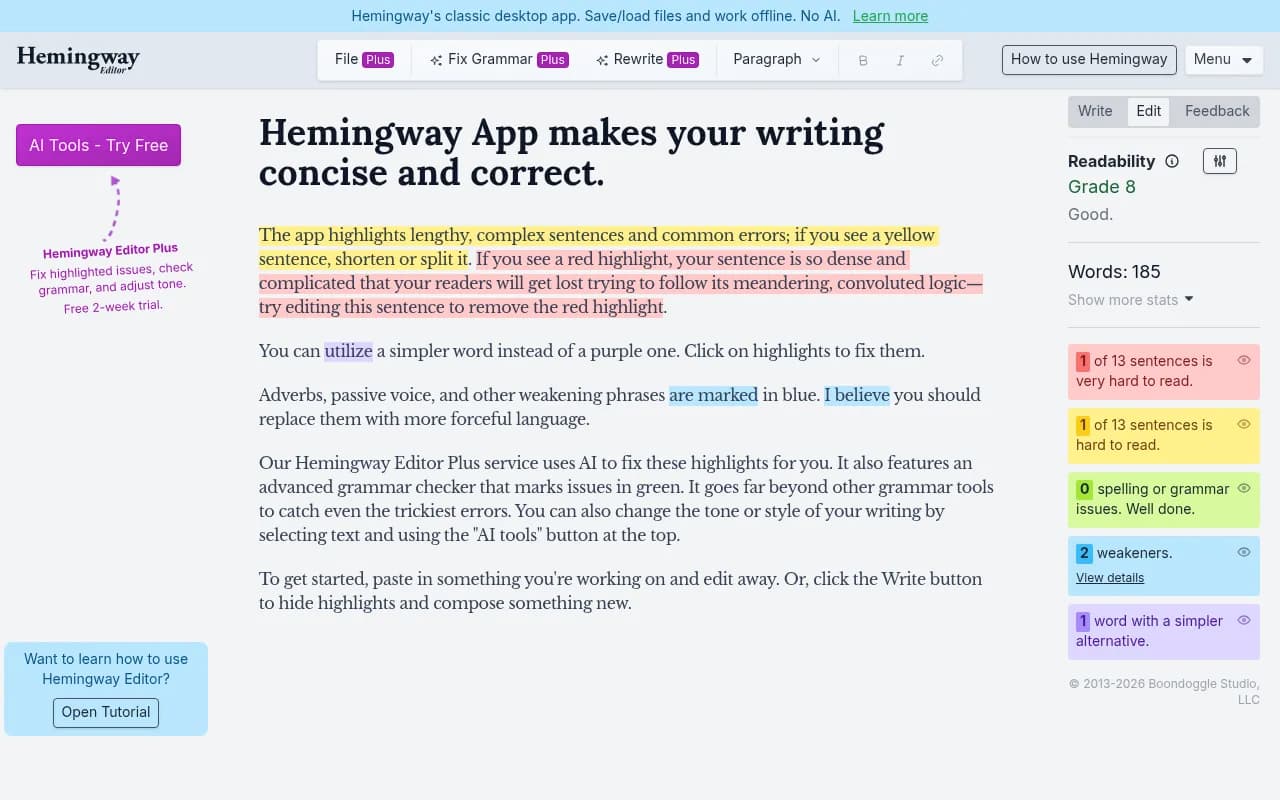
For tone and clarity checks, Grammarly and Hemingway App are fine last passes.
Step 6: Fix the links and structure
Internal links are the cheapest win in the whole workflow.
- Link out from the refreshed post to newer related posts.
- Link in from other posts that mention the topic. Search your site for the keyword and add links where it fits naturally.
- Repair any broken external links and swap weak sources for primary ones.
- Add schema where it fits: Article, FAQPage, HowTo. Schema App helps at scale, and a plugin like Yoast SEO covers the basics on WordPress.


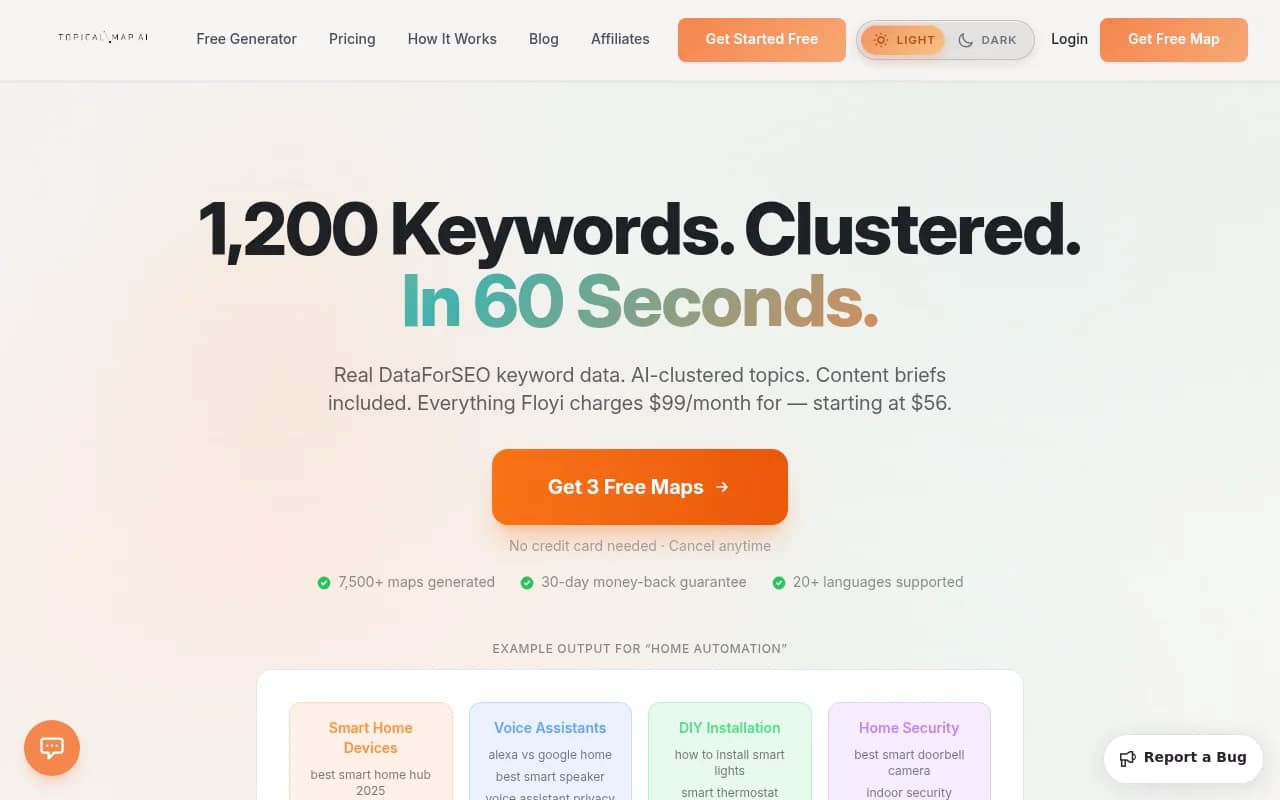
If you use topical maps, update the map as you go so each page records its target keywords, links and last-updated date. Topical Map AI is one option.
Step 7: Make sure AI crawlers can actually read the page
A great refresh does nothing if the page is blocked or broken for AI bots. Check:
- robots.txt does not block the bots you want citations from
- The page renders without heavy client-side JavaScript
- Docs and pricing pages are public and crawlable
- No 4xx or 5xx errors on the URL
Promptwatch's AI crawler traffic report breaks down verified requests from OpenAI, Anthropic, Google, Perplexity and Mistral, which is a useful benchmark for what normal looks like. Don't bother with markdown versions of pages for AI search: Promptwatch's markdown report finds markdown files make up just 0.05% of AI search citations.
Step 8: Publish, reindex and annotate
When the update goes live:
- Change the visible updated date only if the changes are real. Fake freshness dates are easy to spot.
- Request reindexing in Search Console.
- Add a note to your tracking sheet with the date and a summary of what changed.
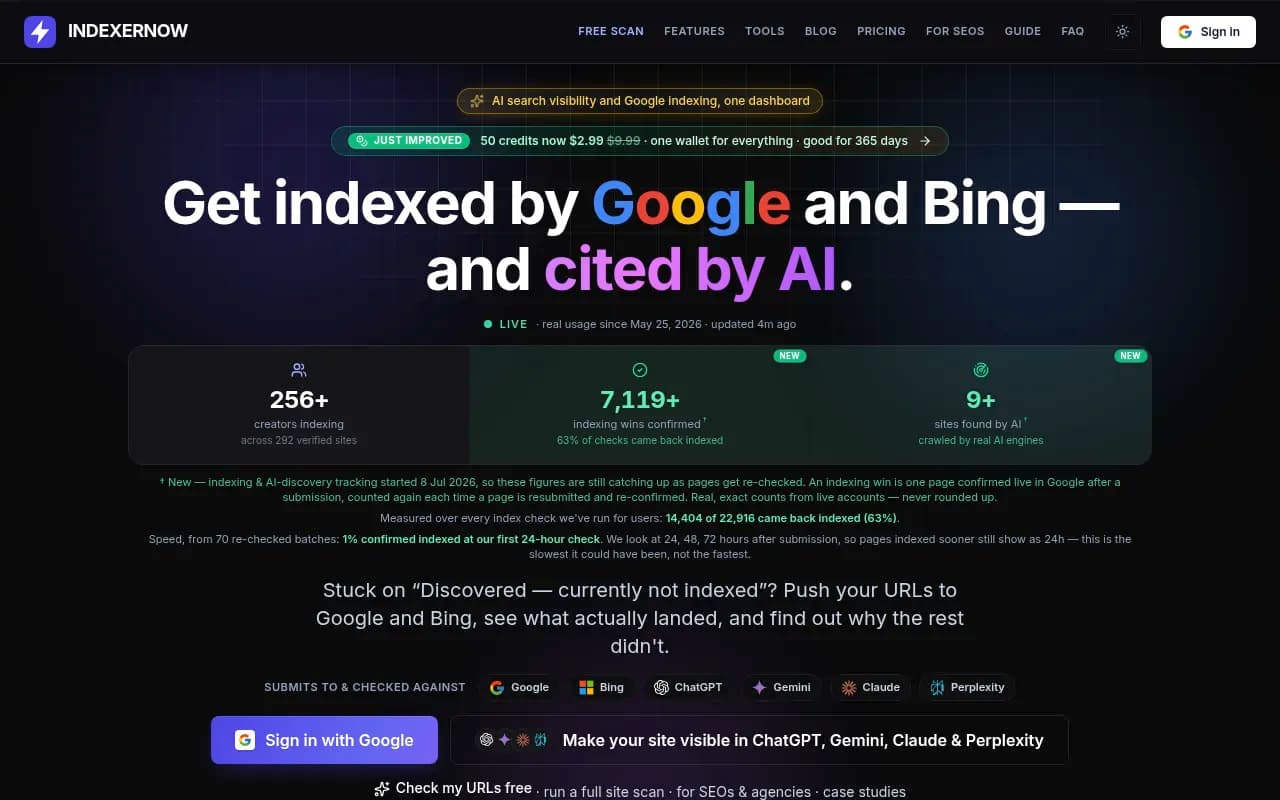
- If you use IndexNow, push the URL. Tools like IndexerNow automate it.
Step 9: Measure in both search and AI
Give it time. Check Search Console at 2, 4 and 8 weeks against your baseline: clicks, impressions, position, and the number of queries ranking in the top 10.
For AI, track whether the page is cited, for which prompts, and how that changes. This is where dedicated tools come in. Promptwatch tracks citations across ChatGPT, Google AI Overviews, Perplexity and other models, shows IP-verified AI crawler logs for the page, and flags content gaps you can feed straight into the next refresh.

Promptwatch's Content Refresh feature suggests git-diff-style updates for existing pages, and published pages come back into the same crawl, citation and traffic reporting, so underperformers resurface as actions. Other tools in this space include Profound, Otterly.AI and Peec AI, though several of them focus on monitoring rather than the fixing side. For a wider view of the category, the GEO software directory at bestgeosoftware.com lists more options.



A simple refresh checklist
| Stage | What to do | Output |
|---|---|---|
| Select | Filter by slipping traffic, stale facts, fast-decaying type | Prioritized URL list |
| Baseline | Export 90 days from Search Console, snapshot AI citations | Before numbers |
| Audit | Check metadata, facts, links, schema, structure | Issue list |
| Intent | Compare against live SERP and AI answers | Gap brief |
| Edit | Update facts, add answers, FAQs, tables, links | Revised post |
| Technical | Check crawlability, schema, speed | Clean page |
| Publish | Reindex, log the change | Dated record |
| Measure | Review at 2, 4, 8 weeks | Keep, tweak or rework |
Common mistakes
- Publishing a new post instead of refreshing the old one, which causes cannibalization.
- Changing the date without changing anything meaningful.
- Stuffing in keyword variations rather than answering missing questions.
- Skipping the baseline.
- Refreshing everything at once so you can't tell what worked.
- Treating a refresh as one-off. Fast-decaying content needs a repeat schedule.
One stat to treat carefully: Tenspeed cites Similarweb's figure of 357% year-over-year growth in AI search referrals. It's a third-party number, so verify it before quoting it in your own content.
Setting a refresh cadence
A rough schedule based on the half-life data:
- News and time-sensitive posts: review within a month, expect them to fade, and don't over-invest.
- How-tos, product pages and reviews: review every two to three months.
- Listicles and comparisons: quarterly, or whenever competitors change.
- Landing pages and docs: whenever pricing, features or positioning change.
If you'd rather hand this to specialists, an agency can run the audit-and-refresh cycle for you. 1001 SEO Media does this as part of its content and AI search work, with transparent monthly reporting.
Start with five posts, not fifty. Pick the ones with the most impressions and the oldest facts, run the workflow end to end, and compare against your baseline in eight weeks. That result tells you whether to scale it up.