Key takeaways
- FAQ pages are a steady but small slice of AI citations. In Promptwatch Data for Sep 28 to Oct 4, 2026, they were 3.3% of classified ChatGPT citations, rising to 4.8% on branded prompts. Treat FAQs as a supporting format, not a magic lever.
- Spam FAQs fail because the questions are invented, the answers are padded, and the section exists for machines. Real buyer questions, answered plainly, fix most of that.
- Put the answer in the first sentence, keep it self-contained, and use specifics like prices, limits, and names.
- Keep question headings short and keyword-led, then use natural phrasing inside the answer.
- Measure what you publish. Check whether AI engines cite the page, and prune questions that never earn anything.
Why most FAQ sections read like spam
You know the type. Fifteen questions at the bottom of a blog post, each one a barely disguised keyword. "What is the best CRM software for small business 2026?" followed by three paragraphs that never say which CRM. Sometimes the answer restates the question. Sometimes it ends with a pitch.
That is what people mean by FAQ spam, and it is a problem for two reasons. Readers bounce, obviously. But AI systems also have little to extract from a vague answer. An answer that says "it depends on many factors" gives a model nothing to quote.
The fix is not a trick. It is writing FAQs the way a good support person talks: a real question, a direct answer, a little context, done.
How much do FAQs matter for AI citations?
Let's be honest about the size of the prize first, because a lot of guides oversell this.
Promptwatch's ChatGPT citation share by content type report (Sep 28 to Oct 4, 2026) breaks down what ChatGPT cites:
| Content type | Share of ChatGPT citations |
|---|---|
| Product pages | 22.4% |
| Landing pages | 16.8% |
| Listicles | 13.6% |
| How-tos | 8.7% |
| Documentation | 7.5% |
| General articles | 6.1% |
| Comparisons | 5.9% |
| News | 5.7% |
| FAQ pages | 3.3% |
| Reviews | 1.7% |
FAQ pages sit at 3.3% overall, but they do better on branded prompts, where they reach 4.8%. Branded prompts name a specific company or product, like "does [brand] integrate with Slack?" or "how much does [brand] cost?" Those are precisely the questions an FAQ is built to answer.
So the realistic read: FAQs are a good fit for people already asking about you, and a weak fit for broad discovery. The same report suggests adding FAQ sections and documentation where buyers have practical questions, plus a plain-language page covering common brand questions. Product pages, landing pages, and docs still need to answer pricing, features, and who the product is for.
If someone promises that an FAQ block will transform your AI visibility, be skeptical. If someone says it is a cheap, useful supporting asset, that holds up.
Step 1: Source questions from real people
The fastest way to write spam is to brainstorm questions in a meeting. The fastest way to avoid it is to steal questions from places where people actually ask them.
Where to find real questions
- Support tickets, live chat transcripts, and sales call notes. This is the best source and most teams underuse it.
- Google Search Console query reports. Look for queries phrased as questions, and for long queries with low click-through.
- People Also Ask boxes. Tools like AlsoAsked map these into trees so you can see how questions branch.
- Autocomplete and question research. AnswerThePublic is handy for surfacing phrasing variants.
- Reddit, Quora, and community threads, where non-experts ask in their own words.
- The AI assistants themselves. Type your topic into ChatGPT or Perplexity and note the follow-up questions they suggest.
Filter ruthlessly
Pull 40 questions, keep 8 to 12. For each candidate, ask three things. Has a real person asked this? Can I answer it with something specific? Would a buyer care? If any answer is no, drop it.
One more filter that helps: look at what AI engines actually run when they answer. ChatGPT splits prompts into web searches called query fanouts. Promptwatch's query fanout report shows these have been getting shorter, with average fanout length falling from about 117 characters in December 2025 to roughly 53 characters by April 2026, around six to eight words. The sub-questions an AI asks are usually about pricing, comparisons, alternatives, and how-tos. Those are good FAQ territory.
A caveat from that data: the report also says a single prompt can trigger 3 to 8 or more searches, while the published averages are far lower (1.84 in early March 2026, 1.0 per response when fanouts returned in April). Those numbers don't fully reconcile, so don't build a strategy on a specific fanout count.
Step 2: Write question headings that work for people and machines
Some advice says to phrase every question conversationally, the way people talk to an AI assistant. The fanout data points the other way: the searches AI actually runs are short and keyword-led, and Promptwatch recommends headings that read like search queries rather than long conversational questions.
Both are partly right. My compromise:
- Keep the question itself short, specific, and front-loaded with the entity. "How much does Acme Payroll cost?" beats "I'm a small business owner and I'm wondering what the pricing looks like for payroll."
- Put the natural, conversational phrasing inside the answer, where a model can lift it.
- Use one question per heading. Don't stack two questions together.
| Weak question | Better question |
|---|---|
| What are the benefits of our amazing platform? | What does Acme Payroll include? |
| Why is Acme the best? | How does Acme Payroll compare to Gusto? |
| Can you tell me about pricing? | How much does Acme Payroll cost per employee? |
| Is it good? | Is Acme Payroll suitable for companies under 10 people? |
Notice the better ones name the product. That matters for branded prompts, which is where FAQs earn their best share.
Step 3: Answer in the first sentence
This is the single most useful habit. Lead with the answer, then add the context.
Bad:
Pricing is a really important consideration for any business, and at Acme we understand that every company has different needs. That's why we offer flexible options.
Good:
Acme Payroll costs $12 per employee per month plus a $39 base fee. There is no setup charge, and annual billing takes about 15% off. Contractors are billed at $6 each.
(Those figures are illustrative. Use your own.)
The second version is extractable. A model can quote the first sentence and be right. A human skimming gets what they came for.
Vendor guides often recommend 2 to 4 sentences per answer. I would treat that as a sensible default rather than a proven rule. I found no independent evidence for a specific sentence count. The principle underneath it is sound though: complete enough to be useful, short enough to stand alone. If a question really needs 150 words, write 150 words.
Make each answer self-contained
An AI engine may pull one answer without the rest of your page. So don't write "as mentioned above" or "see the previous question." Repeat the product name instead of saying "it." Include the relevant qualifier, like "for teams under 50 users," in the answer itself.
Be specific
Specifics are what separate a useful answer from filler. Replace "affordable" with a price. Replace "many integrations" with the names of five. Replace "fast" with a number. If you can't be specific because you don't know, that is a content gap worth fixing before you write anything.
Step 4: Add context so the section isn't an orphan
A wall of Q&As with no framing is harder to interpret. A short intro paragraph that states the topic and audience helps, and so does placing FAQs near the content they relate to. A Reddit thread in r/GenEngineOptimization made the same point: don't just list Q&As, add something around them that establishes the topic.
Also consider where the FAQ lives. Two patterns work:
- A short FAQ on each product, pricing, or docs page, covering questions specific to that page.
- A dedicated brand FAQ covering common questions about the company in plain language, which is the structure Promptwatch's report recommends for branded prompts.
One mega-FAQ with 60 questions across every topic is the spam pattern. A cluster of focused pages with 5 to 10 relevant questions each reads better and matches how AI breaks prompts into narrow sub-searches.
The spam checklist
Run every FAQ section through this before publishing.
- Did a real person ask each question? Name the source. If you can't, cut it.
- Does each answer start with the actual answer?
- Are there fewer than 12 questions on the page?
- Does any answer exist only to say a keyword? Delete it.
- Is every answer different in substance? Near-duplicate answers across questions are a tell.
- Are there links to a pitch instead of an answer? Move the sales language out.
- Would you be comfortable if a competitor read this? If the answers are vague enough to be embarrassing, they're vague enough to be useless.
- Is the information current? Stale pricing in an FAQ is worse than no FAQ.
A note on FAQ schema
FAQPage structured data used to be a go-to tactic for rich results, and Google restricted how those results display back in 2023. I did not verify the current policy for this guide, so check Google's structured data documentation before claiming any rich-result benefit. Schema is still reasonable hygiene for helping machines parse the page. Just don't rely on it, and never mark up content that isn't visible on the page. A tool like Schema App or the Yoast SEO plugin can handle the markup if you want it.
Tools for each stage of the workflow
You don't need a big stack. Here's how I would split it.
| Stage | What you need | Example tools |
|---|---|---|
| Find questions | PAA and autocomplete research, search query data | AlsoAsked, AnswerThePublic, Google Search Console |
| Draft and edit | Clear writing, brand voice | Hemingway App, Grammarly, your own subject experts |
| Optimize | Content gaps and competitor coverage | Clearscope, Frase, Surfer SEO |
| Measure AI results | Citation and visibility tracking | Promptwatch, Otterly.AI, Peec AI |
On the editing side, Hemingway App is good at flagging padded sentences, which is most of what makes an FAQ answer bad.
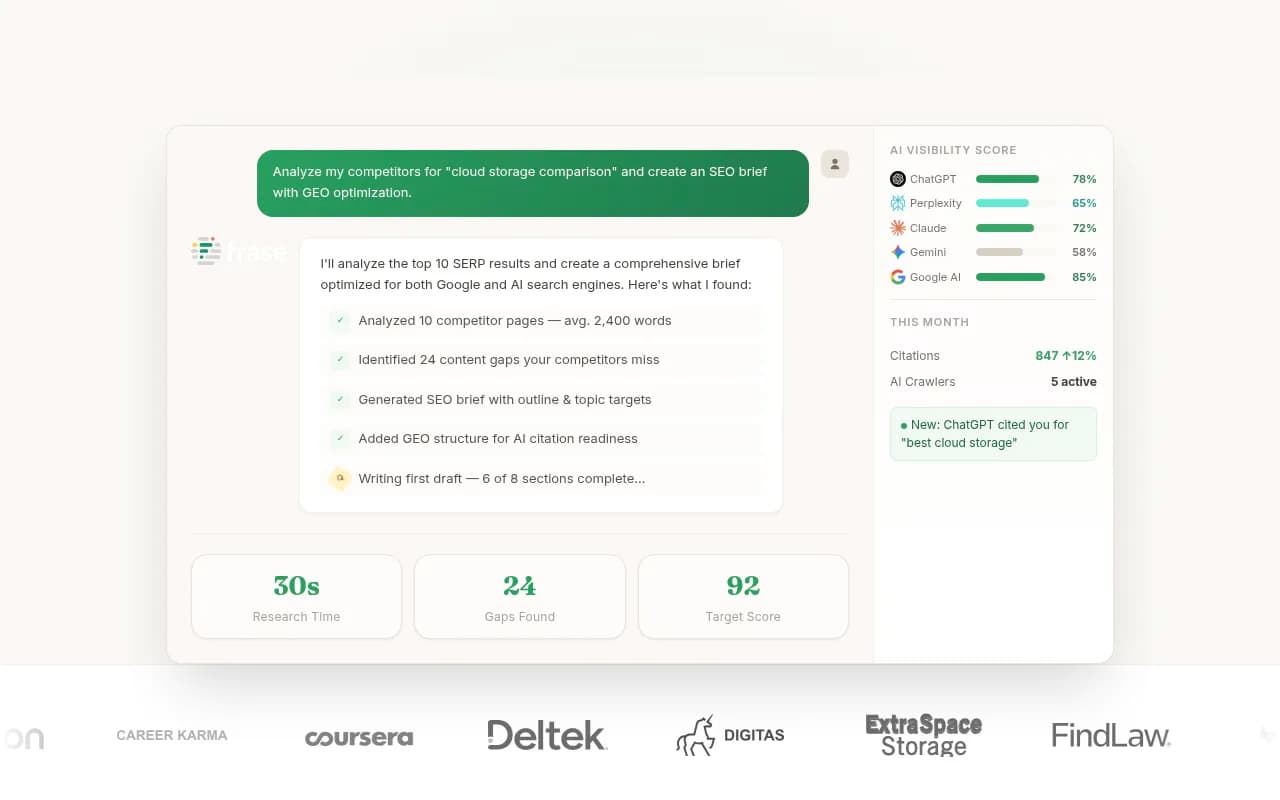
For content briefs and gap checks, Frase and Clearscope can show which questions top pages already cover.

I would be careful with bulk AI generation of FAQs. It is tempting, and it is exactly how you end up with 20 questions nobody asked. If you use an AI writer to draft, feed it your support transcripts and product facts, then edit hard. One automation walkthrough on YouTube shows building FAQ pipelines with Airtable and Make, which is fine for internal support answers, but publishing public FAQs that way without review is how spam happens.
Step 5: Measure whether the FAQ gets cited
Publishing is half the job. The other half is checking whether it did anything.
A basic loop looks like this:
- List the 10 to 20 branded and commercial prompts your FAQ is meant to answer.
- Check which AI engines mention you, and whether your FAQ URL appears as a cited source.
- Check your crawler logs to confirm AI bots are fetching the page at all. If they aren't, no amount of rewriting helps.
- After a few weeks, compare. Keep questions that earn citations or traffic, rewrite the ones that get crawled but never cited, and drop dead ones.
Promptwatch can track the prompts, show whether your pages are cited, and surface crawler activity, which is handy for this loop. Its Page Tracker lets you watch a specific FAQ URL and see which prompts cite it.

If you just want to sample results by hand first, you can run the prompts in ChatGPT and Perplexity yourself. Lighter-weight trackers like Otterly.AI and Peec AI cover basic monitoring. For a wider comparison of options, the GEO software directory at bestgeosoftware.com lists many of them.


Perplexity
One more thing to watch: how long content stays cited. Promptwatch's content half-life report found that landing pages and docs stayed cited longest among pages ChatGPT cited on July 6, 2026, while news lost half its pages within 36 days. FAQs weren't called out separately, but the lesson carries over: evergreen, factual pages hold up better than anything time-sensitive. Review your FAQ quarterly and whenever prices, features, or policies change. Treat it as a living asset, not something you ship once.
Putting it together: a worked example
Say you sell scheduling software called Slotly. A weak FAQ would have questions like "Why is Slotly the best scheduling tool?" Here is a stronger set, built from support tickets:
- Does Slotly integrate with Google Calendar and Outlook?
- How much does Slotly cost for a team of 10?
- Can clients reschedule without creating an account?
- Is Slotly GDPR compliant?
- How does Slotly compare to Calendly?
Take the third one. A good answer: "Yes. Clients can reschedule or cancel from the link in their confirmation email without signing up. You can turn this off per event type if you want to require approval." Two sentences, the answer first, nothing padded, nothing promotional.
Put those on the pricing and integrations pages where they belong, plus a short brand FAQ. Then check, after a few weeks, whether branded prompts like "does Slotly work with Outlook" start citing them.
Common mistakes
- Writing FAQs for keywords instead of people.
- Hiding the answer behind a preamble.
- Using the same boilerplate on every page.
- Dozens of questions with thin answers instead of a few good ones.
- Never updating pricing or policy details.
- Burying a sales pitch in the answers. Link to a relevant page if needed, but answer first.
- Expecting FAQs to carry your whole AI strategy.
Final word
A good FAQ is boring in the best way: real question, direct answer, specific detail, current facts. The citation data says it is a modest but real format, strongest where people ask about you by name. Build a small, honest FAQ on the pages where buyers need answers, check whether AI engines pick it up, and cut whatever doesn't earn its place.