Key takeaways
- Think of a refresh as a pull request. You change the smallest set of lines that fixes a real problem, and you can explain every change.
- Decay speed depends on content type. In Promptwatch Data, news lost half its cited pages within 36 days, while landing pages and docs held up far longer.
- Facts are the core of the diff: prices, specs, dates, statistics, screenshots and named tools. Rewrite prose only when it is wrong or unclear.
- Keep a human approval step. Automation spreads one wrong statistic across fifty pages very quickly.
- Close the loop: after publishing, check whether AI crawlers revisit the page and whether citations come back.
Why a git-diff mindset works for content
Most refreshes I see go one of two ways. Someone changes the year in the title and bumps the publish date. Or someone feeds the whole article into an AI tool and pastes back a full rewrite that nobody reads closely. Both are bad. The first is cosmetic. The second throws away the wording, structure and links that earned the page its authority in the first place.
Software teams solved this problem years ago. You never ship a change without a diff, a reason, a reviewer and a way to roll back. Applying that to articles gives you three benefits:
- You keep what works. Pages that already rank or get cited carry backlinks, indexing history and a structure AI systems already parse.
- You can explain results. If a page recovers (or drops) after an update, you know which lines changed.
- You can review quickly. A reviewer reading 12 changed paragraphs is far more careful than one reading a 3,000-word rewrite.
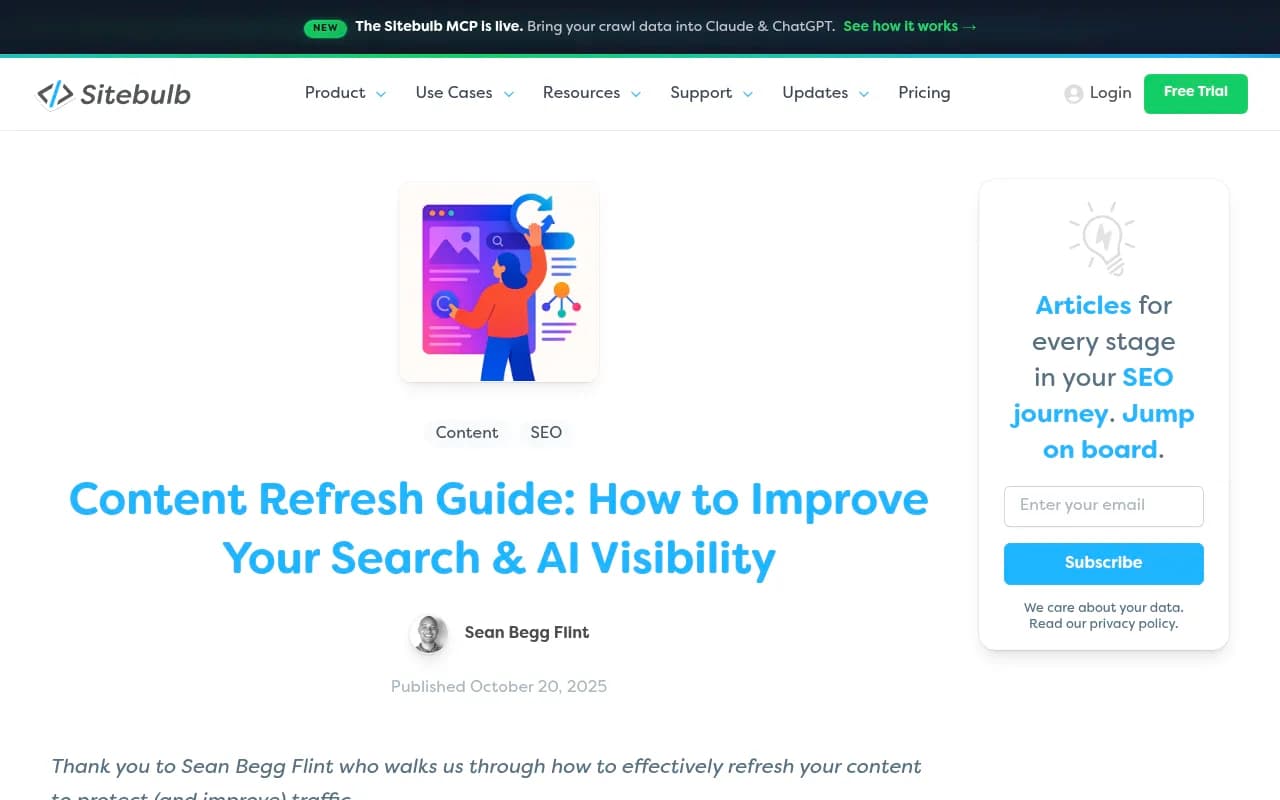
The workflow below has seven stages: inventory, triage, scoping, drafting the diff, review, publishing, and verification. It borrows heavily from published refresh guides, including the AirOps content refresh strategy guide and Sitebulb's refresh guide, but frames each step as a change you can inspect.
Step 1: Build an inventory (your repository)
You can't diff what you haven't listed. Export every indexable URL with a few columns: publish date, last meaningful update, content type, target topic, organic clicks over 12 months, and (if you can get it) AI citations.
Sources for this:
- A crawl. Screaming Frog SEO Spider is the standard desktop option for pulling titles, word counts and dates.

- Search performance. Google Search Console gives you clicks and impressions per page for free.
- AI citation data, which is the new column most inventories lack. More on that in the triage step.
Tag each URL with a content type: news, how-to, product page, landing page, listicle, comparison, documentation. You'll use that tag in the next step to set cadence.
Step 2: Triage with signals, not hunches
The AirOps guide lists five refresh signals, and they are a good checklist:
- Declining organic traffic and rankings
- Falling AI citation rate
- Low or declining mention rate
- Content age and freshness gaps
- Competitor citation gains
The last three are the AI-specific ones, and they are where most teams are blind. A page can hold steady in Google while quietly dropping out of ChatGPT answers.
Set cadence by content type
Not all content decays at the same rate. Promptwatch Data's content half-life report tracked every page ChatGPT cited on July 6, 2026 through October 4, 2026 and measured how many were still being cited later:
| Content type | Still cited after 30 days | Still cited after 60 days | Notes |
|---|---|---|---|
| Landing pages | 78% | 69% | Longest-lived |
| Docs | 76% | 67% | 93% cited again after day 0 |
| Comparisons | 72% | 63% | Durable |
| Listicles | n/a | 60% | Crosses 50% late in the window |
| Product pages, reviews, how-tos | n/a | about 55% | Half-life of 74-77 days |
| News | n/a | 41% | Half gone by day 36; almost a quarter never cited again |
The report notes that the end-of-window drop is partly an artifact, because fewer days remain for a page to be cited again, so the longer-lived types likely sit at or beyond 90 days.
The implication (my inference, not a claim from the report) is that your cadence should follow the decay curve. Something like this:
- News and time-bound posts: treat as a short burst. Refresh only if the topic stays relevant, otherwise let it age or retire it.
- How-tos, product pages, reviews: check roughly every two to three months. Specs, availability and prices go stale first.
- Landing, docs, pricing pages: these are long-term citation assets, so keep prices, features and positioning exactly right.
- Comparisons and listicles: invest lasting effort here. They persist, and they are cited often.
Other published guidance is more general. Ziptie suggests refreshing high-value pages every 3 to 6 months and everything at least annually, and Benchmark Email suggests flagging 2 to 4 pieces per month if you are a small team. Use those as sanity checks, not rules.
Prioritize by where citations come from
In the week of Sep 28 to Oct 4, 2026, Promptwatch Data's content-type report found product pages made up 22.4% of ChatGPT citations and landing pages 16.8%, together 39%. Listicles were 13.6%, documentation 7.5% and how-tos 8.7%. If a stale page is in one of those high-share types and sits near a commercial prompt, move it up the queue.
Refresh, rewrite, merge or retire
Not everything deserves a diff. A quick decision rule:
- Refresh: the topic and intent are still right, but facts have aged.
- Rewrite: the intent has shifted, so the structure itself is wrong.
- Merge: two or three thin pages compete for the same question. Consolidate and redirect.
- Retire: no traffic, no citations, no strategic reason to exist.
Only the first category belongs in a git-diff workflow. The others are bigger decisions.
Step 3: Scope the diff before you write
This is the step that separates a controlled refresh from a messy one. Before editing, write a change list. One line per change, each with a reason and a source.
A simple template:
PAGE: /blog/best-crm-for-startups
TYPE: listicle | LAST UPDATED: 2025-03-11
TRIGGER: citation drop in ChatGPT, 2 competitors gained

CHANGES
[1] Intro stat: replace 2024 market figure (source: <url>)
[2] Tool #3: pricing changed from $29 to $39 (source: vendor pricing page)
[3] Tool #5: product discontinued, remove
[4] Add section: AI features comparison (gap vs. competitor pages)
[5] FAQ: add 3 questions from People Also Ask
[6] Replace 2 outdated screenshots

OUT OF SCOPE
- Rewriting conclusion
- Changing URL or title tag
The "out of scope" list matters as much as the changes. It stops you from drifting into a rewrite.
What belongs in a diff
Treat these as high-value changes:
- Statistics and dates (a year-old stat reads as stale to both readers and models)
- Prices, plan names, specs and availability
- Named tools, products and versions that no longer exist or have changed
- Broken or redirected links
- Screenshots showing old interfaces
- Missing subtopics that now appear in competing pages or in the follow-up questions AI systems ask
- Answer-first structure: a direct 2 to 3 sentence answer under each question-style heading
And these usually don't:
- Tone and voice that already works
- Headings that already match search intent
- Internal links that still resolve
- Anything you can't source
Find the gaps with evidence
To see what AI answers want and your page lacks, look at which prompts the page should win and who is cited instead. A tool like Promptwatch can show the prompts, citations and competitor pages tied to a URL, and its Content Refresh feature produces git-diff-style suggested edits for existing pages.

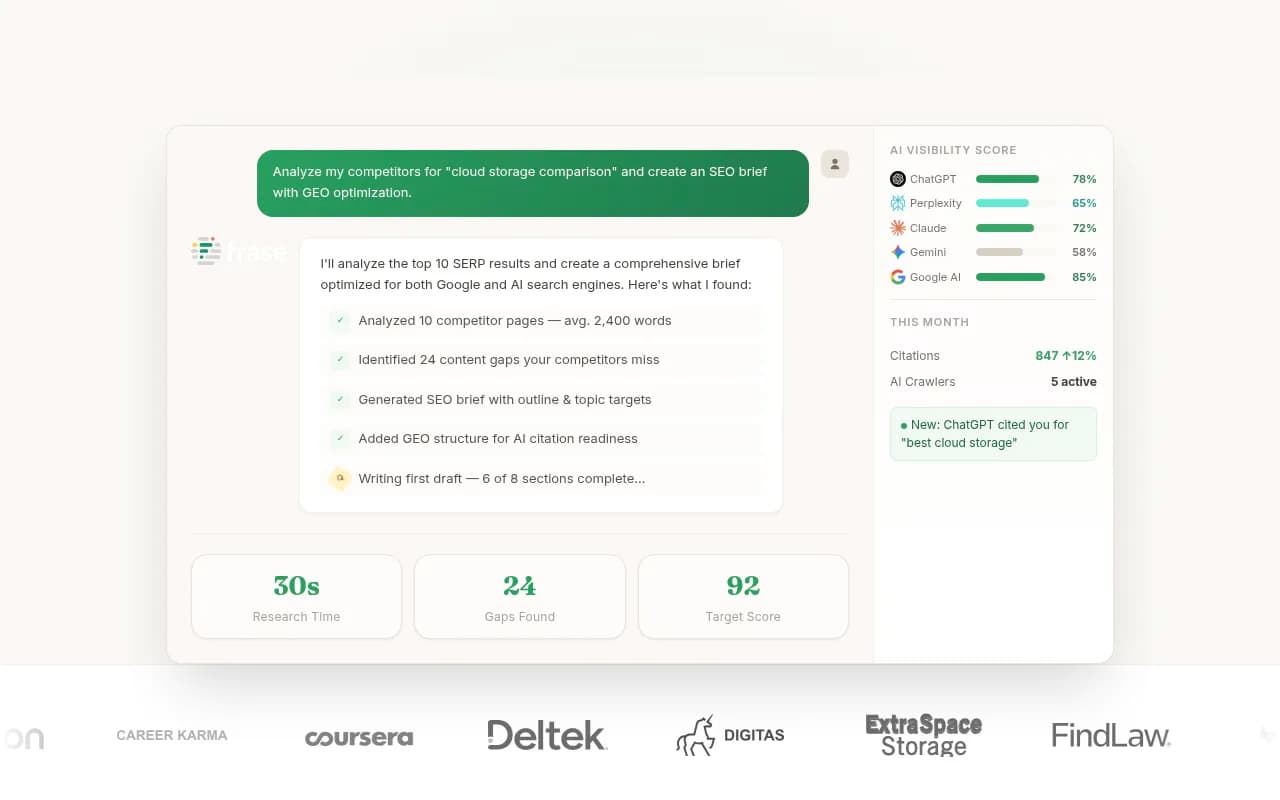
Other options for content gap work include Clearscope, MarketMuse and Frase, which are more traditional on-page optimizers, and AirOps if you want to build the refresh as a repeatable workflow.


Step 4: Draft the changes
Now write, still in diff mode. A few practical rules.
Edit in place and keep the URL
Change the existing page. Don't publish a new URL for the same topic. You keep backlinks, history and any AI citations pointing at the current address. Preserve the slug unless it contains something genuinely wrong.
Use a document with tracked changes
If you use a CMS with version history (WordPress revisions, Webflow, Framer) you already have a diff. If you draft in Google Docs, use suggesting mode. If your content lives in Markdown in a repo, you literally can use git. The point is the reviewer sees red and green, not a clean new document.
Let AI draft, but give it constraints
AI is good at the mundane work: scanning for outdated claims, proposing replacements, rewriting a section to answer-first format. ACME.BOT's refresh guide makes the point well: keep judgment human, and lock a brand knowledge base into the workflow so the model checks output against your style guide. In practice:
- Give the model the original paragraph, the change reason and the source, not the whole article.
- Ask for a minimal edit, not a rewrite.
- Require it to flag any claim it can't source.
- Store tone, banned phrases and product facts in a reusable brief.
Tools that can run this kind of constrained drafting include ChatGPT, Writer (which is built around governed workflows) and Jasper. Promptwatch's Content Refresh and Brand Book features aim at the same thing inside one platform.


Make the page easy for AI to lift from
While you are in there, check structure:
- Each H2 or H3 question has a short, direct answer immediately beneath it.
- Claims carry a named source and a date.
- Comparison tables exist where the topic invites comparison.
- FAQ blocks reflect real follow-up questions.
- Schema markup is current. Schema App and Yoast SEO can help if you manage this at scale.
For intent mapping, remember that ChatGPT's citation mix varies by prompt type. Per the same Promptwatch Data report, product pages lead for commercial prompts (26.0%), while how-tos (10.7%) and docs (8.5%) matter more for informational prompts. A refresh should push a page toward the intent you want to win.
Step 5: Review like a pull request
Hand the reviewer the change list and the diff. Ask them to check three things:
- Is every changed fact sourced, and does the source say what we claim?
- Does the edit match our brand voice and product facts?
- Did anything outside the change list move?
That third check catches the quiet damage from AI drafting: a reworded sentence that changes meaning, a dropped internal link, a rewritten heading that no longer matches the query.
ACME.BOT's comparison of approaches is worth borrowing here:
| Approach | Speed | Risk | Best for |
|---|---|---|---|
| Fully hands-off | High | High, since errors spread | Small teams with simple updates |
| Assisted, with a human gate | Medium | Low, since changes are verified | Sites where accuracy matters or refresh volume is high |
I lean toward the assisted model for anything that mentions prices, medical or financial claims, or competitors. The extra hour per batch is cheap compared with republishing one bad number on dozens of pages.
Step 6: Publish and annotate
When the diff is approved:
- Update the visible "last updated" date only if the change was real. Faking freshness is a trust problem and models can see through it.
- Update the dateModified value in your structured data to match.
- Keep a changelog entry per page: date, what changed, why, who approved.
- Request reindexing in Search Console, and if you use IndexNow, push the URL. Tools like IndexerNow exist for this.
- Add a short "Updated [month, year]: what changed" note on high-trust pages, such as pricing comparisons.
If you run a lot of pages, publishing tooling matters. Several platforms can push refreshed content straight to WordPress, Webflow or Framer, and Promptwatch's Content Agent does this on a schedule with a review inbox in front, which is the human gate described above.
Step 7: Verify, then roll back or iterate
This is where most teams stop too early. A merged change isn't a result. Check these things over the next two to six weeks:
- Crawl: did AI crawlers (GPTBot, OAI-SearchBot, ClaudeBot, PerplexityBot and others) revisit the page? Server logs or a crawler analytics tool will show this. Promptwatch Data's AI crawler traffic report is a useful benchmark for what normal crawler volume looks like.
- Citation: is the page cited for the prompts you targeted, and in what position?
- Traffic: did AI referrals and organic clicks move? Use analytics plus Search Console.
- Regression: did anything else on the page drop?
If citations return, log the win and note which kind of change drove it (new stat, new section, restructured answer). Over a few months that log becomes your most useful dataset, because it tells you which kinds of edits actually work for your site. If nothing moves after a reasonable window, review the diff, compare with the pages being cited instead, and iterate. If something broke, revert from version history.
Sitebulb's guide shares a concrete example: after one article was updated with fresh statistics, it moved to position 3 and began showing up in AI Overviews, Perplexity and ChatGPT. That is one case from one agency, not a guarantee, but it fits the pattern that fresh, specific facts get picked up.
Tools for the monitoring step
| Tool | Tracks AI citations | Content refresh support | Best for |
|---|---|---|---|
| Promptwatch | Yes, across major AI models, with crawler logs and traffic | Git-diff-style Content Refresh, Content Agent, Action Board | Teams that want detection, edits and verification in one place |
| AirOps | Yes | Workflow automation for refreshes | Teams that want to build custom refresh pipelines |
| ZipTie | Yes | Analysis focus | Deep AI visibility analysis |
| Otterly.AI | Yes | Monitoring only | Affordable tracking |
| Peec AI | Yes | Monitoring only | Basic prompt tracking |
| Screaming Frog | No | Crawl and audit | Finding stale pages at scale |
| Google Search Console | No | Free search data | Per-page traffic baselines |


Pure trackers answer whether you were mentioned. They don't tell you what to change or whether the change worked. That gap is why I would pick a tool that connects detection, editing and verification, or at least plan to stitch those together yourself. For a wider comparison, the GEO software directory at bestgeosoftware.com lists the main options.
A repeatable weekly rhythm
Here is a simple cadence a small team can actually keep:
- Monday: review the list of pages flagged by decay signals. Pick 2 to 4.
- Tuesday: write change lists for each page.
- Wednesday: draft edits with AI assistance and source checks.
- Thursday: review, approve, publish, and log.
- Two to six weeks later: run the verification check and record results.
That matches Benchmark Email's suggestion of flagging two to four pieces a month at the low end, and you can scale the batch size as the process gets faster.
Common mistakes
- Changing the date without changing content. It doesn't fool anyone for long.
- Refreshing everything at once. You lose the ability to see what worked.
- Rewriting the intro and conclusion because they feel old, while the stale pricing table stays untouched.
- Letting AI add statistics with no source. Fabricated numbers are the fastest way to lose trust.
- Ignoring content type. Spending hours on a news post that will decay in five weeks while a pricing page with wrong numbers sits untouched is backwards.
- No baseline. If you didn't record citations and traffic before the change, you can't say whether it helped.
Final checklist
- Inventory built with content type and last meaningful update
- Pages triaged using traffic, citation and competitor signals
- Change list written per page, with sources and an out-of-scope list
- Drafts edited in place with a visible diff
- Human review of every factual change
- Real update date, structured data and changelog updated
- Reindexing requested
- Citations, crawls and traffic checked after two to six weeks
The whole idea is small, reviewable, reversible changes. Do that consistently and your older pages stay citable instead of quietly aging out of AI answers.