Key takeaways
- A git-diff style refresh means changing only the lines that are wrong, thin, or stale, and keeping the URL, structure, and everything that already works.
- Review every edit as a diff before publishing. If you can't explain a change in one sentence, it probably shouldn't be there.
- Not all pages decay at the same speed. In Promptwatch Data, news pages lost half their ChatGPT citations in 36 days, while landing pages and docs held on much longer.
- Prioritize by what AI and search engines actually cite, then refresh the pages with the highest citation share first.
- Measure for at least 60 days after each update, and update the visible date only when the change is material.
What a git-diff style refresh actually means
Developers don't rewrite a whole file to fix one bug. They run git diff, look at the handful of lines that changed, and commit that. The idea behind this guide is borrowing that discipline for content.
Most refreshes go wrong in one of two ways. Either someone changes a date and a stat and calls it done, or someone decides the post is "tired" and rewrites the entire thing, wiping out the exact phrasing, headings, and internal links that earned the rankings in the first place. A diff-style refresh sits between those. You make targeted, visible, reversible edits.
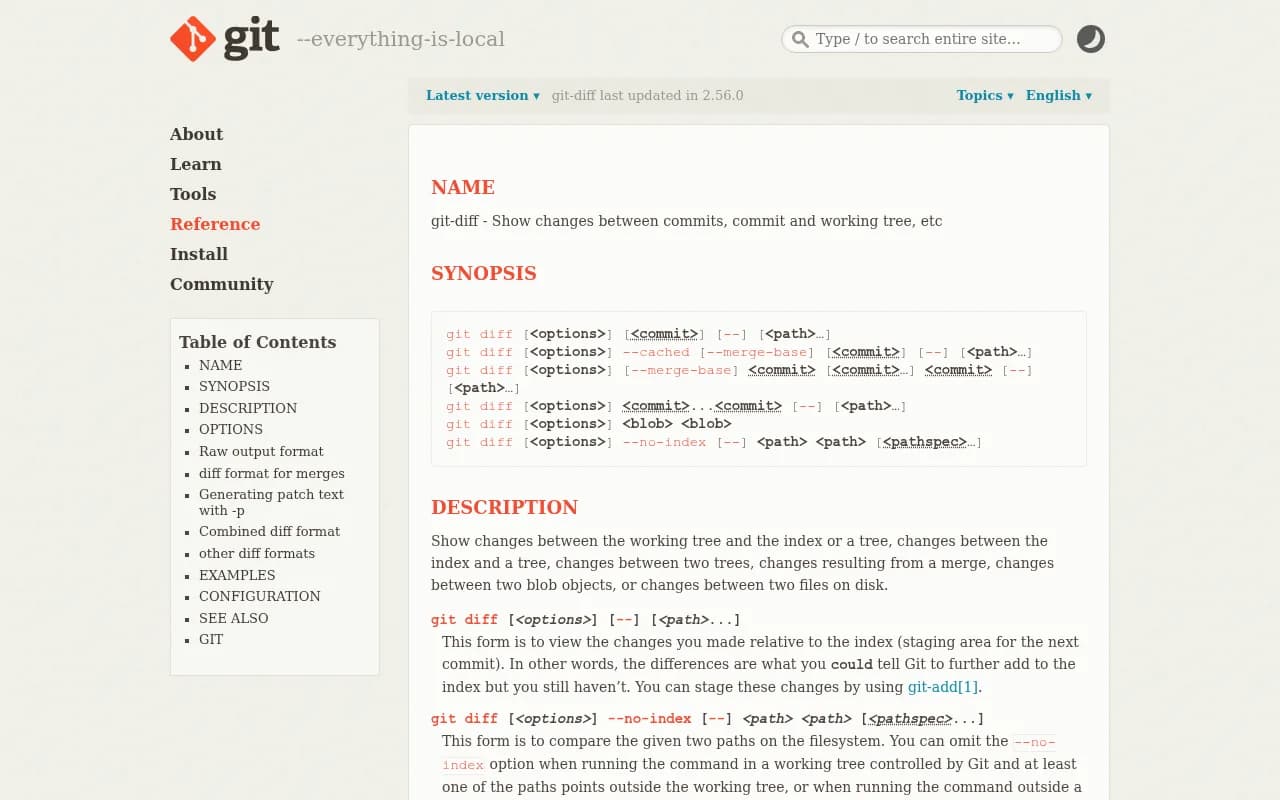
The git-diff documentation describes it as showing changes between commits, the working tree, and the index. That is all a content refresh needs conceptually: a before, an after, and a clear view of what moved.
Why not just rewrite?
A full rewrite resets what you know about the page. If rankings drop afterwards, you can't tell whether the new intro, the new headings, or the deleted section did it. With a diff, you can. Small changes give you cause and effect.
One generic refresh guide from Stackmatix says a refresh should preserve the URL, core structure, and existing ranking signals while improving accuracy and depth. That's secondary-source advice, but it matches how most practitioners work, and it's consistent with the diff approach.
Step 1: Decide which pages deserve a refresh
You don't have time to refresh everything. Start with data on what decays.
Promptwatch Data tracked every page ChatGPT cited on July 6, 2026 for 90 days (published October 5, 2026). The full numbers are in the content half-life report, but the pattern is clear:
| Content type | Still cited after 60 days | Notes |
|---|---|---|
| Landing pages | 69% | 78% still cited at day 30 |
| Docs | 67% | 93% were cited again after day 0 |
| Comparisons | 63% | 72% at day 30 |
| Listicles | 60% | Hold up well but still erode |
| Product pages, reviews, how-tos | about 55% | Half-life of 74 to 77 days |
| News | 41% | Half gone by day 36 |
There's a caveat in the report: landing pages, docs, comparisons, and listicles only cross 50% in the final week because the window ends, so their real half-life is likely near or past 90 days.
What I take from this: refreshing news is mostly a waste. It's built for short bursts. The money is in the pages that keep getting cited and quietly go stale, like listicles, how-tos, comparisons, and pricing or product pages where one wrong number costs you trust.
Weight by citation share too
Decay is only half the picture. Which types matter most? According to Promptwatch's ChatGPT citation share by content type data (Sep 28 to Oct 4, 2026), product pages took 22.4% of citations, landing pages 16.8%, listicles 13.6%, how-tos 8.7%, documentation 7.5%, comparisons 5.9%, and news 5.7%.
Combine the two lists and your refresh queue writes itself. Listicles and how-tos are cited a lot and decay noticeably. Product and landing pages are cited most and should be factually correct at all times. News can wait.
Build the queue
Pull candidates from three places:
- Google Search Console, for pages whose impressions or clicks have slid over 90 days.
- Your crawler or analytics data, for pages AI systems used to cite and no longer do.
- A plain audit of date-sensitive claims: prices, version numbers, years in titles, stats older than 18 months.
For the AI side, a platform like Promptwatch can show which of your pages are being cited, which prompts they answer, and which pages rank in Google but never get cited. That last list is usually the best refresh queue you'll find.

Step 2: Snapshot the page before touching it
This is the commit before the commit. Before you edit anything, save the current version in a form you can compare against.
- Copy the live page body into a text or Markdown file. If your content already lives in a repo (a docs site, a static-site blog), you get this for free.
- Record the current title, meta description, H2 list, word count, and the target URL.
- Note the baseline numbers: clicks, impressions, average position, and, if you track it, AI citations and AI-referred visits.
If the page isn't in git, put it there. A private repo of Markdown exports of your top 50 pages costs nothing and gives you a real history of every change. It's the single most useful habit in this whole guide.
Using git for prose
Default git diff compares by line, which is awkward for paragraphs because changing one word marks the entire paragraph as changed. Git has options that help. The documentation describes git diff modes such as git diff (working tree vs index), git diff --cached (staged changes), and git diff HEAD (everything since the last commit). For prose, the word-level options are the useful ones:
# working changes, shown word by word
git diff --word-diff

# same idea with colors only, no markers
git diff --color-words

# staged changes only
git diff --cached --word-diff

# compare the draft branch against the live version
git diff main..refresh-2026-11 -- posts/old-guide.md
I haven't verified every flag's behavior against your git version, so check git diff --help locally. The two word-level flags have been in git for a long time, though.
One gotcha from the Stack Overflow archive: if git status shows a file as modified but git diff shows nothing, the change is often already staged (use git diff --cached) or is a line-ending or file-mode difference. Mixed Windows and Mac writers hit this a lot, and GitHub's docs cover configuring line endings so your diffs don't fill with noise.
Step 3: Make the edits, smallest first
Work in order from least to most invasive. After each pass, look at the diff.
Pass 1: facts and numbers
Replace outdated stats, versions, prices, screenshots, and years. Don't rephrase surrounding sentences unless the number changes the meaning. This pass alone fixes most of the decay on product pages, pricing pages, and listicles.
Pass 2: gaps
Add what the page lacks. Check the current top results and the questions people ask. Add a section, a table, or a short FAQ. Tools like Clearscope, Surfer SEO, and MarketMuse can show what competing pages cover that yours doesn't.


For AI-answer gaps specifically, compare your page to the prompts it should answer. Promptwatch's content gap analysis and Content Refresh feature do this in a literal diff-style view, showing proposed updates to an existing page as additions and removals rather than a fresh draft, with the option to publish through WordPress, Webflow, or Framer.
Pass 3: structure
Only now consider headings. If the answer is buried under 600 words of preamble, move it up. Don't rename every H2 for style. Existing headings often match queries that already bring traffic.
Pass 4: cuts
Delete what's obsolete, repetitive, or wrong. People hate deleting. Do it anyway. A refreshed page that is shorter and more accurate is a perfectly good outcome.
What not to change
- The URL slug, especially on a page with backlinks. Redirects work, but they're avoidable risk.
- Internal links that still work. Add new ones rather than reshuffling.
- The primary heading and title, unless the year or version in it is stale or the intent has shifted.
Step 4: Review the diff like a code reviewer
Before publishing, read the diff and ask a few questions per change.
- Is this edit fixing something wrong, missing, or outdated?
- Could I defend it in one sentence?
- Does it change what the page is about? If so, it's a rewrite, not a refresh.
- Did I accidentally remove a heading, link, or phrase that was driving traffic?
A second reader helps. In practice a ten-minute diff review catches more errors than another round of self-editing.
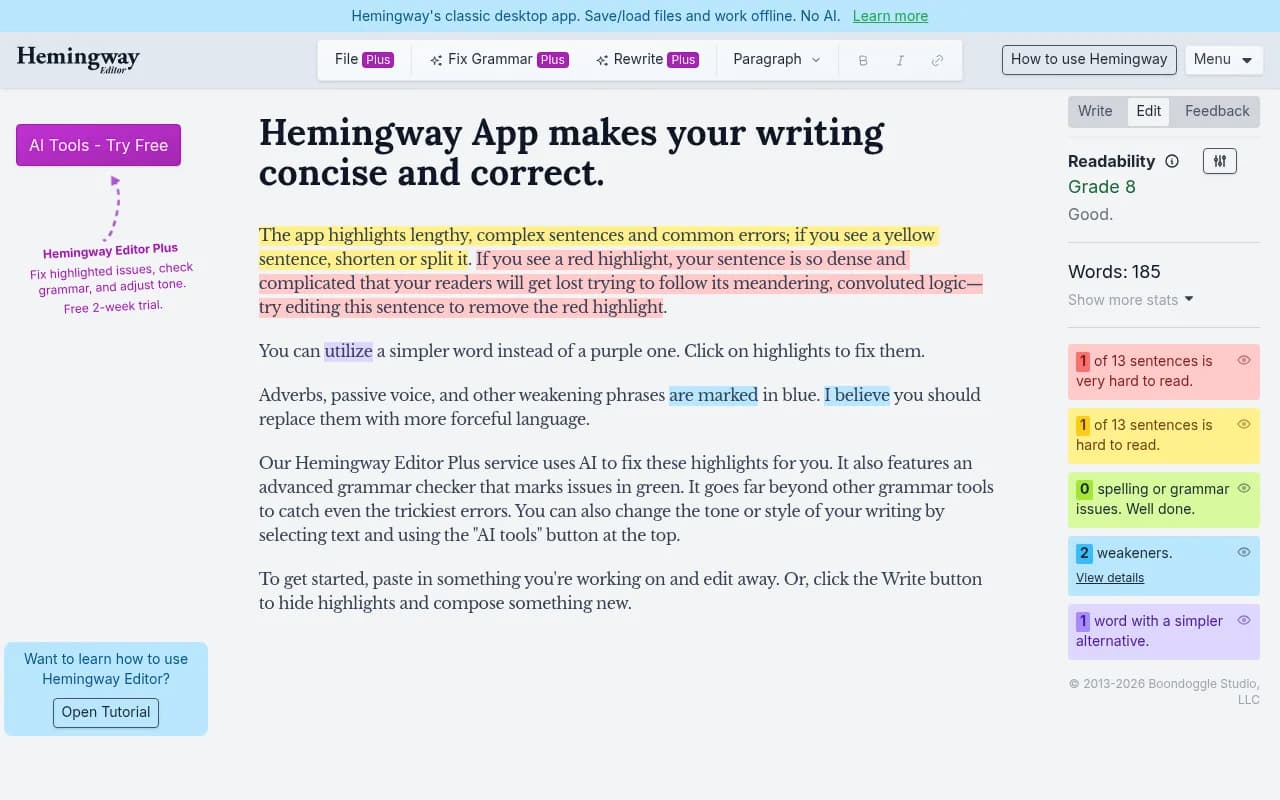
Grammar and readability tools can handle the mechanical checks so reviewers focus on substance.

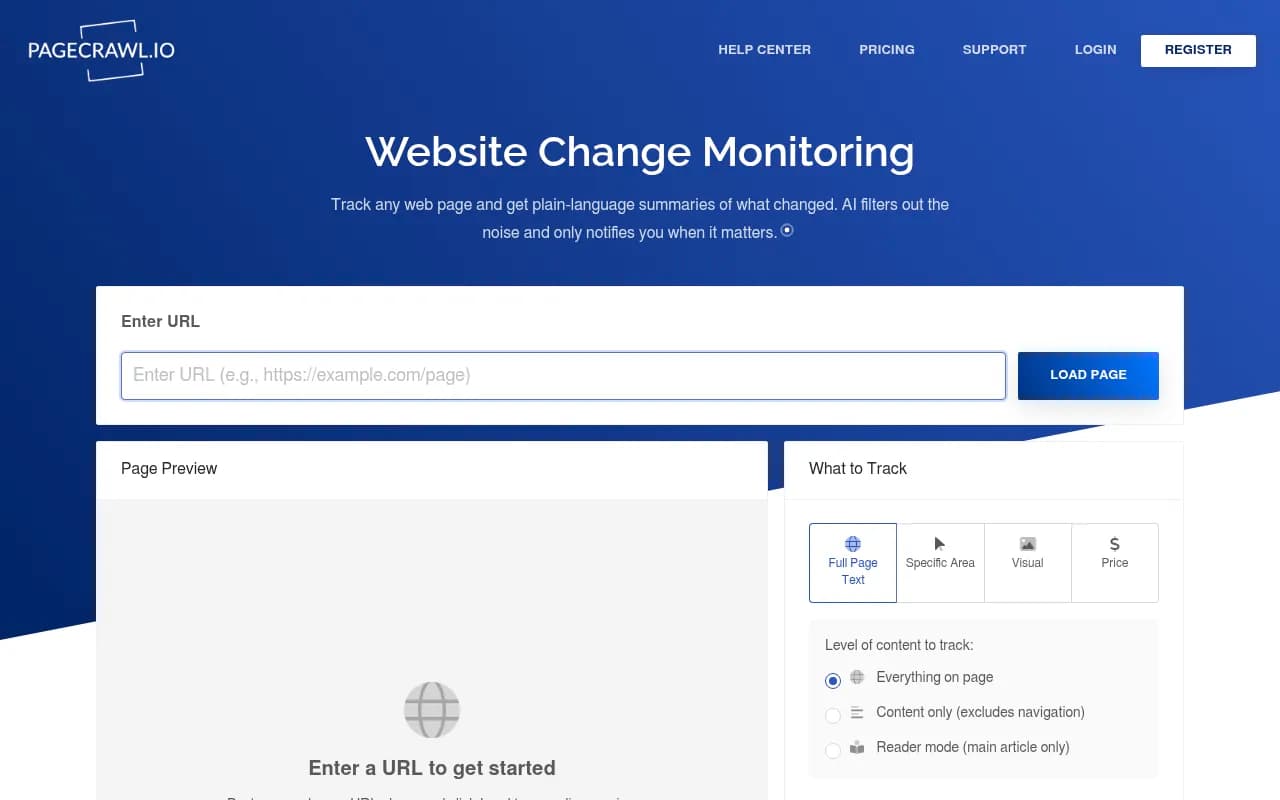
If you want to catch changes on pages you don't control, such as a competitor's pricing page or a docs page you cite, a change monitor like PageCrawl.io works as a diff for the open web.
Step 5: Publish, date, and annotate
Should you update the date?
Only when the change is material: new statistics, new sections, or a rewritten argument. Bumping the date for a typo fix is a bad habit, because readers and crawlers both lose trust when the date means nothing. This is the Stackmatix guidance and it's sensible, though I'd treat it as editorial practice, not a confirmed ranking rule. I didn't find a Google statement to back it, so don't present it as one.
A good pattern is a visible "Last updated" line plus a short changelog at the bottom for substantial pages, much like a release note. It's also the human-readable version of your git history.
Request recrawling
After publishing, resubmit the URL in Search Console so Google picks up the change sooner. For other search engines, an IndexNow push does the same.

Step 6: Measure for at least 60 days
A refresh isn't finished at publish. Compare against the baseline you saved in step 2. Stackmatix suggests tracking pre and post rankings and conversions for at least 60 days; that's a reasonable window and it lines up with the 60-day checkpoints in the Promptwatch half-life data.
Watch these:
- Search clicks, impressions, and average position per page.
- AI citations: is the page cited again, by which models, and for which prompts?
- AI crawler visits. If bots hit the page after the update, the change is at least being seen.
- AI-referred sessions and conversions.
Promptwatch's page-level tracking joins crawls, citations, clicks, and Search Console data so you can see this for each refreshed URL, and underperformers come back as items on its Action Board. You can also build the same view by hand from Search Console plus server logs if you'd rather not add a platform.
For wider options in this category, the GEO software directory at bestgeosoftware.com lists alternatives.
Tools for each stage of the workflow
| Stage | What you need | Options |
|---|---|---|
| Find stale pages | Traffic and citation decay | Google Search Console, Promptwatch, Screaming Frog SEO Spider |
| Snapshot and diff | Version history for text | Git, your CMS revision history |
| Spot content gaps | Competitor and prompt coverage | Clearscope, Surfer SEO, MarketMuse, Promptwatch |
| Edit and proof | Fact checks and clarity | Grammarly, Hemingway App, LanguageTool |
| Publish and recrawl | Push the change out | CMS, IndexNow tools, Search Console |
| Measure | Before and after comparison | Search Console, Promptwatch, analytics |
A sample refresh, in diff form
Here is what a good small change looks like for a how-to page, written in the style of a word diff:
- The best tools in 2024 cost between $20 and $50 per month.
+ Most tools in 2026 cost between $30 and $95 per month; check each vendor's pricing page.

- ## Conclusion
+ ## Which option to pick
+ Two paragraphs on choosing by team size, replacing the generic summary.
Two edits. One fixes a fact, one replaces a vague section with something useful. Everything else on the page, including the URL, intro, and internal links, is untouched. That's the whole philosophy.
Common mistakes
- Refreshing everything on a schedule instead of what is decaying.
- Changing the date without changing anything of substance.
- Rewriting headings that already rank.
- Having no baseline, so success can't be judged.
- Refreshing news posts that were never meant to last.
- Stacking five unrelated changes in one release, which makes cause and effect impossible to read. Batch carefully.
How much time should refreshes take?
Stackmatix recommends allocating 20 to 30% of content production hours to refreshes. That's one agency's view rather than a measured standard, but as a starting range for a site with a few hundred aging posts it's reasonable. Adjust it by looking at your own results: if refreshed pages recover faster than new ones ramp up, shift more hours over.
If you'd rather hand the process to specialists, an agency such as 1001 SEO Media handles content audits and refresh programs as part of its SEO and AI search work. Otherwise, the workflow above runs fine in-house with one editor and a spreadsheet.
Bottom line
Pick the pages that are both heavily cited and decaying, snapshot them, change only what's wrong, read the diff before shipping, and check results at 60 days. Fix the facts first, add what's missing second, and rewrite last, if ever.