Key takeaways
- White-label GEO reporting comes in three forms: branded PDFs, a live client portal or read-only link, and a fully custom domain. Most agencies need the first two.
- Pick by client behavior. Clients who read one monthly report are fine with scheduled PDFs. Clients who check in between meetings want a portal.
- Read-only, per-client access is the feature that matters most for security and for keeping clients out of each other's data.
- Report citation share by prompt intent and over time. A blended number or a single bad week will mislead clients.
- Most comparison articles on this topic are written by vendors who rank themselves first. Verify prices and plan limits on the vendor pages before you commit.
What white-label GEO reporting actually means
GEO reporting is the client-facing side of AI search work: how often a client's brand shows up in ChatGPT, Gemini, Perplexity, Claude and Google AI Overviews, which sources get cited, and what traffic comes of it. White-labeling means that output carries your logo, colors and sometimes your domain instead of the vendor's.
The term gets stretched, though. One vendor means a PDF with your logo on it. Another means the whole platform running on your domain with no vendor name anywhere. A third means "white-label outputs through an API," which is really a build-it-yourself option. One comparison from Prefer scores this explicitly: the full platform on your own domain gets the top mark, a branded portal or read-only link the client opens scores a bit lower, branded PDFs only score lower still, and branding only through a connector such as Looker Studio or your own API build scores lowest.
That ranking is a vendor's own rubric, so treat it as a useful frame rather than gospel. It does capture the real question: what does the client actually touch?
The three delivery formats
Branded PDFs, scheduled
The oldest format and still the most common. A PDF lands in the client's inbox on the first Monday of the month, it has your logo, and nobody needs a login. Ayzeo, for example, documents scheduled PDF emails that go to recipients who don't have an account.
PDFs are good for retainer clients who want a summary and nothing more. They're bad for clients who ask questions in between, because a PDF is a photograph of a moment and goes stale the second it's sent.
Live portals and read-only links
A portal or shared read-only link lets the client open a dashboard whenever they want. Some tools hand out a white-labeled link per project that needs no login at all (Rankability does this). Others give you a full portal scoped to one client's data (the tools listed below vary a lot on this).
The upside is fewer ad hoc "how are we doing?" emails. The downside is that clients can see noisy daily movement and panic about it. If you go this route, set expectations early. More on that in the cadence section.
Custom domain and full rebrand
The whole product on your own domain, no vendor branding. This is the most polished option and usually sits on the highest agency tier. Several vendors reserve it for enterprise or partner plans, so check the plan, not the marketing page. If your clients never see the vendor name anyway, the extra cost may not buy much.
Which platforms offer white-label GEO reporting
The landscape changes monthly, and I'd rather give you a starting list than a verdict. The table below mixes what the vendors themselves state and what I could verify. Pricing in particular should be confirmed on each vendor's page, because several sources in this space say "confirm current price" themselves.
| Platform | What clients can receive | Plan or price note |
|---|---|---|
| Promptwatch | White-label dashboard, branded PDF exports and scheduled reports, branded read-only client access | Agency plans start at $199/mo (Kick-off); confirm on promptwatch.com/pricing |
| Geneo | Branded client portal on your domain, white-label PDFs | Agency package; confirm price and client seats |
| Ayzeo | Branded PDF and Word reports; branded client dashboard | Pro listed at $149/mo for 3 projects, dashboard add-on listed at $299/mo |
| Ceyo | Branded PDFs, live reports, client portals on your domain | Confirm the tier for your client count |
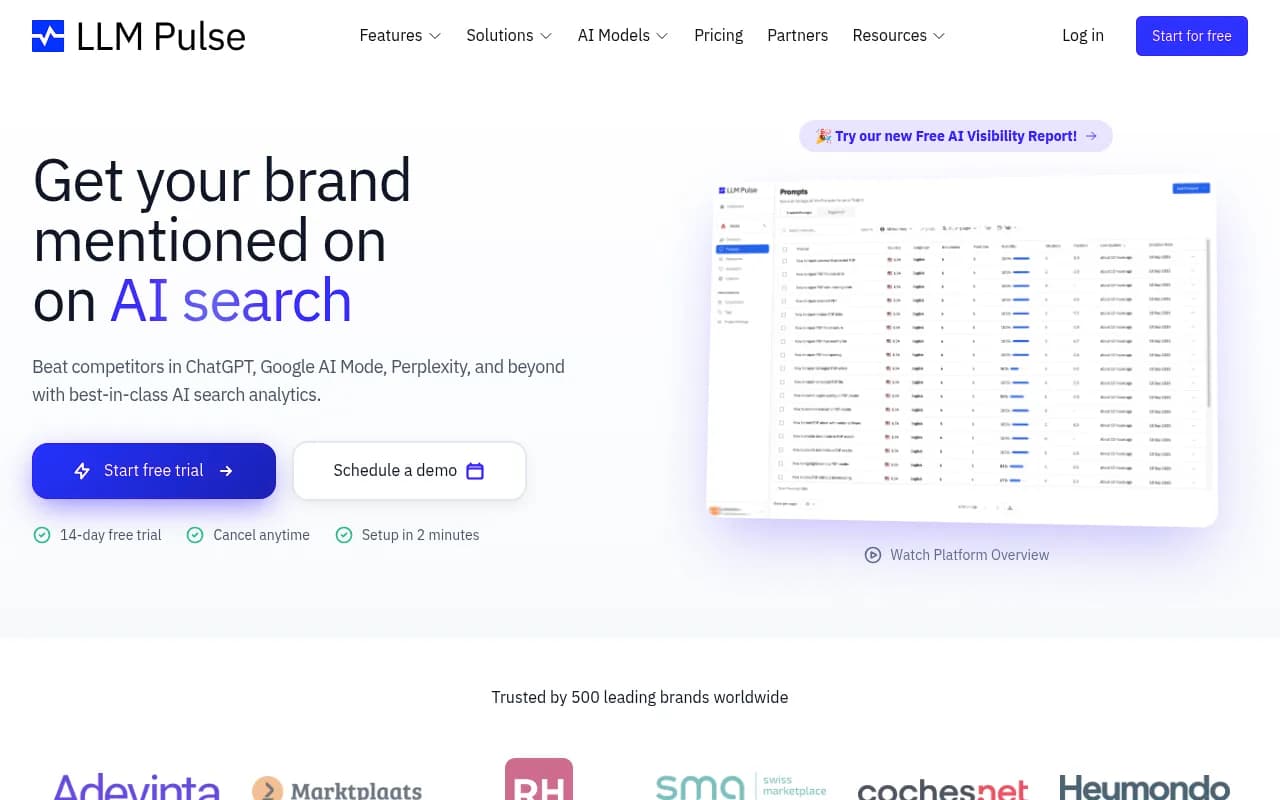
| LLM Pulse | Whole platform on your own domain | Reserved for Partner and Enterprise plans |
| Rankability | White-labeled read-only link per project, no client login | Check plan |
| Geoptie | Your name, logo and color on exported reports | Professional and Enterprise |
| Prefer | White-label reports, client dashboards, read-only portal | Listed at $199/mo for up to 10 clients |
| Peec AI | White-label reporting, scope not clearly stated | Confirm |
| Scrunch | White-label outputs through its API | Needs your own build |
Two cautions. First, nearly every source for this table is vendor-written: Prefer, Ayzeo, Search Atlas and GEO Toolbox each rank themselves in their own comparisons. Second, I haven't independently re-verified prices, so use them as a shortlist filter, not a budget.
Where Promptwatch fits
Promptwatch is the one I would look at first if the agency also does the optimization work, because the reporting sits on top of real data rather than only a mention count. Agency plans include unlimited projects and prompts, 10 seats, branded read-only client access, white-label branding on PDF exports and scheduled reports, and Looker Studio-style custom reports. It also tracks IP-verified AI crawler logs and AI-referred visitor traffic, which gives you something stronger to put in front of a client than "you were mentioned 14 times." Agency plans run from Kick-off at $199/mo to Scale at $799/mo; confirm current limits at promptwatch.com/pricing.

Other platforms worth a look
Geneo is credit-based and aimed at SMBs and agencies, with a client portal on your own domain.

LLM Pulse puts the full white-label setup on its higher tiers, so it suits agencies that want zero vendor presence.
Rankability and Geoptie are lighter-weight: a read-only link per project in one case, branded exports with free team seats in the other. The free seats trick is worth stealing: Geoptie suggests giving each client a read-only team seat for their own brand.
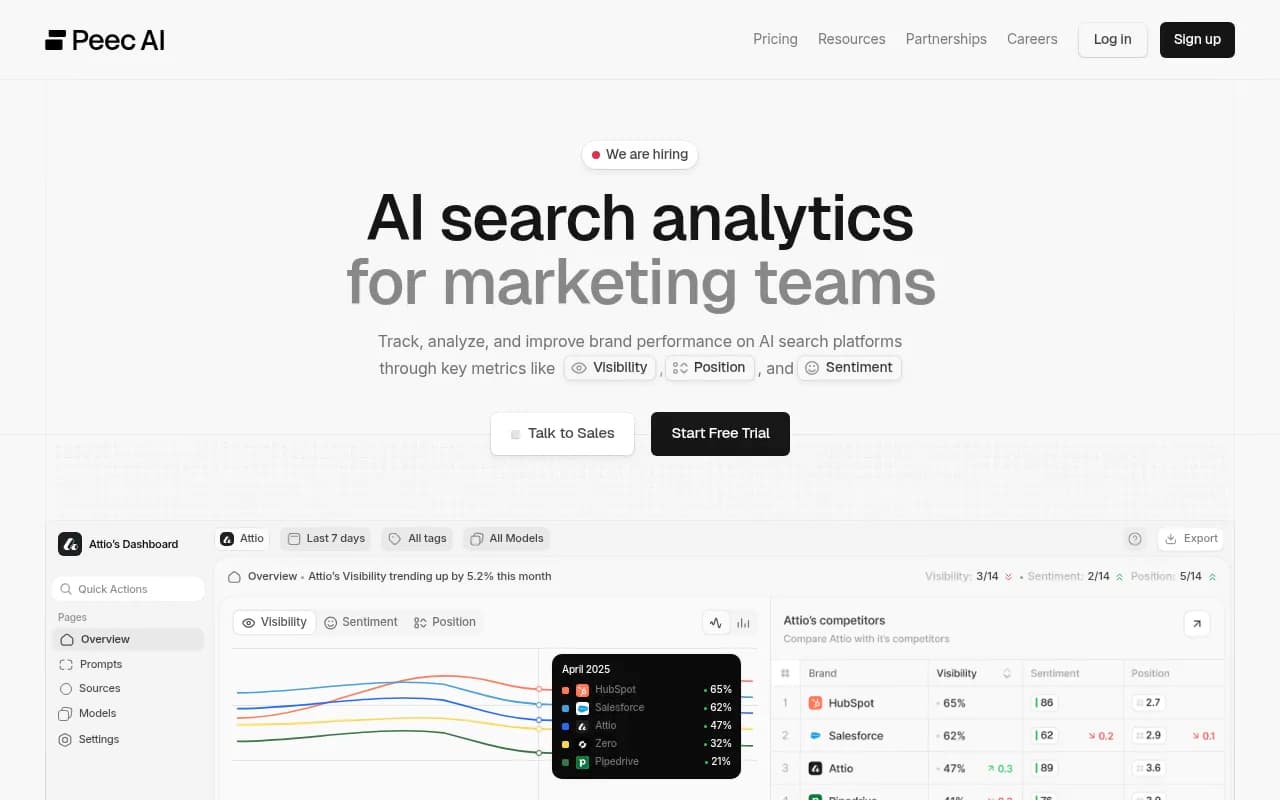
Peec AI is a clean monitoring product, but it stops at tracking, so you'd build the action layer yourself.
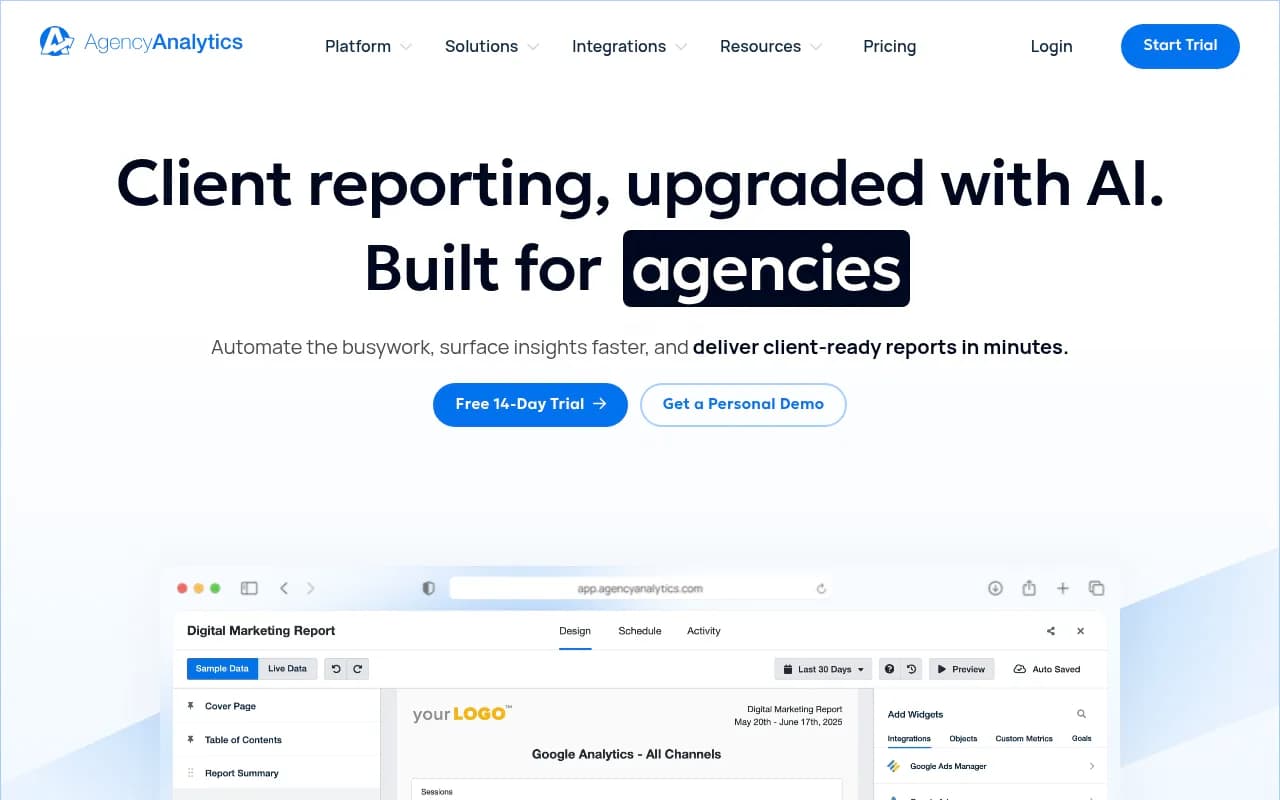
If your agency already reports on classic SEO, a general reporting tool may be enough as the wrapper. AgencyAnalytics is built for automated client reporting, and you can feed it AI visibility numbers alongside rankings.
For more options, the GEO software directory at bestgeosoftware.com and the AI rank tracking directory at ai-rank-tools.com list a wider range of tools.
How to choose: five checks
Search Atlas's reporting guide frames the decision around client behavior, and I agree with most of it. Adapted for GEO:
- Portal or PDF. A live portal fits clients who check progress between reports. A PDF-first platform fits clients who read one monthly summary. If you're unsure, run PDFs first and add a portal when clients start asking for it.
- Read-only and scoped. Each client should see only their own data, with no edit rights. Ask directly whether client access is per project or per workspace.
- What carries your brand. Logo and colors on exports is different from your domain on the whole dashboard. Check which plan unlocks which. Ayzeo, for example, charges extra for dashboard branding on Pro.
- Seats and project counts. A cheap per-project plan gets expensive at 25 clients. Model the cost at 10, 25 and 50 clients before signing.
- Pitch workflow. Some agency plans include pitch projects or white-label audits for prospects. If you sell new GEO retainers regularly, that's worth more than a fancier dashboard.
It also helps to run one real client through a trial. Export the PDF, open the portal as the client would, and check what the footer and email sender actually say. Branding gaps show up in the details: the sender address, the footer text, the shared-link preview.
What to put in a client GEO report
A white-label wrapper doesn't fix a thin report. Here is what I would include, in order.
Visibility by prompt intent
Don't send one blended share-of-voice number. Split it into commercial, informational and branded prompts. Promptwatch's data shows why: in the week of Sep 28 to Oct 4, 2026, product pages were 26.0% of ChatGPT citations for commercial prompts but 19.1% for informational ones, while how-to content climbed to 10.7% on informational prompts (ChatGPT citation share by content type). The same client can look strong on one intent and invisible on another.
Citations and sources
Show which of the client's pages get cited, and which third-party pages name the brand. This is the part clients rarely see anywhere else and it usually drives the next quarter's work.
Traffic and conversions
Mentions don't pay invoices. If the platform can attribute visits from AI sources, include them. Crawler logs are a useful companion: they show whether AI systems can even reach the pages you're trying to get cited.
Actions and next steps
End each report with what you did last month and what you'll do next. Clients forgive flat numbers when the plan is clear.
Cadence: monthly PDF, live portal, or both
Citations move faster than rankings, and that shapes how often you should report. Promptwatch tracked every page ChatGPT cited on July 6, 2026 and found that after 30 days it still cited 78% of landing pages and 76% of docs, but news lost half its pages within 36 days (content half-life in ChatGPT).
Two practical consequences:
- If a client's visibility is built on news-style content, expect big monthly swings. Say so in the report instead of apologizing for it.
- Landing pages and docs are stable assets. A drop there is worth investigating; a drop on news coverage usually isn't.
My default: a scheduled monthly PDF for everyone, plus read-only portal access for clients who ask. Weekly deliveries make sense during a launch or a recovery, not as a permanent habit. A weekly view of a volatile metric trains clients to react to noise.
Rolling it out to clients
- Set up one project per client and name them the way the client would.
- Apply branding once at the workspace level, then check a test export before any client sees it.
- Create read-only client users, not shared logins.
- Schedule the PDF for a fixed day each month and keep it there.
- Add a short written summary above the numbers. Automated reports with no human commentary get ignored.
If you'd rather have a team handle the strategy and reporting together, an SEO and GEO partner like 1001 SEO Media can run the work while you keep the client relationship. For the tool side, the platform you pick matters less than whether the report tells the client what to do next.
Bottom line
Pick the lightest white-label format your clients will actually use. For most agencies that's a scheduled branded PDF with read-only portal access as an upgrade. Shortlist two or three platforms from the table, confirm pricing at 10, 25 and 50 clients, and test one real client end to end before rolling it out.