Key takeaways
- Prompt volume is a modeled estimate, not a count. Use it to rank candidate prompts against each other, never as an absolute number to report.
- Google Search Console is the best free source of real, long, conversational queries from your own audience. A regex filter for 10+ word queries surfaces them, but it is a proxy, not a labelled AI dataset.
- People Also Ask gives you question-shaped prompts that map well to how people talk to ChatGPT or Perplexity.
- Citation slots are scarce (ChatGPT cites about 5 sources per web-search answer), so a small, well-chosen prompt set beats a bloated one.
- Start with 20-40 prompts, run them for at least 30 days, then prune using volume, difficulty and business relevance.
Why prompt tracking is not keyword tracking
With keywords you get volume, ranking position and a competitor view. With prompts you get a shaky version of the first one and nothing like the second. Almost every prompt is unique, nobody sees the raw logs, and the same intent gets phrased a hundred ways.
The length difference alone breaks old habits. Similarweb's 2025 Generative AI Landscape report puts the average ChatGPT prompt at about 60 words against 3.4 for a Google search. Evertune's panel data shows a similar skew: ChatGPT prompts average 96 words with a median of 19, so a few very long prompts drag the average up while the typical one is still fairly short.
So the job changes. You are not looking for the one true keyword. You are looking for topic clusters where real buyers ask AI for help, and where your brand could plausibly appear in the answer.
What prompt volume and difficulty actually mean
Prompt volume
Prompt volume is an estimated count of how often a topic shows up in AI conversations per month. Nobody outside the AI labs has the full logs, so vendors model it from panels, clickstream data or their own prompt corpora.
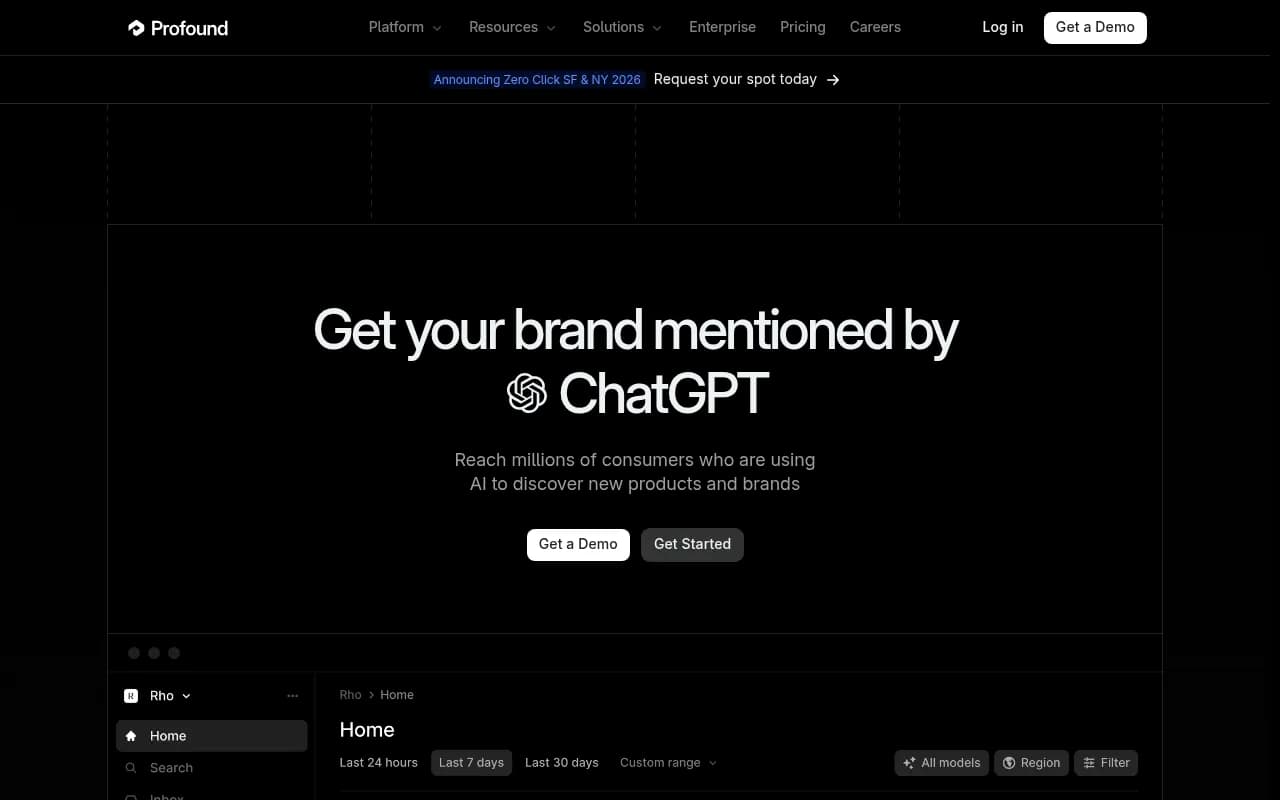
- Profound's Prompt Volumes product says it draws on millions of conversations in answer engines and covers ten countries, including the US, UK, Germany, France and Brazil.
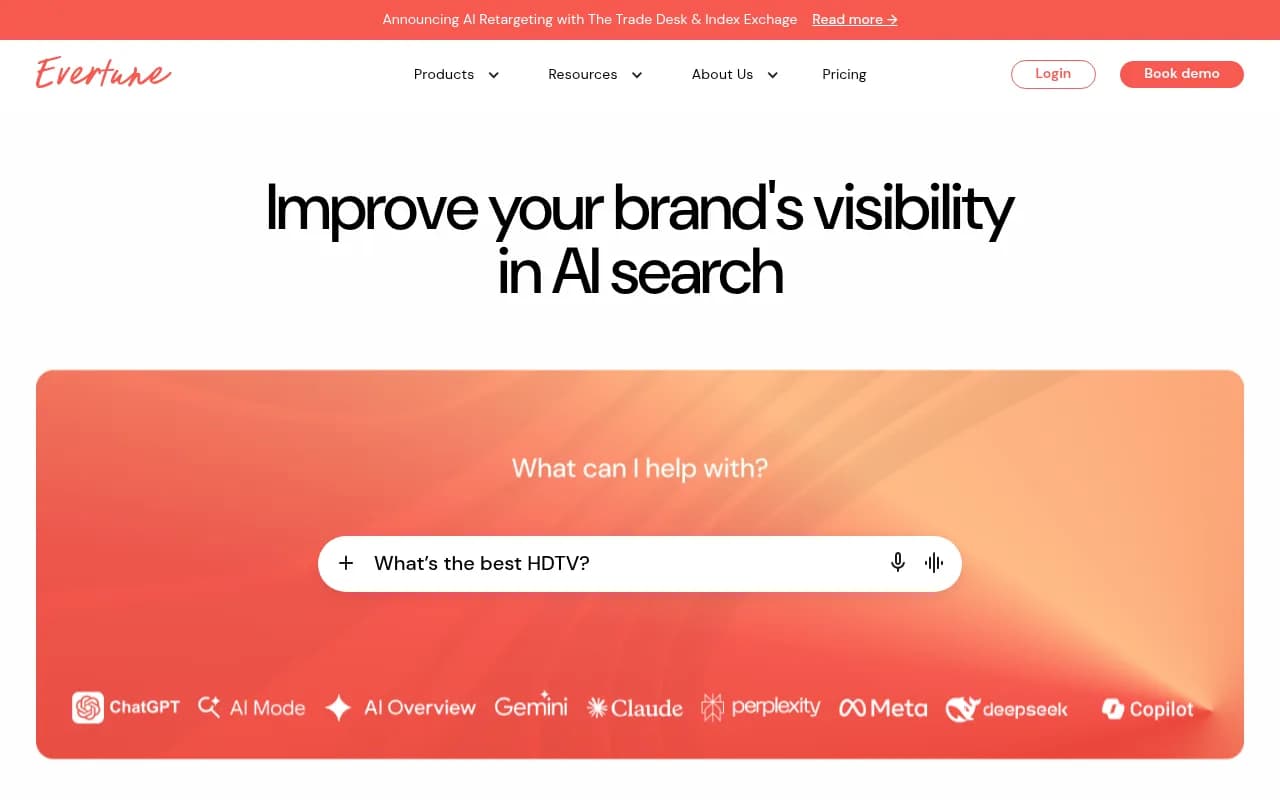
- Evertune bases its version on a panel of 25 million demographically weighted internet users and clusters similar intents into topics, rather than counting exact strings.

Both approaches share one honest caveat. Critics have called prompt volume "extrapolation stacked on top of guesswork", and I think that is partly fair. The numbers are directional. A topic with 10x the modeled volume of another is probably bigger. A topic with 12,400 monthly prompts is not literally 12,400.
Prompt difficulty
Difficulty tries to answer a different question: how hard is it to get cited for this prompt? Inputs usually include how authoritative the sources already being cited are, how many competitors appear, and how entrenched the same domains are across repeat runs. A prompt where Reddit threads and a few giants own every citation is harder than one answered by thin, outdated pages.
Used together, volume and difficulty give you a simple triage:
| Volume | Difficulty | What to do |
|---|---|---|
| High | Low | Top priority. Create or refresh content now. |
| High | High | Track it, but build supporting content and off-site mentions first. |
| Low | Low | Cheap wins, especially for bottom-funnel and niche prompts. |
| Low | High | Usually drop it. |
Volume without business relevance is a trap, though. A high-volume prompt that would never change a purchase decision is not worth a tracking slot.
Step 1: Mine Google Search Console for conversational queries
Search Console will not show you ChatGPT prompts. What it does hold, for free, is a record of long, natural-language queries your own audience typed into Google, including many that look exactly like prompts. That is the most grounded data you will get without paying for a panel.
The regex filter
In Search Console go to Performance, then Search results, then Add filter, then Query, and choose Custom (regex). A pattern shared in a r/localseo thread matches queries of 10 or more words:
^(?:\S+\s+){9,}\S+$
Qstomy describes the same idea with ([^" "]*\s){10,}? and argues that AI Mode prompts tend to run longer and more detailed. Similarweb recommends the same route as the first of its three prompt data sources, and adds that the right word threshold depends on your category.
A caveat worth stating clearly
I could not find official Google confirmation that these long queries are AI Mode prompts. Treat the filter as a proxy for conversational search behavior. It also catches queries typed by prompt-tracking tools, which Similarweb jokingly noted about its own data. That noise is useful to know about, and you should filter it out by hand.
What to do with the results
- Export the matches for the last 16 months if you can (the API makes this easier than the UI).
- Group them by topic, not by wording. Ten differently phrased questions about the same problem are one cluster.
- Attach the landing page that earned each impression. Clusters with impressions but no clicks are good candidates, because the answer is probably being given on the results page or in an AI summary.
- Rewrite the best representatives as natural prompts and add them to a candidate list.
This step also tells you something keyword tools cannot: which long-form questions your site is already associated with.
Step 2: Add People Also Ask for the conversational layer
People Also Ask questions are already in question form, so they mirror how people prompt AI. SE Ranking tested this directly: it took a PAA question about dermatologist recommendations for mature skin, ran it in ChatGPT as written, and got an answer sourced from the American Academy of Dermatology, Vogue and CeraVe, a mix of media and brand content. That is the signal you want: a PAA question that produces an answer where a brand like yours could be cited.
Tools that pull PAA at scale:
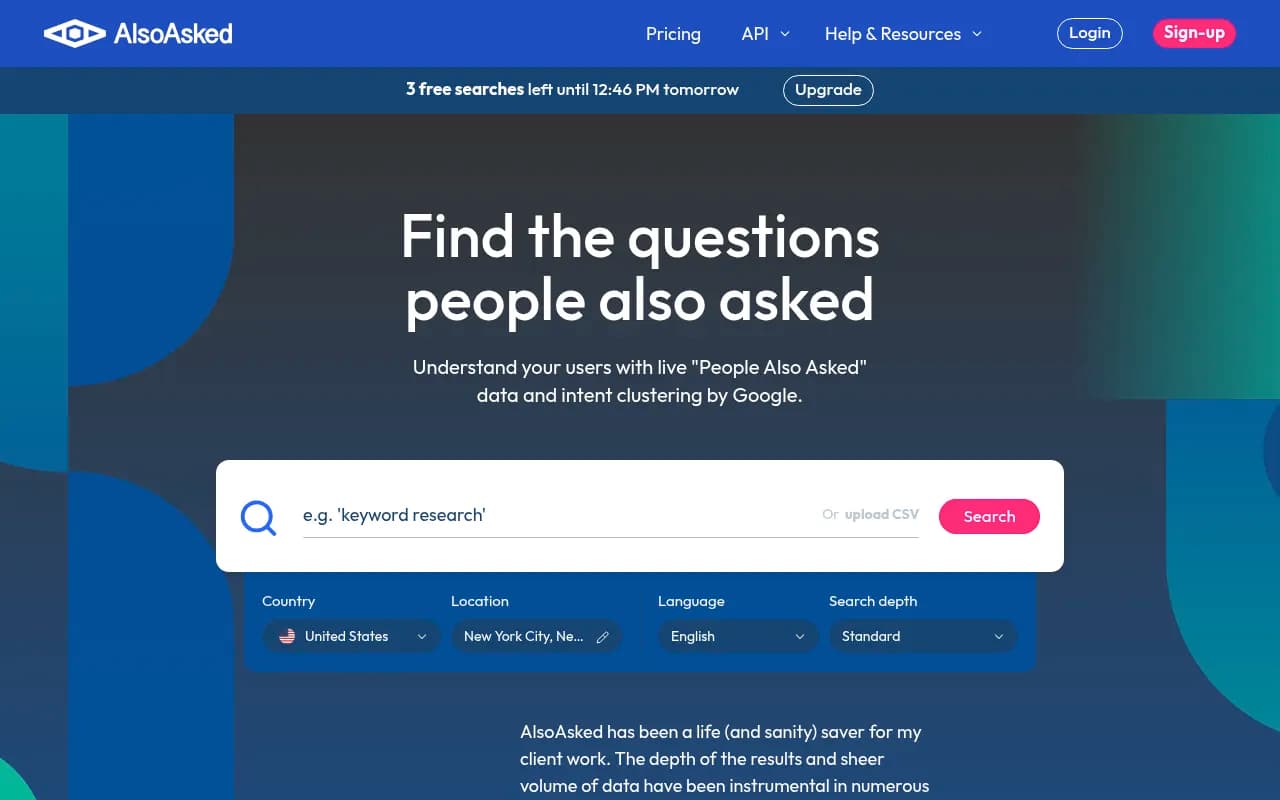
- AlsoAsked maps PAA branches, which helps you see how one question leads to follow-ups. That chain resembles a multi-turn conversation.
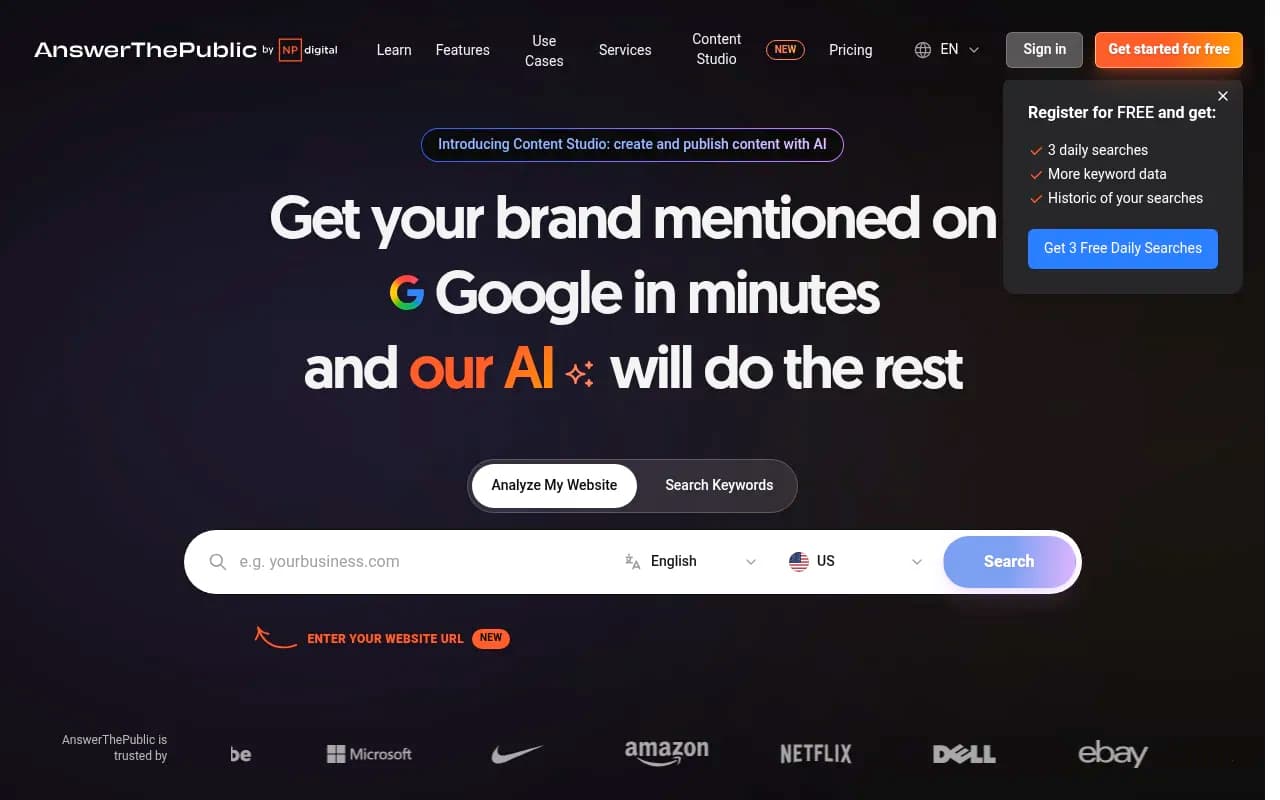
- AnswerThePublic covers questions and autocomplete variants.
- SE Ranking lets you filter keyword suggestions by which ones trigger the PAA feature or an AI Overview, and a keyword that triggers an AI Overview is a good sign that Google already considers it answer-worthy.

A practical routine: take your 10 to 15 highest-value anchor keywords, pull the PAA tree for each, and keep the questions that are close to a buying decision. Drop trivia.
Step 3: Cover the five prompt types
Most teams overload on comparison prompts ("X vs Y") and forget everything else. SE Ranking suggests a balanced set across informational, comparative, instructional, brand-specific and transactional prompts. I would add one rule: tag every prompt with its type when you add it, because later you will want to see whether you are weak in a type rather than a topic.
| Prompt type | Example | Typical source |
|---|---|---|
| Informational | What is prompt volume in AI search? | PAA, Search Console |
| Comparative | Profound vs Evertune for enterprise | Sales calls, competitor pages |
| Instructional | How do I filter long queries in Search Console? | PAA, support tickets |
| Brand-specific | Is [your brand] good for agencies? | Reviews, sales objections |
| Transactional | Best CRM for small agencies, pricing | Search Console, ads data |
Step 4: Remember that the prompt is not what gets searched
This is the part most guides skip. When ChatGPT uses web search it splits your prompt into one or more short searches, called fan-outs, and those retrieve the content. Promptwatch Data's ChatGPT query fanouts report shows average fan-outs per response of about 2.15 in early December 2025, easing to roughly 1.84 by early March 2026, and average fan-out query length falling from about 117 characters to the high 80s, then to around 53 once fan-outs returned in April.
The implication: a 40-word prompt about CRMs for agencies may be answered by a search that looks like "best CRM small agencies 2026". If you only study prompt wording you are studying the wrong layer. For each prompt you plan to track, look at the fan-out queries and match your headings to them.
Things change quickly here, too. On August 8, 2026, ChatGPT started using the site: operator at scale: Promptwatch Data's site: operator report shows the share of fan-outs using it jumped from 0.37% to 16.8% overnight, and average fan-outs per response rose from about 1.08 to 1.83. Any keyword-to-prompt mapping built before that date is stale and worth re-running.
Tools like Promptwatch surface fan-outs, monthly prompt volumes, difficulty scores and Search Console-based prompt suggestions in one place, which saves you from stitching this together by hand.

Step 5: Filter and prioritize the list
By now you have somewhere between 100 and 300 candidates. Cut them down with four questions:
- Would this prompt realistically change how someone evaluates vendors in your category?
- Could your brand credibly appear in the answer?
- Is there enough modeled volume, or enough Search Console impressions, to matter?
- Is the difficulty beatable with content you can produce in the next quarter?
Citation slots are tight. Promptwatch Data's average sources per response report puts ChatGPT at about 5 sources per web-search answer, against roughly 10 for Google AI Overviews and Perplexity. That page is dated September 2025 and the figures drift, but the direction holds: in ChatGPT there is room for very few brands per answer, so chasing hundreds of prompts spreads you thin. You can also see that almost half of responses cite 10 or more domains in a more recent window, so check the unique domains per response data for current figures before setting expectations.
How many prompts to track
SE Ranking recommends 20-40 prompts across 2-3 AI models for at least 30 days before drawing conclusions. Similarweb supports up to 300 per campaign but notes that the incremental signal diminishes above roughly 150 per cluster. My own take: start at 30, keep it that way until you have acted on what you learned, then expand by cluster.
Step 6: Choose a tool for volume data
Search Console and PAA are free. Real volume and difficulty estimates mostly are not. A rough map of where the options sit:
| Option | What it gives you | Best for |
|---|---|---|
| Google Search Console | Real long-tail queries from your own audience | Everyone, as a starting point |
| AlsoAsked / AnswerThePublic | Question trees and variants | Building the candidate list |
| Profound Prompt Volumes | Modeled topic volumes across AI platforms and ten countries | Enterprise teams |
| Evertune Prompt Volumes | Panel-based estimates, topic clusters, trendlines | Large brands |
| Similarweb AI Search Intelligence | Prompt analysis plus prompt tracking | Teams already in Similarweb |
| Promptwatch | Volumes, difficulty, fan-outs, Search Console suggestions, then content and tracking | Teams that want to act on the list |
I have not verified current pricing for the volume features of Profound, Evertune, SE Ranking or AlsoAsked, so check each vendor before committing. For a wider list of trackers, the GEO software directory is a good place to compare.
Step 7: Validate before you commit
Before a prompt goes in the permanent set, run it a few times in the real interfaces (ChatGPT, Google AI Overviews, Perplexity) and ask:
- Do the cited sources look like something you could realistically join?
- Is the answer stable across runs, or does it change every time?
- Do your competitors appear? If nobody in your category does, the prompt may not be commercial.
Prompts with unstable answers are not useless, but you need more runs per prompt to read them. If your tool tracks daily, that evens out quickly.
Common mistakes
- Treating modeled volume as fact in a board report. Say "estimated" and show relative rank instead.
- Tracking only prompts that include your brand name. That measures awareness you already have.
- Ignoring fan-outs and writing for the long prompt rather than the short search behind it.
- Never pruning. A set that only grows becomes impossible to analyze.
- Assuming the Search Console regex isolates AI traffic. It does not.
A simple workflow you can run this week
- Export Search Console queries of 10+ words for the last 3 to 16 months.
- Cluster them by topic and keep the top 15 clusters by impressions.
- Pull PAA trees for your 10 to 15 anchor keywords.
- Merge into one list, tag each prompt by type, and cut to 30 using the four filter questions.
- Pull volume and difficulty from a tool if you have one, otherwise rank by Search Console impressions.
- Run for 30 days, then drop the bottom third and add new prompts from the clusters you under-covered.
If you would rather have an agency handle the research and the content work that follows, 1001 SEO Media runs this kind of GEO program for clients. Otherwise, the steps above are enough to get a defensible first set live.
The bottom line: volume and difficulty are useful for ordering a list, not for forecasting traffic. Real queries from Search Console and PAA keep that list honest.