Key takeaways
- ChatGPT served no ads until May 27, 2026. Across the 90 days from May 20 to August 17, ads appeared in an average of 20.1% of web-search responses, according to Promptwatch Data.
- A single run tells you almost nothing. Ad rates jump in bursts, so you need several days of data before drawing conclusions.
- The useful questions are who is advertising on your prompts, what copy they use, and where they send the click. The ad rate only tells you that a slot exists.
- Segment by prompt type. Organic, brand-specific and competitor-comparison prompts attract different advertisers.
- Dedicated trackers exist now (Promptwatch Ads Radar, Finseo, Radarkit, Trendos). Coverage differs by platform, so check which AI surfaces you actually need.
Why sponsored placements in AI answers need their own workflow
For twenty years, paid search had tooling. Auction insights, ad libraries, keyword monitors, SpyFu-style competitor reports. When ads arrived inside ChatGPT answers in late May 2026, none of that existed. You could not open a dashboard and see who was bidding on the question your best customers were asking.
That gap is closing, but the habits have not caught up. Most teams still check AI visibility by asking ChatGPT a few questions by hand, screenshotting the result, and moving on. That does not work for ads. Ads rotate, they appear on some runs and not others, and they vary by prompt wording. A one-off screenshot is an anecdote.
This guide lays out a repeatable workflow: pick the prompts, collect enough runs, read the advertiser data, compare segments, and decide whether to respond with paid spend, organic content, or nothing at all.
What the data says about how often ads appear
Promptwatch's ChatGPT Ads Over Time report is the best first-party look at the pattern. It covers May 20 to August 17, 2026, and counts only responses where ChatGPT searched the web, returned at least one citation, and completed ad extraction.
The headline numbers for that window:
- Average ad rate over 90 days: 20.1% of qualifying responses.
- First ads: May 27, when 1.69% of responses carried one.
- Peak daily rate: 43.9%.
- Past 7 days at time of publication: 32.4% daily average, up 12.5% on the prior week.
- Past 30 days: 29.6% daily average, up 22.6%.
The shape matters more than any single number. The rate did not climb smoothly. There was a brief spike on June 25 and 26, then a jump past 30% on July 1 that held. Since then it has mostly sat between the low 20s and high 30s. That looks like a platform operator tuning a dial, which means any one-day reading can mislead you.
Which prompts carry the ads
Using the past 7-day average from the report, ad-bearing responses split like this:
| Prompt type | Share of ad-bearing responses |
|---|---|
| Organic | 73.3% |
| Brand-specific | 18.0% |
| Competitor comparison | 8.6% |
The report's body text gives slightly different daily-average figures (73.1%, 17.9%, 9.1%). I use the 7-day table above throughout this guide. The gap is small, but pick one set and stick with it in your own reporting.
There is also a caveat worth taking seriously. This mix reflects prompt volume. If your monitor is 80% organic prompts, organic will dominate the ad mix no matter what OpenAI does. The data shows where ads appeared, not how likely each prompt type is to trigger one. Do not read it as "organic prompts are the most ad-prone."
The tools that can do this for you
You can try to collect ad data manually, but it does not scale past a handful of prompts. Several trackers now extract sponsored placements automatically. Here is how they compare based on what each vendor publishes.
| Tool | Surfaces covered | What it records |
|---|---|---|
| Promptwatch Ads Radar | Tracked AI responses across your monitors | Every ad, advertiser domain, landing page, browse by ad or by prompt, advertiser share and frequency charts |
| Finseo | ChatGPT and Google AI Overviews | Advertiser, headline, description, landing URL, click parameters, rank, first-seen date |
| Radarkit Ads Radar | ChatGPT and Google AI Mode | Who ran the ad, exact copy, how often it appears, how much of the answer is paid |
| Trendos Ad Radar | ChatGPT only | Advertiser impression share, ad titles, descriptions, destination URLs |
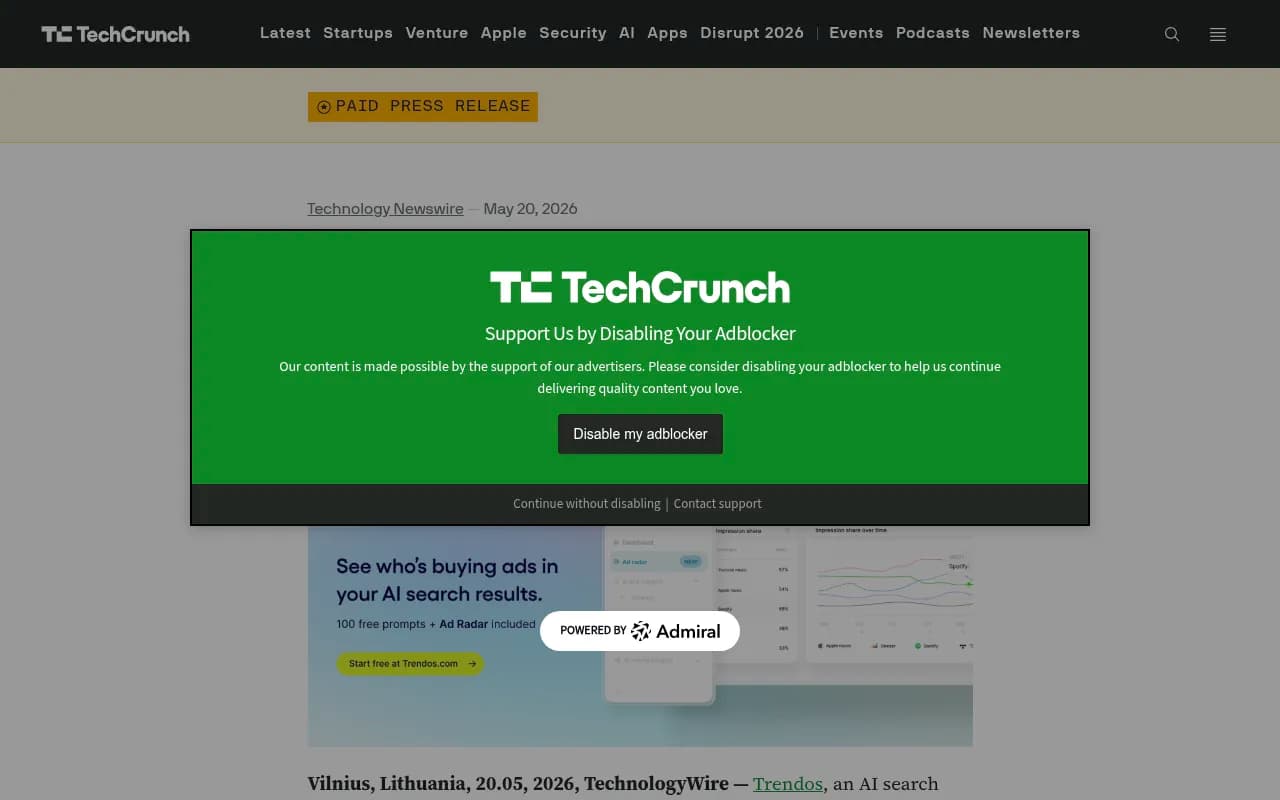
I could not find current pricing for any of them, so check each vendor directly. Also note that the Trendos announcement is a paid press release, so treat its claims as marketing. Its launch date (May 20) also sits before the first ads Promptwatch actually observed in ChatGPT (May 27), which is worth keeping in mind.
Promptwatch Ads Radar
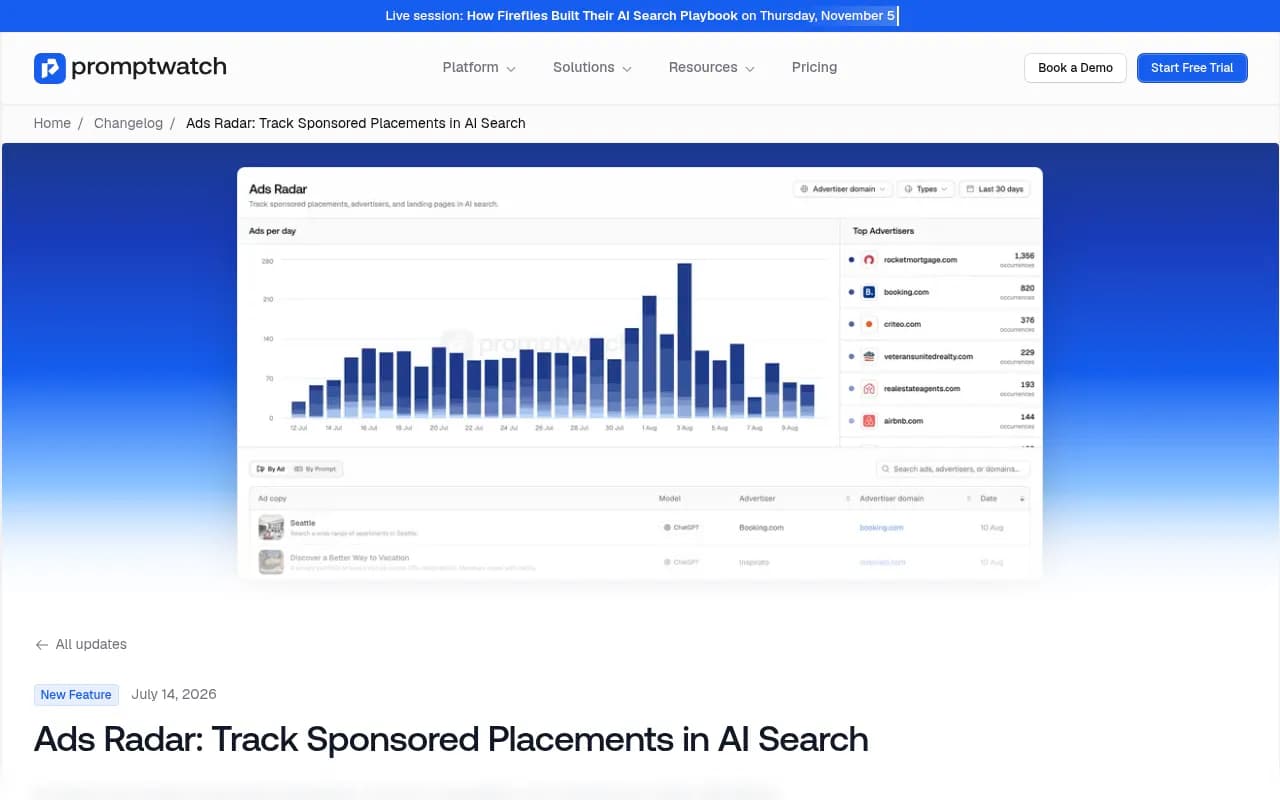
Promptwatch launched Ads Radar on July 14, 2026. It pulls every ad out of the AI responses you already track, updates continuously, and lets you browse by ad or by prompt. Charts show advertiser share and ad frequency over time. The practical advantage is that ad data sits next to the rest of your visibility data: your citations, your competitors, and the prompts those ads appear on.

Finseo
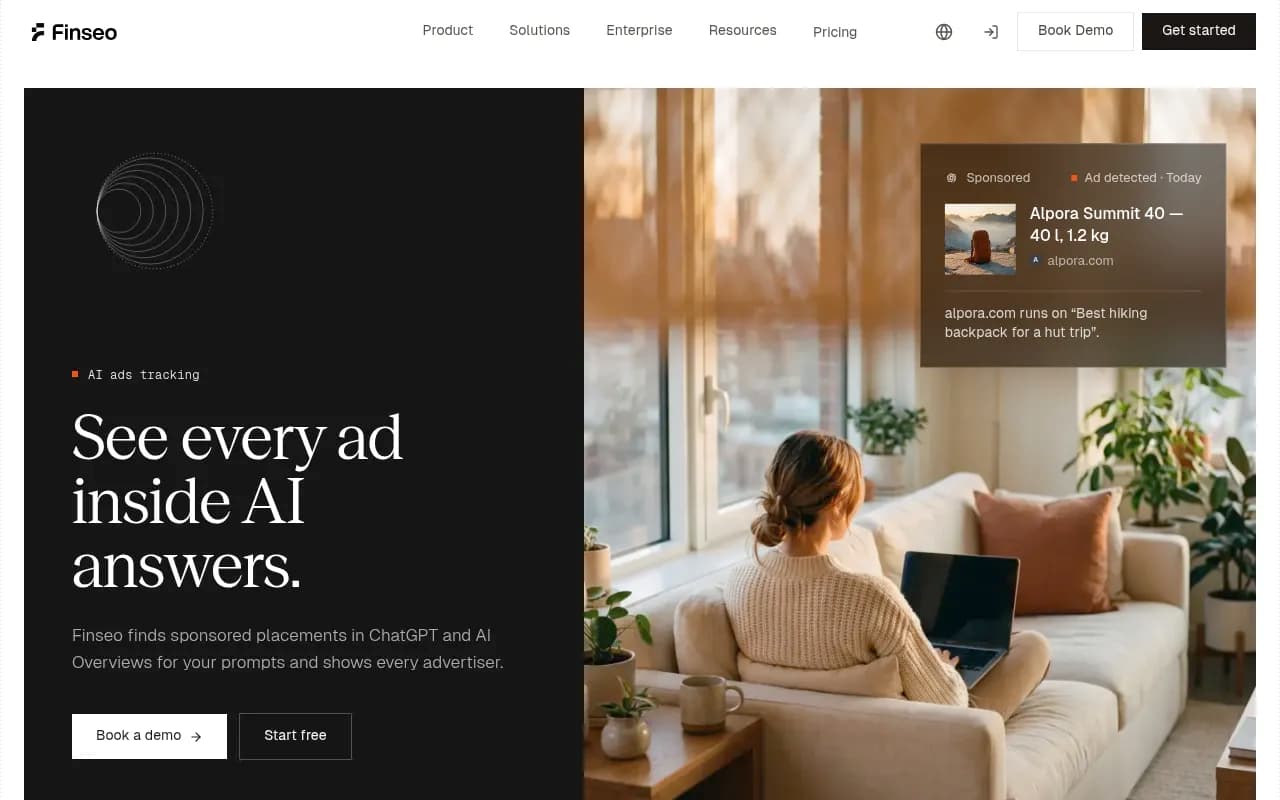
Finseo runs your tracked prompts in ChatGPT and Google AI Overviews and reads out each sponsored placement. Its page describes capturing the advertiser, landing URL, click parameters and first-seen date. The click parameters are a nice detail, since they hint at how the advertiser is tagging traffic.
Radarkit
Radarkit covers ChatGPT and Google AI Mode, and says it reports how much of an answer is paid. That share-of-answer view is different from simple frequency, and useful if you care about visual dominance rather than just presence.
Trendos
Trendos Ad Radar is ChatGPT-only. If ChatGPT is the only surface you care about, that is fine. If you also want AI Overviews or AI Mode, look elsewhere.
If you want to compare more options, the AI rank tracking directory at ai-rank-tools.com lists other trackers in this space.
A practical Ads Radar workflow
Here is the workflow I would run, whichever tool you pick.
Step 1: Build a prompt set that mirrors how buyers actually ask
Start with 30 to 50 prompts, and tag each one as organic, brand-specific, or competitor comparison.
- Organic: "best hiking backpack for a hut trip", "how do I choose a payroll tool for 20 employees".
- Brand-specific: "is [your brand] worth it", "[your brand] pricing".
- Competitor comparison: "[your brand] vs [competitor]", "alternatives to [competitor]".
Bias toward commercial and transactional wording. Ads follow purchase intent. A prompt like "what is a payroll tool" is unlikely to carry a sponsored slot, while "best payroll tool for a small business" might.
Keep the mix deliberate. As the Promptwatch report points out, the share of ad-bearing responses by prompt type is partly a reflection of how many prompts you run in each bucket. If you want to compare segments fairly, keep the prompt counts roughly balanced or normalise afterwards.
Step 2: Run daily for at least two weeks
This is the rule I would not bend. Check ad visibility across several days before drawing conclusions, because a single run can land on an outlier day. The 90-day chart shows daily rates swinging from the low 20s to the high 30s, with a peak of 43.9%. If you looked on a quiet day, you would think ads were rare. Look on a peak day and you would think everyone is advertising.
Two weeks gives you enough runs to see who shows up consistently and who appears once and vanishes.
Step 3: Build an advertiser table
For every prompt that returned an ad, record:
- Advertiser domain
- Headline and description copy
- Landing page URL
- First-seen date and last-seen date
- Number of runs it appeared in
- Prompt type
Most trackers collect this automatically. If you are doing it by hand, a spreadsheet works. The point is to look at advertisers, not just counts. The ad rate tells you how often a slot appears. The ad details tell you who wins it.
Step 4: Segment by prompt type
Brand-specific and competitor-comparison ads can differ from what organic prompts attract. Split your advertiser table into the three buckets and compare.
Things to look for:
- Are competitors buying slots on your brand-specific prompts? That is the equivalent of brand-term bidding in paid search, and usually the first thing worth escalating.
- On competitor-comparison prompts, do you appear in the answer text while a rival holds the ad? That means they are paying for visibility next to your organic mention.
- On organic prompts, is one advertiser dominating several prompts across a topic? That is a category-level bet.
Step 5: Read the landing pages
Landing URLs are the most underused column. They tell you what the advertiser wants the click to do. A product page, a comparison page, a free-trial signup, a lead form. Pull ten of them and you will see how competitors position themselves for AI-originated traffic, and whether their pages are built for it.
Click parameters, where a tool captures them, show how advertisers tag AI traffic. That is useful if you are setting up your own attribution.
Step 6: Cross-check against organic visibility
Ads are only half the picture. For each prompt, ask three questions:
- Do we appear in the answer text?
- Are we cited as a source?
- Is a competitor paying for a slot on the same answer?
The worst case is a competitor paying to sit above an answer where you are already cited. The best case for you is a prompt with no ads at all and strong organic presence. Tools that combine ad tracking with citation and visibility data make this check fast. Otherwise you will be exporting two datasets and joining them yourself.
Step 7: Decide on a response
After two weeks, you will have enough to pick one of four actions.
| Situation | Likely response |
|---|---|
| Competitor ads on your brand prompts | Escalate to paid spend or negotiate access to the ad channel, and strengthen the pages AI cites for your brand |
| Heavy ad activity on category prompts you rank for organically | Defend organic position with fresher, more specific content |
| Heavy ad activity where you have no organic presence | Treat as a content gap first, then decide on paid |
| Almost no ads on your prompts | Do nothing paid yet, keep monitoring weekly |
Paid is not always the answer. For many categories, closing an organic citation gap is cheaper than buying a slot you may not be able to measure.
Shopping cards are a separate signal
Sponsored text placements and product shopping cards are different things, and you should track them separately. Promptwatch's ChatGPT Shopping Feature Usage data shows that shopping features (product cards, recommendations, price comparisons) appear in only a low single-digit percentage of web-search responses overall. The rate moves in steps, which the report reads as OpenAI tuning when cards appear. Note that the page is dated November 2025 while mentioning a late-May change, so treat the date with some caution.
Shopping features concentrate on commercial and transactional prompts. If you sell products, the report's advice is practical:
- Complete Product schema markup.
- Keep prices and availability accurate.
- Keep a clean merchant feed.
- Run your buyers' commercial prompts and record whether shopping cards appear and which brands fill them.
That last point is the same logic as the ad workflow: sample repeatedly, record who shows up.
Platform differences you should know about
Not every AI product runs ads, and the policies are moving. A few points from the research:
- ChatGPT started serving ads on May 27, 2026, per Promptwatch's data.
- Google has been testing ads in AI Overviews, and Search Engine Land reported that existing Search, Performance Max and Shopping campaigns would be automatically eligible to appear there.
- Anthropic has said users will not see sponsored links adjacent to their conversations with Claude, according to a quote in Elementera's guide.
I did not verify current ad policies beyond those snippets, so confirm directly with each platform before building a paid plan. The practical upshot for tracking is that ChatGPT and Google surfaces are where ad data exists today. If your tracker only covers one, you will miss the other.
Common mistakes
Treating one run as a result
The single biggest error. Daily ad rates swing by double digits. Always aggregate.
Reading the prompt-type mix as ad likelihood
Organic accounting for around 73% of ad-bearing responses does not mean organic prompts are 73% likely to carry an ad. It mostly reflects how many organic prompts people monitor.
Ignoring the denominator
The Promptwatch rate only counts responses where ChatGPT searched the web, returned a citation and completed ad extraction. Ads on responses that skip search are outside that number. When you compare figures from different vendors, check what each one counts.
Tracking only your own brand terms
Brand prompts are the smallest slice of ad-bearing responses (18.0% in the 7-day figures). Most of the action is on category and comparison questions you will not see if you only monitor your name.
Forgetting to log changes
When ad rates jump, something changed on the platform side. Keep a dated log of your own site and content changes so you can tell whether a shift in visibility came from you or from the platform.
A weekly cadence that does not eat your week
Once the prompt set is running, the ongoing work is small.
- Monday: scan new advertisers and any new landing pages on your tracked prompts.
- Midweek: check brand-specific and competitor-comparison prompts for new entrants.
- Monthly: rebuild the advertiser table, compare against the previous month, and review whether your organic citations moved on the prompts where ads rose.
If you report to a leadership team, two charts do most of the work: advertiser share over time, and ad frequency over time by prompt type. Both are standard views in ad-tracking dashboards.
For teams that also want to close the organic side, the GEO software directory at bestgeosoftware.com is a reasonable place to compare platforms that go beyond monitoring.
Bottom line
Sponsored placements in AI answers are real, frequent and uneven. In the 90 days after ads first appeared in ChatGPT, roughly one in five web-search responses carried one, with daily peaks above 40%. That is enough to matter and too volatile to judge from a screenshot.
Pick a tracker that covers the surfaces you care about, run a balanced prompt set for at least two weeks, build an advertiser table, split it by prompt type, and read the landing pages. Then decide whether the right move is paid spend, better content, or waiting. For most brands, the first useful finding will be which competitor is already sitting on your category prompts.