Key takeaways
- Amazon announced Alexa for Shopping on May 13, 2026. It merges Rufus with Alexa+ and runs in the Amazon Shopping app, on Amazon.com, and on Echo Show in the US.
- Amazon has not published ranking factors for voice or assistant results. Anything claiming to know the exact formula is an educated guess.
- The most reliable check is manual: run your buyers' real questions on the app and an Echo Show, then log whether your ASINs appear, in what position, and what the assistant says about them.
- Test accounts need the right settings. Voice purchasing controls and account linking change what you see.
- The same discipline applies to ChatGPT and other AI shopping surfaces, and tools exist to automate that part.
What changed in 2026
For years, "voice shopping" meant telling an Echo speaker to reorder paper towels. You got one answer, often the Amazon's Choice item, and that was it. That model is gone, or at least heavily diluted.
On May 13, 2026, Amazon announced Alexa for Shopping, which brings Rufus and Alexa+ together into one assistant. Amazon's own FAQ puts it plainly: it is "one AI assistant with shared memory." Rufus helped over 300 million customers in 2025, according to Amazon, so the shopper base is already large.
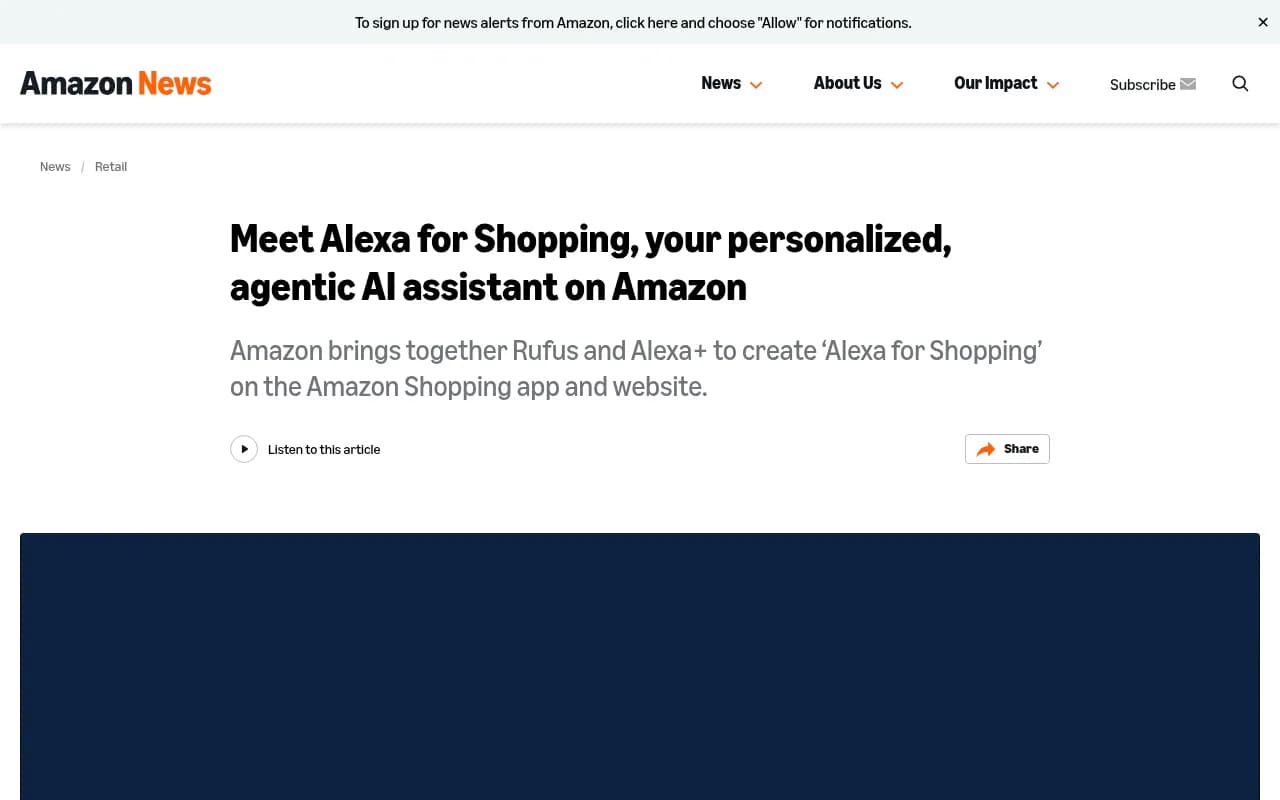
What Amazon lists as available now:
- Questions typed directly into the main search bar
- Personalized shopping guides for big purchases
- Insights inside search results and on product pages
- Dynamic product comparisons
- Up to a year of price history
- Price alerts and buying at a target price
- Reordering essentials and cart management
- Shopping on other stores across the web
It is available to US customers in the Shopping app, on desktop and mobile web, and on Echo Show, where the full Amazon store can be browsed by voice, touch, or both. No Prime membership or Echo device is required for the app and website versions.
The practical consequence: "voice shopping" is no longer a separate channel with its own quirks. It is a conversational layer on top of the whole store. If you sell on Amazon, your catalog is being summarized, compared, and recommended by an assistant whether or not anyone is speaking out loud.
What we actually know (and don't)
I want to separate documented facts from folklore here, because the seller blogs are loud.
Documented by Amazon: the features above, the availability, the shared memory across the app, website, Echo, Alexa.com, Fire tablets, and Fire TV. The assistant answers questions like "What's the battery life of this laptop?" and "Where's my shampoo order?", which tells you it reads product detail pages and order data.
Not documented: how products are chosen or ranked in the assistant's answers. Amazon has published no list of ranking factors for it.
Third-party claims worth treating as unverified. SellerSprite, in a June 2026 post, says the assistant reads titles, bullets, Q&A, A+ Content, attributes, and reviews, that backend keywords are not read, and that keyword-stuffed listings get penalized. It also offers a four-step filter (eligibility, intent match, content-quality confidence, personalization) and statistics like 13.7% of searches handled by the AI and 60% higher purchase completion when Alexa recommends a product. None of those figures cite a source. The filter is the author's own framing, not Amazon documentation. Podean and Darkroom Agency publish similar playbooks. They are reasonable hypotheses, not facts.
My take: the advice is sensible (complete attributes, clear titles, honest Q&A, good reviews) because it is also what makes a listing convert for humans. But you should verify your own results rather than trust anyone's scoring model.
Set up your test environment
Before you check anything, fix your testing conditions. Results are personalized, so a messy test account gives you noise.
Use a clean, dedicated account
Alexa remembers preferences and conversations across devices for the profile you are logged into. If you test with your own seller or buyer account, the assistant will lean on your purchase history and previous searches. Use a separate account with minimal history, or at least note which account you used in every log entry.
Link Alexa to the shopping account
Amazon says memory and preferences carry across every Alexa experience only if your Alexa is connected to the Amazon account you shop with and you select your shopping profile. Check this on any Echo Show you test with. Otherwise the device and the app will behave like two different shoppers.
Check voice purchasing settings
If you plan to test ordering flows, confirm purchasing is allowed on the test account. In the Alexa app: More, Settings, Account Management, Voice Purchasing, Purchase Controls. If it is set to "No one," voice purchases are disabled, and your test will stall at checkout. For a read-only visibility audit you may want to leave it off. Just record the setting.
Pick your surfaces
Test at least three places: the Amazon Shopping app, Amazon.com in a desktop browser, and an Echo Show if you have access. The assistant icon sits in the app's navigation bar, top left on desktop, and top right on mobile web next to the search bar.
Build a prompt set from real buyer language
The weakest audits use brand-name queries. Shoppers rarely say your brand. They describe a problem.
Build a list of 30 to 60 prompts across these types:
- Category discovery: "What are different types of coffee makers?"
- Need-based: "What do I need for a weekend camping trip?"
- Attribute-specific: "Best quiet air purifier for a small bedroom"
- Comparison: "Compare [your product] with [competitor product]"
- Spec questions on your own listing: "What's the battery life of this laptop?"
- Replenishment: "Reorder my dog food"
Pull the language from your customer reviews, the Q&A section on your listings, support tickets, and search term reports. Phrase them the way people talk, including long sentences. Voice and chat queries run longer than typed keywords. (A seller blog claims 2.4x longer, but treat that number as unverified; just expect more words.)
Run the audit step by step
- Open the assistant on the app and ask each prompt once with a fresh conversation. Follow-up context changes answers.
- Record whether your ASIN appears at all, where it sits among recommendations, and whether it is labeled with any badge.
- Copy what the assistant says about the product. Is the summary accurate? Does it pull the right attributes?
- Repeat on desktop and, if possible, on Echo Show. Note differences.
- Repeat the same prompts a week later. Answers drift.
- For every prompt where a competitor appears and you do not, open their listing and compare titles, bullets, attributes, reviews, and price.
A simple log works fine:
| Field | Example |
|---|---|
| Date and surface | Nov 3, app |
| Account | Test account B, no history |
| Prompt | Quiet air purifier for small bedroom |
| Your ASIN shown? | Yes, 3rd |
| Competitors shown | A, B, C |
| Summary accurate? | Wrong noise level quoted |
| Notes | Noise spec missing from attributes |
That last row is the useful bit. A wrong or empty answer usually points to a data gap on your listing.
What to fix when you don't show up
Since Amazon hasn't published the rules, treat these as ordered hypotheses to test, cheapest first.
Listing completeness
Missing attributes are the most common reason an assistant cannot answer a spec question. Fill every attribute field Seller Central offers. Make sure the listing is not suppressed. A suppressed ASIN can't be recommended.
Titles and bullets that answer questions
Write bullets that state facts the way a shopper would ask for them: battery life in hours, dimensions, compatibility, what is in the box. Skip keyword stuffing. Backend keywords reportedly aren't read by the assistant, though that is a third-party claim, so test rather than assume.
Q&A and reviews
Answer customer questions on your listing. Reviews and Q&A are the text that explains real-world use, which is exactly what conversational answers draw on. You cannot manufacture reviews, and you shouldn't try. Fix the product issues reviews keep mentioning.
A+ Content
Comparison charts and clear feature explanations give the assistant more structured text to work from. Again, this is plausible rather than proven.
Price and availability
The assistant surfaces price history and deals. A product that is frequently out of stock or priced well above the category norm is a weak candidate for recommendations. This is common sense more than documented policy.
Compare against ChatGPT shopping
Your customers don't only shop inside Amazon. ChatGPT also shows product cards, and Promptwatch Data has a live report on ChatGPT shopping feature usage. Its page (dated Nov 23, 2025, with a real-time chart) shows shopping features appear in only a low single-digit percentage of ChatGPT web-search responses, concentrated in commercial and transactional prompts, and only when ChatGPT runs a web search. The trigger rate moves in steps: it roughly doubled overnight in late May, then fell back weeks later. Check the live page for current figures.
That report has nothing on Alexa, so I'm using it as an analogy only. But the catalog advice carries over: complete Product schema markup, accurate prices and availability, a clean merchant feed, and a habit of running real commercial prompts and recording which brands fill the cards.
For tracking this beyond Amazon, tools like Promptwatch monitor product visibility in ChatGPT shopping carousels and Amazon Alexa product results, and you can upload your catalog to track your own products.

If you want to browse alternatives, the GEO software directory at bestgeosoftware.com lists a wider range of AI visibility tools.
Tools that help with the manual work
A spreadsheet handles a first audit. Repeating it weekly across 50 prompts and several surfaces is where people give up. Some options from our catalog:
| Tool | Useful for | Notes |
|---|---|---|
| Promptwatch | Tracking product visibility in ChatGPT shopping and Alexa product results, plus AI crawler logs and traffic | Upload your catalog to track your own products |
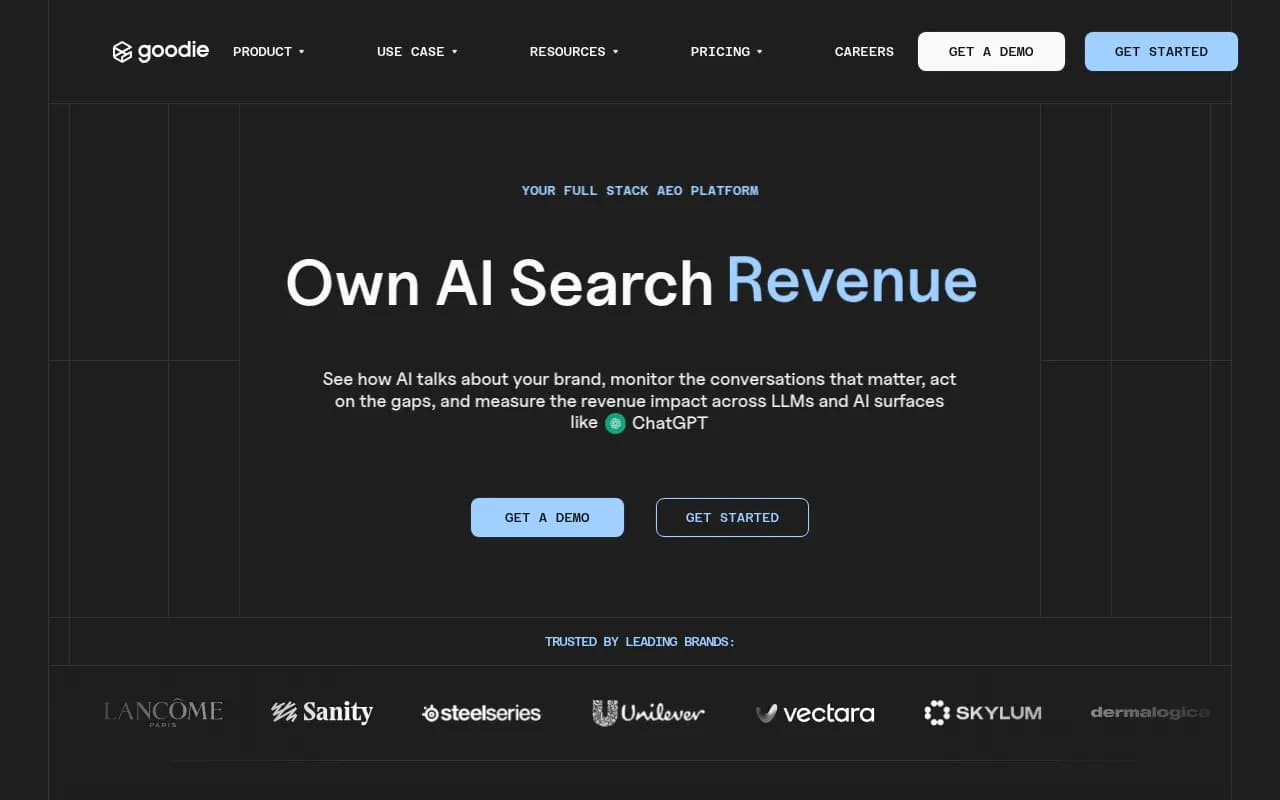
| Goodie | AI visibility with shopping assistant coverage | Worth a look for retail catalogs |
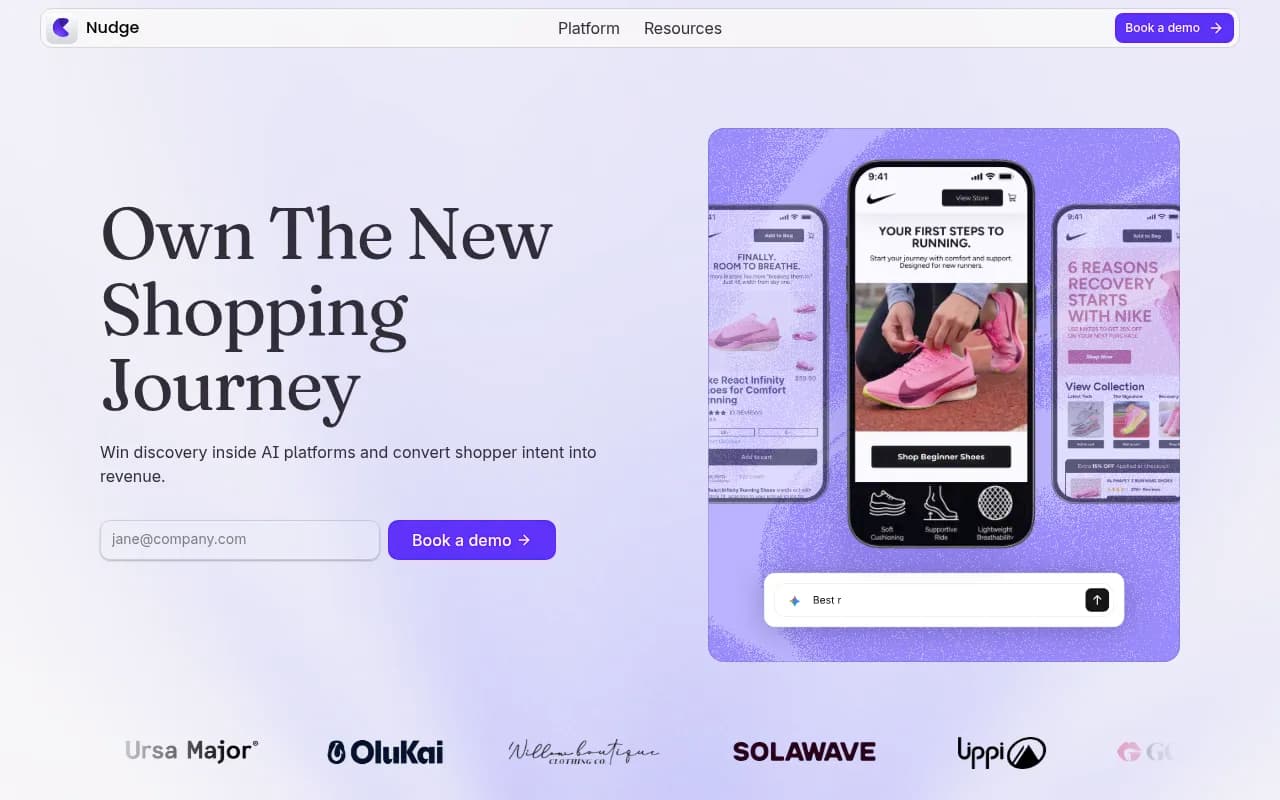
| Nudge | Agentic commerce with AEO tooling | Aimed at commerce teams |
| Schema App | Structured data for AI understanding | Helps with Product markup on your own site |
| Screaming Frog SEO Spider | Crawling your own product pages for missing markup | Technical audit |
None of these will read Amazon's internal ranking logic, because nobody outside Amazon can. What they give you is a repeatable record of what shoppers are shown.
A weekly routine that holds up
- Monday: run your 30 to 60 prompts on the app and log results.
- Midweek: fix one class of listing problem, such as missing attributes on your top 20 ASINs.
- Friday: re-run the prompts you touched and compare with your log.
- Monthly: add new prompts from fresh reviews and questions, and retire ones that no longer matter.
Change one thing at a time where you can. If you rewrite titles, add A+ Content, and cut prices in the same week, you will learn nothing about which helped.
Common mistakes
- Testing only with your own logged-in account, where purchase history skews results.
- Treating one answer as the truth. Ask the same prompt a few times and across surfaces.
- Relying on unsourced statistics from vendor blogs to justify budget.
- Ignoring inaccurate summaries. A wrong spec in an AI answer costs sales quietly.
- Skipping the Echo Show. Voice and touch together is a different experience from the app.
Bottom line
Alexa for Shopping turned voice shopping into a conversation over the whole Amazon catalog. Amazon has told us what the assistant does but not how it chooses. So audit it the way a shopper uses it: ask real questions, record what comes back, fix the listing gaps you find, and repeat the following week. The log you build in month one is worth more than any secondhand ranking theory.