Key takeaways
- The "best" social media scheduling tool is entirely context-dependent -- what works for a solo creator will frustrate an agency, and vice versa.
- Most tools cluster into three archetypes: lightweight schedulers, full social media management suites, and developer/API-first platforms. Knowing which category you need eliminates half the market immediately.
- Pricing tiers are often misleading -- the plan that covers your channel count and team size frequently costs 2-3x the advertised entry price.
- AI features in scheduling tools range from genuinely useful (optimal send-time predictions, caption drafting) to marketing fluff. Ask for specifics before you pay.
- A short free trial with real content is worth more than any feature comparison table, including this one.
There are roughly 40+ social media scheduling tools on the market right now. Some are built for solo creators posting three times a week. Others are built for enterprise teams managing 50 brand accounts across 10 countries. A few are essentially developer infrastructure with a thin UI bolted on.
The problem isn't a shortage of options. The problem is that most buying guides just list features without helping you figure out which features you actually need. So you end up trialing four tools, getting confused by overlapping capabilities, and eventually picking whichever one had the best onboarding email.
This guide takes a different approach. Instead of ranking tools by arbitrary scores, it gives you a seven-question framework to evaluate any scheduler against your specific situation. Work through the questions, and the right tool will become obvious.
Question 1: How many platforms do you actually need to post to?
This sounds basic, but it's where most people go wrong. They pick a tool that supports 15 networks, pay for that breadth, and then post to three of them.
Be honest. Write down every platform where you're actively publishing content right now -- not platforms you're "planning to try." For most small businesses and creators, that list is four to six: Instagram, Facebook, LinkedIn, X (Twitter), and maybe TikTok or YouTube Shorts.
Why this matters: tools price their plans partly around channel count. A scheduler that covers 10 platforms at $49/month might only let you connect three accounts on the entry plan. Read the fine print on account limits, not just platform support.
A few specific scenarios worth calling out:
- If you're heavy on text-first platforms (X, Bluesky, Threads, Mastodon), a general-purpose scheduler may handle these poorly. Threading support, character-count management, and cross-posting between these networks is genuinely different from image-first platforms.
- If TikTok and YouTube Shorts are central to your strategy, check whether the tool supports direct video publishing or just reminders. Many still require manual upload for short-form video.
- If Pinterest is a significant traffic driver for your business, it's often an afterthought in scheduling tools. Verify native support before committing.
Question 2: Are you a solo operator, a small team, or an agency?
Your team structure determines which features matter and which are noise.
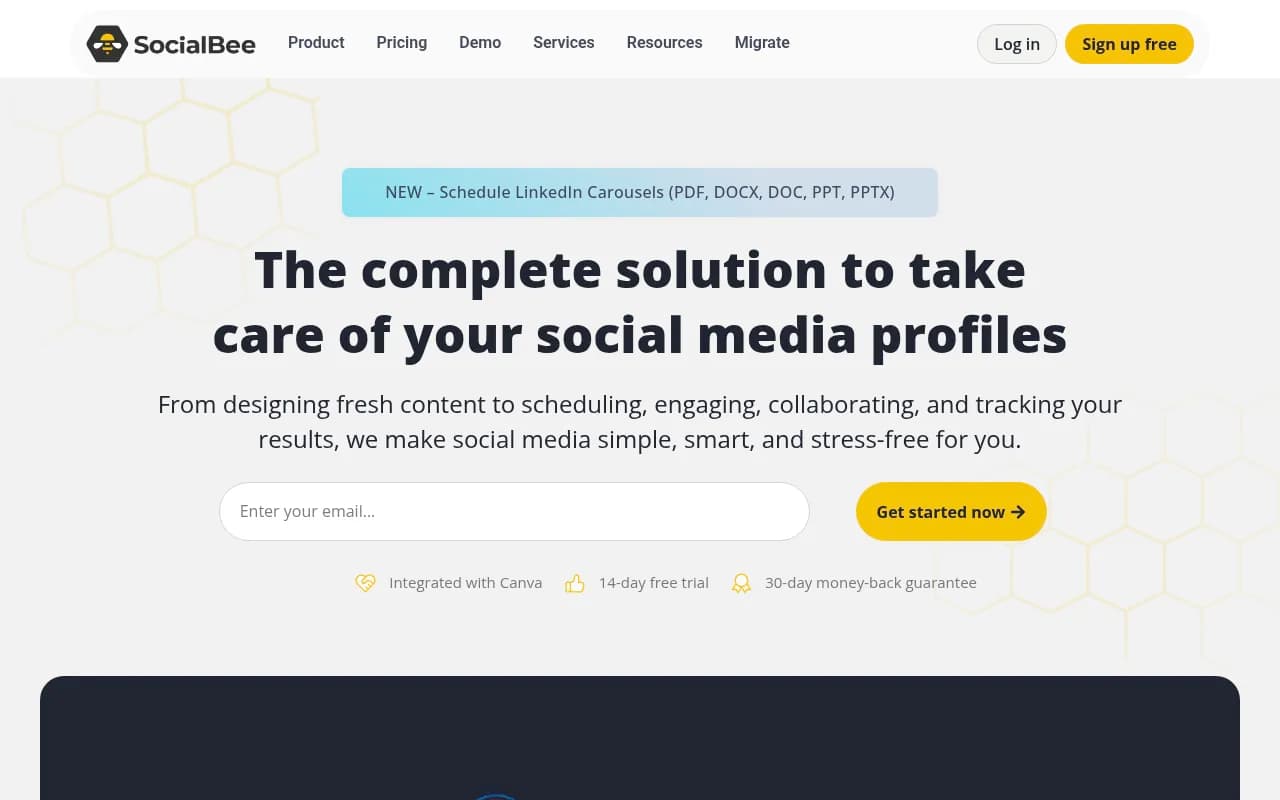
Solo creators and small businesses need simplicity above everything. A clean content calendar, a queue system, and basic analytics are enough. Tools like Buffer and SocialBee are genuinely good here -- they don't overwhelm you with features you'll never use.
Small-to-medium marketing teams need collaboration features: draft approvals, role-based permissions, shared content libraries, and comment threads on posts. Without these, you end up with three people accidentally publishing to the same account or a manager who can't review content before it goes live.
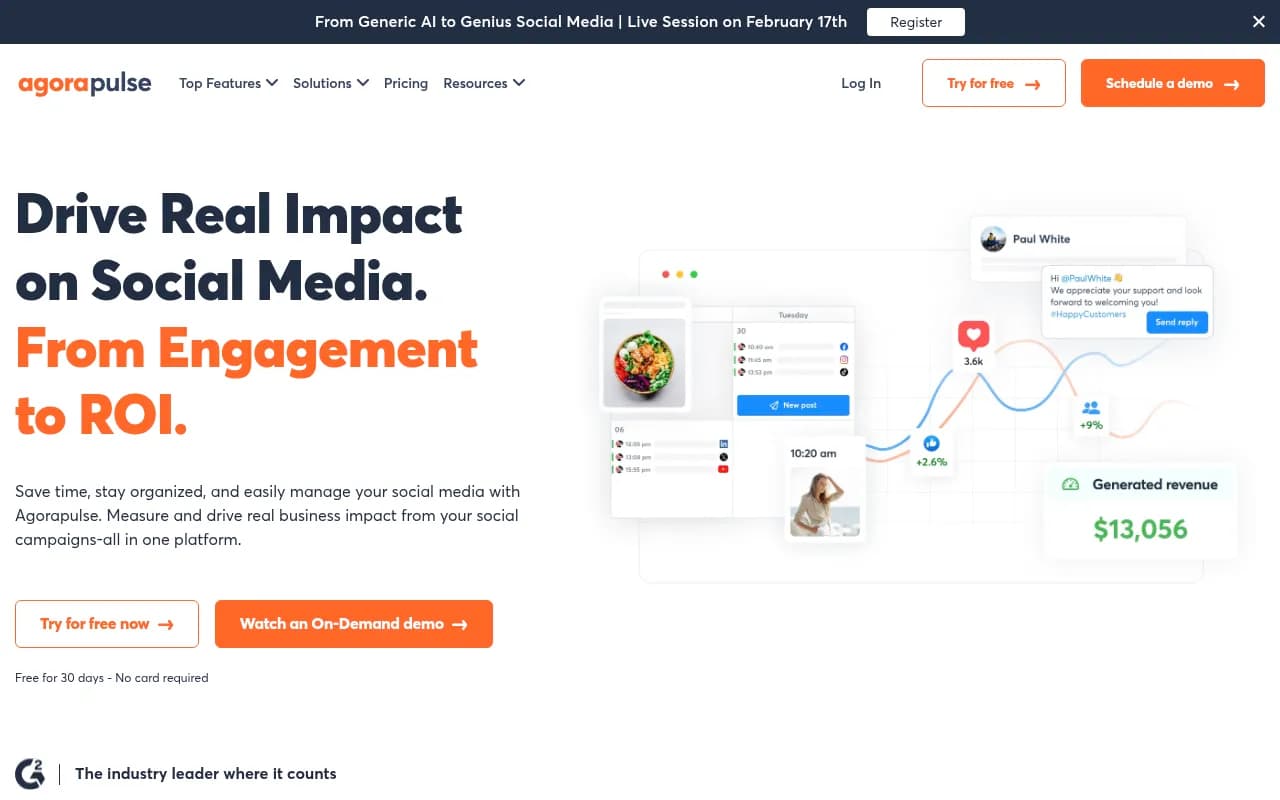
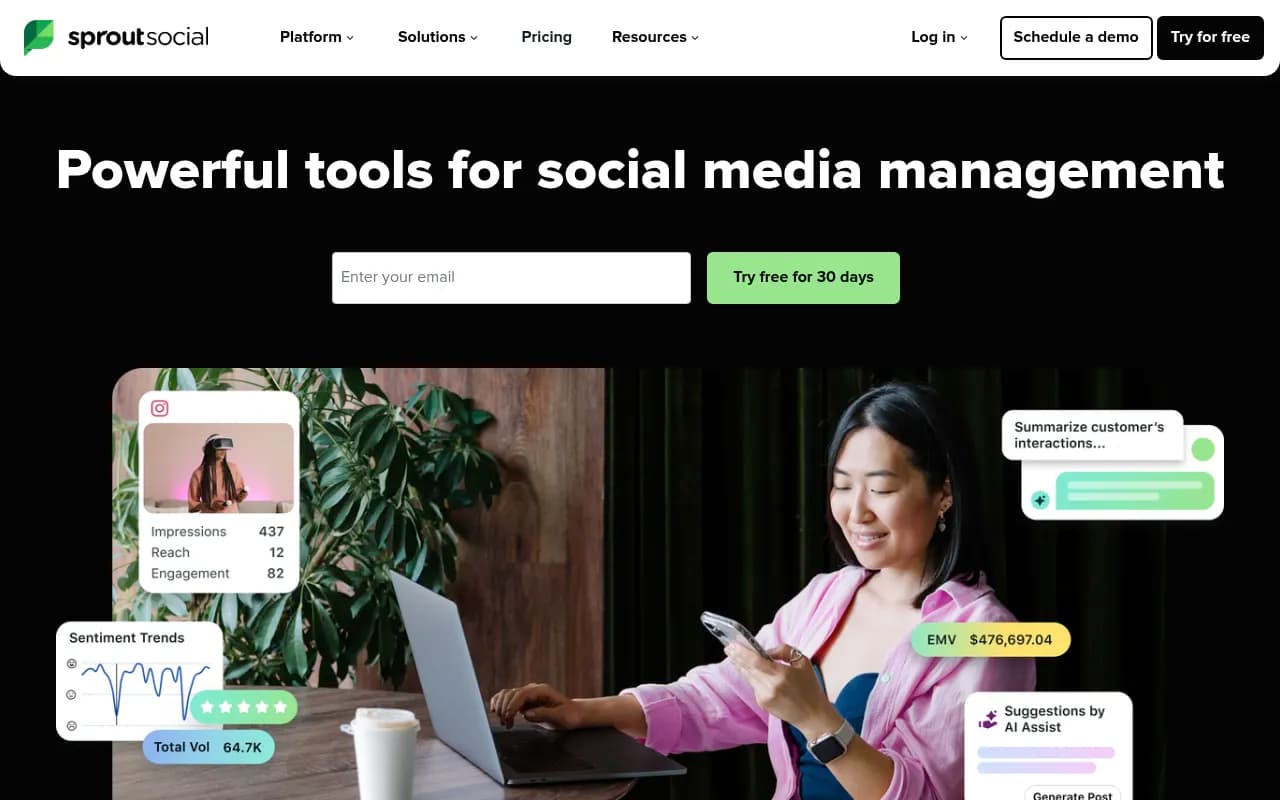
Agencies have a completely different set of requirements. You need white-label reporting, client-facing dashboards, bulk scheduling across many accounts, and pricing that doesn't scale linearly with every new client you add. Tools like Agorapulse and Sprout Social are built with this in mind.
One thing agencies often underestimate: inbox management. If you're managing community engagement on behalf of clients, a unified inbox that pulls comments, DMs, and mentions across all platforms into one place saves hours every week. Not every scheduler includes this -- and the ones that do vary significantly in quality.
Question 3: What does your content workflow actually look like?
There's a difference between "I write captions in Google Docs, then copy-paste them into a scheduler" and "I need a full content calendar with campaign tagging, asset libraries, and multi-step approval flows."
Map your actual workflow before evaluating tools. Ask:
- Where does content originate? (Briefs, AI drafts, a creative team, a freelancer?)
- Who approves content before it publishes?
- How far in advance do you plan? (One week? One month? A full quarter?)
- Do you repurpose content across platforms, or create platform-native posts each time?
If your workflow is simple, a simple tool is the right answer. Paying for enterprise-grade workflow features you'll never use is just waste.
If repurposing is central to your strategy -- say, turning a LinkedIn article into five tweets, three Instagram captions, and a Threads thread -- look specifically at how each tool handles content transformation. Some do this well with AI-assisted reformatting. Others just let you duplicate a post and edit it manually, which isn't much of a time-saver.
Question 4: How important is analytics, and what level do you need?
Every scheduling tool includes analytics. The range is enormous.
At the basic end: follower growth, post reach, likes, and comments. Useful for a gut-check but not much else.
At the mid-tier: engagement rate by post type, best-performing content, optimal posting times based on your audience's activity. This is where most tools in the $30-$100/month range sit.
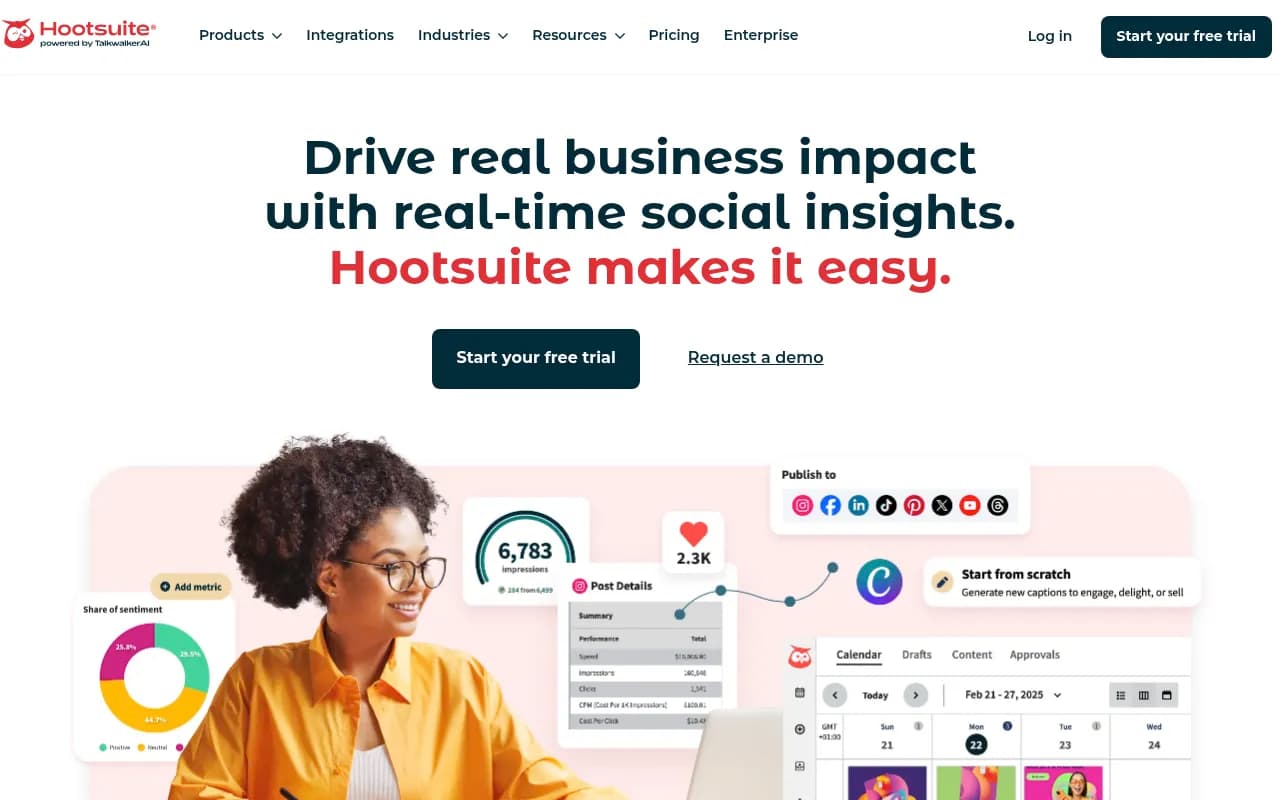
At the advanced end: cross-channel attribution, competitor benchmarking, custom report builders, and the ability to export data into your own dashboards. This is Sprout Social and Hootsuite territory -- and the price reflects it.
Be honest about what you'll actually use. If you're a solo creator, you probably don't need a custom report builder. If you're presenting monthly performance reports to a CMO or to clients, you do.
One specific thing to check: does the tool show you analytics for organic and paid content together, or only organic? If you're running paid social alongside your organic strategy, unified reporting saves significant time.
Question 5: Do you need AI features, and which ones are actually useful?
Every tool in 2026 claims to have AI. Most of that claim is true in the narrowest possible sense. Here's how to separate the genuinely useful from the marketing copy:
Optimal send-time recommendations are broadly useful and most tools do this reasonably well. The algorithm analyzes when your specific audience is most active and suggests posting windows. This is worth having.
AI caption drafting varies wildly in quality. Some tools generate captions that sound like they were written by a robot reading a marketing textbook. Others produce drafts that are actually a decent starting point. The only way to evaluate this is to test it with your actual content. Ask for a trial and run 10 real posts through the AI before committing.
Hashtag suggestions are mostly noise at this point. Hashtag strategy on most platforms has become less important than it was three years ago. Don't pay a premium for this feature.
Content repurposing AI -- taking a long-form piece and generating platform-specific variations -- is genuinely useful if it works well. Test this specifically if repurposing is part of your workflow.
Predictive performance scoring (predicting how well a post will perform before you publish it) exists in a few tools. The accuracy is inconsistent, but it can be useful as a sanity check.
Question 6: What's your real budget, including the plan you'll actually need?
The advertised entry price is almost never the price you'll pay.
Here's the pattern: a tool advertises "$15/month" in headlines. That plan covers one user, three social accounts, and 30 scheduled posts. You need three users, eight accounts, and unlimited scheduling. The plan that covers your actual needs is $89/month.
Before shortlisting any tool, do this exercise: take your real requirements (number of accounts, number of users, posting volume, features you need) and find the specific plan tier that covers all of them. That's your actual price.
A rough market map for 2026:
| Tool type | Typical price range | Best for |
|---|---|---|
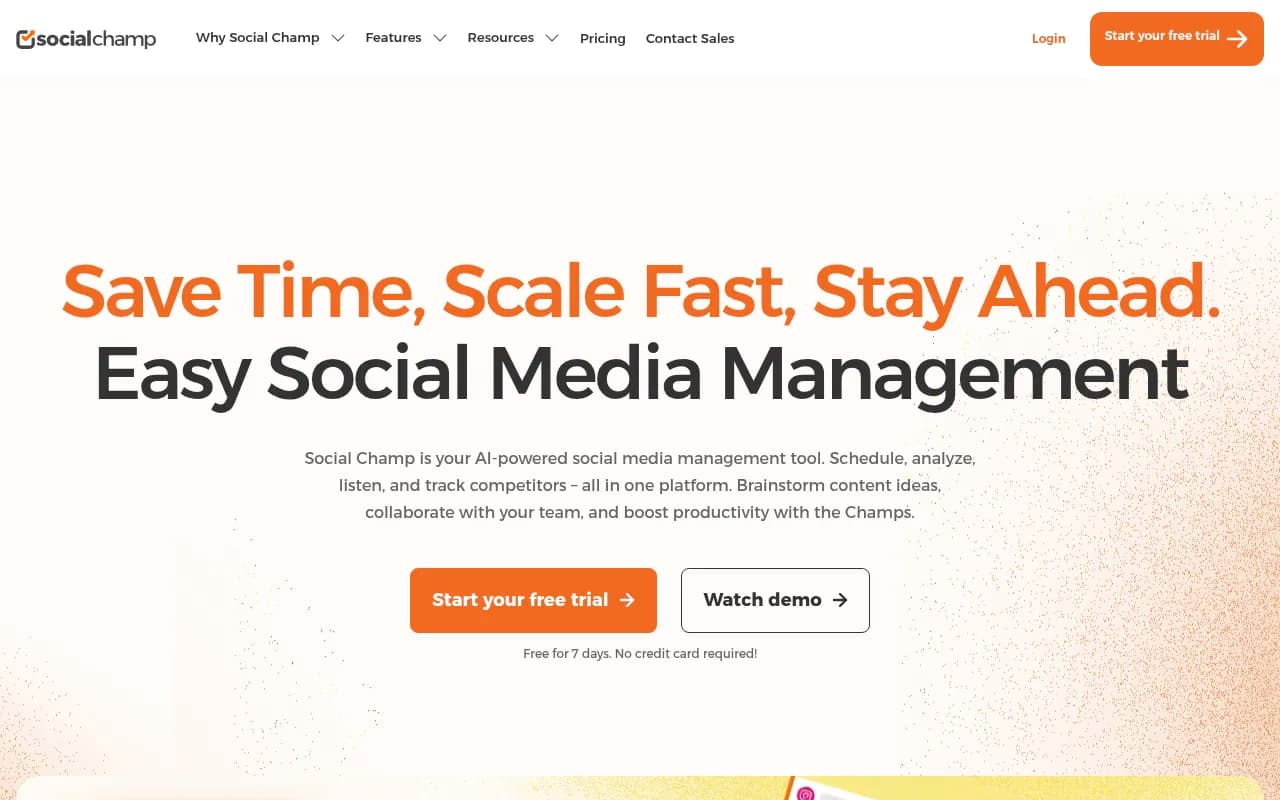
| Lightweight schedulers (Buffer, Social Champ) | $6-$25/month | Solo creators, small businesses |
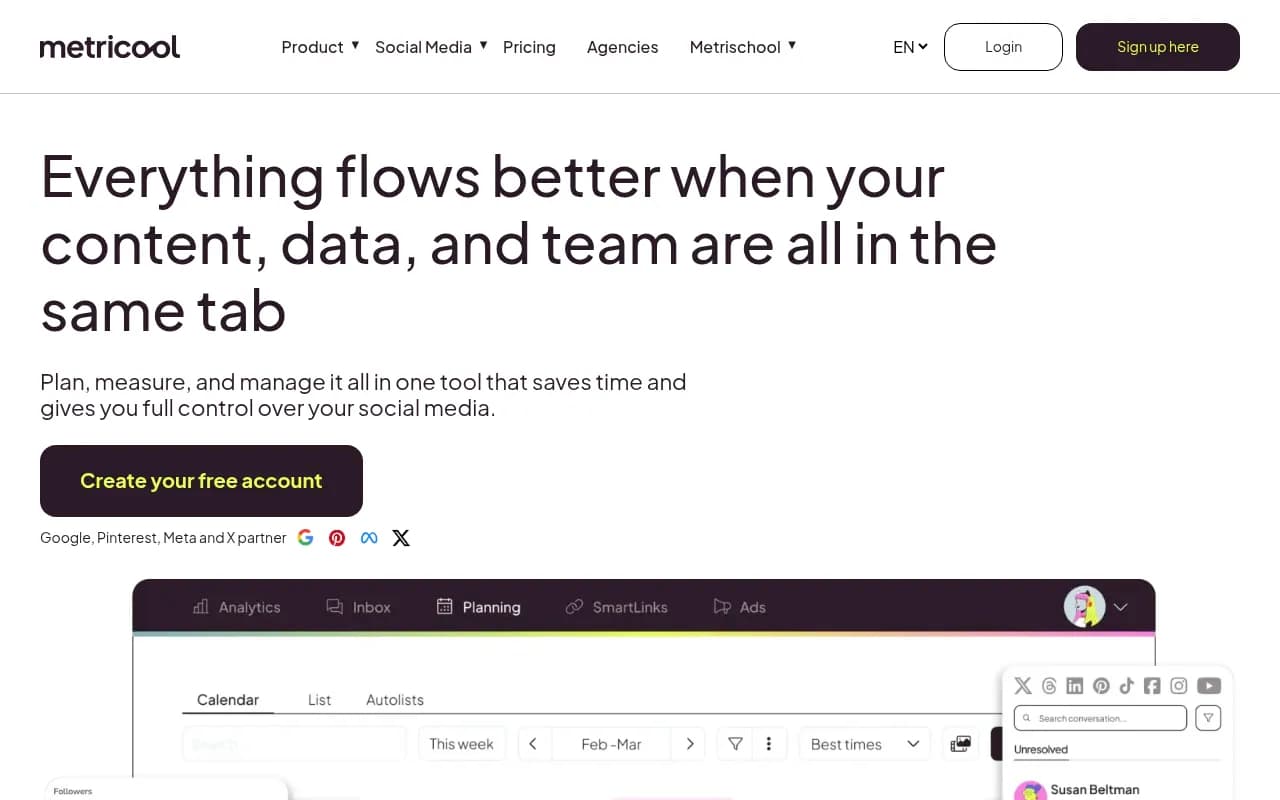
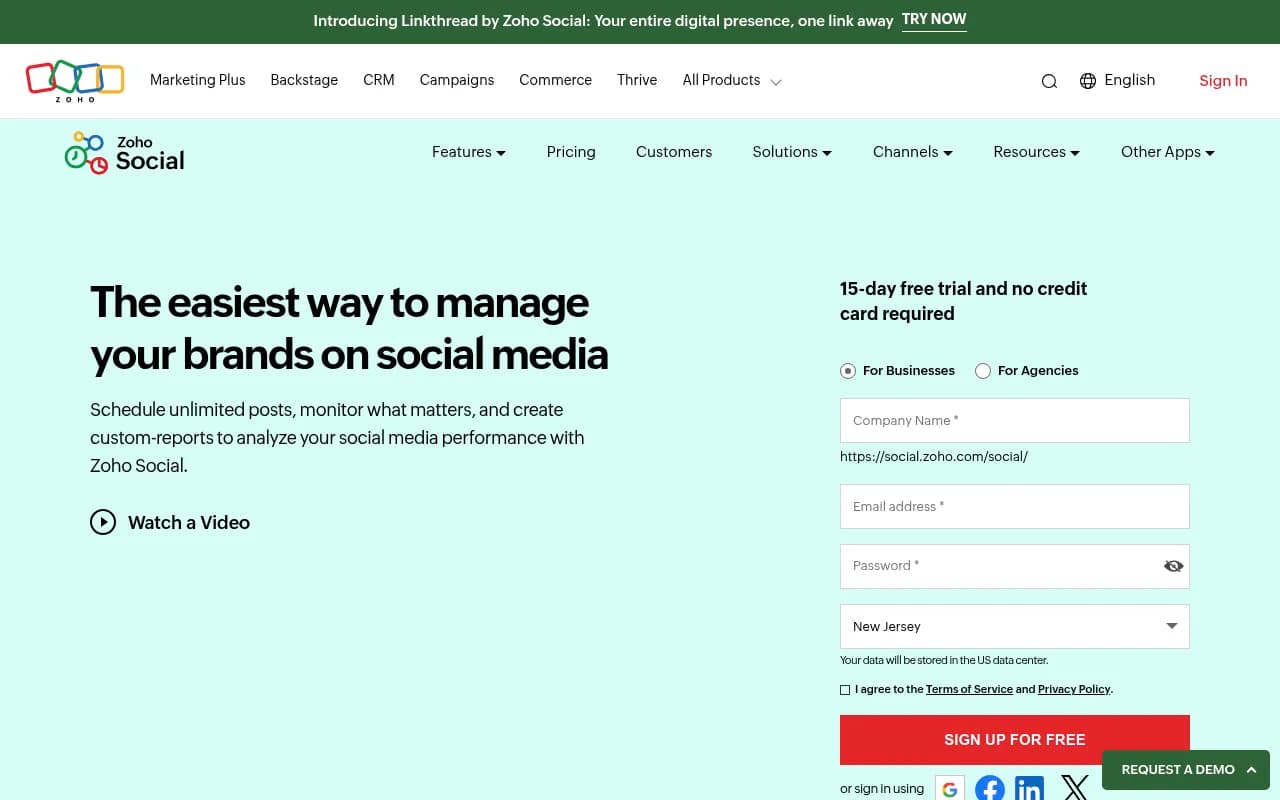
| Mid-tier suites (Metricool, SocialBee, Zoho Social) | $25-$80/month | Small teams, growing businesses |
| Full management platforms (Agorapulse, Hootsuite) | $80-$200/month | Agencies, mid-market teams |
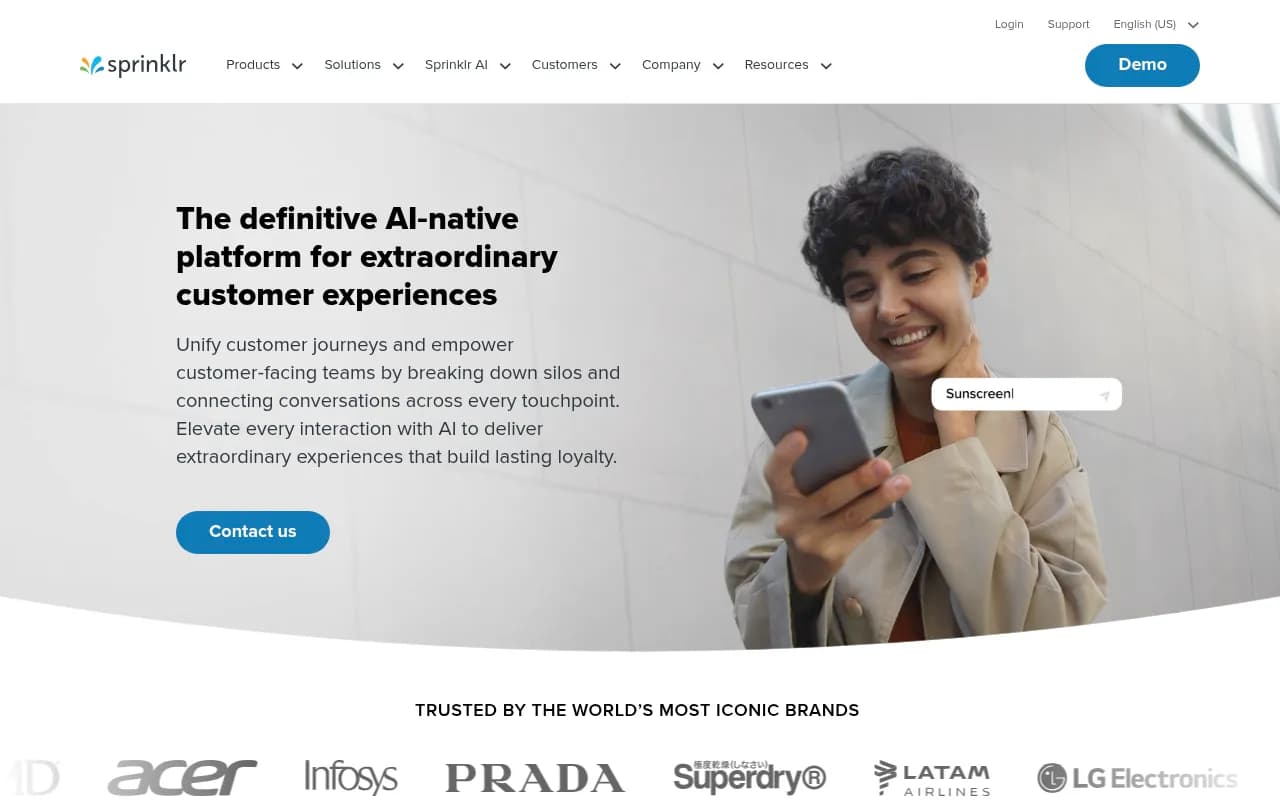
| Enterprise suites (Sprout Social, Sprinklr) | $200-$500+/month | Large teams, enterprise brands |
| API-first/developer tools | Usage-based or custom | Developers, SaaS builders |
Annual billing typically saves 15-25% across the board. If you're confident in a tool after a trial, the annual plan is usually worth it.
Question 7: What does the tool NOT do well?
This is the question most buying guides skip entirely. Every tool has real weaknesses. Knowing them upfront saves you from discovering them six months into a paid subscription.
A few honest observations about common tools:
Hootsuite has been the default enterprise choice for years, but its interface is genuinely dated and many users find it clunky compared to newer alternatives. Its pricing has also increased significantly, which has pushed many mid-market teams to look elsewhere.
Sprout Social is excellent but expensive. The analytics and collaboration features are best-in-class, but the entry price puts it out of reach for most small businesses and solo operators.
Buffer is clean and easy to use, but its analytics are thin compared to competitors at similar price points. If data-driven decisions are central to your strategy, you may outgrow it quickly.
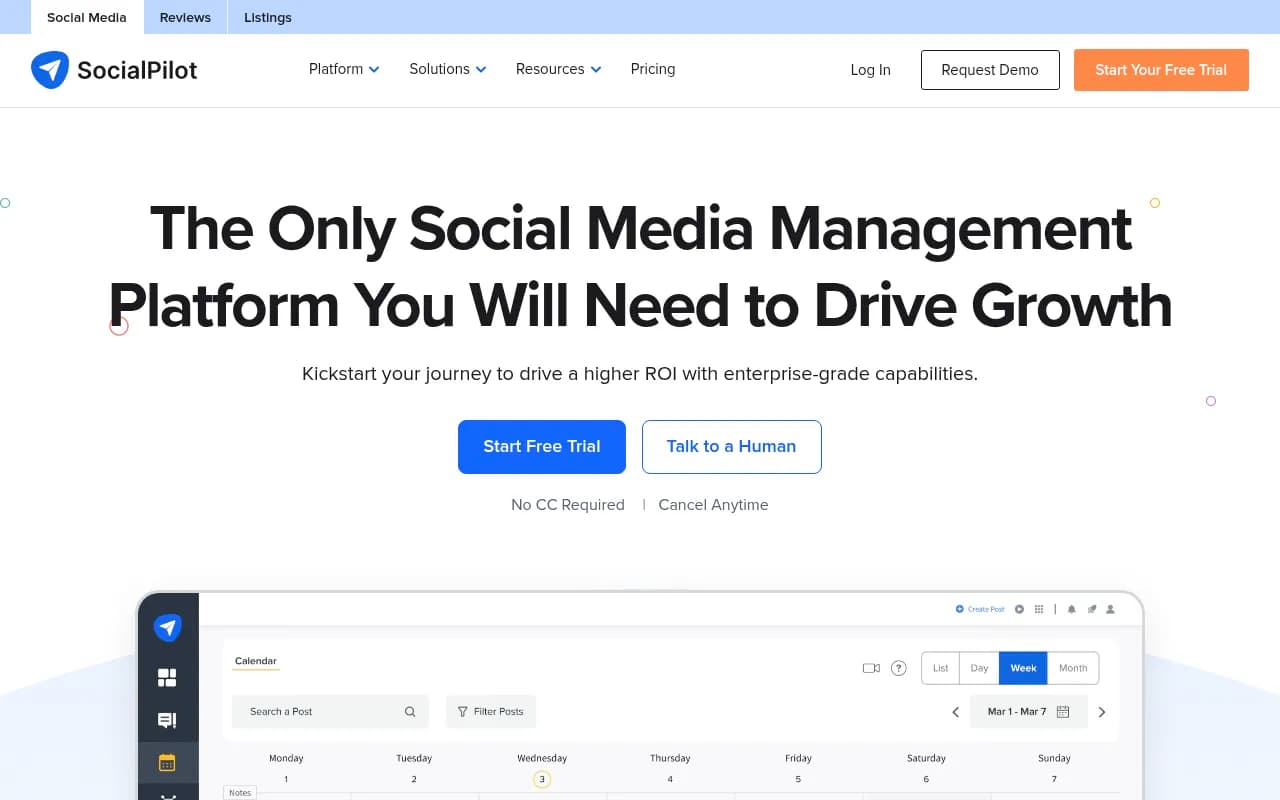
SocialPilot is a solid agency-focused option with competitive pricing, but its UI has historically been less polished than some competitors.
The best way to surface a tool's weaknesses before you buy: read the 1-3 star reviews on G2 or Capterra, specifically filtering for reviews from people in your role. The complaints from a solo creator and an agency manager will be completely different, and you want the ones that match your situation.
Putting the framework together
Work through the seven questions in order. By the time you finish, you should have a shortlist of two or three tools rather than a list of twenty.
Here's a quick decision tree based on the most common profiles:
Solo creator or small business, simple needs, tight budget: Start with Buffer or Social Champ. Both have free tiers worth testing.
Small marketing team that needs collaboration and approvals: Look at Agorapulse or SocialBee. Both handle team workflows without the enterprise price tag.
Agency managing multiple clients: Agorapulse, SocialPilot, or Hootsuite depending on your client count and reporting needs. Prioritize white-label reporting and client access controls.
Enterprise brand with complex workflows: Sprout Social or Sprinklr Social. Budget accordingly.
Developer or technical team building a product: Look at API-first platforms that offer unified social API access rather than a traditional dashboard.
One thing most guides don't mention: the hidden cost of switching
Choosing the wrong tool has a real cost beyond the subscription fee. When you switch platforms, you lose your historical analytics data (most tools don't export it cleanly), you have to rebuild your content queue, and your team has to learn a new interface. That's a full week of productivity, minimum.
This is why the free trial matters so much. Don't just click around the demo. Import your actual content calendar, schedule real posts, run the analytics on your existing accounts, and have your team use it for two weeks. The friction points that would have annoyed you for months will show up in the first few days of real use.
The right tool is the one your team will actually use consistently -- not the one with the longest feature list or the most impressive demo.
A note on AI-assisted content creation alongside scheduling
Scheduling tools handle distribution. They don't replace the need for good content. If content creation is a bottleneck for your team, consider pairing your scheduler with a dedicated AI writing tool for drafting captions, generating content ideas, or repurposing long-form content into social posts.
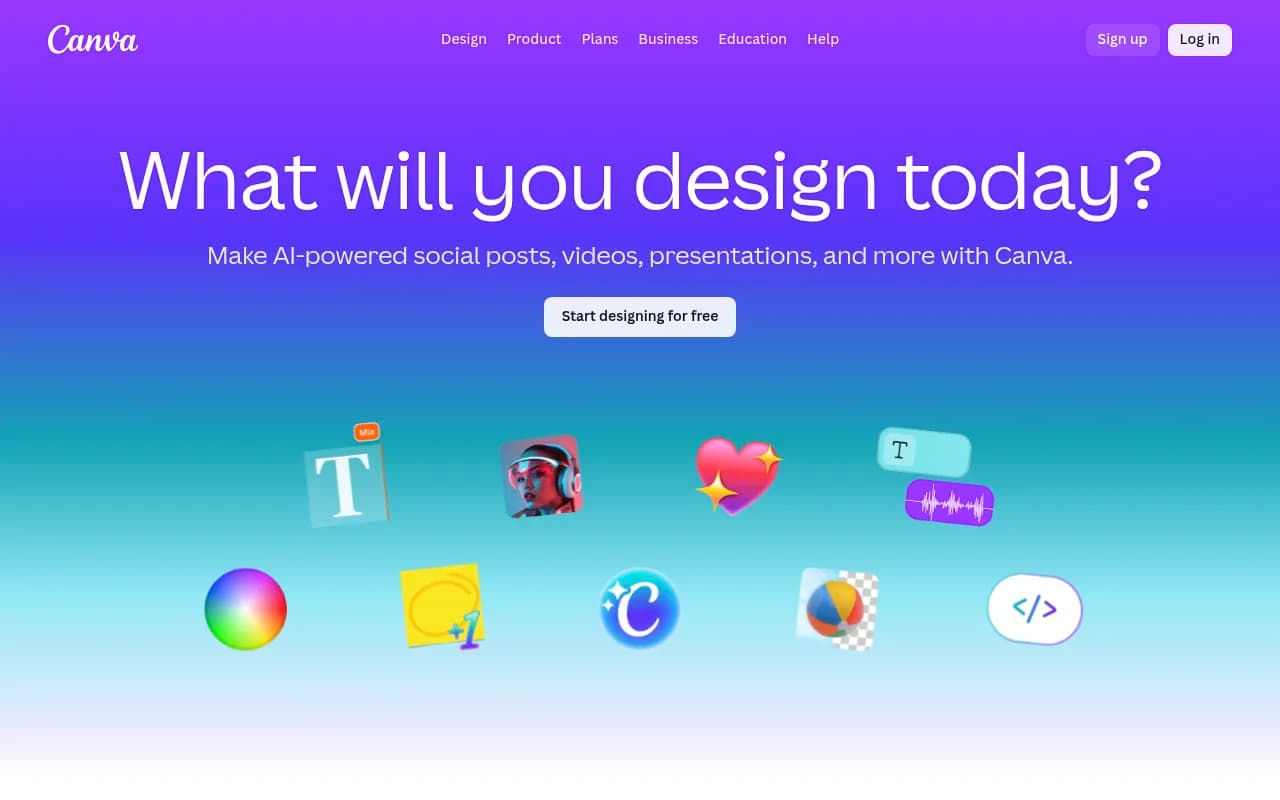
Tools like Canva also integrate directly with several schedulers, letting you design and schedule from a single workflow.
The combination of a solid scheduler and a good content creation tool is usually more effective than trying to find one platform that does both adequately.