Key takeaways
- Most social media schedulers include some analytics, but there's a huge gap between tools that show you vanity metrics and tools that help you understand why something worked.
- Sprout Social and Hootsuite lead on depth and reporting, but they're expensive. Buffer and Metricool punch well above their price points for analytics quality.
- SocialBee and SocialPilot are strong mid-tier options if you want scheduling-first with decent reporting built in.
- Agorapulse is underrated for teams that need ROI reporting tied to social activity.
- The best analytics setup for most teams in 2026 combines a solid scheduler with a separate social listening layer for full coverage.
Scheduling posts is the easy part. Every tool on the market can queue up content and publish it at the right time. The harder question is: after you've posted 40 pieces of content this month, do you actually know what moved the needle?
Most schedulers give you a dashboard full of numbers. Impressions, reach, likes, follower growth. That's fine as a starting point, but it doesn't tell you whether your Tuesday carousel outperformed your Thursday video because of the format, the topic, the caption length, or just the time of day. The tools that answer that question are worth paying for. The ones that just show you a bar chart of likes are not.
This guide focuses specifically on the analytics side of social media scheduling tools. Which platforms give you genuinely useful data, which ones are mostly noise, and how to think about what you actually need.
What good social media analytics actually looks like
Before comparing tools, it's worth being specific about what separates useful analytics from dashboard theater.
Vanity metrics are easy to find everywhere: total impressions, total followers, total likes. They feel good to look at but rarely help you make a better decision next week.
Useful analytics answer questions like:
- Which content formats (video, carousel, static image, text) get the most engagement on each platform?
- What posting times actually drive more reach for your audience, not some generic recommendation?
- Which posts drove link clicks or website traffic, not just engagement?
- How does your performance compare to competitors or industry benchmarks?
- Which content topics or themes consistently outperform others?
- What's the trend over time -- is your engagement rate improving or slowly declining?
The tools below are ranked roughly by how well they answer these questions, not just by how many metrics they display.
The tools worth considering in 2026
Sprout Social
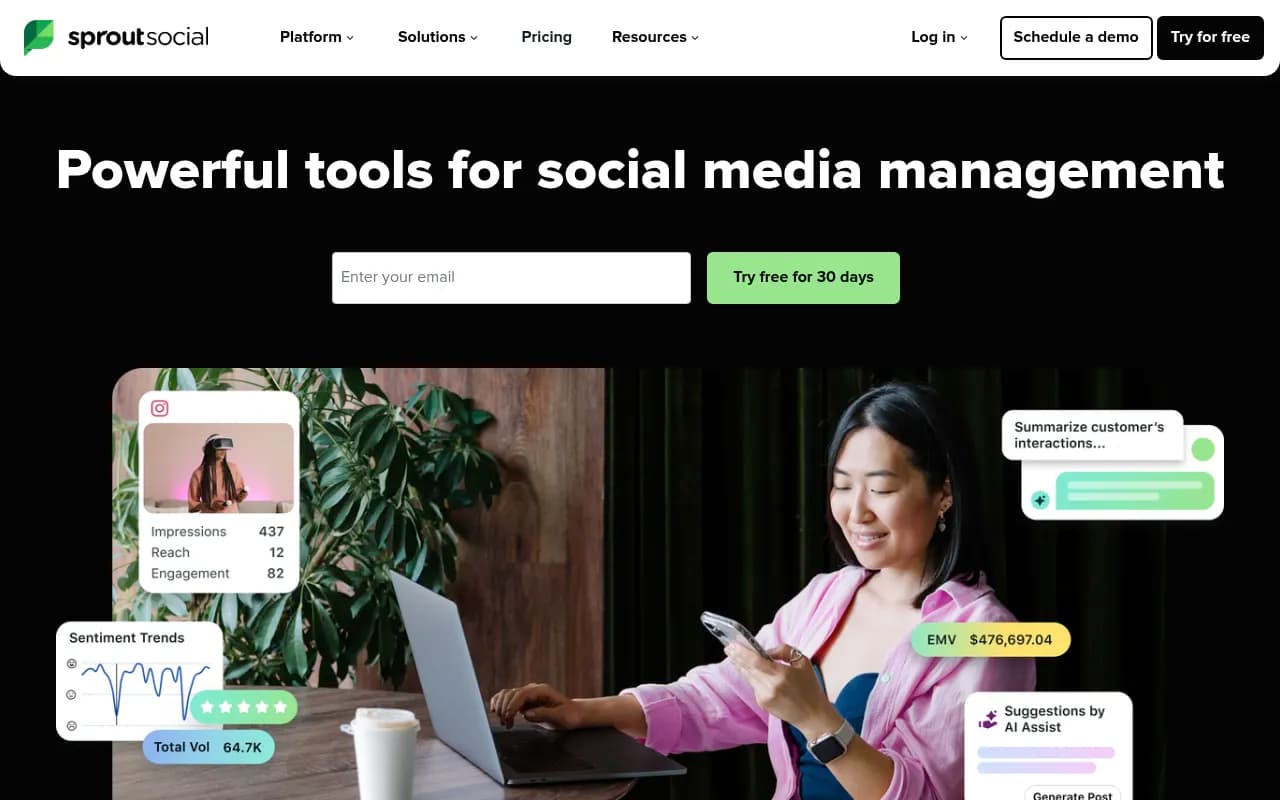
Sprout Social is the most analytics-heavy scheduler on this list. Its reporting goes well beyond post-level metrics into audience demographics, competitor benchmarking, paid vs. organic performance breakdowns, and cross-channel attribution. The "Premium Analytics" tier adds custom report builders and presentation-ready exports that agencies and enterprise teams actually use.
What makes Sprout's analytics stand out is the combination of depth and usability. You can drill into a specific campaign, filter by tag, compare time periods, and export a clean PDF for a client -- all without a data analyst. The listening add-on (sold separately) adds sentiment tracking and brand mention monitoring across the web.
The downside is price. Sprout Social starts at $249/month per seat, and the analytics features you actually want often require higher tiers. For a solo marketer or small team, it's hard to justify.
Hootsuite
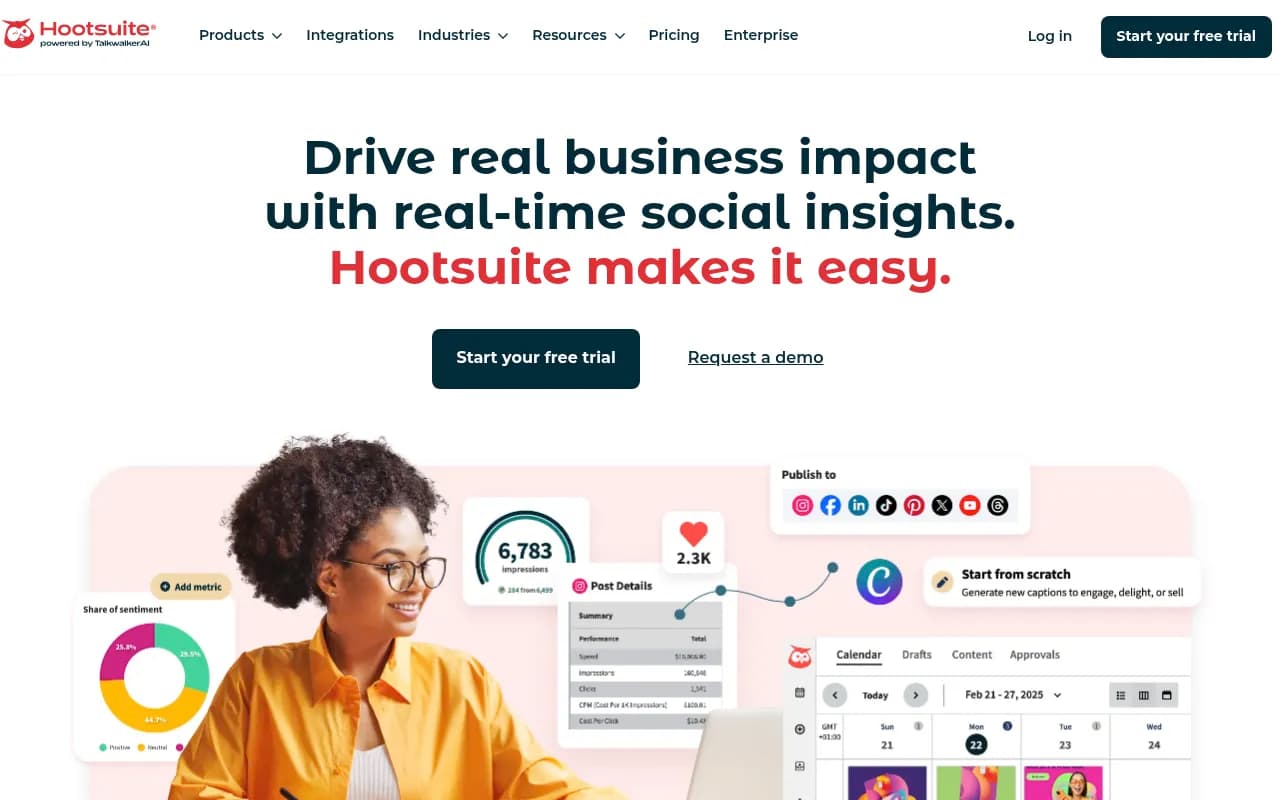
Hootsuite has been around long enough that people sometimes dismiss it as legacy software, but its analytics have genuinely improved. The current version includes cross-network performance reports, best time to post recommendations based on your historical data, and a benchmarking feature that compares your metrics against industry averages.
The "Impact" reporting feature is particularly useful -- it connects social activity to website traffic and conversions via UTM tracking, which is something a lot of schedulers still don't do well. You can see which posts actually drove people to your site, not just which ones got the most likes.
Pricing starts at $99/month, which is more reasonable, though the analytics features worth having tend to sit in the Business tier at $249/month.
Buffer
Buffer is the simplest tool on this list, and that's not a criticism. For creators and small teams, Buffer's analytics are clean, fast to read, and focused on what matters: which posts performed best, what times work for your audience, and how your follower count is trending.
The "Analyze" module (available on paid plans) adds more depth: engagement rate by post type, audience demographics, and a "boosted posts" tracker for Facebook and Instagram. It's not as deep as Sprout Social, but it covers 80% of what most small teams need at a fraction of the cost.
Buffer's free plan is genuinely useful for scheduling, but analytics require a paid plan starting at $6/month per channel. For the price, the analytics quality is hard to beat.
Metricool
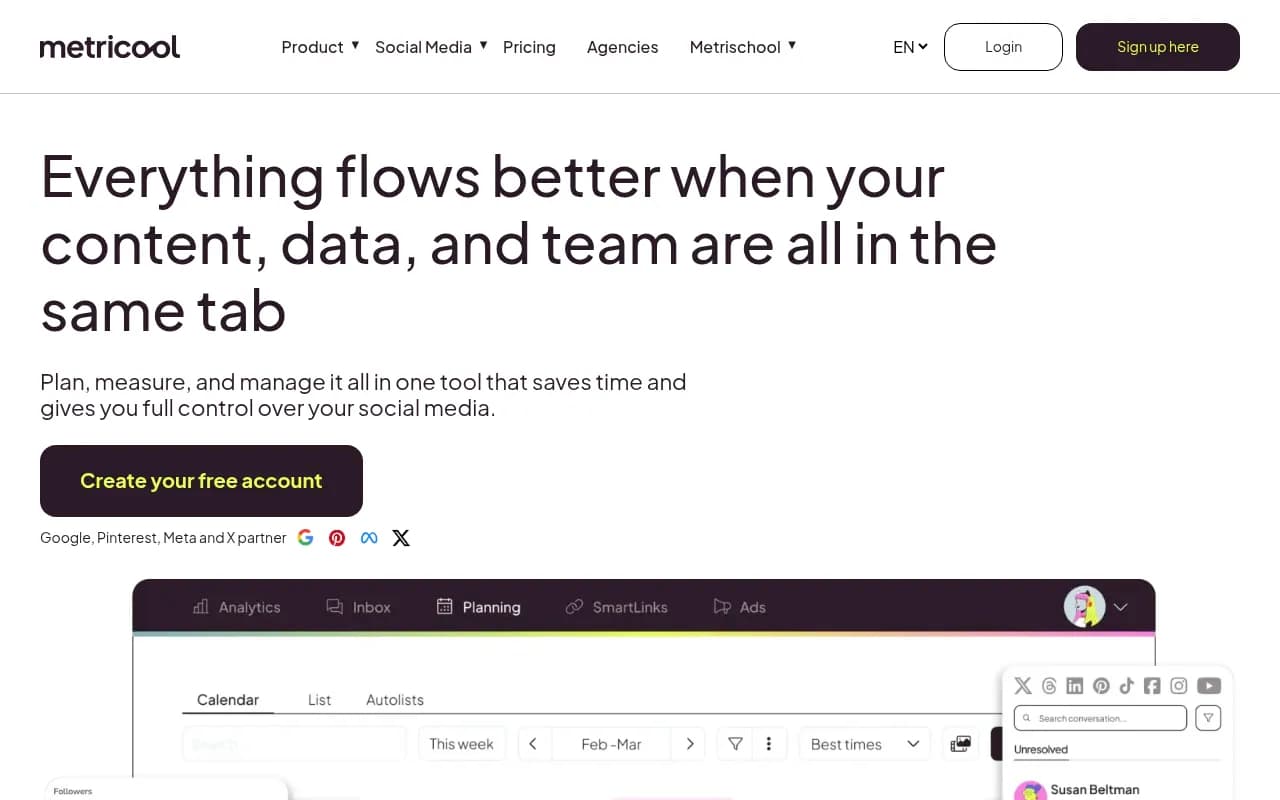
Metricool deserves more attention than it gets. Its real-time analytics dashboard is one of the cleaner implementations in this category -- you can see performance across all your connected platforms in a single view without the clutter that plagues some of the bigger tools.
What Metricool does particularly well is competitor analysis. You can track up to 100 competitor profiles (depending on your plan) and compare their posting frequency, engagement rates, and content types against your own. For a tool that starts at $22/month, that's a serious capability.
It also includes a link-in-bio analytics feature, a heatmap showing when your audience is most active, and TikTok analytics that are more detailed than most competitors offer. If you're heavily focused on Instagram and TikTok, Metricool is worth a close look.
Agorapulse
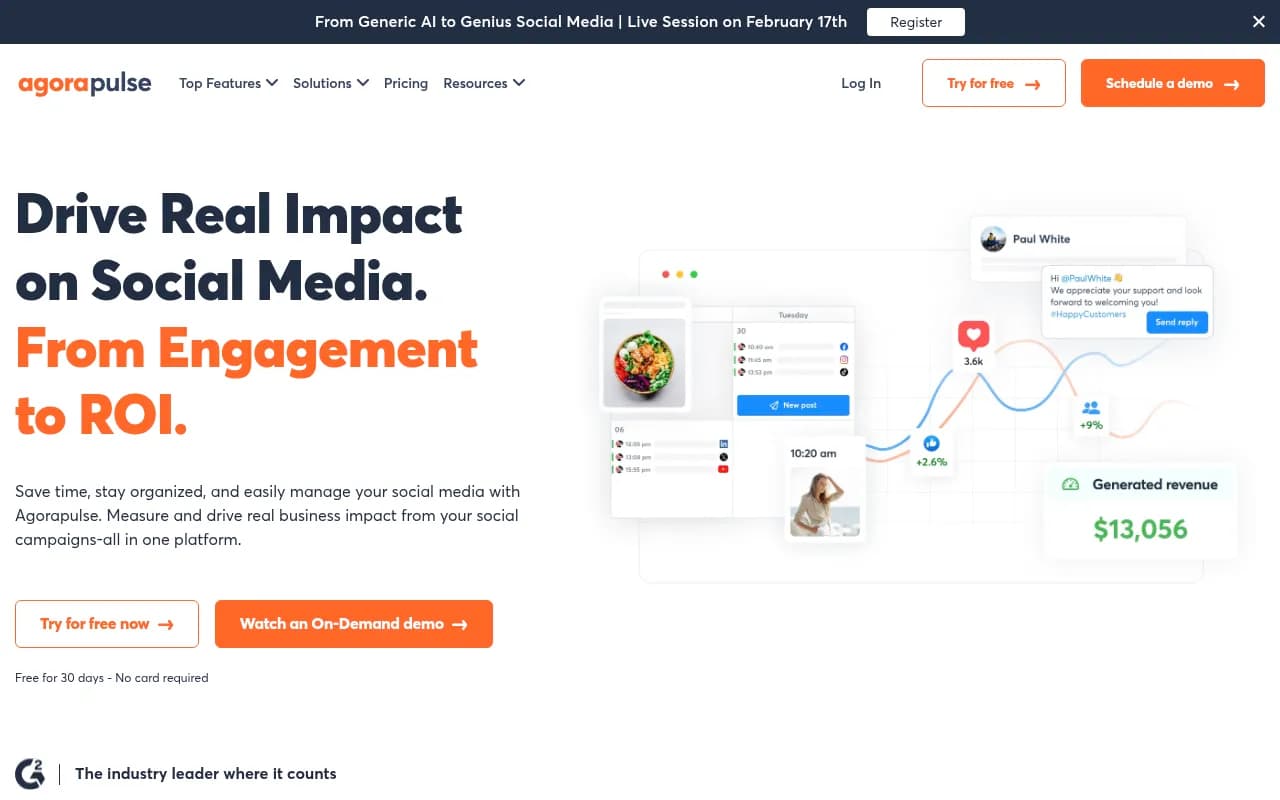
Agorapulse is often overlooked in favor of the bigger names, but its analytics have a feature that most schedulers don't: ROI reporting. It connects social media activity to Google Analytics 4 data, so you can see which posts drove website visits, conversions, and revenue -- not just engagement.
For teams that need to justify social media spend to stakeholders, this is genuinely valuable. You can show that a specific campaign drove 340 website visits and 12 conversions, rather than just reporting that it got 2,000 likes.
The unified inbox and team collaboration features are also strong, making Agorapulse a good fit for agencies managing multiple client accounts. Pricing starts at $99/month.
SocialBee
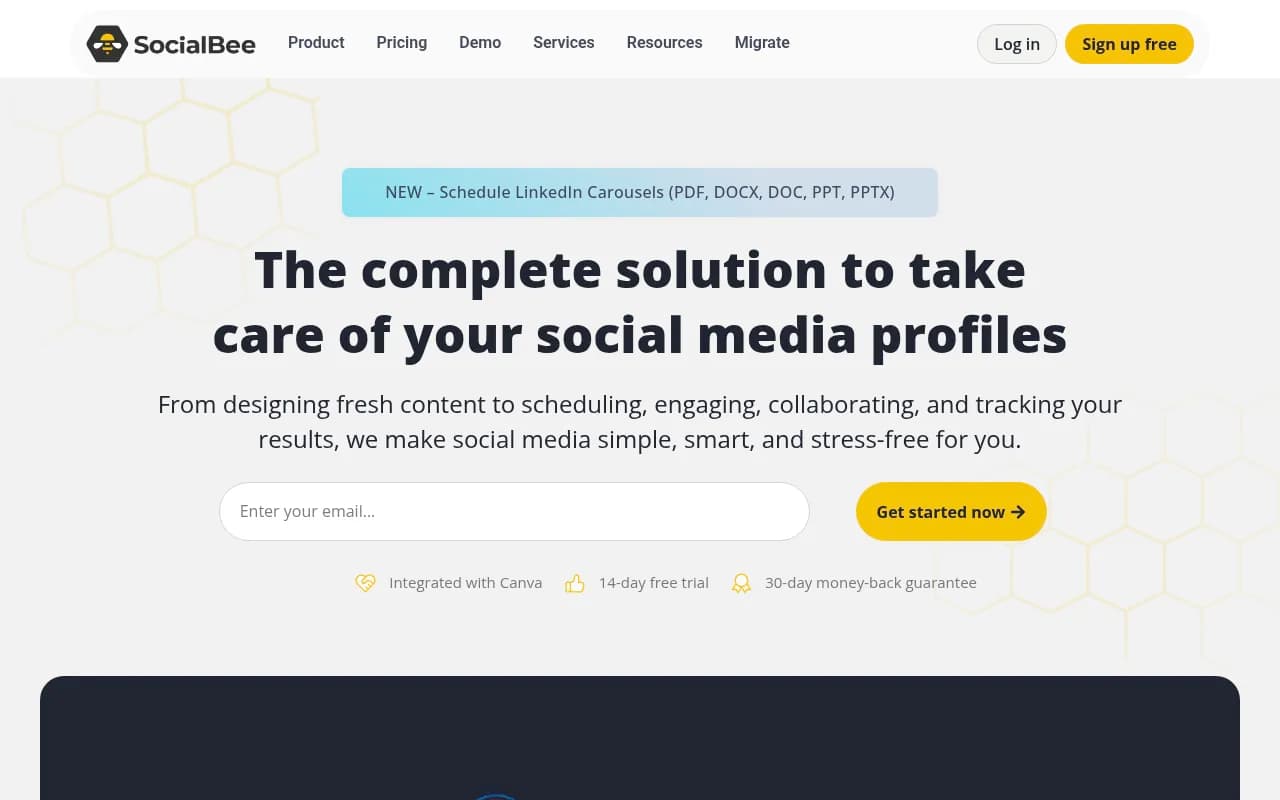
SocialBee is primarily a scheduling tool with a content recycling system that's useful for evergreen content, but its analytics have improved considerably. The current version includes post performance tracking, audience growth metrics, and a content category breakdown that shows which types of content (educational, promotional, entertaining) perform best for your audience.
It's not as deep as Sprout or Hootsuite, but for teams that use SocialBee's category-based scheduling system, the analytics integrate naturally with how you're already organizing content. Plans start at $29/month.
SocialPilot
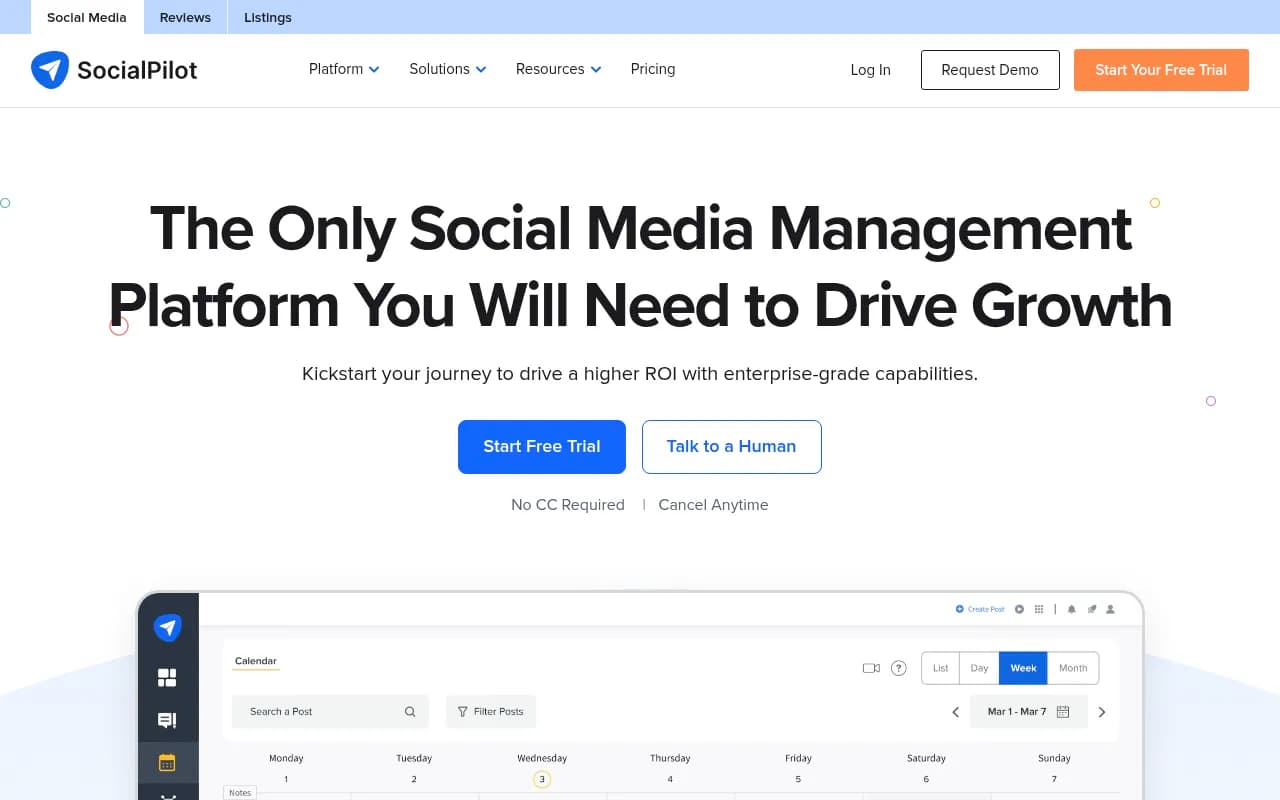
SocialPilot sits in the mid-tier alongside SocialBee. Its analytics cover the basics well: engagement metrics, audience growth, best performing posts, and PDF report exports. The white-label reporting feature makes it popular with agencies that need to send branded reports to clients.
Where SocialPilot falls short is depth. You won't get competitor benchmarking, sentiment analysis, or conversion tracking. But if you need solid scheduling with clean reporting at a reasonable price (starting at $30/month), it does the job.
Zoho Social
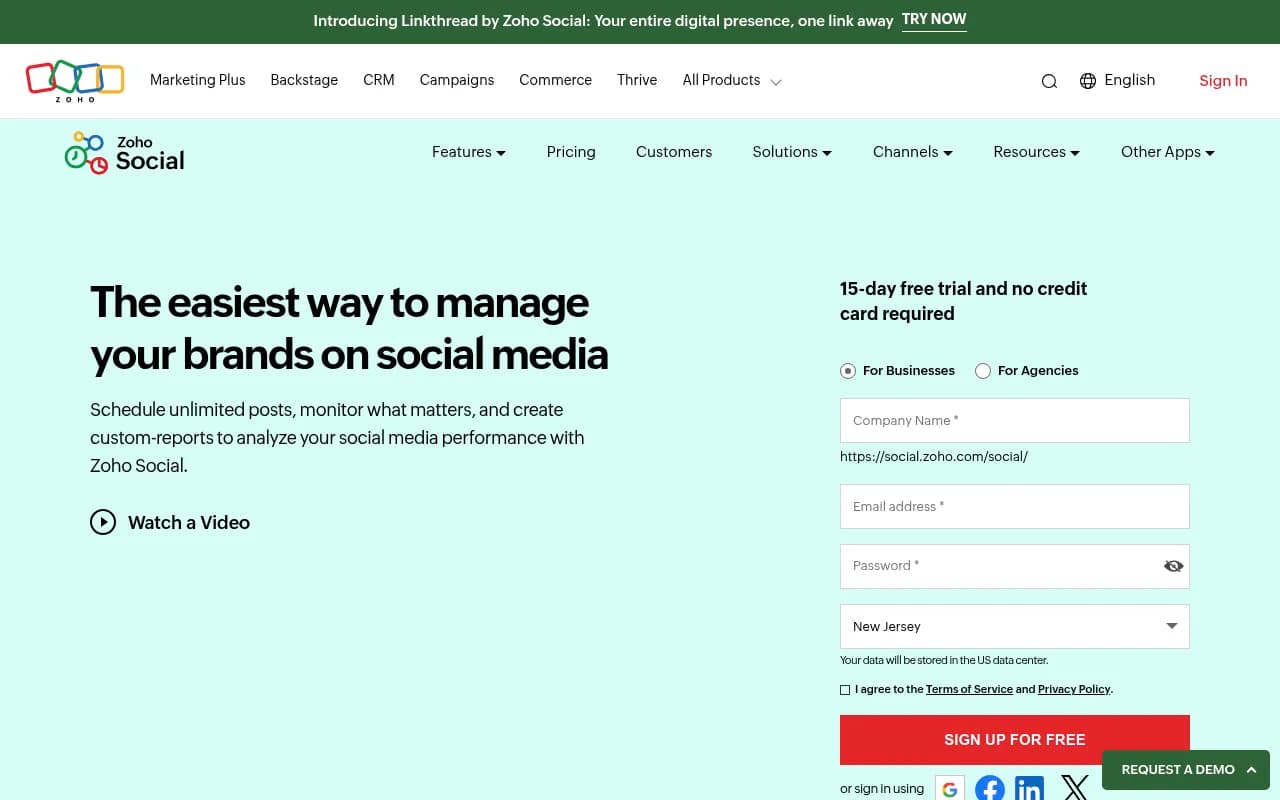
Zoho Social is worth mentioning because of its CRM integration. If your team uses Zoho CRM, the social data flows directly into contact records -- so when a lead engages with your LinkedIn post, that activity shows up in their CRM profile. For B2B teams, this is a meaningful capability that most standalone schedulers can't match.
The analytics themselves are competent but not exceptional. You get engagement reports, audience insights, and a "best time to post" feature. The real value is the ecosystem integration.
How the tools compare
| Tool | Analytics depth | Competitor tracking | Conversion/ROI tracking | Starting price | Best for |
|---|---|---|---|---|---|
| Sprout Social | Very deep | Yes | Yes (with add-ons) | $249/mo | Enterprise, agencies |
| Hootsuite | Deep | Yes (benchmarking) | Yes (Impact feature) | $99/mo | Mid-market teams |
| Agorapulse | Deep | No | Yes (GA4 integration) | $99/mo | Agencies, ROI-focused teams |
| Metricool | Good | Yes (up to 100 profiles) | Basic | $22/mo | SMBs, TikTok/Instagram focus |
| Buffer | Basic-Good | No | Basic (UTM tracking) | $6/mo/channel | Creators, small teams |
| SocialBee | Basic-Good | No | No | $29/mo | Content recycling users |
| SocialPilot | Basic | No | No | $30/mo | Agencies needing white-label |
| Zoho Social | Basic | No | Via CRM integration | $15/mo | Zoho CRM users |
What most schedulers still get wrong about analytics
A few honest observations after looking at this category closely.
Most "best time to post" features are still based on generic industry data rather than your actual audience behavior. Buffer and Hootsuite are among the few that base recommendations on your own historical performance. If a tool is telling you to post at 9am Tuesday without looking at your data, that recommendation is worth approximately nothing.
Engagement rate calculations vary wildly between tools. Some calculate it as (likes + comments) / followers. Others use reach as the denominator. Others include saves and shares. When you're comparing performance across tools or over time, make sure you know which formula is being used.
Cross-platform comparison is harder than it looks. A 3% engagement rate on LinkedIn is excellent. A 3% engagement rate on TikTok is mediocre. Tools that show you a single "engagement rate" across all platforms without context can actively mislead you. Sprout Social and Hootsuite handle this better than most by normalizing benchmarks per platform.
Finally, most schedulers still don't tell you why something worked. They show you that a post got 4x the normal engagement, but they don't help you identify whether it was the format, the topic, the caption, or the hashtags. That kind of analysis still requires a human looking at the data -- or a dedicated analytics tool layered on top.
Adding a social listening layer
Scheduling tool analytics cover your own content performance well. What they don't cover is what's being said about your brand when you're not in the conversation -- mentions on other accounts, sentiment shifts, trending topics in your industry.
For that, you need a social listening tool running alongside your scheduler.
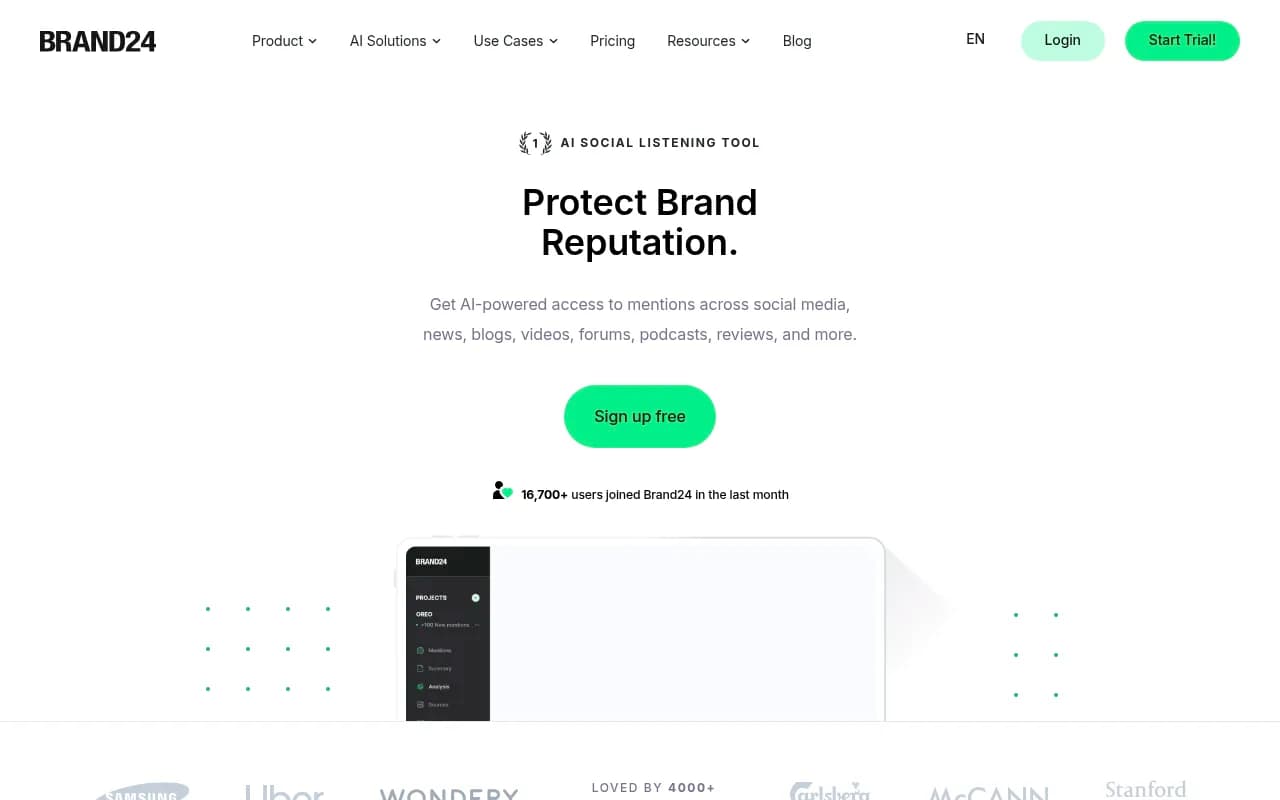
Brand24 is a solid option for teams that want affordable, real-time mention tracking across social platforms, news, blogs, and forums. It includes sentiment analysis and influence scoring for the sources mentioning you.
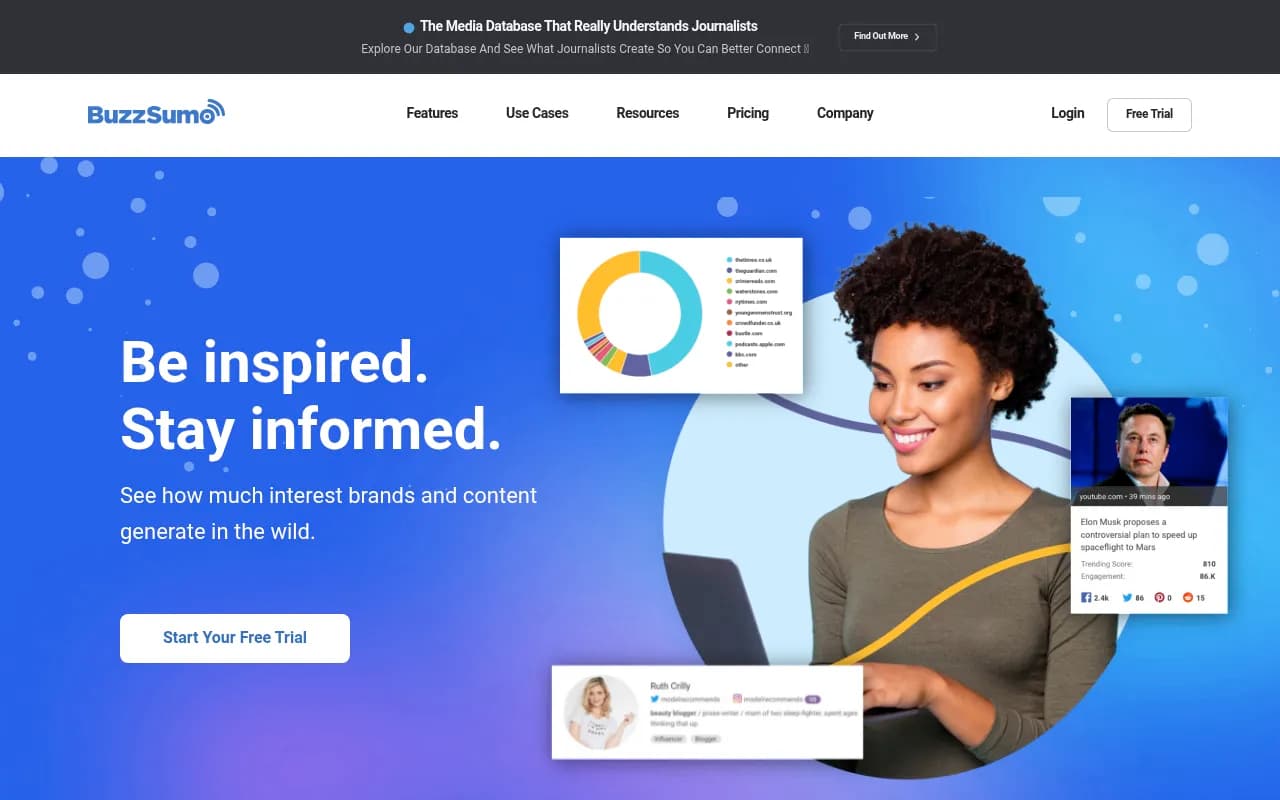
BuzzSumo is better if your primary need is content research -- understanding what topics are generating engagement in your industry before you create content around them.
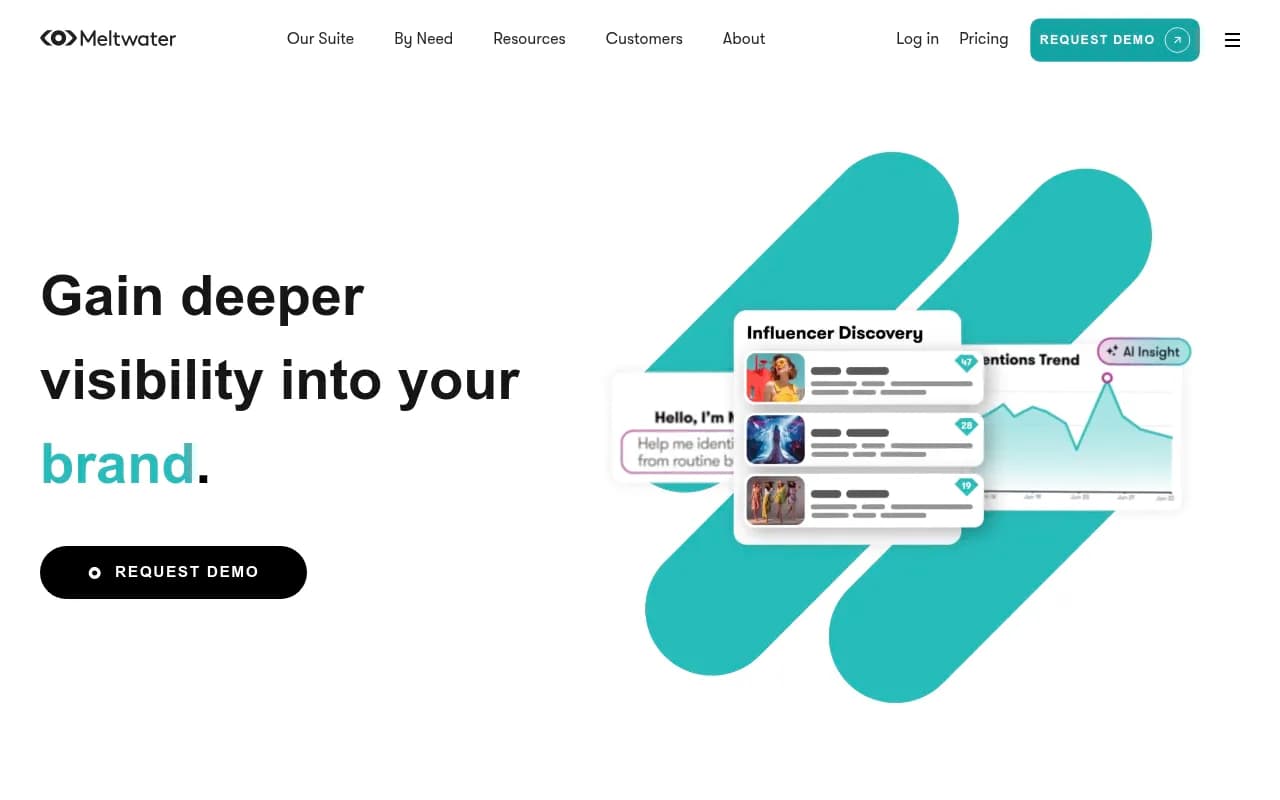
Meltwater is the enterprise option, with deeper media monitoring and more sophisticated sentiment analysis, but the price reflects that.
A practical recommendation for most teams
For the majority of marketing teams in 2026, the right setup is:
- Small teams and creators: Buffer for scheduling + analytics. Add Metricool if you need competitor tracking or TikTok depth.
- Mid-market teams: Hootsuite or Agorapulse depending on whether you prioritize benchmarking (Hootsuite) or ROI/conversion tracking (Agorapulse).
- Agencies: Sprout Social if budget allows. SocialPilot or Agorapulse if you need white-label reporting at a lower cost.
- B2B teams with a CRM: Zoho Social if you're already in the Zoho ecosystem. Sprout Social if you need deeper analytics.
The worst outcome is paying for a tool with deep analytics and then only looking at the follower count graph. Whatever tool you choose, spend 30 minutes each month actually reading the data -- which posts outperformed, which underperformed, and what the difference was. That habit is worth more than any feature upgrade.
One more thing: if your brand is also thinking about visibility in AI search engines (ChatGPT, Perplexity, Google AI Mode), that's a separate tracking problem from social analytics. Promptwatch handles that side -- monitoring how your brand appears in AI-generated answers and helping you create content that gets cited. It's a different category from social scheduling, but increasingly relevant as more discovery happens through AI rather than social feeds.

The social media analytics space is mature enough that the tools are genuinely good. The gap between teams that use analytics well and teams that don't is mostly about habits, not tools.