Key takeaways
- Buffer and Later are the strongest picks for solo creators who want simplicity and a low price point
- Hootsuite and Sprout Social are better suited to teams that need deep analytics and approval workflows
- Metricool punches above its weight on analytics for the price, especially for multi-platform creators
- SocialBee's category-based scheduling is genuinely different from the rest and worth considering if you post evergreen content repeatedly
- SocialPilot and Social Champ are the best budget options for small agencies or creators managing multiple clients
Posting on social media consistently is one of those things that sounds simple until you're actually doing it. You've got six platforms, each with different image sizes, character limits, and peak times. You're writing captions, sourcing visuals, and trying to remember whether you already posted that reel or just drafted it. Without a scheduler, it becomes a part-time job on top of your actual job.
The good news: there are a lot of solid scheduling tools in 2026. The less good news: there are too many, and the differences between them aren't always obvious until you're three weeks into a free trial and realizing the tool doesn't support Pinterest or doesn't let you schedule Reels natively.
This guide cuts through that. I've looked at what's actually worth your time and money based on real use cases for content creators and solo marketers -- not enterprise teams with dedicated social media managers.
What to look for in a scheduling tool
Before jumping into the list, it's worth being clear about what actually matters. A lot of tools market the same features, but the execution varies a lot.
Platform coverage. Does it support every network you're on? TikTok and Threads support has been inconsistent across tools. Pinterest is often missing from cheaper plans. Check before you commit.
Scheduling flexibility. Can you set recurring posts? Queue content by category? Schedule at custom times or let the tool suggest optimal times? These details matter when you're batching a week's worth of content in one sitting.
Analytics depth. Basic tools show you likes and reach. Better tools show you which content types perform best, what times drive engagement, and how your audience is growing over time.
Visual content support. If you're a creator, you're probably working with images and video. Look for tools that let you preview posts before they go live, handle video thumbnails, and support first-comment scheduling for hashtags.
Price vs. seat count. Most tools charge per user or per social profile. Solo creators don't need team seats, so avoid paying for features you'll never use.
The best social media scheduling tools in 2026
Buffer
Buffer is the go-to for creators who want something clean and fast. The interface is genuinely simple -- you connect your accounts, drop in your content, pick a time, and you're done. There's no learning curve, which matters when you're already stretched thin.
The free plan covers three social channels and gives you 10 scheduled posts per channel, which is enough to test whether it fits your workflow. Paid plans start at $6/month per channel, making it one of the most affordable options for solo creators.
Where Buffer shines is the drafting and queue experience. You can batch-write posts, drag them around in the queue, and get a clean calendar view of what's going out when. The analytics are decent -- not deep, but enough to see what's working.
Where it falls short: the analytics don't go as far as Sprout Social or Metricool, and if you need approval workflows or collaboration features, you'll hit limits quickly.
Hootsuite
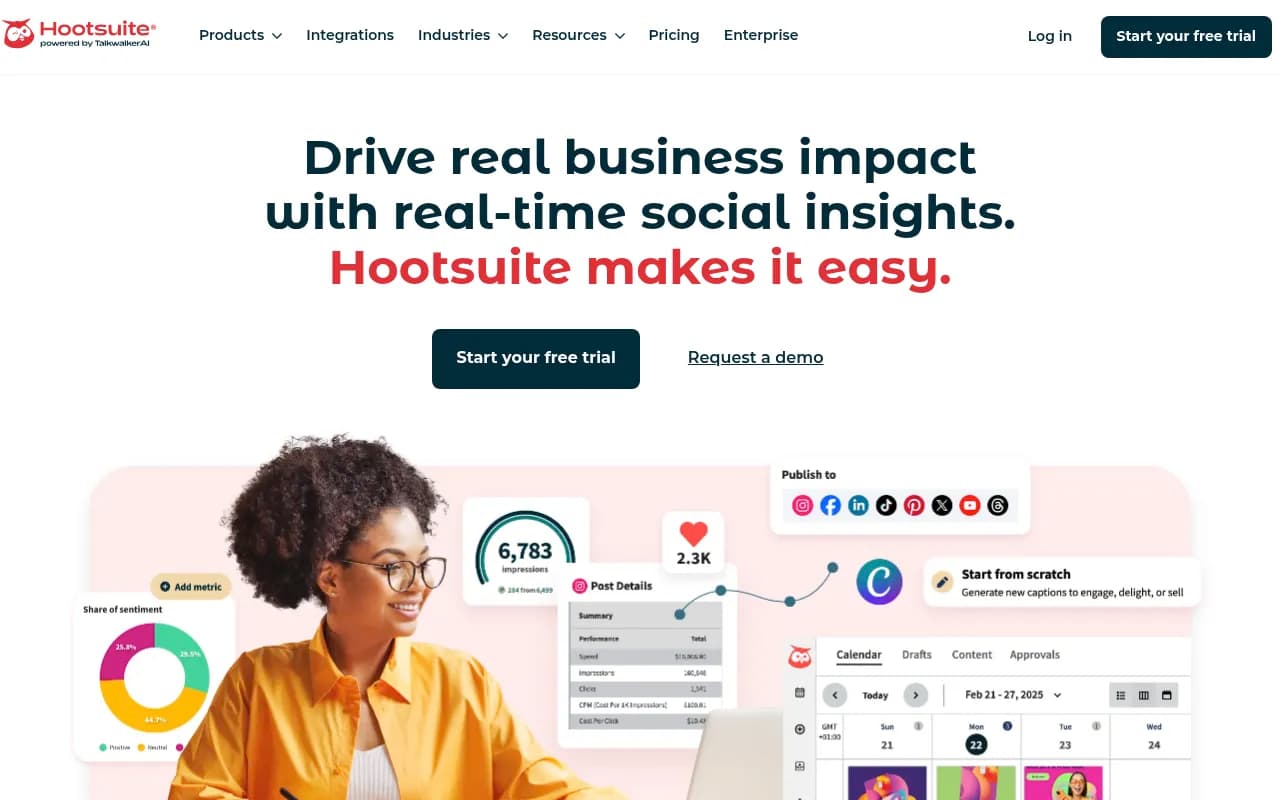
Hootsuite has been around since 2008 and has grown into one of the most feature-complete social media management platforms available. It covers scheduling, analytics, social listening, team collaboration, and even paid ad management from one dashboard.
For a solo creator, Hootsuite is probably overkill -- and the pricing reflects that. Plans start at $99/month, which is a significant jump from Buffer or Later. But if you're managing multiple brands, running paid campaigns alongside organic content, or working with a small team, that price starts to make more sense.
The analytics suite is genuinely strong. You get detailed reports on engagement, reach, follower growth, and best-performing content, and you can export them for clients or stakeholders. The unified inbox is also useful if you're managing comments and DMs across platforms.
Later
Later built its reputation on Instagram scheduling and still does that better than almost anyone. The visual content calendar is excellent -- you can drag and drop images to plan your grid, preview how your feed will look, and schedule Stories and Reels natively.
It's expanded well beyond Instagram, though. Later now supports TikTok, Pinterest, LinkedIn, Facebook, and X. The Pinterest integration is particularly good, which matters if you're in a niche where Pinterest drives real traffic.
Pricing starts at $25/month for the Starter plan, which covers one social set (one profile per platform). The analytics are solid for Instagram and TikTok specifically, with data on best posting times and hashtag performance.
If Instagram or TikTok is your primary platform, Later is probably the most purpose-built option on this list.
Metricool
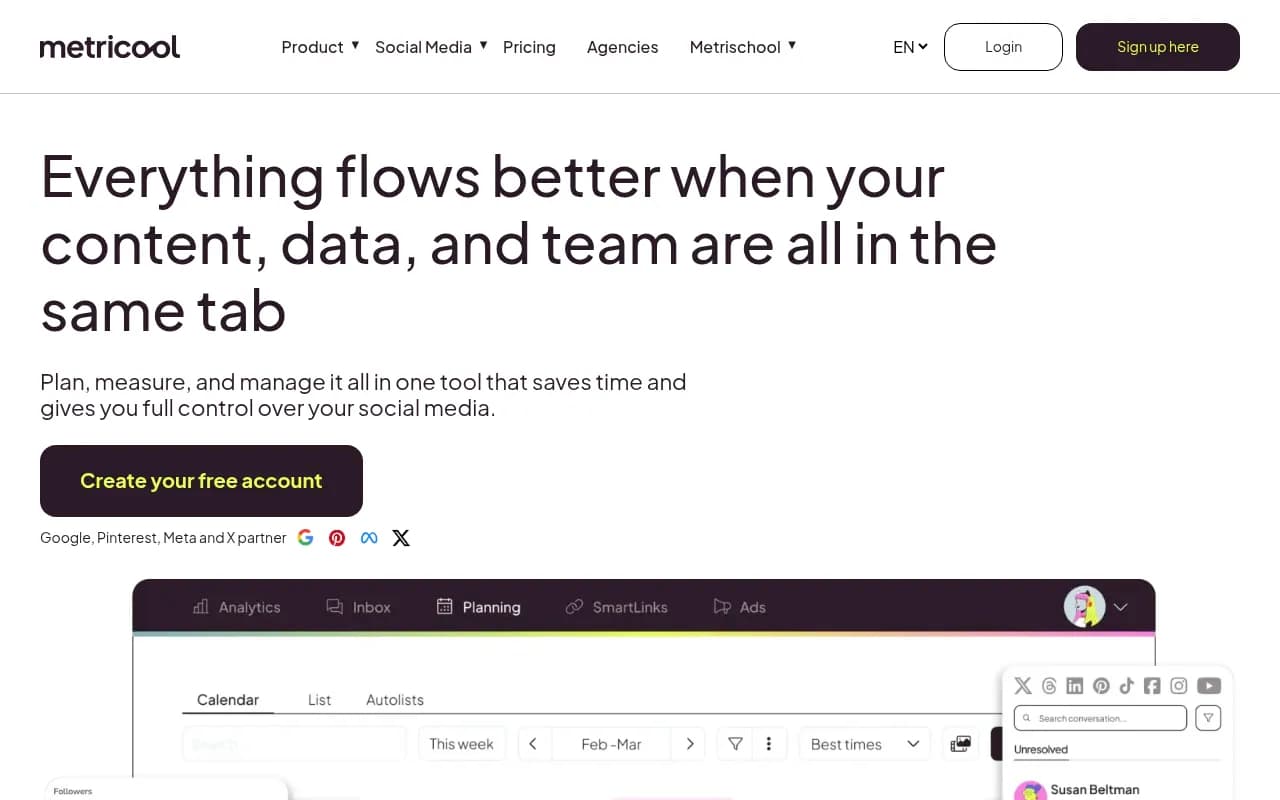
Metricool is the tool that keeps coming up in conversations among solo marketers who want more analytics without paying Sprout Social prices. It supports every major network, has a genuinely useful analytics dashboard, and the paid plans are affordable -- starting around $22/month.
The free tier is more generous than most: one brand, unlimited scheduled posts (with some limits), and access to basic analytics. That's enough for a lot of solo creators to run their whole operation without paying anything.
What makes Metricool stand out is the depth of its analytics relative to its price. You get competitor analysis, best-time-to-post recommendations based on your actual audience data, and detailed breakdowns by content type. It also tracks paid campaigns alongside organic content, which is rare at this price point.
SocialBee
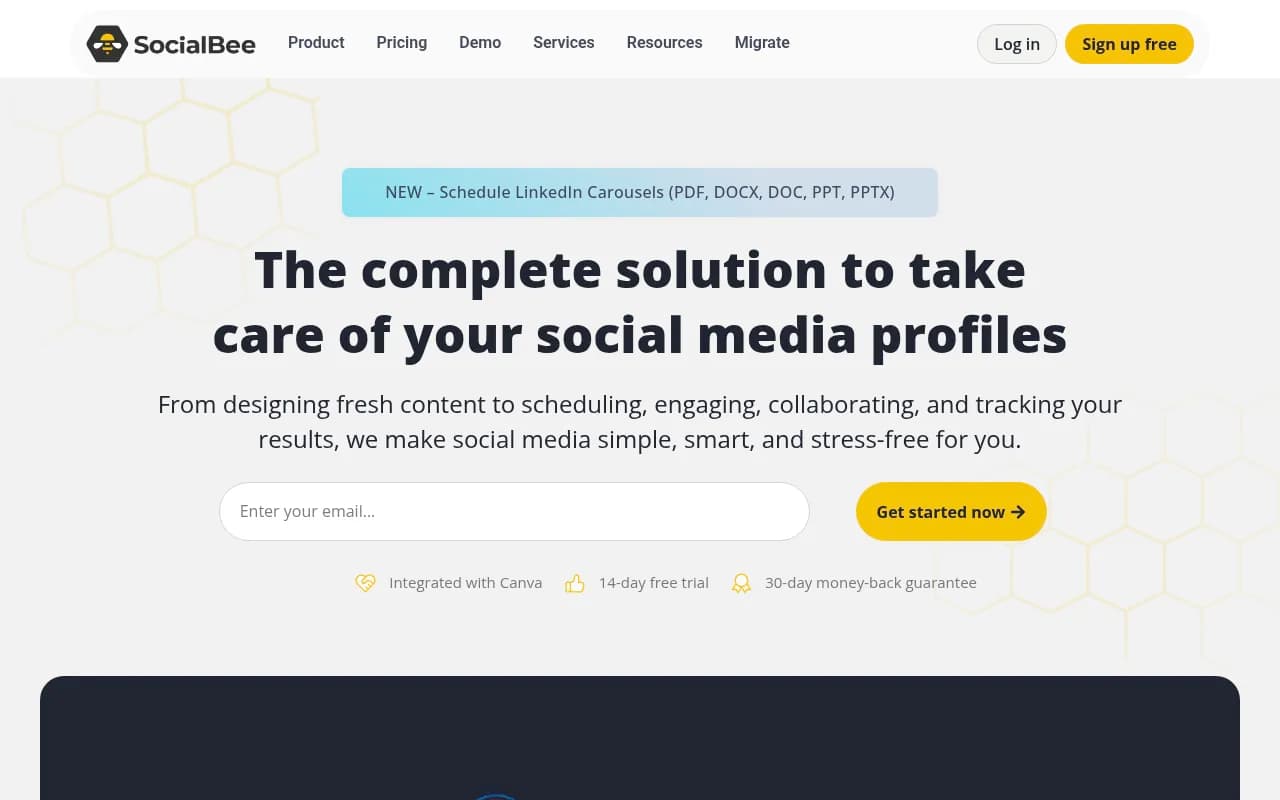
SocialBee takes a different approach to scheduling that's worth understanding. Instead of a simple queue, it uses content categories -- you create buckets like "educational posts," "promotional content," "curated articles," and assign posting slots to each category. The tool then rotates through them automatically.
This is genuinely useful for creators who post a mix of content types and want to make sure they're not accidentally posting three promotional pieces in a row. It also handles evergreen content well: you can set posts to recycle after they've been published, which is great for timeless content.
Pricing starts at $29/month for the Bootstrap plan, which covers five social profiles. It's not the cheapest option, but the category-based system is unique enough that it's worth the premium if that workflow appeals to you.
SocialPilot
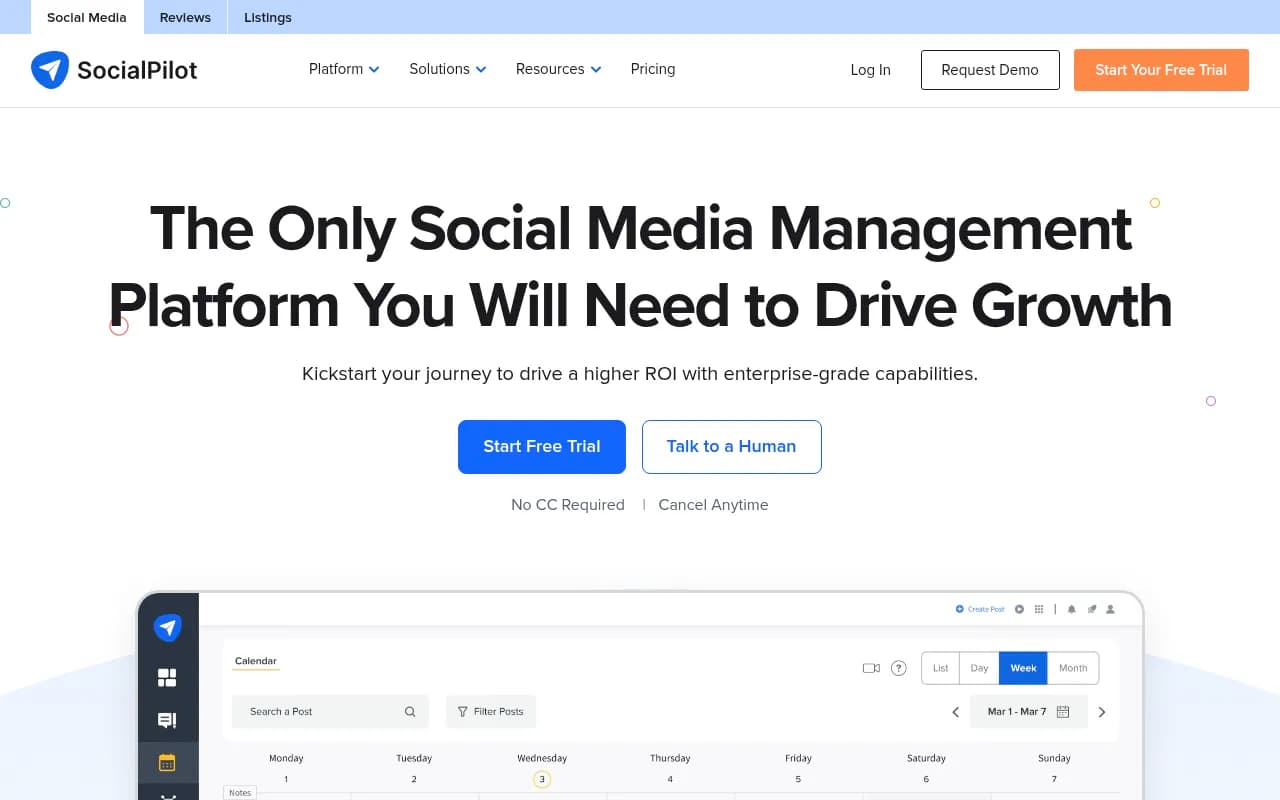
SocialPilot sits in an interesting spot: it's priced for small agencies but works well for solo creators who manage multiple client accounts or personal brands. Plans start at $30/month and cover up to 10 social profiles, which is good value.
The scheduling features are solid -- bulk scheduling via CSV, a content calendar, and a browser extension for quick scheduling while browsing. The analytics are decent, and the client management features (white-label reports, client approval workflows) make it genuinely useful for freelancers.
It's not as polished as Buffer or Later, and the interface feels a bit more utilitarian. But if you need to manage a lot of profiles without paying agency-level prices, SocialPilot delivers.
Social Champ
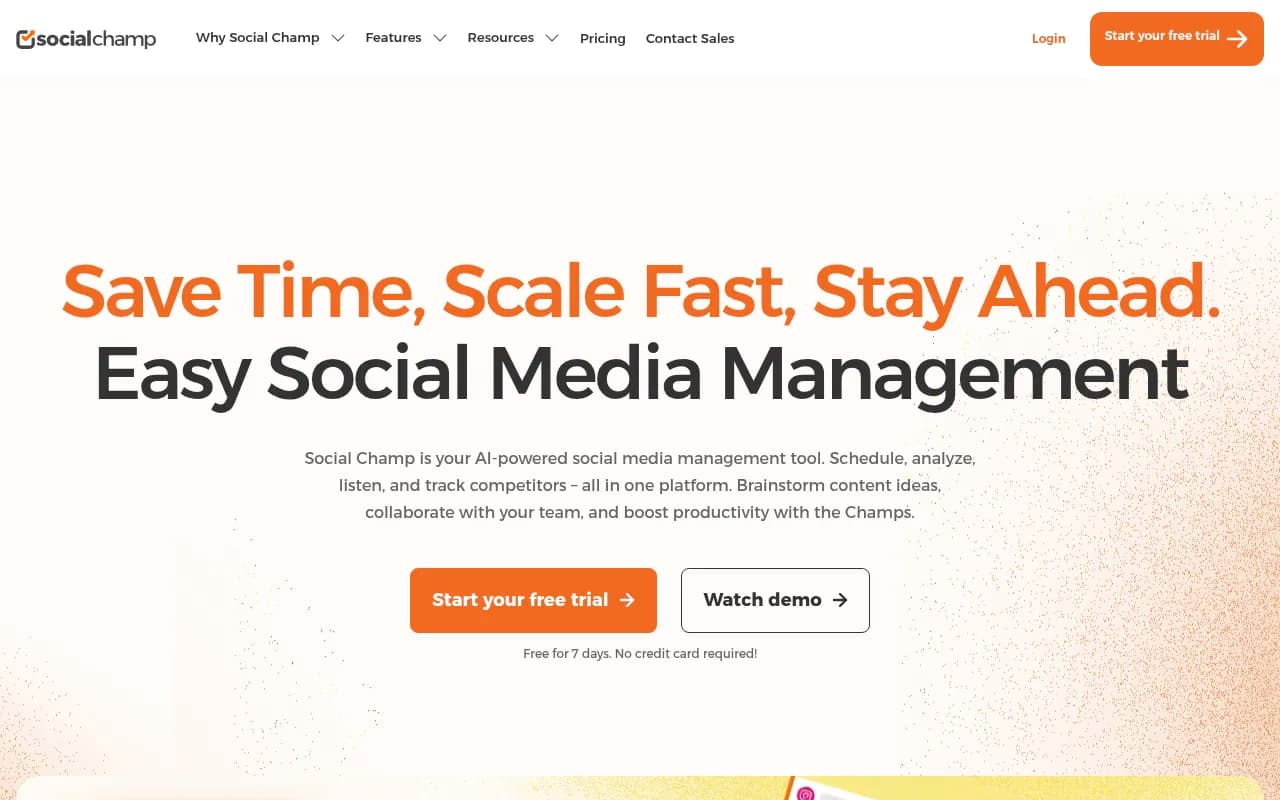
Social Champ is the budget pick. Plans start at $29/month and cover 12 social profiles, which is hard to beat on a per-profile basis. It supports all the major platforms, has a clean calendar view, and includes basic analytics.
The AI caption generator is a nice addition -- not a replacement for real writing, but useful for drafting starting points when you're stuck. Bulk scheduling and RSS feed integration are also included, which helps if you're curating content from other sources.
The trade-off is depth. The analytics are basic, the collaboration features are limited, and it doesn't have the same polish as Buffer or Later. But for a solo creator who just needs reliable scheduling across a lot of profiles without spending much, it does the job.
Sprout Social
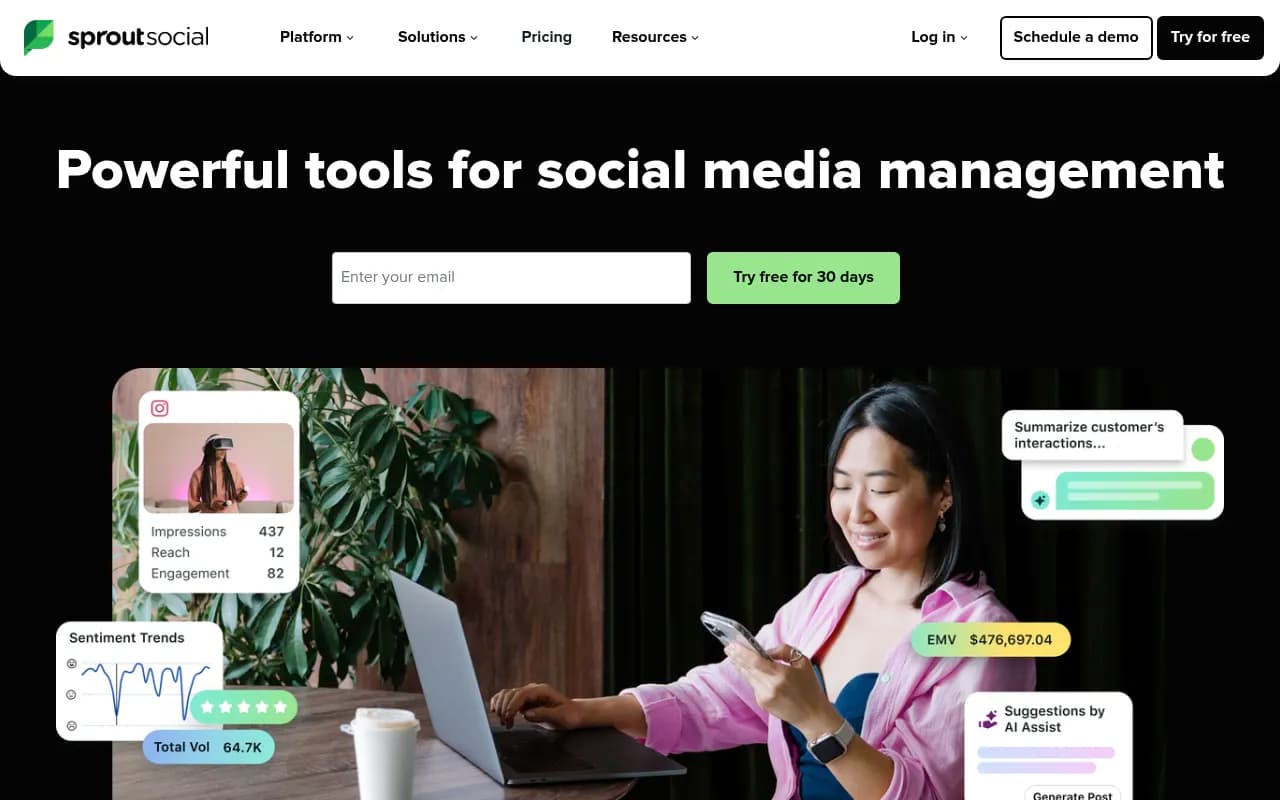
Sprout Social is the premium option on this list. Plans start at $249/month per seat, which puts it firmly in the "team tool" category rather than solo creator territory. But it's worth mentioning because the feature set is genuinely best-in-class.
The analytics are the strongest of any tool here -- detailed, customizable reports with competitive benchmarking. The unified inbox handles comments, DMs, and mentions across all platforms in one place. The approval workflows are clean and well-designed for teams that need sign-off processes.
If you're a solo marketer working at a company that will pay for the tool, Sprout Social is worth pushing for. If you're paying out of pocket, the price is hard to justify unless you're billing clients enough to absorb it.
Agorapulse
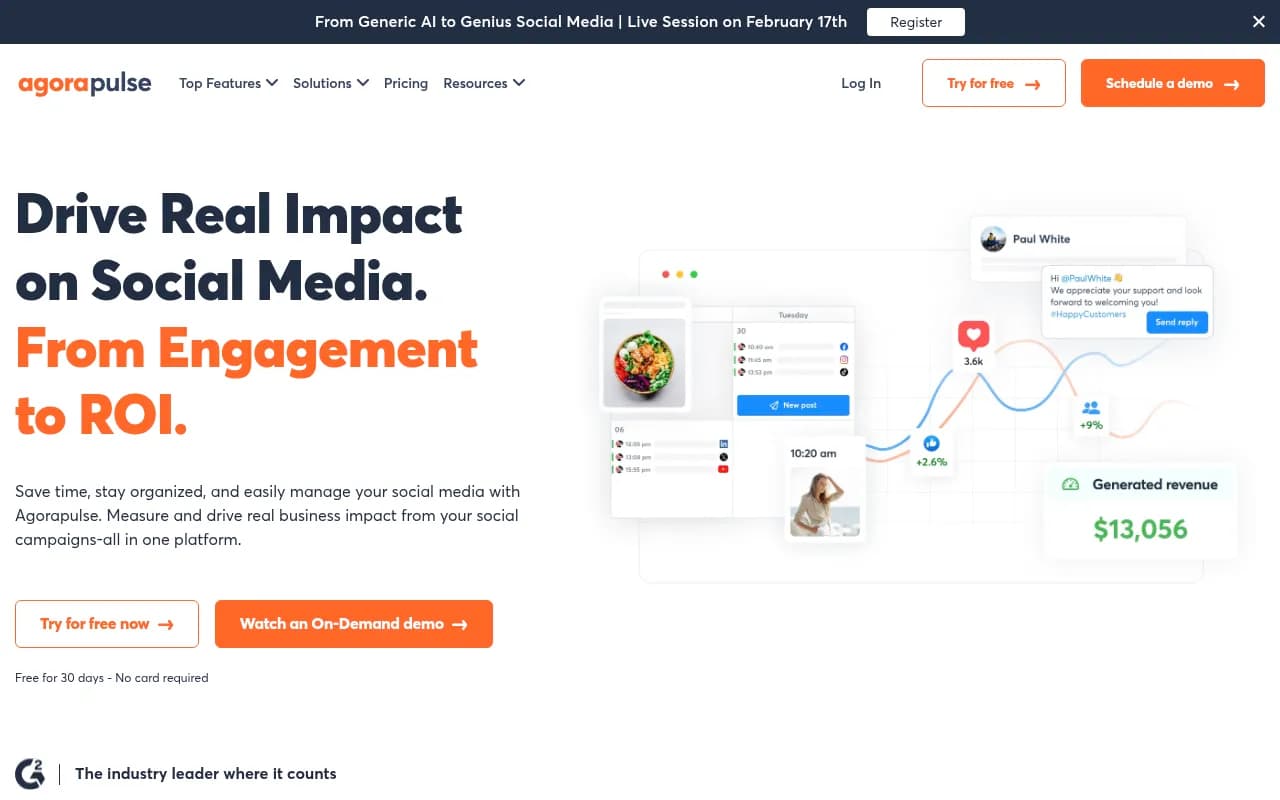
Agorapulse is a strong middle-ground option that often gets overlooked. It covers scheduling, a unified inbox, analytics, and team collaboration, with plans starting at $99/month for two users and 10 social profiles.
The inbox management is particularly good -- better than Buffer and competitive with Hootsuite. If you're managing a community and need to respond to comments and DMs efficiently, Agorapulse handles that well. The reports are clean and exportable, which matters if you're reporting to clients or stakeholders.
Zoho Social
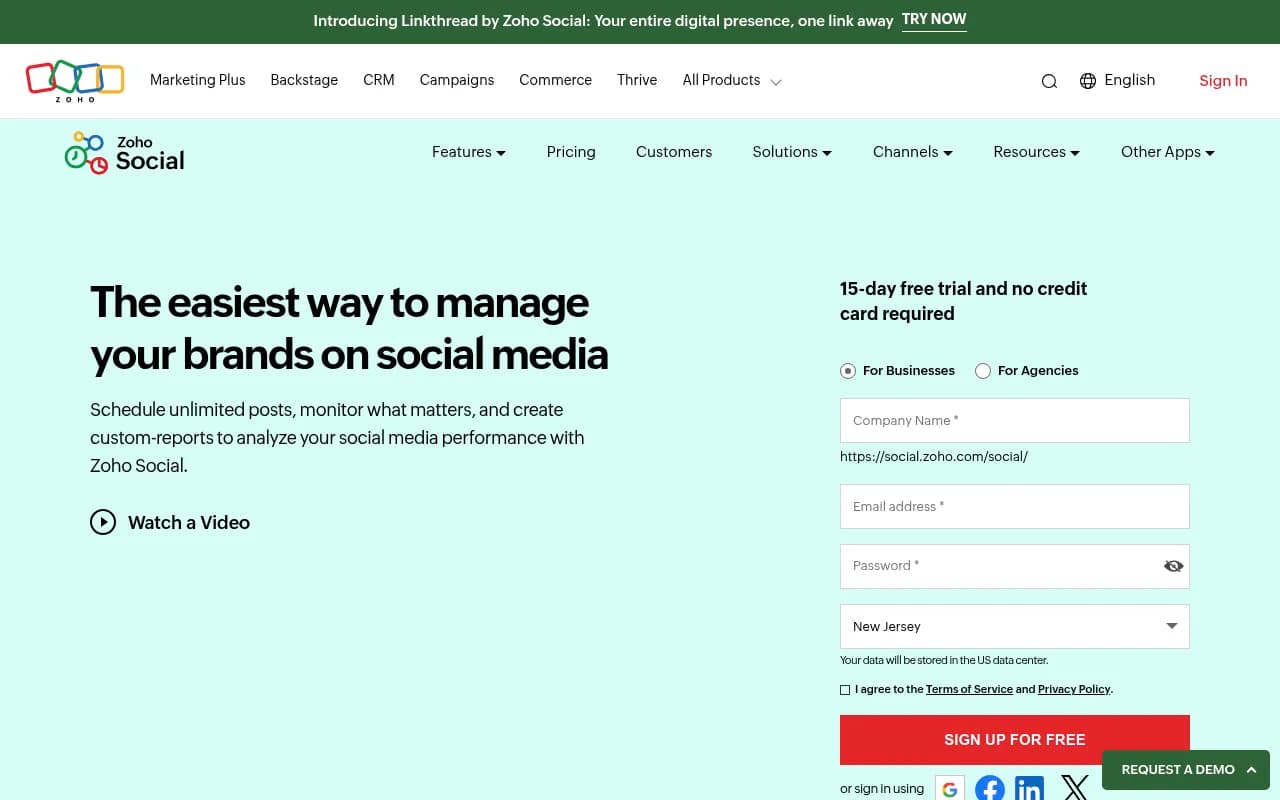
Zoho Social is worth considering if you're already in the Zoho ecosystem (Zoho CRM, Zoho Campaigns, etc.). The integration between Zoho Social and Zoho CRM is genuinely useful -- you can tie social interactions to CRM records, which is something most standalone schedulers can't do.
On its own merits, it's a solid mid-range tool with good scheduling features, decent analytics, and a clean interface. Plans start at $15/month for the Standard plan.
Side-by-side comparison
| Tool | Starting price | Best for | Free plan | Standout feature |
|---|---|---|---|---|
| Buffer | $6/mo per channel | Solo creators, simplicity | Yes (3 channels) | Clean queue and drafting experience |
| Later | $25/mo | Instagram/TikTok creators | Yes (limited) | Visual feed preview |
| Metricool | $22/mo | Analytics-focused creators | Yes (1 brand) | Analytics depth at low price |
| SocialBee | $29/mo | Evergreen content creators | No | Category-based scheduling |
| SocialPilot | $30/mo | Freelancers, small agencies | No | Bulk scheduling, client management |
| Social Champ | $29/mo | Budget-conscious creators | Yes (limited) | 12 profiles at low price |
| Hootsuite | $99/mo | Teams, paid + organic | No | Full-featured, social listening |
| Agorapulse | $99/mo | Community managers | No | Unified inbox quality |
| Sprout Social | $249/mo | Enterprise teams | No | Analytics and reporting depth |
| Zoho Social | $15/mo | Zoho ecosystem users | Yes (limited) | CRM integration |
How to choose the right tool for your situation
The honest answer is that most creators will be well-served by Buffer, Later, or Metricool. They cover the core use cases, have free tiers worth testing, and won't break the budget.
Here's a more specific breakdown:
You're a solo creator focused on Instagram and TikTok. Start with Later. The visual calendar and native Reels/TikTok scheduling are purpose-built for this.
You want the simplest possible experience. Buffer. It's the least cluttered tool on this list and the easiest to stick with long-term.
You care about analytics and want to understand what's actually working. Metricool. The free tier alone gives you more data than most tools charge for.
You post a mix of evergreen and timely content and want to automate the rotation. SocialBee. The category system is genuinely different and worth the learning curve.
You're a freelancer managing multiple client accounts. SocialPilot or Agorapulse, depending on whether you prioritize bulk scheduling or inbox management.
You're part of a team with approval workflows and reporting requirements. Hootsuite or Sprout Social, depending on your budget.
A note on AI features in scheduling tools
Most tools now include some form of AI caption generation or best-time-to-post recommendations. These are useful but not transformative -- they're good for drafting starting points or getting a data-backed suggestion on timing, but they don't replace knowing your audience.
The more interesting AI development is happening around content repurposing: tools that can take a long-form piece and suggest social posts from it, or that can adapt a caption for different platforms automatically. Buffer, Later, and SocialBee all have versions of this now. It's worth testing whether it actually saves you time in your specific workflow, because the quality varies.
If you're also thinking about how your content performs in AI search engines like ChatGPT or Perplexity -- which is increasingly relevant for creators building a brand -- that's a separate problem from scheduling. Tools like Promptwatch track how your brand and content appear in AI-generated answers, which is a different layer of visibility than social reach.

Getting the most out of any scheduler
A few things that actually make a difference, regardless of which tool you pick:
Batch your content creation separately from scheduling. Sit down once or twice a week to write captions and gather assets, then schedule everything in one session. Trying to do both at the same time is slower.
Use the analytics to cut, not just to celebrate. Most creators look at analytics to see what performed well. The more useful habit is identifying what consistently underperforms and stopping it.
Don't over-schedule. It's tempting to fill every slot in your queue, but posting mediocre content consistently is worse than posting great content less often. The scheduler should free up time for better content, not just more content.
Test optimal posting times with your actual audience data. The generic "best time to post on Instagram" advice is averaged across millions of accounts. Your audience might behave differently. Most tools will show you when your specific followers are most active -- use that data.
The right scheduling tool removes friction from the distribution side of content creation. It won't fix a content strategy problem, but it will make a good strategy easier to execute consistently.