TheSEOAgent Review 2026
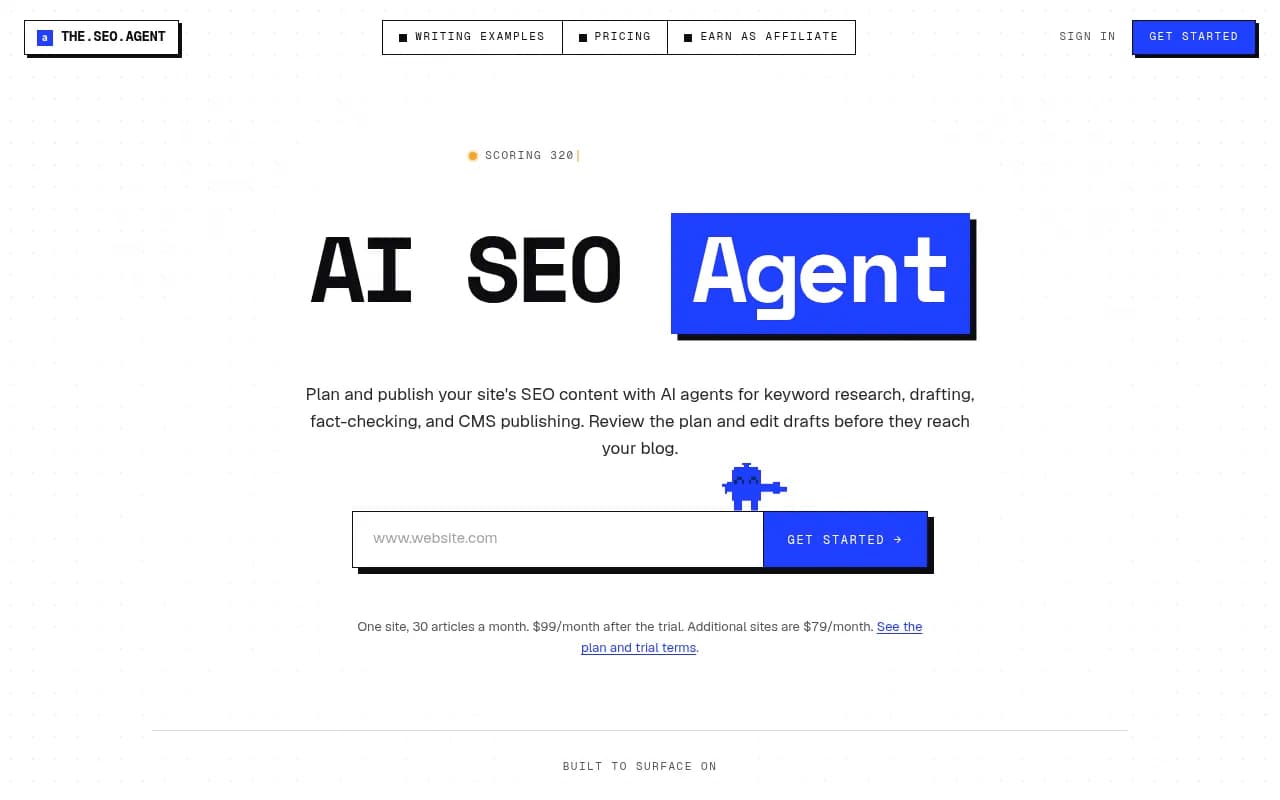
Automates the loop of choosing a keyword, drafting an article and publishing it to your CMS.
Key takeaways
- TheSEOAgent runs the whole content loop (keyword research, brief, draft, claim check, images, CMS publishing) for a flat $99/month, which covers 30 articles on one site.
- The claim-checking step is the standout. Each claim is compared against sources saved during research, and unsupported ones are cut or the article is held for review.
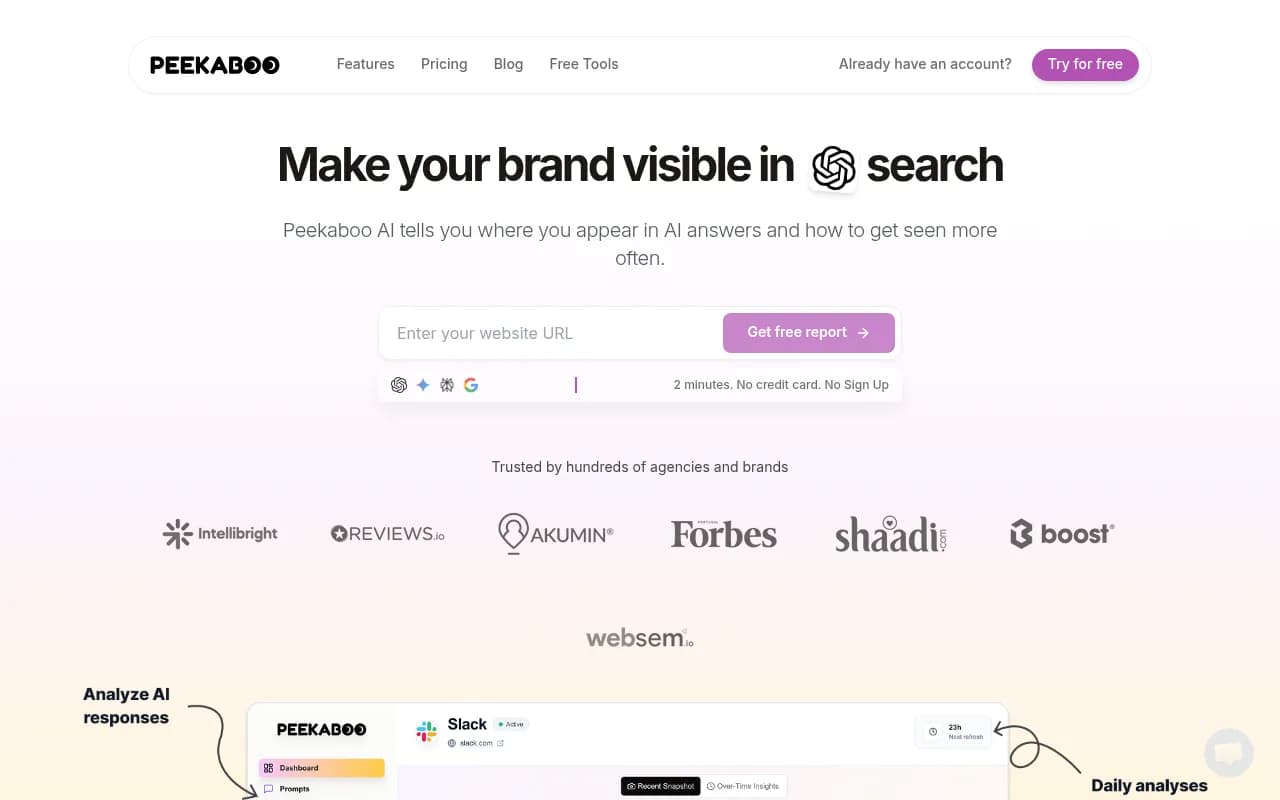
- It is a content production tool with GEO-style formatting, not an AI visibility platform. It has no prompt tracking, citation analytics, AI crawler logs or AI traffic attribution, all of which Promptwatch provides alongside its own Content Agent.
- Evidence of results is vendor-supplied. I found no independent third-party reviews, so the Search Console screenshots and testimonials should be treated as marketing.
- Best for small businesses, niche site owners and agencies that want steady publishing without hiring writers.
TheSEOAgent (the site styles it as "The SEO Agent") is a subscription product that automates the part of SEO most teams dread: deciding what to write, writing it, and getting it live. You drop in a domain, it reads your site, finds keyword gaps, queues a month of titles, drafts each article with citations, and pushes approved posts to your CMS. The pitch is autoblogging with an approval step. Nothing publishes until you say so, and auto-publish stays off until you switch it on.
The product is aimed at founders, small-business owners, niche site operators and agencies managing a handful of client sites. These are people who know they need content but cannot justify a $3,000 monthly retainer. It is a small, focused product with a single plan, which is both its appeal and its limit. The company says a customer site reached 2.6M clicks and 43.1M impressions after nine months of daily publishing, though that figure comes from a vendor-supplied Search Console screenshot and I could not verify it.
Key features
Site reading and 30-day content plan. After you enter your domain and connect Google Search Console, the product reads your pages, queries, clicks and impressions. The demo shows it reading 248 pages, finding 47 gaps and queueing 30 titles. The calendar view assigns each day a keyword and a format (best-of, alternatives, comparison, guide, pricing). This is the part that replaces the blank prompt. You approve or edit the plan before drafting starts. An outline approval gate is available and optional, which is useful if you want control over structure without reviewing every draft.
Keyword research on real demand data. The pricing page says keyword research uses "real search-demand data, not internal estimates". It does not name the data provider, which is a small transparency gap. Competitors like Semrush and Ahrefs publish their data sources and give you volume and difficulty numbers in a dashboard. Here the research happens inside the agent, so you see the chosen keywords rather than a searchable database. Fine for hands-off publishing, frustrating if you like to explore.
Fact-checked drafting. This is the differentiator. The checker reads every claim against the sources saved during research, keeps what they back, softens or cuts the rest. In the demo, 5 of 7 claims were kept and two were removed before the article was saved. If a fact problem cannot be fixed, the article waits for your review instead of publishing. Many autoblogging tools simply generate and ship. A quality gate that refuses bad drafts is the right default for anyone publishing to a real brand site, especially in legal or healthcare, which appear among the customer verticals. It does not make an article correct, though. It only checks claims against sources the system itself gathered.
Internal links, images and metadata. Every new article gets internal links to your existing pages. Featured images, in-body images, alt text and metadata are generated and packaged with the post. The sample article on the site runs 1,240 words with 14 sources, 8 links and 3 images. That is a modest length. If your niche rewards 3,000-word pillar pages, expect to do some extending yourself.
Native CMS publishing. Approved articles go to WordPress (through a WordPress.org plugin), Webflow, Shopify, Ghost, Wix, Framer or a webhook. The FAQ omits Framer while the feature list includes it, so confirm before relying on it. Title, body, images, sources, links and metadata ship together, and you can switch CMS at any time. Publishing cadence is one article a day, either on approval or automatically. Each plan allows up to three publishers.
GEO formatting for AI answers. The product leans into the page formats that AI tools cite: best-of lists, alternatives, comparisons, pricing explainers and sourced guides, with direct answers and clean headings. That is sensible. Promptwatch Data found that product pages were the most cited content type in ChatGPT at 22.4% of citations from Sep 28 to Oct 4, 2026, followed by landing pages and listicles (ChatGPT citation share by content type). Formatting for those types is a reasonable bet. But the tool has no way to show you whether any page actually got cited. It formats for AI answers and then goes quiet.
Resume-from-failure pipeline. If a run fails partway, it resumes from the stage that failed instead of starting over. A boring feature, but anyone who has watched an automation burn credits on a retry loop will appreciate it.
Brand profile and cadence control. Each project gets a brand profile built from your site. You can edit drafts and change the publishing cadence. There is no mention of a deep knowledge base or uploaded brand documents, so voice control is lighter than in enterprise content platforms.
Who is it for
The sweet spot is the owner of a small service business, a directory or a niche affiliate site who wants one article a day without managing writers. A local law firm, a clinic, a SaaS with a thin blog, a founder running an AI tools directory: these fit. The customer examples on the site (a law firm, a healthcare site, a legal services firm and several small founder-run sites) reflect that mix. At roughly $3.30 per article, the economics beat freelancers even with heavy editing.
Agencies running a portfolio can add each client site for $79/month, each with its own content plan and CMS connection. That is cheap, but there is no white-label portal or client reporting that I could find, so it suits agencies that treat it as a production engine behind their own reporting.
Who should skip it? Large publishers and enterprise teams with strict editorial standards, regulated brands that need legal review workflows and multi-seat approval chains, and anyone who needs original reporting, proprietary data or expert quotes. Automated articles built on researched sources will be competent, not distinctive. If you also need to know whether AI engines are mentioning your brand, you need a separate visibility tool.
Integrations and ecosystem
- CMS: WordPress, Webflow, Shopify, Ghost, Wix, Framer and a generic webhook or API.
- Google Search Console: connected during onboarding so the plan uses your real queries and pages.
- Billing: handled by Stripe.
- Affiliate program: pays 35% recurring on referred paid subscriptions.
There is no public API reference, Zapier listing, Slack integration or browser extension that I could verify. There is a free SEO audit page and a blog with vendor-written comparisons, including one against Outrank. That comparison is vendor-authored, so read it with the obvious bias in mind.
Support is worth a note. The pricing page lists priority support, but the contact page says you email the founder directly, with no ticket queue, no support tier and no chatbot. Those two claims conflict. For a small team a founder inbox can be great, until the founder is asleep or busy.
Pricing and value
There is exactly one plan, called Pro.
- Trial: $1 for three days. The charge appears on your statement as "3 Day Trial activation".
- Pro: $99/month, renewing automatically on day 4, covering 30 articles a month on one site with up to three publishers.
- Additional sites: $79/month each.
- Higher volume: email for a separately scoped plan.
- Cancellation: one click in the app, effective immediately, no contract or minimum term.
- Guarantee: 7-day money back on the first $99 charge, claimed by emailing support within 7 days.
The auto-renewal on day 4 is worth stating plainly: if you forget, you pay $99. The vendor's comparison table puts freelance writers at $400+ for about 8 posts, agencies at $3,000+ and in-house writers at $4,500+. Those are the vendor's own "typical market ranges", but they are not unreasonable. Against other autoblogging tools, $99 for 30 articles is competitive, and the cheap trial is a smart way to test real drafts. The real cost is your editing time, because AI articles in competitive niches still need a human pass.
Strengths and limitations
What it does well
- The claim-check gate, with held-for-review articles, is more careful than most autoblogging tools.
- Single flat price with no tiers and a $1 trial lowers the risk of testing.
- Wide CMS coverage, including native WordPress and Shopify publishing.
- Approval gates at the plan, outline and publish stages keep you in control.
- Internal links, images, alt text and metadata arrive packaged, so there is little post-processing.
Limitations
- I found no independent reviews. Testimonials and Search Console charts are vendor-supplied and unverified, so results in your niche are unproven.
- Output is capped at one article a day and 30 a month per site, and articles run around 1,200 words in the sample.
- Keyword data provider is unnamed, and there is no keyword explorer for manual research.
- Support messaging is inconsistent.
Missing versus Promptwatch
TheSEOAgent is monitoring-blind. It writes for AI answers but cannot tell you whether ChatGPT, Perplexity or AI Overviews cite you. Promptwatch is the full loop: real-UI prompt tracking with volumes, difficulty and query fan-outs across 15+ AI engines, IP-verified AI crawler logs, visitor analytics for AI traffic, content gap analysis, an Action Board, and a Content Agent that publishes to WordPress, Webflow or Framer and then tracks whether each page gets crawled, cited and clicked. TheSEOAgent has none of the following that I could find:
- Prompt tracking, share of voice or sentiment across AI models
- AI crawler logs and crawl-to-citation tracking
- AI traffic attribution and visitor analytics
- Reddit, YouTube and LinkedIn citation tracking
- AI Shopping and Ads Radar
- Page-level citation tracking and offsite mentions
- Content gap analysis driven by what AI models actually cite
Its gap detection relies on Search Console and keyword data, which is a different and narrower signal.
Bottom line
TheSEOAgent is a sensible, cheap content engine for people who want a steady flow of well-formatted, source-checked articles without managing writers. The fact-check gate and approval steps make it safer than most autoblogging software, and the $1 trial lets you judge a real draft before committing. Keep expectations grounded: nothing here is independently verified yet, and the articles are competent rather than distinctive.
If your goal is growing revenue from AI search, not just publishing, pair it with something that measures outcomes, or choose Promptwatch, which tracks visibility, finds gaps, writes and publishes content, and checks whether it worked. For more tools in this area, the GEO software directory at bestgeosoftware.com is a good starting point.
Best use case: a small-site owner who wants one researched, fact-checked article published every day for $99 a month.
Tags:
Frequently asked questions
What is TheSEOAgent?
How much does TheSEOAgent cost?
Which CMS platforms does it publish to?
Does it publish automatically?
Does TheSEOAgent track visibility in ChatGPT or Perplexity?
Can I cancel easily?
Similar and alternative tools to TheSEOAgent