Key takeaways
- Docs and help centers are the biggest source group in ChatGPT's software citations (2.64% of all software citations), ahead of vendor sites at 2.01% and GitHub at 1.2%, per Promptwatch Data for Sep 28 to Oct 4, 2026.
- Documentation is not only cited for support questions. ChatGPT pulls it in for informational "how does X work" prompts, where docs rise to 8.5% of citations.
- Docs and landing pages age slowly in ChatGPT. After 60 days, about two thirds were still cited, against 41% of news pages.
- Public, crawlable, accurate pages beat clever formatting. If AI crawlers cannot read the page, nothing else matters.
- Measure it: check crawler logs, citations per page, and which prompts cite you, then fix what is missing.
Why software documentation is a citation asset now
Most teams treat docs as a cost center. Something engineering writes after launch, support links to, and nobody revisits. That made sense when docs only had to serve people who were already customers.
It makes less sense now. When someone asks ChatGPT "what is the best tool for X" or "how do I set up SSO in Y," the model runs web searches, reads a handful of pages, and cites some of them. Your documentation is often the most precise, most factual material you have on the internet. That is exactly what a model wants to quote.
Look at who gets cited for software prompts. In Promptwatch Data's report on software citations (Sep 28 to Oct 4, 2026), GitHub led at 1.2%, learn.microsoft.com followed at 0.98%, and G2 came in at 0.73%. Further down: AWS docs at 0.41%, Google Cloud docs at 0.35%, Intercom at 0.28%, and Zapier at 0.24%. Help.salesforce.com, help.openai.com, developers.google.com, zendesk.com and support.microsoft.com also made the top 23.
Notice the pattern. A lot of those are documentation and help-center domains, not marketing sites.
Grouped by source type, the 23 domains together earn 7.89% of software citations. Docs and help centers are the largest group at 2.64%. Vendor sites add 2.01%, review sites and analysts 1.57%, GitHub 1.2%, and app stores 0.47%. Vendor sites plus docs earn 4.65%, roughly three times what review sites and analysts get.
The percentages look small because the long tail of software domains is huge. The relative picture is what matters: documentation is the single biggest lever a software company controls.
What kinds of content ChatGPT actually cites
Before you rewrite anything, know which formats win. Promptwatch's content-type report for Sep 28 to Oct 4, 2026 breaks down classified ChatGPT citations:
| Content type | Share of all citations | Share in informational prompts |
|---|---|---|
| Product pages | 22.4% | 19.1% |
| Landing pages | 16.8% | n/a |
| Listicles | 13.6% | n/a |
| How-to guides | 8.7% | 10.7% |
| Documentation | 7.5% | 8.5% |
| General articles | 6.1% | 7.7% |
| Comparisons | 5.9% | n/a |
| News | 5.7% | n/a |
| FAQ pages | 3.3% | n/a |
| Reviews | 1.7% | n/a |
Two things stand out to me. First, documentation at 7.5% is a real slice, not an afterthought. Second, how-to guides and docs both climb when the prompt is informational, for example "how does a CRM work." That means docs are being used as explanation material, not just troubleshooting material.
For branded prompts (someone naming your product), FAQ pages hit 4.8% and reviews 5.6%, while product pages and landing pages sit at 23.3% and 22.8%. If people ask about you by name, your FAQ and your pricing page matter more than most teams assume.
Make the docs reachable first
The boring part decides everything. Here is the checklist I would run before touching a single sentence.
Keep docs public
Gated docs, login walls, and "request access" PDFs are invisible to AI search. If a page needs a session to render, ChatGPT-User will not see it. Promptwatch's own advice from the software report is blunt: publish docs and help pages that ChatGPT can crawl.
Don't hide content behind JavaScript
Many docs sites are single-page apps that render content client-side. Some crawlers handle that, some do not. Server-side render or pre-render the pages. Tools like Prerender.io exist for this exact problem.
Check robots.txt and bot rules
WAFs and robots.txt files often block GPTBot, OAI-SearchBot, ClaudeBot or PerplexityBot by accident. Decide deliberately which bots you allow. A bot directory helps here, and a free robots.txt generator for AI bots is available from Promptwatch.
Don't rely on markdown files
It is tempting to publish an llms.txt or raw .md versions and call it done. Promptwatch Data on markdown found markdown files make up just 0.05% of AI search citations. Markdown serves AI agents, not AI search. Ship HTML pages first. Add markdown extras later if your audience includes coding agents.
Audit with a crawler
Run a crawl to find orphaned pages, broken links, and pages missing from the sitemap. Screaming Frog SEO Spider does this well for docs sites, and Google Search Console tells you what Google already indexes.

How to structure a page so it is easy to cite
A model is looking for a passage it can lift, not a page it can admire. Write so each section stands alone.
Put the answer first
Start every page with one or two sentences that say what the thing is and what it does. Not a history. Not a feature tour. For example: "Single sign-on (SSO) lets users log in with your identity provider. It is available on the Business plan and supports SAML 2.0 and OIDC." That sentence can be cited as is.
Use question-shaped headings
Prompts are questions. Headings like "How do I rotate an API key?" or "What does the Pro plan include?" match the language people type. This also lines up with query fan-outs, the sub-searches ChatGPT runs behind a single prompt. Promptwatch reports that ChatGPT started using the site: operator at scale on August 8, 2026, jumping from about 0.4% to about 17% of fan-out queries, so being the clear match for a branded, scoped question matters more than before. See the site: operator report.
Add real FAQ sections
Promptwatch recommends adding FAQ sections and step-by-step guides. Keep each answer short and factual, and put it on the page where the question naturally arises rather than in a dumping-ground FAQ page.
Write numbered steps for procedures
A how-to with numbered steps, exact UI labels, and expected results is the format that how-to guides (8.7% of citations) reward. Include the code, the command, or the setting name. Vague instructions do not get quoted.
# Example: rotate an API key
curl -X POST https://api.example.com/v1/keys/rotate \
  -H "Authorization: Bearer $OLD_KEY"
Make specs and limits easy to find
Prices, rate limits, supported integrations, file size caps, and plan differences are the things people ask about. Put them in tables, in plain HTML, with a clear heading. Models love tables because the structure survives extraction.
Use consistent terminology
If your product calls it a "workspace" in one page and a "project" in another, the model may merge or split them wrongly. Pick terms and use them everywhere. A glossary page helps, and a style checker like LanguageTool or Grammarly catches slips.
Treat docs as a long-term asset (and keep them accurate)
Here is the data point that changed how I think about docs maintenance. Promptwatch's content half-life study tracked every page ChatGPT cited on July 6, 2026 for 90 days:
| Content type | Still cited after 30 days | Still cited after 60 days |
|---|---|---|
| Landing pages | 78% | 69% |
| Docs | 76% | 67% |
| Comparisons | 72% | 63% |
| Listicles | n/a | 60% |
| Product pages, reviews, how-tos | n/a | about 55% |
| News | n/a | 41% |
News lost half its pages within 36 days, and almost a quarter were never cited again. Docs, landing pages, comparisons and listicles only crossed 50% at the very end of the window, so their true half-life is likely near or beyond 90 days. Product pages, reviews and how-tos have a half-life of 74 to 77 days.
ChatGPT also cited 93% of docs again after day 0, compared with 77% of news pages. Once docs earn a citation, they tend to keep it.
The implication is simple and a bit uncomfortable. Your docs will be cited for months, which means every wrong number stays in circulation for months. Pricing pages, which are classified as landing or product pages, work the same way. Treat both as long-term citation assets:
- Put a "last updated" date on every page and mean it.
- Update docs in the same pull request as the feature change.
- Remove or redirect deprecated pages rather than leaving them live with a warning.
- Review pricing and plan limits every time you change them, in every place they appear.
I would rather have 80 accurate pages than 400 that disagree with each other.
Build the supporting presence around your docs
Docs rarely get cited alone. The software report points to a cluster of sources, and you can influence most of it.
- GitHub: keep a public presence with a good README, examples, and issues that get answers. GitHub was the single most cited software domain at 1.2%.
- G2 and Capterra: keep profiles complete and current. G2 earned 0.73% and Capterra 0.32%. Wrong plan details on a review site contradict your docs.
- Developer hubs and app stores: if you have a marketplace listing, make the description match your docs.
- Third-party explainers: integrations partners such as Zapier appear in citations (0.24%), so a well-written integration page on their side can carry your story.
If you want to see which of these a competitor benefits from, a citation-source view in an AI visibility tool shows it quickly.
Use AI to draft, but not to publish unreviewed
The research on prompting for docs is mostly about using AI to write faster. That is fair. Reddit's r/technicalwriting suggests feeding a recorded transcription of a demo into ChatGPT and asking for a release note or help article. The tcworld magazine prompts focus on rephrasing, simplifying and summarizing. OpenAI's own prompt guidance says to put instructions first, separate them from context with ### or triple quotes, and say what to do instead of only what to avoid.
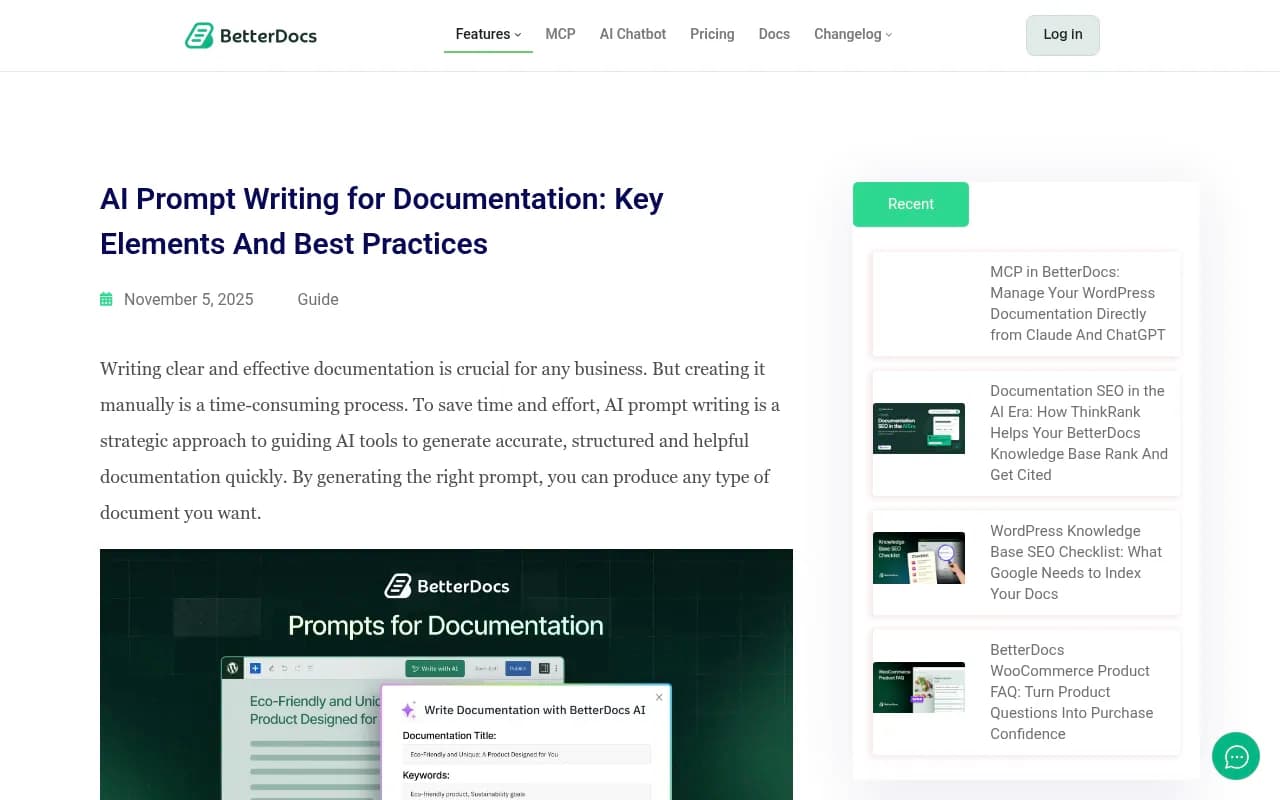
A structure like the BetterDocs approach (character, intention, scenario, delivery) is a decent scaffold:
A prompt I would actually use:
You are a technical writer for a B2B SaaS product.
Task: write a help article from the transcript below.
Format: one-sentence summary, prerequisites, numbered steps with exact UI labels, a short FAQ.
Rules: use only facts in the transcript. If a detail is missing, write [CONFIRM] instead of guessing.

Transcript: """
{paste transcript}
"""
The [CONFIRM] rule matters. Harvard's AI guidance warns that AI content can look polished while being inaccurate, and to review everything before publishing. In docs, an invented parameter is worse than a missing one, because a model will repeat it.
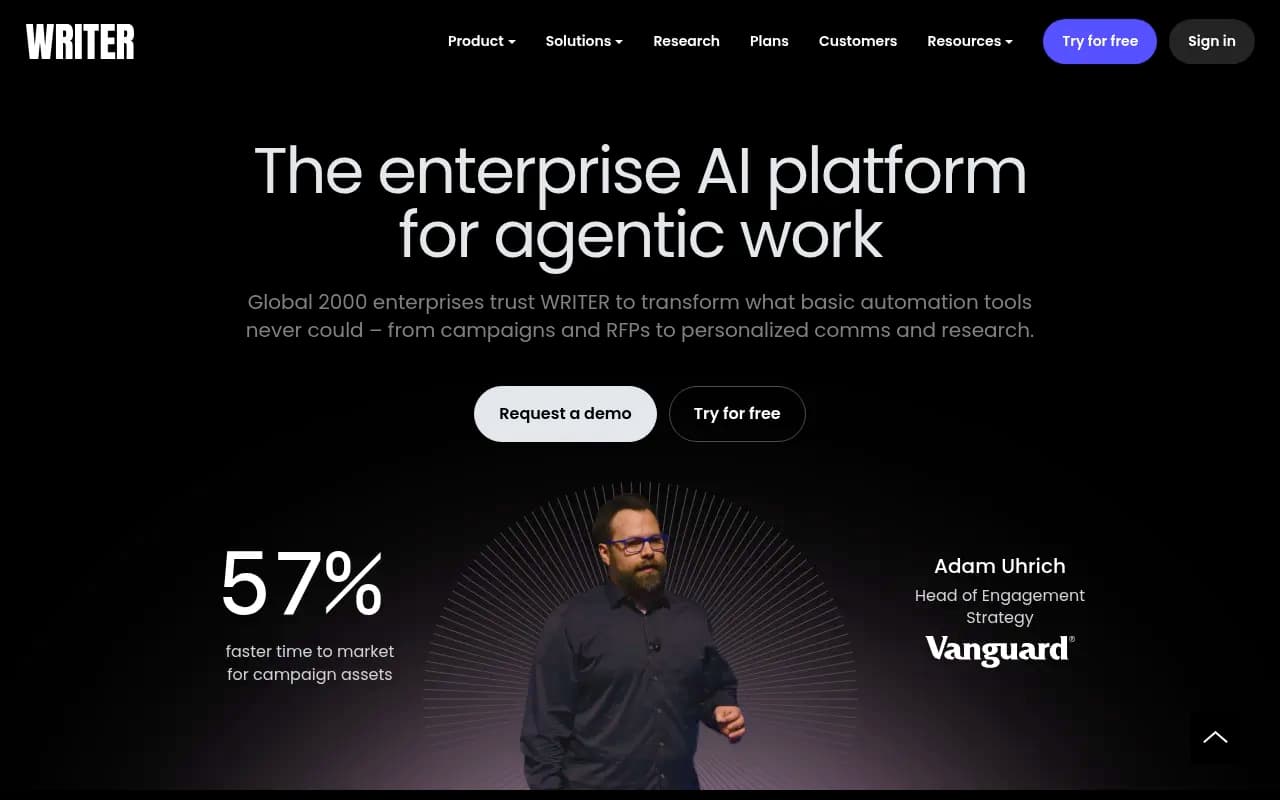
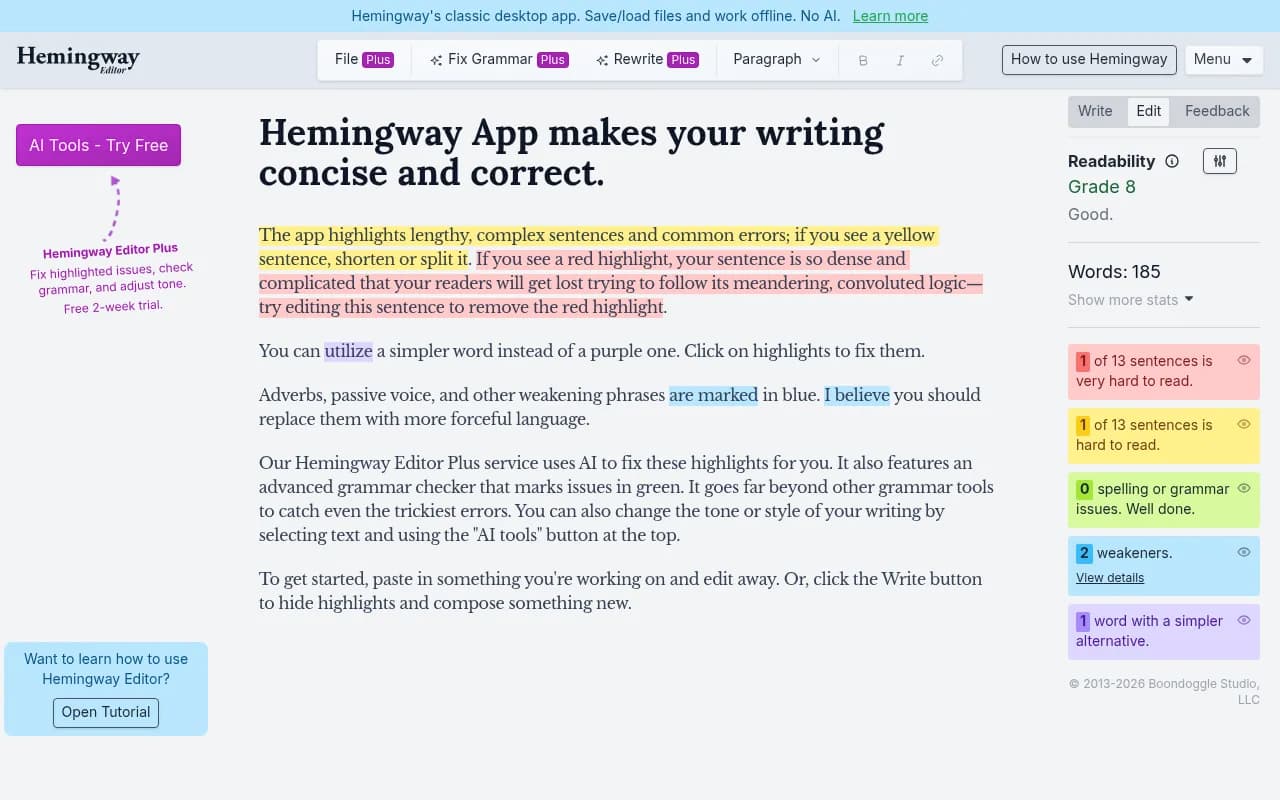
If you maintain a style guide, tools like Writer can enforce it across drafts, and Hemingway App flags dense sentences.
Measure whether it is working
Writing docs and hoping is the old approach. You want evidence for four things: are AI crawlers reading the pages, are they cited, for which prompts, and does it drive visits?
Promptwatch is built for this loop. It tracks real ChatGPT, AI Overviews, Perplexity and other interfaces, shows IP-verified AI crawler logs so you can see which docs pages GPTBot or ChatGPT-User read and where they hit errors, and ties citations to visitor analytics. Its content gap analysis points at the prompts where competitors are cited and you are not, and the Content Agent can draft pages to fill those gaps and publish them to WordPress, Webflow or Framer. Docs teams that already own the content mostly need the gap and crawler views.

There are other options at different price points. Monitoring-only trackers tell you whether you were mentioned, which is a start.
| Tool | Useful for docs teams because | Limits |
|---|---|---|
| Promptwatch | Crawler logs, per-page citations, content gaps, content creation and publishing | Full feature set sits on paid plans |
| Otterly.AI | Simple, low-cost prompt tracking | Monitoring only |
| Peec AI | Clean visibility monitoring | No optimization tooling |
| Profound | Enterprise monitoring depth | Higher price point |
| Screaming Frog | Finds crawl and structure issues on docs sites | Does not measure AI citations |
| Google Search Console | Free indexing and query data | Does not show AI citations directly |



For a wider look at the category, the GEO software directory lists dozens of options.
A simple weekly routine
- Check crawler logs for 4xx and 5xx errors on docs URLs.
- List your top 20 software prompts (setup, pricing, integrations, comparisons, "how does X work").
- See which pages ChatGPT and AI Overviews cite for each. If it cites a third party for your own feature, that is a gap in your docs.
- Update or write the missing page, then re-check in two to four weeks.
- Fix any page cited with wrong facts before you do anything else.
A practical rewrite checklist
Pick your 10 most-visited docs pages and test each against this list.
- Does the first sentence define the feature and the plan it belongs to?
- Is every heading something a person could type as a question?
- Are steps numbered with exact labels and commands?
- Are limits, prices and supported versions in a table?
- Is there a short FAQ at the bottom with real questions from support tickets?
- Is the page server-rendered, in the sitemap, and linked from at least two other pages?
- Is the date visible and accurate?
- Does the same fact appear identically on your pricing page, G2 profile and GitHub README?
If an answer is no, fix that page before you write anything new.
What I would skip
A few things get recommended that I would not prioritize. Keyword stuffing docs for "AI optimization" does nothing a model cares about. Splitting one topic into ten thin pages to chase prompts makes your own content compete with itself. And chasing every new format guess, such as llms.txt as your main strategy, ignores the data above where markdown is 0.05% of citations.
Start with crawlability, accuracy and clear answers. The numbers say docs and help centers are the biggest group of cited software sources, and they stay cited longer than almost anything else you publish. That is a good place to put effort.
Sources and further reading
- Promptwatch Data: most cited sites in ChatGPT for software prompts
- Promptwatch Data: which content types ChatGPT cites
- Promptwatch Data: half-life of content in ChatGPT
- Promptwatch Data: markdown in AI search
- OpenAI: best practices for prompt engineering
- BetterDocs: AI prompt writing for documentation