Key takeaways
- You can build a workable SEO stack for under $100 a month by pairing one all-in-one tool with free Google data. Don't buy five overlapping subscriptions.
- SE Ranking, Mangools and Ubersuggest cover classic keyword research, rank tracking and audits at the lowest prices. Surfer SEO covers content optimization.
- AI visibility (showing up in ChatGPT, AI Overviews and Perplexity) is a separate job from classic SEO and needs its own tracker, even a cheap one.
- Pricing across review sites is inconsistent, so check each vendor's pricing page before paying. The numbers below are approximate.
- Most listicles on this topic are written by vendors who rank their own product first. Treat "best" claims with some suspicion, including mine.
What $100 a month actually buys in 2026
Let me be blunt about the trade-off. Under $100, you get smaller keyword databases, capped rank tracking and fewer advanced features than Semrush or Ahrefs. What you also get is the 80% of SEO work a small business actually does: find keywords, fix obvious technical problems, write better pages, and see whether any of it is working.
The stack approach tends to beat the single expensive platform at this budget. As Stackmatix puts it, tools in this tier "excel at specific functions rather than providing all-in-one platforms," so combining two or three affordable ones is normal.
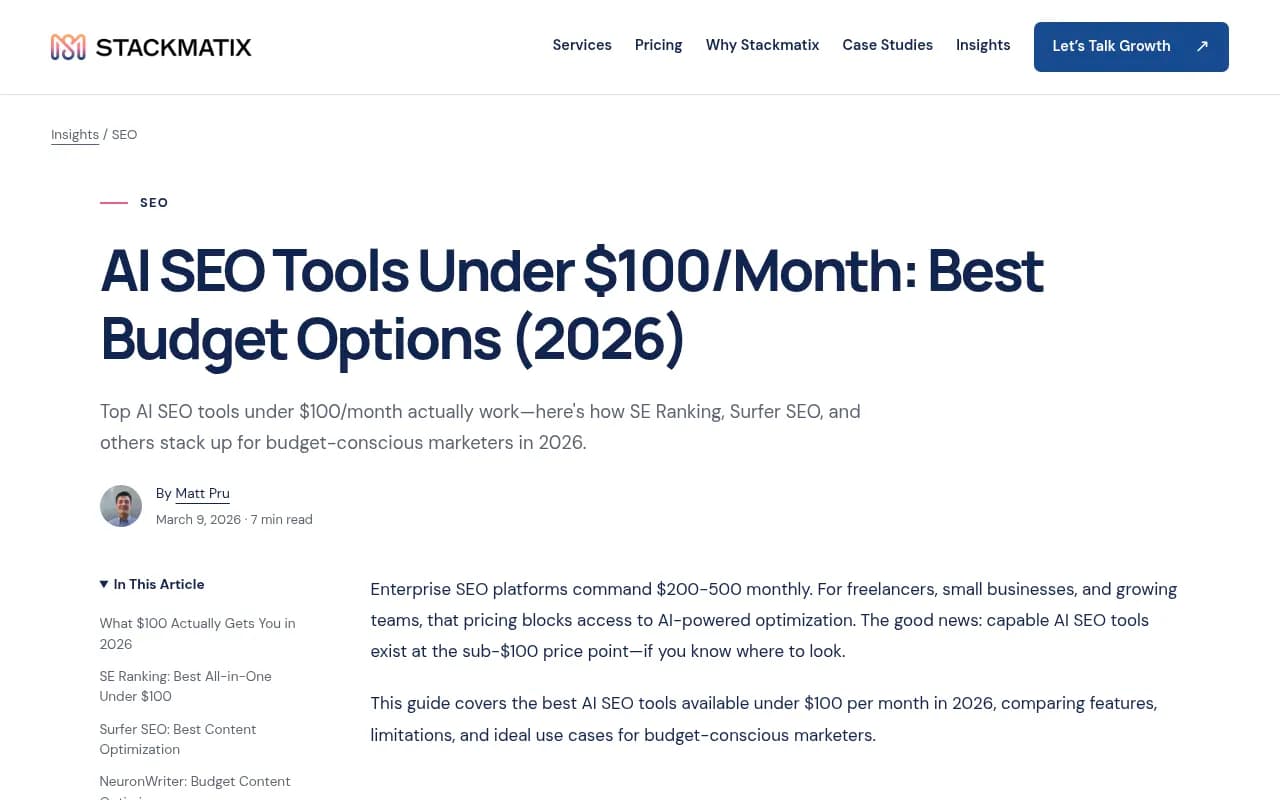
One caution before the list. Several of the roundups I read while researching this (Mega, Harbor, Moonrank, Frizerly, Stackmatix) rank their own product or a partner first. One even has a typo claiming small business tools should cost "under $700/month." Useful data, biased framing. I've tried to stick to what is consistent across sources.
The free foundation: start here before paying anyone
Google Search Console is free, shows what you actually rank for, and flags indexing problems. Pair it with GA4 and you have the baseline every paid tool is trying to improve on.
Search Console now also has a Generative AI features report, and Bing's AI Performance report shows citations and pages that appear in Copilot answers. Both are free and worth checking monthly. Blogger Victoria Kurichenko calls them the best free AI SEO data she has found, and I agree, at least for the price.
Best all-in-one: SE Ranking
If you want a single dashboard, SE Ranking is the safest pick. The Essential plan is quoted around $52/month on monthly billing (roughly $31/month if billed annually), and Pro is around $95/month. Both sit under the $100 ceiling, but its higher tiers do not, and one source quotes $129 for a larger plan, so check which tier you are looking at.
It covers keyword research, rank tracking, site audits, backlink monitoring and competitor analysis, plus an AI content editor and audit prioritization. The weak spot is database size. It is smaller than Semrush or Ahrefs, so for obscure niches you may see thinner data.
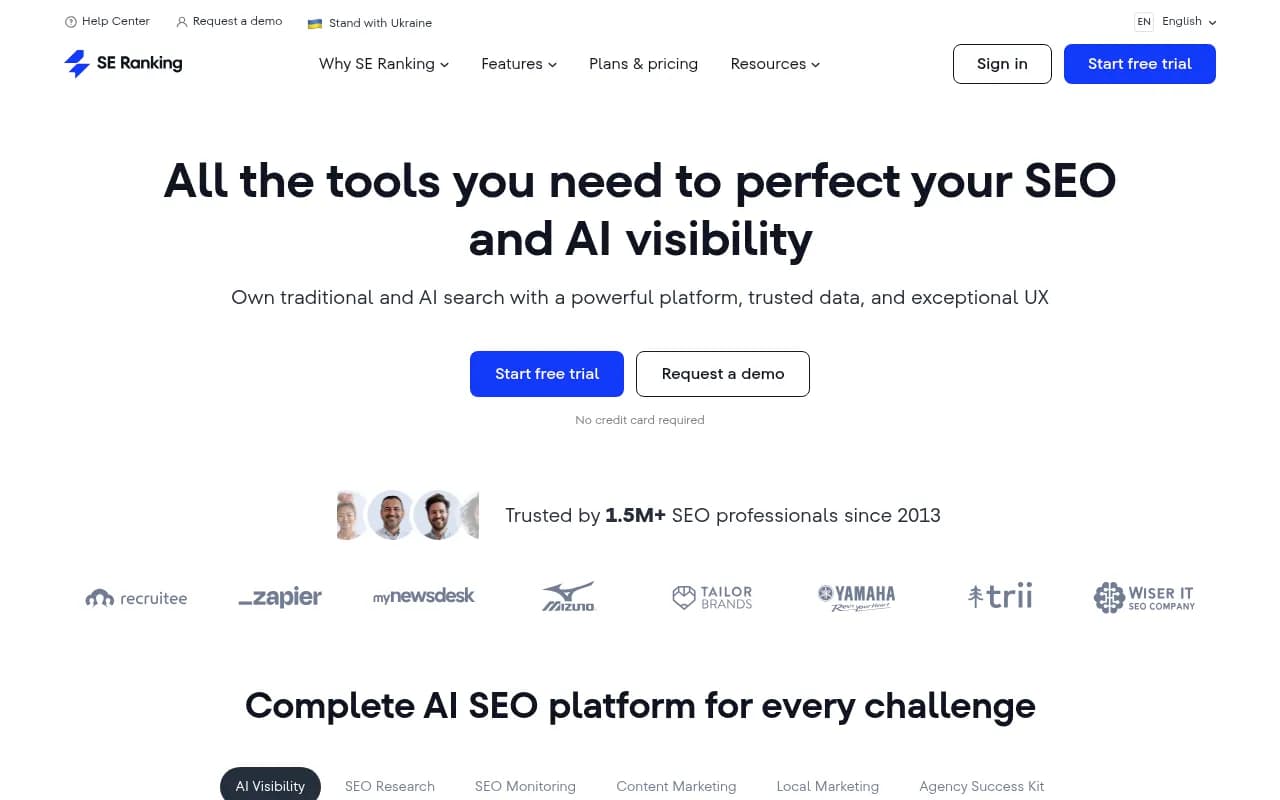
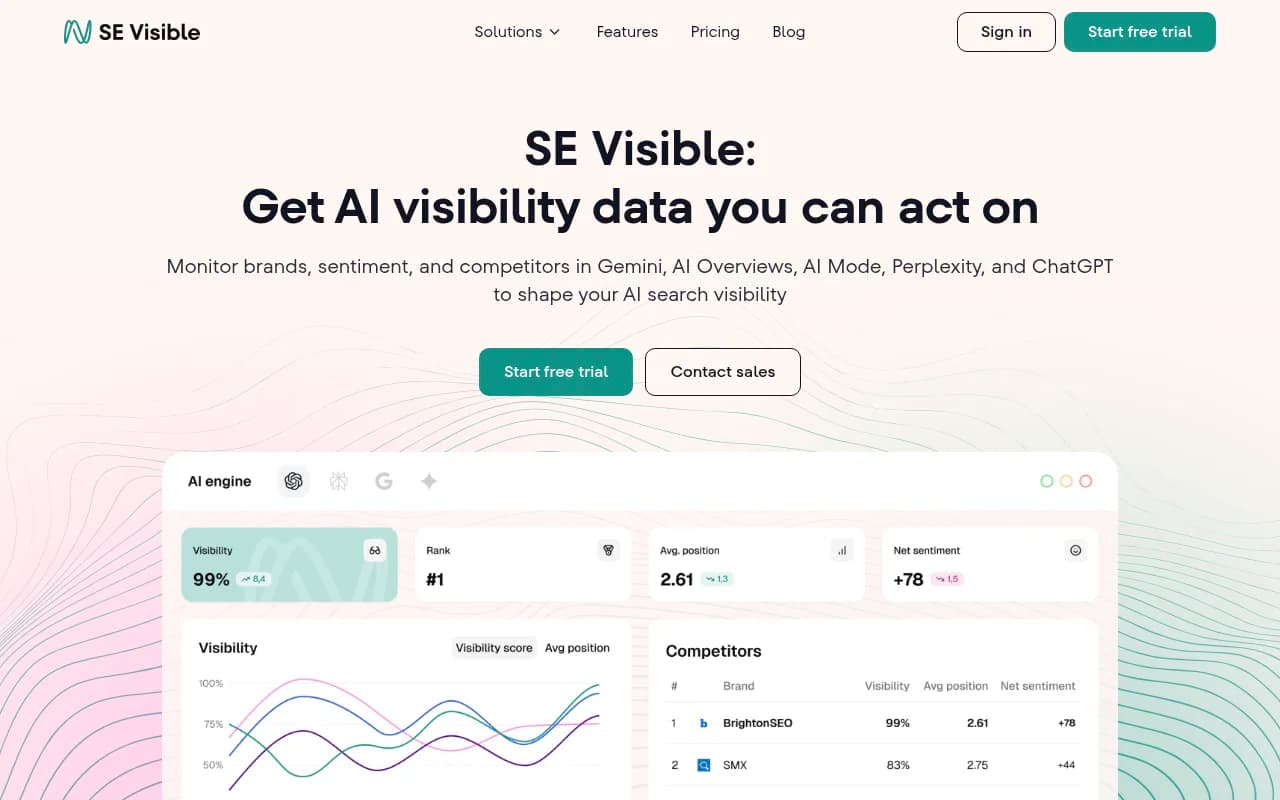
SE Ranking also has a separate product for AI search tracking.
Best for tight budgets: Mangools and Ubersuggest
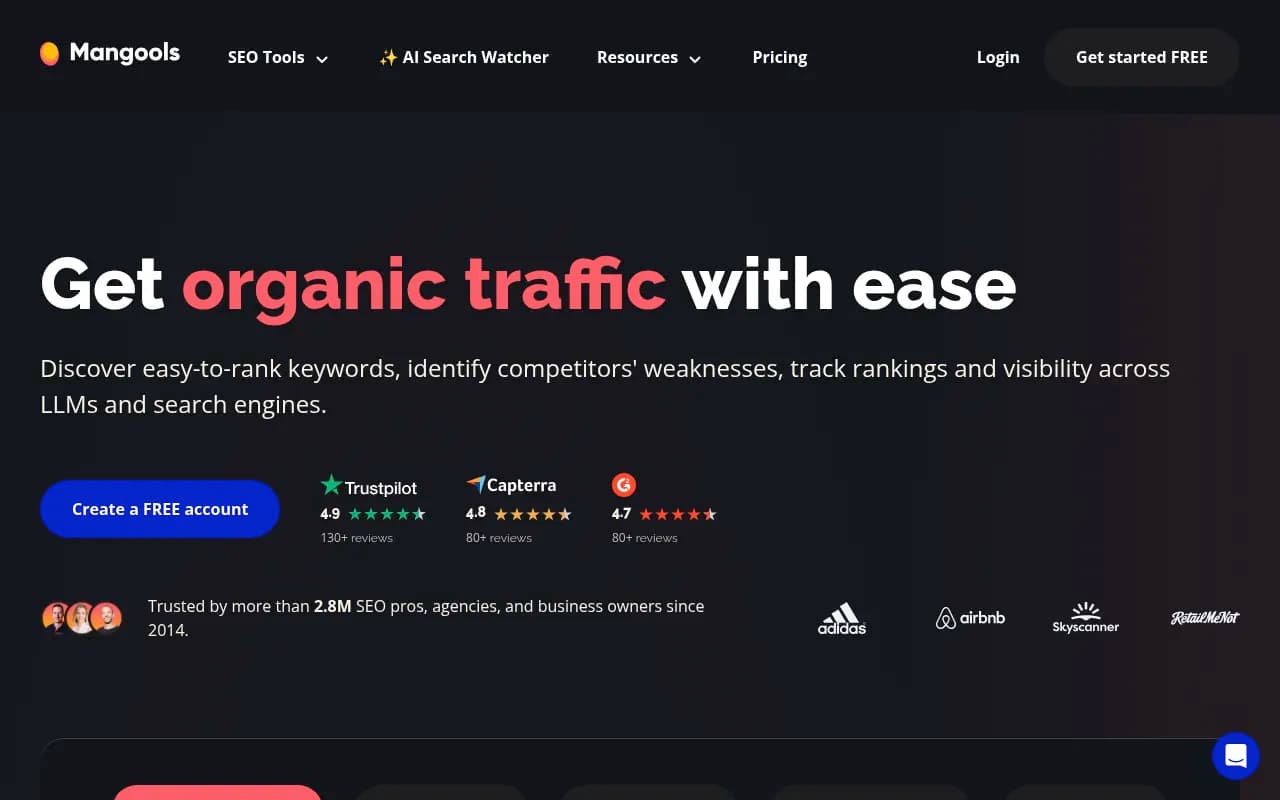
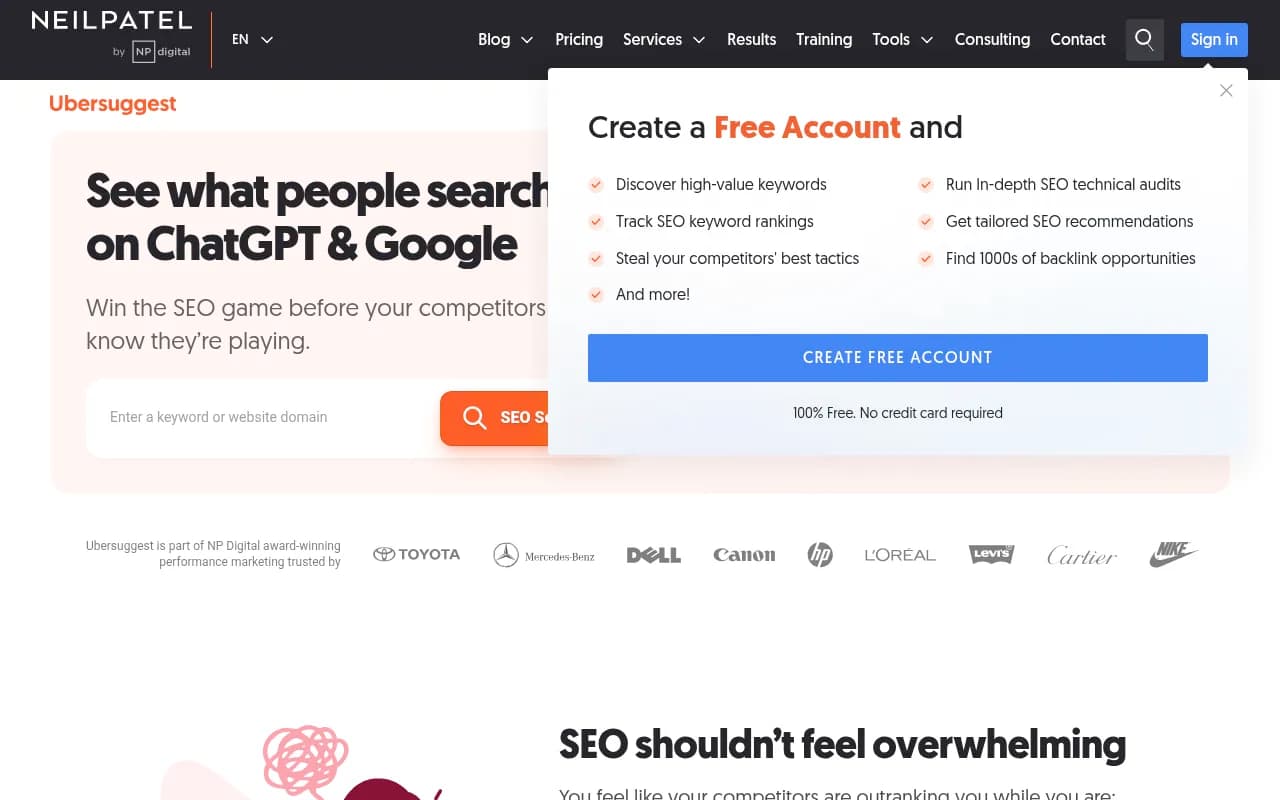
Mangools is a clean, beginner-friendly suite reported at about $29/month. It is a good fit if you are a solo owner who wants keyword research and rank tracking without learning a complex interface.
Ubersuggest is the cheapest way in. There is a limited free tier, paid plans from roughly $12 to $40 a month, and a lifetime option that one reviewer reports at $390. The data is less deep than the big suites, but for a business spending $0 to $30 a month on SEO it is genuine value.
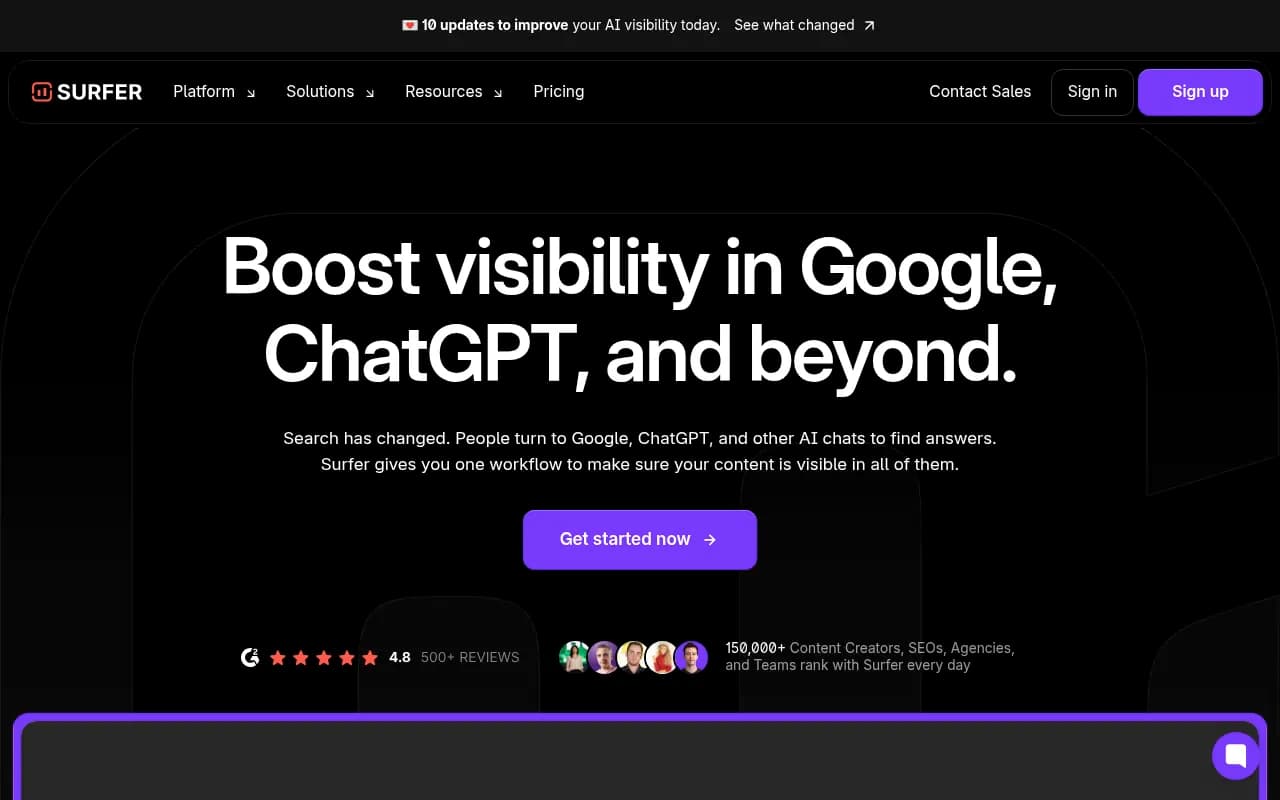
Best for content optimization: Surfer SEO
Surfer starts at about $89/month, which makes it the one tool here that eats most of your budget by itself. Its Content Editor analyzes top-ranking pages for a keyword and scores your draft against them. If you publish several articles a month, it pays off. If you publish one a quarter, it does not.
Cheaper alternatives in the same category are worth a look if $89 hurts.
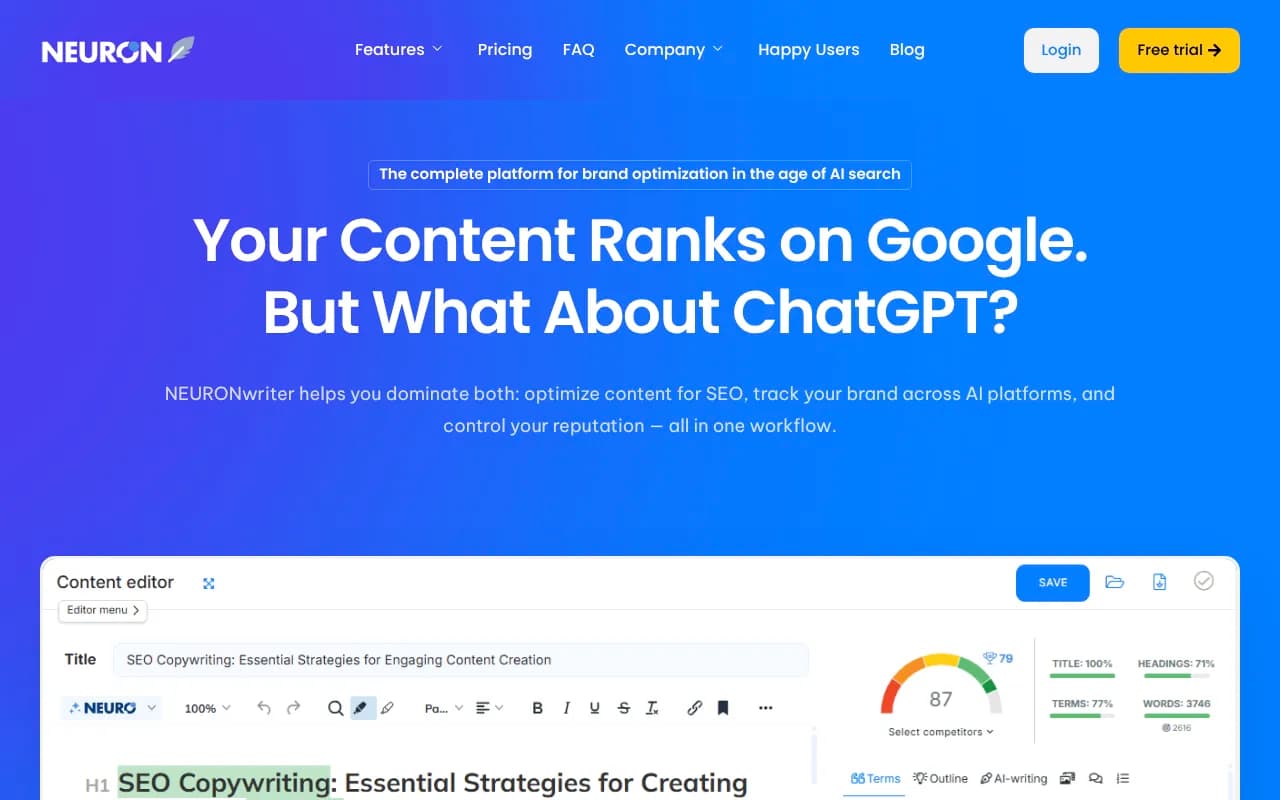
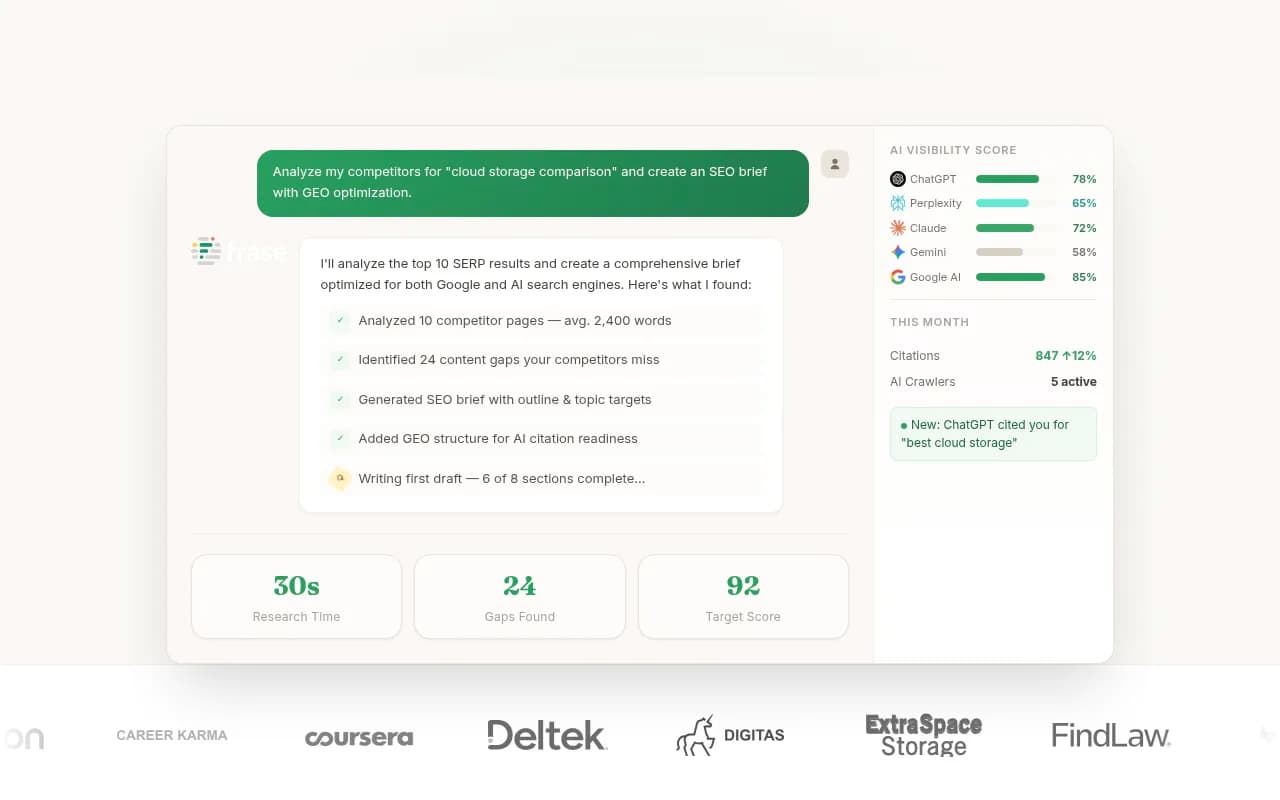
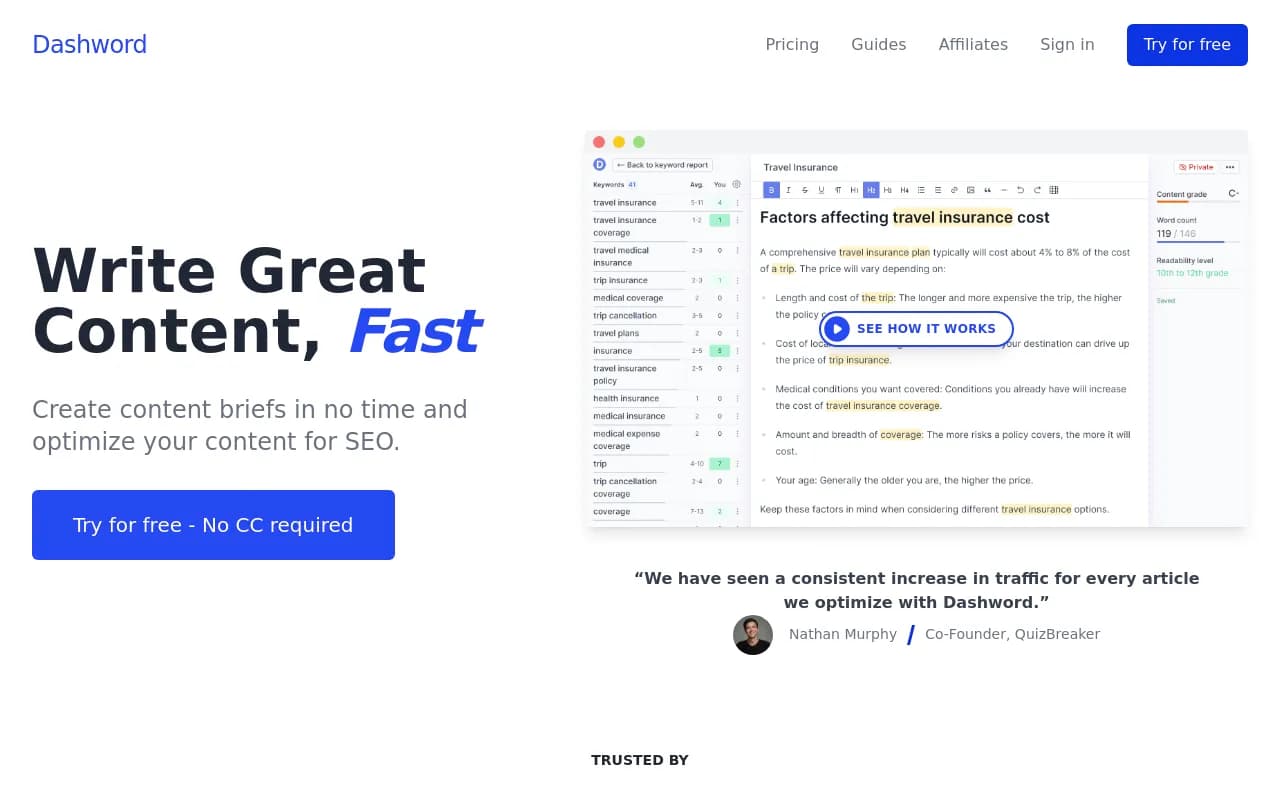
I would pick one of these over buying both a writing tool and an optimizer. Overlap is where small budgets leak.
Best for WordPress sites: plugins
If your site runs on WordPress, a plugin may cover much of the on-page work for a fraction of the cost of a standalone tool.
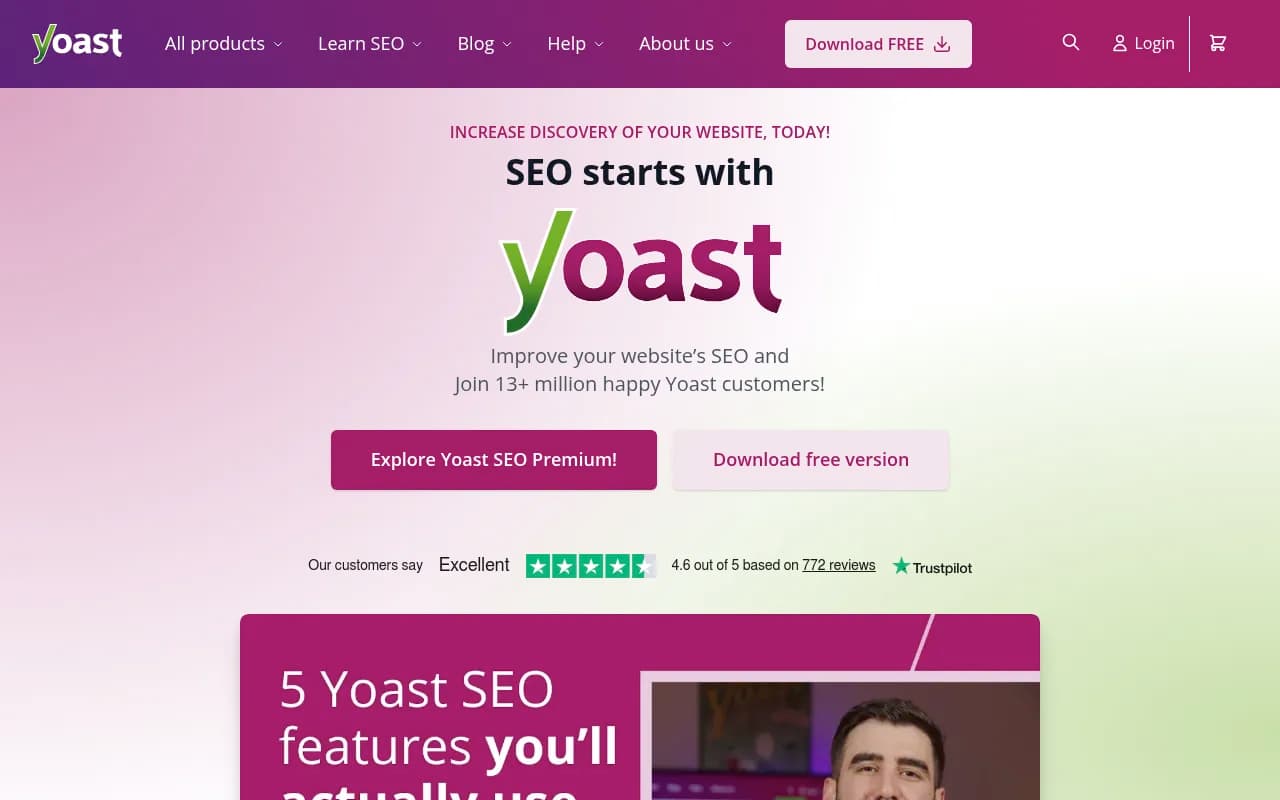
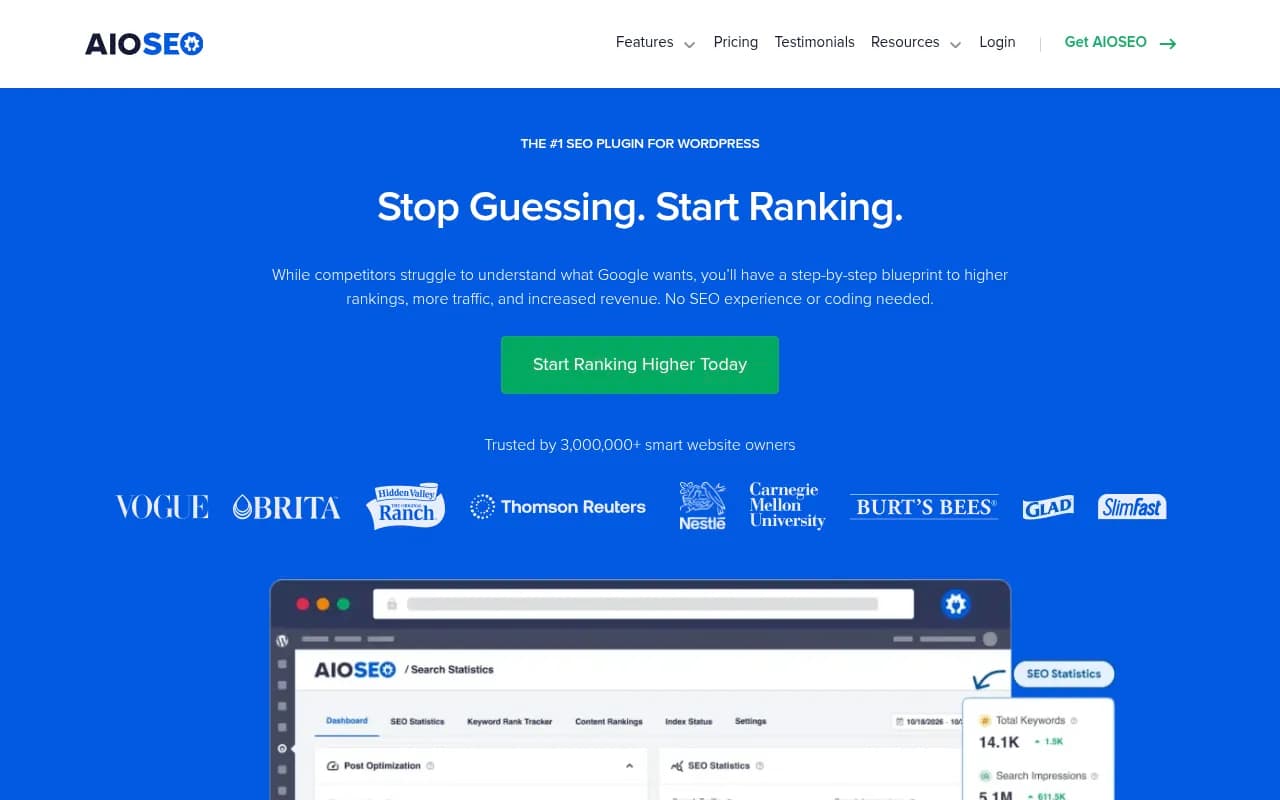
Neither replaces keyword research or rank tracking, but both handle titles, meta descriptions, schema and sitemaps.
AI visibility trackers under $100
This is the category most small business guides skip, and it matters. People now ask ChatGPT and Google's AI answers for local services and "best X for small businesses" recommendations. Classic rank trackers do not tell you whether you are named in those answers.
A few entry-level options from the catalog:
- Otterly.AI, reported at about $29/month for 15 prompts across ChatGPT, AI Overviews, Perplexity and Copilot
- PromptRush, daily scans from $19/month
- Dageno AI and OpenLens, both with free plans
- Tibly, built for local businesses

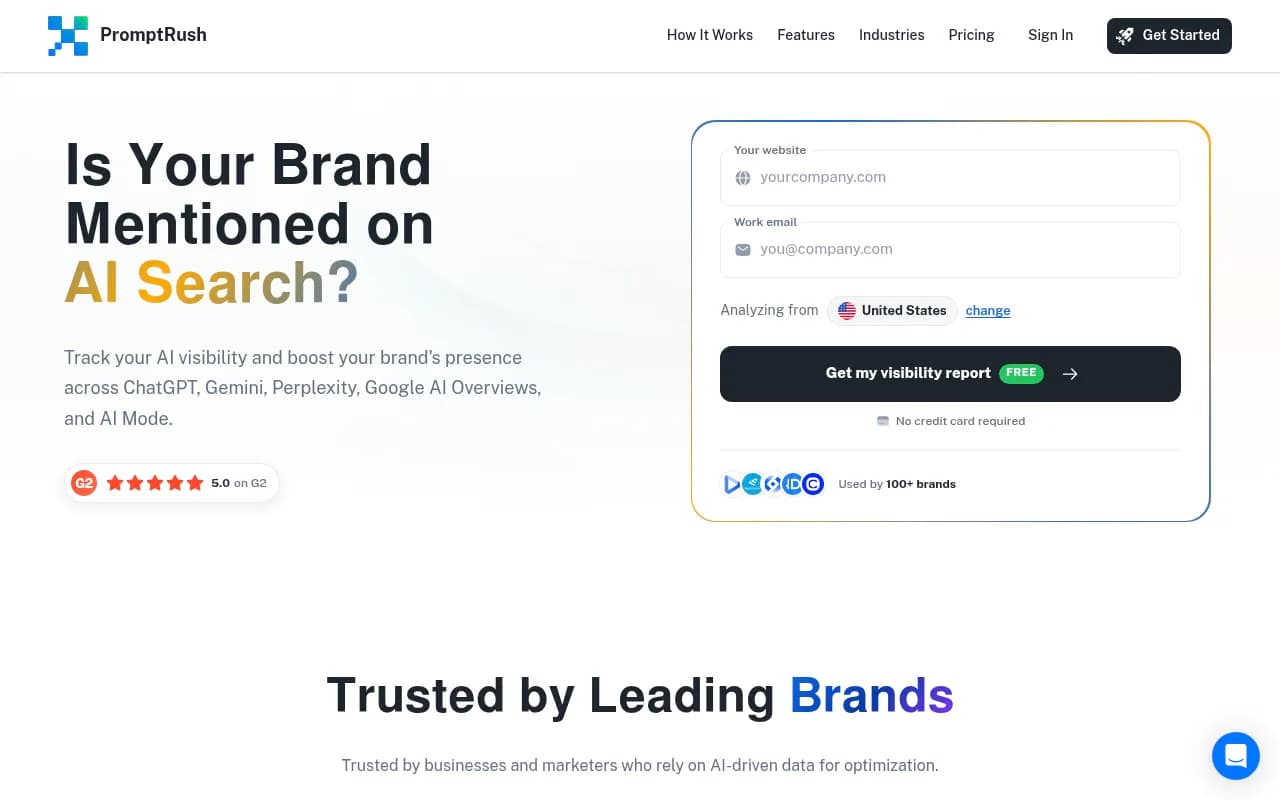

These are monitors. They tell you whether you appear. They mostly will not tell you why, or fix it. If you outgrow that, platforms like Promptwatch go further, with crawler logs, content gap analysis and a Content Agent that writes and publishes. Its Essential plan is $95/month, which squeezes under the line, and there is a free Explore tier for a single project. Check promptwatch.com/pricing for current limits.

For a wider look at this category, the directories at bestgeosoftware.com and ai-rank-tools.com list many more.
What AI search data says you should publish
Cheap trackers are only useful if you know what to do with the results. Promptwatch Data gives a good starting point. Between Sep 28 and Oct 4, 2026, product pages were the most cited content type in ChatGPT at 22.4%, with landing pages at 16.8%. So roughly 39% of citations go to pages describing what a company sells.
For commercial prompts such as "best CRM for small businesses," product pages reach 26.0%, landing pages 20.6% and listicles 15.0%. Practically, that means:
- Make your product and service pages complete, with pricing, specs and who they are for.
- Publish comparisons, how-tos and listicles.
- Add FAQ sections.
- Get reviews on trusted third-party sites.
On social, be careful about advice you may have read a year ago. In the same period, social platforms made up just 0.46% of ChatGPT citations, versus 12.2% for Google AI Overviews. Reddit's share of ChatGPT citations collapsed from about 4% to 0.5% in August 2026. If you have limited time, YouTube is the better social bet for Google's AI answers.
Also, news pages lose half their ChatGPT citations in about five weeks, while landing pages and docs last months. For a small team, evergreen pages beat chasing news.
Comparison table
Prices are approximate and taken from third-party roundups, so confirm on vendor sites.
| Tool | Approx. price | Best for | Main limitation |
|---|---|---|---|
| SE Ranking | $52 to $95/mo | One dashboard for everything | Smaller databases than Semrush |
| Mangools | ~$29/mo | Solo owners, simple keyword work | Fewer advanced features |
| Ubersuggest | Free, $12 to $40/mo | Lowest-cost entry | Shallower data |
| Surfer SEO | ~$89/mo | Content optimization | Uses most of the budget |
| Otterly.AI | ~$29/mo | Basic AI visibility monitoring | Monitoring only, 15 prompts |
| Promptwatch | Free, then from $95/mo | Monitoring plus fixing AI visibility | Higher tiers go over $100 |
| Google Search Console | Free | Real Google performance data | No competitor data |
Three stacks that stay under $100
The solo owner stack (about $30 to $40)
Google Search Console, Mangools or Ubersuggest, and a free AI visibility check. Spend your time writing and improving service pages, not configuring tools.
The content-driven stack (about $90 to $100)
SE Ranking Essential plus a cheap AI tracker like Otterly.AI, with Search Console. That lands around $80 to $85 and leaves some headroom. Skip Surfer unless you publish weekly.
The AI-first stack (about $95)
If most of your leads come from people asking AI assistants for recommendations, put the money into visibility instead of rank tracking. Promptwatch Essential plus Search Console and GA4 gives you tracking, site audits and content gap analysis in one place. You will lose classic rank tracking depth, which is a fair trade only if your customers actually use AI search.
How to choose
- Decide what your bottleneck is. Not knowing what to write is a research problem. Writing but not ranking is an optimization problem. Not appearing in AI answers is a visibility problem. Different tools fix different ones.
- Check the platform fit. WordPress users can lean on plugins; Shopify and Wix users should confirm integrations first.
- Use free trials and annual discounts carefully. Annual billing cuts costs, but only commit after a month of real use.
- Be wary of "autopilot" content tools. Auto-published articles at scale can bring thin pages, and ChatGPT favors complete, factual pages over volume.
- Re-evaluate every quarter. Prices and features in this market move fast.
Frequently asked questions
Can I really do SEO for under $100 a month?
Yes, for the tools. Your time is the real cost. If you cannot spend a few hours a month, a managed option or an agency may be cheaper than it looks. 1001 SEO Media, which publishes this site, offers SEO and GEO services with no long-term contracts for businesses at that point.
Do I need a separate AI visibility tool?
If customers ask ChatGPT or Google's AI answers for recommendations in your category, yes, at least a cheap monitor. Classic rank trackers will not show you AI citations.
Is Semrush worth it at this budget?
One roundup lists Semrush One at $199/month, which is over budget. It is excellent but not a fit for this guide.
For more tools in this space, browse the general directory at surferstack.com. Start with Search Console and one paid tool, give it 60 days, and only then add a second.