Key takeaways
- Zapier is the fastest path to automation for non-technical marketing teams, with 7,000+ integrations and a near-zero learning curve -- but its task-based pricing gets expensive fast above 10K tasks/month.
- Make (formerly Integromat) handles complex, branching workflows at roughly 60% lower cost than Zapier, making it the best fit for mid-market teams comfortable with a visual but more involved builder.
- n8n is the only self-hostable option of the three, with unlimited executions on self-hosted plans -- ideal for engineering-led teams with compliance requirements or very high automation volumes.
- The right choice depends on three things: your team's technical skill, your monthly execution volume, and how sensitive your data is.
- All three tools have added AI-powered features in 2026, but they differ significantly in depth and how well those features integrate with marketing workflows.
Picking a workflow automation tool sounds like a procurement task. In practice, it shapes how your entire marketing operation runs. Get it wrong and you're either paying for complexity you never use, or you've outgrown a tool that can't keep up with your stack.
Zapier, Make, and n8n have all matured significantly over the past 18 months. Each has added AI features, expanded integrations, and adjusted pricing. The gap between them has narrowed in some areas and widened in others. This guide cuts through the marketing copy to give you a practical comparison across the dimensions that actually matter for marketing teams.
How these three tools approach automation differently
Before diving into specs, it's worth understanding the philosophy behind each platform, because that shapes everything else.
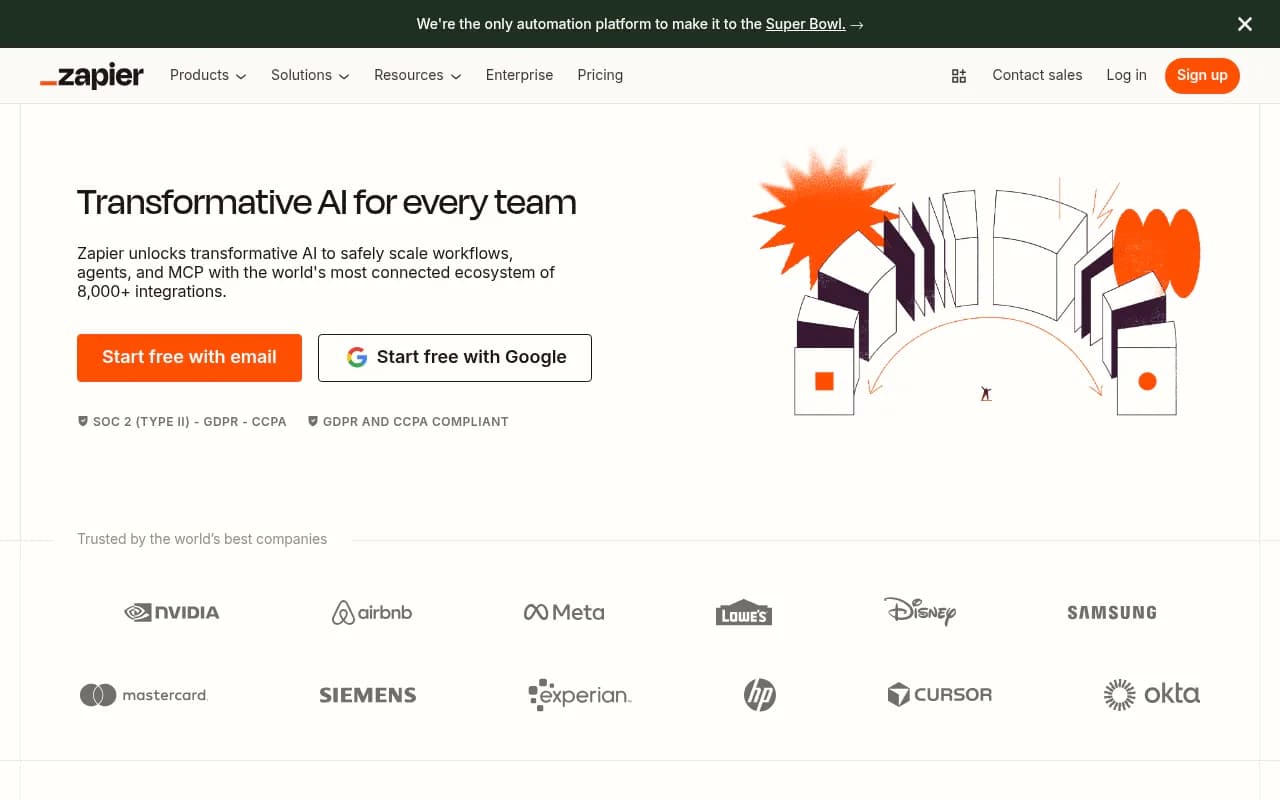
Zapier was built for accessibility. Its core promise: connect two apps in minutes, no code required. It prioritizes breadth -- 7,000+ integrations -- over depth. If you need to connect your CRM to your email tool to your Slack channel, Zapier gets you there faster than anything else.
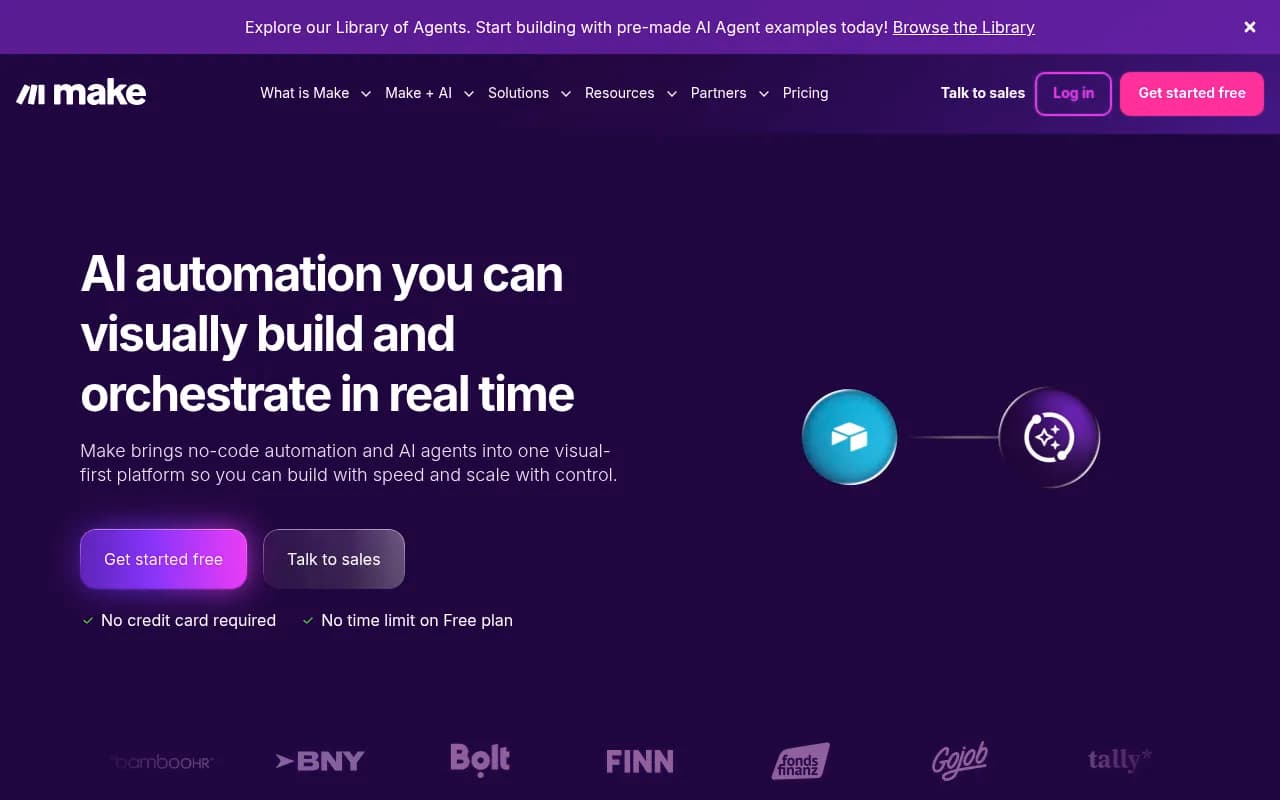
Make (formerly Integromat) takes a more visual, systems-thinking approach. Its "scenario" builder lets you map out complex logic with routers, iterators, and aggregators on a canvas. It's still no-code, but it rewards people who think in flowcharts. The payoff is more powerful workflows at a lower price point.
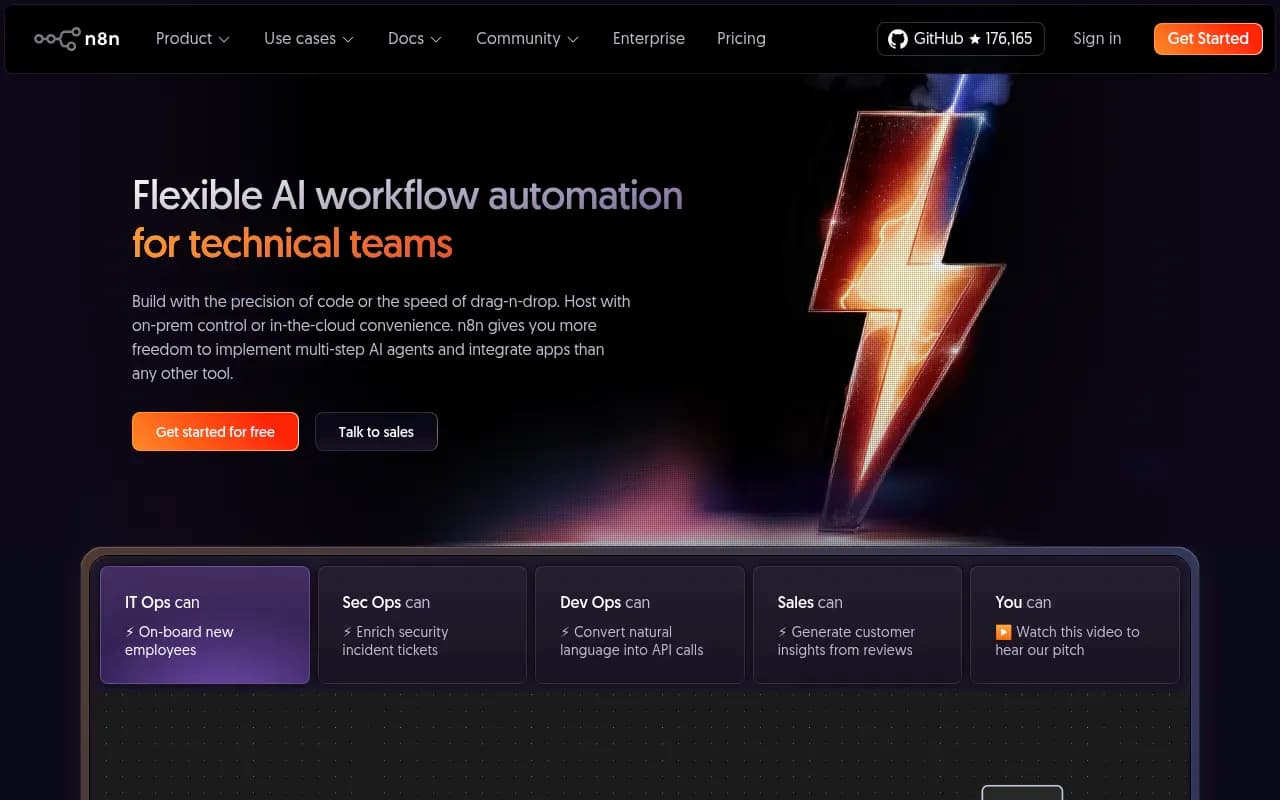
n8n is the developer's choice. It's open-source, self-hostable, and built for teams that want full control over their data and infrastructure. You can write JavaScript directly inside workflows. The trade-off is that it assumes technical fluency -- expressions show up early, and self-hosting requires setup and ongoing maintenance.
Pricing: where the real differences show up
Pricing is where these platforms diverge most sharply, especially at scale.
Zapier pricing
Zapier charges per "task" -- each action a Zap performs counts as one task. The free plan gives you 100 tasks/month. Paid plans start around $20/month for 750 tasks, scaling up to $100+/month for 10,000 tasks. Above that, costs climb steeply. Moving from 10K to 100K tasks can push your bill past $500/month. For marketing teams running high-volume automations (think: syncing thousands of leads, sending triggered emails at scale), this adds up fast.
Make pricing
Make charges per "operation" -- each module that runs in a scenario counts as one operation. The free plan includes 1,000 operations/month. Paid plans start at around $9/month for 10,000 operations, with the Core plan covering most small-to-mid marketing teams. Because Make's operations map differently to Zapier's tasks (a single Make scenario might use more operations than a single Zap uses tasks), direct price comparisons require some math. But for complex, multi-step workflows, Make typically comes out 40-60% cheaper than Zapier.
n8n pricing
n8n's cloud plans start at $20/month for 2,500 workflow executions. Crucially, n8n charges per execution (the whole workflow running once), not per individual step. A 20-step workflow costs the same as a 3-step one. For high-volume, complex automations, this is a significant advantage.
The self-hosted version is free. You pay for your own server costs, which on a basic VPS might run $5-20/month. For teams with the technical capacity to manage it, this is the most cost-effective option at scale.
Pricing comparison at a glance
| Zapier | Make | n8n | |
|---|---|---|---|
| Free tier | 100 tasks/month | 1,000 ops/month | Self-hosted (free) |
| Entry paid plan | ~$20/mo (750 tasks) | ~$9/mo (10K ops) | $20/mo (2,500 executions) |
| Pricing model | Per task (each action) | Per operation (each module run) | Per execution (whole workflow) |
| Cost at high volume | Expensive ($500+/mo for 100K tasks) | Moderate | Low (self-hosted: ~$5-20/mo server) |
| Best for | Low-to-medium volume | Medium-to-high volume | High volume or compliance-driven |
Integrations: breadth vs. depth
Zapier wins on raw numbers. With 7,000+ integrations, it covers virtually every SaaS tool a marketing team might use -- HubSpot, Salesforce, Mailchimp, Slack, Google Ads, LinkedIn, you name it. If a tool has an API and any user base at all, there's probably a Zapier connector for it.
Make has around 3,000+ native integrations. That's still a lot, and for most marketing stacks it's more than enough. Where Make compensates is in the depth of those integrations -- many connectors expose more fields and options than their Zapier equivalents.
n8n sits at roughly 400-1,500 native integrations depending on how you count community nodes. The gap is real. But n8n's HTTP Request node and the ability to write custom code mean that if a tool has an API, you can connect to it -- it just requires more effort than clicking a pre-built connector.
For marketing teams using mainstream tools (HubSpot, Salesforce, ActiveCampaign, Google Analytics, Slack, Notion), all three platforms have you covered. The integration gap matters most if you're running niche or industry-specific tools.
Ease of use: who can actually build workflows?
This is where the platforms diverge most for marketing teams.
Zapier's editor is genuinely simple. You pick a trigger app, pick an action app, map the fields, and you're done. A marketer with no technical background can build a working Zap in 20 minutes. The multi-step Zap builder is more involved but still accessible. The trade-off: complex logic (branching paths, loops, conditional filters) requires workarounds or premium features.
Make's canvas-based editor is visually appealing and more powerful, but it has a steeper learning curve. Concepts like routers (for branching), iterators (for processing lists), and aggregators (for combining data) take time to understand. Most marketers can learn Make, but expect a few hours of tutorials before you're comfortable building non-trivial scenarios.
n8n's interface is clean and the node-based editor is logical once you understand it. The problem is that it assumes you're comfortable with technical concepts from the start. Expressions (used to reference data from previous nodes) use JavaScript syntax. Error handling requires deliberate setup. For a marketing team without a developer or technically-minded ops person, n8n's learning curve is steep enough to be a real barrier.
AI capabilities in 2026
All three platforms have added AI features, but the depth varies.
Zapier has integrated AI steps into its workflow builder, letting you add ChatGPT or other AI models as actions in a Zap. It also has an AI-powered Zap builder that can generate workflows from a text description. For basic AI augmentation (summarize this email, classify this lead, generate a draft response), Zapier's AI features work well without any configuration.
Make has added AI modules but they're more limited compared to Zapier's native AI integration. Where Make shines is in building complex AI pipelines -- you can construct multi-step AI workflows with branching logic that would be clunky in Zapier.
n8n has the most powerful AI capabilities of the three, particularly for teams building AI agents. It has native LangChain integration, supports multiple AI models, and lets you build agentic workflows where AI models can call tools, make decisions, and loop back. For marketing teams building AI-powered content pipelines, lead scoring agents, or automated research workflows, n8n's AI features are genuinely impressive. The catch: you need technical skill to use them.
Security and compliance
For marketing teams handling customer data, this matters more than most people think.
Zapier is cloud-hosted and SOC 2 Type II certified. Your data passes through Zapier's servers. For most teams, this is fine. For teams with strict data residency requirements (healthcare, finance, certain enterprise contracts), it can be a problem.
Make is also cloud-hosted with strong enterprise security credentials, including GDPR compliance and SOC 2 certification. It offers data region selection on enterprise plans, which helps with some compliance requirements.
n8n's self-hosted option is the only one that keeps your data entirely within your own infrastructure. If your marketing team handles sensitive customer data that can't leave your servers, n8n self-hosted is the only choice among these three. The cloud version has standard security certifications but loses the data sovereignty advantage.
Which tool fits which marketing team?
Small marketing teams (1-5 people, non-technical)
Zapier. The integration breadth means you can connect whatever tools you're already using, and you'll have working automations the same day. The cost is manageable at low volumes. Don't overthink it.
Mid-market marketing ops teams
Make is worth the learning investment. If you're running complex lead routing, multi-step nurture sequences, or data sync workflows between several platforms, Make's scenario builder handles it more elegantly than Zapier and at lower cost. Budget a few days to get comfortable with the platform.
Engineering-led growth or RevOps teams
n8n, especially self-hosted. If your team has developers or a technically strong ops person, n8n's flexibility is hard to match. You can build workflows that would require expensive enterprise plans on the other platforms, handle high execution volumes without per-task costs, and keep sensitive data on your own infrastructure.
Agencies managing multiple client automations
Make or Zapier, depending on client sophistication. Make's organization features and pricing make it easier to manage multiple client workspaces. Zapier's breadth means you can handle whatever clients throw at you without worrying about missing integrations.
Feature comparison table
| Feature | Zapier | Make | n8n |
|---|---|---|---|
| Native integrations | 7,000+ | 3,000+ | 400-1,500 |
| Self-hosting | No | No | Yes (free) |
| Visual workflow builder | Basic | Advanced canvas | Node-based |
| AI features | Good (native ChatGPT steps) | Moderate | Excellent (LangChain, agents) |
| Learning curve | Low | Medium | High |
| Pricing model | Per task | Per operation | Per execution |
| Best price at high volume | Poor | Good | Excellent |
| Enterprise security | SOC 2 | SOC 2 + data regions | Self-hosted = full control |
| Custom code support | Limited | Limited | Yes (JavaScript) |
| Community/ecosystem | Large | Large | Growing |
| Free tier | 100 tasks/mo | 1,000 ops/mo | Self-hosted (unlimited) |
Common marketing automation use cases
Lead routing and CRM sync
All three handle this well. Zapier is fastest to set up. Make handles complex routing logic (different paths based on lead score, source, company size) more elegantly. n8n can do it all but requires more setup.
Email sequence triggers
Zapier's direct integrations with tools like ActiveCampaign and Mailchimp make this straightforward. Make can handle more complex trigger conditions. n8n works well here if you're already using it for other workflows.
Content publishing workflows
Publishing a blog post to multiple channels, notifying Slack, updating a Notion database, and logging to a spreadsheet -- this is exactly the kind of multi-step workflow where Make shines. Zapier can do it but costs more at volume.
AI-powered lead enrichment
If you're building workflows that pull in a new lead, enrich it with data, run it through an AI model to score or categorize it, and then route it accordingly -- n8n's AI capabilities make it the strongest choice. You can build genuinely agentic workflows that would require significant workarounds in Zapier or Make.
Social media scheduling and monitoring
Zapier's breadth of social media integrations (Buffer, Hootsuite, Sprout Social, etc.) makes it the easiest choice for social automation. Make can handle more complex social workflows. n8n works if you're comfortable with its setup.

Migrating between platforms
One thing worth flagging: migrating from one platform to another is not trivial. Workflows don't export in a universal format. If you build 50 Zaps in Zapier and then decide to switch to Make, you're rebuilding them manually.
This isn't a reason to avoid switching if the economics make sense -- but it is a reason to think carefully before committing. Pick the platform that fits your team's likely trajectory over the next 2-3 years, not just where you are today.
The honest verdict
Zapier is the right default for most marketing teams. The integration library is unmatched, the learning curve is genuinely low, and you can have real automations running in hours. The pricing becomes a problem at scale, but for teams running under 10K tasks/month, it's hard to argue against it.
Make is the right choice when you've hit Zapier's limits -- either in workflow complexity or in cost. If you're building branching logic, processing lists, or running high volumes of automations, Make's scenario builder and pricing model are better suited. The learning curve is real but manageable.
n8n is for teams that need full control -- over their data, their infrastructure, or their workflow logic. If you have a developer on the team or a technically strong ops person, n8n's self-hosted option delivers the best value at scale and the most flexibility for building sophisticated AI-powered workflows. If you don't have that technical capacity, the learning curve will slow you down more than the cost savings are worth.
The choice isn't really about which tool is "best" -- it's about which tool fits the people who will actually build and maintain your automations.