Key takeaways
- Traditional SEO tools don't track AI search visibility -- you need a dedicated platform that monitors ChatGPT, Perplexity, Claude, Gemini, and other LLMs
- For agencies, multi-client workspace architecture is the single most important feature to evaluate -- tools built for individual brands often break down at scale
- Monitoring alone isn't enough; the best platforms help you act on what you find by surfacing content gaps and generating optimized content
- White-label reporting, prompt volume data, and crawler logs separate agency-grade tools from basic trackers
- Pricing structures vary wildly -- some tools charge per brand, others per prompt, so model your expected usage before committing
Why this buying decision is harder than it looks
A solo brand manager checking whether their company shows up in ChatGPT can get away with a basic tool. They run a few prompts, look at the results, maybe export a CSV. Done.
You can't do that for 30 clients.
When you're managing AI visibility at agency scale, the tool you pick becomes infrastructure. A bad choice means your team is manually switching between accounts, copy-pasting data into slide decks, and rebuilding the same reports every month. A good choice means you have a single workspace where everything lives, automated reporting flows to clients, and enough data depth to actually move the needle.
The market for AI visibility platforms has exploded in 2026. There are now dozens of tools claiming to track how brands appear in AI-generated answers. But most of them were built for individual brands, not agencies. And even among the ones that claim agency support, there's a massive difference between "we have a multi-seat plan" and "we were designed for agency workflows from the ground up."
This guide is specifically for agencies managing 10 or more client brands. I'll walk through the criteria that actually matter, the questions to ask vendors before you buy, and which platforms are worth serious consideration.
The five things that actually matter for agencies
1. Multi-client workspace architecture
This is the one that trips up most agencies. A lot of AI visibility tools are built around a single "brand" or "domain" as the core unit. You can add more brands, but the experience is essentially running separate accounts -- different dashboards, different data views, no cross-client aggregation.
What you actually need is a workspace that treats your agency as the top-level entity, with individual client brands nested underneath. That means:
- One login, all clients
- Ability to switch between clients without logging out
- Cross-client views so you can see which clients are improving and which need attention
- Role-based access so clients can log in and see their own data without seeing anyone else's
If a vendor can't show you exactly how this works in a demo, that's a red flag.
2. AI model coverage
Your clients' customers use different AI platforms depending on what they're doing. Someone researching a B2B software purchase might use Perplexity. Someone asking for a product recommendation might use ChatGPT. Someone doing a quick search might get an AI Overview from Google.
A good platform should cover at minimum: ChatGPT, Perplexity, Google AI Overviews, Claude, and Gemini. Broader coverage -- Grok, DeepSeek, Copilot, Meta AI -- is a bonus, but the core five are non-negotiable in 2026.
Watch out for platforms that technically "support" multiple models but only run queries against them infrequently. Freshness matters. If a client's competitor just published a major piece of content and got cited by Claude, you want to know about it this week, not next month.
3. Prompt intelligence and volume data
There's a big difference between tracking whether your brand appears in a response and knowing whether that prompt is worth caring about. A prompt that gets asked 50 times a month is very different from one that gets asked 50,000 times.
The better platforms give you prompt volume estimates -- how often a given query is being asked across AI engines -- along with difficulty scores that tell you how hard it is to break into the citations for that prompt. This is the data that lets you prioritize. Without it, you're just tracking mentions with no way to tell your clients which wins actually matter.
Some platforms also show query fan-outs: how one parent prompt branches into related sub-queries. This is genuinely useful for content strategy because it shows you the full territory around a topic, not just the single query you thought to track.
4. Content gap analysis and optimization
Here's where most platforms fall short. They show you where you're invisible. They don't help you fix it.
For agencies, this is a serious problem. You can generate a beautiful report showing a client that their competitor appears in 40% of relevant AI responses while they appear in 8%. But if the platform stops there, you're left figuring out what to do about it on your own.
The platforms that are actually worth the investment go further. They identify the specific prompts where competitors are visible but your client isn't, then help you understand what content is missing. The best ones have built-in content generation that produces articles and pages engineered to get cited -- not generic SEO content, but content built around the actual citation patterns AI models use.
Promptwatch is the clearest example of this approach. Its Answer Gap Analysis shows exactly which prompts competitors rank for that your client doesn't, and its built-in AI writing agent generates content grounded in citation data from over 880 million analyzed citations. That's the difference between a monitoring dashboard and an optimization platform.

5. Client reporting and white-label capabilities
Your clients don't want to log into another tool. They want to see results in a format they can understand, delivered on a schedule that works for them.
At minimum, look for:
- Exportable reports (PDF, CSV, or both)
- Scheduled automated delivery
- Shareable live dashboards with view-only access
- White-label options if you want reports to carry your agency's branding
Some platforms also integrate with Looker Studio or have APIs that let you pull data into your existing reporting stack. If your agency already has a reporting workflow built around a particular tool, this matters a lot.
The features most agencies overlook
AI crawler logs
This one is underrated. AI crawler logs show you when AI engines (ChatGPT's crawler, Claude's crawler, Perplexity's bot) are actually visiting your client's website -- which pages they read, how often they return, and any errors they encounter.
This is different from tracking brand mentions in AI responses. Crawler logs tell you about the indexing layer: is AI even discovering your client's content? Are there technical issues preventing certain pages from being crawled? If a client's most important product page is returning a 404 to AI crawlers, that's something you need to know.
Most basic monitoring tools don't have this at all. It's one of the features that separates platforms built for serious optimization from those built for simple tracking.
Reddit and YouTube tracking
AI models don't only cite official brand websites. They cite Reddit discussions, YouTube videos, review aggregators, and forum threads. If your client's brand is being discussed negatively on Reddit and that discussion is influencing what ChatGPT says about them, you need to know.
Platforms that surface Reddit and YouTube content alongside traditional web citations give you a more complete picture of what's actually shaping AI responses -- and where you might need to intervene.
Traffic attribution
Knowing your client appears in AI responses is useful. Knowing that AI visibility is driving actual traffic and revenue is what closes the upsell conversation.
Look for platforms that offer traffic attribution -- either through a code snippet, Google Search Console integration, or server log analysis. The ability to say "your AI visibility improvements drove X sessions and contributed to Y conversions this quarter" is the kind of data that justifies your retainer.
Platform comparison: agency-relevant features
| Platform | Multi-client workspace | AI model coverage | Prompt volume data | Content generation | Crawler logs | White-label reporting | Traffic attribution |
|---|---|---|---|---|---|---|---|
| Promptwatch | Yes | 10+ models | Yes | Yes (AI writing agent) | Yes | Yes | Yes (GSC, snippet, logs) |
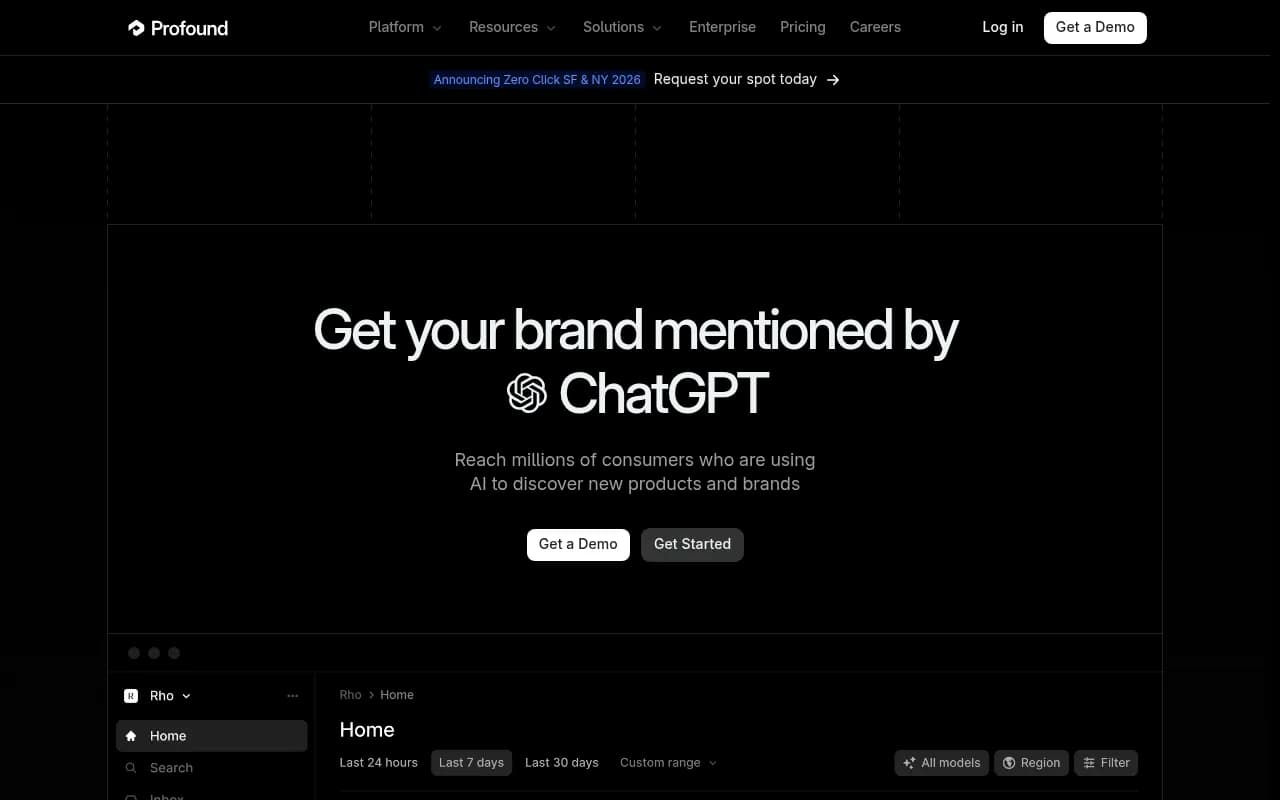
| Profound | Yes (Agency mode) | 6+ models | Yes | Limited | No | Yes | Limited |
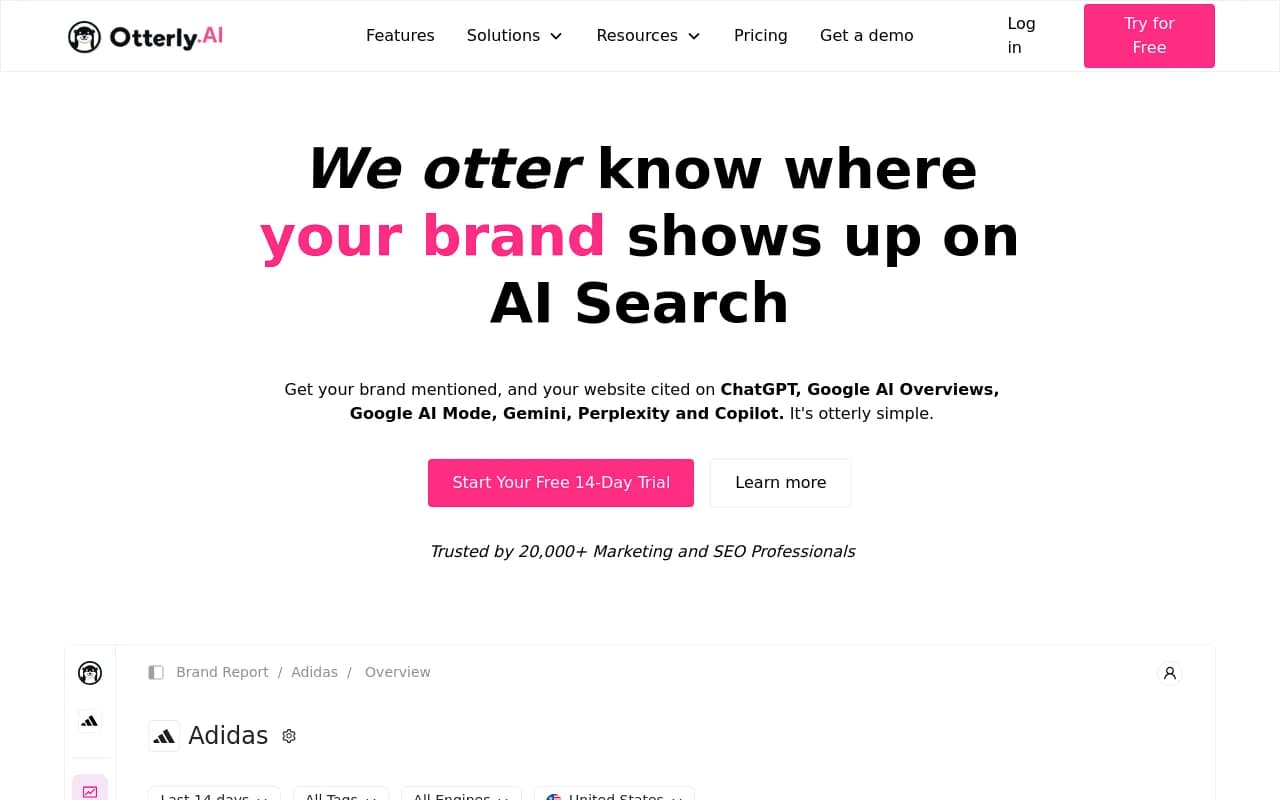
| Otterly.AI | Basic | 4-5 models | No | No | No | Limited | No |
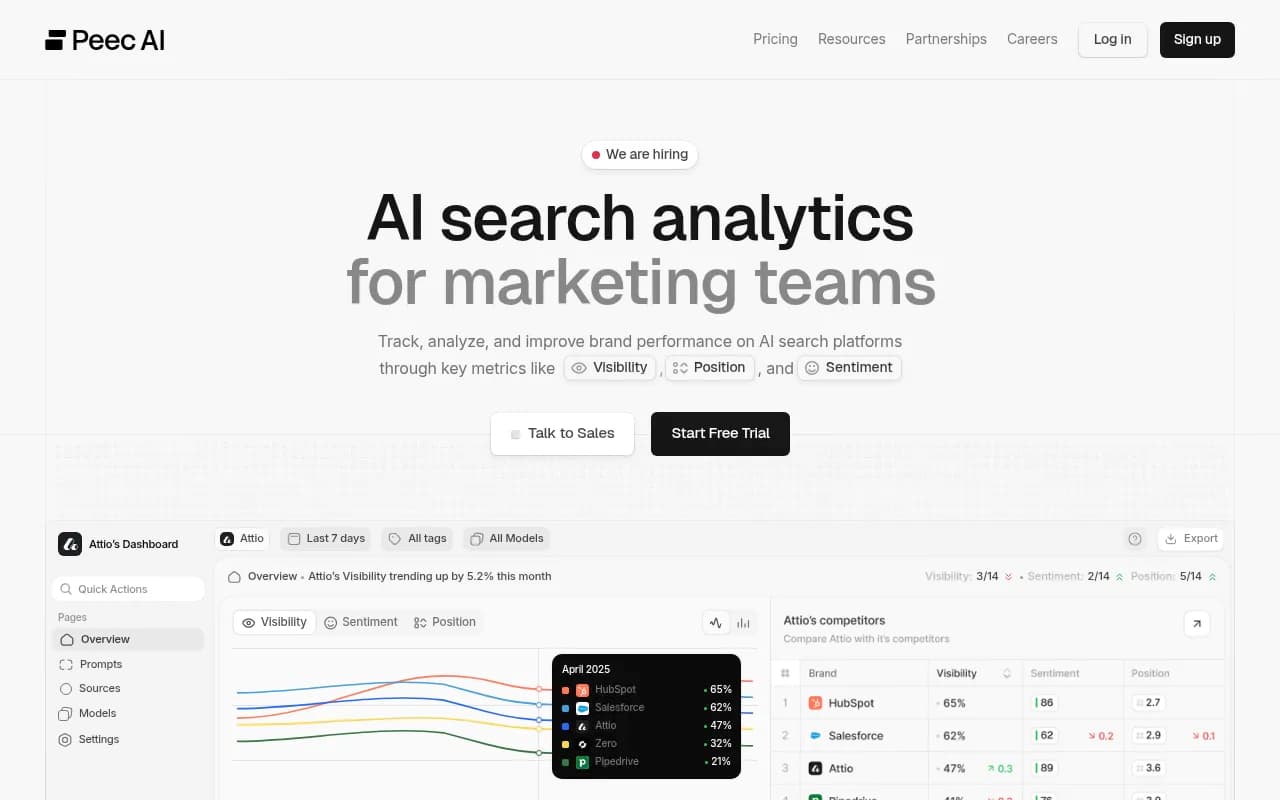
| Peec AI | Basic | 4 models | No | No | No | No | No |
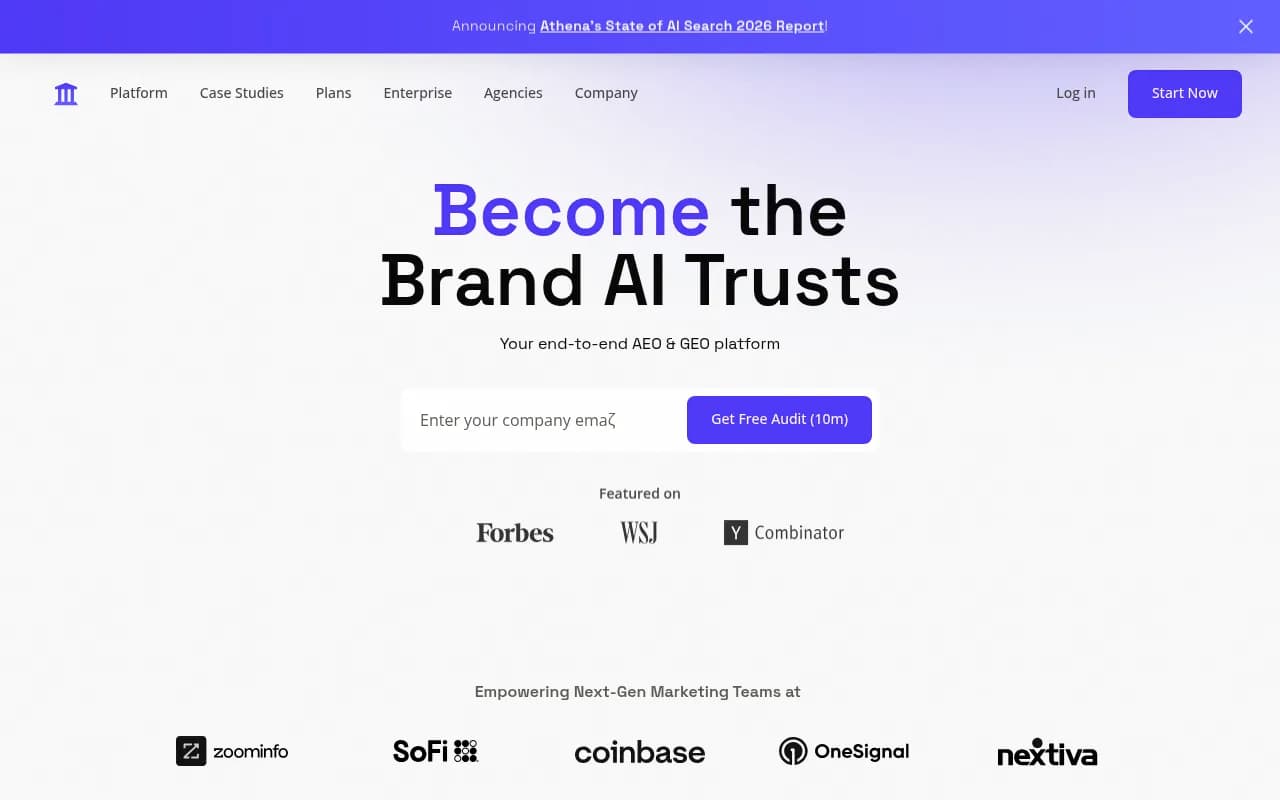
| AthenaHQ | Yes | 8+ models | Limited | No | No | Yes | No |
| Search Party | Yes | 5+ models | Limited | No | No | Yes | No |
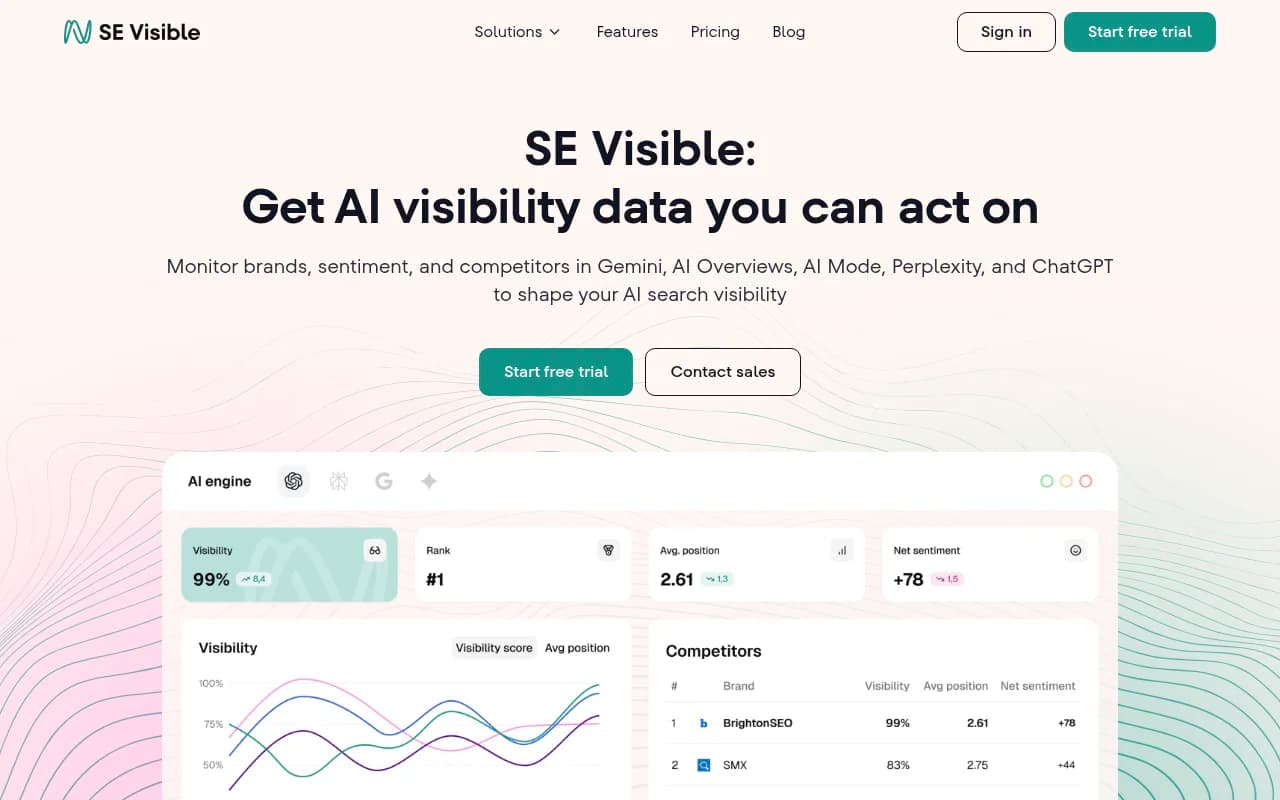
| SE Ranking / SE Visible | Yes | 6+ models | Limited | No | No | Yes | Limited |
| Scrunch AI | Yes | 5+ models | No | No | No | Yes | No |
| Semrush | Limited | Limited (fixed prompts) | No | No | No | Yes | No |
| Ahrefs Brand Radar | Limited | Limited (fixed prompts) | No | No | No | No | No |
Search Party
Questions to ask every vendor before you buy
Before you commit to a platform, run through these questions in your demo. The answers will tell you a lot about whether the tool was actually built for agency use.
On workspace architecture:
- How are client brands organized? Can I see all clients from one view?
- Can I give clients view-only access to their own data without them seeing other clients?
- Is there a limit on how many brands I can add, and how does pricing scale?
On data freshness:
- How often are prompts re-run against each AI model?
- If a competitor gets cited in a new response today, how quickly will I see that?
On prompt management:
- Can I set up custom prompts for each client, or am I limited to a preset library?
- Do you provide prompt volume estimates? How are those calculated?
On reporting:
- Can I schedule automated reports to be sent to clients?
- Is white-labeling available, and at what plan level?
- Does the platform integrate with Looker Studio or have an API?
On optimization:
- Does the platform help me understand why a competitor is being cited and I'm not?
- Is there any content generation or recommendation functionality built in?
On support:
- Is there a dedicated agency success manager, or is support ticket-based?
- Do you have a partner or reseller program?
How to think about pricing at agency scale
AI visibility platform pricing is all over the place right now. Some tools charge per brand/domain. Some charge per prompt. Some have flat agency tiers. Before you evaluate pricing, you need to know your own numbers:
- How many client brands will you be tracking?
- How many prompts per brand do you need to monitor?
- Do you need content generation, or just monitoring?
A tool that looks cheap at $99/month for one brand can get expensive fast when you're managing 30 clients. Run the math on your expected usage before you compare sticker prices.
Promptwatch's pricing gives a useful reference point: Essential at $99/month covers 1 site and 50 prompts; Professional at $249/month covers 2 sites, 150 prompts, and adds crawler logs; Business at $579/month covers 5 sites and 350 prompts. Agency and enterprise pricing is available for larger deployments. That structure -- where you're paying for sites and prompts, with content generation included -- is more transparent than some competitors that bundle features in ways that make comparison difficult.
For agencies managing 10+ clients, you'll almost certainly be looking at agency/enterprise pricing regardless of which platform you choose. Get a custom quote and negotiate based on your client count and expected prompt volume.
The monitoring-only trap
One thing worth naming directly: a lot of agencies are buying monitoring tools and calling it an AI visibility strategy. They track mentions, build dashboards, and report on share-of-voice. Clients nod along. But nothing actually changes.
The problem is that monitoring without optimization is just expensive awareness. You know you're invisible. You still don't know what to do about it.
The platforms that are worth the investment in 2026 are the ones that close the loop: find the gaps, help you create content that fills them, then track whether that content is getting cited. That cycle -- gap analysis, content creation, citation tracking -- is what actually moves the needle for clients.
Most monitoring-only tools (Otterly.AI, Peec AI, basic AthenaHQ) stop at step one. They'll show you the problem. They won't help you fix it. That's fine if you have a strong in-house content team and just need the data. But if you're trying to build a scalable AI visibility service, you need a platform that does more.
Recommended approach for agencies just getting started
If you're building out an AI visibility practice from scratch, here's a practical sequence:
- Start with a platform that has genuine multi-client architecture and covers the major AI models. Don't compromise on this -- it will cause operational pain later.
- Run a prompt audit for two or three clients before you commit. Use the platform's trial period to see how the data actually looks for your specific client verticals.
- Evaluate the content gap features seriously. Ask the vendor to show you a real example of the Answer Gap Analysis or equivalent feature, not a demo with fake data.
- Check the reporting workflow end-to-end. Generate a sample report and ask yourself: could I send this to a client right now, or would I need to reformat everything?
- Talk to the agency success team before you sign. The quality of support for agency accounts varies enormously between platforms.
The market is moving fast. The platforms that exist today will look different in 12 months. But the criteria above -- multi-client architecture, prompt intelligence, content gap analysis, attribution -- are the things that will matter regardless of which specific models AI search evolves toward.
Pick a platform that treats optimization as the goal, not just monitoring. Your clients are paying you to improve their AI visibility, not just measure it.