Workato Review 2026
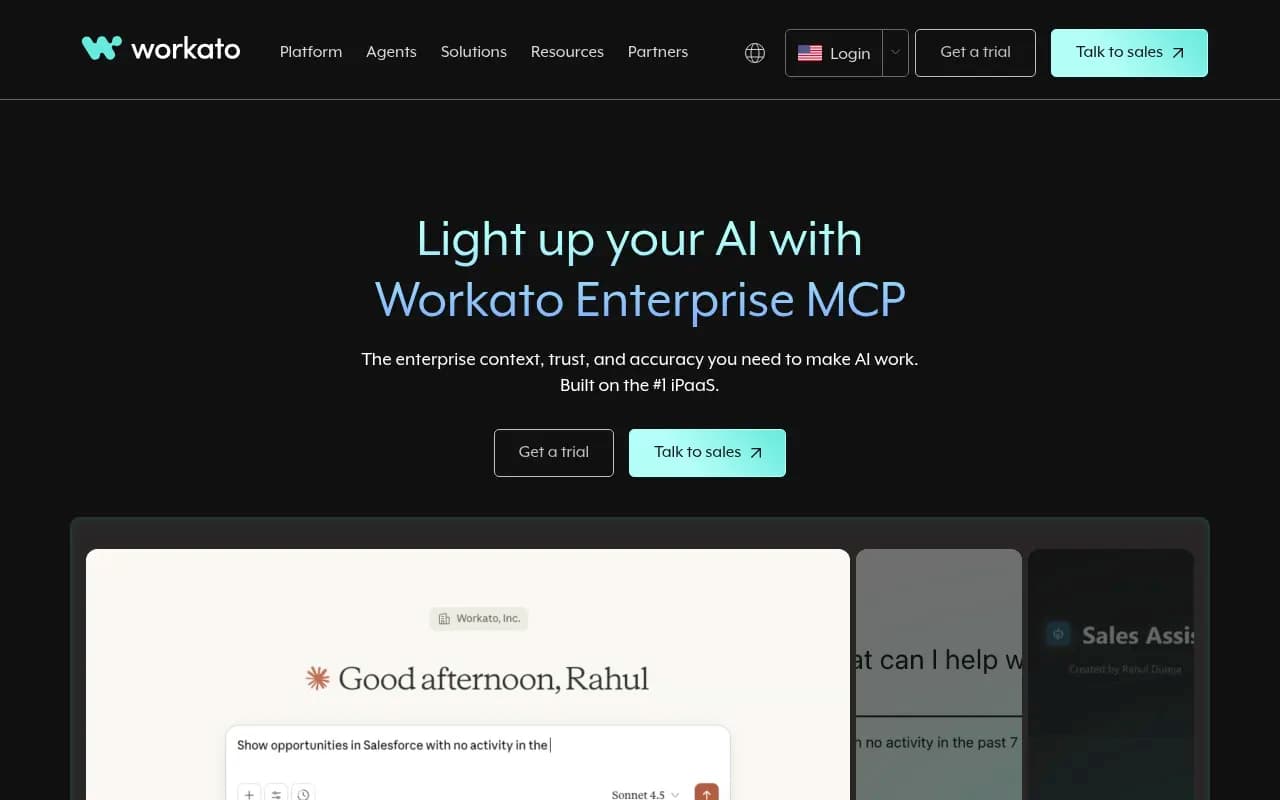
Workato is an enterprise integration platform (iPaaS) that connects AI agents like ChatGPT, Claude, and Copilot to over 1,400 business applications through secure MCP servers. It transforms workflows into trusted, production-ready actions for agentic AI, enabling companies to automate tasks, build c
Summary
- Enterprise-grade MCP infrastructure: Workato provides production-ready Model Context Protocol servers that connect AI agents (ChatGPT, Claude, Copilot) to 1,400+ business apps with built-in governance, authentication, and rollback capabilities -- not just raw API access
- Proven business impact: Internal usage at Workato saw 700% increase in AI adoption after deploying Enterprise MCP; customers like Nasdaq report 127% seller productivity gains and Vodafone automated 100M+ tasks
- Full lifecycle platform: Goes beyond monitoring to include workflow automation (Recipe Copilot), custom agent creation (Agent Studio), embedded integrations for SaaS platforms, and visual low-code design
- Pricing reality: Annual contracts typically range $40,000-$250,000+ based on task volume and features -- this is enterprise software, not a $49/month SaaS tool
- Target audience: Mid-market to enterprise IT teams, operations leaders, and SaaS platforms building agentic AI workflows that need reliability, security, and cross-system orchestration
Workato started as an integration platform as a service (iPaaS) -- the kind of tool that connects Salesforce to Slack or syncs data between your CRM and marketing automation. It's been around long enough to earn seven consecutive "Leader" placements in Gartner's Magic Quadrant for iPaaS. But in 2024-2025, the company made a sharp pivot into agentic AI infrastructure, specifically around the Model Context Protocol (MCP) that Anthropic introduced for Claude.
The pitch is straightforward: AI agents like ChatGPT, Claude, and Microsoft Copilot are powerful, but they're useless without access to your company's systems and data. Most companies try to solve this by exposing raw APIs to AI models, which leads to unpredictable behavior, security nightmares, and agents that break workflows instead of improving them. Workato's Enterprise MCP servers sit between the AI agent and your business applications, providing pre-built, tested actions (not just API endpoints) that agents can reliably execute.
What Workato Enterprise MCP Actually Does
Workato's core value is turning your existing business workflows into MCP servers that AI agents can call. Instead of an AI agent making a raw API request to Salesforce (which might fail, return incomplete data, or violate business rules), it calls a Workato MCP server that wraps a proven workflow -- one that already handles error cases, data validation, multi-step processes, and rollback logic.
Here's what that looks like in practice:
Pre-built Business Actions: Workato provides 1,400+ connectors to business apps (Salesforce, Jira, Gmail, Gong, HubSpot, ServiceNow, Slack, etc.). Each connector includes dozens of pre-built actions like "Create Opportunity in Salesforce with Validation" or "Escalate Jira Ticket to Engineering with Context." These aren't just API wrappers -- they're workflows that include business logic, error handling, and data transformation.
Orchestration Across Systems: AI agents often need to perform multi-step tasks that span multiple systems. Workato handles the orchestration -- if an agent needs to "onboard a new customer," Workato can execute a workflow that creates a Salesforce record, provisions accounts in your billing system, sends a welcome email via SendGrid, creates a Slack channel, and logs everything in your data warehouse. The agent just calls one MCP action; Workato handles the complexity.
Memory and State Management: Workato tracks the state of multi-step workflows. If step 3 of a 5-step process fails, Workato can roll back changes, retry with exponential backoff, or alert a human. AI agents don't need to manage this -- they just get a success or failure response.
Governance and Audit Trails: Every action an AI agent takes through Workato is logged with full audit trails -- who triggered it, what data was accessed, what changes were made, and whether it succeeded or failed. This is critical for compliance (SOC 2, GDPR, HIPAA) and for debugging when an agent does something unexpected.
Authentication and Access Control: Workato handles OAuth, API keys, and role-based access control for all connected apps. AI agents don't get direct access to your systems -- they call Workato, which authenticates and authorizes each action based on the user's permissions.
Transactional Integrity: If a workflow involves updating multiple systems, Workato can ensure all-or-nothing execution. If one step fails, Workato rolls back the entire transaction so you don't end up with partial data or inconsistent state across systems.
Recipe Copilot (Workflow Builder)
Workato includes an AI-powered workflow builder called Recipe Copilot. You describe what you want in natural language ("When a new lead comes in from our website, enrich it with Clearbit data, score it based on company size and industry, and create a Salesforce opportunity if the score is above 70"), and Recipe Copilot generates the workflow. You can then edit it visually, add conditional logic, and deploy it as an MCP server that AI agents can call.
This is where Workato's iPaaS heritage shines -- the underlying automation engine is mature, battle-tested, and handles edge cases that newer AI-native tools miss. Recipe Copilot isn't generating workflows from scratch; it's assembling pre-built, validated components that already work in production.
Agent Studio (Custom AI Agents)
Workato's Agent Studio lets you build custom AI agents (they call them "Genies") that are scoped to specific roles or tasks. You give the agent a job description, define its KPIs, provide company documentation, and connect it to relevant MCP servers. The agent then works alongside your team, executing tasks autonomously or in collaboration with humans.
Example use cases Workato highlights:
- CPQ Genie: Automates quote generation by pulling data from Salesforce, applying pricing rules, generating PDFs, and routing for approval
- Support Genie: Triages customer tickets, pulls relevant context from CRM and knowledge base, drafts responses, and escalates complex issues
- IT Genie: Handles employee onboarding/offboarding by provisioning accounts, setting permissions, and creating tickets
- Lead Genie: Enriches inbound leads, scores them, and routes to the right sales rep with context
These aren't chatbots -- they're autonomous agents that execute multi-step workflows based on triggers (new ticket, new lead, schedule, etc.). The difference from traditional automation is that the agent can handle variations and edge cases without explicit programming, because it's powered by an LLM that reasons about context.
Embedded Integrations for SaaS Platforms
Workato also targets SaaS companies that want to embed integrations into their own products. Instead of building and maintaining hundreds of integrations yourself, you embed Workato's integration infrastructure. Your customers get a native-looking integration experience (Workato provides white-label UI components), and you get access to 1,400+ pre-built connectors.
The newer angle here is "Enterprise MCP for SaaS Platforms" -- Workato lets you expose your platform's capabilities as MCP servers so AI agents (including your customers' agents) can interact with your product. This is a distribution play: if every company is building AI agents, and those agents need to interact with your SaaS product, you want to make it as easy as possible. Workato provides the MCP infrastructure so you don't have to build it yourself.
Who Is Workato For?
Workato is enterprise software. The pricing (see below) and feature set make that clear. This is not a tool for solo founders or small teams experimenting with AI agents.
Primary audience: Mid-market to enterprise companies (500-10,000+ employees) with complex, multi-system workflows that need to be automated or exposed to AI agents. Typical buyers are IT leaders, operations leaders, or heads of automation who are responsible for connecting systems and improving efficiency.
Specific personas:
- Enterprise IT teams building internal AI agents that need to interact with Salesforce, Jira, ServiceNow, Workday, etc. -- teams that need governance, audit trails, and reliability
- Operations teams at fast-growing companies (Series B-D startups, mid-market SaaS) automating repetitive tasks like lead routing, customer onboarding, support ticket triage
- SaaS platforms (B2B software companies) that want to embed integrations into their product or expose their platform to AI agents via MCP
- Digital agencies and consultancies building automation solutions for clients -- Workato's low-code interface and pre-built connectors make it faster to deliver projects
Who should NOT use Workato:
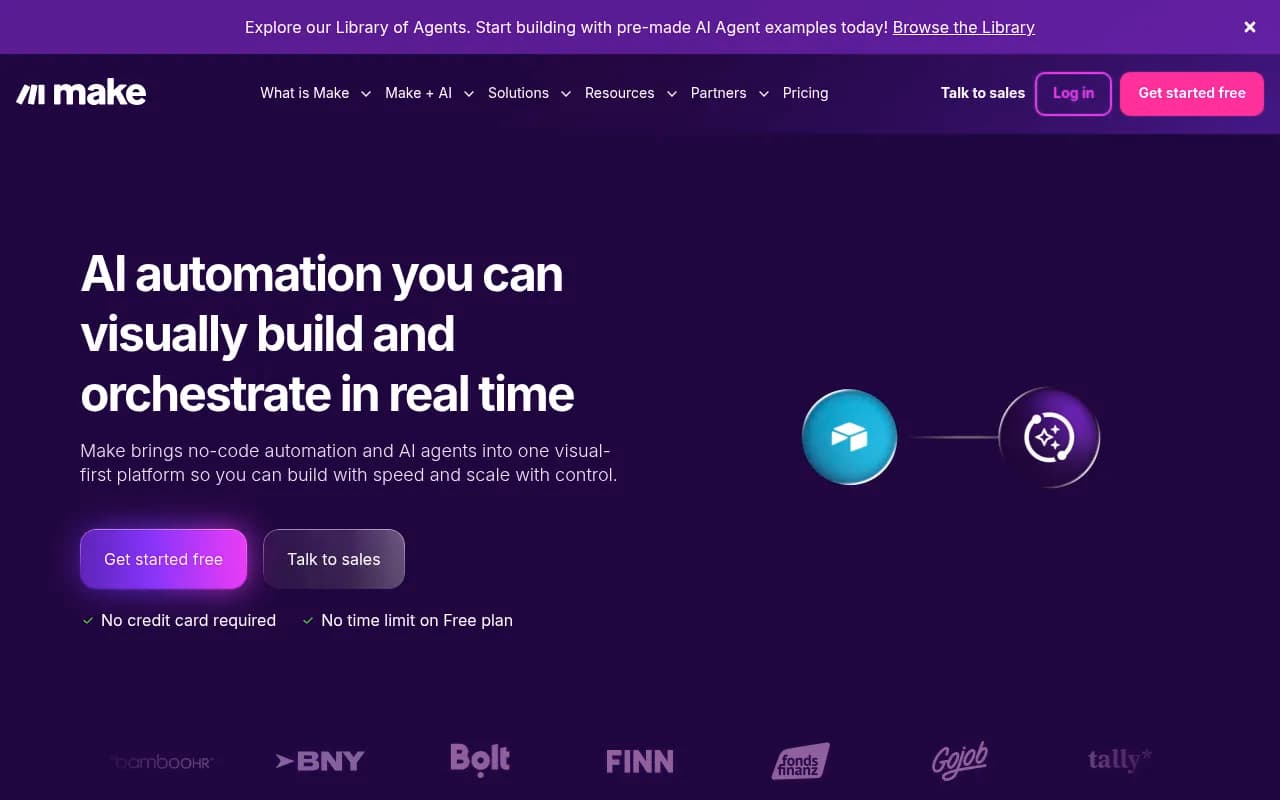
- Small teams or startups with simple automation needs -- Zapier or Make.com are cheaper and easier
- Developers who want full control -- Workato is low-code, which means less flexibility than writing custom code
- Companies with budget constraints -- Workato's pricing starts in the tens of thousands per year
- Teams that don't need AI agents -- if you just need basic workflow automation, Workato's MCP features are overkill
Integrations and Ecosystem
Workato connects to 1,400+ applications across categories:
- CRM: Salesforce, HubSpot, Pipedrive, Zoho CRM
- Marketing: Marketo, Mailchimp, SendGrid, Google Ads
- Support: Zendesk, Intercom, Freshdesk, ServiceNow
- Collaboration: Slack, Microsoft Teams, Google Workspace, Zoom
- Dev Tools: Jira, GitHub, GitLab, PagerDuty
- Data: Snowflake, BigQuery, Redshift, PostgreSQL, MongoDB
- Finance: NetSuite, QuickBooks, Stripe, Coupa
- HR: Workday, BambooHR, ADP, Greenhouse
Workato also provides:
- REST API for programmatic access to workflows and data
- Webhooks for triggering workflows from external systems
- SDKs for building custom connectors (if your app isn't in the 1,400+ library)
- CLI tools for developers who want to manage workflows as code
- Looker Studio and Tableau integrations for reporting on automation metrics
Pricing and Value
Workato does not publish transparent pricing on its website. Based on third-party research and user reports, here's what you can expect:
- Entry-level pricing: $40,000-$60,000 per year for small deployments (limited task volume, basic features)
- Mid-market pricing: $100,000-$150,000 per year for companies with moderate automation needs (higher task volume, more connectors, Recipe Copilot access)
- Enterprise pricing: $150,000-$250,000+ per year for large deployments (unlimited tasks, Agent Studio, embedded integrations, dedicated support)
Pricing is based on:
- Platform edition (determines feature access -- e.g. Recipe Copilot, Agent Studio, embedded integrations)
- Task volume (number of workflow executions per month)
- Number of connectors used
- Support tier (standard, premium, or dedicated customer success manager)
Workato offers a free trial, but you need to request a demo and talk to sales to get access. There is no self-serve freemium tier.
How does this compare to competitors?
- Zapier: $20-$2,000/month for automation, but lacks enterprise governance, MCP servers, and agent orchestration
- Make.com: $9-$299/month, similar limitations to Zapier
- Tray.io: Enterprise iPaaS competitor, pricing in the same range as Workato ($50,000-$200,000+/year), but weaker AI agent capabilities
- MuleSoft (Salesforce): Enterprise integration platform, often $100,000-$500,000+/year, more developer-focused, no native MCP support
- Boomi (Dell): Another enterprise iPaaS, similar pricing to MuleSoft, legacy architecture
Workato's pricing is justified if you're building production AI agents that need to interact with dozens of systems reliably. If you're just automating a few workflows, cheaper tools will do the job.
Strengths
Mature iPaaS foundation: Workato has been building integration infrastructure since 2013. The underlying automation engine is rock-solid, with error handling, retry logic, and edge case management that newer AI-native tools lack.
Enterprise-grade governance: Full audit trails, role-based access control, SOC 2 compliance, GDPR compliance, HIPAA compliance. If you're in a regulated industry or need to pass security audits, Workato checks the boxes.
1,400+ pre-built connectors: You're not building integrations from scratch. Workato has connectors for almost every business app, and each connector includes dozens of pre-built actions.
MCP infrastructure for agentic AI: Workato is one of the first enterprise platforms to build native MCP server support. If you're building AI agents that need to interact with business systems, Workato provides the infrastructure layer so you don't have to.
Low-code interface: Non-technical users can build and modify workflows without writing code. This speeds up deployment and reduces dependency on engineering teams.
Proven at scale: Workato powers automation for companies like Adobe, Atlassian, Cisco, Booking.com, and Vodafone. The platform handles billions of tasks per year.
Limitations
Expensive: Workato is enterprise software with enterprise pricing. Small teams and startups will find it cost-prohibitive.
Sales-driven process: No self-serve signup, no transparent pricing. You have to request a demo and go through a sales cycle to even try the product.
Low-code limitations: While low-code is great for speed, it also means less flexibility. If you need highly custom logic or want to optimize performance, you'll hit the limits of what Workato's visual builder can do.
Learning curve: Despite being low-code, Workato has a steep learning curve. The platform is powerful, but that power comes with complexity. Expect weeks of onboarding and training.
MCP ecosystem still early: Workato's Enterprise MCP offering is new (launched late 2024). The ecosystem of AI agents that can consume MCP servers is still small (mainly Claude, with ChatGPT and Copilot support coming). If you're betting on MCP becoming the standard, Workato is a strong choice -- but if MCP doesn't take off, you're locked into Workato's proprietary infrastructure.
Bottom Line
Workato is the right choice if you're a mid-market or enterprise company building production AI agents that need to interact with dozens of business systems reliably, securely, and at scale. It's also a strong option for SaaS platforms that want to embed integrations or expose their product to AI agents via MCP.
The platform's strength is its maturity -- Workato has been building integration infrastructure for over a decade, and it shows. The error handling, governance, and pre-built connectors are far ahead of newer AI-native tools. The addition of Enterprise MCP servers, Recipe Copilot, and Agent Studio positions Workato as a leader in the emerging agentic AI space.
But Workato is not for everyone. The pricing is enterprise-level, the sales process is slow, and the platform has a learning curve. If you're a small team or startup, or if you just need basic workflow automation, cheaper tools like Zapier or Make.com will serve you better. Workato is for companies that need reliability, governance, and scale -- and are willing to pay for it.
Similar and alternative tools to Workato