Key takeaways
- Competitor MCP servers change in three places: their GitHub repos and release notes, their docs, and their third-party listings. Watch all three, not just the homepage.
- Page-change monitors, a coding-agent prompt panel, and a weekly review cover most of the job. You can run the whole thing in about an hour a week.
- Start with 3-5 competitors and 10-20 prompts. Scale only after two weeks of real data.
- No first-party dataset covers MCP-server recommendations specifically. The closest data says GitHub and docs are among the most cited sources for software prompts, so those are the surfaces to watch.
- Keep your own crawler access healthy, or you will lose ground without noticing.
Why competitor monitoring for MCP servers is different
If you ship an MCP server, your competitors are not only the other vendors in your category. They are whatever a coding agent decides to install or call when a developer types "connect to my database" or "check my deploy status." The agent picks based on what it can read: docs, READMEs, registry listings, tool descriptions.
That changes what you need to watch. A classic competitive-intel setup tracks pricing pages and press releases. For MCP servers, the interesting changes are quieter. A new tool added to a competitor's server. A rewritten README. A switch from stdio to streamable HTTP. A docs page that suddenly answers the exact question developers ask agents.
I'll be upfront about one thing. I could not find a public dataset that measures which MCP servers Claude Code, Cursor or Codex recommend. Nobody seems to publish that yet. So this workflow is built from the parts you can verify: page changes, citation data for software prompts, and your own repeated prompt tests.
What to watch, and where
Promptwatch's data on software prompts in ChatGPT (Sep 28 to Oct 4, 2026) gives a decent hint about where AI answers pull from. Promptwatch Data's report on software citations shows GitHub as the most cited software domain at 1.2% of citations, learn.microsoft.com at 0.98% and G2 at 0.73%. By source type, docs and help centers earned the most at 2.64%, ahead of vendor sites at 2.01%. This is ChatGPT and general software prompts, not MCP specifically, but it points at the right surfaces.
So for each competitor, build a watch list like this:
| Surface | What changes | Why it matters |
|---|---|---|
| GitHub repo (README, releases, tags) | New tools, transports, auth changes | Agents and developers read the README first |
| Docs and quickstarts | Setup steps, per-client instructions | Docs earn the largest citation share for software prompts |
| Changelog or release notes | Shipping cadence | Shows how fast they move |
| MCP registry or directory listings | Descriptions, categories, install counts | Where agents and humans discover servers |
| G2 and Capterra profiles | Reviews, positioning | Review sites are cited regularly in software answers |
| Pricing page | Free-tier limits, plan gates | Affects which server developers try first |
| Status or deployment pages | Hosted endpoint changes | Self-hosted packages get archived, and old install snippets rot |
That last row is real. One 2026 roundup noted that the self-hostable Browserbase MCP repo was archived in July 2026 and replaced by a hosted endpoint. If a competitor does the same, you want to know the week it happens, not three months later.
Step 1: Pick your competitor set
Keep it small. Three to five servers.
- Direct competitors: servers that do the same job as yours.
- Adjacent servers: ones a coding agent might choose instead (a generic browser or search server can stand in for a narrow one).
- The incumbent: whatever the default pick is in your category.
Write down for each one the repo URL, docs URL, changelog URL, registry listing and pricing page. That is your seed list, and it takes ten minutes.
Step 2: Set up page-change monitoring
This is the part most teams skip, and it is the cheapest win. A change-detection tool watches the URLs from your seed list and tells you when something meaningful moves.
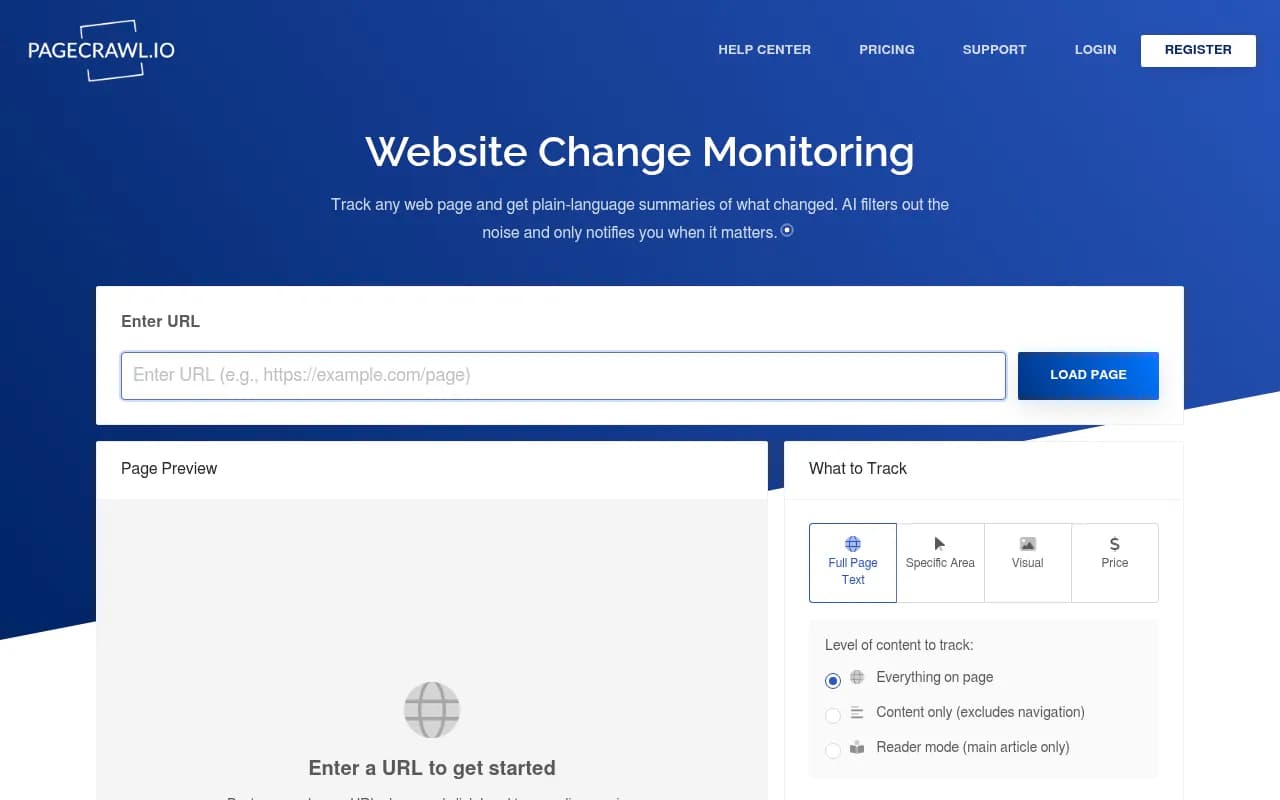
PageCrawl.io is one option worth knowing because it ships its own MCP server. According to PageCrawl's own guide, Claude, Claude Code, Cursor, ChatGPT and other MCP-compatible clients can create monitors, check for changes and review diffs through conversation, and the connector works on every plan including Free (the free tier lists 6 monitors). That is vendor material, and the claim that it is the only dedicated monitoring tool with an MCP server is unverified, so check current limits before you commit.
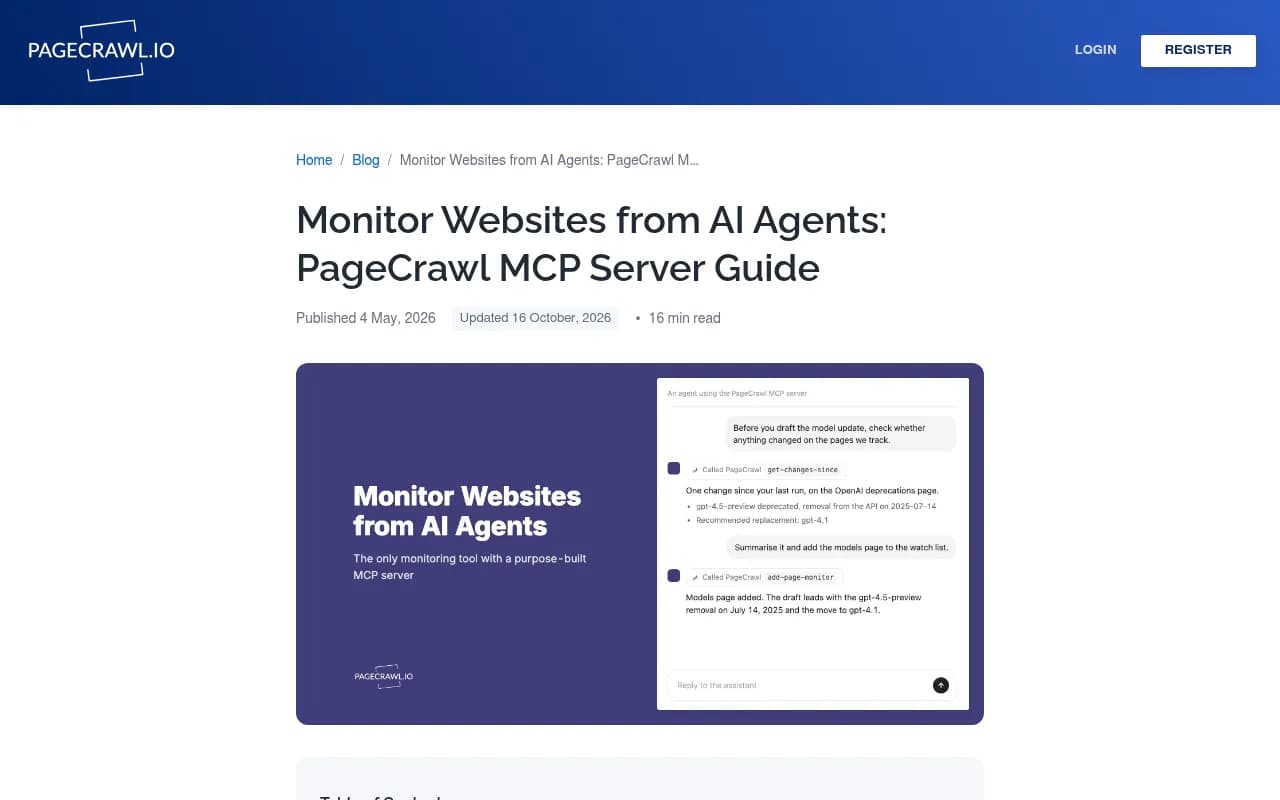
The practical setup for Claude Code, per PageCrawl's documentation: add the server over HTTP transport, approve the OAuth prompt the first time, and run /mcp inside a session to confirm the connection. For scripts and CI you can skip OAuth and use a personal API token from the settings page. Then, in one conversation, you can say something like:
Create monitors for these URLs and alert me weekly on meaningful changes only:
- competitor-a repo README and releases page
- competitor-a docs quickstart
- competitor-b changelog
- competitor-b pricing
Ignore navigation, banners and cookie notices.
Set frequency to daily for repos and changelogs, weekly for pricing and listings. Under-hourly checks need a paid plan on PageCrawl, and you do not need them here.
Alternatives to dedicated monitors
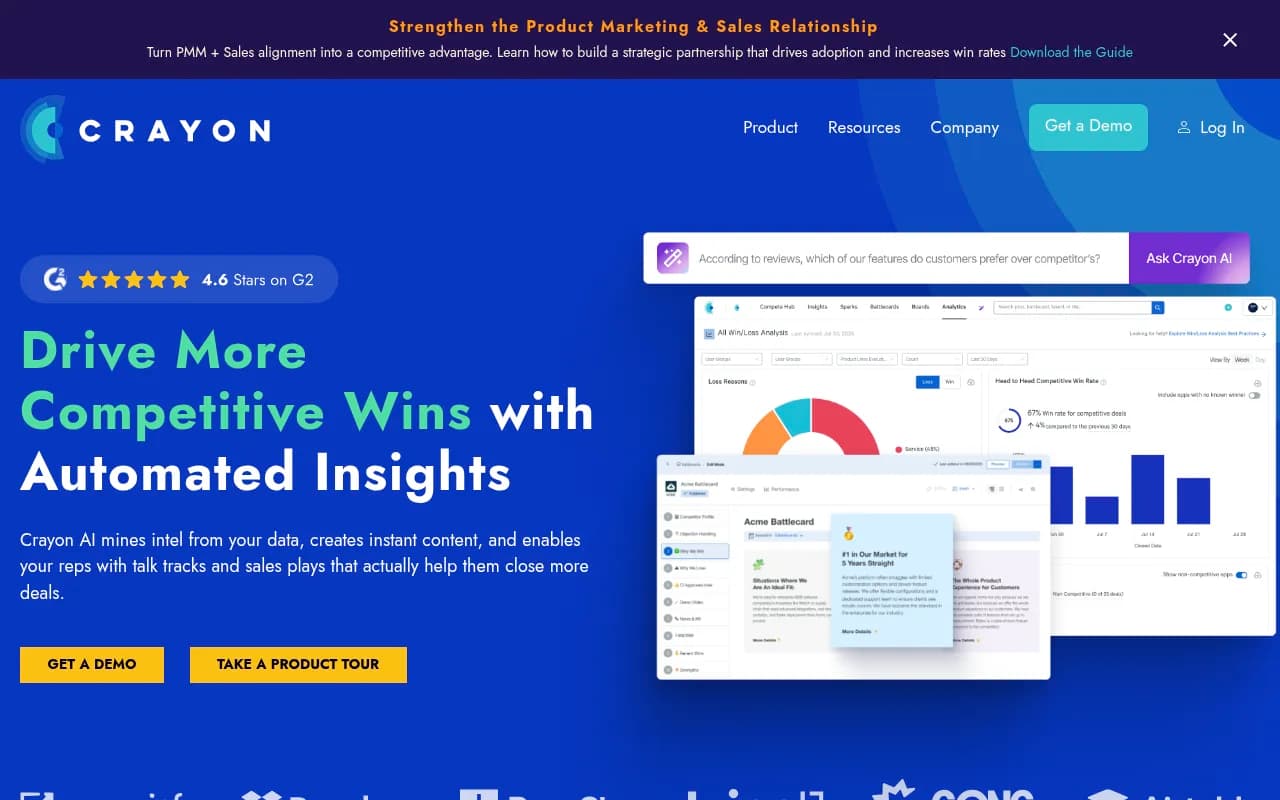
If you already pay for a competitive intelligence platform, use it. Tools like Crayon and Klue track competitor websites and surface changes for sales teams, though they are built around SaaS battlecards rather than developer docs and repos.

For free and scrappy, GitHub itself works. Watch each competitor repo with "Releases only" notifications, and subscribe to the releases Atom feed in whatever reader you use. It is noisy for active projects, but nothing is more accurate.
Step 3: Test what coding agents actually recommend
Page monitoring tells you what competitors ship. It does not tell you whether agents pick them. For that, you need repeated prompt tests.
Build a small panel of prompts a developer would really type into a coding agent. Mix three types:
- Category prompts: "What MCP server should I use to [job]?"
- Task prompts: "Connect my project to [service] and list failed runs."
- Comparison prompts: "[Your server] vs [Competitor] for [job]."
Run the same panel weekly in the agents your buyers use. Claude Code, Cursor and Codex are the obvious three. Record three things per run: which server is named, which is installed or called, and which sources the agent cites or fetches.
Do this by hand at first. Twenty prompts across three agents is an afternoon the first time and under an hour after that. Use the same wording each week, otherwise you are measuring your own phrasing changes.
A caution here. Agent answers vary run to run, and the agent's tool list depends on what the user already has installed. A competitor can "win" simply because the tester had their server configured. Test with a clean config and again with a realistic one.
Automating the AI-answer side
Manual testing breaks down once you want daily runs, multiple countries or share-of-voice trends. Tools like Promptwatch track how brands appear in ChatGPT, Perplexity, Gemini and other models, and they also cover the coding agents Codex, Claude Code and OpenCode, which is the part relevant here. Its query fan-out view shows the web searches an AI runs per response, which tells you which competitor pages are being pulled in.

If you want a wider look at the category, the GEO software directory at bestgeosoftware.com lists the main options.
Step 4: Check that agents can read your own site
Competitor monitoring is half the job. The other half is making sure you are not losing by default.
Promptwatch's crawler data (IP-verified requests, Jun 8 to Sep 6, 2026) shows OpenAI at 79.8% of verified AI crawler requests in the week of Aug 31 to Sep 6, down from 94.8% in early June. The mix is shifting, so Promptwatch's AI crawler traffic report suggests comparing your own logs against it. A provider that is big in the report but near zero in your logs probably means a robots.txt, CDN or WAF rule is blocking it.
For an MCP server vendor, this is especially easy to get wrong. Your docs live on one domain, your README on GitHub, your registry listing somewhere else, and each may have different bot rules. Check all of them.
Step 5: The weekly review
Pick a fixed slot. Monday morning works because the weekend's changes are fresh. The whole review should take 30 to 60 minutes.
- Read the change digest from your monitors. Skim diffs on READMEs, release notes and docs.
- Run your prompt panel in each coding agent and log the results in a sheet.
- Compare against last week: who gained or lost mentions, who got installed, which sources were cited.
- Write down at most three actions. More than three and nothing happens.
- Post a short summary where your team will see it.
A simple log format works fine:
| Week | Prompt | Agent | Server named | Server called | Sources cited | Notes |
|---|---|---|---|---|---|---|
| 2026-W44 | Best MCP server for X | Claude Code | Competitor A | Competitor A | Competitor A README, G2 | We were not mentioned |
The notes column is where the insight lives. "Competitor A added a quickstart for Cursor and now gets named first" is more useful than any score.
Step 6: Turn findings into actions
Monitoring that never changes anything is a hobby. These are the usual responses:
- A competitor rewrote their README to lead with a use case you also serve. Rewrite yours to name that use case in the first paragraph.
- A competitor added per-client setup steps. Add yours for Claude Code, Cursor, Codex and whatever else your users run.
- An agent cites G2 or a directory page for your category. Update your profile there.
- An agent does not mention you at all. Check crawler access first, then docs clarity.
- A competitor moved to hosted-only. Decide whether that is an opening for self-hosters or a signal to follow.
Also keep tool descriptions in mind. Agents read your tool names and descriptions to decide when to call you. Vague names and overlapping tools lose to clean ones, especially since many teams keep their active server set to a handful because every server adds latency and tool-name collisions.
Tool comparison: what to use for which job
| Job | Option | Notes |
|---|---|---|
| Watch competitor pages for changes | PageCrawl.io | Has its own MCP server, free tier with limited monitors |
| Watch repos and releases | GitHub release notifications | Free, accurate, can be noisy |
| Competitive intel for sales | Crayon, Klue | Built for battlecards, less suited to developer docs |
| Track AI answers and coding agent recommendations | Promptwatch | Covers Codex, Claude Code and OpenCode among other models |
| Glue it together | n8n, Zapier | Route alerts into Slack or a sheet |
For the glue, n8n and Zapier both work for pushing change alerts into Slack and appending rows to your log.
Common mistakes
- Watching only the homepage. The changes that matter happen in READMEs, docs and changelogs.
- Tracking too many competitors. Five is plenty. You will not read the tenth.
- Changing prompt wording every week, which ruins comparisons.
- Trusting a single run. Repeat important prompts a few times before concluding anything.
- Ignoring your own access. If AI crawlers cannot read your docs, no amount of competitor insight helps.
- Copying install snippets from old roundups. Servers get archived and endpoints move.
A two-week starting plan
- Day 1: choose 3-5 competitors and collect their URLs.
- Day 2: set up page monitors and GitHub release notifications.
- Day 3: write 15-20 prompts and run them in Claude Code, Cursor and Codex.
- Week 1 review: log results, note surprises, pick up to three actions.
- Week 2 review: compare against week 1. Decide what to automate.
After two weeks you will know which manual steps are worth replacing with tooling. That is the same advice PageCrawl gives for its own product, start with a few pages and see how many manual checks it replaces, and it applies to the whole workflow.
FAQ
How often should I check?
Monitors run daily or weekly. The human review is weekly. Daily human reviews burn out fast and rarely change decisions.
Can I use my own coding agent to run the monitoring?
Yes. With an MCP-enabled monitoring tool you can ask Claude Code or Cursor what changed on a competitor's page this week and get a diff summary in the same session. Check the current tool list and plan limits first.
Is there data on which MCP servers agents prefer?
Not that I could find. Promptwatch Data has related reports on software citations, but nothing specific to MCP-server recommendations, so your own repeated prompt tests are the best evidence available. Check Promptwatch Data for new reports.
What matters most if I only have an hour?
Watch competitor READMEs and docs, then run ten prompts in the agents your users have. Those two checks catch most of what matters.