Key takeaways
- Default's entry tier (Growth) now runs around $1,250/month, up from the old $750/month Startup plan, a roughly 67% jump in list price over the past two years.
- Most of what you're paying for is the orchestration layer, lead routing, meeting scheduling, and qualification logic, not the underlying AI models, which are commoditized at this point.
- Usage caps on meetings booked, contacts routed, or workflow runs are where bills quietly balloon past the sticker price.
- For teams that only need inbound routing or meeting scheduling without the full GTM suite, combinations of Clay, Apollo.io, and Zapier or n8n can replicate most of the functionality for under $400/month combined.
- If your volume is still under a few hundred leads a month, you probably don't need a dedicated orchestration platform at all, a well-built CRM workflow handles it.
What default actually sells
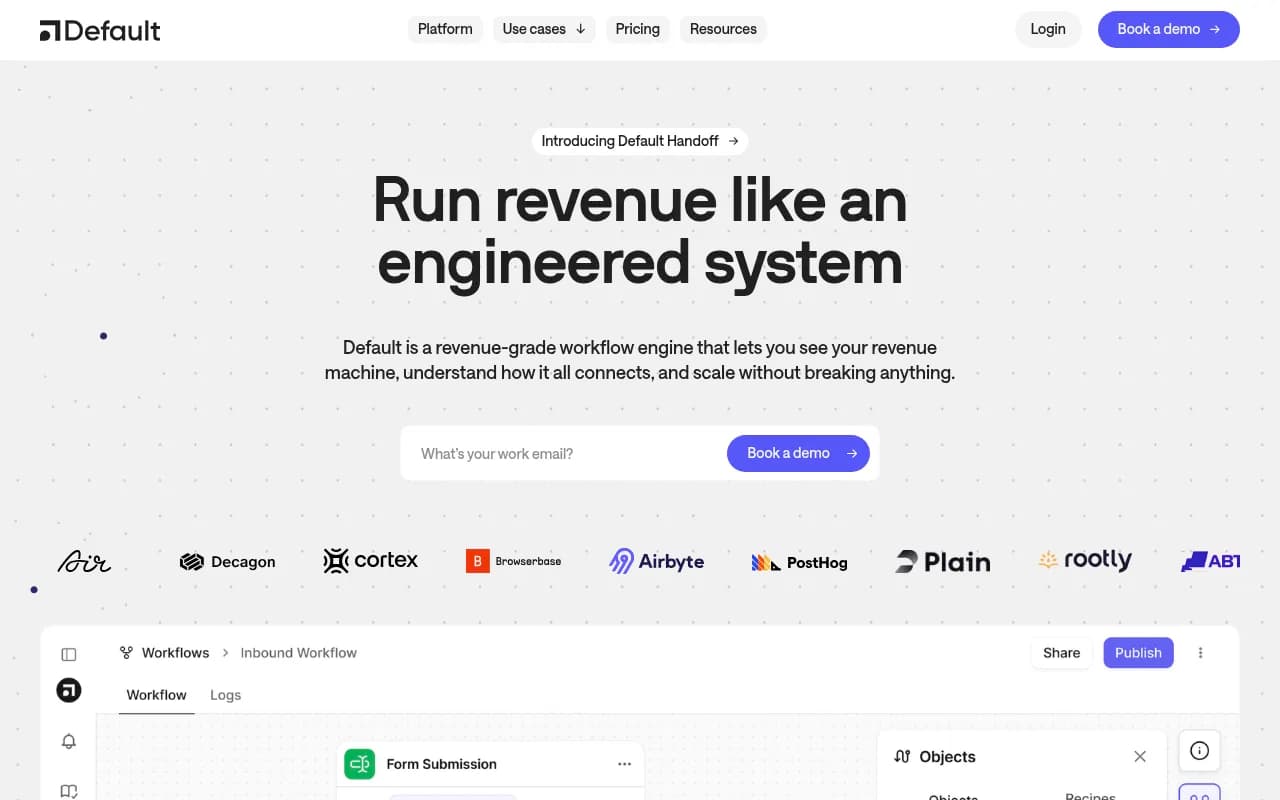
Default positions itself as inbound orchestration software, the layer that sits between a form fill or a demo request and whatever happens next: routing the lead to the right rep, running qualification logic, scheduling the meeting, and triggering follow-up sequences. It's a real category. Before tools like this existed, companies cobbled together Calendly links, round-robin scripts in HubSpot workflows, and a Slack bot somebody's engineer built over a weekend. Default packaged that mess into a product.
The problem is that "packaged" is doing a lot of work in that sentence. You're not paying for AI, you're paying for the plumbing: integrations with your calendar, your CRM, your ad platforms, and the logic that decides which lead goes where. That plumbing is genuinely useful if you're running a GTM motion with dozens of reps and complex routing rules. It's expensive if you're a 12-person startup that just wants fewer no-shows on demo calls.
The pricing breakdown, tier by tier
Default's pricing has moved around a fair amount since launch, and the current structure sits in three rough bands, though exact numbers shift depending on contract terms and whether you negotiate.
| Tier | Approximate monthly cost | What it includes | Who it's actually for |
|---|---|---|---|
| Growth (entry) | ~$1,250/mo | Core routing, scheduling, basic qualification, limited seats | Small sales teams with simple inbound flows |
| Scale | Custom, typically $3,000-$6,000/mo | Advanced routing logic, multi-channel orchestration, higher usage caps | Mid-market GTM teams with multiple product lines |
| Enterprise | Custom, often $8,000+/mo | SSO, dedicated support, custom integrations, unlimited workflows | Large orgs with complex territory and routing rules |
That entry price increase matters because it changes who the product makes sense for. At $750/month, a scrappy 15-person startup could justify Default as a line item. At $1,250/month, you're competing with a full-time junior ops hire's monthly cost, and that hire could build equivalent routing logic in HubSpot workflows or Zapier for a fraction of the ongoing fee.
Where the real cost hides
List price is never the whole story with GTM software. A few things to check before you sign:
Usage caps on meetings or contacts routed. Orchestration tools meter activity, not seats. If your inbound volume spikes during a launch or a conference, you can blow through your tier's allotment and get bumped to the next pricing band mid-contract.
Integration fees for non-standard CRMs. If you're not on Salesforce or HubSpot, expect either a surcharge or a more limited feature set. Default's deepest integrations are built for the two biggest CRMs, everything else is second-class.
Onboarding and implementation. Enterprise tiers routinely tack on a four-to-five-figure onboarding fee that doesn't show up on the public pricing page. Ask for this number before you sign, not after.
Annual lock-in discounts that aren't really discounts. The classic SaaS move: quote a higher monthly rate, then offer 15-20% off for annual commitment, which just gets you back to roughly where monthly pricing should have been anyway.
This pattern isn't unique to Default. The broader trend in 2026 B2B software is what one analysis calls the hybrid model, a base fee plus overage charges, now used by roughly 41% of vendors because it gives a predictable floor while still capturing upside from heavy users. It's good for the vendor. It's only good for you if you know your actual usage pattern before you negotiate.
Is the category even worth it for your size
Before shopping alternatives, ask a blunter question: does your business need dedicated orchestration software at all?
If you're routing fewer than a few hundred inbound leads a month, the honest answer is probably no. A CRM with decent workflow automation, paired with a scheduling tool, covers 90% of what orchestration platforms do, and you already own the CRM.
HubSpot's workflow builder can handle lead scoring, routing by territory or rep, and automated scheduling links without an extra platform fee, assuming you're already paying for a mid-tier HubSpot plan. The ceiling is lower than Default's, you won't get the same depth of multi-touch orchestration logic, but most teams never hit that ceiling anyway.
Cheaper alternatives, by what you actually need
Default bundles four separate jobs: data enrichment, lead routing, scheduling, and workflow automation. Most teams don't need all four from one vendor, and unbundling them is usually cheaper.
For enrichment and lead scoring
Clay does the enrichment and scoring work that feeds into routing decisions, pulling in firmographic and intent data from dozens of sources and letting you build custom scoring logic without writing code. It's usage-based too, but the entry price point is far lower than a full orchestration platform, and you only pay for the enrichment you run.
For outbound-adjacent routing and prospecting
Apollo.io overlaps with orchestration tools on the prospecting and sequencing side. If your inbound and outbound motions are connected, which they usually are, Apollo's built-in workflows can cover basic routing and follow-up sequencing at a fraction of Default's enterprise pricing.
For the actual workflow glue
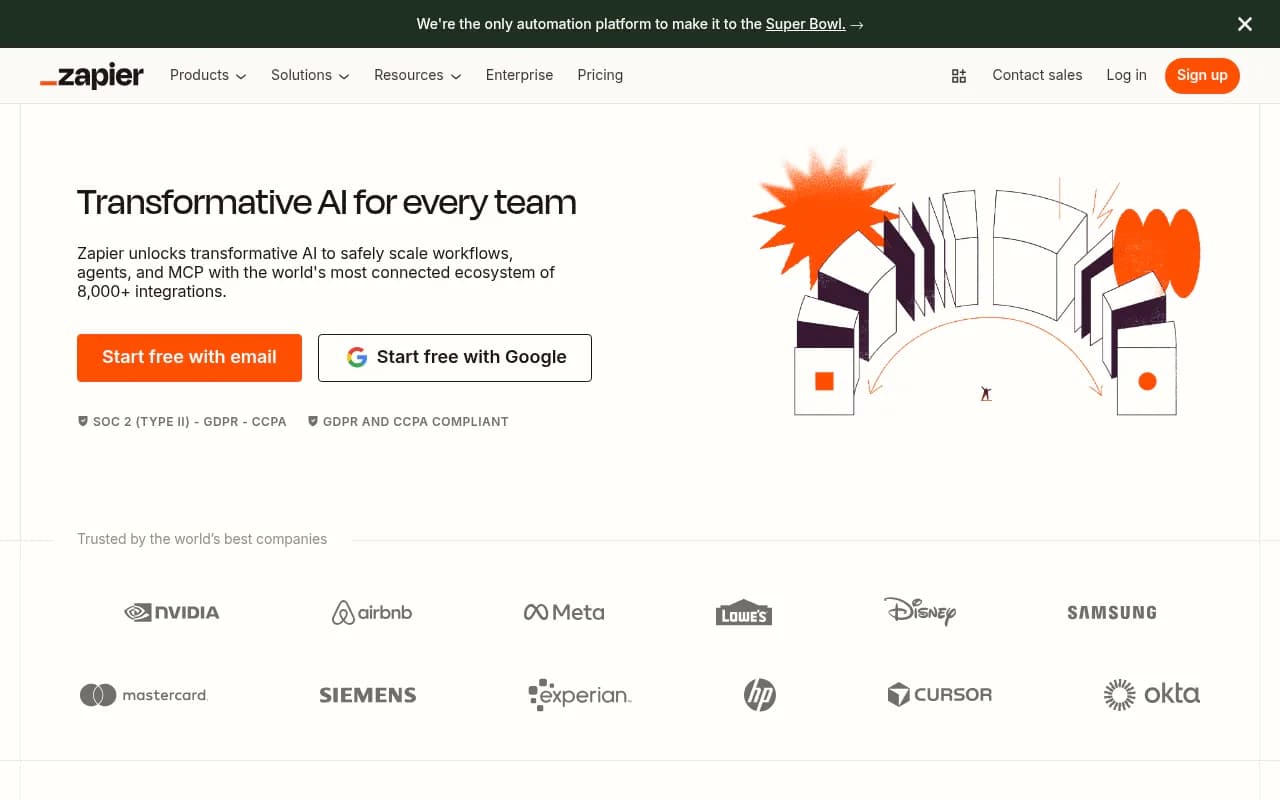
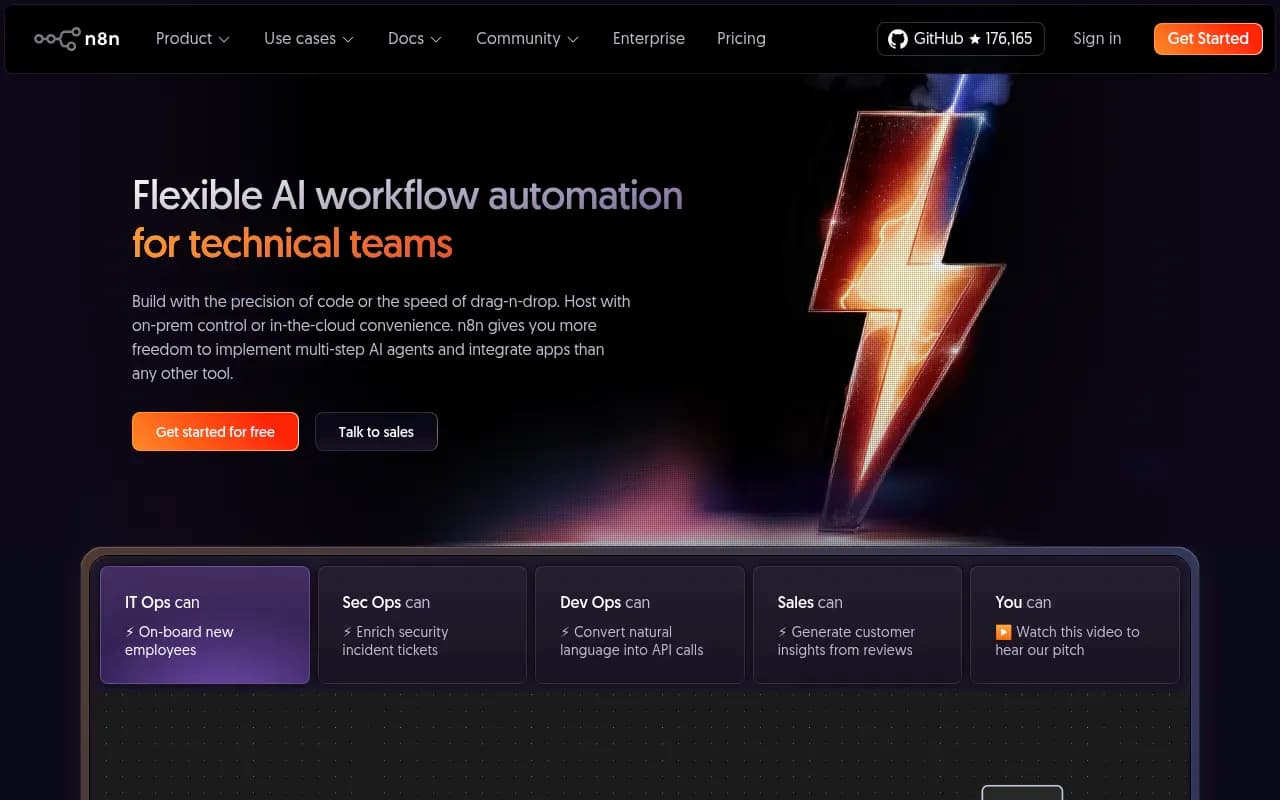
This is the part that surprises people: the routing logic itself, if you strip away the polish, is mostly if-then rules connecting a form submission to a calendar slot to a CRM update. Zapier handles this for straightforward setups with a visual builder and thousands of pre-built integrations. n8n does the same thing but self-hosted and open source, which matters if you're running high volume and don't want per-task pricing eating your budget. A team with a half-decent ops person can rebuild a surprising amount of Default's core logic in either tool for $50-$300/month instead of four figures.
For the CRM layer underneath it all
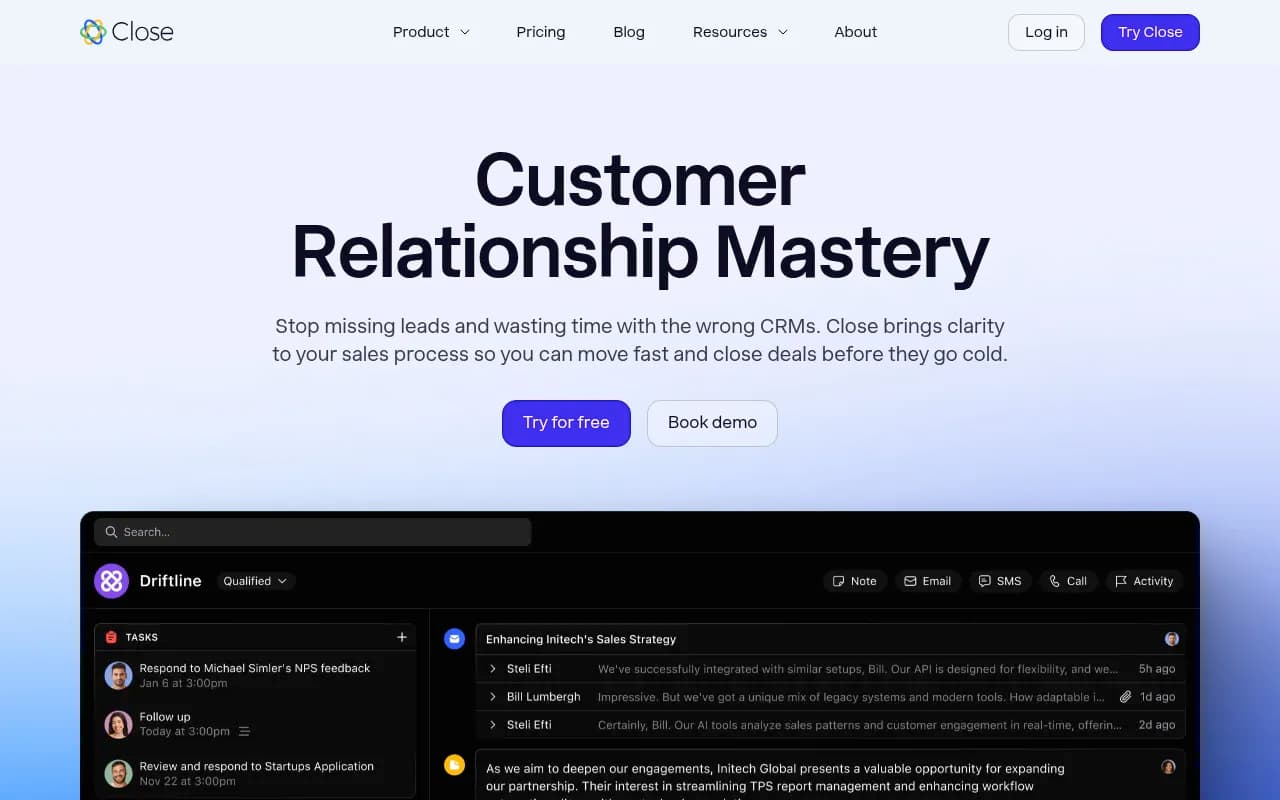
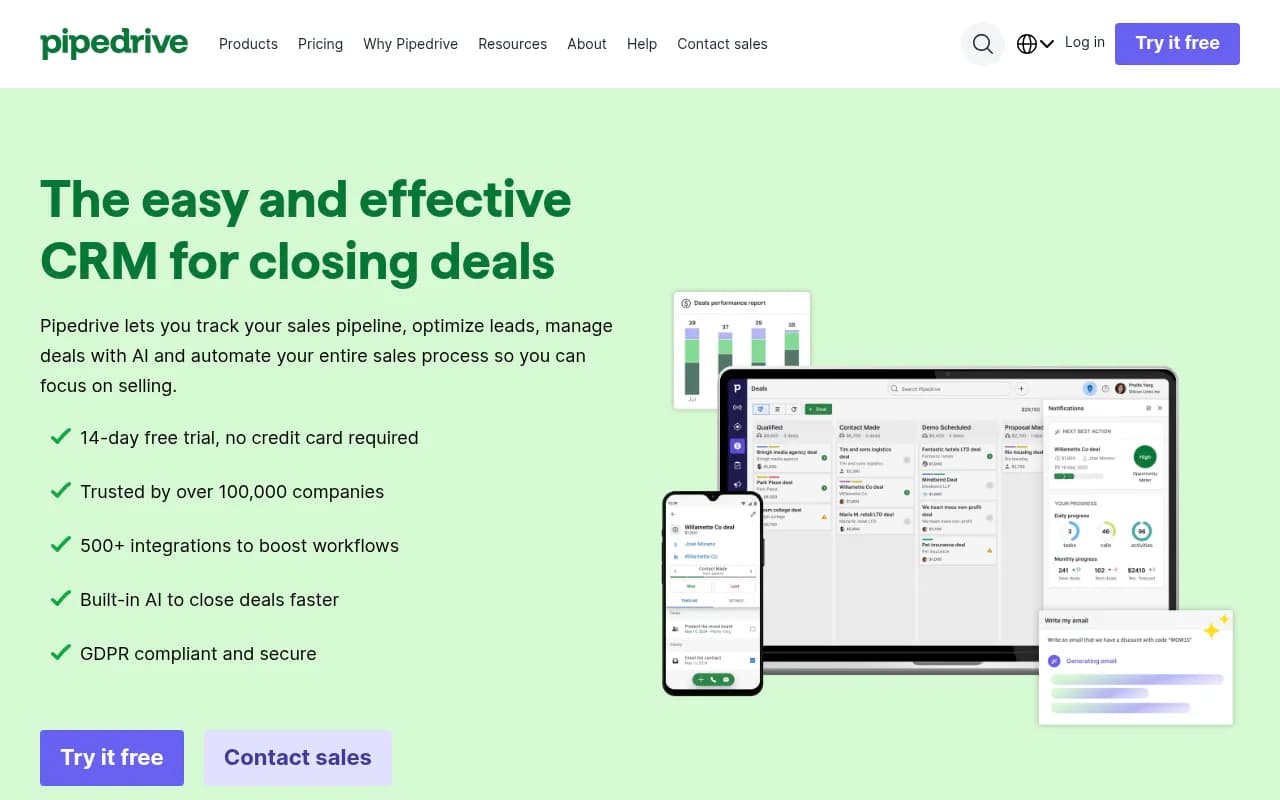
If you're a smaller sales team and the orchestration conversation started because your CRM feels clunky, it might be cheaper to fix the CRM instead of layering another tool on top. Close CRM is built for speed, with built-in calling and sequencing that reduces the need for separate scheduling and routing tools. Pipedrive is similar, pipeline-first, with automation that covers basic routing without a six-figure annual contract.
A side-by-side on cost and fit
| Approach | Typical monthly cost | Setup effort | Best fit |
|---|---|---|---|
| Default (Growth tier) | ~$1,250+ | Low, mostly configuration | Teams with complex multi-rep routing and budget to match |
| HubSpot workflows (existing plan) | $0 extra if already subscribed | Medium | Teams under a few hundred leads/month |
| Clay + Apollo.io + Zapier | $300-$600 combined | Medium-high, requires someone to wire it together | Teams that want control and lower recurring cost |
| Close CRM or Pipedrive alone | $49-$99/seat | Low | Small teams that don't need separate orchestration |
| n8n self-hosted + CRM | $20-$50 hosting + CRM cost | High, needs technical setup | Teams with an ops/dev resource and high volume |
How to actually decide
Run the math on your real lead volume for the last three months, not your projected volume for next year. Vendors price for the growth story you tell them, which is exactly why usage caps bite so often. If you're consistently under 200 inbound leads a month, unbundling into a CRM plus Zapier will almost always beat a dedicated orchestration platform on cost, and you won't notice the feature gap.
If you're past that volume with multiple reps, multiple territories, and routing rules that actually need if-this-then-that logic nested three levels deep, Default's price starts making more sense, but negotiate the onboarding fee down and get a written usage cap before you sign anything. Ask specifically what happens when you exceed your tier's meeting or contact allotment mid-month, and get that answer in the contract, not in a sales call.
The broader lesson here applies past Default specifically: GTM software pricing in 2026 has shifted heavily toward hybrid base-plus-overage models precisely because they're harder to budget against. Before signing anything with a usage component, ask the vendor for their customers' average overage bill, not just the list price. If they won't share it, that's your answer.
For teams evaluating this whole category further, the broader directory of sales and automation tools at surferstack.com is worth a browse before committing to any single vendor's roadmap for your GTM stack.