Key takeaways
- Approval workflows, the single most important feature for distributed teams, are gated behind the priciest tiers on almost every major platform. Hootsuite doesn't offer them until its $399/user/month Advanced plan; Sprout Social's external approval (letting remote clients sign off without logging in) is Advanced-only at $399/seat.
- Buffer and Agorapulse are the better value picks for small distributed teams. A 3-person team pays roughly $357/month on Agorapulse versus $1,197/month on Hootsuite for comparable seats, according to pricing comparisons from Checkthat.ai.
- Timezone mismatches eat up to 15% of a distributed team's working hours, and teams that lock scheduling tools to each account's local audience timezone report up to 40% fewer scheduling errors.
- AI features (draft generation, send-time optimization, caption repurposing) are now standard across every major scheduler in 2026, not a paid add-on, though the philosophy differs: Hootsuite's Wisdom focuses on content creation, Sprout's AI Assist focuses on customer intelligence and reply suggestions.
- Platform mix matters beyond engagement metrics: if AI search visibility is part of your strategy, Reddit and YouTube drive far more AI citations than X or Instagram, so where you concentrate your team's scheduling effort should reflect that.
Why distributed teams need a different stack than a single office does
A five-person team sitting in one room can get away with a shared Google Sheet and some goodwill. A team spread across three timezones cannot. The thing that breaks first for distributed teams isn't publishing, it's approvals. Someone drafts a post in Lisbon, a reviewer in Austin wakes up six hours later, and by the time it's approved the trending moment it was built around has passed.
That's the lens this guide uses. Not "which scheduler has the most features" but "which scheduler lets a team that never shares a time zone actually ship consistent, reviewed content." The research backs this up: coordination friction from timezone mismatches can eat up to 15% of a distributed team's collective working time, and the single most common mistake teams make is forgetting to specify which timezone a publish time refers to in internal docs. Teams that lock each account to its audience's local timezone in the dashboard, rather than to the team's own clock, report up to 40% fewer scheduling errors.
So before picking a tool, get clear on three things: how many people need to approve a post before it goes live, whether those approvers are internal or external (clients, legal, a remote CMO), and how many brand accounts you're juggling. Those three answers eliminate most of the options on this list immediately.
The core comparison
| Tool | Approval workflows | Entry price | Best for distributed teams because |
|---|---|---|---|
| Buffer | Team plan only, unlimited seats | ~$6/channel/month (Essentials, 1 user) | Cheapest way to get unlimited seats once you upgrade to Team |
| Agorapulse | Single-step at Professional ($119/user), multi-step at Custom | $79/user/month (Standard) | Best approval-to-price ratio; Slack/Teams integration on Custom tier |
| Sprout Social | Internal at Professional ($299/seat), external (no-login) at Advanced ($399/seat) | $79/seat/month (Essentials) | External approval lets remote clients sign off without an account |
| Hootsuite | Advanced tier only ($399/user/month) | $99/user/month (Standard) | Wide account coverage, but approvals are expensive to unlock |
| SocialPilot | Limited, lower-tier | $17-$23/month | Budget option for small distributed teams without heavy approval needs |
Tool by tool: what actually matters for a spread-out team
Buffer: the budget backbone
Buffer prices per connected channel rather than per seat, which is unusual and works in a distributed team's favor once you've got more than a couple of people. The catch is that approval workflows and custom permissions only exist on the Team plan, not Essentials, so a solo marketer on Essentials can't invite a reviewer without upgrading. Once you do, Team unlocks unlimited seats at the same per-channel price, meaning a 10-channel setup runs about $100/month no matter how many people touch it.
Buffer also shipped a hosted MCP server this year and is an approved connector inside Claude, so teams experimenting with AI-agent-driven scheduling (an assistant that drafts and queues posts on your behalf) have a real entry point here, not just a roadmap promise.
Agorapulse: the sweet spot for mid-sized distributed teams
Agorapulse is the tool I'd point most 5-15 person distributed teams toward first. Single-step approval workflows unlock at Professional ($119/user/month annual), which is dramatically cheaper than Hootsuite's or Sprout's approval tiers. Multi-step chains with multiple reviewers require the Custom/Enterprise tier, but for teams that just need "someone signs off before it posts," Professional covers it.
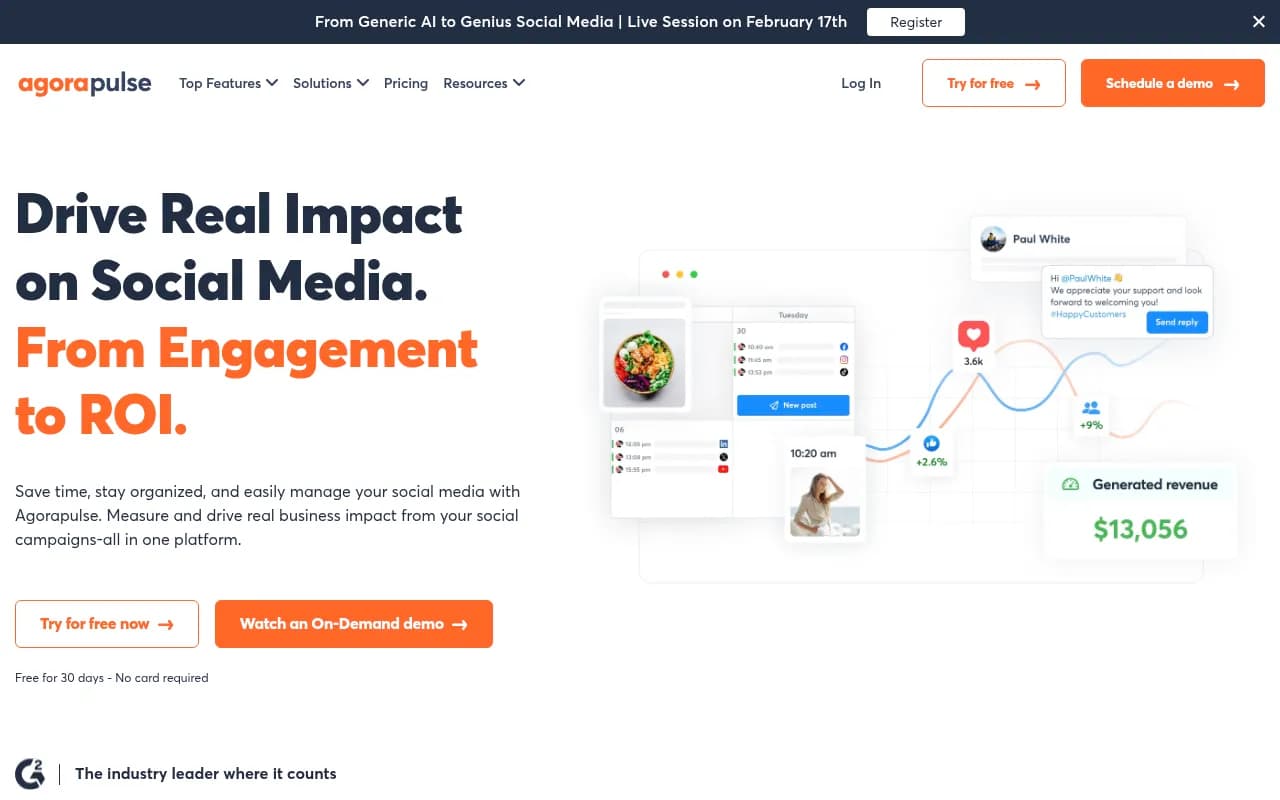
The detail that matters most for distributed teams: Slack and Microsoft Teams notifications are Custom-tier exclusive. If your team actually lives in Slack (most distributed teams do), that's worth budgeting for, since getting pinged in the channel you already monitor beats checking yet another inbox. Support response times also scale by tier, dropping to under 30 minutes on Custom, useful when "business hours" spans three continents.
Sprout Social: worth it when outside approvers are involved
Sprout's standout feature for distributed teams is external approval workflows, available only on the $399/seat Advanced plan, which let stakeholders outside your organization (a client, a legal reviewer, a remote exec) approve posts without needing a login. That's a genuinely different capability from the internal-only approvals most tools offer, and if your team regularly routes content past people who aren't on the scheduling platform, it's the reason to pay the premium.
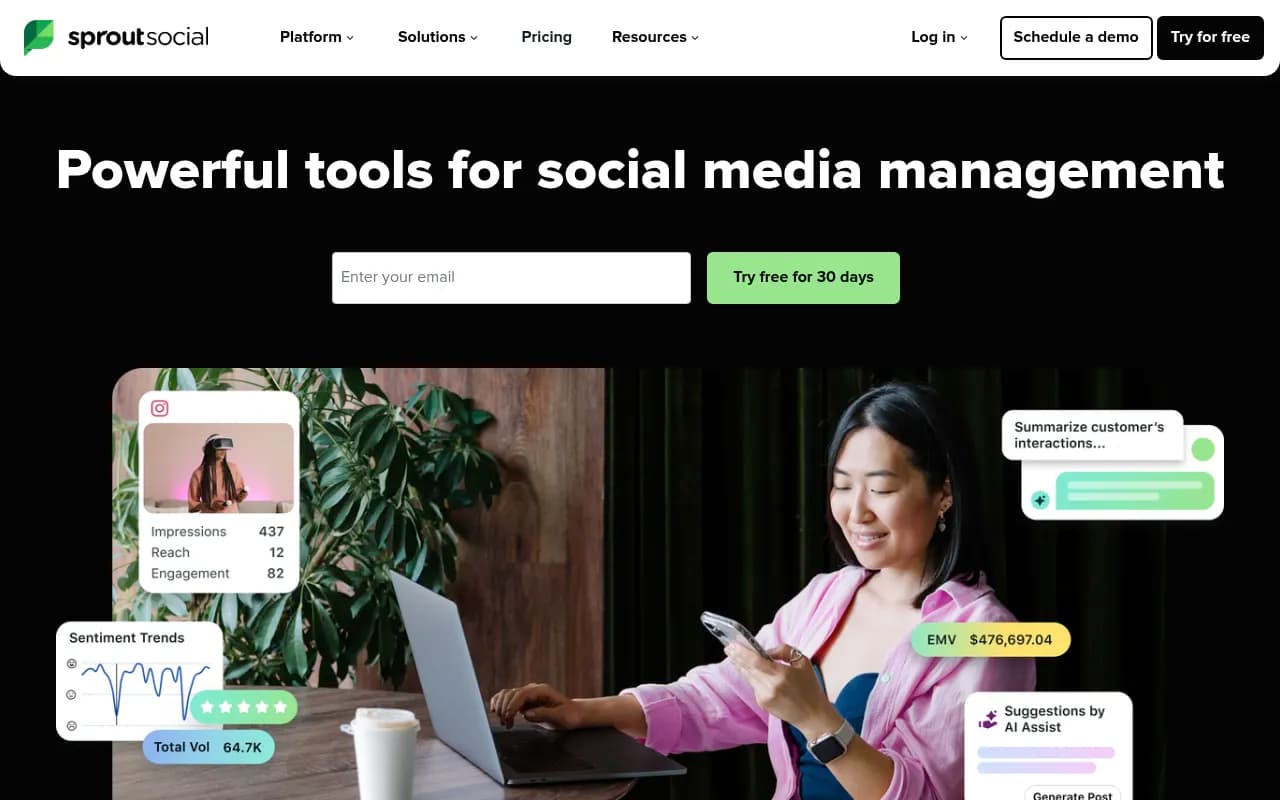
The cost adds up fast, though. A 10-person team on Professional runs close to $36,000 a year; on Advanced, closer to $48,000. Sprout's AI Assist also takes a different approach than most competitors, leaning into sentiment analysis and AI-written performance summaries rather than content generation, which fits teams that care more about social listening than about cranking out posts.
Hootsuite: broad coverage, expensive approvals
Hootsuite covers the most accounts and has the deepest AI stack of the bunch, with Wisdom (the assistant), Perch (content planning), and OwlyWriter (caption generation) working together. But approval workflows and automated message routing don't appear until the Advanced tier at $399/user/month, and real multi-seat costs climb quickly: two people on Professional runs about $398/month, two people on Advanced runs about $798/month.
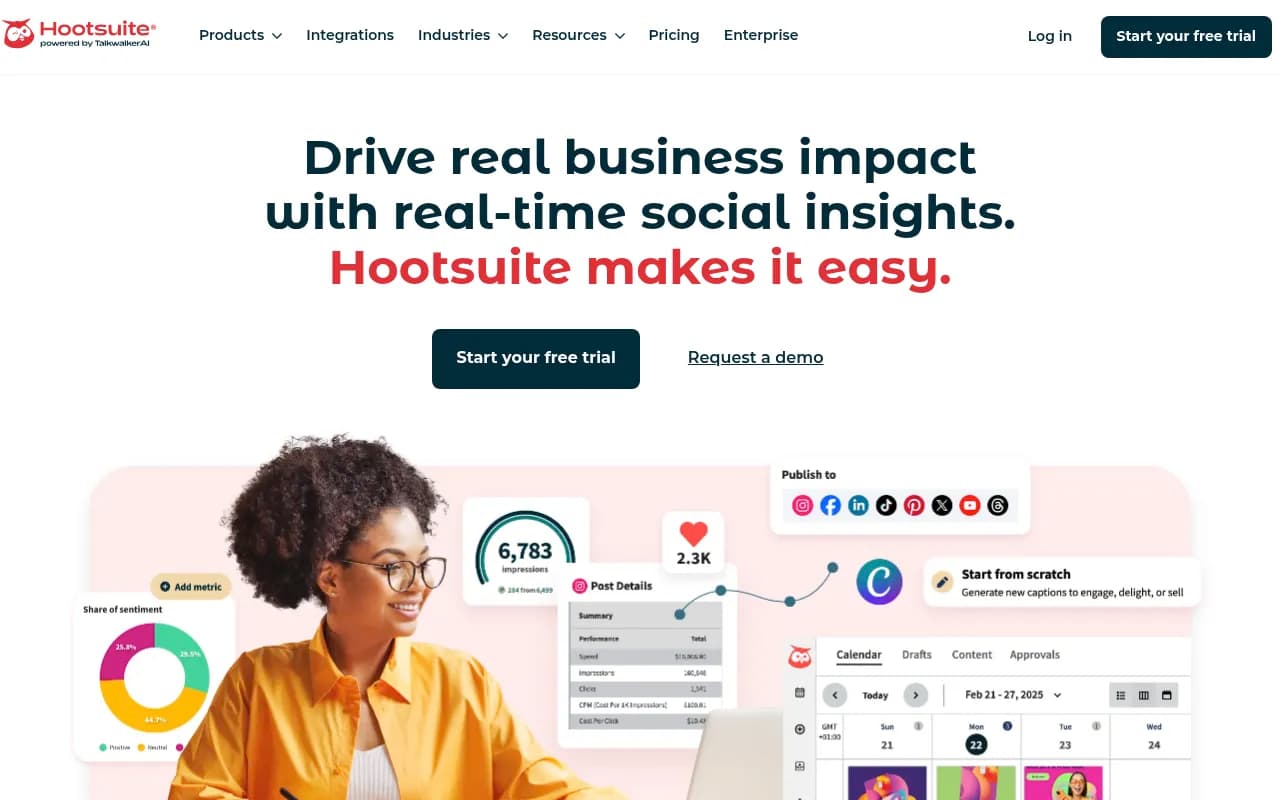
For a distributed team, that means you're either paying a lot for approvals or going without them on the cheaper tiers, which defeats the purpose of using a scheduler with a remote team in the first place.
SocialPilot and Zoho Social: the budget lane
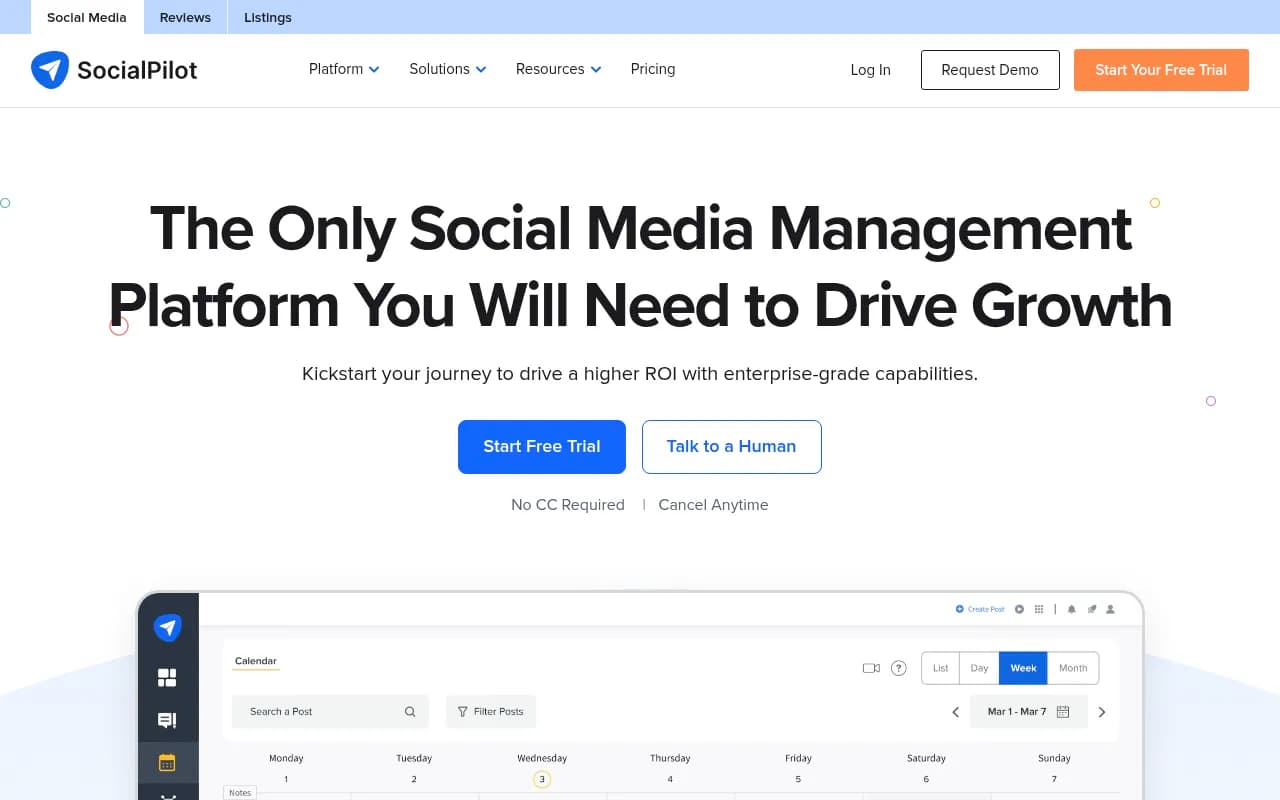
If your distributed team is small, cash-constrained, and doesn't need multi-step approval chains, SocialPilot ($17-23/month) and Zoho Social ($15-40/user/month) are worth a look. Neither has the approval depth of Agorapulse or Sprout, but they cover the basics of scheduling and shared calendars at a fraction of the cost.
SocialBee for AI-first scheduling
SocialBee leans into AI-generated scheduling suggestions and category-based queues, which can help distributed teams that struggle to keep a content calendar fed when contributors are scattered across timezones and nobody owns the calendar full time.
Layering a unified calendar on top
Scheduling tools solve publishing. They don't solve the bigger problem of knowing whether a blog post, an email send, and three social posts about the same campaign are actually coordinated. That's where a unified marketing calendar earns its place in the stack.
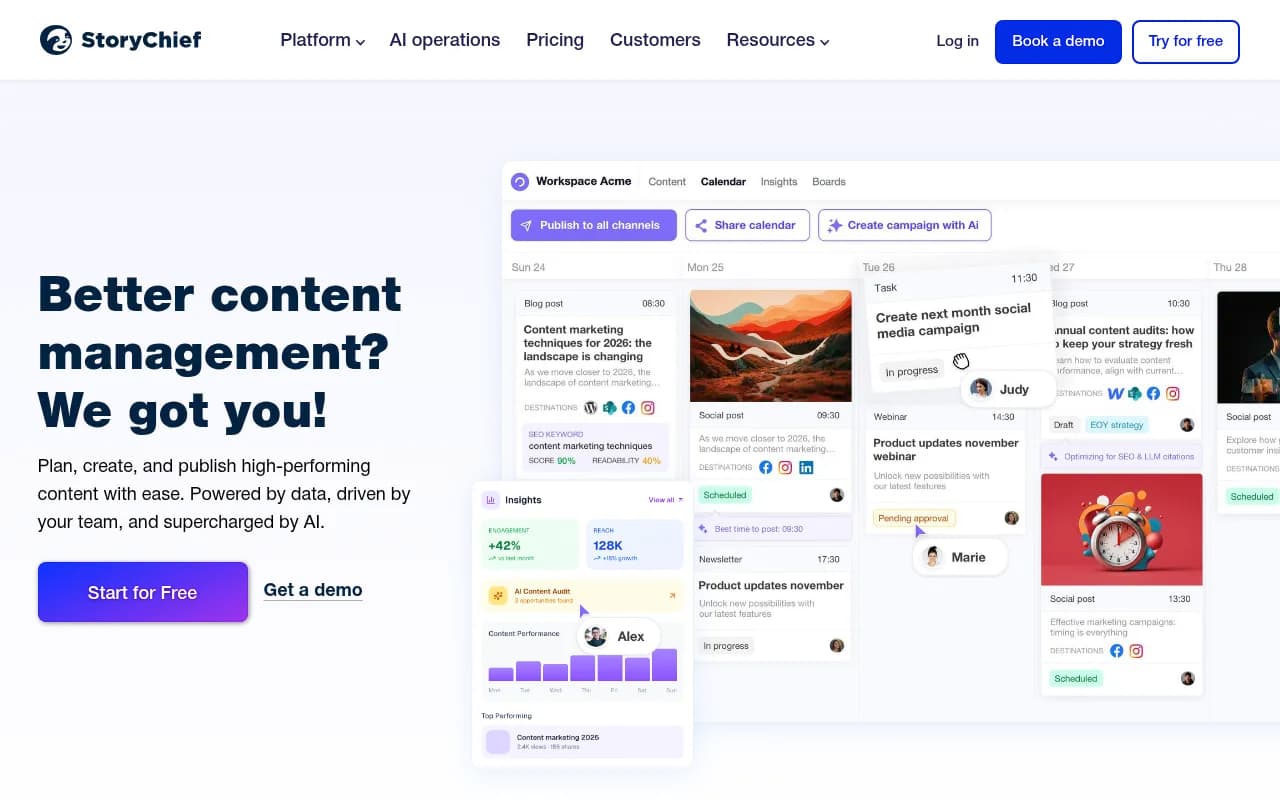
CoScheduler-style tools like CoSchedule and StoryChief sit above your social scheduler and pull blog, email, and social into one view, which matters more for distributed teams than co-located ones because there's no hallway conversation to catch a scheduling conflict before it happens.
Lately, a dedicated AI repurposing tool, is also worth mentioning here even though it isn't a full scheduler: it turns one long-form asset, a blog post, a podcast transcript, a webinar recording, into 25 to 40 platform-specific posts. For a distributed content team working from a central hub, that's a reasonable way to keep every regional social account fed without asking someone in each timezone to write from scratch.
Building the stack by team size
Small distributed team (2-5 people, multiple timezones). Start with Buffer's Team plan for scheduling and a lightweight shared calendar. You get unlimited seats and real approval permissions without the per-seat pricing creep of Sprout or Hootsuite.
Growing distributed team (5-15 people, client or stakeholder approvals). Agorapulse Professional covers internal single-step approvals cheaply; upgrade to Sprout Social Advanced only if you specifically need external, no-login approvals from clients or execs who won't touch your platform.
Agency managing multiple distributed clients. Agorapulse's Custom tier (Slack/Teams integration, multi-step approval chains, CRM connections to HubSpot or Salesforce) or Hootsuite Advanced if you need the broadest account coverage and can absorb the per-seat cost across billable clients.
Enterprise distributed team. Sprout Social Enterprise or Hootsuite Enterprise, both with custom pricing, SSO, and dedicated support, make sense once compliance and security requirements outweigh cost-per-seat concerns.
Where AI search visibility fits into the platform mix
Here's something most scheduling guides skip entirely: not all the platforms you're scheduling to pull equal weight when it comes to showing up in AI answers. If part of your team's job is making sure your brand gets cited when someone asks ChatGPT or Perplexity a question, the data on which social platforms actually get cited matters for where you concentrate scheduling effort.
Promptwatch's analysis of social citations across AI models found that Reddit shows up in 5.19% of ChatGPT citations, while LinkedIn trails at 0.23%. YouTube leads citations on AI Overviews (4.08%) and Grok (4.85%). X, by contrast, "never exceeds 0.25% of citations on any engine," according to that same data. If your distributed team is spending real scheduling hours polishing X threads while ignoring Reddit community engagement, that's probably backwards if AI-driven discovery is a goal.
LinkedIn is also worth a second look, not because of raw citation volume but because of which content type gets cited. Promptwatch's breakdown of LinkedIn citation page types for August 2026 shows ChatGPT increasingly favoring company pages (33.68%, up from 23.84%) and feed posts (26.45%, more than doubled) over Pulse articles, while Google AI Mode and AI Overviews still lean on Pulse articles (around 34.5% each). That's a concrete scheduling decision: if ChatGPT visibility matters to you, your distributed team's calendar should include regular company-page updates and feed posts, not just long-form Pulse content.
If tracking this kind of thing is new to your team, tools like Promptwatch can monitor which of your social posts and pages are actually getting cited by AI engines, which is a different job than scheduling but increasingly sits right next to it on a marketing team's dashboard.

A practical rollout checklist
- Map your approval chain first. Count how many people need to sign off and whether any of them are outside your organization. That answer alone eliminates half the tools on this list.
- Lock every connected account to its audience's local timezone inside the scheduler, not your team's home timezone.
- Pick one tool as the system of record for the content calendar, even if your team also uses a project management tool like Notion or Airtable for ideation.
- Decide early whether AI content generation lives inside your scheduler (Hootsuite's OwlyWriter, Buffer's AI drafting) or in a separate writing tool, so you're not duplicating the same drafting step in two places.
- Revisit platform allocation at least once a quarter. Engagement numbers and AI-citation numbers both shift, and a stack built for 2024's platform mix is probably wrong for 2026.
For teams still shopping around, the broader software directory at surferstack.com has side-by-side reviews of most of the tools mentioned here if you want more detail before committing to a plan.