Key takeaways
- Default is an inbound orchestration tool built to route, qualify, and book meetings from leads automatically, a job normally done by an SDR or ops person, not a content tool
- For a true solo marketer with low lead volume, the setup time and price often outweigh the benefit until you're getting a steady flow of inbound demo requests
- Small teams running paid ads, webinars, or high-intent inbound at volume tend to get the clearest payoff, because the manual routing and follow-up work Default replaces actually exists at that stage
- Cheaper or more general tools (Zapier, HubSpot's free tier, Keap, ActiveCampaign) can cover 80% of the same ground for a fraction of the cost if your volume is low
- The real question isn't "is Default good" (it is), it's "do I have enough inbound volume to need orchestration instead of a form and a calendar link"
What Default actually does
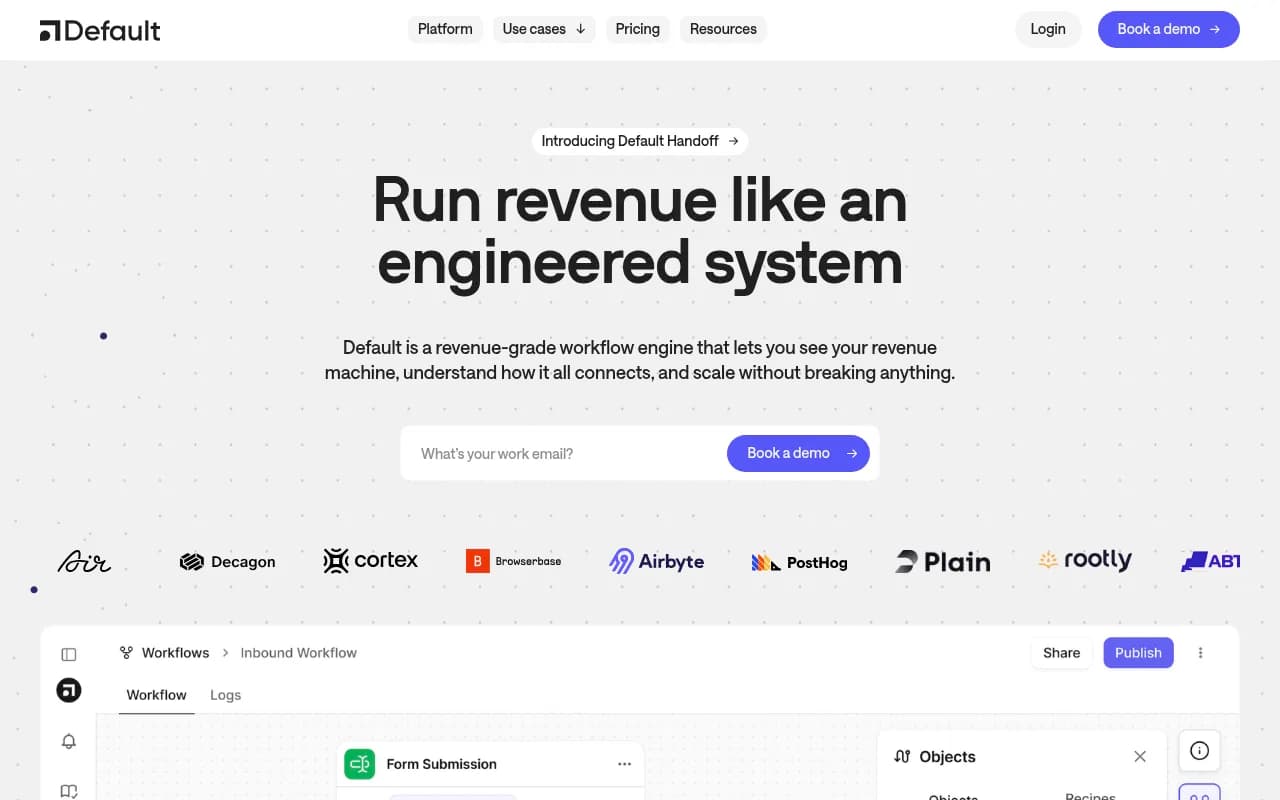
Default sits in the inbound orchestration category, which is a fancy way of saying it takes a lead that just filled out a form or booked a demo, and decides what happens next without a human touching it. It qualifies the lead against your criteria, routes it to the right rep (or to you, if you're the only rep), and tries to get a meeting booked within minutes instead of hours. For a company running a sales team with handoff problems between marketing and sales, that's a real operational headache solved.
For a solo marketer, the question is whether that headache exists in the first place. If you're the one filling out the form data, replying to the lead, and booking the call yourself, you already are the orchestration layer. The tool is automating a job you might be doing in fifteen minutes a day.
Where this gets interesting for small teams
The calculation changes once you have any of the following:
- Inbound volume above roughly 20-30 qualified leads a week, where manual triage starts eating real hours
- Multiple lead sources (ads, content, referrals, webinars) that need different qualification logic
- A founder or sales lead who is slow to respond, and speed-to-lead is costing you booked meetings
Research on solo marketer workflows backs this up in spirit: the common advice for one-person marketing departments is to protect your time ruthlessly and only add tools that remove a recurring task, not ones that just look impressive on a stack diagram. Marketing by Numbers frames this well in the content strategy context: being small is an opportunity to be focused, not an excuse to buy every tool that promises to "do it for you."
The honest cost-benefit math
Here's the thing nobody tells you upfront: orchestration tools like Default are priced and built for teams with a sales motion, not for a solo operator doing everything themselves. If you're a true one-person shop with low-to-moderate inbound, you're paying for routing logic and SLA automation that a Calendly link and a Slack notification already handle.
Where it starts to pay off is the moment your inbound starts to outpace your ability to personally triage it, which for most small teams happens somewhere between "we just ran our first paid campaign" and "we hired a second rep." If you're not there yet, the honest answer is: not yet.
A quick gut check
Ask yourself these three things before signing up for any orchestration platform:
- Am I currently missing or delaying responses to inbound leads because I'm busy with something else?
- Do I have more than one person who could receive a routed lead, or is it just me?
- Is my lead volume growing fast enough that this will matter in three months even if it doesn't matter today?
If you answered no to all three, you're probably better served by a simpler stack and revisiting Default once volume justifies it.
What solo marketers are actually running instead in 2026
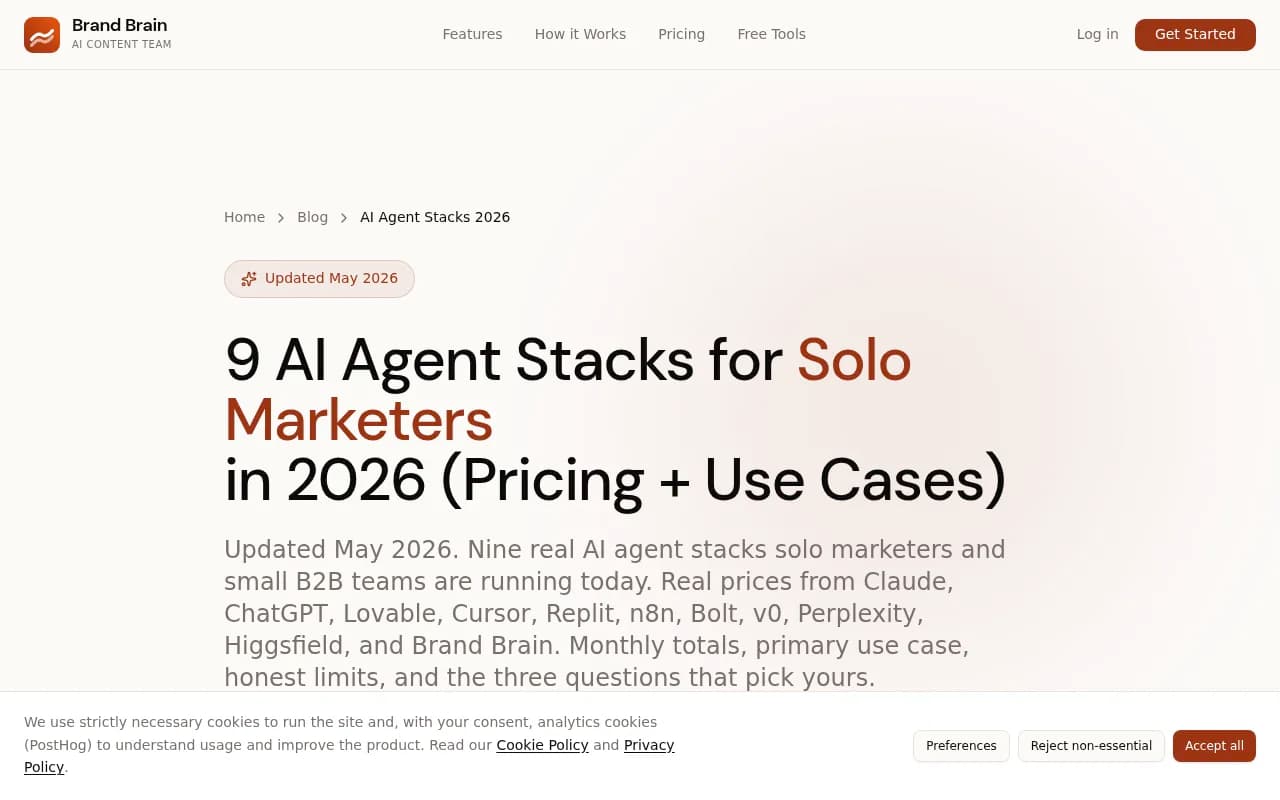
The broader pattern among solo marketers this year leans toward lean, stacked tools rather than one big platform. A widely cited breakdown of AI agent stacks for solo marketers put the "default" stack (no pun intended) at around $46 a month combining an AI writing tool, a brand voice layer, and free-tier scheduling, specifically because solo operators can't justify enterprise-shaped tooling until the workload demands it.
That same logic applies to lead orchestration. The stack most solo marketers actually use looks less like Default and more like a combination of a CRM with built-in automation and a general workflow tool for the edge cases.
Comparing Default against simpler alternatives
| Tool | Built for | Monthly cost range | Setup effort | Best fit |
|---|---|---|---|---|
| Default | Inbound lead routing and qualification at scale | Custom/enterprise-leaning pricing | Moderate to high | Teams with real sales handoff and volume |
| HubSpot (free/starter tier) | CRM with basic automation | $0-$50 | Low | Solo marketers starting from zero |
| Keap | Small business CRM automation | ~$40-$100+ | Low to moderate | Service businesses with a sales step |
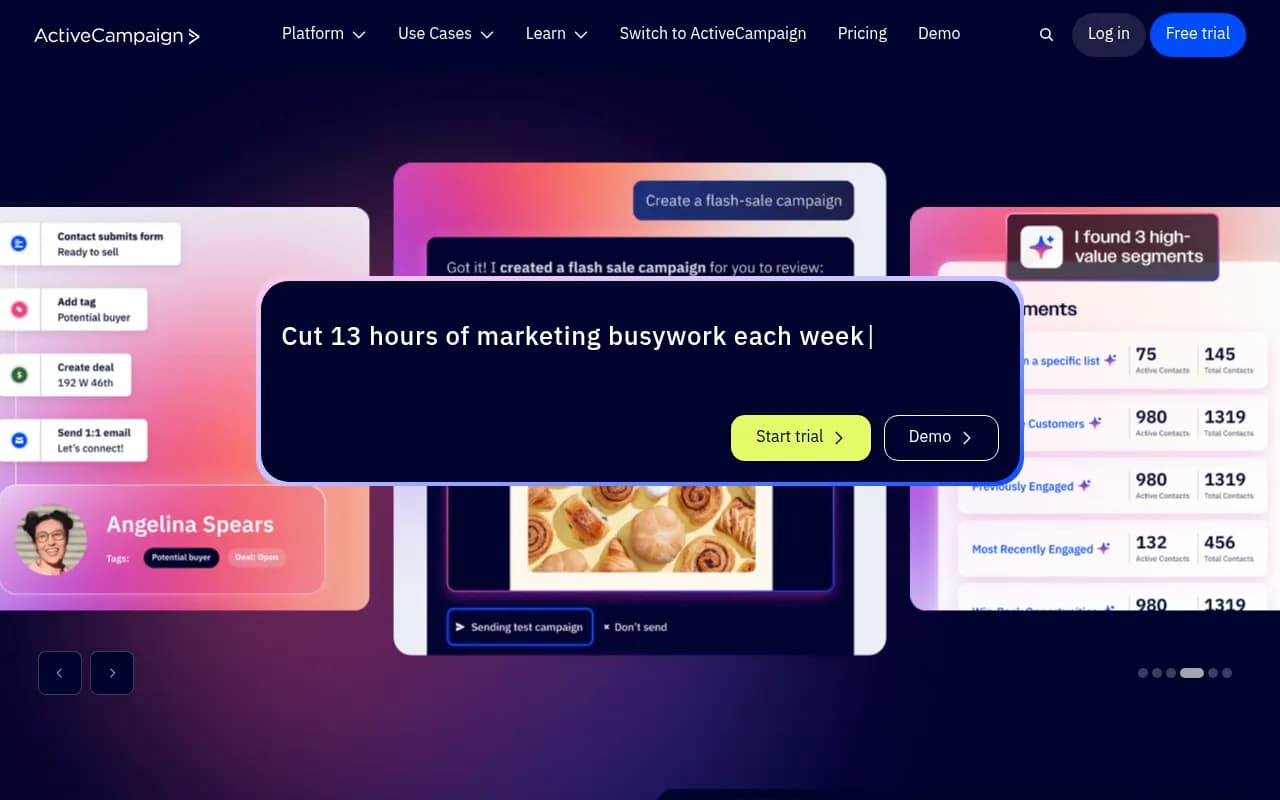
| ActiveCampaign | Sales and marketing automation | ~$30-$150+ | Moderate | Small teams wanting automation plus email |
| Zapier | General workflow automation, routes leads via custom logic | ~$20-$70 | Moderate (DIY) | Solo marketers comfortable building their own logic |
| n8n | Open-source automation, self-hosted | $0-$60 | High (technical) | Technically inclined operators who want full control |
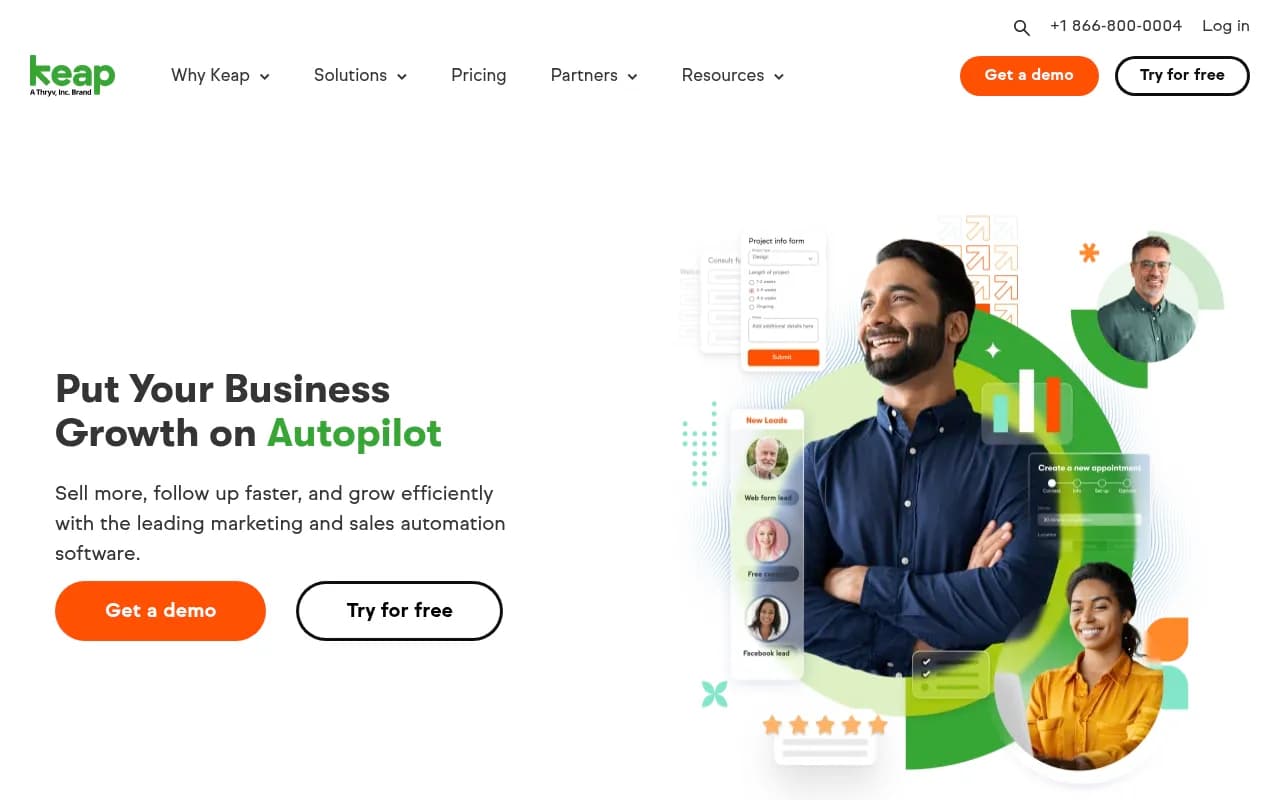
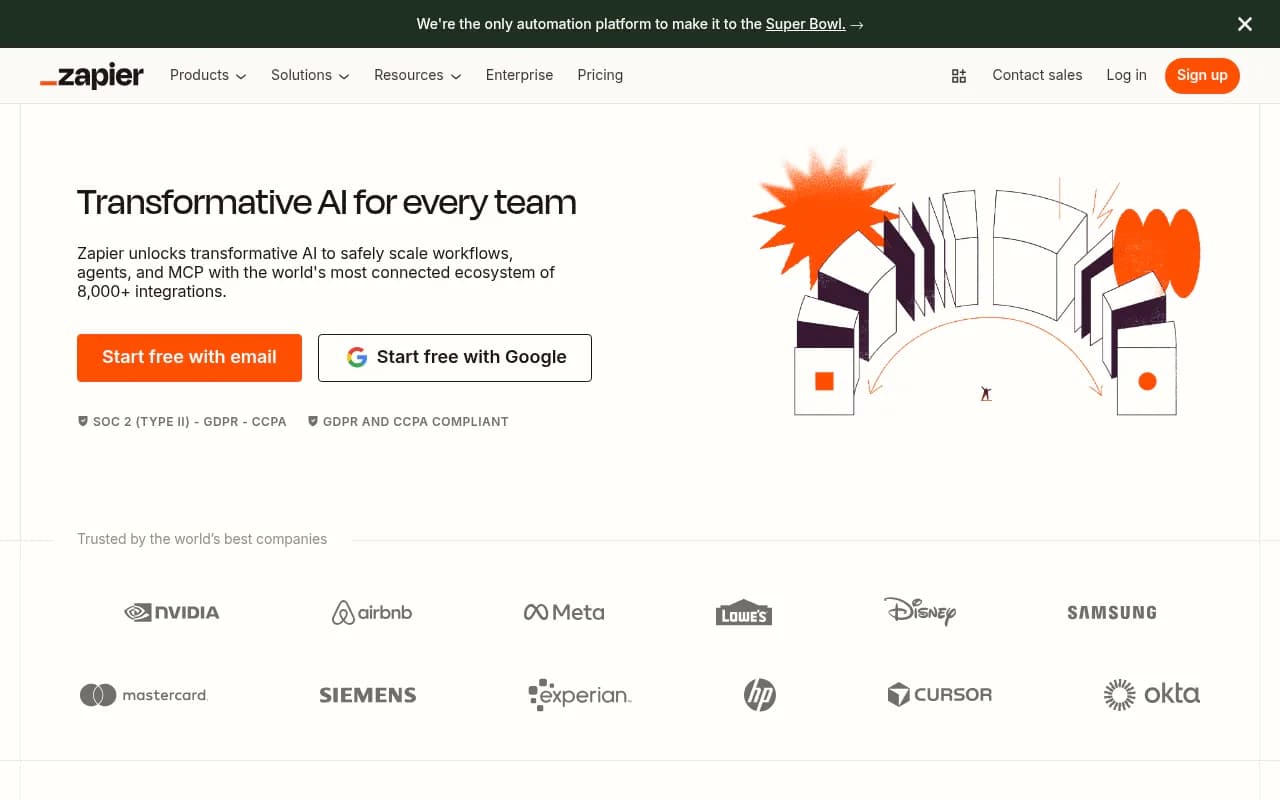
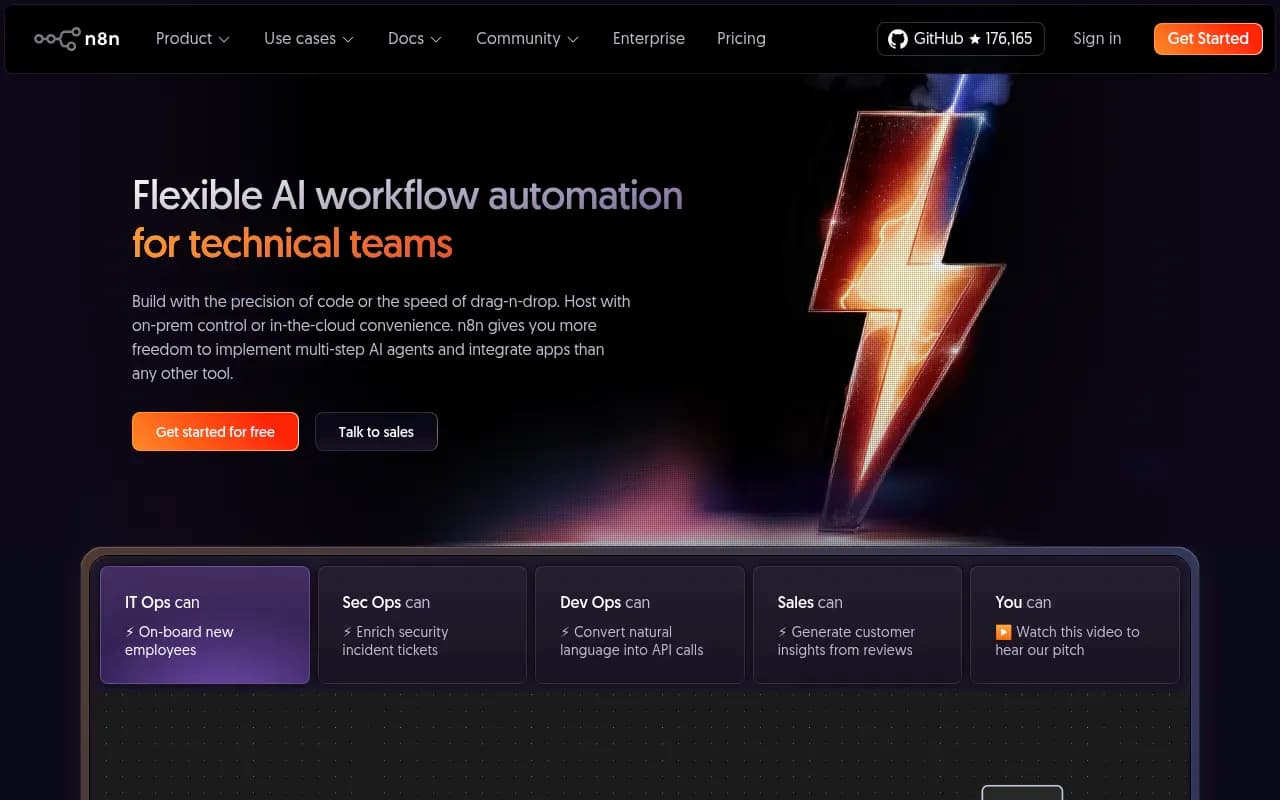
If you're deciding between these, the practical shortcut is this: start with whatever CRM you're already using and see if its native automation covers lead routing. HubSpot and Keap both do basic qualification and assignment rules out of the box, and a lot of solo marketers never outgrow that. Zapier and n8n are the DIY path if you want Default-like logic without the Default-like price tag, at the cost of your own setup time.
When Default genuinely makes sense
I'll be direct here: Default is a solid, specific product, and the orchestration category exists because handoff problems between marketing and sales are real and expensive at scale. The use case that makes it worth it isn't "I'm a solo marketer trying to look professional," it's "we have multiple reps, inconsistent speed-to-lead, and our current process is costing us booked meetings we've already paid to generate." That's a revenue problem, and Default is built to solve exactly that one.
A fractional CMO or ops consultant brought in to diagnose a growth stall will usually flag this kind of handoff gap before they flag a content gap, which is part of why Fast Company's piece on the hidden trap of solo marketing argues solo marketers benefit from outside strategic input: it's easy to miss operational leaks like slow lead response when you're the one doing everything.
When it's probably not worth it yet
If you're pre-product-market-fit, testing channels, or running under 20 inbound leads a week, orchestration software is solving a problem you don't have yet. Your bottleneck at that stage is almost always content, positioning, or distribution, not lead routing speed. Put the budget there first. A Reddit thread comparing the solo marketer model to the agency model made a point worth repeating here: solo operators scale by staying lean and keeping margin, not by adopting every tool built for a bigger company's org chart.
A practical path forward
If you're still unsure, here's the sequence that tends to work:
- Run your current process manually for another month and time how long lead response actually takes you
- If it's under 30 minutes most days, stick with your CRM's native automation or a Zapier workflow
- If it's regularly over an hour, or leads are slipping through entirely, trial Default or a comparable orchestration tool against your actual lead volume, not a demo scenario
- Revisit the decision every quarter, because the threshold where orchestration pays for itself moves as your volume grows
The mistake most solo marketers make with tools like this isn't choosing wrong, it's choosing too early. Default is worth it the day your manual process starts costing you meetings. Until then, a calendar link and a CRM automation rule will do the job for a tenth of the price.
If you want to browse more options across the CRM and GTM automation space before deciding, the broader tools directory at surferstack.com has side-by-side comparisons that go deeper than any single vendor's pricing page.