Key takeaways
- Divide your monthly tool bill by your active client count. If you have never done it, that number is where margin is leaking.
- Audit by deliverable, not by tool. Every subscription should map to something you invoice for, and no deliverable should be covered by three tools.
- The most common double payment in 2026 is AI visibility: it gets bundled into suites, content optimizers and standalone trackers at once.
- A lean stack (rank tracking, crawler, free Search Console, white-label reporting) can run under $200 a month before you add an AI visibility layer.
- Keep tools priced per client or per project. Be suspicious of per-seat pricing that scales cost before revenue arrives.
Why audit now
The stack you bought for one client costs the same when you run nine. That's the uncomfortable part. Most agencies price retainers from the work involved, not from what the tooling costs to deliver it, so subscriptions pile up quietly and nobody ever divides the bill by the client list.
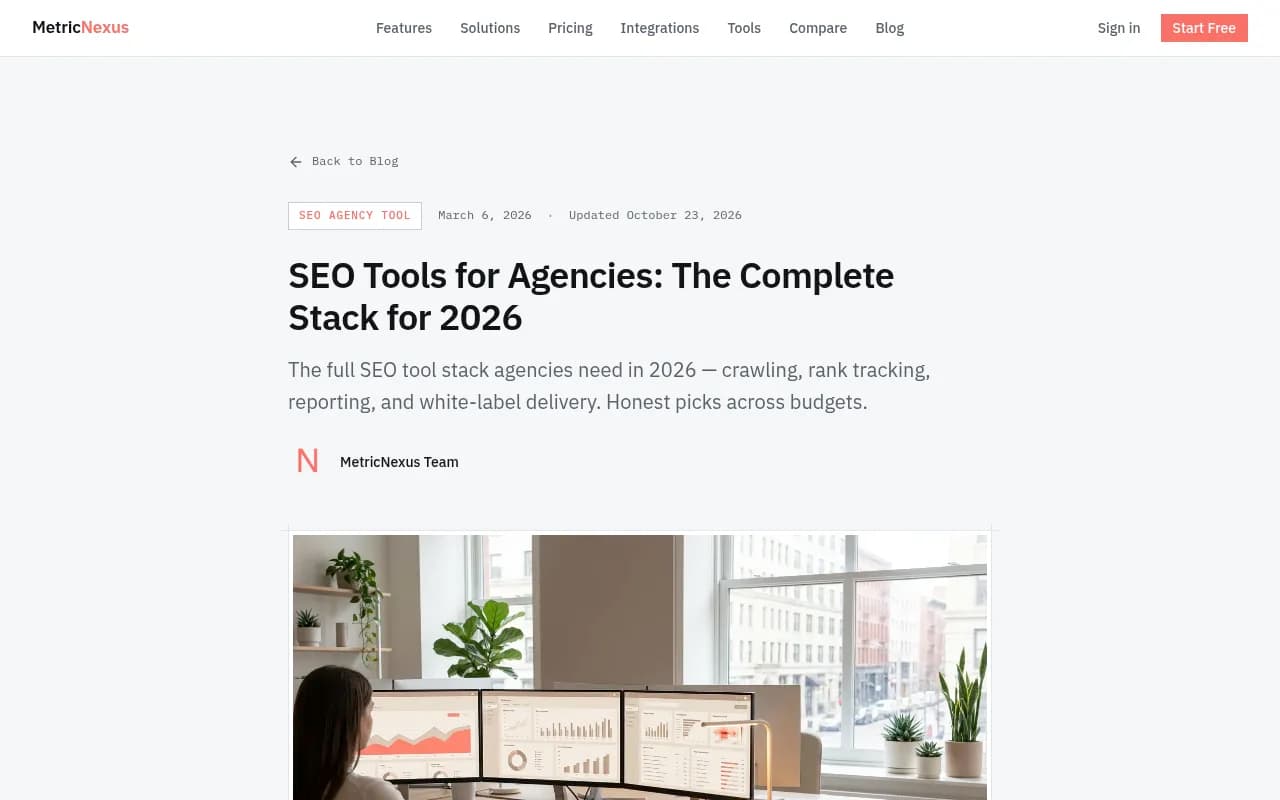
MetricNexus puts a number on the sprawl: buy the "best" tool in every SEO category and you spend north of $2,000 a month before any deliverable ships. Few agencies need that, and fewer can afford it. The same post quotes Ryan Jones on X making the point that the pain at 10, 20 or 50 client sites isn't missing data, it's manual work, overlapping subscriptions and reports that don't land.
There's a second reason to audit in 2026. Many agencies now run two layers: classic Google SEO and AI visibility. Vendors have rushed AI features into every product, so you may be paying for the second layer three times without noticing. A note on sources: the cost breakdowns I lean on below come from vendor blogs (AllAble, xSeek, MetricNexus), so treat their pricing as a starting point and confirm on the official pricing pages before you cancel or buy anything.
Step 1: List every subscription with real costs
Open your card statements and accounting software, not your memory. Include the tools one person bought on a company card and forgot about. For each line, record:
- Monthly cost on the billing cycle you actually pay (annual or monthly)
- Who has a seat, and who logged in during the last 30 days
- Which client deliverable it supports
- Whether it is priced per seat, per project, per client or by usage
Then do the one calculation almost nobody does: total monthly stack divided by active clients. Do it again at your current client count plus five. Per-client and per-project tools get cheaper in relative terms as you grow. Per-seat tools and flat suites mostly stay fixed, which is fine if you're growing and painful if you're not.
Step 2: Map tools to deliverables
You don't buy tools. You buy coverage for work you've already sold. AllAble's cost breakdown frames it well: list the deliverables that appear on your invoices, then mark which tool covers each one. Typical agency deliverables fall into seven buckets (MetricNexus uses the same seven):
| Category | What you need it for | Typical usage | Cut priority |
|---|---|---|---|
| Technical crawling | Find and fix on-site issues | Monthly per client | Rarely cut, but one tool is enough |
| Rank tracking | Keyword positions | Automated daily | Keep one, check for overlap with your suite |
| Backlink analysis | Competitive link data | Weekly | Keep one source of truth |
| Keyword research | Content and campaign opportunities | Per project | Often duplicated by suite plus extras |
| Content optimization | Briefs and scoring for writers | Per piece | Highest overlap risk |
| Reporting | Client dashboards | Monthly or weekly | Protect this one |
| AI visibility | Citations in ChatGPT, Gemini, Perplexity, AI Overviews | Weekly | Where agencies most often pay twice |
Put your actual tools in each row. Any row with two or more paid tools is a cut candidate. Any row with none is a gap you're either covering manually or failing to deliver.
One caveat from the AllAble analysis worth remembering: none of the eight tools it compared reports social, paid or email performance. A dashboard built from SEO tools shows organic search and nothing else. If a client expects a cross-channel report, your reporting tool needs to pull from more than your SEO suite, and that's a separate line item.
Step 3: Find the overlaps
Suites versus point tools
Semrush and Ahrefs both cover keyword research, backlinks, rank tracking and site audits to some degree. If you pay for one of them, you probably don't need a separate rank tracker, a separate keyword tool and a browser extension on top. Which of the two suits you better is a taste-and-data-source question, and the real cost is paying for both without a reason.
If your clients are small and budgets thin, SE Ranking is a common single-suite choice, and its Agency Pack add-on covers white-label reporting. AllAble's example under-$200 stack, with prices I haven't independently verified:
| Line item | Monthly cost |
|---|---|
| SE Ranking Core, annual billing | $103.20 |
| SE Ranking Agency Pack, annual billing | $69.00 |
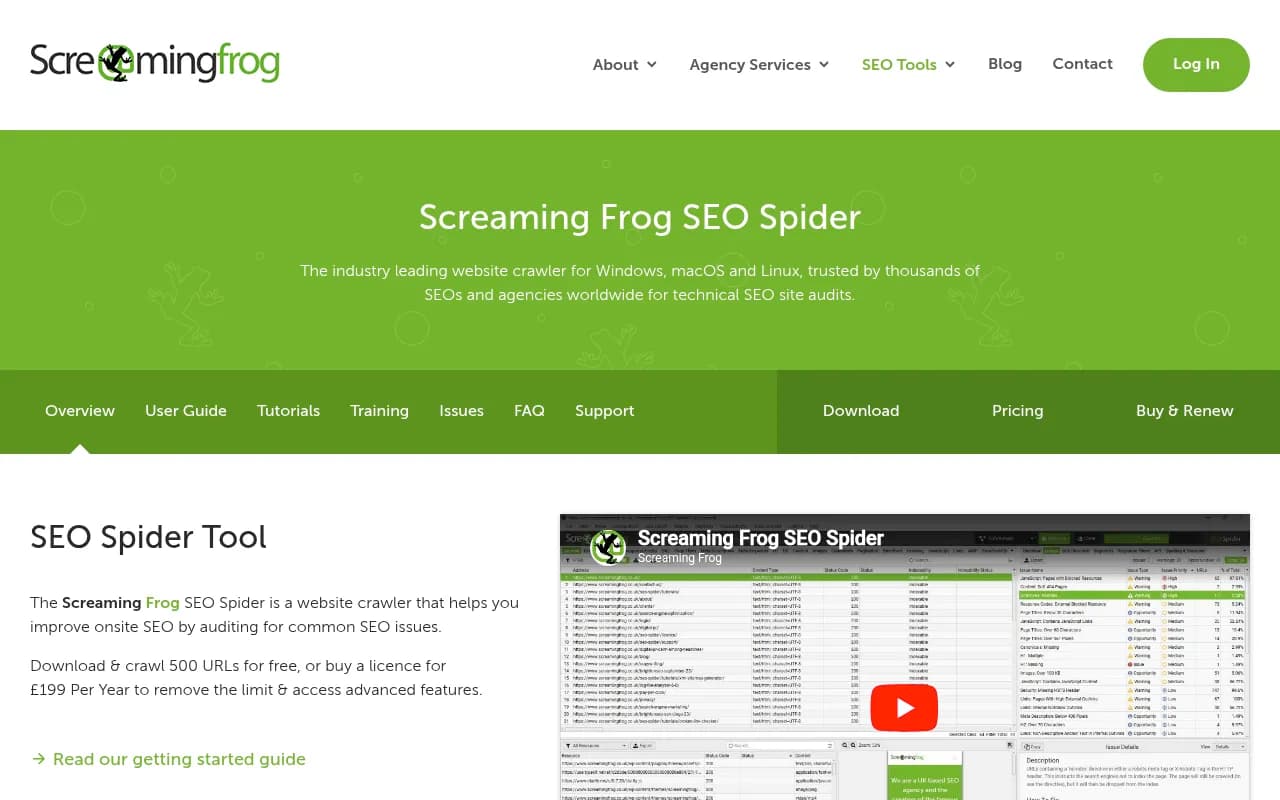
| One Screaming Frog license, annualized | about $23.25 |
| Google Search Console | $0 |
That totals roughly $195 a month. It is a reasonable floor, not a universal recommendation. Large or enterprise-heavy agencies will outgrow it.
Content optimizers
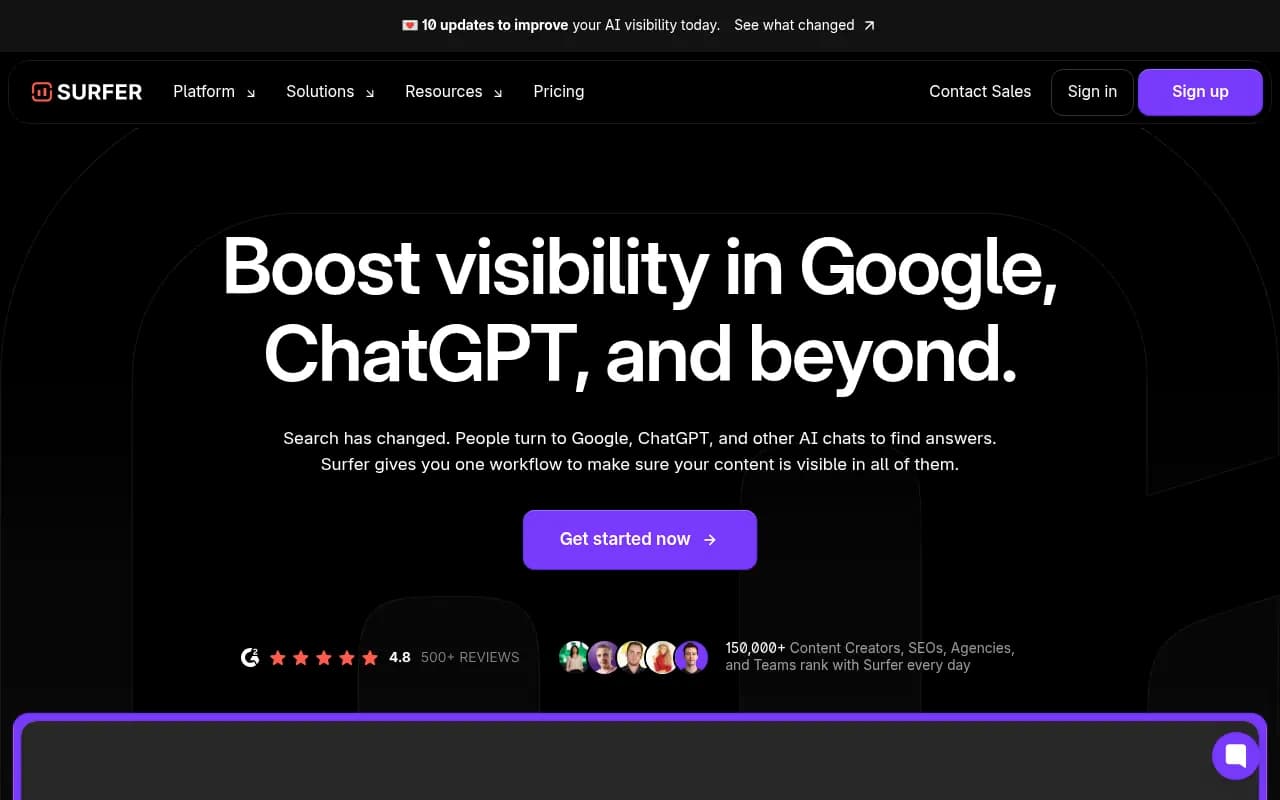
Surfer, Clearscope, Frase, NeuronWriter, Page Optimizer Pro and MarketMuse all score content against competing pages. Running two is almost never justified. Pick based on which one your writers actually open. xSeek lists Surfer at $49 (Discovery), $99 (Standard) and $182 (Pro) per month, but check current pricing.

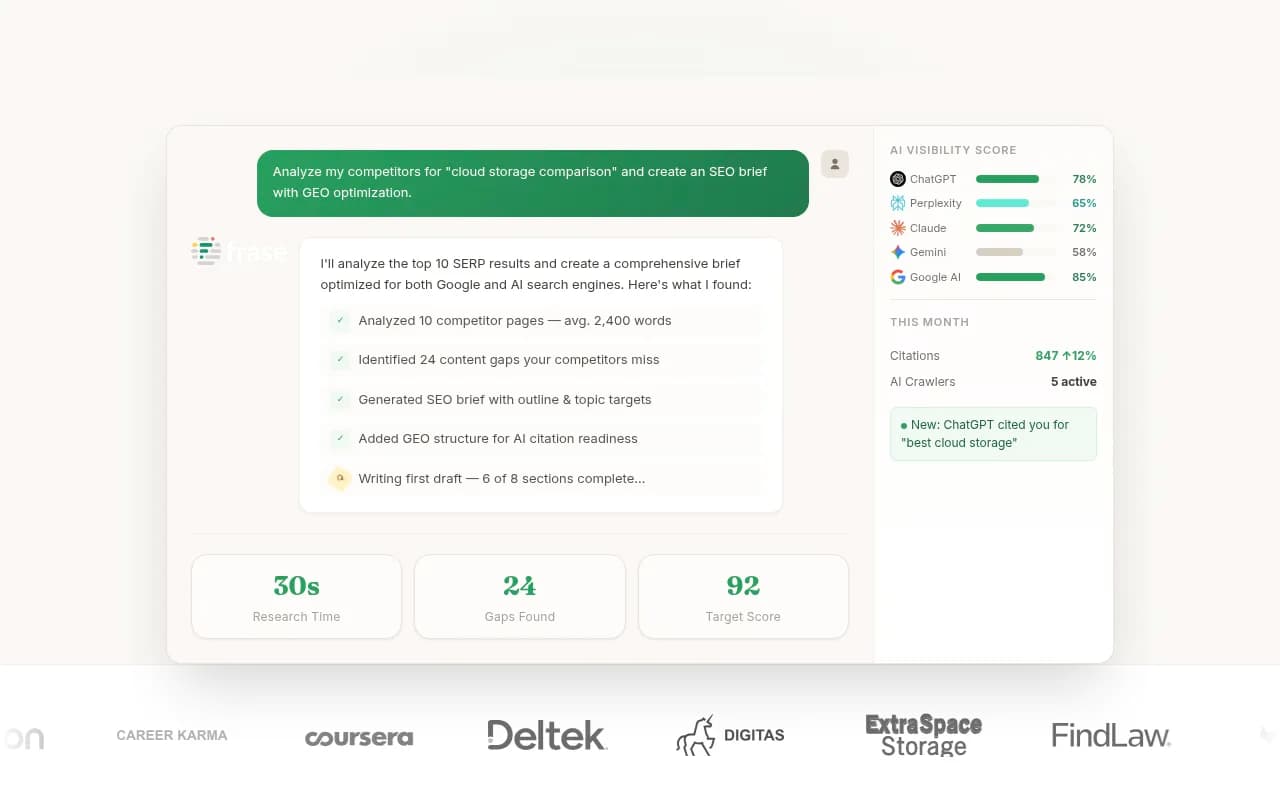
Also check whether your suite already includes a writing assistant. Semrush's is one example, and if your team uses it, a standalone optimizer may be redundant.
Reporting
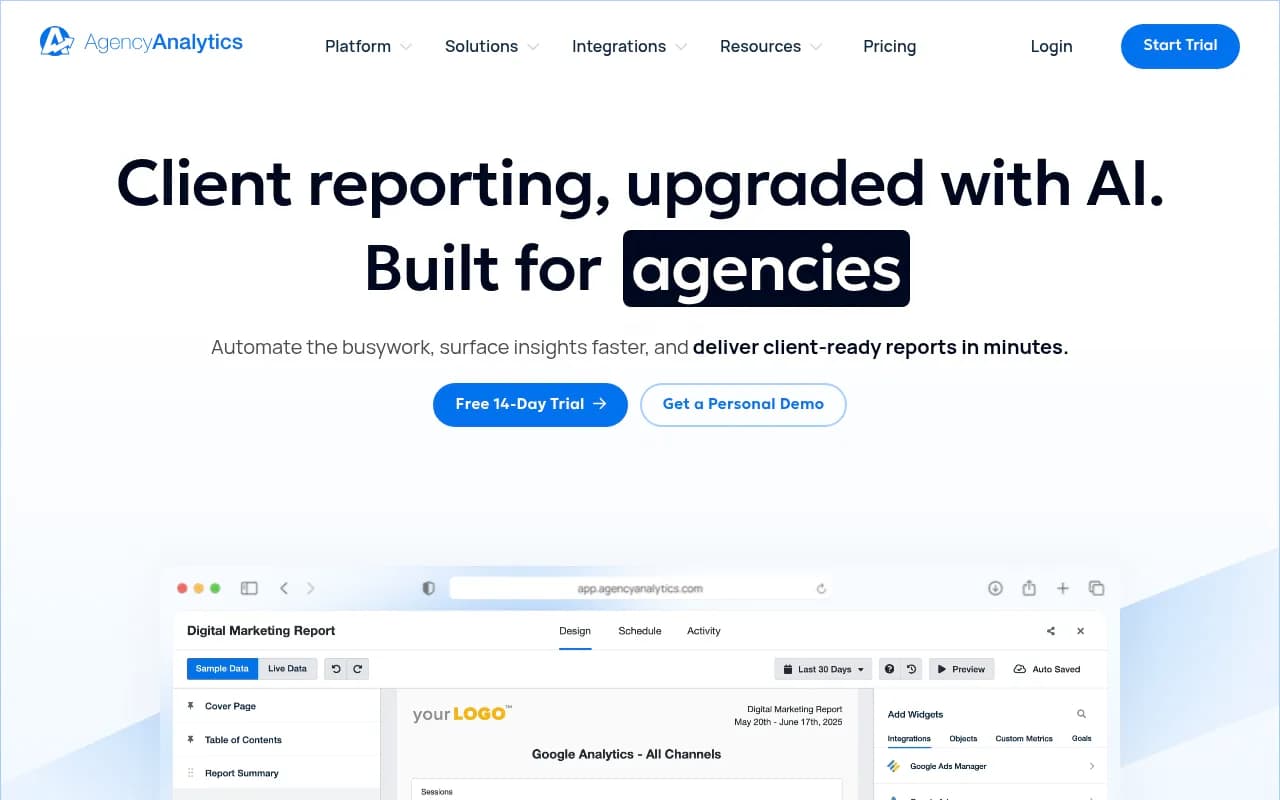
Reporting is the category I'd protect. It keeps clients paying, and it's the one place where a dedicated tool is hard to replace with a suite feature. AgencyAnalytics is the usual name; xSeek lists it with a 14-day free trial and calculator-based pricing. Price it at your real client count, not the demo count.
Step 4: Audit the AI visibility layer
This is where I'd spend most of the audit. AI visibility shows up in at least three places in a typical stack: a feature inside your SEO suite, a feature inside your content optimizer, and a standalone tracker someone bought last spring. AllAble's mapping puts AI visibility coverage in Semrush, Ahrefs, SE Ranking, Clearscope, Frase and the paid tiers of Surfer. Add a dedicated tracker and you're paying for it four times.
What to measure per engine
Whatever you keep, make sure it tracks engines separately. Promptwatch's data on average sources per response (published September 2025, so the figures drift) shows ChatGPT citing about 5 sources per web-search answer, while Google AI Overviews and Perplexity sit near 10, and Copilot's average swung from under 2 to nearly 17 in a few weeks. Citation slots are scarcer in ChatGPT, and one engine's results don't predict another's. A blended "AI score" hides that. See the average sources per response report for the detail, and the broader Promptwatch Data hub for newer citation research.
Monitoring-only versus acting on the data
There are two kinds of tools in this category. Monitoring tools tell you whether you were mentioned. Platforms that also trace sources, write content and measure results close the loop. If you're paying for a tracker and a separate content tool to act on its findings, check whether one platform covers both.
Promptwatch is an end-to-end AI visibility platform built around that loop: it tracks the real interfaces of ChatGPT, Gemini, Perplexity, Google AI Overviews and others, shows which pages get cited, uses IP-verified AI crawler logs to separate access problems from content problems, and its Content Agent (on Business) writes and publishes pages against the gaps. Agencies get dedicated plans with unlimited projects and team seats, starting at $199/mo for Kick-off, and you can confirm current prices at promptwatch.com/pricing. 1001 SEO Media uses it for its own client AI visibility work.

Note that agency plans don't include the Content Agent or white-label client portal; agencies needing those go to Enterprise. Check the plan against your deliverables before assuming it replaces another subscription.
Cheap trackers and when they are enough
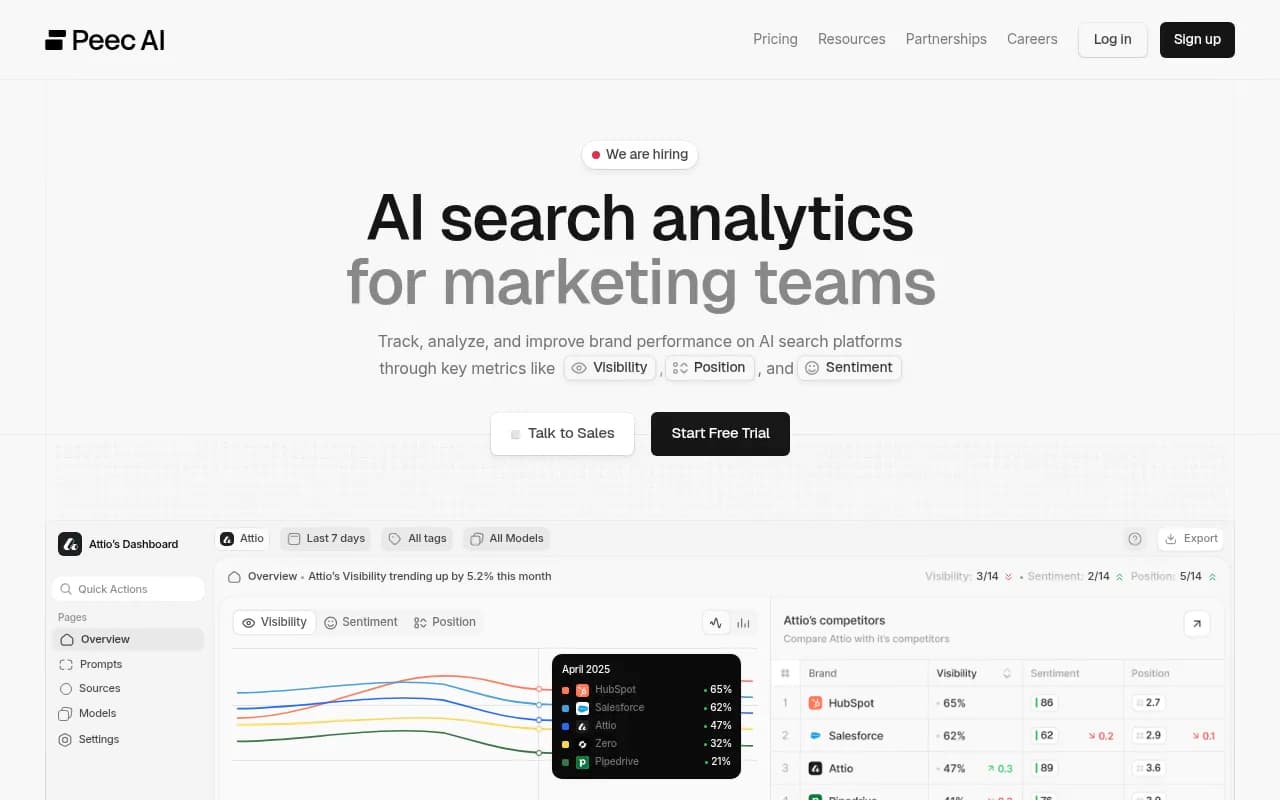
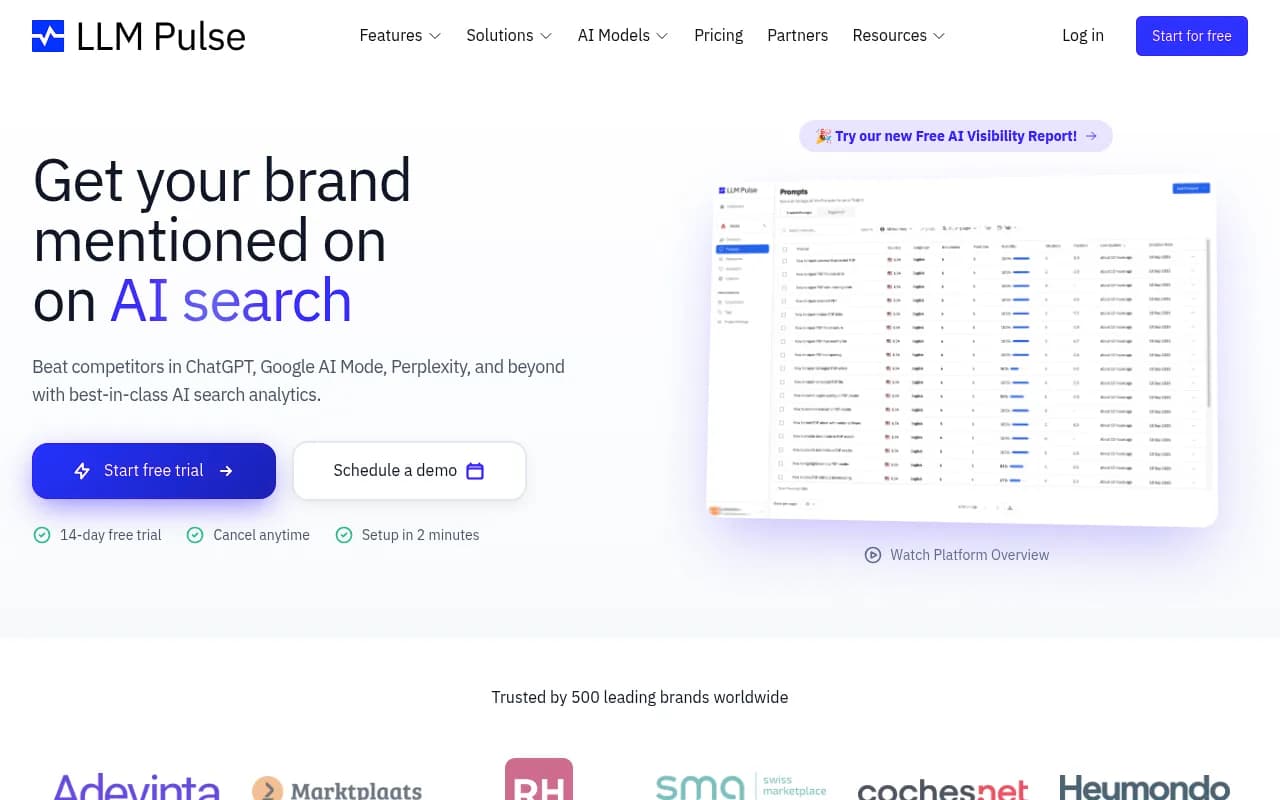
If you only need to show a client a mention rate, cheaper monitoring tools exist. xSeek lists its tiers at $49, $149 and $499.99 a month, and the catalog includes Otterly.AI, Peec AI, LLM Pulse and others. They're fine as a reporting add-on, but they don't tell you what to fix. If you go this route, don't also keep a second tracker.

For a wider view, the directories at bestgeosoftware.com and ai-rank-tools.com list many more options.
Step 5: Decide what to cut
Use a simple scoring pass. For every subscription, answer four questions:
- Does it map to a deliverable on a current invoice?
- Is another paid tool covering the same deliverable?
- Did anyone use it in the last 30 days?
- What does it cost per client at today's count?
| Situation | Action |
|---|---|
| No deliverable, no recent logins | Cancel now |
| Overlaps with your main suite | Cancel the narrower tool |
| Overlaps, but the specialist is clearly better and used daily | Keep the specialist, drop the suite feature or tier |
| Unique deliverable, low usage | Downgrade or move to monthly billing |
| Unique deliverable, heavy usage | Keep, and check per-client cost |
| Per-seat tool with idle seats | Cut seats before cutting the tool |
Common cut candidates
- A second content optimizer nobody opened since the first brief
- A standalone keyword tool when your suite already has one
- Duplicate AI visibility trackers
- Enterprise platforms like BrightEdge or Profound-style deals for clients that don't need them. xSeek cites Profound at typically $50,000+ a year, which only makes sense for Fortune 1000 AEO bids.
- Unused seats on anything priced per user
Things to keep
Google Search Console costs nothing and no tool replaces it. A crawler is a small annual cost. White-label reporting earns its keep. Don't cut the cheap, reliable pieces to feel disciplined.
Step 6: Rebuild the stack and re-run the math
After the cuts, recalculate monthly spend divided by active clients, then divide by the clients you expect in six months. A target many agencies use is keeping tooling to a small fraction of retainer revenue per client, though the right ratio depends on your pricing. The point is to know the number.
Here's a sensible shape for a small to mid-size agency after an audit:
| Layer | Keep | Notes |
|---|---|---|
| Core SEO data | One suite (Semrush, Ahrefs or SE Ranking) | Not two |
| Crawling | Screaming Frog or the suite audit | One is enough |
| Search data | Google Search Console | Free |
| Content | One optimizer | Match your writers' habit |
| Reporting | One white-label dashboard | Price at real client count |
| AI visibility | One platform | Pick per engine tracking and whether it helps you act |
Run the audit quarterly
Tools drift. A free trial becomes a subscription, a new hire buys a seat, a vendor raises prices. Put a recurring calendar entry on the first of each quarter. The audit takes an hour once the first pass is done.
A final check before you cancel
Pricing in vendor blog roundups goes stale quickly, and several of the figures above were compiled months ago. Before you cut or buy, open the official pricing page and confirm the current number. If you want an outside view on how your agency's AI visibility offering should be priced and packaged, 1001 SEO Media runs SEO audits and consulting for agencies as well as brands, but the audit above you can finish with a spreadsheet and a free afternoon.
For more tool comparisons, SurferStack lists reviews and alternatives across categories.