Key takeaways
- Acquisition risk in AI visibility is real: Semrush went to Adobe, XFunnel went to HubSpot, and Scrunch went to Sitecore. Standalone data formats, pricing and APIs can change after a deal.
- A chart screenshot or a CSV of dashboard totals is not a portable dataset. You need row-level prompt runs with timestamps, full responses and full cited URLs.
- AI answers can't be recreated after the fact. Engines drift, so your old history is the only copy that exists.
- Test exports, backfill and the API while you are a happy customer. Treat anything undocumented as unknown.
- Put exit terms in writing: notice period, export rights, transition help, refunds and change-of-control protections.
Why this problem is worth worrying about
Most marketing data can be rebuilt. If your rank tracker disappears, you lose some history, but Google still exists and you can start tracking again tomorrow. AI visibility data is different. ChatGPT's answer to a prompt on March 3 is gone once March 3 is over. Nobody can go back and ask it again.
Engines also change behavior without telling anyone. Promptwatch's average sources per response data shows ChatGPT averaging about 5 citations per web-search answer, while Google AI Overviews and Perplexity sit near 10. Copilot swung from under 2 to nearly 17 sources per response within a few weeks before settling at the low end. If you only have a dashboard score and not the underlying runs, you can't tell whether a drop came from your content or from the engine changing its habits.
That is why the history is the asset. The tool is replaceable. The time-stamped record is not.
How consolidation is already happening
This isn't hypothetical. According to one analyst's September 2026 overview, which is a single view and worth reading with that in mind:
- Adobe announced a roughly $1.9B all-cash acquisition of Semrush in November 2025, at a 77.5% premium. It closed on April 28, 2026, and Semrush's users were folded into Adobe CX Enterprise.
- HubSpot bought XFunnel, an AEO startup less than a year old, closing on December 1, 2025. HubSpot AEO reached general availability in April 2026, and reviewers describe it as essentially XFunnel rebuilt inside HubSpot.
- Sitecore acquired Scrunch in June 2026, according to a search snippet I could not verify further.
- Wix, Squarespace, Cloudflare and Optimizely built AI visibility features natively instead of buying.
- Pure-play startups have raised more than $255M in venture capital, and the author expects more deals.
I could not find a confirmed case of an AI visibility tool shutting down outright, and I won't pretend there is one. But the pattern in the deals above is the point. After a purchase, the product often gets rebuilt inside the buyer's suite, and a standalone tool's data format, pricing and API can change or vanish.
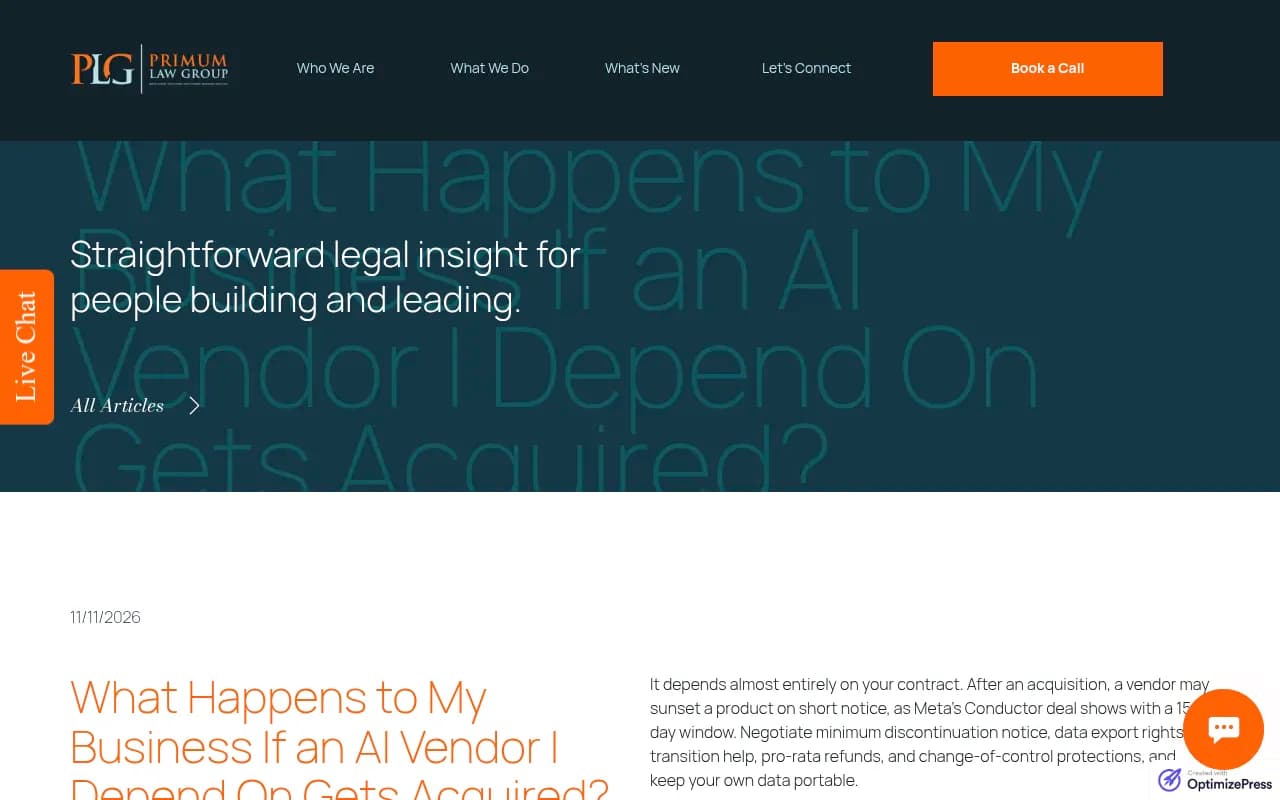
The nearest cautionary tale outside this category is useful too. Primum Law's November 2026 write-up on AI vendor acquisitions uses Meta's purchase of the AI coding startup Conductor as its example: Conductor Cloud went read-only on November 13 and shut down on November 20, a 15-day window after the announcement. Note that this is a different Conductor from the AEO platform in our catalog, and nothing suggests anyone acted badly. Fast transitions are normal.
What counts as a portable dataset
This is where most teams fool themselves. They see an Export button, assume they are covered, and never open the file.
A SearchEye guide on export requirements (a vendor blog written for agencies, so keep that bias in mind) lists the minimum fields you should be able to pull for every prompt run:
- the exact prompt
- the model or interface
- country and language
- timestamp
- full response text, or a retrievable response ID
- brand mention result
- cited URL, the full URL and not just the domain
- fetch-failure status
- competitor result
- position
- source type
Two things matter beyond the field list. First, rows should be prompt runs, not aggregates. A CSV of dashboard totals is a summary, and you can't rebuild anything from it. Second, history should be immutable. If a new answer overwrites the old one, the evidence is gone, and any experiment you ran loses its baseline.
Export formats you will see in the wild
Some examples from the research, with the caveat that the aggregator source is lower-authority:
- MarketScale lets you export every table in its AI Visibility product as CSV or Excel through an Export button.
- Promptmonitor lists CSV export in its plan features, and its changelog mentions exporting prompt sources to CSV.
- Conductor supports exporting topic and prompt tables as XLSX.
- Finseo's REST API exposes projects, prompts with metrics, daily KPIs, timeseries, competitor and source rankings, and fan-outs.
Note how different these are. A table export gives you what is on screen. An API gives you what the vendor stores. Only the second one can be scheduled and keyed to a stable run ID.
Tests to run before you trust any vendor
Do these in the first month, not the month an acquisition is announced.
1. The row-level test
Export something and open it. Are the rows individual prompt runs with timestamps, or are they daily or weekly totals? Do you get full cited URLs? Can you read the actual response text, or only a mention flag?
2. The backfill test
Import prior runs, if the platform allows it, and check that an old response keeps its original date. If the date resets to the import date, the history is cosmetic. This matters if you ever migrate: your new tool needs to hold your old data honestly, or you lose the ability to compare before and after.
3. The API test
Use a live account. Check authentication, pagination, stable record IDs and workspace boundaries. Pagination bugs are common and they quietly cut your export short, so pull a full month and count the rows.
4. The client separation test (agencies)
Create two workspaces. A credential for one client must fail when it tries to fetch the other client's records. If you are an agency, a leaky export is a bigger problem than a missing one.
5. The spot-check
Compare a sample of 10 tracked prompts in your export against the live interface. If the export doesn't match what you see in ChatGPT or AI Overviews, you want to find that out now.
SearchEye's own documentation is a good example of why you test. API access and warehouse export are documented for its Agency and Enterprise plans, but CSV and snapshot export are not publicly documented, and backfill and retention are unspecified. The sensible reading is to treat anything undocumented as unknown until the vendor shows you it works.
Build your own copy of the data
Contracts help, but a copy in your own warehouse helps more. The pattern that came up repeatedly:
- Pull every tracked prompt and engine on a schedule, daily or weekly depending on volume.
- Key each record by run ID so reruns don't duplicate.
- Store raw, one-row-per-run exports, not rolled-up metrics.
- Keep citations, crawler data and traffic in separate tables so you can join them later.
- Version your prompt list, so you know when a prompt was added, retired or reworded.
A Google Sheet works for a small team. A warehouse is better once you track hundreds of prompts across several markets. If you don't want to write the pipeline yourself, automation tools such as Zapier, Make or n8n can move API data into storage on a schedule.
And if your vendor has no API at all, that tells you something about how the vendor sees your data.
Contract terms to ask for
Thompson Coburn's October 2026 piece on verifying AI vendor promises is written about data privacy, but its framework carries over neatly: commitments, controls and accountability.
Translated for AI visibility vendors:
- Commitments. Read the agreement, data processing terms and product docs together, and watch for terms the vendor can change on its own or that are incorporated by link.
- Controls. Ask how exports work, who at the vendor can access your data, and what the retention settings are.
- Accountability. Name someone inside your company who owns the vendor relationship, gets notified of changes and can escalate.
From Primum Law's acquisition advice, the specific clauses worth negotiating:
- minimum notice before a product is discontinued
- data export rights, in a stated format
- transition assistance
- pro-rata refunds for prepaid terms
- change-of-control protections
I did not find any source on escrow or data-return clauses specific to AI visibility vendors, so that part is general vendor-risk practice, not category-specific proof. Small teams won't get a custom contract from a $95 per month tool anyway. In that case, your leverage is the terms of service and your own backups.
Spread the risk across tools
AvePoint's 2026 piece on multi-model strategy makes a point worth borrowing: a fallback you have never activated is not a fallback. The same goes for visibility tracking.
Practical versions of that:
- Keep a short list of two alternatives and know which one could import your prompt list.
- Run a small parallel set of prompts, say 20 to 30, in a second tool. It costs little and gives you a cross-check on the primary vendor's numbers.
- Review the dependency quarterly and after any material vendor change, such as an acquisition announcement, new pricing or an API deprecation.
- Use Google Search Console and your own server logs as independent signals, since neither depends on an AI visibility vendor.
Comparing vendor continuity risk
I haven't verified pricing across tools, so treat this as a framework for what to check, with the facts I could source.
| Vendor type | Examples | Typical continuity risk | What to check |
|---|---|---|---|
| Large SEO suites | Semrush, Ahrefs Brand Radar, HubSpot AEO | Product roadmap follows the parent company, data model may change after deals | Whether AI data exports separately from classic SEO data |
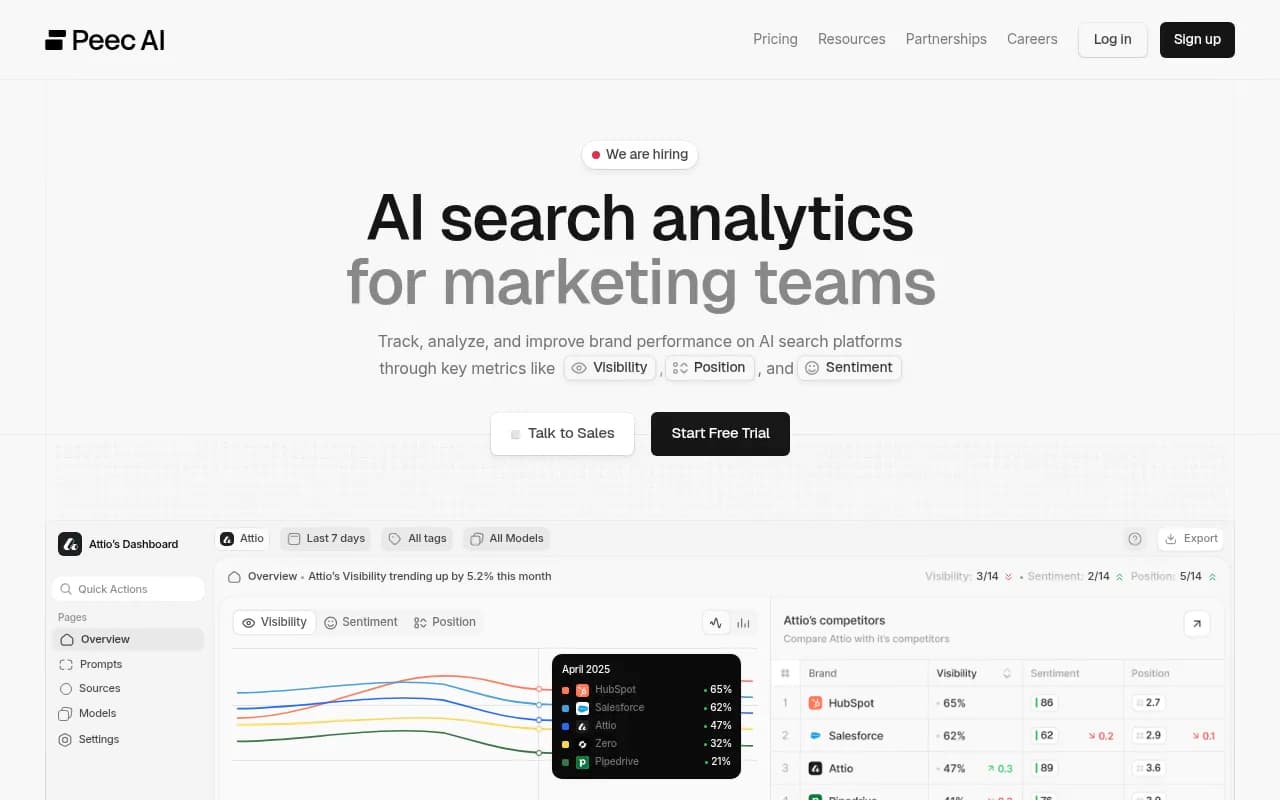
| Young pure-play startups | Peec AI, Otterly.AI, Scrunch | Acquisition target or funding pressure | API, CSV and run-level history |
| Enterprise platforms | Profound, Conductor, BrightEdge | Contracts negotiable, but lock-in through custom workflows | Exit terms and data return format |
| Platforms with API and MCP access | Promptwatch, Finseo | Lower, if the API exposes prompts and responses | Pagination, stable IDs, date range limits |

Where Promptwatch fits
If portability is your main concern, the thing to look for is an API and export surface that covers the full record, not just a score. Promptwatch is an AI visibility and GEO platform with a REST API v2 that covers visibility, prompts, responses, citations, sentiment, crawler and visitor analytics, shopping, Ads Radar, site audit, content and publishing, with date ranges up to 92 days so a full quarter fits in one request. It also has a hosted MCP server, and Excel and CSV exports of prompts, responses (with brand positions), citations, crawler data, offsite mentions, content gaps and fan-outs. Every plan includes MCP and API access, so you can test the export on the cheapest tier before committing.

I would still run the tests above against it, the way I would against anything else. Pricing starts at $95 per month for Essential, with a 7-day free trial on monthly billing, and the current numbers are on the pricing page. The API and MCP docs are the place to check what is exposed. Promptwatch also keeps AI crawler logs and visitor analytics in the same product, which means your history includes what the bots actually read on your site, a record you couldn't recreate later either.
For a wider view of the category, the GEO software directory lists alternatives, and ai-rank-tools.com covers AI rank trackers if you want to build a backup option.
A 30-day protection plan
Week 1: inventory
List every tool that holds AI visibility data: trackers, dashboards, agency reports, spreadsheets. Note who owns each relationship, the renewal date and the plan tier.
Week 2: export tests
Run the row-level test, the API test and the spot-check on your primary tool. Write down what you find, including what is undocumented.
Week 3: set up the copy
Schedule the pull into storage. Confirm the first full month matches the vendor's own numbers.
Week 4: contract and fallback
Read the terms for notice periods, export rights and change-of-control language. Pick a backup tool, and run a small parallel prompt set in it.
After that, review quarterly. Also review the day you read an acquisition announcement, since a 15-day window leaves no time for a first export.
Frequently asked questions
Can I rebuild my AI visibility history if I lose it?
Not really. AI answers change, and engines shift how many sources they cite. You can start tracking again, but the old responses are not retrievable.
Is a CSV export enough?
Only if the rows are individual prompt runs with timestamps, full responses and full cited URLs. A CSV of dashboard totals is a summary.
How often should I export?
Automate it. Weekly is fine for most teams. Daily if you run tracking at high frequency or are in a negotiation or migration window.
What if my vendor is acquired tomorrow?
Export everything immediately, in the most granular format available. Read the new terms, check the announced timeline for sunsetting, and start a trial of your backup tool the same week.
The short version
Your dashboard is not your data. Get row-level exports, keep your own copy, test the vendor's claims while the relationship is good, and write exit terms down. Then check again in three months.
If you are choosing an agency to run this for you, the team at 1001 SEO Media works with Promptwatch as its AI visibility platform and can help set up the reporting and data retention side of an engagement.