Key takeaways
- One official plugin covers three jobs: publishing content to WordPress, forwarding AI crawler logs, and tracking visitors referred by AI assistants. No CDN setup or code changes are needed.
- Crawler logs and visitor analytics are both off by default. You switch each one on separately inside Settings > Promptwatch.
- The sync token connects publishing. Crawler logs need a separate Promptwatch API key. This is the step most people miss.
- The plugin only sees requests that reach WordPress. If a full-page cache or CDN serves most of your traffic, use a CDN-based crawler log setup instead.
- Crawler logs include client IP and user agent, so update your privacy policy before you enable them.
What the plugin does
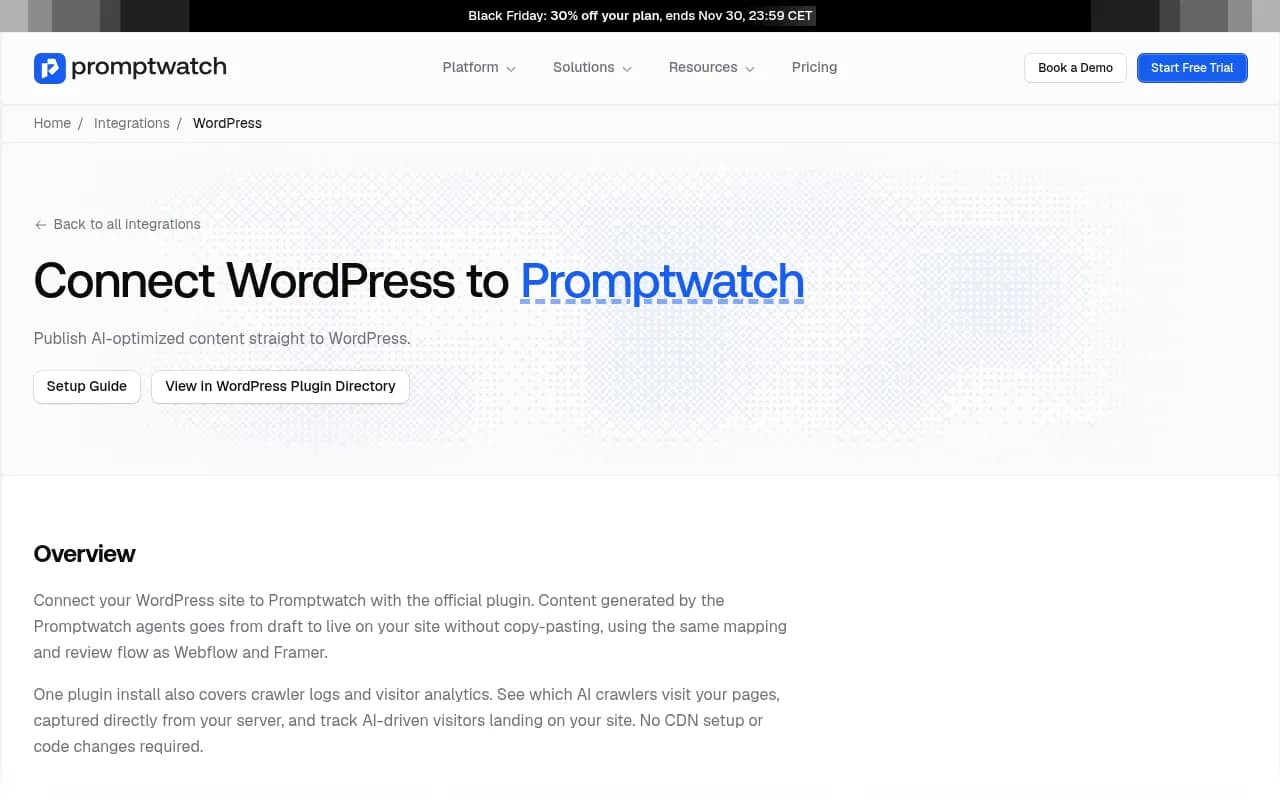
If you run WordPress and want to know whether AI bots are reading your pages, this plugin is the shortest route. Install it, flip two switches, and data starts flowing into Promptwatch, an end-to-end AI visibility platform that tracks, explains and fixes how AI engines mention your brand.

The official plugin does three things:
- Publishes content you write in Promptwatch as standard WordPress posts, as a draft first or live.
- Optionally adds the Promptwatch analytics tag so visits referred by AI assistants show up in visitor analytics.
- Optionally sends a log of visits that reach your site (AI crawler hits, for example) to Promptwatch.
The plugin was released in August 2026. Crawler logs for WordPress followed in September 2026, when WordPress became an option in the crawler log setup. Before that, you needed a CDN or server-level integration to get crawler data.
Why bother with crawler logs and AI visitor tracking
Two different questions, two different data sources.
Crawler logs answer: are AI bots like GPTBot, ClaudeBot and PerplexityBot actually reading my pages? Visitor analytics answer: are people arriving from ChatGPT, Perplexity or Gemini, and what do they do?
The Promptwatch changelog puts the logic plainly: a page AI crawlers never visit is unlikely to be cited. So if a page you care about shows zero bot visits, you have an access problem, not a content problem. That distinction saves a lot of wasted rewriting.
It also helps to know the baseline. Promptwatch's AI crawler traffic report (June 8 to September 6, 2026) found OpenAI accounted for 79.8% of verified AI crawler requests in the week of Aug 31 to Sep 6, down from 94.8% in the week of Jun 8 to 14. The report's advice is to compare your own logs against that mix. If a provider is a big share in the report but near zero in your logs, you are probably blocked or unreachable for it. Check robots.txt and any CDN or WAF rules.
Before you start
Check these first so setup doesn't stall:
- WordPress 6.0 or newer and PHP 7.4 or newer.
- A public HTTPS site URL.
- Pretty permalinks. Any setting except Plain works, and the plugin's settings page warns you if they are off.
- A Promptwatch account and a project. If you don't have one yet, the 7-day free trial is the way in, and the free AI visibility report gives you a quick look first. Confirm current plans at promptwatch.com/pricing.
- Admin access to wp-admin.
Step 1: install and activate the plugin
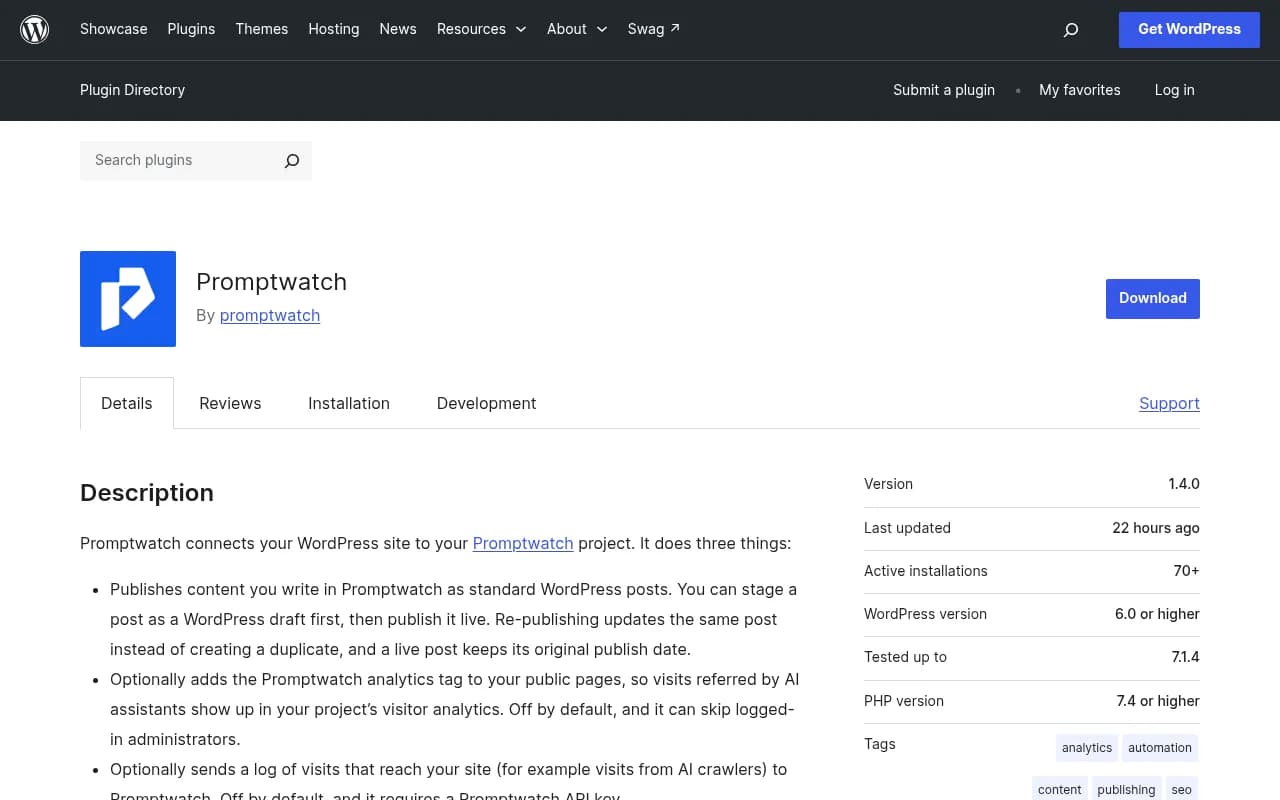
In wp-admin, go to Plugins > Add New, search for "Promptwatch", then install and activate it. You can also upload the ZIP from the WordPress plugin directory listing.
Step 2: generate a sync token and connect the site
This part connects the site to your project. It is also what unlocks the guided connect wizard.
- Go to Settings > Promptwatch and click Generate token. The token starts with
pw_wp_. - In Promptwatch, open Project Settings > CMS Integrations and click Connect on the WordPress card.
- Paste your site URL and the token.
Promptwatch tests the connection before saving it. A wrong token or an unreachable site fails immediately with a specific error, which is a nice change from integrations that silently half-connect. On success you see "WordPress connected" with your site and plugin version, plus a Re-test connection button.
The site never keeps a readable copy of the token, so it can't be lifted from your database. There is no password or API key to paste for publishing.
If the connection breaks later
Tokens become invalid when you regenerate them or when your site's WordPress security keys change. Generate a new token in the plugin and paste it into the reconnect dialog. Reconnecting keeps your publish history. Note that regenerating disconnects the site until the new token is pasted in, and the plugin warns you before you do it.
Step 3: turn on visitor analytics
Visitor analytics is off by default. When you enable it in Settings > Promptwatch, the plugin adds a small script to public pages. That script loads https://ingest.promptwatch.com/js/client.min.js in the visitor's browser and sends events such as page views, tagged with your Promptwatch project ID.
Two details worth knowing:
- You can tell it to skip logged-in administrators. Do this. Otherwise your own testing pollutes the numbers.
- Nothing is sent while the feature is off.
Once live, AI-referred sessions from ChatGPT, Perplexity, Gemini, Claude, Copilot and others show up in visitor analytics with top pages, locations, devices and conversions. One caveat for ChatGPT: it stopped sending a referrer on October 8, 2026. Promptwatch has an optional setting that counts visits tagged utm_source=chatgpt.com as ChatGPT traffic, so enable it if you tag links. The attribution guide in the Academy explains the details.
Step 4: turn on crawler logs
Here is where the shorter descriptions get misleading. "Paste a site URL and sync token" covers publishing. Crawler logs are a separate switch and need a Promptwatch API key.
- In Settings > Promptwatch, enable Crawler logs.
- Add your Promptwatch API key. The plugin stores it encrypted.
- Save, then visit a page or two and check Promptwatch for incoming data.
For public requests that reach WordPress, the plugin collects:
- timestamp
- request path and method
- response status
- content type
- user agent
- referrer
- client IP and hostname
It sends these in batches to https://logs.promptwatch.com/event, authorized by your API key. Nothing is sent if the feature is off or no key is set.
In Promptwatch, AI crawler logs (also called Agent Analytics) verify each visit against the operator's published IP ranges, so spoofed user agents get filtered out. You see which pages each bot read, how often, and what errors it hit.
Step 5: read the data and act on it
Data arriving is not the goal. Here is a practical first-week routine.
- Check which crawlers appear at all. If GPTBot, OAI-SearchBot, ClaudeBot or PerplexityBot are missing, review robots.txt and any security plugin or WAF rules. The robots.txt generator for AI and the AI bots directory help here.
- Look for important pages with no bot visits. Those are your access or internal linking problems.
- Look for 4xx and 5xx responses served to bots. A bot that hits an error rarely comes back soon.
- Compare crawl activity with citations in Page Tracker. Crawled but never cited points to a content problem. Never crawled points to access.
- Match AI-referred visitors to pages. Pages that attract visits but don't convert deserve a refresh.
The changelog suggests exactly this crawl-versus-citation comparison. Promptwatch's Action Board and Content Agent can turn the gaps into prioritized tasks and drafted pages, and the Content Agent publishes through this same plugin. Business is the first plan with the automated Content Agent.
Plugin or CDN: which crawler log setup should you use
This is the honest limitation. The plugin logs requests that reach WordPress. If a full-page cache plugin, host-level cache or CDN edge cache serves a page without touching PHP, the plugin may never see that request. That is an inference from how the plugin works, not something the docs spell out, so test it on your own site: request a cached page with a bot user agent and see whether it appears in Promptwatch.
| Setup | Effort | Sees cached requests | Best for |
|---|---|---|---|
| WordPress plugin | Minutes, no server access | Only if they reach PHP | Sites with light or no page caching, quick starts |
| Cloudflare, Fastly, Vercel, CloudFront and other CDN integrations | DNS, Worker or log push setup | Yes, at the edge | Heavily cached sites, high-traffic sites |
| Raw server logs / custom endpoint | Most technical | Yes | Custom hosting stacks |
Promptwatch also has a Kinsta plus Cloudflare setup guide that walks through DNS and Worker steps, which is the usual alternative for managed hosts that cache aggressively. For a full list, see the integrations page.
Privacy and compliance checklist
Crawler logs include client IP and user agent. Visitor analytics loads a script in your visitors' browsers. Treat both as data processing you should disclose.
- Update your privacy policy to mention server log forwarding and the analytics script.
- Decide whether your cookie or consent setup needs to cover the analytics tag.
- Keep visitor analytics set to skip logged-in admins.
- Promptwatch is ISO/IEC 27001 certified and GDPR compliant, with data handled by an EU-based company, which helps when your legal team asks.
I'm not a lawyer, so run the specifics past yours. But don't skip the policy update just because the plugin makes setup painless.
Troubleshooting
| Symptom | Likely cause | Fix |
|---|---|---|
| Connect fails in Promptwatch | Site not on public HTTPS, or wrong token | Check the URL, regenerate the token, paste again |
| Settings page warns about permalinks | Permalinks set to Plain | Switch to any pretty permalink structure |
| Publishing worked, crawler logs empty | No API key entered, or Crawler logs toggle off | Enable the toggle and add a Promptwatch API key |
| Few or no bot hits despite known traffic | Page caching serves bots without reaching PHP | Use a CDN-based setup |
| No bots from one provider | robots.txt, WAF or security plugin blocks it | Review rules per provider |
| Connection dropped after a while | Token regenerated or WordPress security keys changed | Generate a new token and use the reconnect dialog |
| Visitor numbers look inflated | Admin visits counted | Enable the skip logged-in administrators option |
Headless and multi-domain setups
If WordPress lives at something like cms.example.com while the public site is example.com, publishing is supported. You set the content path, such as /blog. Keep in mind that the visitor analytics script and crawler logs only cover pages WordPress itself renders, so a headless front end needs the analytics tag and crawler log setup on the front-end host instead.
What to expect when you uninstall
Uninstalling removes the plugin's settings and background data. Posts already published stay on your site. So trying it out carries little risk.
Where this fits in a broader AI visibility workflow
Crawler logs and visitor analytics are two of four legs: monitor what AI says, trace where it gets answers, act on gaps, and measure the result. If you only want to compare options before committing, the GEO software directory lists other platforms in the category. The reason to run this plugin with Promptwatch specifically is that the same project ties crawls, citations and traffic together, so you can see whether a published page got read, cited and clicked. The 90-day GEO program in the Academy is a good next read once data is flowing.
If you'd rather have specialists handle the whole thing, an agency like 1001 SEO Media runs GEO programs on Promptwatch for clients.
Quick setup checklist
- Confirm WordPress 6.0+, PHP 7.4+, HTTPS and pretty permalinks.
- Install and activate the Promptwatch plugin.
- Settings > Promptwatch > Generate token.
- Promptwatch > Project Settings > CMS Integrations > Connect on the WordPress card, paste URL and token.
- Enable Visitor analytics and skip admins.
- Enable Crawler logs and add your API key.
- Test with a page view, then check Promptwatch for data.
- Update your privacy policy.
- After a week, review which bots show up, which pages they skip, and which pages AI visitors land on.
That is the whole job. Most of it takes under ten minutes, and the part that takes longest is usually the privacy policy edit.