Key takeaways
- Most ChatGPT clicks arrive with no HTTP referrer. The
utm_source=chatgpt.comparameter is the main sign that a visit came from ChatGPT. - Between roughly October 8 and 15, 2026, many ChatGPT links lost that tag too, and the visits landed in Direct. Almost all links carry the tag again since October 16.
- Visits from the outage window cannot be reattributed. Annotate those dates and move on.
- In GA4, build a custom channel group keyed on source, not referrer, and check Unassigned and Direct as well.
- Click counts only capture a slice of AI search influence. Pair them with citation and visibility data.
What actually happened in October 2026
The headline version, "ChatGPT stopped sending referrers," is a bit off. The referrer was already missing on most ChatGPT clicks. What vanished for about a week was the UTM tag, and that was the last thing holding your attribution together.
Here is the timeline as best it can be pieced together from public reporting:
- ChatGPT had been adding
utm_source=chatgpt.comto links in answers since 2025, and extended it to the extra sources under "More" in June (Search Engine Roundtable coverage). - GPT-6 reached paid plans on October 7 and Free and Go users on October 8. According to Cedric Huesler of Adobe, the tag stopped being added on October 8 at about 2 pm Pacific.
- On October 14, Barry Schwartz at Search Engine Roundtable reported the missing parameters.
- Huesler's diagnosis: GPT-6 opened outbound links with
noopener,noreferrerand dropped the tag. No tag and no referrer means analytics has nothing to attribute, so the visit goes to Direct. - On October 15, Huesler said OpenAI had confirmed a bug and that tagging was back. As of the November 17 update to Sitebrunch's write-up, almost all links carry the parameter again, and the referrer is still absent on most clicks.
Dates differ a little by source. Sitebrunch says October 8, Surfside PPC and Huesler's comparison window say October 9, and Search Engine Roundtable says about a week before October 14. Use October 8 to 15 as your annotation window and you will cover all of them.
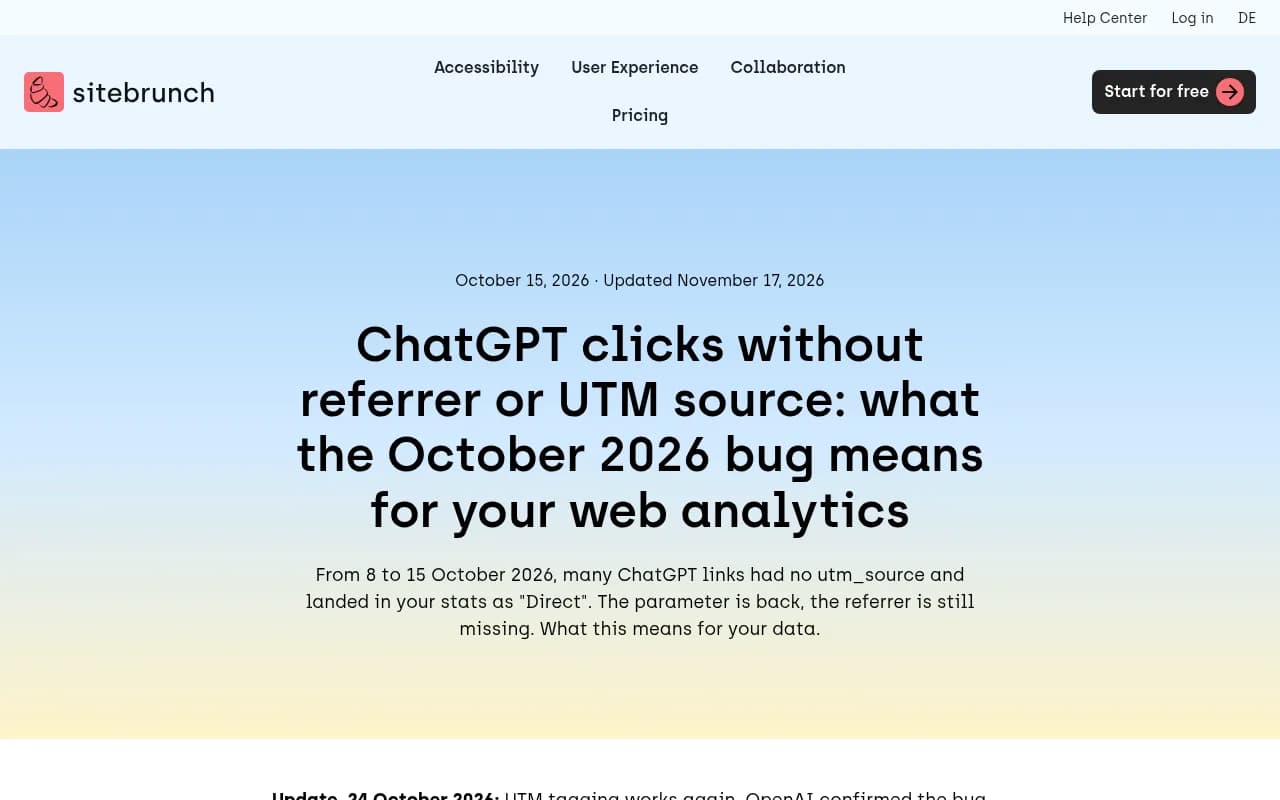
One caveat: I found no official OpenAI release note or statement about the fix. Gen3 Marketing says the same. So treat the tag as useful and currently reliable, not as a permanent contract.
How big was the damage?
Huesler looked at about 500 pages where ChatGPT drove 5% or more of visits, comparing October 9 to 13 with the week before. The numbers:
- ChatGPT visits fell by about 31,000 a day.
- Direct visits rose by about 26,000 a day on the same pages.
- Search fell 7%, the same as everywhere else, so it was not a general traffic slump.
- Direct rose on two in three of the pages that lost ChatGPT traffic. The week before, it was a coin flip.
- The new Direct visitors looked like ChatGPT visitors. The share of mobile visitors seeing the consent banner (a proxy for being new to the site) rose from 36% to 44%, against 55% for known ChatGPT visitors.
The visits did not disappear. The measurement did. That distinction matters when someone in a meeting asks why AI traffic fell off a cliff.
What utm_source=chatgpt.com actually tells you
The parameter means the link was marked as coming from ChatGPT. The HTTP referrer can also show chatgpt.com. Treat either field as evidence on that visit, never as something every ChatGPT click will contain.
That gives you three buckets:
| Scenario | Referrer | UTM tag | What analytics shows |
|---|---|---|---|
| Normal ChatGPT click today | Usually missing | Present | Source chatgpt.com (often Unassigned medium in GA4 if no referrer) |
| Click with referrer and tag | chatgpt.com | Present | chatgpt.com / referral |
| Outage window (about Oct 8 to 15) | Missing | Missing | Direct |
| Copy-pasted link or app click with nothing passed | Missing | Missing | Direct |
In GA4's default channel grouping, tagged traffic usually appears as chatgpt.com / referral rather than a dedicated AI channel, unless you build one. Sitebrunch also suggests looking at Unassigned, because tagged ChatGPT visits without a referrer most likely land there.
Step-by-step: counting ChatGPT traffic in 2026
1. Filter on the tag, not the referrer
In GA4 Explorations or your reporting tool, filter session source (or the utm_source value) equal to chatgpt.com. If you filter on referrer, you will undercount badly.
2. Build a custom channel group
The path I have seen cited is Admin > Data Display > Channel Groups > Create new channel group, per a Vryse guide. I only saw that as a search snippet, so check the menu labels in your own property, since GA4 moves things around. The logic to implement:
- Create a channel called "AI assistants" or similar.
- Add a condition: Source matches regex
chatgpt\.com|perplexity|gemini|copilot|claude. - Drag it above Referral and Direct so it wins on ordering.
GA4 evaluates channel rules in order, so placement matters. If the new channel sits below Referral, nothing will ever land in it.
3. Check Unassigned and Direct
Pull a report of sessions with source chatgpt.com and see what medium GA4 gave them. If many are Unassigned, your channel group needs to key on source alone, not on source plus medium.
4. Annotate the gap
Add a GA4 annotation for October 8 to 15, 2026. Anyone reading year-over-year or month-over-month reports will thank you. Do not try to "redistribute" Direct visits with a made-up ratio. A source that was never sent cannot be recovered, and a guess in a dashboard turns into a fact in the next slide deck.
5. Compare Direct on your top ChatGPT landing pages
This is the sanity check Huesler effectively ran. Take your five to ten pages that normally get the most ChatGPT visits, then chart tagged ChatGPT sessions and Direct sessions on those pages side by side. A dip in one with a matching bump in the other during October 8 to 15 is the signature of the bug, not a visibility loss. Which pages? Promptwatch Data's content-type report (Sep 28 to Oct 4, 2026) found product pages take 22.4% of classified ChatGPT citations and landing pages 16.8%, so those are the first to segment.
6. Do not change strategy on one number
Profound's advice is not to rework your plan based on the ChatGPT number alone when only that number moved. Look at all visits and conversions together first.
Optional: make the signal sturdier
If you run server-side or cookieless analytics, you can capture the tag yourself. A pageview payload from a tool like Hardal shows the shape of what you want to store:
{
  "event_name": "page_view",
  "url": "https://yoursite.com/product?utm_source=chatgpt.com",
  "referrer": "https://chatgpt.com/",
  "utm_source": "chatgpt.com",
  "utm_medium": "referral"
}
The point is to store utm_source and referrer as separate fields. Then when one goes missing, as it did in October, you can still segment on the other.
Tools that can help with attribution beyond GA4 include HockeyStack and Usermaven, both of which are in our directory.
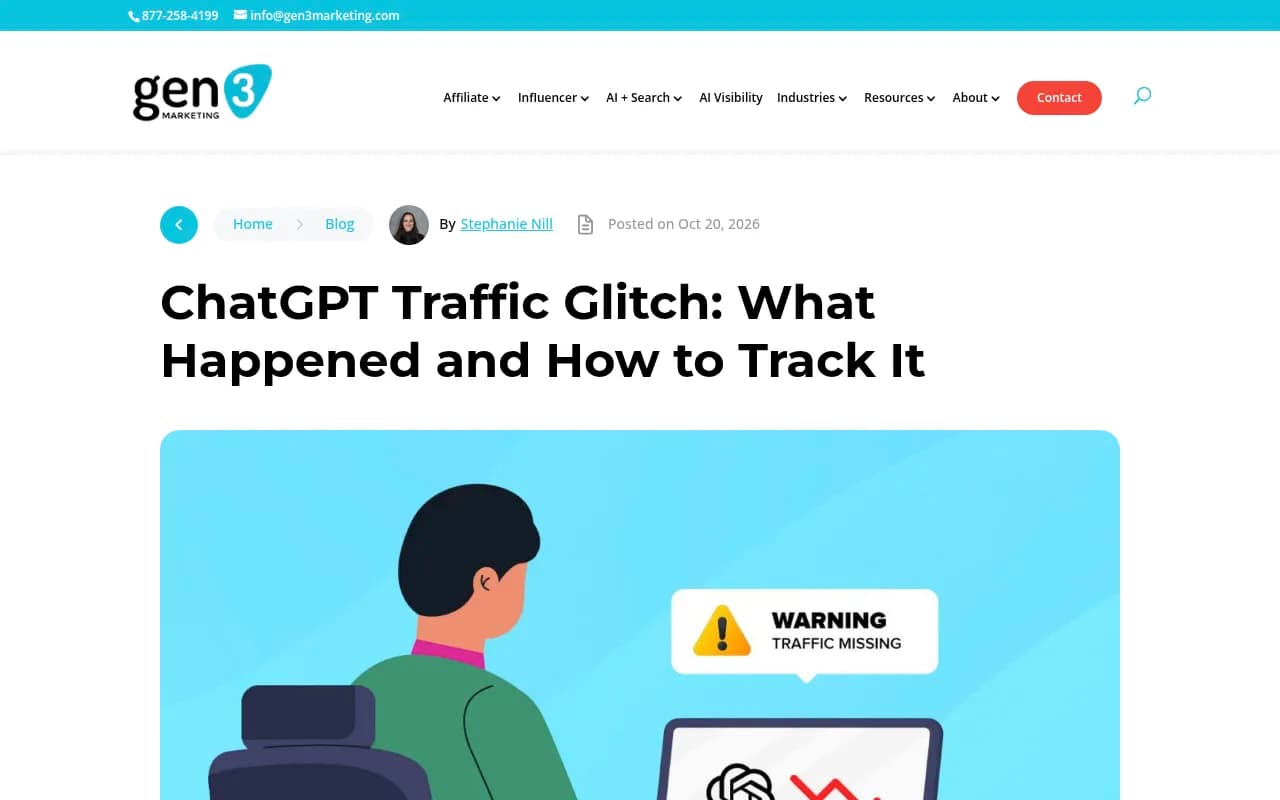
If you are on Adobe Analytics, the same logic applies. Gen3 Marketing's point is blunt: GA4 and Adobe can only attribute AI visits when a platform passes a referrer or UTM tag, and October showed that tagging can break without warning.
Cross-checking with server-side signals
Analytics tags are one witness. Server logs are another. Sébastien Billard saw a sharp drop in human ChatGPT traffic after October 9, a drop in ChatGPT-User bot traffic as well, and a rise in OAI-SearchBot traffic from October 7. That is the kind of detail you only see in logs.
Practical checks:
- Compare ChatGPT-User and OAI-SearchBot hits in your logs with tagged visits. If bot fetches continue but tagged visits vanish, suspect attribution, not visibility.
- Verify bots by IP range, since user-agent strings are easy to spoof.
- Look at which pages bots fetch, then check whether those same pages receive tagged human visits.
Promptwatch has IP-verified AI crawler logs and visitor analytics that include an optional setting to count visits tagged utm_source=chatgpt.com as ChatGPT traffic. Handy when the referrer is gone.

Clicks were never the whole story
Even with tagging working perfectly, referral clicks capture a sliver of what AI search does for you. Someone reads an answer that recommends your brand, never clicks, and searches your name a week later. That arrives as branded search or Direct, and no UTM will ever claim it.
So pair click counts with visibility measures:
| Question | Signal | Where to look |
|---|---|---|
| Did a visit come from ChatGPT? | utm_source=chatgpt.com, sometimes referrer | GA4, Adobe, cookieless analytics |
| Is the bot reading my pages? | ChatGPT-User, OAI-SearchBot hits | Server logs, crawler analytics |
| Am I mentioned or cited in answers? | Mentions, citations, position | AI visibility tracker |
| Is Direct inflating? | Direct vs tagged sessions on top landing pages | GA4 comparison |
For the visibility side, Promptwatch tracks mentions and citations across ChatGPT and other engines, and the broader field includes Profound, Otterly.AI and Peec AI, which are mostly monitoring-focused. If you want to browse more, the GEO software directory at bestgeosoftware.com lists them side by side.

What to do if your October report looks wrong
- Add the October 8 to 15 annotation to every recurring report.
- Flag the Direct spike as probable misattributed ChatGPT traffic, with the Huesler numbers as context, not as a precise correction.
- Confirm recovery: tagged sessions should return from October 15 to 16 onward. If they have not on your site, test a real ChatGPT answer link and check whether the URL contains the parameter.
- Make sure no redirect, link shortener, or consent script strips query strings before your analytics tag fires. That would quietly break the tag on your side.
- Keep a monthly check. Ask ChatGPT a question your pages answer, click the citation, and look at the landing URL.
The last one takes two minutes and would have caught the October bug on day one.
What I would not do
I would not build a dashboard that assumes the tag is permanent, and I would not apply a fudge factor to Direct to "restore" lost ChatGPT visits. I also would not read the October dip as a visibility decline. The cleaner approach is boring: filter on the tag, annotate the gap, watch Direct on your top landing pages, and track visibility in the answers themselves.
FAQ
Does ChatGPT still send a referrer?
On most clicks, no. The UTM tag is the signal to count.
Will OpenAI keep the UTM tag?
It came back after OpenAI reportedly confirmed the bug, which suggests tagging is intentional. There is no official public commitment, so monitor it.
Can I recover the lost October visits?
No. A source that was never sent cannot be reconstructed. They stay in Direct.
Where do tagged ChatGPT visits show up in GA4?
Usually chatgpt.com / referral by default, sometimes Unassigned when there is no referrer. A custom channel group fixes the reporting.
Is this a good time to rethink AI measurement?
Yes. Combine tagged traffic, crawler data, and citation tracking. For more on tracking AI visibility, see the AI rank tracking directory at ai-rank-tools.com.