Key takeaways
- Run both tools on the same prompts, models, countries and languages for at least two weeks. Vendor guides say 2 to 4 weeks, and those are heuristics, not standards.
- Export your AthenaHQ data first, and keep prompt wording identical in the new tool.
- AI engines are noisy. Expect gaps between tools, and judge them against engine-level variance instead of blaming either tool.
- AthenaHQ bills one credit per AI response, so a parallel run and any re-runs eat into your credit budget.
- Set your pass/fail rules before you look at results. Otherwise you will rationalize whatever you see.
Why a parallel test beats a hard cutover
Most teams switch AI visibility tools the way they switch project trackers: export, import, move on. That works for tools that store static records. It fails here, because your visibility number is a measurement, and measurements depend on the instrument.
Two tools can ask the same question and report different Visibility, position and share of voice. Different prompt phrasing, different run times, different parsing of what counts as a mention. If you cut over cold, you will see a step change in your charts and have no idea whether your brand moved or your ruler did.
A parallel run fixes that. For a few weeks both tools measure the same thing, and you learn the offset between them. After that you can bridge the trend line honestly: "our old score of 42 corresponds to roughly 38 in the new tool."
Two vendor-written guides say roughly the same thing. MentionBird suggests two to four weeks side by side. Arobis says to export data first, keep prompt wording identical, and run both for about two weeks. Both have a product to sell, so treat their numbers as starting points. I found no independent source on sample sizes or expected correlation between tools, which means you will need to set your own thresholds. This guide helps you do that.
Before you start: check where AthenaHQ stands
AthenaHQ has announced it is joining Bloomreach. According to that page, existing accounts, contracts and support are unchanged, and the first combined AthenaHQ and Bloomreach use cases are due in early 2027. The announcement gives no deal date.
That matters for how you plan. Nothing in the announcement says you must leave on a deadline, so a parallel test is a measured evaluation, not an emergency migration. Read your contract renewal date and any notice terms before you decide on a timeline.

Step 1: Define why you are testing
A parallel test answers a specific question. Pick yours before you start, because it changes what you measure.
| Reason for testing | What you need to prove |
|---|---|
| Cost | The new tool covers your prompts and models for less money |
| Coverage | The new tool tracks engines or countries AthenaHQ misses |
| Action | The new tool helps you fix gaps, not only report them |
| Data access | You get exports, API or crawler data you lacked |
| Vendor change | You want a hedge against the Bloomreach transition |
Write one sentence: "We will drop AthenaHQ if the replacement matches it within X on these metrics and adds Y." Keep that sentence where the team can see it.
Step 2: Export everything from AthenaHQ
AthenaHQ's Starter plan includes CSV data export, per its plans page. API access is a paid add-on, and Enterprise includes it. Export before you do anything else:
- Your full prompt list, with topics, tags and any country settings
- Historical visibility, position, sentiment and share of voice by date
- Cited sources and pages
- Competitor lists and any aliases you set
- Any custom reports you built
Store the files somewhere permanent. If you later cancel, historical data may not be accessible, and this export is the only baseline you will have. Include the export date in the filename.
Step 3: Build a matched prompt set
This is where most parallel tests go wrong. If the prompts differ even slightly, you are comparing two different experiments.
Pick a test panel
You do not need to run your whole library. Choose 30 to 60 prompts that cover:
- Branded prompts ("is [brand] good for...")
- Category prompts where you want to be recommended
- Competitor comparison prompts
- A few prompts where you currently rank well, and a few where you do not
A mix matters. If you only test prompts where you always appear, both tools will agree trivially and you will learn nothing about how they handle misses.
Copy the wording exactly
Paste prompts as text. Do not retype them. Match capitalization, punctuation and the persona or context if your tool supports one. Match country and language too. A UK prompt in one tool and a US prompt in the other will diverge for reasons that have nothing to do with the tools.
Align brand and competitor definitions
Tools decide what counts as a mention differently. If your brand name is also a common word, one tool may count noise and the other may not. Set the same brand aliases, the same competitor list and the same spelling variants in both tools. Where the new tool lets you write rules for what counts as a mention, write them down and apply them to both.
Step 4: Pick a candidate and set it up
Pick one or two candidates, not eight. Testing more means thinner data on each and more credit or subscription spend. Which ones? Choose based on your reason from step 1.
If you need monitoring plus action, Promptwatch is worth a spot on the shortlist. It tracks ChatGPT, Google AI Overviews, Gemini, Perplexity and others from their real interfaces, then adds crawler logs, content gap analysis and a Content Agent on top of the tracking. You can start with its 7-day free trial, which fits a parallel test nicely because you can load the matched prompt panel without committing. Check promptwatch.com/pricing for current plans.

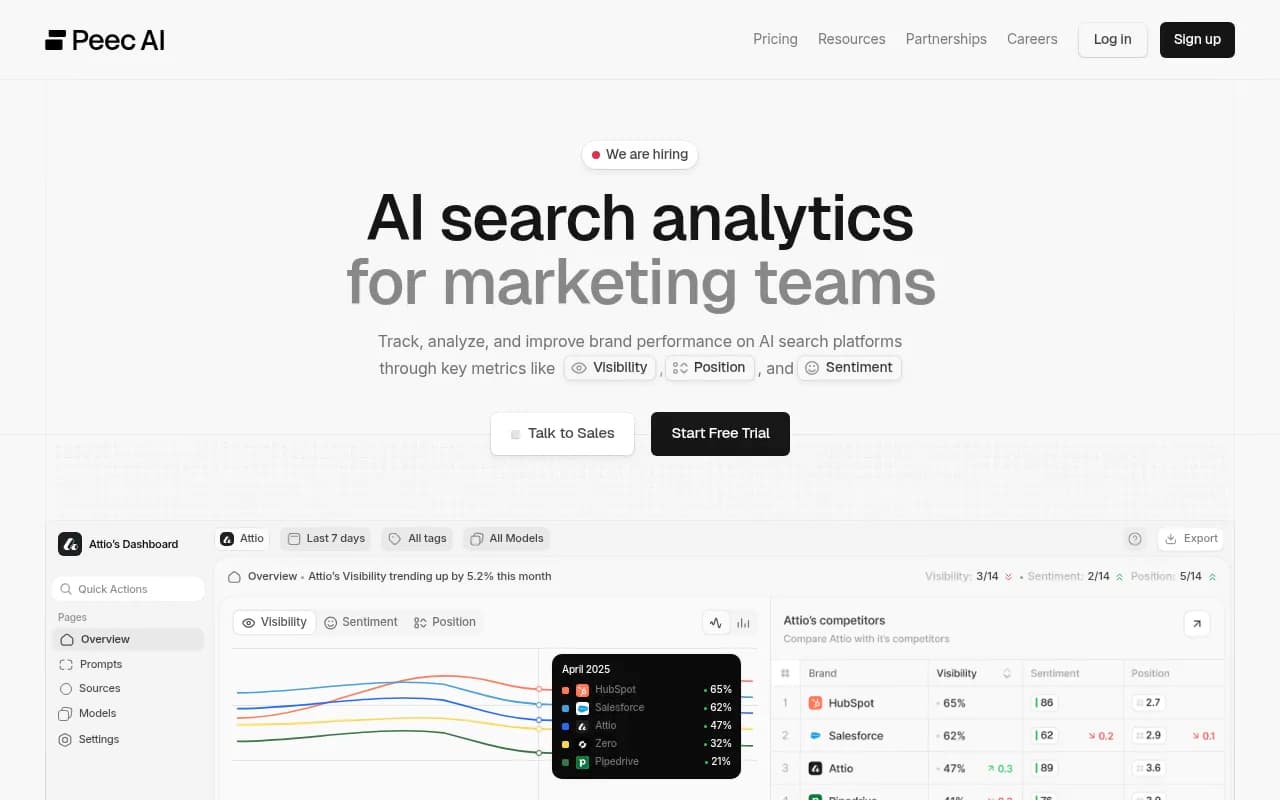
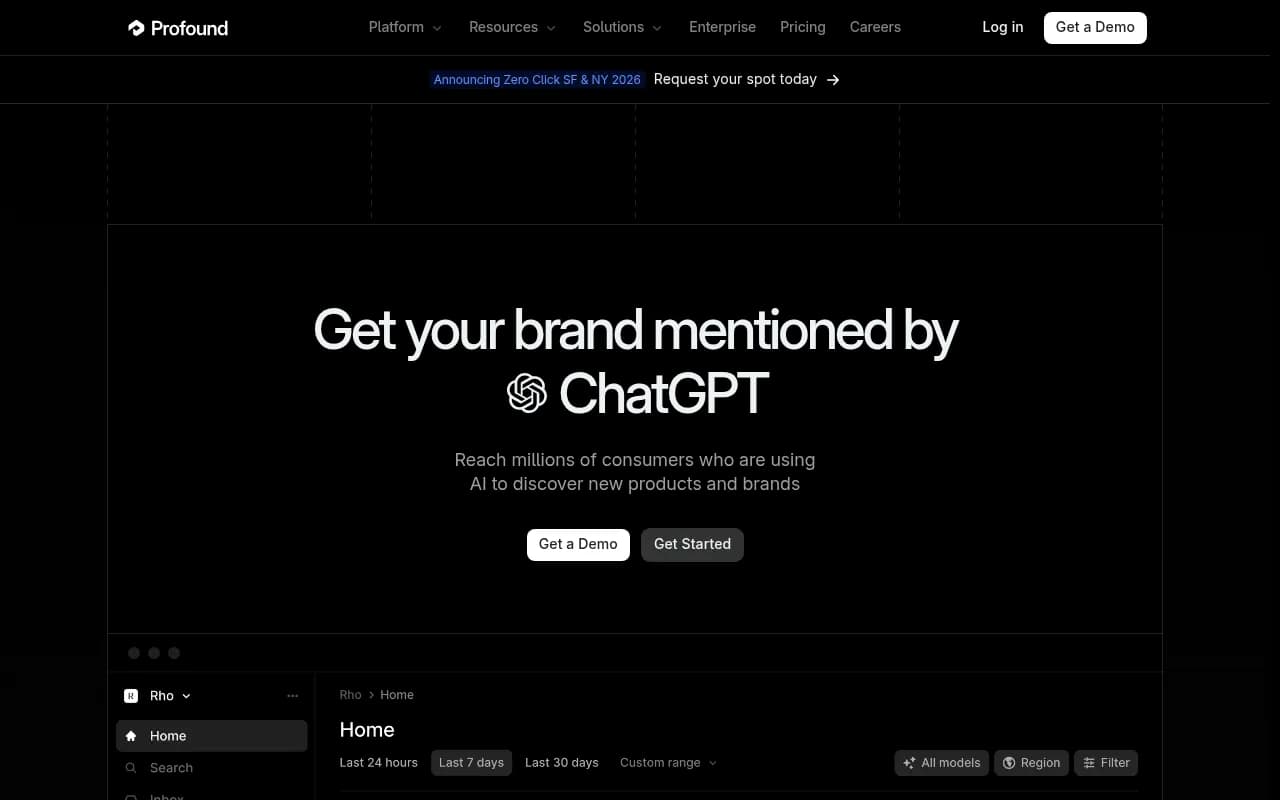
Other tools in the same space include Peec AI, Otterly.AI and Profound, and the GEO software directory at bestgeosoftware.com lists many more. Pick based on coverage, not on whichever name you saw most recently.

| Candidate | Tracks beyond monitoring | Good fit if you |
|---|---|---|
| Promptwatch | Crawler logs, content gaps, Content Agent, visitor analytics | Want the same tool to find and fix gaps |
| Peec AI | Mostly monitoring | Want a simpler tracker |
| Otterly.AI | Mostly monitoring | Want a lower-cost tracker |
| Profound | Enterprise monitoring and reporting | Need enterprise reporting workflows |
For a head-to-head view, see Promptwatch vs Profound and Promptwatch vs AthenaHQ.
Step 5: Do the credit math
AthenaHQ's Starter plan is $295/month with 3,600 credits and one month of rollover, and one credit equals one AI response, according to its plans page. The free Essential plan has 300 credits. Enterprise is custom.
In a parallel test this means:
- Every prompt run on every model is a credit
- Adding prompts or re-running a batch costs credits
- Running daily across several models burns credits faster than you expect
A quick calculation: 50 prompts across 5 models, run once a day for 14 days, is 3,500 responses. That nearly uses a whole Starter month. Do the arithmetic before you add prompts, and cut either the model count or the frequency if the numbers do not fit. The Starter card also carries a "$300/month free credit" line that is unclear on the page, so ask AthenaHQ before counting on it.
The same applies to the new tool. Check how it counts responses and whether it caps runs per plan.
Step 6: Run the test for at least two weeks
Start both tools on the same day. Keep the cadence identical, ideally daily. If one tool runs hourly and the other daily, you are comparing different sampling rates.
Two weeks is the minimum, and I would lean toward three to four if your prompts are volatile. Short windows overweight random swings. Longer windows let weekday patterns, model updates and one-off events wash out.
While it runs:
- Do not edit prompts mid-test
- Do not change brand aliases mid-test
- Do not publish a big content push if you can avoid it, because that moves both tools and muddies attribution
- Keep a log of anything you change on your site
Step 7: Account for engine noise before judging either tool
Here is the part most guides skip. AI engines are noisy on their own. Promptwatch's Average Sources Per Response data shows how different they are:
- ChatGPT cites about 5 sources per web-search answer, and the average drifts with model and retrieval updates
- Google AI Overviews cites about 10 sources, steady over time
- Perplexity cites almost exactly 10 sources every day, and the report calls it a good "GEO test bench" because changes reflect your content more than engine noise
- Copilot swung from under 2 to nearly 17 sources within weeks, then settled low, so judge it on monthly trends
The practical consequence: expect Perplexity numbers to agree closely across tools, and expect ChatGPT and Copilot to disagree more. A gap on Copilot is not evidence that a tool is wrong.
Platform changes can also hit both tools at once. Promptwatch's ChatGPT query fanout data shows average fanouts per response falling from 2.15 in early December to about 1.84 by early March, with shifts happening in steps tied to ChatGPT behavior changes. If ChatGPT changes mid-test, both of your tools may move together. That is not a disagreement, it is the engine.
A useful trick: add a duplicate run of a few prompts inside one tool. If the same tool disagrees with itself day to day by 5 points, you cannot demand that two tools agree within 2.
Step 8: Compare the right metrics
Do not compare a single score. Break it down.
| Metric | What to compare | Warning sign |
|---|---|---|
| Mention rate | Share of responses naming your brand | Consistent gap above your noise floor |
| Position | Order of brands in answers | Different definitions of "position" |
| Share of voice | Your share against competitors | Different competitor lists |
| Sentiment | Direction and rough level | Opposite direction, not small offsets |
| Cited sources | Overlap of cited domains | Low overlap on stable engines |
| Trend direction | Up, down or flat over the window | Tools disagree on direction |
For trend, correlation matters more than absolute level. If both tools say you rose on Tuesday and fell on Friday, the offset can be handled. If they move in opposite directions, find out why before you trust either.
Check the raw responses
Pick ten prompts where the tools disagree most. Read the actual answers in both. Often one tool recorded a mention the other missed because of a naming variant, or one parsed a list differently. Five minutes with raw responses tells you more than another chart.
Step 9: Set decision rules in advance
Write these on day one:
- Mention rate agrees within a threshold you choose, measured against your noise floor from step 7
- Trend direction matches on at least most of the stable engines
- The new tool covers every engine and country you need
- Exports and API access let you rebuild reports
- The cost over twelve months is at or below the current spend, or the extra cost buys a specific capability
Pass criteria might be "within 5 points on mention rate for Perplexity and AI Overviews, same trend direction on 80% of prompts." The numbers are yours to set. The point is that you set them before seeing the results.
Step 10: Bridge the trend line and cut over
If the test passes, calculate the offset for each metric and each engine. Then:
- Annotate your historical charts with the switch date
- Record the offset in a note next to the chart
- If you report to executives, show both lines for the overlap period
- Keep the AthenaHQ export archived
Cancel only after you have confirmed contract terms. Because credits roll over for one month on Starter, check whether unused credits expire on cancellation.
If the test fails, you have still learned something. Maybe the new tool lacks an engine, or the disagreement on stable engines is too large. Staying with AthenaHQ, at least until Bloomreach plans become clearer, is a valid outcome.
Common mistakes
- Testing on prompts you always win, so there is nothing to disagree on
- Retyping prompts and introducing small wording changes
- Different countries, languages or personas in each tool
- Judging after three days
- Changing the prompt set midway
- Treating Copilot or ChatGPT variance as tool error
- Forgetting that credits are consumed by re-runs
A two-week schedule you can copy
| Day | Task |
|---|---|
| Before day 1 | Export from AthenaHQ, write decision rules, do credit math |
| Day 1 | Load matched prompts, aliases and competitors into the new tool, start both |
| Days 2 to 3 | Check that both tools are collecting; do not change anything |
| Day 7 | Mid-test review of gaps and noise; read raw responses |
| Days 8 to 13 | Keep collecting; log any site changes or engine updates |
| Day 14 | Compute offsets and agreement; apply decision rules |
| Days 15 to 28 | Optional extension if results were ambiguous |
For more tools to consider, the AI rank tracking directory is a handy pointer.
Final thoughts
The parallel test is boring on purpose. You match prompts, run both tools, read raw answers, and apply rules you wrote before the results came in. It costs a few weeks and some credits, and in return you get a number you can defend when someone asks why visibility changed in the quarter you switched tools. If AthenaHQ passes, you stay with confidence. If it does not, you leave with a baseline instead of a gap in your charts.