Key takeaways
- The Promptwatch API gives you programmatic access to visibility scores, citation data, prompt rankings, and competitor comparisons across 10+ AI models
- You can automate competitor tracking by pulling data into dashboards, triggering Slack/email alerts when competitors gain visibility, and scheduling weekly reports
- API access is available on the Professional plan ($249/mo) and above -- it's not on the Essential tier
- The most useful automation patterns combine visibility data with content gap analysis: find where competitors are winning, then feed that into a content workflow
- Tools like Zapier, n8n, and Make can connect Promptwatch data to your existing stack without writing custom code
AI search is genuinely weird to track manually. You run a prompt in ChatGPT, your competitor shows up. You run it again ten minutes later, they're gone. You run it from a different location and get a completely different answer. Traditional rank tracking gave you a stable number you could screenshot and trust. AI search doesn't work that way -- responses are probabilistic, context-dependent, and change constantly.
That's exactly why automating this tracking matters. Manual spot-checks give you a snapshot. Automated tracking gives you a trend line. And trend lines are what you actually need to make decisions.
This guide walks through how to use the Promptwatch API to build automated competitor tracking workflows -- from basic data pulls to full pipelines that alert you when a competitor gains ground and help you figure out what to do about it.

What the Promptwatch API actually gives you
Before building anything, it helps to understand what data you're working with. The Promptwatch API exposes several core data types:
- Visibility scores: A normalized score showing how often your brand (or a competitor's) appears in AI responses for a given set of prompts, across each model
- Citation data: Which specific pages are being cited, by which AI models, and how frequently -- drawn from Promptwatch's database of over 880 million citations
- Prompt-level rankings: For each tracked prompt, who appears, in what position, and with what sentiment
- Competitor comparisons: Side-by-side visibility data for any brand you're tracking against
- Prompt intelligence: Volume estimates and difficulty scores for each prompt, plus query fan-outs showing how one prompt branches into related sub-queries
- Crawler logs: Which AI crawlers (ChatGPT, Claude, Perplexity, etc.) have hit your site, which pages they read, and any errors they encountered
The API is RESTful, returns JSON, and uses standard bearer token authentication. If you've worked with any modern analytics API, the structure will feel familiar.
Getting API access
API access is included on the Professional plan ($249/mo) and the Business plan ($579/mo). It's not available on Essential. If you're on a free trial, you can explore the dashboard but you'll need to upgrade before making API calls.
To get your API key:
- Log into your Promptwatch account
- Go to Settings > API
- Generate a new API key and store it somewhere secure (you won't be able to see it again after closing the modal)
Your base URL will be something like https://api.promptwatch.com/v1/ -- check the official docs for the current version, since endpoint paths can change between releases.
A basic authenticated request looks like this:
curl -H "Authorization: Bearer YOUR_API_KEY" \
  https://api.promptwatch.com/v1/visibility?site_id=YOUR_SITE_ID
Setting up competitor tracking
The first thing to configure is which competitors you want to track. In the Promptwatch dashboard, you add competitors by domain. Once added, they're tracked across the same prompts you're monitoring for your own brand.
Via the API, you can retrieve competitor visibility data like this:
curl -H "Authorization: Bearer YOUR_API_KEY" \
  "https://api.promptwatch.com/v1/competitors?site_id=YOUR_SITE_ID"
This returns a list of tracked competitors with their current visibility scores per AI model. The response structure looks roughly like:
{
  "competitors": [
    {
      "domain": "competitor-a.com",
      "visibility_scores": {
        "chatgpt": 0.42,
        "perplexity": 0.38,
        "claude": 0.29,
        "gemini": 0.51,
        "google_ai_overviews": 0.44
      },
      "trend": "up",
      "change_7d": 0.06
    }
  ]
}
The change_7d field is particularly useful for alerting -- it tells you how much a competitor's visibility has shifted in the past week, which is often more actionable than the absolute score.
Automation pattern 1: Weekly competitor visibility report
The simplest useful automation is a weekly email or Slack message summarizing how your visibility compares to competitors across each AI model.
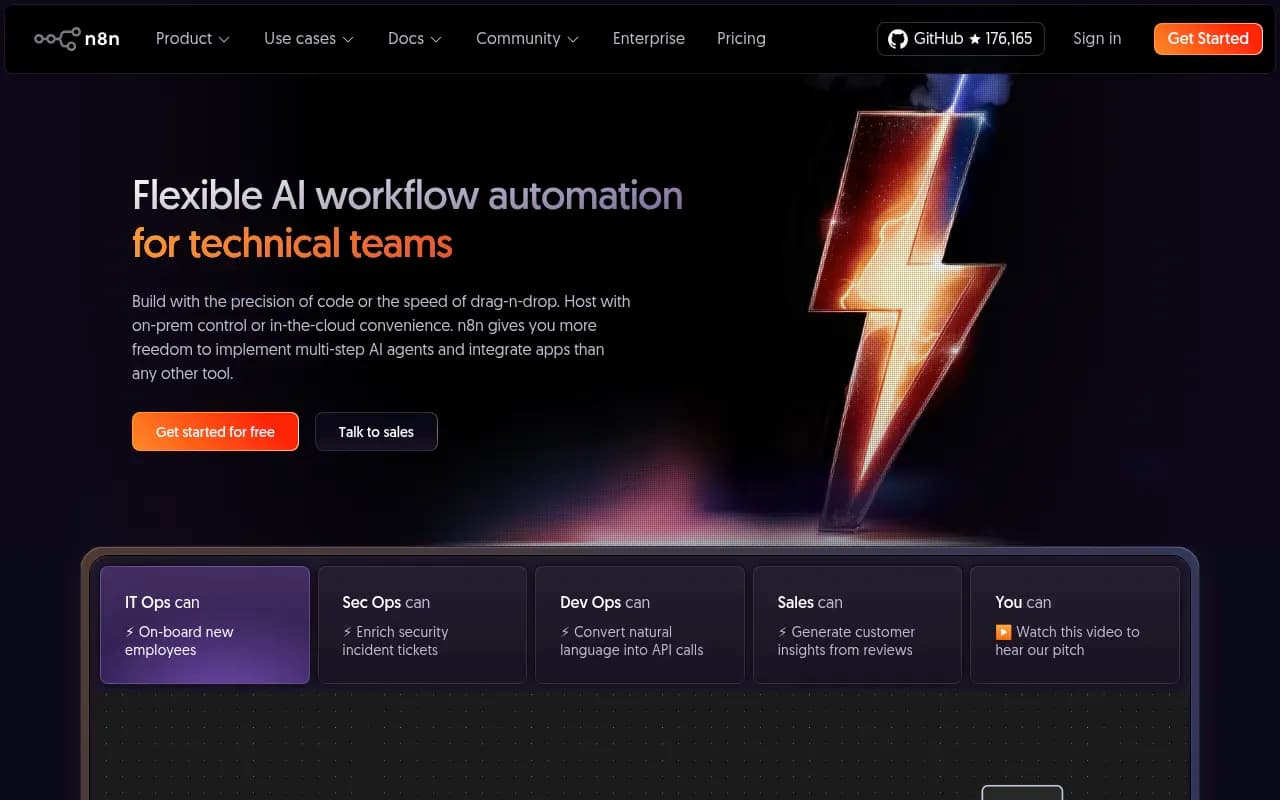
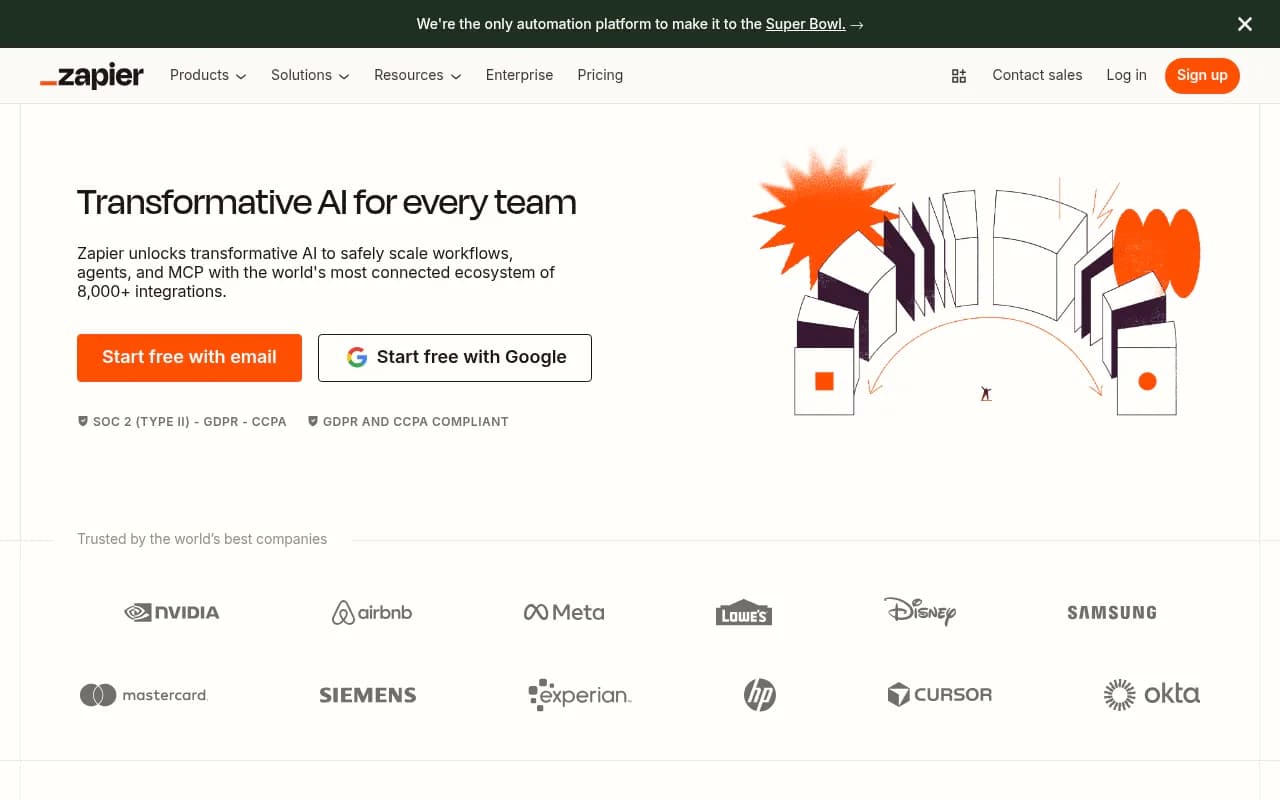
Here's how to build this with n8n (open-source, self-hostable) or Zapier:
Step 1: Schedule a trigger Set a weekly cron trigger (Monday morning works well -- gives you data to act on for the week).
Step 2: Pull visibility data
Make an HTTP GET request to the Promptwatch API for your site and each competitor. You'll want both /visibility and /competitors endpoints.
Step 3: Calculate deltas Compare this week's scores to last week's. Flag any competitor that moved more than a threshold you define (e.g., +0.05 visibility score on any model).
Step 4: Format and send Push the formatted summary to Slack or email. A simple table works well:
AI Visibility Summary - Week of April 19, 2026

Model          | You   | Competitor A | Competitor B
ChatGPT        | 0.31  | 0.42 (+0.06) | 0.28
Perplexity     | 0.44  | 0.38         | 0.51 (+0.09)
Claude         | 0.22  | 0.29         | 0.19
Google AI OVs  | 0.38  | 0.44 (+0.04) | 0.33
The delta callouts are what make this useful. A flat number tells you where you stand. A delta tells you who's moving and in which direction.
Automation pattern 2: Real-time alerts for competitor visibility spikes
Weekly reports are good for trends. But if a competitor suddenly starts appearing in ChatGPT responses for your most valuable prompts, you want to know sooner than next Monday.
Build a daily (or even twice-daily) check that fires an alert when:
- A competitor's visibility score on any model increases by more than X points in 24 hours
- A competitor appears in a prompt where they previously weren't visible
- Your own visibility drops below a threshold on a high-priority prompt
import requests
import json

API_KEY = "your_api_key"
SITE_ID = "your_site_id"
SLACK_WEBHOOK = "your_slack_webhook_url"
ALERT_THRESHOLD = 0.05  # alert if competitor gains 5+ points

def check_competitor_spikes():
    headers = {"Authorization": f"Bearer {API_KEY}"}

    # Get current competitor data
    response = requests.get(
        f"https://api.promptwatch.com/v1/competitors",
        params={"site_id": SITE_ID},
        headers=headers
    )
    competitors = response.json()["competitors"]

    alerts = []
    for competitor in competitors:
        if competitor["change_24h"] >= ALERT_THRESHOLD:
            alerts.append({
                "domain": competitor["domain"],
                "change": competitor["change_24h"],
                "model": competitor["top_gaining_model"]
            })

    if alerts:
        message = "Competitor visibility spike detected:\n"
        for alert in alerts:
            message += f"- {alert['domain']} gained {alert['change']:.2f} on {alert['model']}\n"

        requests.post(SLACK_WEBHOOK, json={"text": message})

check_competitor_spikes()
Run this as a scheduled job (cron, GitHub Actions, or a simple cloud function). When it fires, you get a Slack message within hours of a competitor making a move -- not a week later.
Automation pattern 3: Content gap pipeline
This is where the API gets genuinely powerful. Monitoring tells you that a competitor is gaining visibility. Content gap analysis tells you why -- and what to do about it.
Promptwatch's Answer Gap Analysis shows you which prompts competitors are visible for that you're not. Via the API, you can pull this data and feed it directly into a content workflow.
curl -H "Authorization: Bearer YOUR_API_KEY" \
  "https://api.promptwatch.com/v1/answer-gaps?site_id=YOUR_SITE_ID&competitor=competitor-a.com"
The response includes:
- Prompts where the competitor appears but you don't
- The competitor's visibility score for each gap prompt
- Prompt volume estimates and difficulty scores
- Which AI models the gap is most pronounced on
Here's a practical pipeline:
- Pull gap prompts daily via the API
- Filter for high-volume, lower-difficulty prompts (the winnable gaps)
- Push those prompts to a content brief queue (a Notion database, Airtable, or a Google Sheet works fine)
- Use Promptwatch's built-in AI writing agent to generate content targeting those prompts, or feed the brief to your existing content team
- Track whether new content gets cited by running the gap prompts again after publishing
This closes the loop: you're not just watching competitors gain ground, you're systematically identifying where they're winning and creating content to compete.

Automation pattern 4: Prompt-level tracking dashboard
If your team uses Looker Studio, Tableau, or even a simple Google Sheet dashboard, you can pipe Promptwatch data in automatically.
Promptwatch has a native Looker Studio integration, which handles the connection without any custom code. But if you want more control, the API lets you pull prompt-level data and push it wherever you want.
Useful endpoint for this:
curl -H "Authorization: Bearer YOUR_API_KEY" \
  "https://api.promptwatch.com/v1/prompts?site_id=YOUR_SITE_ID&include_competitors=true"
This returns each tracked prompt with:
- Your visibility score per model
- Competitor visibility scores for the same prompt
- Sentiment classification (positive, neutral, negative)
- Citation sources (which pages are being cited in responses to this prompt)
- 7-day and 30-day trend data
For a dashboard, you'd typically schedule this pull daily, append to a time-series table, and build charts showing visibility trends over time. The competitor overlay is what makes it useful -- you can see exactly which prompts you're losing ground on and which ones you're winning.
Automation pattern 5: AI crawler log monitoring
Most teams don't think about this one, but it's worth building. Promptwatch logs every time an AI crawler (ChatGPT's GPTBot, Perplexity's PerplexityBot, Claude's ClaudeBot, etc.) visits your site. This data is available via the API on Professional and Business plans.
curl -H "Authorization: Bearer YOUR_API_KEY" \
  "https://api.promptwatch.com/v1/crawler-logs?site_id=YOUR_SITE_ID&days=7"
What you can automate with this:
- Alert when a crawler hits a page that returns a 4xx or 5xx error (that page won't get cited)
- Track which pages are being crawled most frequently by which models
- Detect when a new piece of content you published gets crawled for the first time
- Compare crawl frequency before and after publishing new content
This is especially useful for diagnosing why certain pages aren't getting cited despite being well-optimized. If GPTBot hasn't crawled a page in 30 days, that's your answer.
Connecting to your existing stack
You don't need to write custom code for every integration. Here's how common tools fit in:
| Tool | Use case | Complexity |
|---|---|---|
| Zapier | Trigger Slack/email alerts from API data | Low |
| n8n | Full automation pipelines with branching logic | Medium |
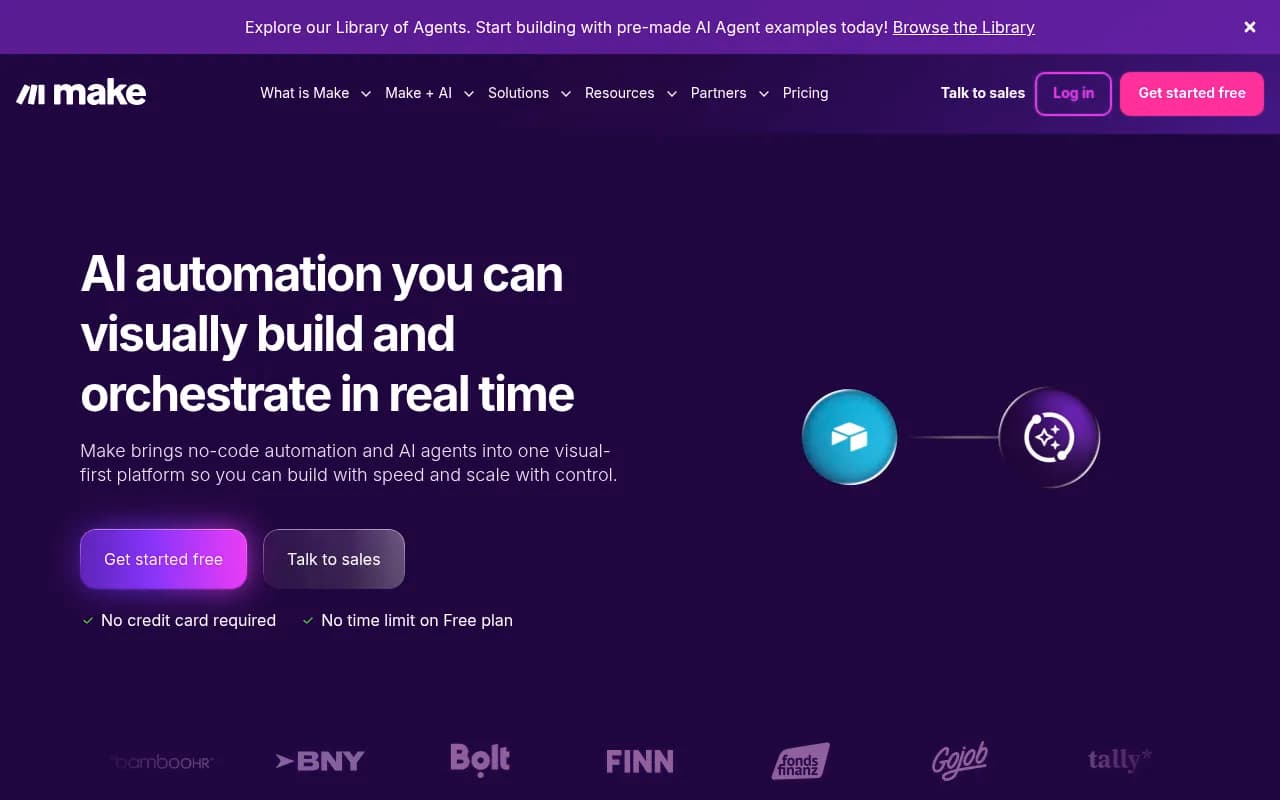
| Make | Visual workflows connecting Promptwatch to Notion, Sheets, etc. | Low-Medium |
| Google Sheets + Apps Script | Simple dashboards and weekly reports | Low |
| Looker Studio | Native integration, no API needed | Very low |
| Python/requests | Custom scripts for complex analysis | Medium-High |
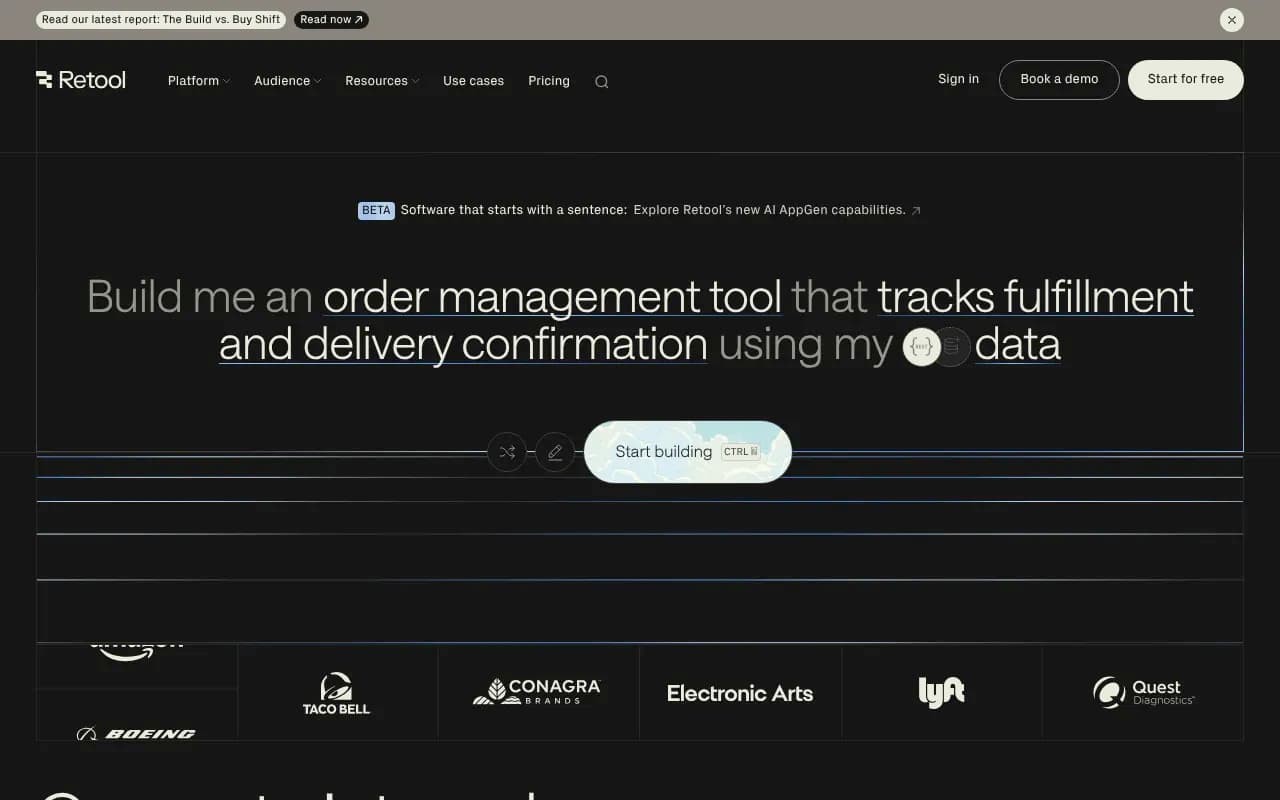
| Retool | Internal dashboards with live API data | Medium |
For most marketing teams, a combination of n8n (for the automation logic) and Google Sheets (for the dashboard) covers 90% of use cases without needing a developer.
Pricing context: which plan do you need?
Quick reference for what's available at each tier:
| Feature | Essential ($99/mo) | Professional ($249/mo) | Business ($579/mo) |
|---|---|---|---|
| API access | No | Yes | Yes |
| Prompts tracked | 50 | 150 | 350 |
| Sites | 1 | 2 | 5 |
| Crawler logs | No | Yes | Yes |
| AI article generation | 5/mo | 15/mo | 30/mo |
| Competitor tracking | Yes | Yes | Yes |
| Looker Studio integration | No | Yes | Yes |
For the automation patterns in this guide, you need at minimum the Professional plan. The crawler log monitoring specifically requires Professional or above.
If you're an agency tracking multiple clients, the Business plan or custom Agency pricing makes more sense -- you'll want the higher prompt volume and multi-site support.
A note on non-determinism
One thing worth building into your automation logic: AI responses are probabilistic. The same prompt can return different answers on different runs, different times of day, and different geographic locations. Promptwatch handles this by running each prompt multiple times and averaging the results -- that's what the visibility score represents.
When you're building alert thresholds, account for this noise. A single-day spike of 0.03 might be measurement variance. A sustained 0.05+ gain over 3-5 days is a real signal. Build your alerting logic to look at rolling averages rather than single-day snapshots, and you'll get far fewer false alarms.
Where to go from here
The API is a means to an end. The end is knowing where competitors are gaining visibility in AI search, understanding why, and creating content that competes. The automation patterns above handle the "knowing" part. The content gap pipeline connects that to action.
If you haven't set up Promptwatch yet, the free trial gives you enough access to see what your visibility looks like before committing to a plan. Once you're in, the API documentation is available in the platform under Settings > API -- it's reasonably well-documented with example requests for each endpoint.
Promptwatch is one of the few platforms that covers the full loop: tracking, gap analysis, content generation, and traffic attribution. For teams serious about AI search visibility, that end-to-end coverage is what makes the API worth building on.